A coding agent is only as available as the machine it runs on. Start a long refactor with Claude Code or Codex, close the lid to catch a train, and the run dies with your SSH session. Kick off two agents on the same laptop and the fans spin while your editor stutters. At some point the question stops being “which agent” and becomes “where does the agent actually run.”
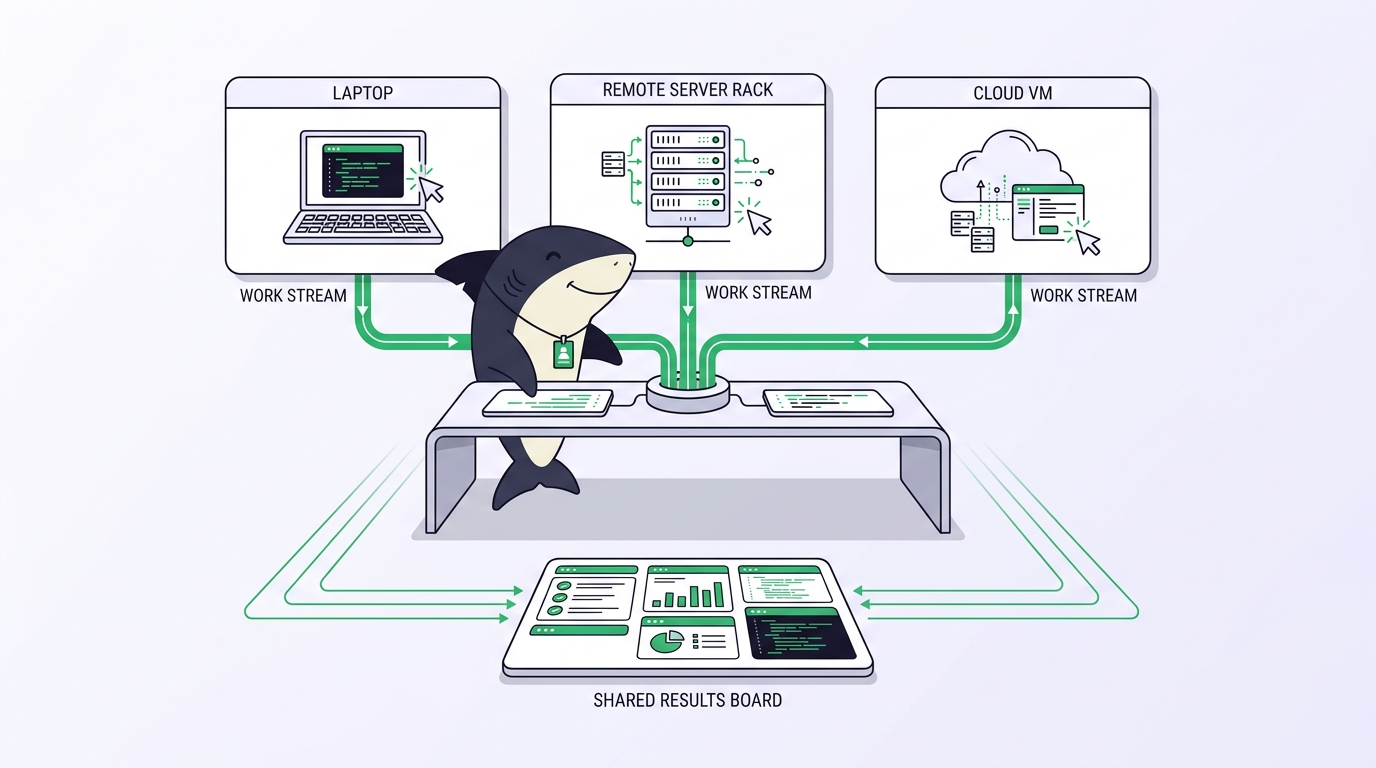
The answer is usually one of three: keep it on your laptop, move it to a remote server, or split work across both. Each choice trades convenience for reliability. A laptop is right there but sleeps, throttles, and disconnects. A server stays awake and has more cores but adds setup and a layer of “what is it even doing right now.” Splitting the difference gets you the best of both and the bookkeeping of both.
This article walks through the remote-agent setup end to end: the do-it-yourself path with real commands, the failure mode waiting at each step, and where a connected Computer in Sharkly removes the part that keeps breaking. You already have coding agents. The problem is running them somewhere durable and knowing what happened when you look away.
Why you’d move an agent off your laptop
The laptop is the default because it’s where you type. It’s also the worst host for anything that runs longer than your attention span. macOS sleeps on lid close. Battery mode throttles the CPU. Corporate VPNs drop. Every one of those events kills an agent mid-task, and the agent has no idea it was interrupted; you find out when you reopen the terminal to a dead prompt and no summary.
A remote host fixes the physics. A cloud VM or a spare Linux box stays powered, keeps its network, and has cores to spare for parallel work. The cost is that the agent now runs somewhere you can’t see. You SSH in to check on it, you scroll a log to guess how far it got, and the results live on that box until you copy them off.
Running both is the honest end state for most people. You keep quick, interactive edits on the laptop where feedback is instant, and you push long or parallel jobs to the server where they can run for an hour without babysitting. The trick is making one host or five feel like one place instead of a spreadsheet of IP addresses.
The DIY remote setup, and where each step breaks
The manual path is well understood. Here’s the short version, with the failure mode that shows up at each step.
Provision the host and get your agent onto it:
ssh you@build-server
# install the agent's CLI, e.g. Claude Code or Codex
# authenticate it with your own subscription or API key
git clone [email protected]:your-org/your-repo.git
cd your-repo
claude
Failure mode: the agent authenticates against your account on a box other people might touch, and the credentials sit in that shell’s history and config. There’s no record of which host holds which keys.
Keep the run alive past your SSH session:
tmux new -s agent
claude   # start the long task
# Ctrl-b d to detach, close the laptop, reconnect later
tmux attach -t agent
Failure mode: tmux survives a dropped SSH connection, but not a server reboot, an OOM kill, or you forgetting which of six sessions on which of three servers holds the run you care about. Detach is not the same as durable.
Get the results back and see what happened:
scp you@build-server:~/your-repo/CHANGES.md .
ssh you@build-server 'cd your-repo && git diff'
Failure mode: the diff is on the box; the reasoning is in a scrollback buffer that’s already been truncated; the “why” is gone. Multiply this by two agents on two hosts and you’re reconstructing state by hand every time you check in.
None of these steps is hard. The problem is that they don’t compose. Each new host and each new agent is another SSH target, another tmux session, another place a secret lives, and another log you have to read to answer “is it done.”
What a connected Computer changes
Sharkly names the thing you’ve been improvising. A Computer is a connected device, server, or container where an Agent can run work; it provides the operating system, files, credentials, network access, and tools the Agent needs. That definition covers all three of your options: “It can be a local computer, a remote server, a container, or a supported cloud host.”
You register a host once instead of SSHing into it every time. Generate a one-time install token from Settings, Computers on the target machine, then run:
sharkly computer register --install-token <install-token>
The token is short-lived and single-use, so it doesn’t belong in an image or a script. After that, a background local service runs on the Computer. It registers the host, detects which agent tools are installed and reports each as a Runtime, sends heartbeats, receives queued runs, prepares directories, and reports progress and results back.
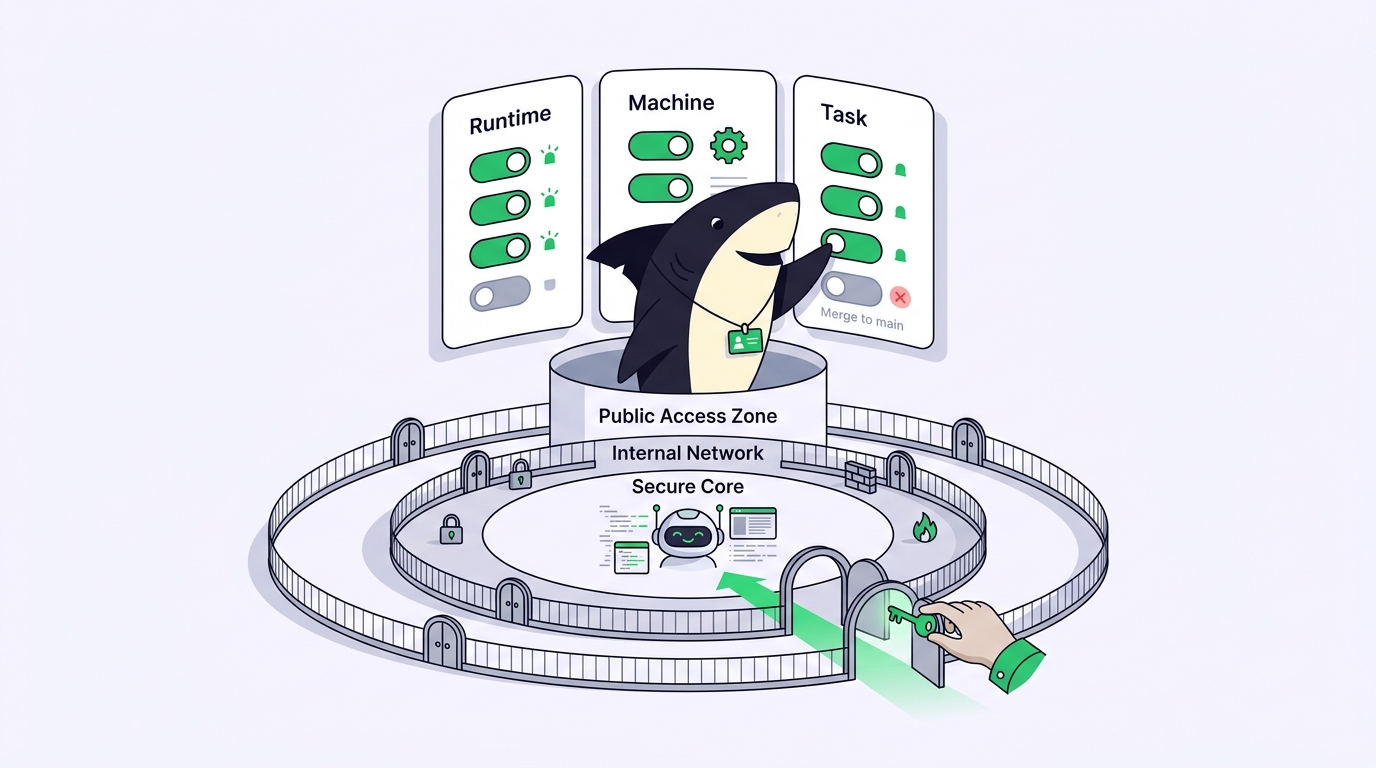
Two boundaries are worth stating plainly, because they’re where people assume wrong. First, the local service initiates the connection to the server, so a typical setup does not require an inbound port; you are not opening your build box to the internet. Second, a Computer showing Online only means its local service is sending heartbeats. It does not mean the Runtime can execute a Task. If a run won’t start on an online host, check the Runtime’s capability status before you touch the network.
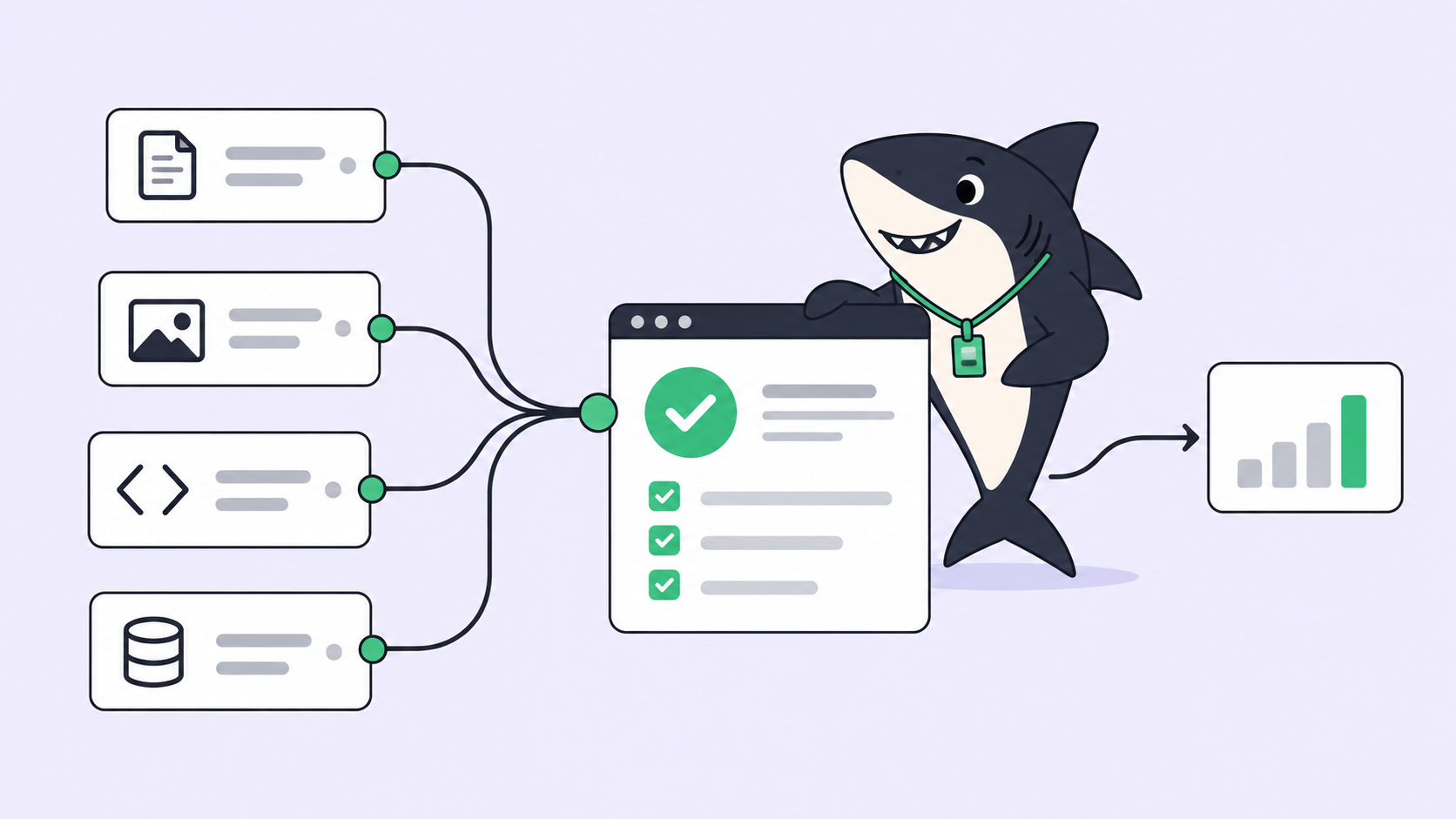
From here the earlier failure modes have addresses. Credentials are the host’s, scoped to it. A run outlives your terminal because the local service owns it, not a tmux session. And the diff, the summary, and the reasoning return to the Task instead of living in a scrollback buffer on a box you have to SSH into.
Laptop, server, or both: how to actually choose
More hosts is not automatically better, so pick by the work.
Use your laptop when the task is short, interactive, and you want to watch it. Register it as a personal Computer and, in Sharkly Desktop, turn on Prevent sleep so a quick job isn’t cut off by system sleep. Note that Prevent sleep appears only on the local machine in the desktop app; it isn’t available on a shared or remote Computer. If everything you run finishes inside a coffee break and never needs to survive a closed lid, you don’t need a server yet, and adding one is just maintenance you’ll resent.
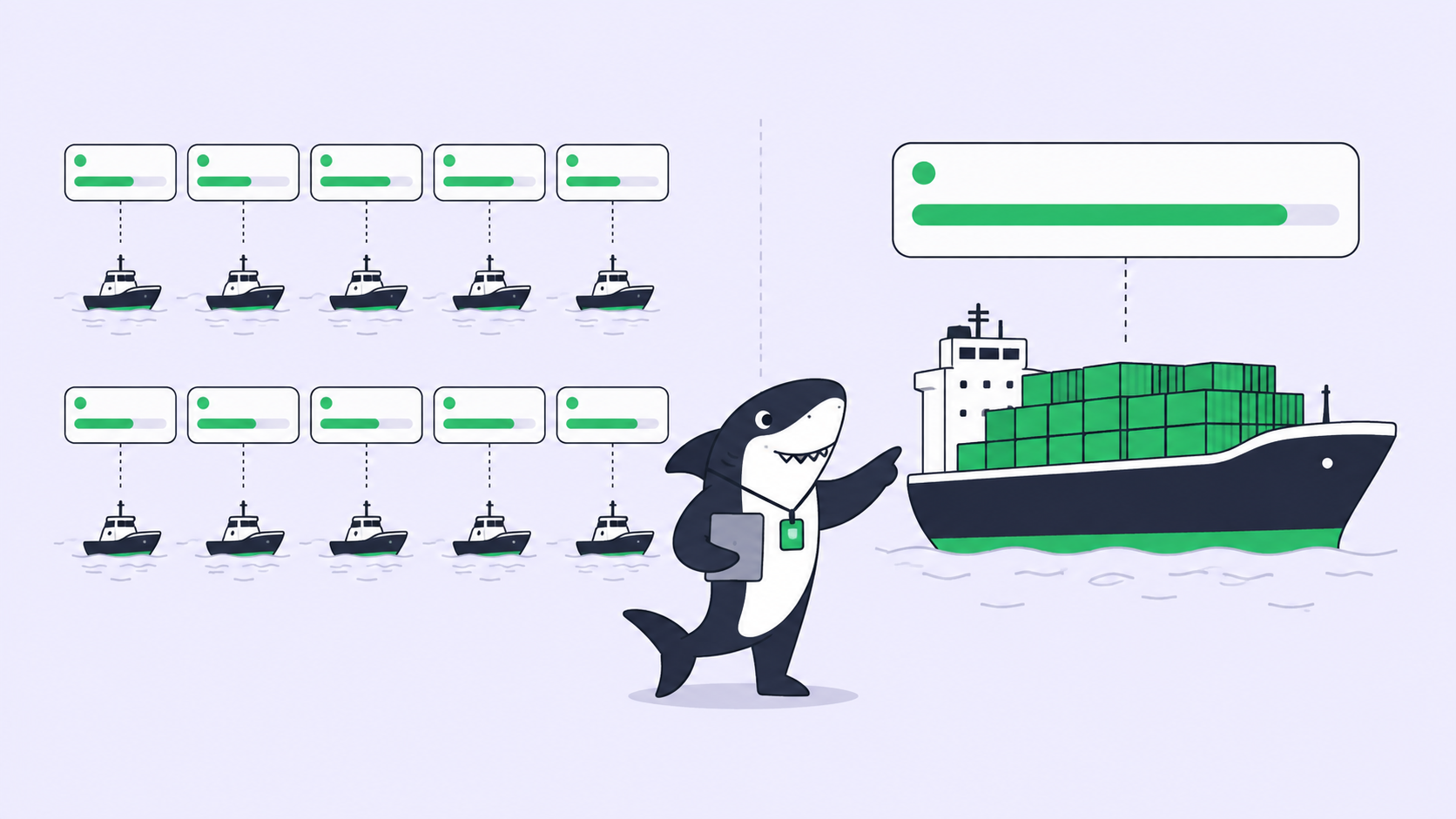
Use a remote server when tasks run long, need more cores, or shouldn’t fight your editor for resources. A registered Linux host or cloud VM stays awake by default and gives parallel agents room to work. This is also where a Computer’s per-host task concurrency limit and Organization or Space visibility earn their keep: the box and its credentials are meant to be shared, and Sharkly treats them that way.
Use both when you want interactive edits local and heavy runs remote without keeping two mental models. Register the laptop and the server, then assign each Task to whichever Computer and Runtime fits. The worktree isolation that keeps parallel agents from colliding works the same whether the agents share one host or span several, so “both” costs you selection, not a second workflow.
Where DIY stops scaling, and what a task board adds
The SSH-and-tmux setup holds for one agent on one host. It stops the moment you have several agents on several machines, because there’s no shared answer to “which agent is on what, what finished, what failed, and what needs my review.” That question is the whole reason to run more than one agent at a time, and it’s exactly what a pile of terminals can’t answer.
A task board changes the unit from “a session on a host” to “a Task with a record.” Agents research, execute, test, and report; people set direction, grant authority, and accept the result. Execution, blockers, results, and follow-up discussion return to the Task timeline, so checking on a remote run is opening a Task, not SSHing into a guess. Automation stops where team judgment is required: the agent hands you a change with its summary and evidence, and the merge and release decision stays yours.
That’s the line between the two approaches. DIY runs the agent remotely. A task board keeps context, progress, blockers, results, and human review visible from request to release, no matter which host did the work.
The checklist you can run today
Work down this list on whichever hosts you plan to use:
- [ ] Pick your hosts honestly: laptop for interactive, server for long or parallel, both if you truly need it.
- [ ] Install a supported agent Runtime on each host and authenticate it with your own subscription or API key.
- [ ] Register each host once with
sharkly computer register --install-token <token>instead of SSHing in per run. - [ ] Confirm each Computer shows Online and has at least one Runtime reporting Available; online alone won’t run a Task.
- [ ] Set Computer visibility to Personal for your laptop, Organization or Space for a shared server.
- [ ] On the laptop, turn on Prevent sleep for runs that must survive a closed lid.
- [ ] Assign one small, boring Task to a remote host and confirm the result returns to the Task, not a scrollback buffer.
- [ ] Use
sharkly computer listandsharkly daemon disk-usageto keep track of hosts and reclaim space.
You can build the remote setup by hand with SSH, tmux, and worktrees, or you can register your existing hosts as Computers and let the local service own the runs. If you’re already running several coding agents across more than one machine, Sharkly gives you one place to manage their tasks and results. Connect one Computer, create one Agent, and assign it something boring first.