

Free Cursor alternatives exist for every budget of zero: seven editors and extensions below have a working $0 route that we checked on October 29, 2026. Cursor itself still has a Free plan, but new customers now buy it as part of The X Subscription, and Free runs on Cursor’s own models only.
TL;DR: the best free Cursor alternatives
The short list, each with its $0 route:
- VS Code with GitHub Copilot Free: 2,000 completions a month.
- Devin Desktop (formerly Windsurf): unlimited Tab completions.
- Google Antigravity: unlimited Tab, weekly agent limits.
- Zed: unlimited with your own key or agent.
- Kiro: 50 credits a month.
- Trae: 5,000 autocompletes a month.
- Kilo Code: Auto Free models in your current editor.
If you run more than one of these agents across a team, Sharkly puts their work on one board. More on that near the end.
Why look for a Cursor alternative now
Cursor changed shape in 2026. Its Models & Pricing docs say “Cursor is sold as part of The X Subscription, one subscription for Grok, Cursor, and X.” The Free row reads “$0, Limited,” with third-party models “Not available.” Plus costs $8 a month and Premium $30. Claude, GPT and Gemini inside Cursor start at Premium.
Cursor Free suits trying Cursor’s own models. It fits poorly if you want to pick the model or know your cap in advance. Our Is Cursor free? post covers each Cursor plan line by line.
This list stays on editors and editor extensions. For terminal agents like OpenCode, Aider and Codex CLI on local models, read free Codex, Cursor and Claude Code alternatives.
Free Cursor alternatives compared
| Tool | $0 route | Usage on $0 | Models on $0 | First paid tier |
|---|---|---|---|---|
| VS Code + Copilot Free | Copilot Free plan | 2,000 completions/mo, limited chat and agent | “Entry level models” | Pro, $10/mo |
| Devin Desktop | Free plan | Unlimited Tab, “light quota” for agents | “Limited model availability” | Pro, $20/mo |
| Antigravity | Free for individuals | Unlimited Tab, basic weekly limits | “A variety of agent models” | Business from $30/seat |
| Zed | Personal plan | Unlimited with your own keys | Whatever your key or agent runs | Pro, $10/mo |
| Kiro | Free tier | 50 credits/mo | Open weight models, Claude Sonnet 4.5 | Pro, $20/mo |
| Trae | Free plan | 5,000 autocompletes/mo, limited usage | Auto mode only | Pro, $20/mo |
| Kilo Code | Free extension | Auto Free, rate limited | Free models via Kilo Gateway | Inference billed separately |
Every row comes from the vendor’s pricing page, fetched October 29, 2026. Recheck before you commit.
VS Code with GitHub Copilot Free
If Cursor’s editor already feels like VS Code to you, this is the shortest move. You keep a familiar editor and add an AI plan with a published completion number.
GitHub’s Copilot plans page lists Copilot Free at $0 with “2,000 per month” inline completions and “Limited chat and agent usage.” Its FAQ adds that Free users get “access to entry level models per month.” Free works in “Visual Studio Code, Visual Studio, JetBrains IDEs, XCode, Vim, Neovim, Zed, and Eclipse.”
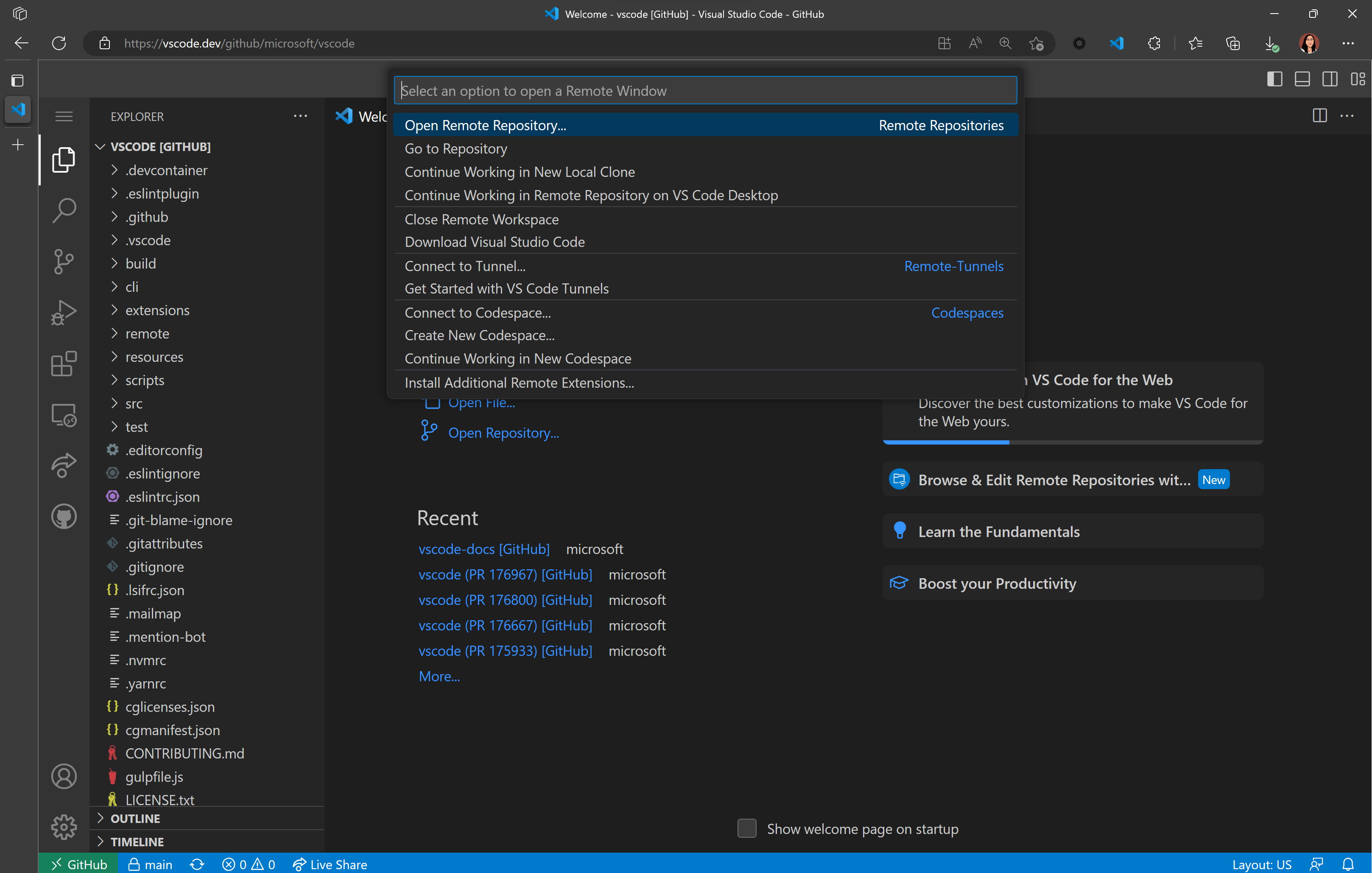
To turn it on, open VS Code, hover the Copilot icon in the Status Bar and pick Use AI Features. If your GitHub account has no subscription, VS Code’s setup docs say you are “signed up for the Copilot Free plan.” Note the same page: telemetry on Free “is currently enabled,” and you switch it off with telemetry.telemetryLevel.
// settings.json
{
  "telemetry.telemetryLevel": "off"
}
Chat and agent allowance is the part you will hit first. See Is GitHub Copilot free? for the student plan.
Devin Desktop, the editor formerly called Windsurf
Windsurf has a new name. The Devin Desktop page says “Devin Desktop is the new name for Windsurf,” delivered to existing users as an over-the-air update with plans, extensions and settings carried over. The windsurf.com pricing URL now redirects to devin.ai.
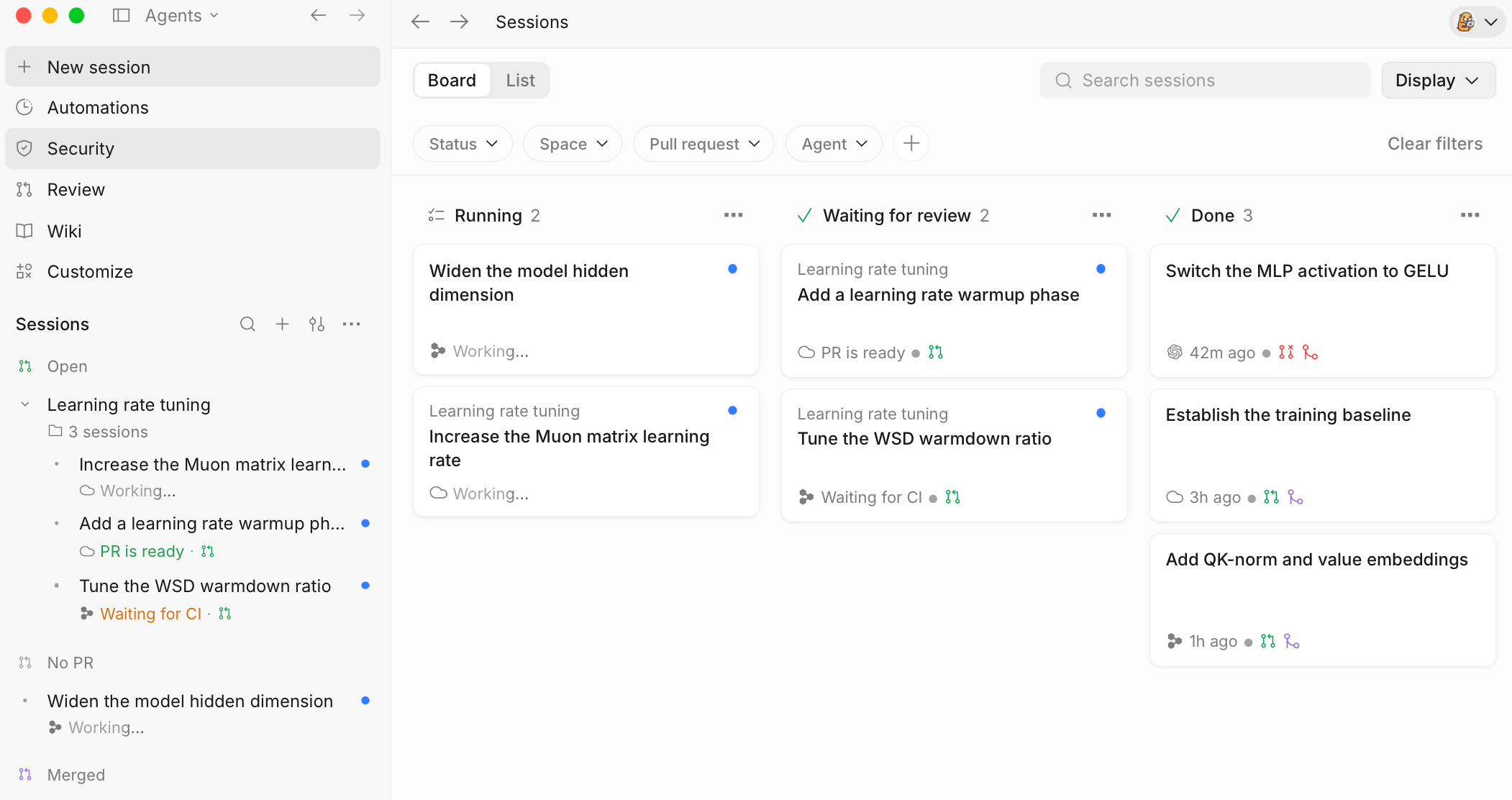
The Devin pricing page lists Free at $0 with “Unlimited Tab completions,” unlimited inline edits and a “Light quota to code with agents” on “Limited model availability.” Pro is $20 a month.
Is Windsurf free? tracks the rename.
Google Antigravity
Antigravity’s pricing page lists a Free plan for individuals at “$0/month,” pitched as “Experience Antigravity without a subscription plan.” It includes unlimited Tab completions, unlimited Command requests and “Basic weekly rate limits” on “a variety of agent models.” Google names no model and no number for those limits.
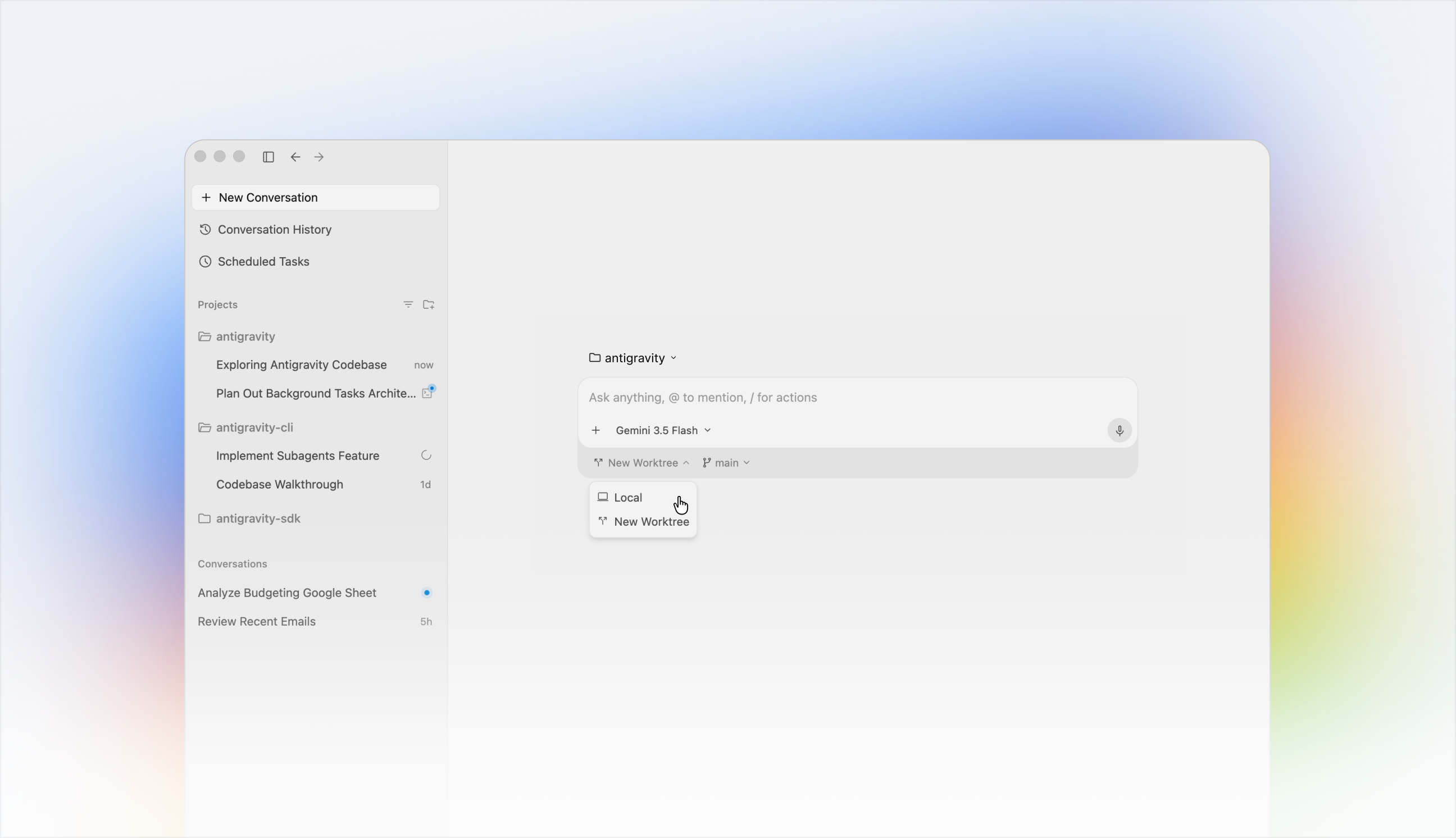
Business seats start “at $30 USD per seat per month.” Is Google Antigravity free? has the details.
Zed
Zed is the odd one out: a fast native editor whose $0 route is unlimited, because you supply the model. The Zed pricing page lists Personal at “$0” and “Free forever,” with “Unlimited use with your API keys or external agents like Claude Agent, Codex CLI, and more.”
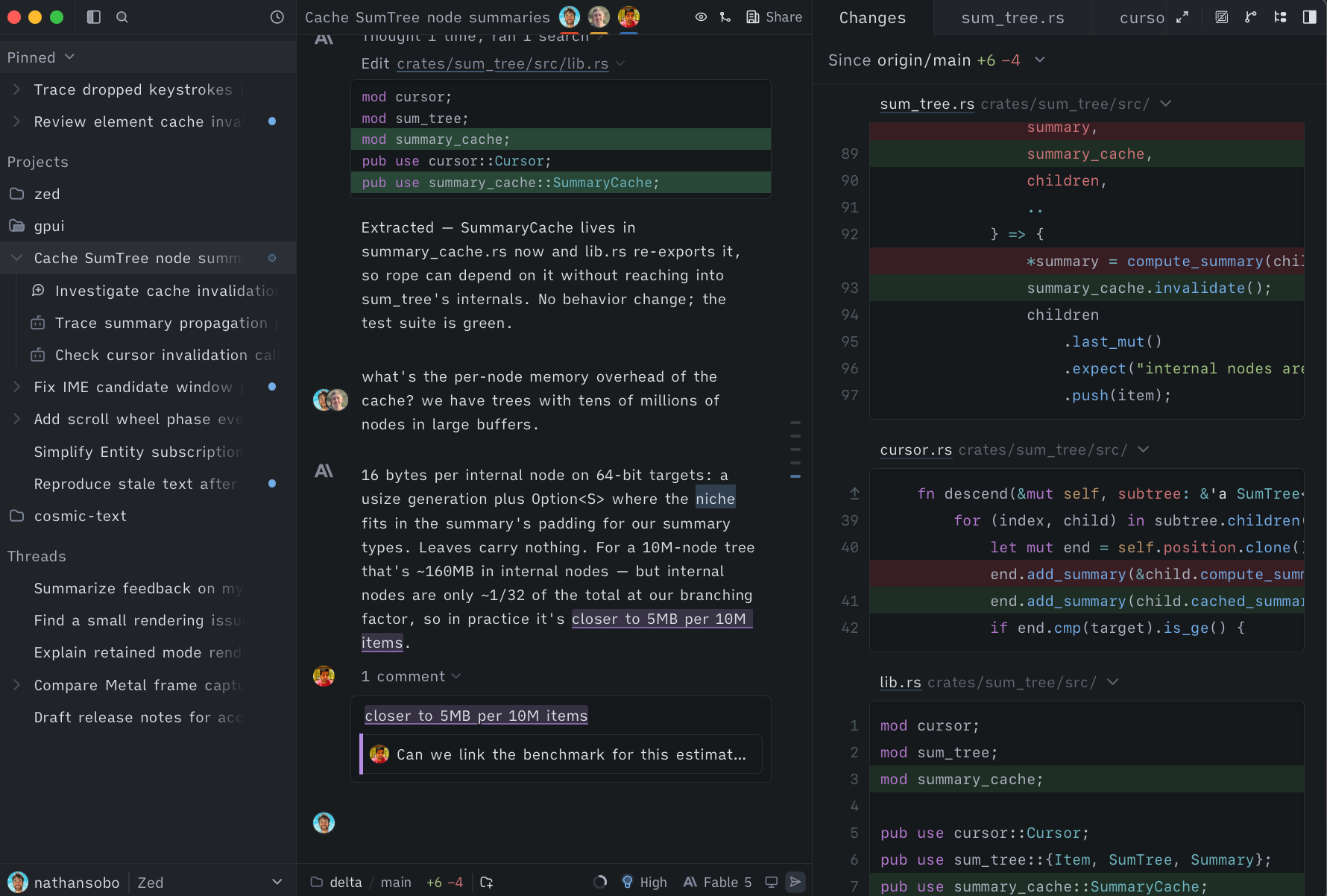
That second clause matters. If you already pay for a Claude or ChatGPT plan, Zed can host that agent inside the editor, and you add no new bill. If you pay nothing anywhere, point Zed at a free API key or a local model. Zed Pro is $10 a month for Zed’s own hosted usage.
Kiro
AWS’s agentic IDE has a real free tier. The Kiro pricing page lists Free at “$0” per month with “50 credits,” “Access to open weight models” and “Claude Sonnet 4.5.” Users who sign up with social login or AWS Builder ID get open weight models such as “Qwen3 Coder Next, DeepSeek 3.2, and MiniMax M2.1,” subject to rate limits.
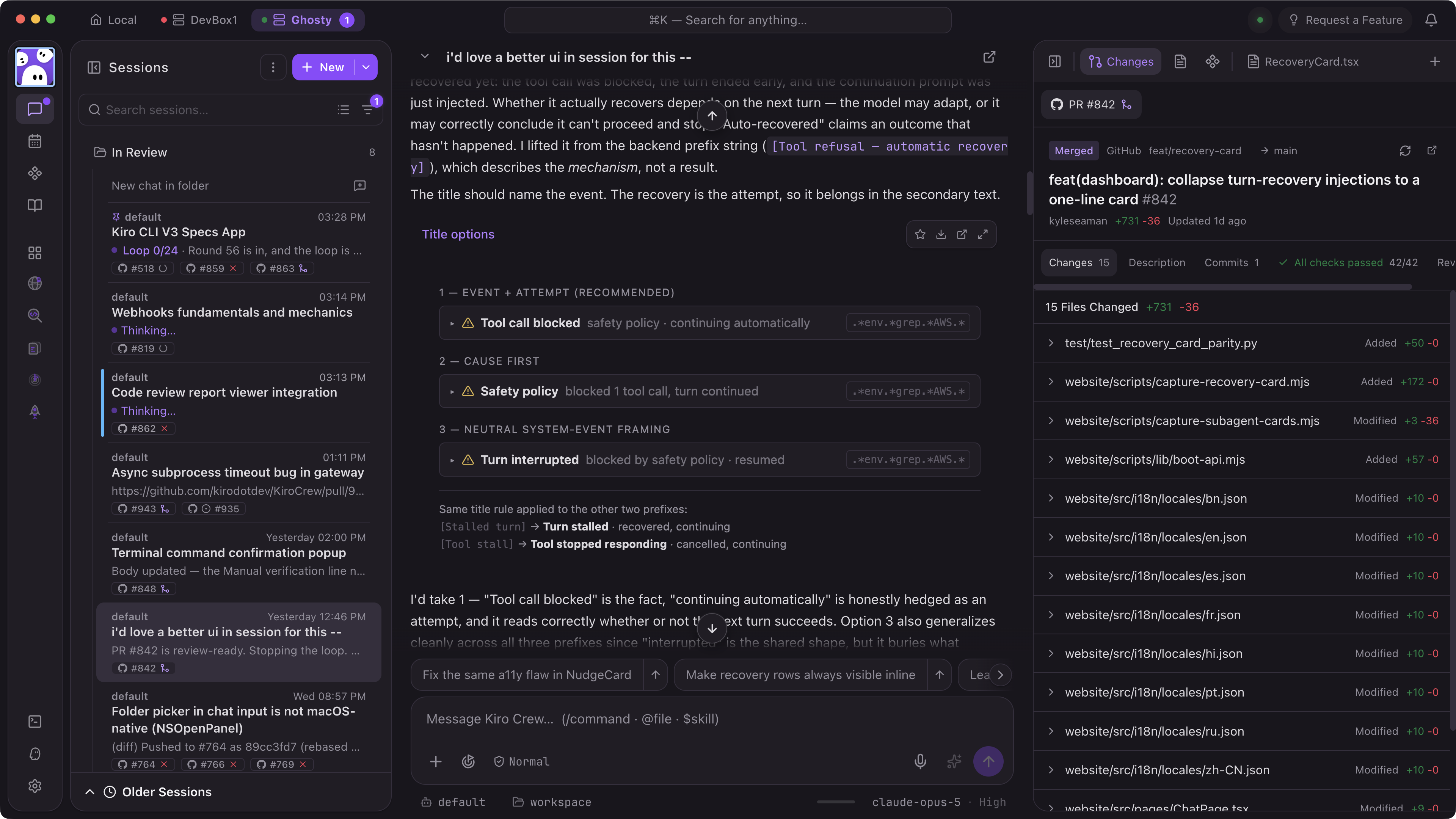
Fifty credits run out fast on multi-step agent tasks, so treat Free as an evaluation tier. Pro is $20 per user per month with 1,000 credits, and your first upgrade gets “$20 credited toward your subscription.” Is Kiro free? covers the student tier.
Trae
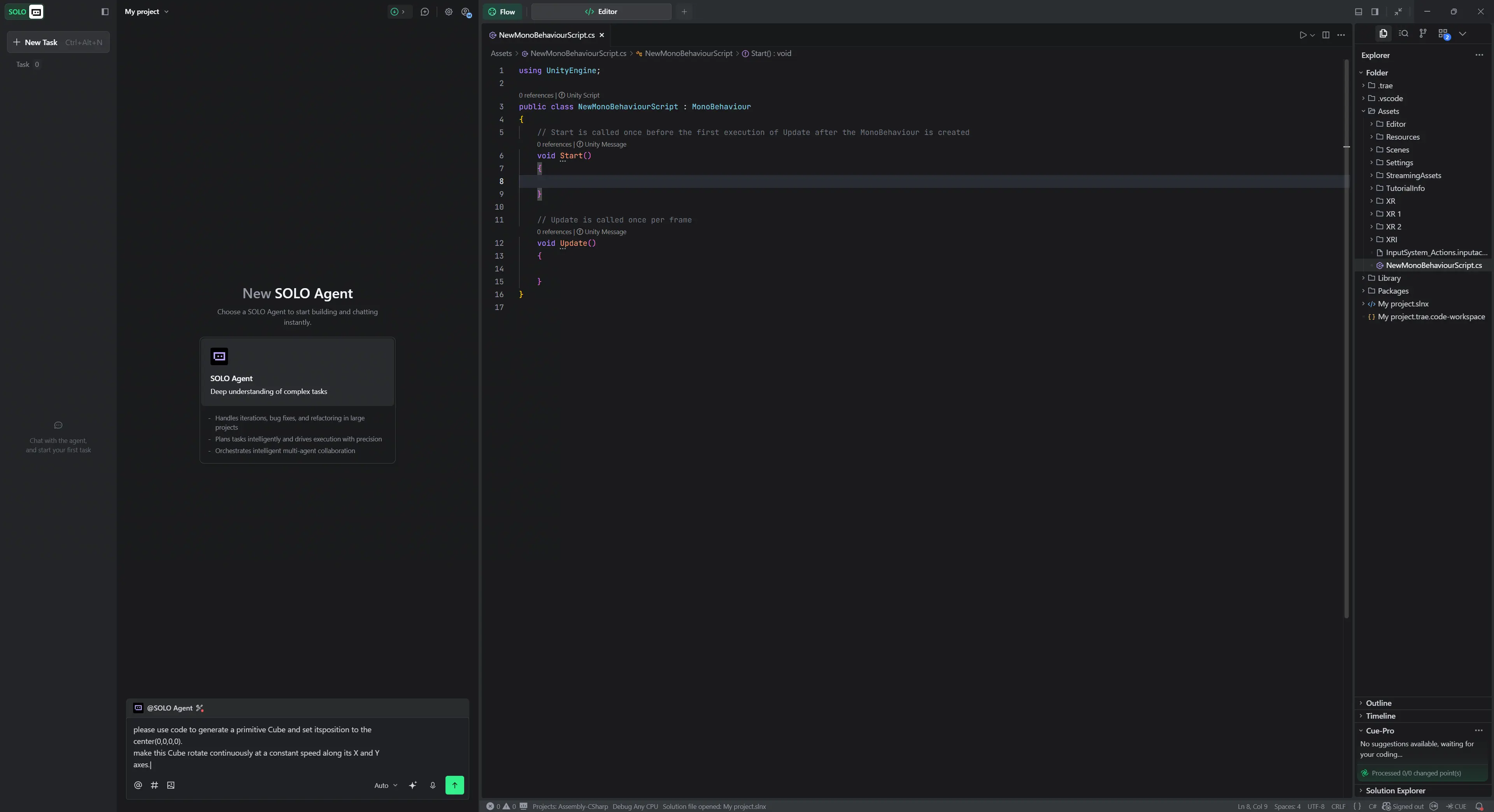
Trae’s pricing page lists Free at “$0” with “Limited usage,” “Auto mode only” for models and an autocomplete row of “5000 / month.” Free also allows 2 concurrent cloud tasks on a “Standard queue.” Pro costs $20 a month.
Kilo Code (and Cline) inside your current editor
You don’t need a new editor at all. Kilo’s pricing page calls the extension free, with “Open source VS Code, JetBrains & CLI extensions.” Its Auto Free option “routes to free models through Kilo Gateway where available” and works “without a paid Kilo inference plan.” You can also “Bring your own Anthropic, OpenAI, Google, Azure, AWS Bedrock, or other provider keys.”
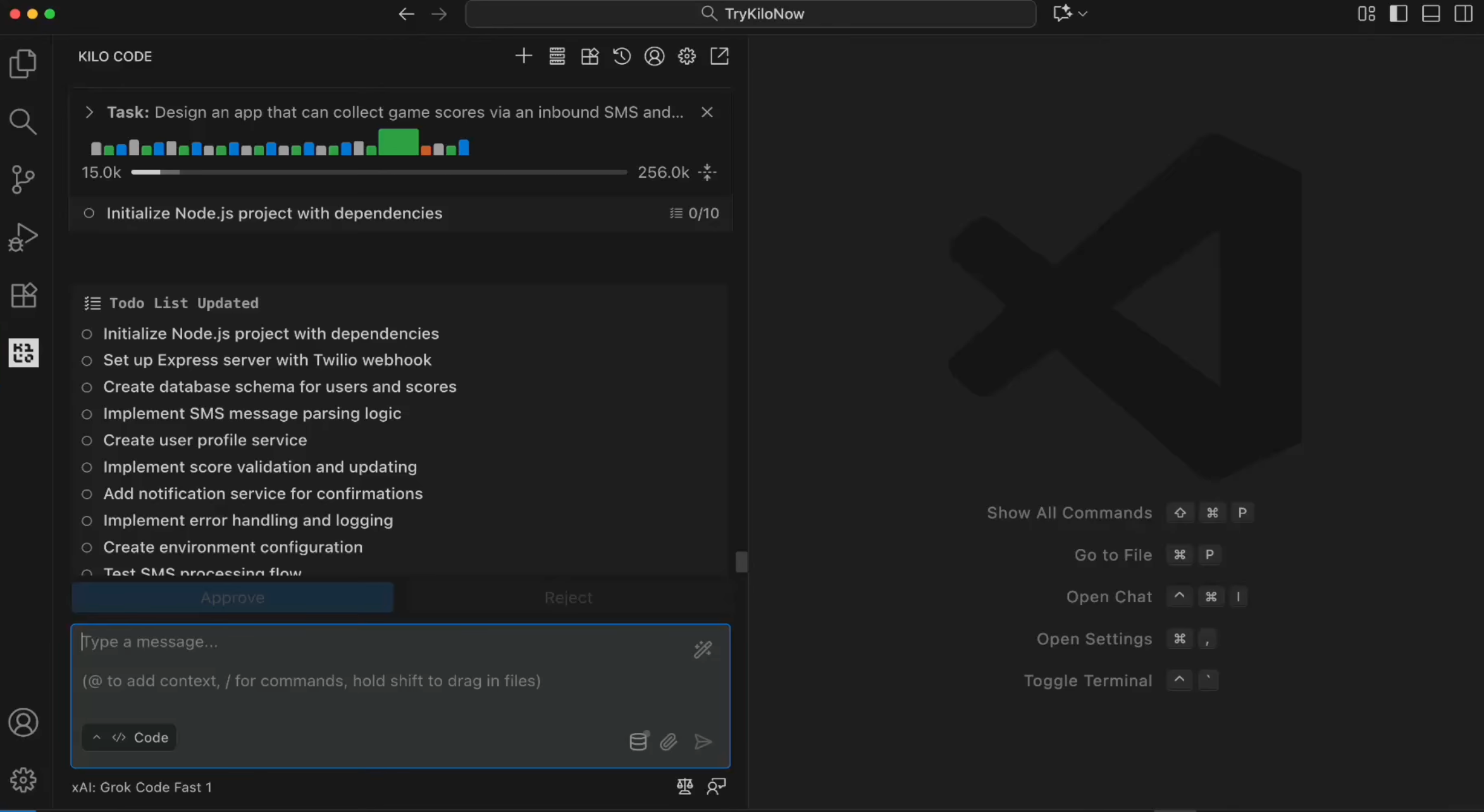
Cline is the other free extension worth knowing; its $0 route is a local model through Ollama or LM Studio. Both are covered in depth in the free alternatives roundup.
Free Cursor alternatives we left out
- Void. The open source editor is archived. Its GitHub repository says “Void is deprecated and no longer accepting contributions,” archived June 2, 2026.
- JetBrains AI Free. It exists, but the licensing page gives it “3 AI credits per 30-days,” and it is “not available in Community Editions of PyCharm and IntelliJ IDEA.” Too thin to replace Cursor.
How to choose a free Cursor alternative
Use the cap you can see, not the one you hope for:
- You want Cursor’s feel with no change: VS Code plus Copilot Free.
- You want unlimited Tab and some agent time: Devin Desktop or Antigravity.
- You already pay for Claude or ChatGPT: Zed with that agent, at no extra cost.
- You want a known monthly number: Kiro (50 credits) or Trae (5,000 autocompletes).
- You won’t switch editors: Kilo Code with Auto Free.
Free quotas suit small, well-scoped tasks; long agent sessions hit limits first.
Where Sharkly fits
Sharkly is not an editor and does not replace any tool on this list. It is the layer around the coding agents you already run: Claude Code, Codex, Gemini CLI, OpenCode, OpenClaw and Hermes run as assignable Agents on your own Computers. You hand an Agent a Task, it works in its own worktree, and the result comes back on the Task for human review.
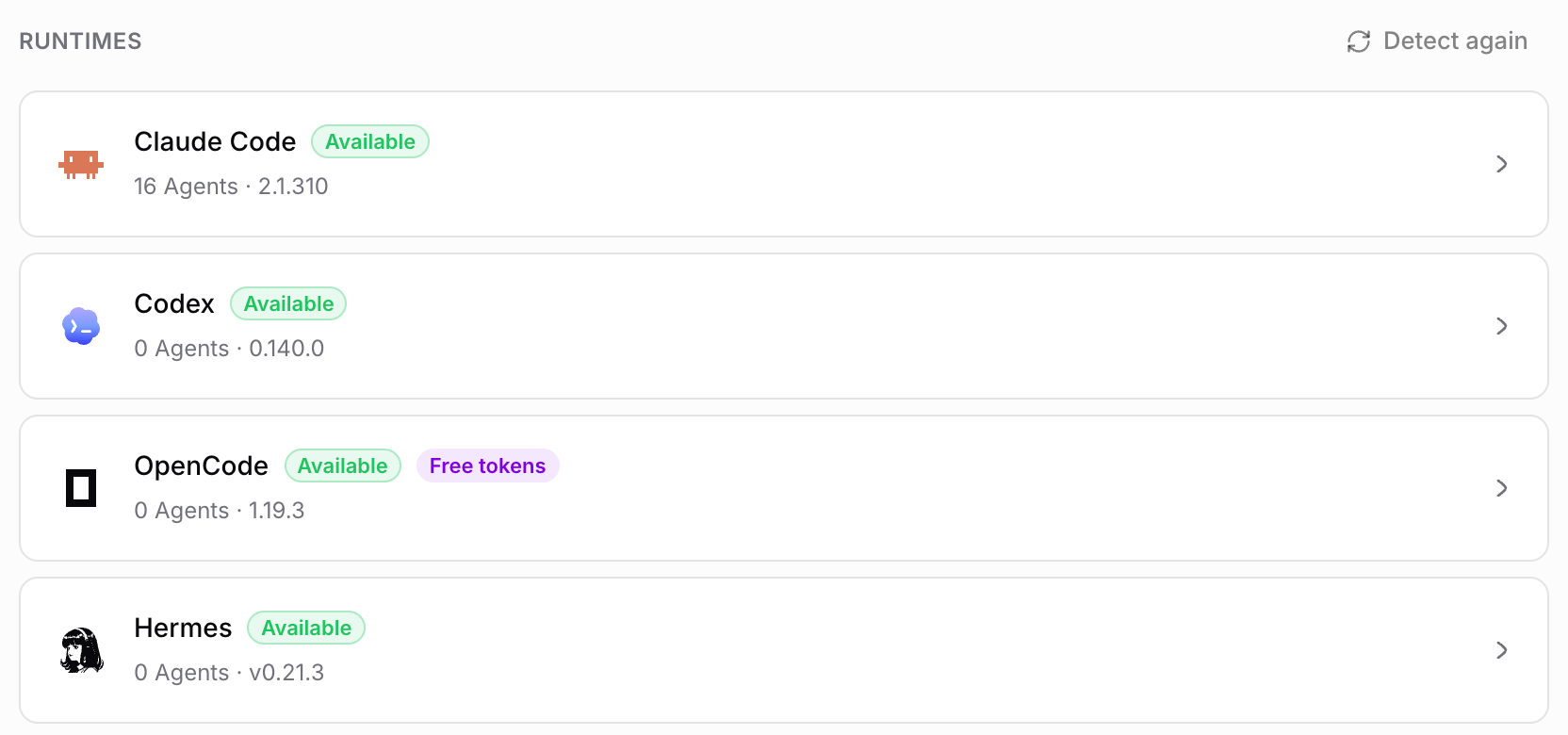
That matters once a free setup grows into a team habit. Three people on three free tiers produce work nobody else can see. On Sharkly, the Free plan covers organizations of up to 5 people, and Agents and Computers don’t take seats. Model usage stays on the plans and keys configured in each tool; Sharkly does not sell tokens. The Sharkly docs explain how to register a Computer with the sharkly CLI, and Sharkly pricing explained covers the plans.
Pick a free editor from this list today. When a second agent joins, try Sharkly and give them one board.
FAQ
What is the best free Cursor alternative? For most VS Code users, VS Code with GitHub Copilot Free: same editor base, 2,000 completions a month and limited chat and agent use. If you already pay for Claude or ChatGPT, Zed with that agent costs nothing extra.
Is Cursor still free? Yes. Cursor’s Free plan is $0 with limited usage on Cursor’s own models. Third-party models such as Claude or GPT start at Premium, $30 a month.
Is there a free open source Cursor alternative? Kilo Code’s VS Code, JetBrains and CLI extensions are open source and free, with Auto Free for $0 models. Void was an open source editor in the same space, but it was archived in June 2026.
What happened to Windsurf? Windsurf became Devin Desktop. Cognition’s page says “Devin Desktop is the new name for Windsurf,” and plans carried over. The Free plan keeps unlimited Tab completions.
Can I use Claude for free in a Cursor alternative? Kiro’s Free tier lists Claude Sonnet 4.5 within its 50 monthly credits. Elsewhere, Claude on $0 means bringing your own paid key or plan.
Which free Cursor alternative has the most generous limit? On published numbers, Trae’s 5,000 autocompletes and Copilot Free’s 2,000 completions are the clearest. Devin Desktop and Antigravity list unlimited Tab but publish no number for agent use.