GPT-6 Astra shipped on September 3, and the OpenAI launch post reads like a spec for the agent every engineering team wanted last year: 57.9% on Terminal-Bench 4.0 against GPT-5.6 Sol’s 37.3%, computer-use tasks finished in about 47% less time, and, in Codex, notes that survive across context windows so a long refactor no longer forgets why it started. Teams that run Codex through Sharkly want it on the board today.
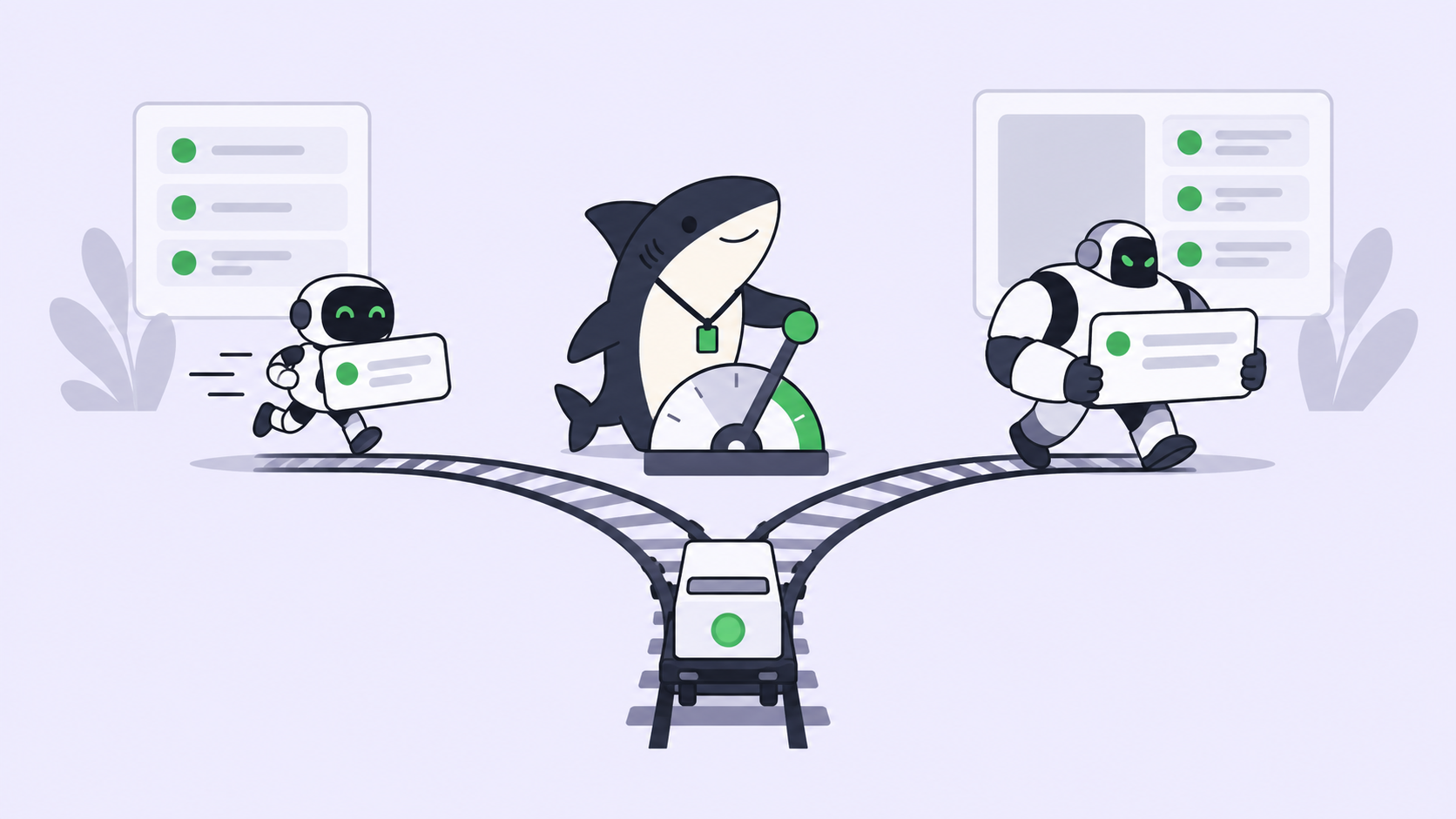
One boundary comes first. Sharkly does not pick models. An Agent follows the default model of the Runtime it runs on, so Astra arrives in Sharkly through Codex, configured on a Computer, not through a switch in the Agent. This guide takes the smallest useful path: put Astra in Codex on one Computer, create one Agent, assign it one real Task, and read the result where the team can see it.
TL;DR
Set model = "gpt-6-astra" in Codex on a connected Computer, confirm the Runtime shows Available, create an Agent whose instructions tell Astra to bias towards action, give it a longer per-Task timeout and a temporary working directory, and assign one Task. Sharkly will not display the model name; it will show the run, the log, the questions, and the result on the Task. Agents research, execute, test, and report. People set direction, grant authority, and accept the result.
Where the model setting lives
The Sharkly Agents docs state it plainly: “The Agent follows the Runtime’s default model. It does not promise or display a specific model name. Change models in the Runtime or Computer tool configuration, not on the Agent.”
That sentence is the whole setup. Four roles, one job each. The Agent defines how work should be handled. The Computer supplies the host and local resources. The Runtime performs the actual agent session, and Codex is the Runtime here. The Task remains the shared record for the team. The model is a property of the Runtime, so you change it where Codex reads its configuration.
An Agent also has no thinking-depth control. Astra’s reasoning effort, low through max, is set in Codex too.
Step 1: put GPT-6 Astra in Codex on the Computer
On the Computer that will run Astra, update Codex CLI and sign in with an account or API key that has Astra access. OpenAI rolled the model out to “a limited set of organizations” first, with all ChatGPT Plus, Pro, Business, and Enterprise plans and the API following over the coming days; Enterprise workspaces have it off until an administrator enables it. If codex -m gpt-6-astra works in a plain terminal, Sharkly can use it.
Then set the default in Codex’s configuration file so every run on this Computer uses Astra:
# ~/.codex/config.toml
model = "gpt-6-astra"
model_provider = "openai"
model_reasoning_effort = "high"
Two details from OpenAI’s model guidance. Astra has no none or minimal effort, so anything below low has to move up. And it does not accept temperature or top_p, so remove them from any profile you copied from a Sol setup. The name of the effort key differs between the Codex guides in circulation, so check it against the sample configuration for your Codex version. [VERIFY]
Back in Sharkly, open Computer detail and run the rescan or connection test. The Codex Runtime should read Available. A Computer being online only means the local service is sending heartbeats; the Runtime status is what tells you a run can start.
Step 2: create an Agent built for Astra
Open Agents and select New Agent. Choose the Computer and the Codex Runtime. Then write instructions that match how Astra behaves, because OpenAI documents two shifts from earlier models.
It asks for clarification more readily. OpenAI’s own advice is to tell it to bias towards action and finish tasks without unnecessary approval checkpoints. It is also more sensitive to instructions found in skills and other files, so say that the Task and its comments take precedence. A workable instruction block:
Read the Task description and recent comments before editing.
Bias towards action. Ask a question only when different
interpretations would materially change the result; otherwise
proceed with a sensible assumption and state it in your report.
Task and comment instructions take precedence over Skill files.
Run the closest relevant checks and report failures without hiding them.
Two run settings matter more for Astra than for previous models.
Timeout. Astra finishes long work instead of summarizing it away. OpenAI’s OSWorld figure is roughly 40 minutes per task, and Codex can now keep notes across context windows instead of compacting them. Set the per-Task timeout in Task Run Settings with that in mind, or the Agent’s best trait becomes its most common failure.
Working directory. Use Temporary mode. Each Task gets an isolated directory and a fresh worktree, so two Astra runs on the same repository cannot write over each other. Keep maximum parallel Tasks at one or two until the Computer has handled a few runs; higher concurrency consumes provider capacity as well as CPU.
Attach the repositories and Skills the Agent needs. Local Runtime Skills on that Computer are available automatically; shared Space Skills must be assigned.
Step 3: assign one real Task
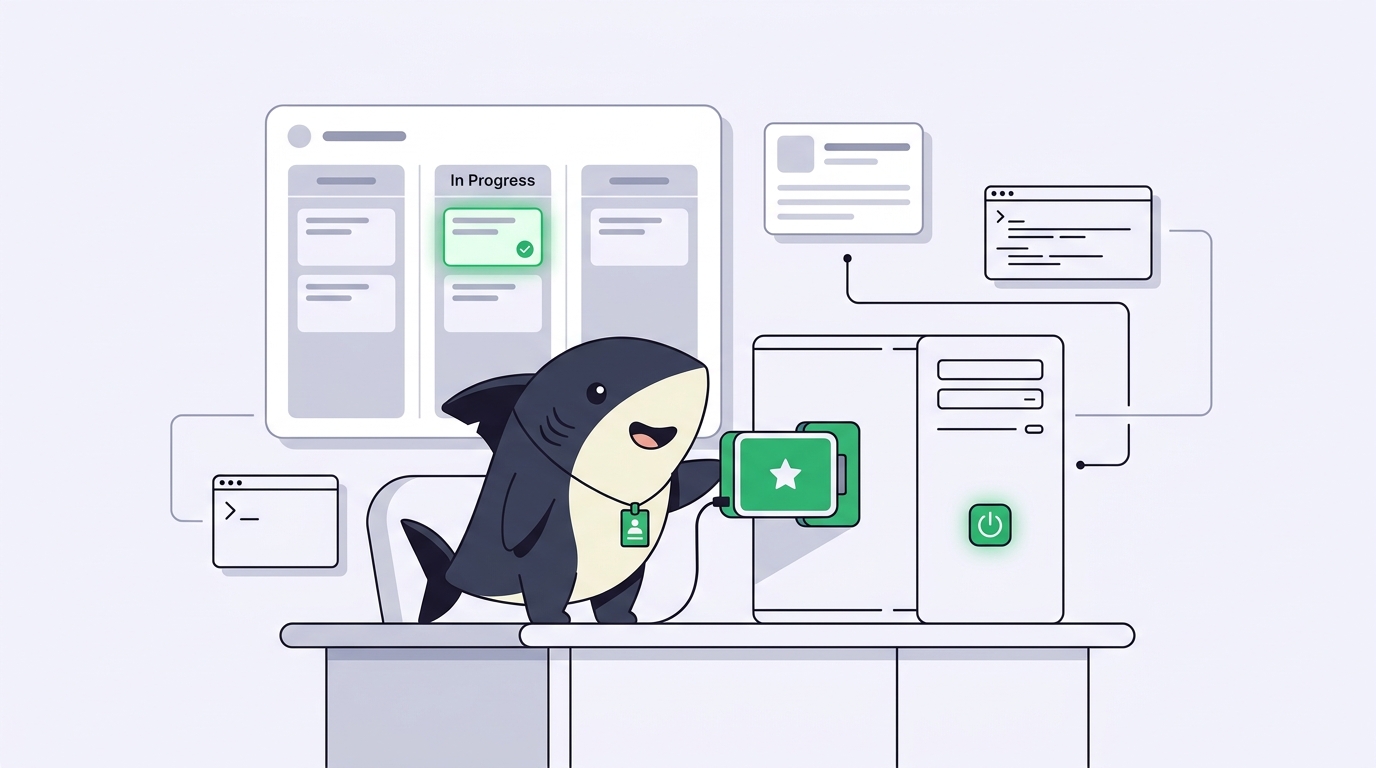
Pick a low-risk Task with a clear acceptance criterion. Select the Agent as Assignee and move the Task out of Backlog into a status whose category is ready for work; a Task assigned in Backlog waits. The run moves through queued, dispatched, and running, and the Executions tab shows the log as it streams.
Use a single Agent for this first Task. A Crew earns its place when a leader must interpret the goal and involve other members, which is the subject of our guide to running Astra as a Crew leader. For a bounded bug fix, one Agent is the right call.
If Astra needs a decision, the question returns to the Task as a comment and the Task shows Waiting for human reply, which routes to your Inbox. Answer in the thread. When the run finishes, the result, the checks it ran, and any limits it reports return to the same Task, and a person moves it to accepted or sends it back.
What changes with Astra on the board
Three things, in practice.
Long Tasks finish. The 1,050,000-token context and Codex’s cross-window notes mean a refactor across dozens of files runs to completion instead of drifting after the first compaction. Pair that with the isolated directory and the Task record, and an overnight run is reviewable in the morning.
It asks less, and better. OpenAI trained Astra to use context for routine gaps and ask only when the answer could change the outcome. In Codex it can ask asynchronously while continuing on the parts that do not depend on the reply. In Sharkly that question is a comment on the Task, so the person who owns the decision sees it without watching a terminal.
It costs more per token. Model usage continues through the subscriptions or API keys configured in those tools, and Astra’s API rate is $10 per million input tokens and $50 per million output, against $4 and $20 for GPT-5.6 Sol on its current promotion. A second Runtime with a cheaper default model on the same Computer keeps small Tasks off the expensive path.
When a run stops early
OpenAI runs a misalignment monitor on Astra and says so in its safety overview: the checks “can sometimes slow, pause, or stop legitimate work,” including “tasks in which an agent is running for an extended period.” In Codex you may be asked to review the action before continuing.
Inside Sharkly, a run that ends early is not lost. Open the execution log and read the title plus the technical details; the details carry the original model-service response. A blocked or failed run surfaces as an attention item, the directory and the Task record persist, and you re-run from the Task with a narrower scope. Keep Tasks small enough that a stop costs minutes, not a night.