Yes. Jules has a free plan, and it is a real one: Google’s Jules plans page lists 15 tasks per rolling 24 hours and 3 concurrent tasks for the base plan, with “a plan available to all users without cost” per the Jules FAQ. More tasks come with a paid Google AI plan.
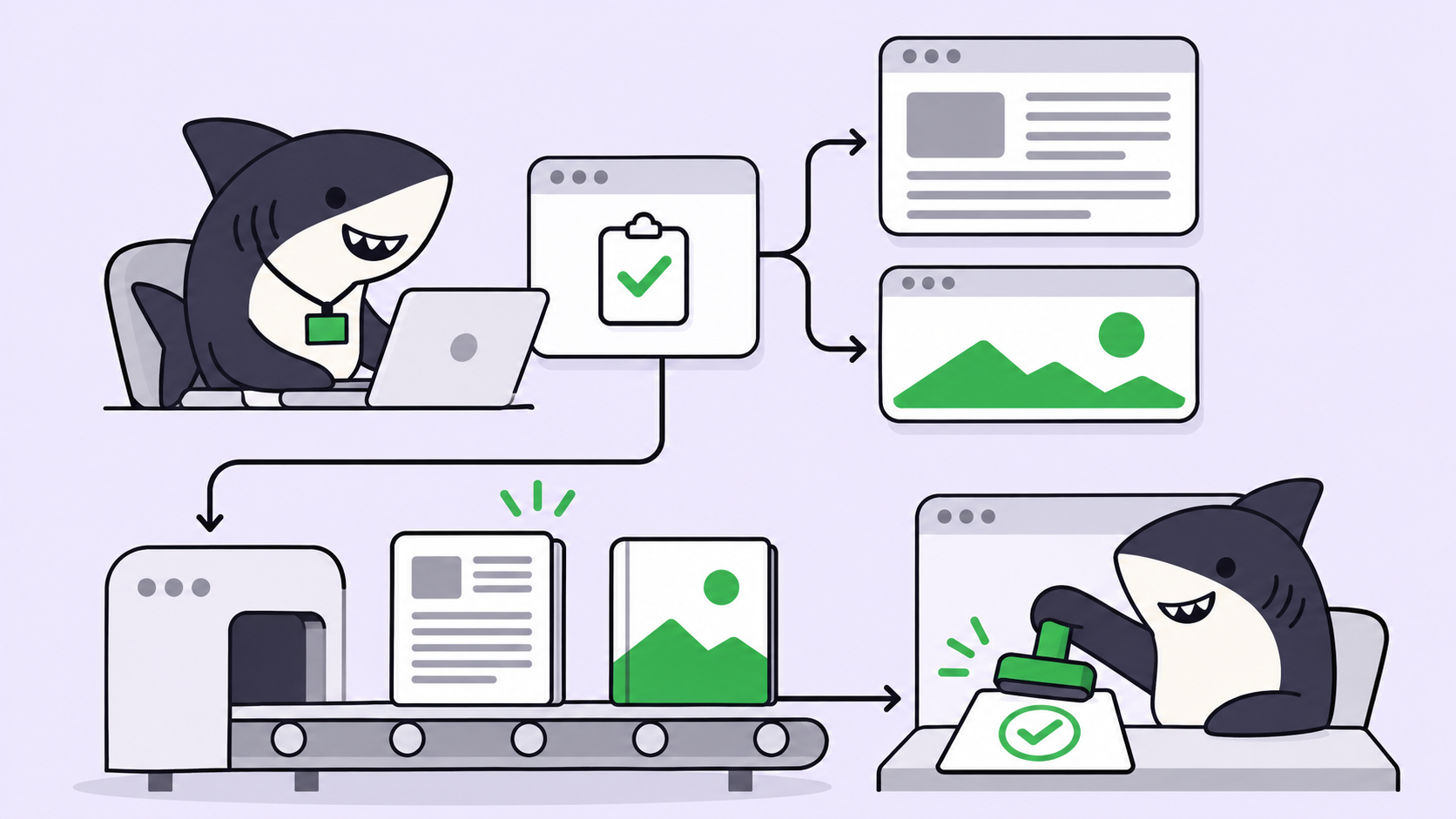
Jules is Google’s asynchronous coding agent: you pick a GitHub repository and branch, describe a task, and Jules clones the repo into a cloud VM, proposes a plan, makes the changes and opens a pull request.
What’s free and what you pay
| Route | Cost | The cap | What you pay past it |
|---|---|---|---|
| Jules (free plan) | $0 with a Google account | 15 tasks per rolling 24 hours, 3 at once | Wait for the window to roll, or Google AI Pro |
| Jules in Pro (Google AI Pro) | $19.99/month (US) | 100 tasks per day, 15 at once | Google AI Ultra |
| Jules in Ultra (Google AI Ultra) | From $99.99/month (US); $199.99 for the 20x tier | 300 tasks per day, 60 at once | Nothing higher is listed |
| Google AI Pro student plan | $0 for 1 year, eligible US college students 18+ | Pro’s limits | $19.99/month after the year unless canceled |
| Jules REST API and Jules Tools CLI | No separate price listed | Not stated (Google does not say how API or CLI sessions count) | Not stated |
Prices are from Google’s US subscriptions page on October 23, 2026; they differ by country.
What the Jules free tier includes today
The plans page pitches the free plan for “Evaluating Jules on real work.” You get the same product as paying users, with lower ceilings:
- 15 tasks in a rolling 24-hour window. The window rolls; it does not reset at midnight. A task you started at 10:00 frees a slot at 10:00 the next day.
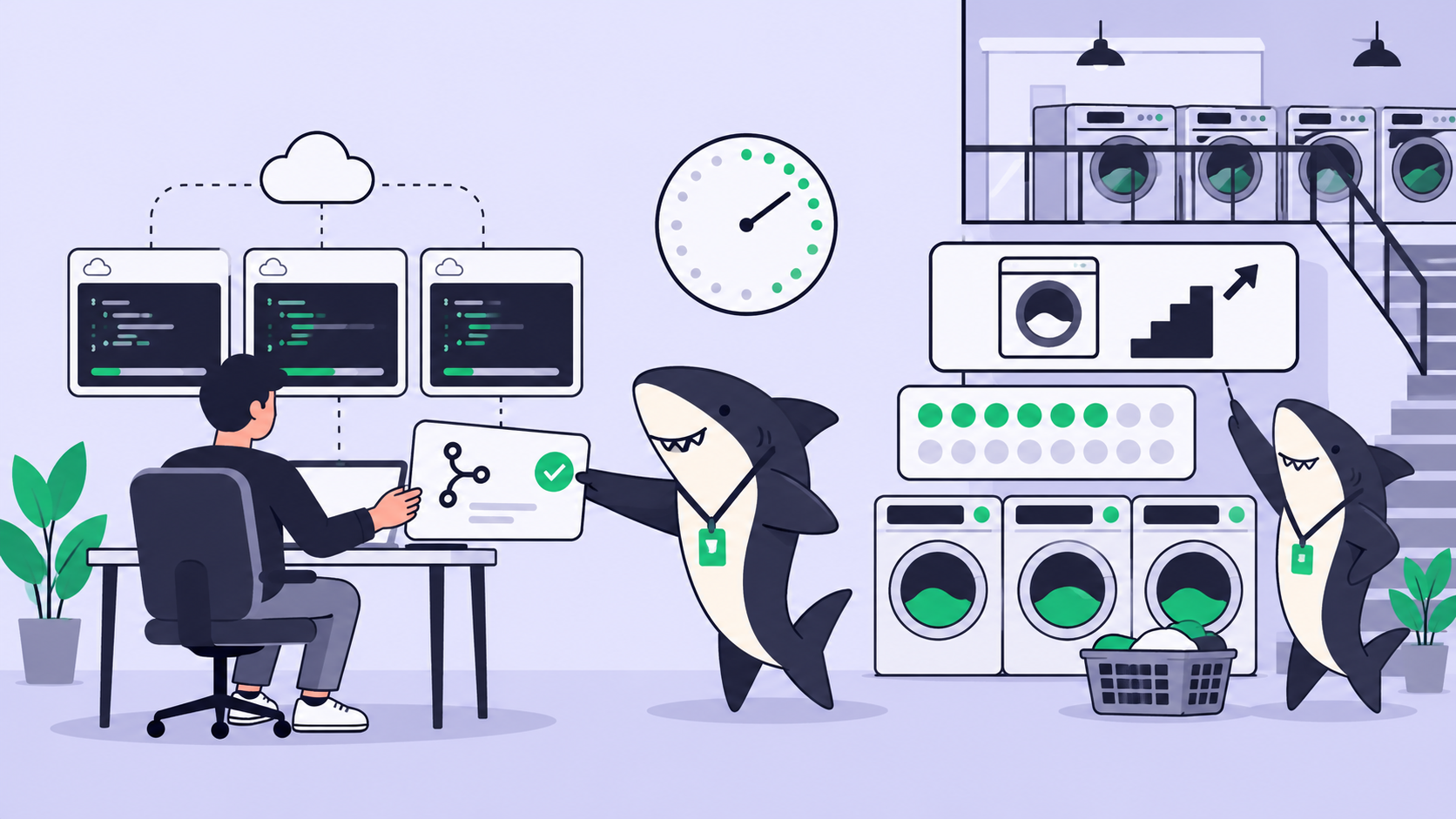
- 3 concurrent tasks. You can have three running at once, so a batch of small fixes can go out in parallel.
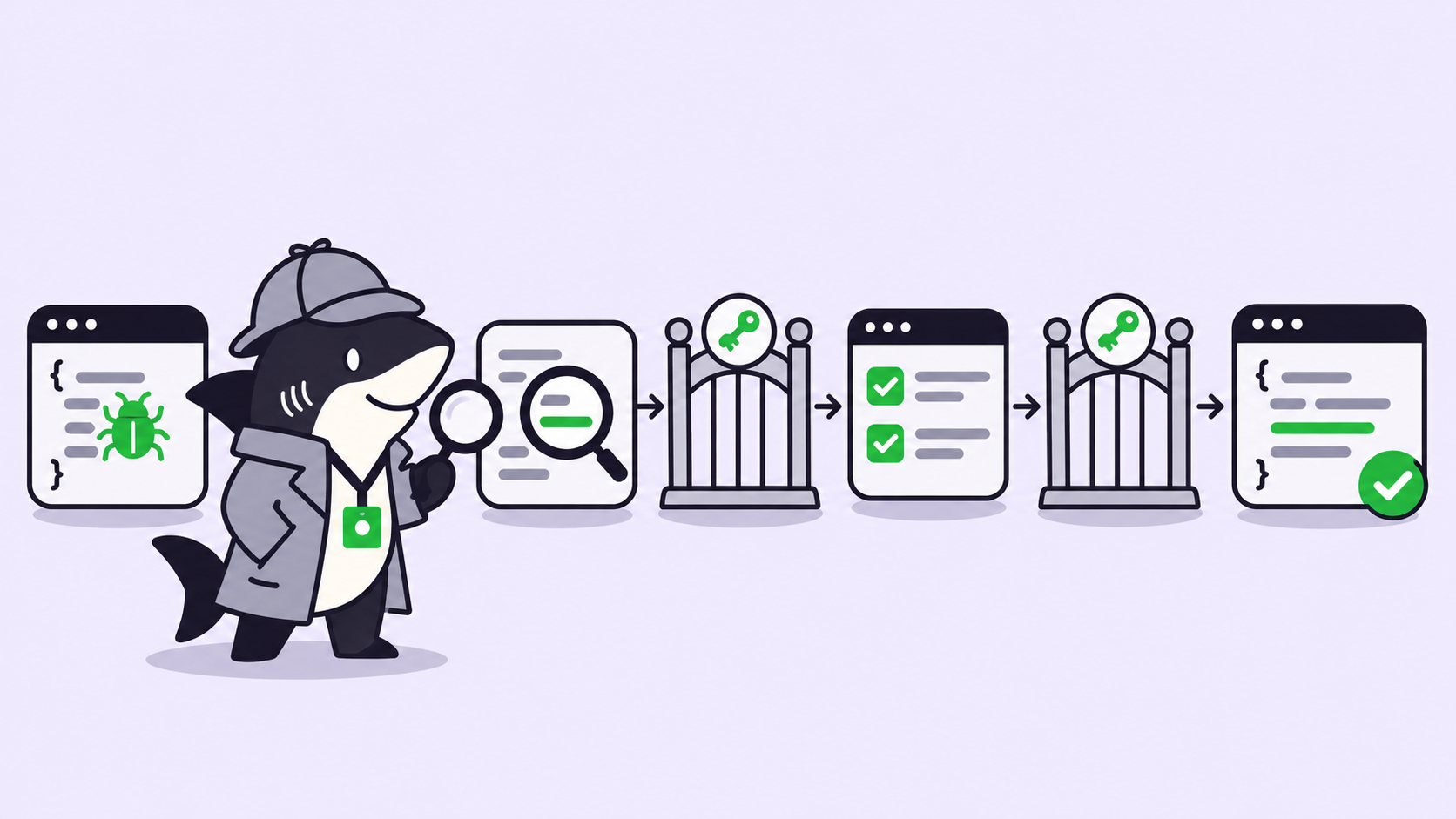
- The full task loop. Per the getting started guide, each task runs in a cloud VM where Jules “clones your code, installs dependencies, and modifies files.” You review a plan before any code changes, read the diff, and publish a branch or PR.
- The newer features. The changelog adds scheduled tasks, suggested tasks that scan your code for TODOs and performance fixes, a CI Fixer that retries pull requests when a GitHub Actions check fails, and MCP connections to Linear, Stitch, Neon, Tinybird, Context7 and Supabase.
Which model? The pages disagree. The plans table still lists “Gemini 2.5 Pro” for the free plan, but the changelog entry of January 30, 2026 says Gemini 3 Flash is “our new base model” for “all users on all tiers,” replacing 2.5 Pro. On March 9, 2026 Gemini 3.1 Pro became the default for Pro users. Jules’s own pages do not mention Gemini 4 Argon; if the model is what you are after, see the free routes to Gemini 4 Argon.
Your code. The FAQ says “Jules does not train on private repository content.”
Who can use it
You sign in with a Google account, accept a one-time privacy notice, and connect GitHub. A few conditions apply:
- Age 18 or over. Google’s plan pages repeat it: “To use Jules, you must be 18 years old or older.” That applies even to members of a family plan.
- English only, officially. The same footnote says “Only English is officially supported at this time” and “Capacity is subject to availability and is not guaranteed.”
- Paid plans need a personal account. The plans page says paid Jules plans come through Google AI Plans, “currently available only for individual Google Accounts (ending in @gmail.com).” Workspace users are pointed to an interest form. Google does not say whether a Workspace account can use the free plan, so test it before you rely on it.
- GitHub only. The connect flow installs the Google Labs Jules GitHub app on the repositories you choose. You can widen or narrow access later in GitHub under Settings, Applications.
If you remember Gemini CLI dropping personal Google accounts on June 18, 2026: that change was specific to Gemini CLI. Jules’s docs, checked today, still offer the free plan to anyone who signs in with a Google account and do not mention it.
Where the free tier stops
The daily cap. Per the plans FAQ, when you reach 15 tasks “the new task button will be disabled” and a tooltip explains why. You can still review and manage running tasks, and your task history is untouched.
Concurrency. Three at once is the tighter limit for anyone using Jules as a background queue. The CLI’s --parallel flag starts several sessions on the same task, so expect it to use more than one slot.
Family plans don’t pool. “Each member of a shared family plan is treated as an individual user with their own set of task limits.”
What counts as a task. Google does not publish a rule beyond “tasks,” and does not say whether scheduled or suggested tasks count toward the 15. Plan as if they do.
Environment limits. Setup scripts cannot run long-lived processes like npm run dev, per the FAQ.
Is there a free trial or student offer?
There is no Jules-specific trial. The one $0 upgrade on Google’s pages is the Google AI Pro student plan: a free year of Google AI Pro for eligible US college students aged 18 and up, redeemable until December 31, 2026. A card is required, and it “will automatically charge $19.99/month after the trial ends” unless canceled. The Jules docs say Jules in Pro “is included as a benefit of the Google AI Pro plan”; the student page itself does not mention Jules, so check your limits in Jules after you claim it.
The cheapest paid step
Google AI Pro, $19.99 a month in the US, is the cheapest plan that raises Jules limits: 100 tasks a day and 15 concurrent, plus Gemini 3.1 Pro as the default model per the changelog. Google AI Plus ($4.99) does not list Jules on the US subscriptions page, and the comparison table on Google One rates its Jules task limits “Limited.”
Google AI Ultra starts at $99.99 a month and lists 300 tasks and 60 concurrent in the Jules docs. Ultra now comes in 5x and 20x versions; the Jules docs show one Ultra column, so they don’t say whether the $199.99 tier adds more Jules capacity.
How to use Jules for free
- Go to jules.google.com and sign in with your Google account.
- Click “Connect to GitHub account” and choose all repositories or only the ones Jules should see.
- Pick a repo and branch, write a specific prompt, and add an environment setup script if your tests need one.
- Click “Give me a plan,” review it, approve, and read the diff before you publish.
Add an AGENTS.md at the repo root; Jules reads it automatically.
From the terminal, Jules Tools, the official CLI, signs in with the same Google account:
npm install -g @google/jules
jules login
jules remote new --repo . --session "add unit tests for parseQueryString in utils.js"
jules remote list --session
jules remote pull --session <session_id>
Running jules with no arguments opens a dashboard with a side-by-side diff viewer.
There is also a REST API, in alpha: create a key in Jules Settings (at most three at a time), send it in the X-Goog-Api-Key header, and create sessions against https://jules.googleapis.com/v1alpha/sessions, optionally with "automationMode": "AUTO_CREATE_PR". Google warns the spec may change.
Getting the most out of 15 tasks. Write one task per change, not one per file. Put build and test commands in the setup script so a task doesn’t fail on a missing dependency. Use the three slots for independent work that won’t conflict in review.
Where Sharkly fits
Jules runs on Google’s VMs. Sharkly is a different shape of tool. You already have coding agents; Sharkly turns them into a team. It runs the Claude Code, Codex or OpenCode you already have as assignable Agents on your own Computers, each Task in an isolated worktree, with the result returned to the Task. Jules is not a Sharkly Runtime, and Sharkly does not make Jules, or any agent, free. Codex cloud vs your own Computers covers when a hosted VM is the better trade.
Per the Sharkly pricing page, Free covers organizations of up to 5 people, and Team is $7 per person billed yearly after that. “Guests, Agents, and Computers do not occupy seats.” And “Sharkly does not sell tokens”: each Agent uses the plan or key already on that Computer. Sharkly pricing explained has the breakdown, and assigning a GitHub issue to an AI agent shows the workflow.
If you run more than one coding agent, run them through Sharkly and keep each on the plan it already has.
FAQ
Is Jules free? Yes. Jules has a free plan with 15 tasks per rolling 24 hours and 3 concurrent tasks. You need a Google account, a GitHub account, and to be 18 or older.
What does “Jules 15 tasks a day” mean exactly? Fifteen task starts in any rolling 24-hour window, not per calendar day. At the limit the new task button is disabled until older tasks age out; running tasks and history stay available.
How do I use Jules for free? Sign in at jules.google.com, connect GitHub, pick a repo and branch, and ask for a plan. The Jules Tools CLI (npm install -g @google/jules) and the alpha REST API use the same account; Google lists no separate price for them.
What model does the Jules free tier use? The changelog says Gemini 3 Flash became the base model for all tiers on January 30, 2026, though the plans table still says Gemini 2.5 Pro. Pro users default to Gemini 3.1 Pro.
Can I use Jules with a Workspace account? Paid Jules plans are currently for personal @gmail.com accounts only. Google does not state whether Workspace accounts get the free plan.
How do I get more than 15 tasks a day? Google AI Pro ($19.99/month in the US) raises it to 100 a day and 15 concurrent; Ultra lists 300 and 60. Eligible US college students can get Pro free for a year.