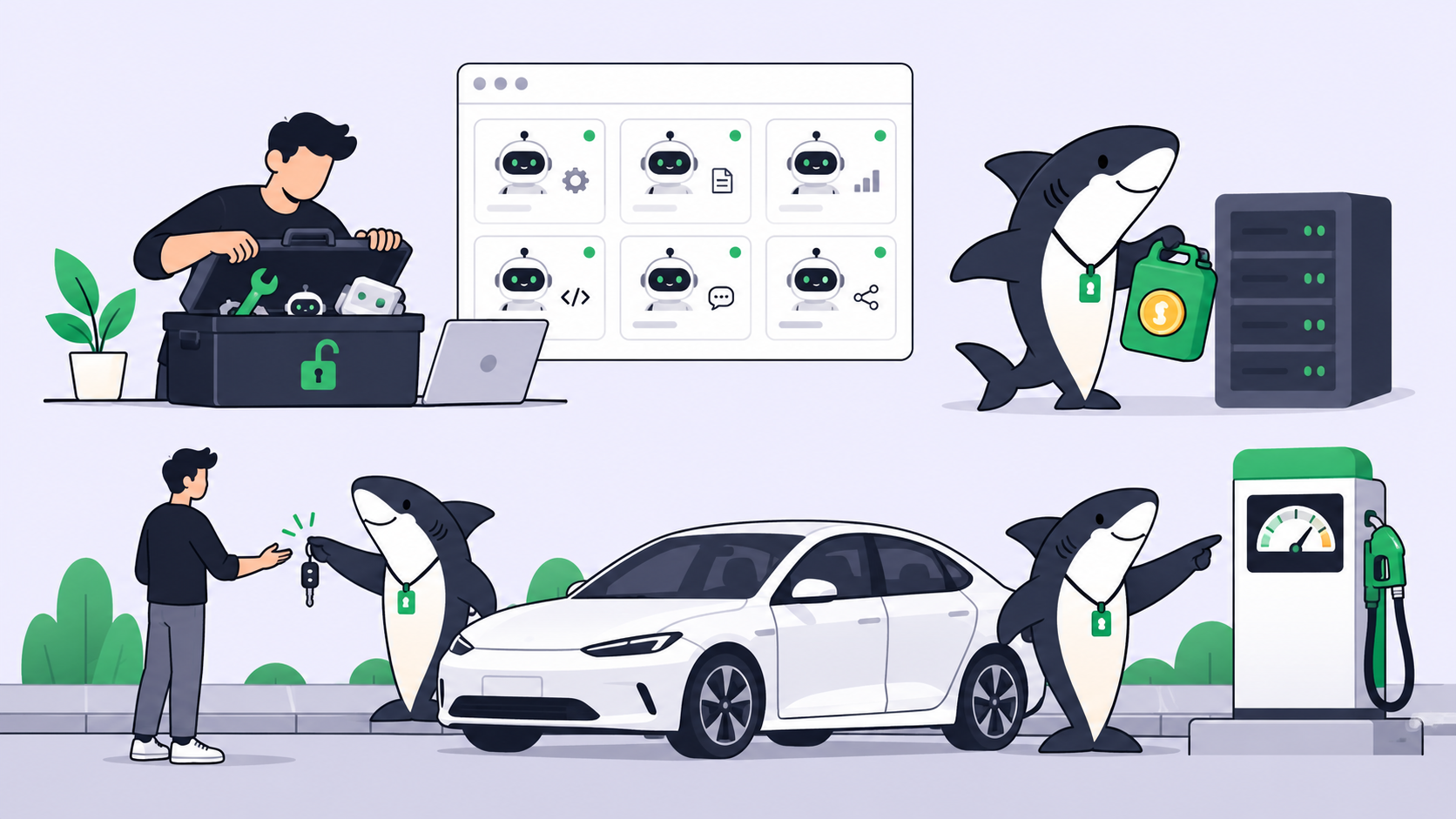
Yes, the software is free. OpenHands is MIT-licensed, and its pricing page lists the self-hosted Agent Canvas as “Free” and “Open source and free to self-host.” What is not free is the model: you bring your own LLM key, buy OpenHands Cloud credits, or run a free or local model to keep the bill at $0.
OpenHands is an open-source coding agent platform: an agent that edits code, runs commands and works through tasks, plus Agent Canvas, a self-hosted control center that runs OpenHands and third-party agents on your laptop or a server.
What’s free and what you pay
| Route | Cost | The cap | What you pay past it |
|---|---|---|---|
| Agent Canvas, self-hosted | $0 for the software | None stated; your hardware and your model | Your LLM provider’s token rates |
| Agent Canvas + a local model | $0 | Hardware: OpenHands’ docs name a 24GB GPU or a 64GB Apple Silicon Mac for their recommended model | Nothing, but quality depends on the model |
| Agent Canvas running OpenCode on its free models | $0, no credential | OpenCode Zen’s free models, offered for a limited time | OpenCode’s paid models |
OpenHands provider, model marked Free |
$0 in tokens during the promotion | You must buy at least $10 in Cloud credits before you can generate the key | Credits at provider rates, which OpenHands says carry no markup |
| OpenHands Cloud | Pay as you go with credits | Your credit balance | More credits |
| Teams (self-hosted) | $499/month for up to 10 users, +$50/month per extra seat | 5,000 sessions per month | Enterprise |
| Enterprise | Custom pricing | Uncapped | Custom |
What the free tier includes today
The free tier is the open-source product. On openhands.dev/pricing, checked on October 23, 2026, the Agent Canvas column lists:
- Open source (MIT)
- Runs on your laptop or a shared VM
- Single user or shared identity
- Bring your own LLM key
- Use any agent, with Codex and Claude named
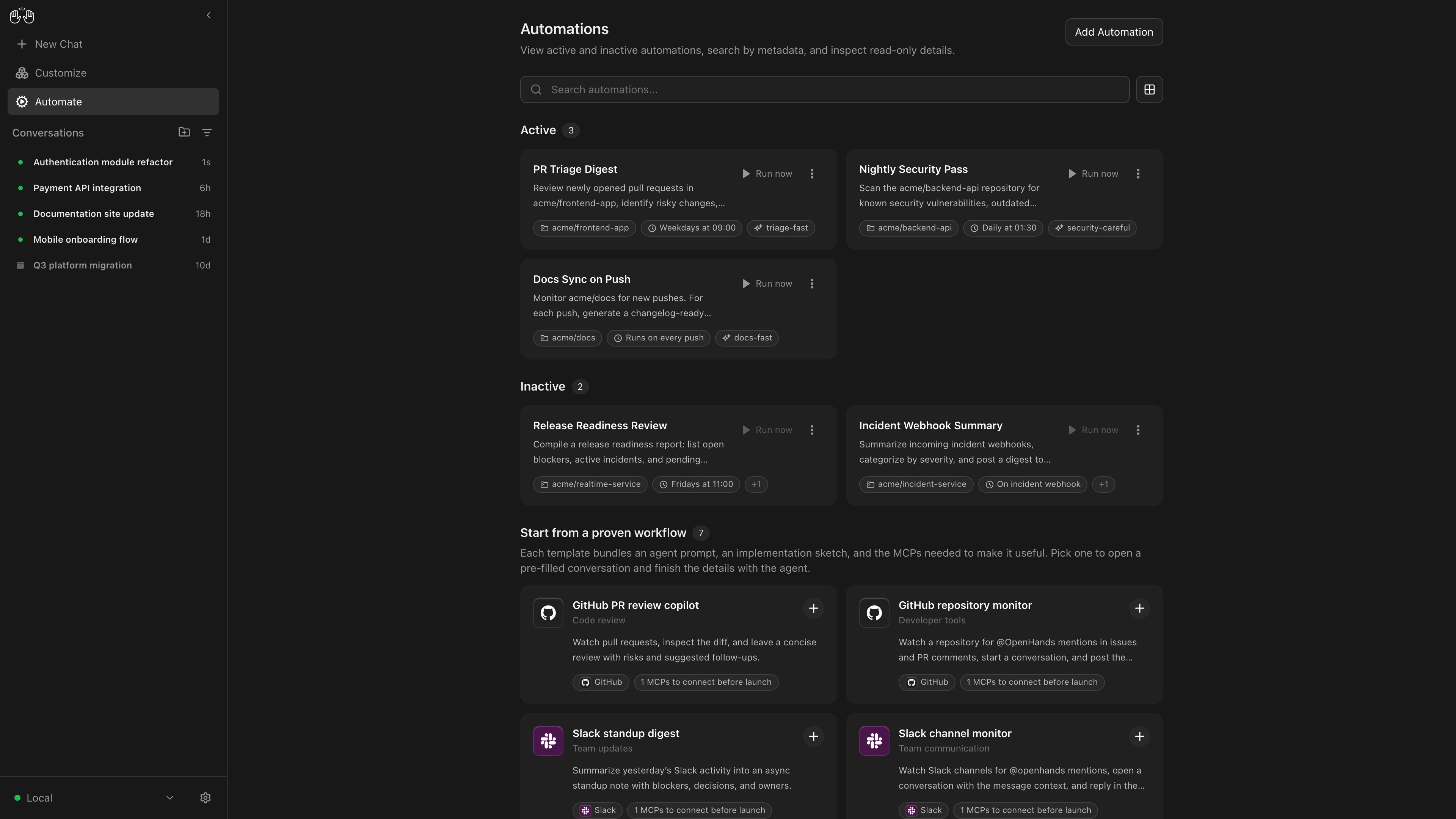
- Automations
The repository (now OpenHands/OpenHands, formerly All-Hands-AI) carries a standard MIT license, so you can use it commercially, modify it and self-host it without paying OpenHands anything.
One thing has changed that older guides miss. The main repository now ships Agent Canvas, described in its README as “the self-hosted developer control center for coding agents and automations.” It runs the OpenHands agent out of the box and can also drive Claude Code, Codex, Gemini CLI, Pi and OpenCode through the Agent Client Protocol. Each of those agents keeps its own login and its own bill.
Where free stops
The model is never included. Agent Canvas setup asks for an LLM provider and key in step three. Every token goes to whoever serves the model, whether that is Anthropic, OpenAI, a gateway, or OpenHands’ own provider. OpenHands’ LLM overview adds a warning worth taking seriously: it “requires a powerful model to work.” A cheap model can loop or fail tool calls, and you pay for those retries. Our piece on cheap models that cost more covers that trap.
Team features are paid. The free column is single-user. Multi-user identity, RBAC, SSO/SAML, budgeting controls and built-in OAuth integrations start at Teams, which is $499 per month for up to 10 users and capped at 5,000 sessions a month. Teams is still self-hosted; you run the servers.
Self-hosting costs time. Free software is not free operations. You install Node.js 24 and uv, or Docker, keep the stack running while you work, update it, and decide how much of your filesystem the agent can touch. The docs are blunt about the default install: the agent “will have full access to your filesystem!” Exposing the server beyond localhost means following their self-hosting hardening guide. Budget an afternoon to set it up and some ongoing attention after that.
Is there an OpenHands Cloud free tier or free trial?
Cloud. OpenHands Cloud is the hosted version at app.all-hands.dev. You sign in with GitHub or GitLab (Bitbucket registrations were paused for new users when we checked). The docs describe a Billing tab where you “add credits for using the OpenHands provider,” and the provider’s models are billed at the underlying provider’s rates. The current pricing page lists no individual Cloud plan and no sign-up credit amount. Some third-party sites still quote a starter credit or a $20 Pro subscription; neither appears on OpenHands’ pricing page or docs today, so treat them as outdated until you see them in your own account.
Free model on the OpenHands provider. The LLM profiles docs say OpenHands-routed models marked Free “change as we have promotional periods,” and that “Currently DeepSeek V4 Flash is the free OpenHands-routed model.” The catch is the key: the API keys docs say “You must purchase at least $10 in OpenHands Cloud credits before generating an OpenHands LLM Key.” So this route is $0 per token, but not $0 to unlock.
Teams trial. Teams has a 30-day trial, per the pricing page. That is aimed at organizations, not at someone trying the agent alone.
No student offer appears on the pricing page.
Cheapest paid step
For one person, the cheapest paid step is not an OpenHands plan at all. It is a model key. Keep Agent Canvas free and pay only for tokens, either directly to a provider or through OpenHands Cloud credits. If you already pay for Claude or ChatGPT, Canvas can run Claude Code or Codex under those existing logins instead. Check what those plans include first: Claude Code is not on Claude’s free plan, and Codex’s free access is limited.
How to use OpenHands for free
1. Install Agent Canvas. The install docs recommend the npm package for a local setup (Node.js 24 or later and uv required):
npm install -g @openhands/agent-canvas
agent-canvas
It opens on http://localhost:8000. If you want the agent sandboxed in a container with only one folder mounted, use Docker instead:
mkdir -p ~/projects
docker run -it --rm \
  -p 127.0.0.1:8000:8000 \
  -v openhands-data:/home/openhands/.openhands \
  -v ~/projects:/projects \
  ghcr.io/openhands/agent-canvas:latest
The older terminal-only CLI still installs with uv tool install openhands --python 3.12, but its repository now says “This project is no longer actively maintained” and points to Agent Canvas.
2. Pick a $0 model route. Three work today:
- A local model. OpenHands’ local LLM guide recommends Qwen3.6-35B-A3B served by LM Studio (Ollama, vLLM and SGLang also work), with a context length of at least 22,000 tokens and 32,768 recommended. The hardware bar is real: “at least 24GB of VRAM for quantized variants,” or an Apple Silicon Mac “with at least 64GB of unified memory.”
- OpenCode inside Canvas. The ACP agents docs say OpenCode “runs without any credential on OpenCode Zen’s free models (including its default,
opencode/big-pickle).” You get Canvas’s interface and automations, but the agent doing the work is OpenCode, not OpenHands. OpenCode’s free models are offered for a limited time; our DeepSeek V4.1 Flash free guide covers how that tier behaves. - A free API tier from a provider. Canvas accepts any LiteLLM-supported provider, so a provider’s free tier works if its model handles tool calls well. Our list of free AI API keys covers what exists and what each caps.
3. Start small. Give the agent one well-scoped task in one repository, watch what it runs, then widen its access. When you switch to OpenHands Cloud credits, set the maximum budget per conversation in the Cloud settings first.
Where Sharkly fits
You already have coding agents. Sharkly turns them into a team. It runs the coding agents you already have, such as Claude Code, Codex and OpenCode, as assignable Agents on your own Computers. Each Task runs in an isolated worktree and the results come back on the Task for review.
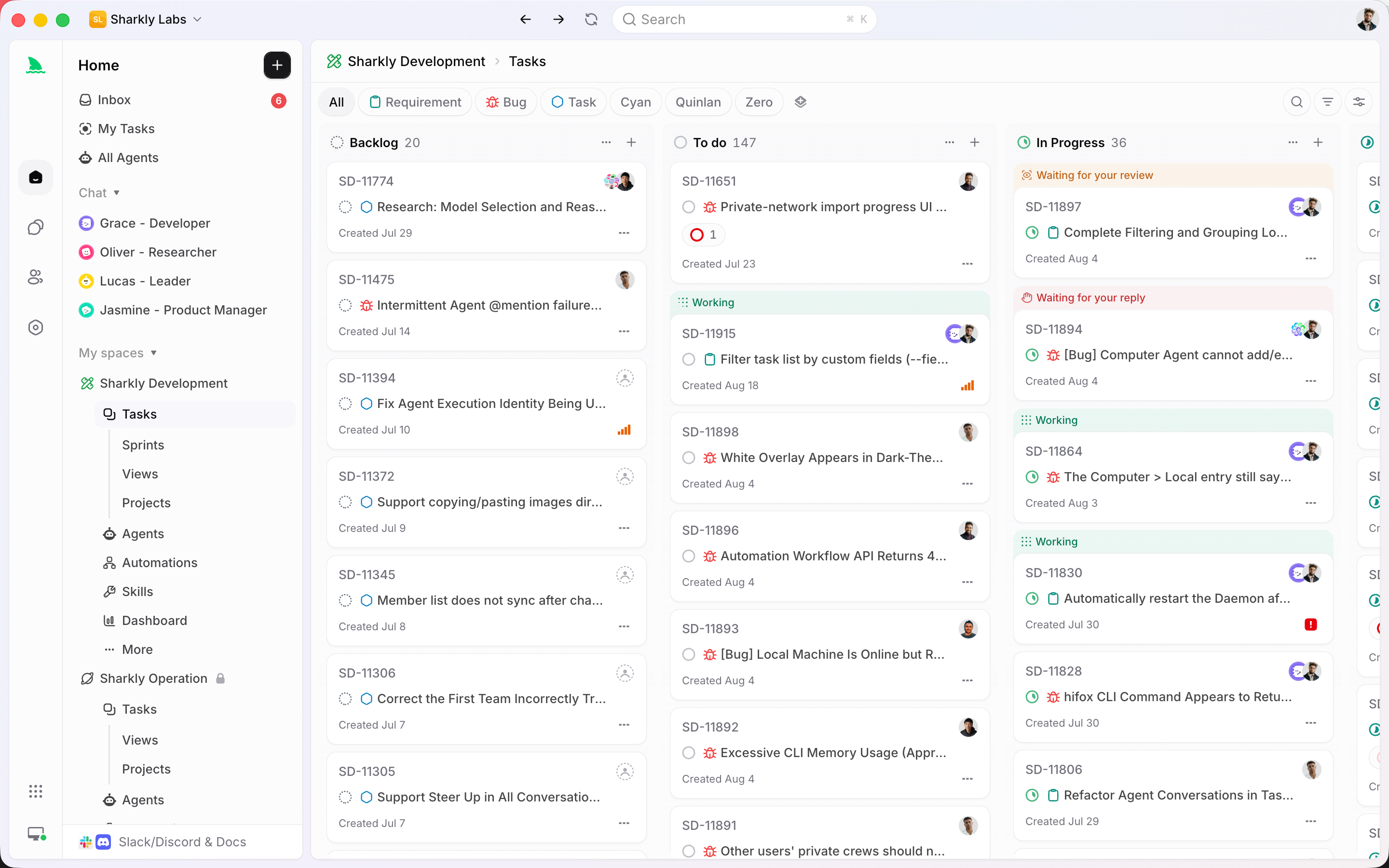
Sharkly does not run OpenHands itself, and it does not make any agent free. “Sharkly does not sell tokens”; each Agent uses the plan or key already configured on its Computer, so an OpenCode Agent on a free model costs nothing in tokens. Per the Sharkly pricing page, Free covers organizations of up to 5 people, Team is $7 per person billed yearly after that, and “Guests, Agents, and Computers do not occupy seats.” Sharkly pricing explained has the details.
If you run more than one coding agent and want them on a shared board, try Sharkly.
FAQ
Is OpenHands free? The software is. OpenHands and Agent Canvas are MIT-licensed and free to self-host. You still pay for the model unless you run a local model or a free one.
How do I use OpenHands for free? Install Agent Canvas with npm install -g @openhands/agent-canvas, then connect a local model through LM Studio or Ollama, or run OpenCode inside Canvas on its free models. Both cost $0 in tokens.
Does OpenHands Cloud have a free tier? Not one that is published today. The pricing page lists no individual Cloud plan or sign-up credit. Cloud usage runs on credits you buy, and the free DeepSeek V4 Flash route needs a key that requires a $10 credit purchase first.
Is OpenHands free for commercial use? Yes. The repository’s license is MIT, which allows commercial use, modification and self-hosting. Paid tiers add team identity, SSO and support, not usage rights.
What does OpenHands cost for a team? Teams is $499 per month for up to 10 users, plus $50 per month for each extra seat, capped at 5,000 sessions a month, with a 30-day trial. Enterprise is custom-priced.
What hardware do I need to run OpenHands on a local model? For the model OpenHands recommends, Qwen3.6-35B-A3B, the docs list a GPU with at least 24GB of VRAM or an Apple Silicon Mac with at least 64GB of unified memory. Smaller models run on less but struggle with agent work.