Yes, partly. OpenAI’s Codex pricing page says Codex is “included in your ChatGPT Free, Go, Plus, Pro, Business, Edu, or Enterprise plan.” On Free, that means one thing: GPT-6 Luna at Standard speed in the ChatGPT desktop app, “subject to rollout.” The Codex CLI, the IDE extension and Codex cloud start at Plus, $20 a month. The CLI itself is open source and free to install, so you can also run it on a pay-as-you-go API key or on a local model.
Here, Codex means OpenAI’s coding agent: the Codex CLI, the IDE extension, Codex in the ChatGPT desktop app, and Codex cloud.
TL;DR
ChatGPT Free gets you Codex in the desktop app on GPT-6 Luna, with no published usage numbers. Go ($8) gets the same surface. Plus ($20) is the cheapest plan that unlocks the terminal, the editor and the cloud, plus GPT-6.1 Sol. Without a plan, sign the CLI in with an OpenAI API key and pay per token, or point it at Ollama or LM Studio with --oss and pay nothing but your own hardware.
Codex cost by surface and plan
Prices and access as listed on OpenAI’s Codex pricing page on October 22, 2026.
| Surface | Free ($0) | Go ($8/mo) | Plus ($20/mo) | Pro (from $100/mo) | Business ($20/user/mo, yearly) | API key (pay per token) |
|---|---|---|---|---|---|---|
| Codex in the ChatGPT desktop app | GPT-6 Luna, Standard speed, subject to rollout | GPT-6 Luna, Standard speed, subject to rollout | Yes | Yes | Yes | Yes, local work only |
| Codex CLI | Not listed | Not listed | Yes | Yes | Yes | Yes |
| IDE extension | Not listed | Not listed | Yes | Yes | Yes | Yes |
| Codex cloud (web, GitHub review, Slack) | No | No | Yes | Yes | Yes | No, needs ChatGPT sign-in |
| GPT-6.1 Sol | No | No | Yes | Yes | Yes | At API prices |
Business is $25 per user per month when billed monthly, with two or more users. Pro comes in $100, $200 and $500 tiers.
What ChatGPT Free includes for Codex today
The Free card on the pricing page has one line under it: “GPT-6 Luna at Standard speed in the desktop app, subject to rollout.” The Go card has the same line. So a free account gets Codex as a mode of the ChatGPT desktop app for macOS, Windows or Linux, where you pick Codex, open a folder and describe a task.
The models page calls GPT-6 Luna “our most efficient model for focused, high-volume tasks, including summarization, extraction, and focused coding.” That fits small edits: a function, a test, a script. For complex agentic work OpenAI recommends GPT-6.1 Sol, and “Free and Go are not included” in its rollout.
Two other boundaries are written down. Image generation “isn’t available on the Free plan.” And OpenAI’s usage estimates (local messages per five-hour window) are published for Plus and Standard Business only, so there is no number to plan a Free workload around. Check the usage dashboard in the app before you count on it.
Where Codex Free stops
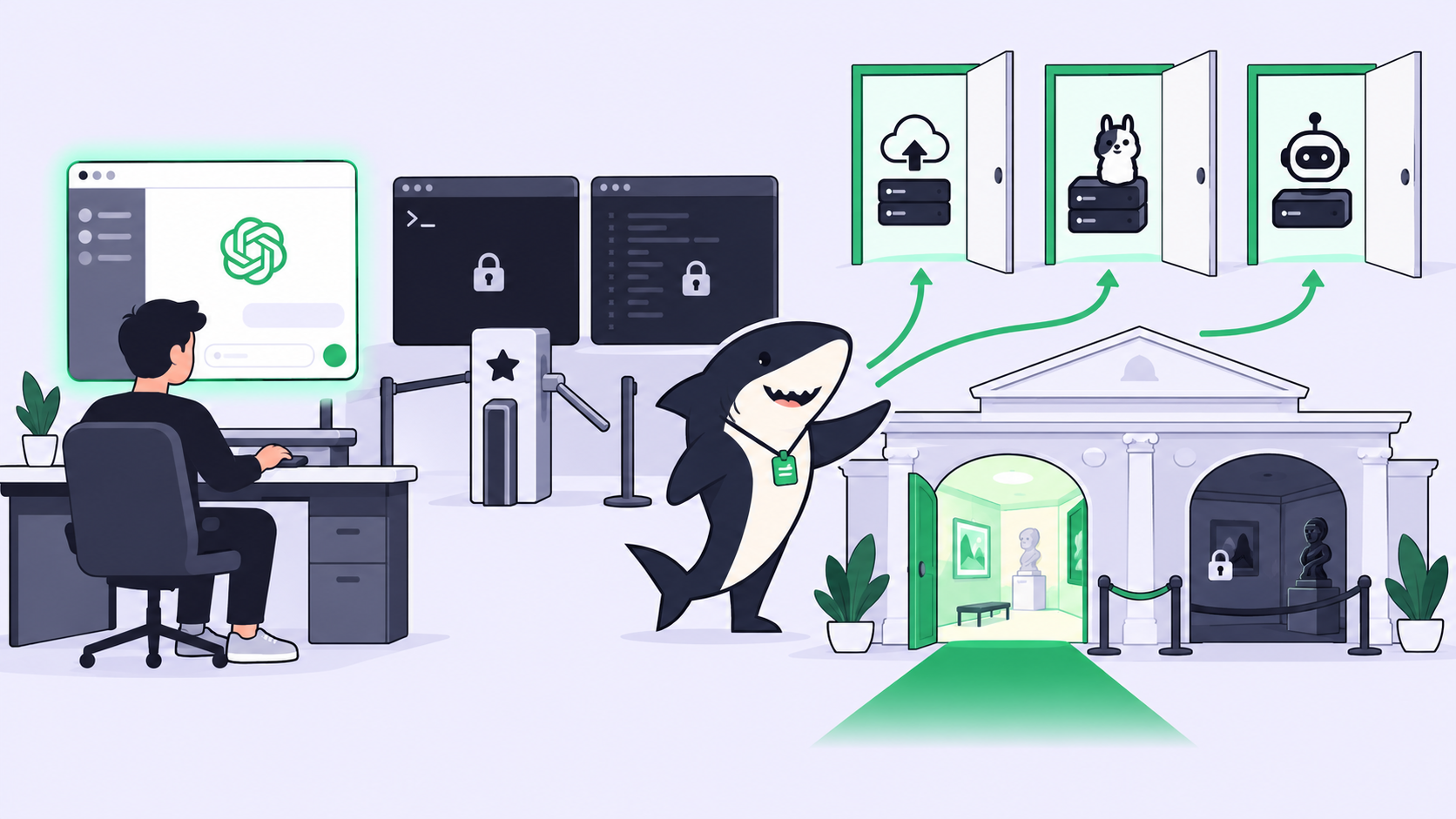
Free stops at the desktop app. The Codex CLI, the IDE extension, Codex cloud, GitHub pull request reviews and the Slack integration appear on the Plus card and in the feature table for Plus and up, not on Free or Go.
That settles a common question. “Is the Codex CLI free?” has two answers. The software is free: it lives in the open-source openai/codex repository and installs with npm, Homebrew or OpenAI’s installer. The model usage behind it is not included in Free or Go. To use it, you bring Plus or higher, an API key, or a local model.
The same rule applies to other tools that sign in with ChatGPT. OpenAI’s Sign in with ChatGPT page lists OpenCode, OpenClaw and Pi as open-source integrations, but only “eligible ChatGPT Plus and Pro subscribers can also choose to use their ChatGPT plan for AI requests.” A Free account can sign in to those tools; it can’t spend a plan it doesn’t have.
The cheapest paid step
Go ($8 a month) buys the same Codex access as Free, so it is not the step up for coding.
Plus at $20 a month is. It adds Codex “on the web, in the CLI, in the IDE extension, and on iOS,” cloud integrations such as automatic code review, and GPT-6.1 Sol. OpenAI’s estimate for Plus is 15 to 160 local messages per five hours on GPT-6.1 Sol and 350 to 3,000 on GPT-6 Luna, with weekly limits that “may also apply.” The page is clear that these “are not fixed message limits.” When you run out, Plus can buy ChatGPT credits instead of upgrading.
Pro removes the five-hour window for now (“Pro plans currently have no five-hour limit”). Business is the team version at $20 per user per month, billed yearly.
The API-key route: pay as you go
Sign the CLI, the IDE extension or the desktop app in with an OpenAI API key and Codex bills through your OpenAI Platform account “at standard API rates,” per the authentication docs. On the API pricing page today, standard short-context rates per million tokens are:
| Model | Input | Cached input | Output |
|---|---|---|---|
| gpt-6.1-sol | $2.00 | $0.10 | $10.00 |
| gpt-6-luna | $0.10 | $0.01 | $0.50 |
# Sign the Codex CLI in with an API key (read from stdin)
printenv OPENAI_API_KEY | codex login --with-api-key
codex login status
The flag is from codex login --help on codex-cli 0.140.0.
The trade-offs: no Codex cloud (“Codex cloud requires signing in with ChatGPT”), no GitHub review or Slack, and no spending ceiling unless you set one. Use the key for CI or a few small tasks a week; use Plus when you code with Codex daily.
How to use Codex for free: three $0 routes
1. ChatGPT Free in the desktop app. Install the ChatGPT desktop app, sign in with a free account, switch to Codex and open your project folder. You get GPT-6 Luna where it has rolled out. This is the only $0 route with an OpenAI model.
2. Codex CLI on a local model. The advanced configuration docs say “Codex can run against a local ‘open source’ provider such as Ollama or LM Studio when you pass --oss.” Pick the provider per run or set a default:
codex --oss --local-provider ollama
# ~/.codex/config.toml
oss_provider = "ollama" # or "lmstudio"
Custom providers that set neither requires_openai_auth nor env_key need no sign-in, which “is useful for local models.” The --oss and --local-provider flags are present in codex --help on codex-cli 0.140.0. We did not run a local model for this post: your hardware sets the speed, and small local models handle multi-file agent tasks far less reliably than GPT-6.1 Sol.
3. A different agent on a free hosted model. If you want a hosted model at $0 and don’t need Codex specifically, OpenCode is the working route. Its Zen models list today includes DeepSeek V4.1 Flash Free, GLM-5.3-Flash Free, MiniMax M3.1 Flash Free, Big Pickle and several Nemotron and MiMo models, each free “for a limited time.” In an earlier test on October 16, 2026, OpenCode 1.19.2 finished a write-and-run task in 32 seconds on opencode/deepseek-v4.1-flash-free with no sign-in. The free tier answers OpenCode only: direct API calls returned HTTP 403 FreeTierError. Check each model’s data note; some providers keep zero data, others collect it “to improve the model.”
For a wider look at what other agents charge, see running an agent Crew on free and cheap tiers and GPT-6.1 Sol in free coding agents.
Running Codex as a team Agent
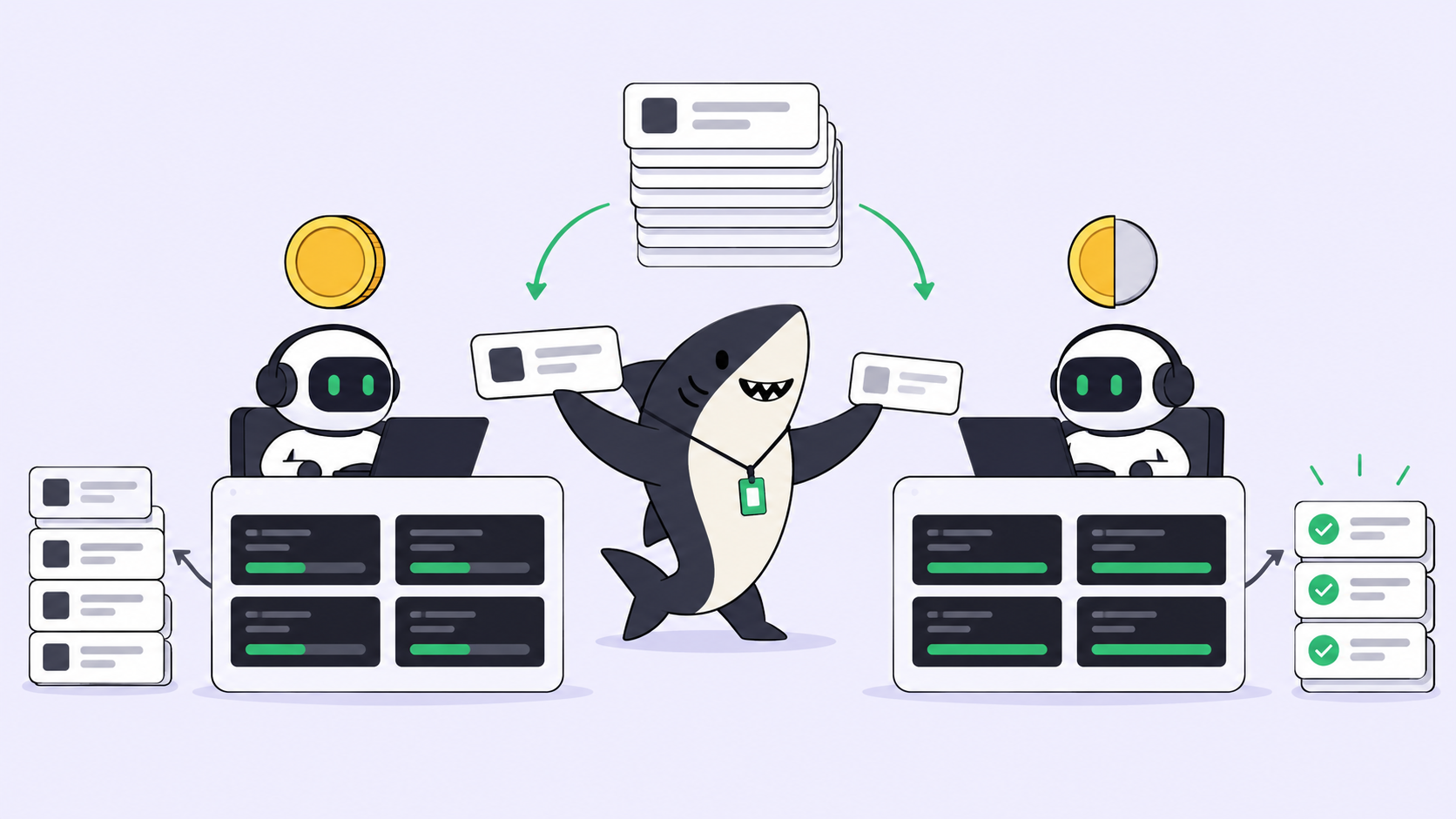
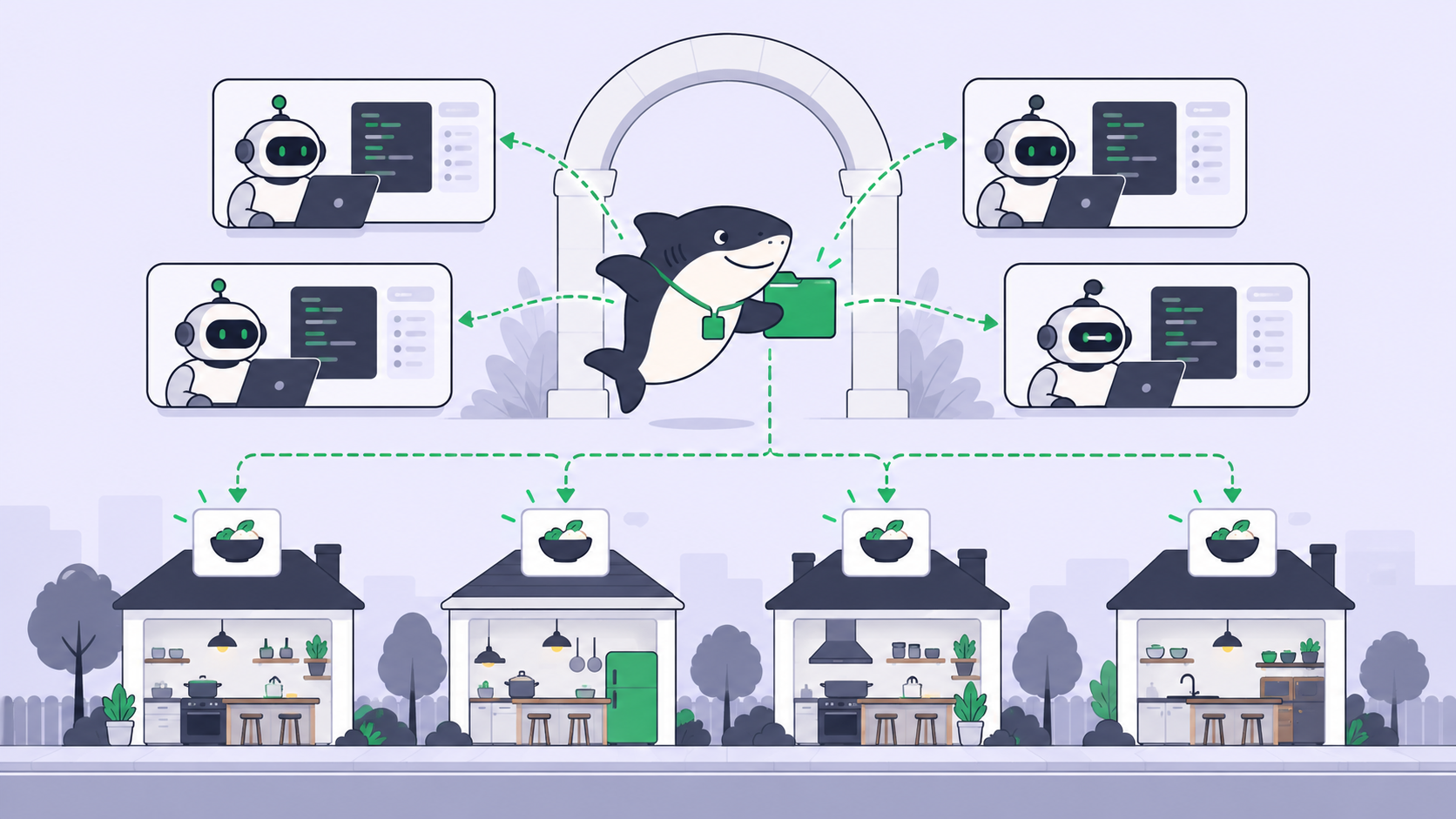
Sharkly is not a replacement for Codex. Codex performs the execution; Sharkly adds the shared task, Computer and review layer around it. You assign a Task on a board to an Agent, and that Agent runs your existing Codex, Claude Code or OpenCode on your own Computer, in an isolated worktree. Progress, blockers and the result return to the Task. Agents research, execute, test, and report. People set direction, grant authority, and accept the result.
Sharkly does not make Codex free. It runs the Codex CLI as a Runtime, so a Codex Agent needs a plan that includes the CLI (Plus or higher) or an API key on that Computer; ChatGPT Free’s desktop-only access doesn’t carry over. Sharkly sells no tokens: “Runs go through the Computer and Runtime you connect, on the coding plan or API account you already pay for.”
Sharkly itself is free for organizations of up to 5 people, then $7 per person per month billed yearly; Agents and Computers don’t take seats. Sharkly pricing explained has the details, and Codex cloud vs your own Computers compares where the work runs. If you already pay for Plus and run more than one Codex task at a time, create a free Sharkly workspace and assign the first one.
FAQ
Is Codex free? Partly. ChatGPT Free includes Codex in the desktop app on GPT-6 Luna, subject to rollout. The CLI, IDE extension and Codex cloud need Plus ($20 a month) or higher, or an API key.
Is the Codex CLI free? The software is free and open source. Using it needs Plus or higher, an OpenAI API key billed per token, or a local model through --oss.
How do I use Codex for free? Install the ChatGPT desktop app and use Codex with a free account, or run the Codex CLI with --oss on Ollama or LM Studio. Both cost $0 in fees.
Does ChatGPT Go include the Codex CLI? No. Go ($8 a month) lists the same Codex access as Free: GPT-6 Luna in the desktop app.
What are the Codex usage limits on Plus? OpenAI estimates 15 to 160 local messages per five hours on GPT-6.1 Sol and 350 to 3,000 on GPT-6 Luna, with weekly limits possible. Run /status in the CLI to see what’s left.
Is there a Codex free trial or promo? None was listed on OpenAI’s Codex or pricing pages on October 22, 2026.