Most AI video tools return one clip from one prompt. OpenMontage gives your coding agent a production department instead: research, script, scene plan, asset generation, edit, and render, with human approval gates between the stages. At 55,047 stars it is the most ambitious project in the current agent tooling wave.
It is also the one that surfaces a question the rest avoid. Its pipeline stops and waits for a human at creative decision points, which is correct. It has no concept of which human, and no record afterward of who approved what.
TL;DR
This is one of five deep dives from our roundup of open source tools that extend coding agents.
OpenMontage runs inside Claude Code, Cursor, Copilot, Windsurf, or Codex and turns it into a video production system: eleven pipelines, over 100 tools, 60+ provider integrations, and more than 700 skill and knowledge files. It gates spend behind approval, estimates cost before executing, and can build real footage videos from free archives rather than only animating stills. Check the licence first, because it is AGPL-3.0. And decide where approvals live before the first video needs sign-off from someone who is not you.

What it produces
You describe what you want and the agent runs a fixed pipeline:
research -> proposal -> script -> scene_plan -> assets -> edit -> compose
Each stage has a director skill, a markdown instruction file teaching the agent how to execute that stage. Before writing a word of script, the agent runs 15 to 25 web searches across YouTube, Reddit, news, and academic sources and produces a cited research brief.
| Pipeline | Best for |
|---|---|
| Animated Explainer | Tutorials, topic breakdowns |
| Screen Demo | Product demos, documentation walkthroughs |
| Clip Factory | Ranked short clips from one long source |
| Documentary Montage | Real-footage edits from free archives |
| Talking Head / Hybrid | Footage you already have, enhanced |
| Localization and Dub | Subtitles, dubbing, translation |
| Cinematic / Animation | Trailers, motion graphics |
| Podcast Repurpose | Highlights to video |
| Avatar Spokesperson | Corporate comms, training |
Documentary Montage is the technically unusual one. It builds a semantically indexed corpus from free stock and open archives including Pexels, Archive.org, NASA, and Wikimedia, retrieves actual motion clips, and cuts them into a real timeline. That is a different claim from animating a handful of stills.
For teams shipping developer content, Screen Demo and Clip Factory pay back fastest. A release ships, the changelog exists, and turning it into a walkthrough normally needs a person with editing skills and a free afternoon.
Installing it
git clone https://github.com/calesthio/OpenMontage.git
cd OpenMontage
make setup
Prerequisites are Python 3.10 or later, FFmpeg, Node.js 18 or later, and a coding assistant that can read files and run code. Provider setup is incremental: every capability supports local alternatives alongside paid APIs, and a scored selector ranks providers across seven dimensions and picks a match.
You can also start from a reference video. Paste a YouTube video, Short, Reel, or local clip and the agent analyses transcript, pacing, scenes, and style, then returns two or three concepts, an honest tool path, and cost estimates before generation starts.
Read the licence first
OpenMontage is AGPL-3.0. This matters because most of the tooling in this category is MIT, so the assumption is easy to carry in by mistake.
The network clause means that running a modified version as a network service obliges you to offer the source of your modifications to users of that service. Internal use and open-source work are uncomplicated. Wrapping it in a product is a decision for your legal team, made deliberately rather than discovered later.
The gates are right, and they are anonymous
The project ships something most agent tooling lacks: a real approval gate before spend. Asset generation pauses on a scene-by-scene contact sheet showing takes, prompts, per-asset cost, and quality scores. Script gates hold until you answer. There is cost estimation before execution, spend caps, and a decision trail for every provider choice.
A local board shows the production filling itself in as the pipeline runs, and a finished run can be replayed from its timestamps.
That board is local, on one machine, for one production. Video work inside a company is not that. A script needs a subject-matter reviewer. Visuals need someone from brand. Claims need someone who can confirm they are true. The final cut needs sign-off from whoever owns the channel.
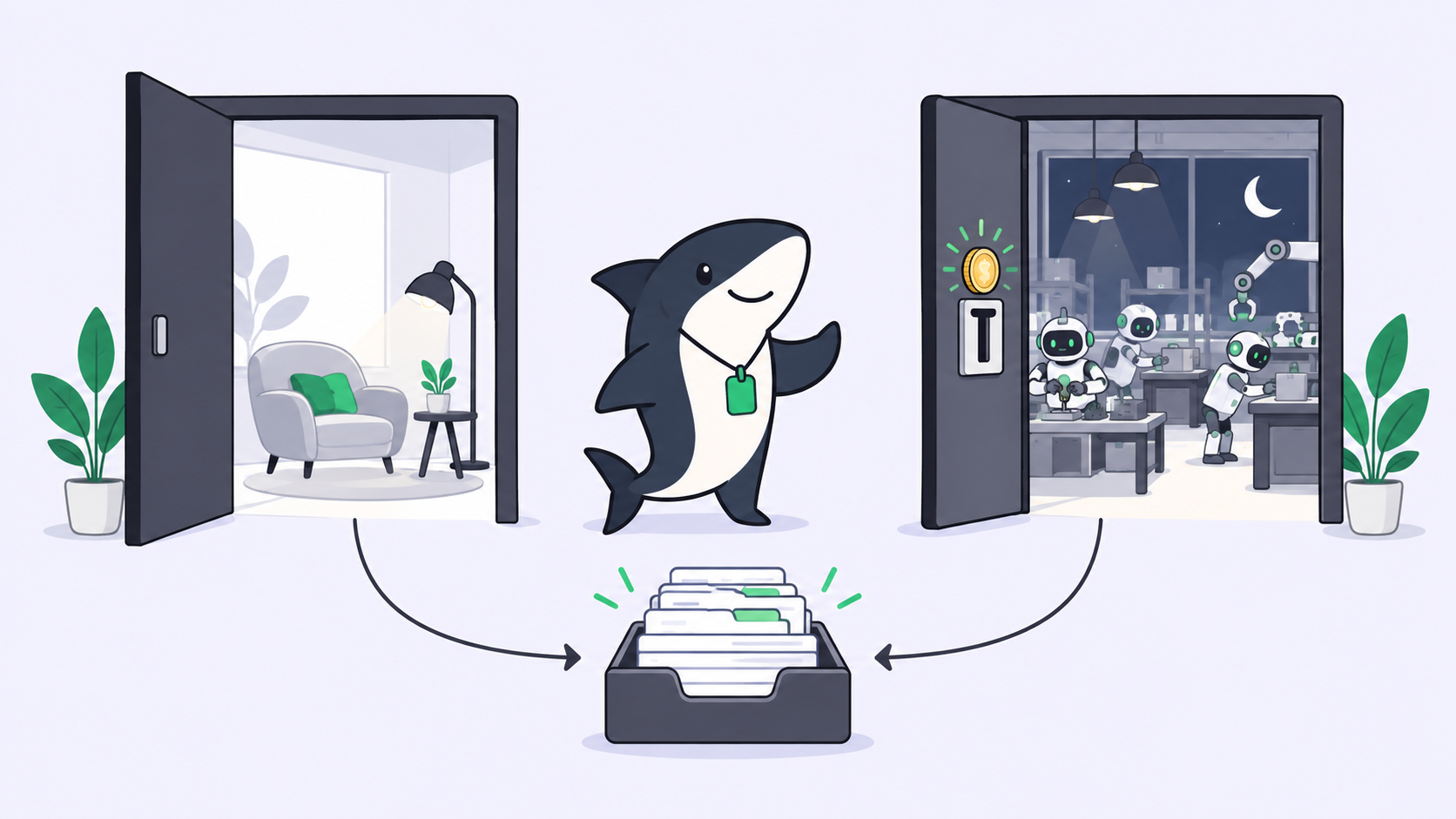
The pipeline pauses for a human. It cannot route to a particular person, queue the wait against their name, or answer the question afterward. When a video ships and someone asks who approved the claim in scene four, the answer is a timestamp in a local project folder.
Production is a Task, and approval belongs on it
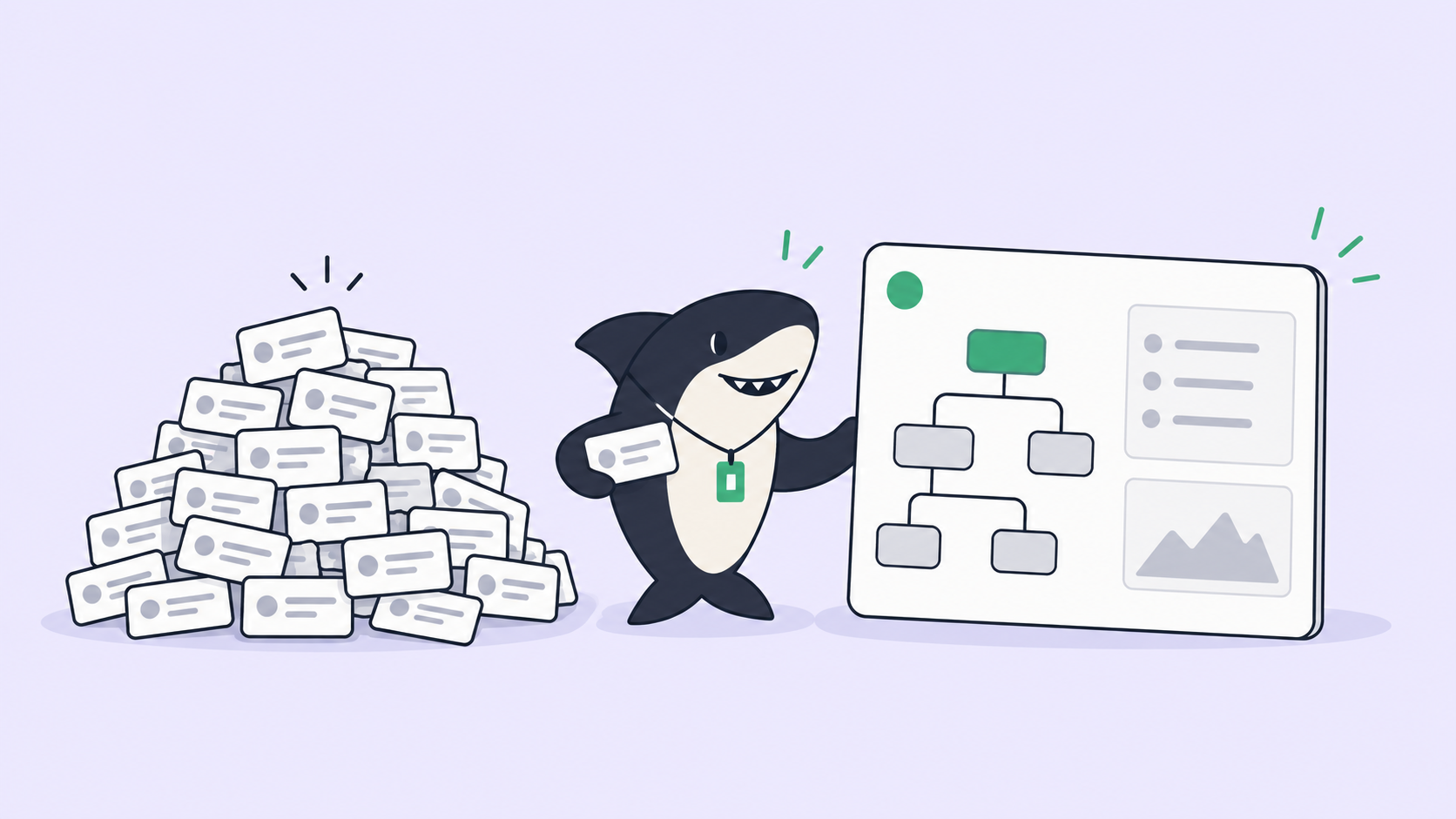
A Task is the main unit of work in Sharkly. It carries the request, the context, the execution, the blockers, and the result in one shared place instead of splitting them across private prompts and terminal sessions.
Video production maps onto the model unusually cleanly.
A Crew is a reusable group of People and Agents coordinated by one leader Agent. That is a production team stated plainly: a leader who reads the brief, decides which members to involve, and brings their results back into one Task, rather than every specialist starting at once.
A Task in Backlog does not start a run. For a pipeline where starting means paying generation providers, that control is worth more than usual. A month of video work can be queued without spending anything, then released as each item is approved.
Execution, blockers, results, and follow-up discussion return to the task timeline, so script feedback lands on the Task rather than in a chat window, and it is still there in three months.
The Computer supplies the host and local resources, and the Runtime performs the session on it. Rendering wants a machine with real disk and CPU, so being explicit about which Computer runs a production is useful rather than bureaucratic.
Sharkly is not a replacement for OpenMontage or for the coding tool that runs it. It adds the shared task, Computer, context, control, and review layer around them.
Automation stops where team judgment is required and returns a delivery with complete context and inspectable evidence. Leave final acceptance and release decisions to people.
When to install it
Install OpenMontage when you ship content regularly and have been paying for editing or going without. Screen Demo, Clip Factory, and Localization have the clearest return, and the free-archive pipeline works without paid generation providers.
Skip it when you need a video occasionally. The setup and provider configuration do not amortise over three videos a year. Skip it too if the AGPL terms do not fit your intended use, and decide that before building a workflow on it.
Add a shared work system when approval involves more than one person, which for anything customer-facing it does.
Frequently asked questions
Do I need paid API keys? No. Every capability supports open-source or local alternatives, and the Documentary Montage pipeline builds from free archives. Paid providers buy quality and more generation options.
Which coding assistants work? Claude Code, Cursor, Copilot, Windsurf, and Codex are named. Anything that can read files and run code should work, since the pipeline is Python plus markdown skill files.
How much does a video cost? It depends on pipeline and providers. The project’s own showcase reports roughly five dollars of generation cost. The system estimates before executing and enforces spend caps.
Can it edit footage I already have? Yes. Talking Head, Hybrid, Screen Demo, Clip Factory, and Localization all work on supplied footage. Generation is one mode, not the only one.
How do approvals work if my reviewers are not technical? That is the gap worth planning for. The pipeline’s gates assume the operator is the approver. Routing a script or a cut to a named reviewer, and keeping the record of their decision, is work-system territory rather than pipeline territory.
The short version
OpenMontage is better engineered than this category usually manages: gates before spend, estimates before execution, self-review after render, and an auditable decision trail. If you ship developer content, Screen Demo and Clip Factory alone can justify the setup.
Go in knowing two things. The licence is AGPL-3.0, which is a decision rather than a footnote. And the approval gates pause for a human without knowing which one, which is fine alone and insufficient the moment sign-off is somebody else’s job. Sharkly holds that half: the Task is the shared record, work waits in Backlog until it is released, and results return somewhere a person can review and accept them.