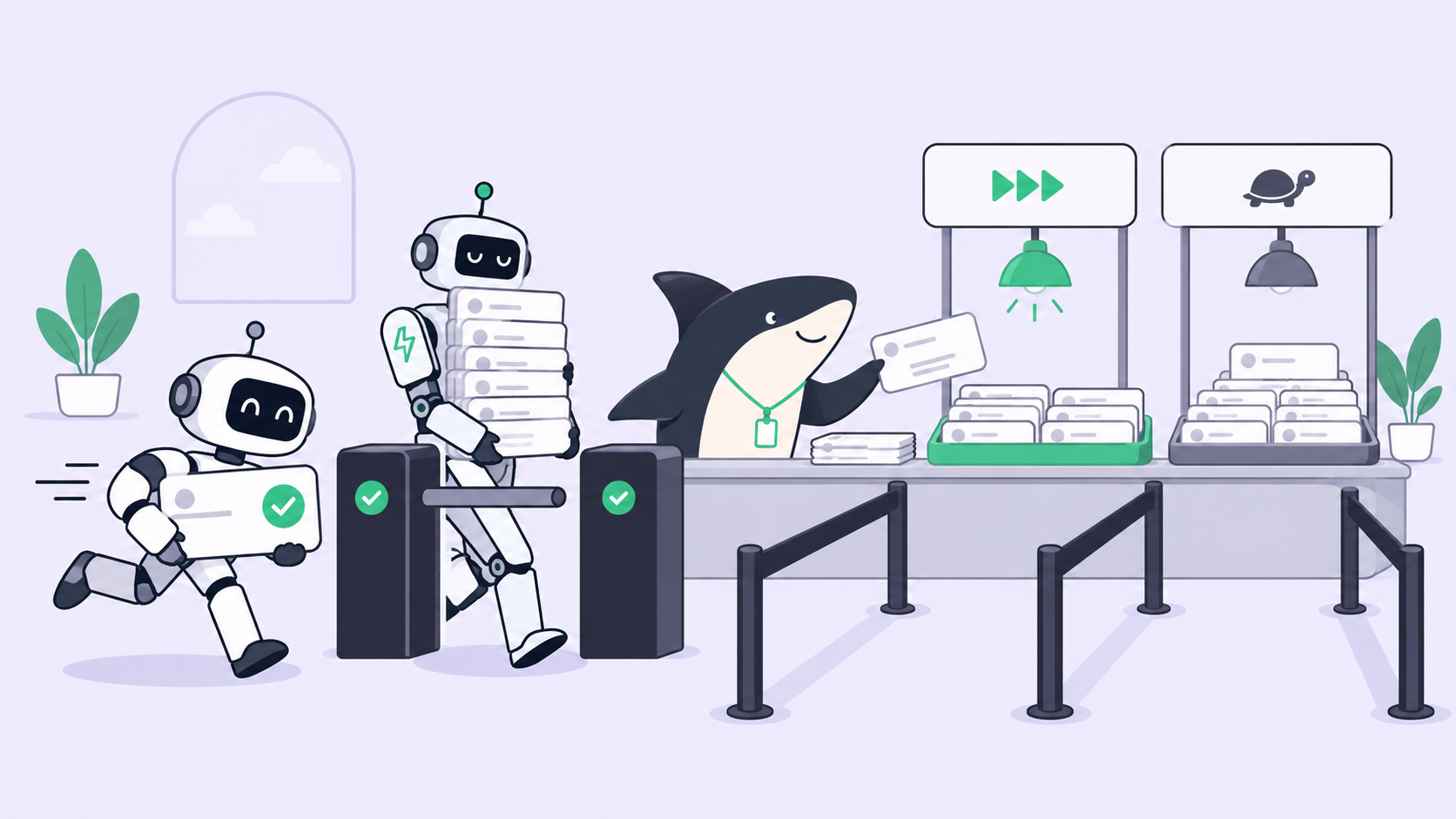
Operations work does not arrive like product work. A feature request sits in a backlog until someone decides to pick it up. A broken integration, a confused teammate’s message, a webhook that fired at 2am: that work shows up uninvited, and the first job isn’t doing it, it’s deciding what it is and who should touch it. That decision, repeated dozens of times a day across tickets, alerts, and one-off requests, is the real bottleneck on most operations and platform teams, more than the work itself.
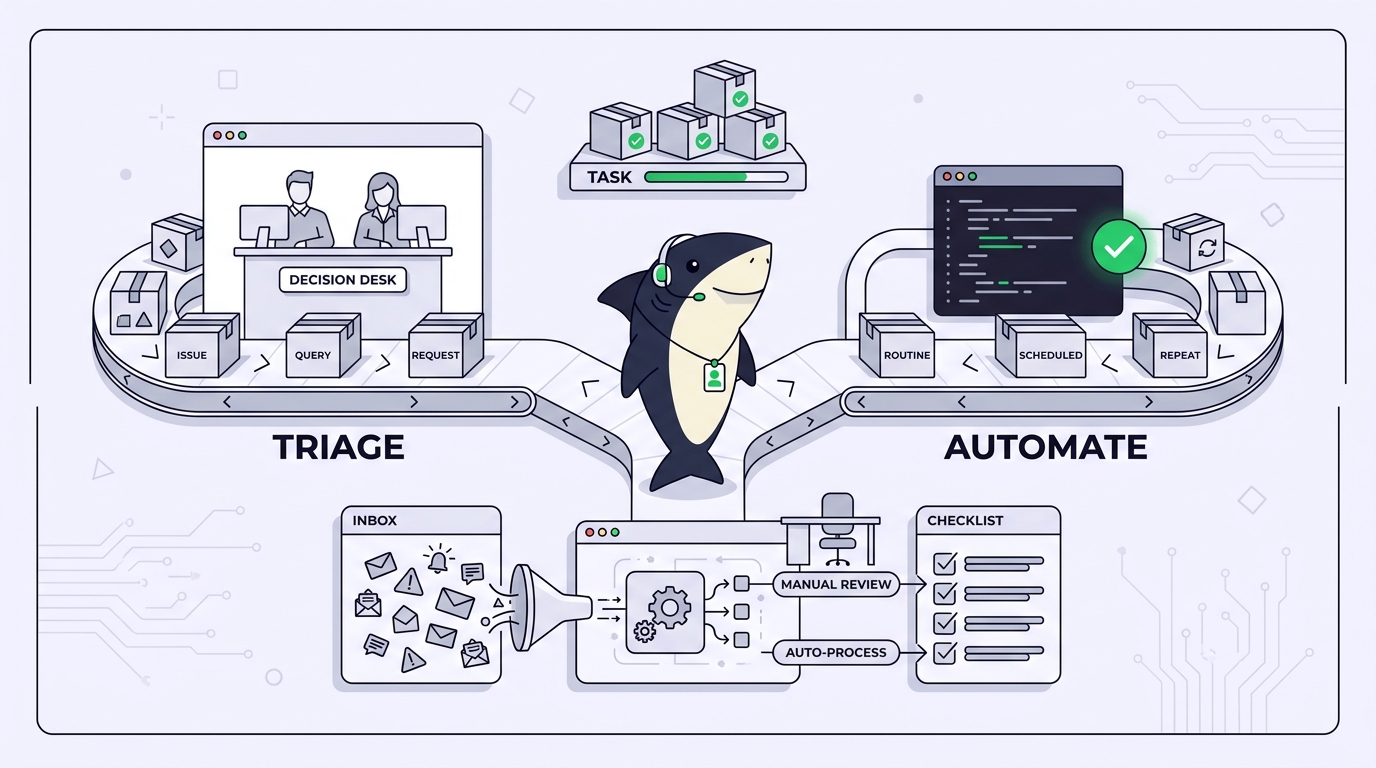
Coding agents change what happens after that decision gets made. They don’t make the decision for you, and pretending otherwise is how a team ends up with an Agent quietly touching something in production that nobody reviewed. Sharkly’s operations page frames the job in three verbs: triage, automate, close the loop. That framing holds up because it separates the part that should stay human from the part that shouldn’t still be manual.
The problem is deciding what deserves attention
Most operations work falls into two buckets that tend to get treated identically, and shouldn’t be. Some of it is genuinely novel: an unfamiliar error, a customer escalation, a request that doesn’t match any pattern the team has seen. That work needs a person to read it and decide what it actually is before anyone, human or Agent, acts on it. The rest is recurring: the same daily check, the same weekly report, the same category of routine bug, showing up again in a shape the team has already handled.
The mistake is running both kinds through the same queue with the same amount of human attention. Novel work gets rushed because it’s buried under recurring work that never needed a person to look at it in the first place. Sharkly’s framing splits these cleanly: Triage for the first kind, Automations for the second.
Triage: incoming work waits until a person decides
Triage, on Sharkly’s own definition, is a dedicated intake queue for items that need someone to decide what happens next: accept, decline, mark duplicate, or snooze. It is deliberately not a saved View and not a form builder. That boundary is worth stating plainly, because it’s easy to assume Triage is just another filtered list, and it isn’t. A View shows tasks that already exist in some state. Triage holds items that haven’t been typed or routed yet.
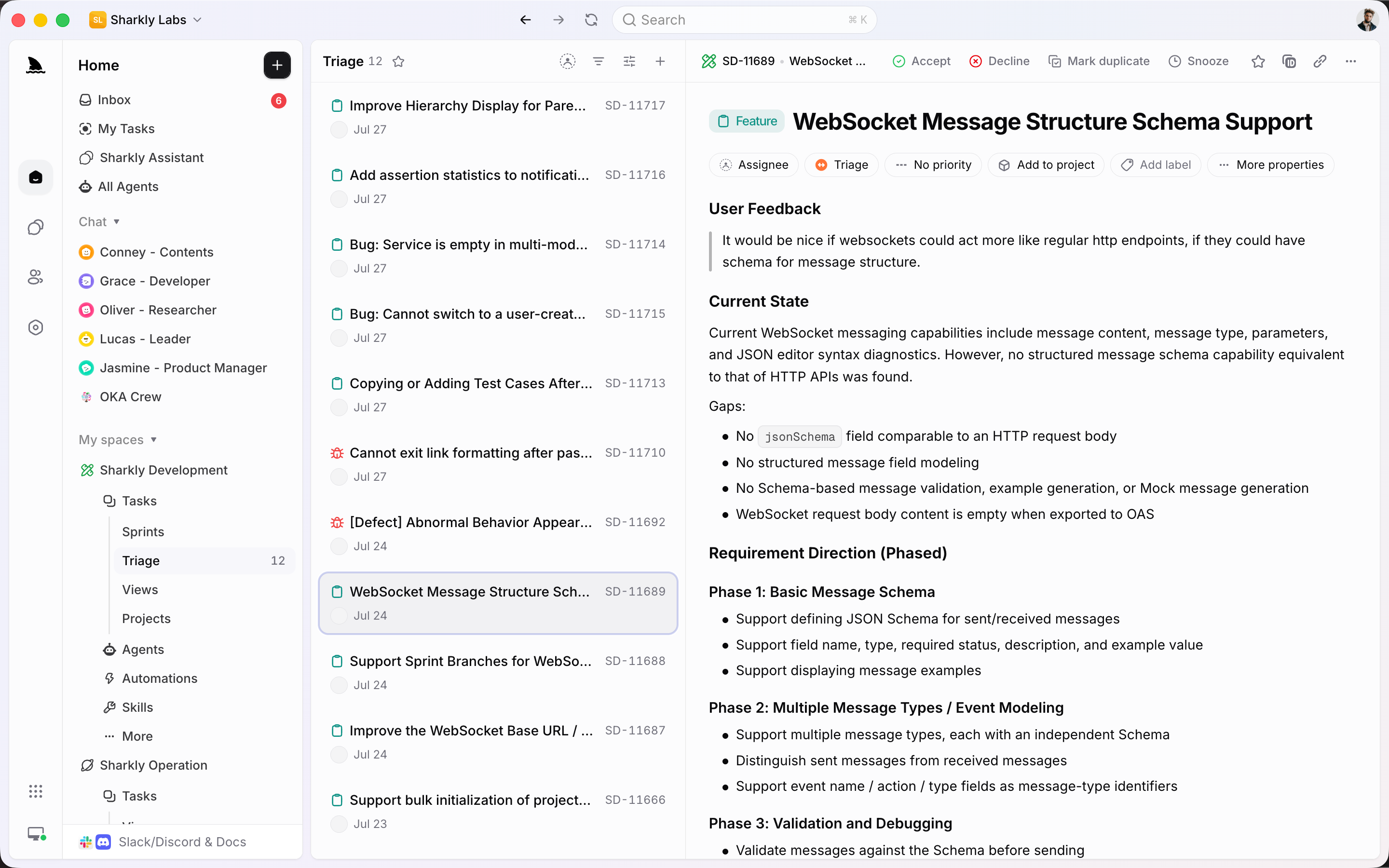
It’s also worth separating Triage from Inbox, a name teams often use interchangeably. Inbox is a personal queue of Task activity, grouped into Primary, Other, Later, and Cleared, and snoozing or clearing an item there never changes the underlying Task. Triage is organizational, not personal: it’s where incoming work waits until someone with the authority to route it actually looks at it and decides what it is.
This is where an Agent earns its place without taking over the decision. An Agent assigned to research a triaged item can pull context, related history, and prior similar Tasks, then hand back a summary that makes the human decision faster. What it shouldn’t do is accept or decline the work on its own. The decision pair here is direct: use Triage when incoming work is still unpredictable enough that a person needs to look at it first. Move to an Automation once that shape has repeated enough times that the decision is effectively already made.
Automate: recurring work shouldn’t wait for someone to poke it
An Automation in Sharkly is one rule: instructions, an Agent or Crew, a set of triggers, and a run history, either Active or Paused. Triggers include a schedule (cron plus timezone, from hourly to weekly), a Task status change, a comment containing a specific phrase, an inbound webhook, or a manual start, and each trigger enables independently on the same Automation. An Automation can create a Task and assign an Agent to run on it; where it doesn’t create a new Task, the run history lives on the Automation itself.
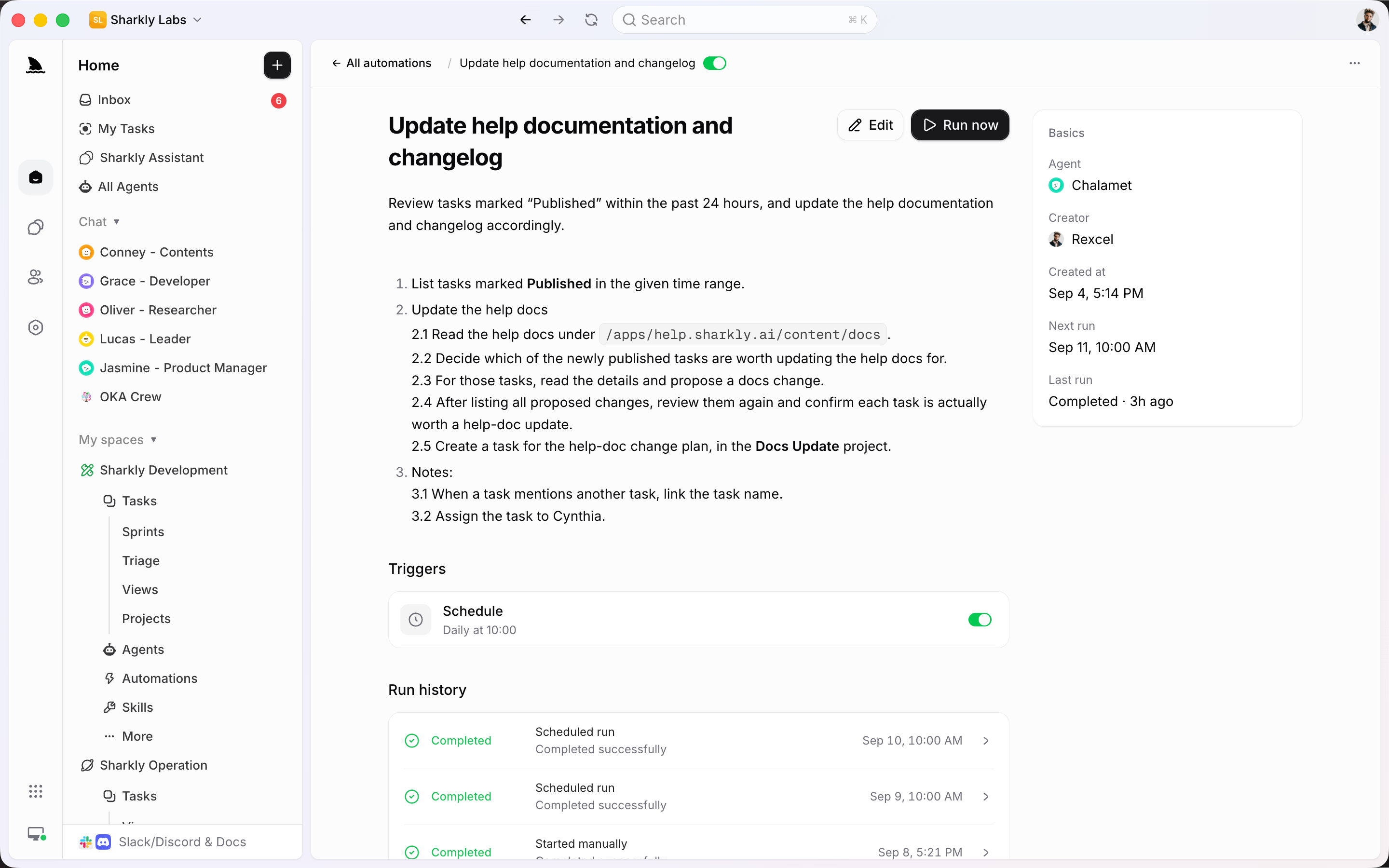
The webhook trigger matters more to operations teams than to most other audiences on the site, because it’s the honest shape of what Sharkly can do with intake today: a signed inbound POST that starts an Automation. It is not a public intake form and not an email inbox. The product documentation says so directly, so don’t describe either as available. If a team’s actual intake is a form or a shared inbox, that gap stays open until it ships. A webhook from whatever system already collects that intake is the supported path in the meantime.
One more honest limit worth naming: the comment-phrase and status triggers match organization-wide today, not scoped to one Space. A phrase that means one thing in an engineering Space can also fire an Automation meant for a different Space entirely, so word trigger phrases with that in mind rather than assuming Space boundaries will protect you.
The daily standup summary, the recurring bug-triage sweep, the weekly report nobody wants to compile by hand: these are the Automations worth building first, precisely because the decision about what to do with them was already made the first three times a person did it manually.
Close the loop: results return to the Task, not a chat thread
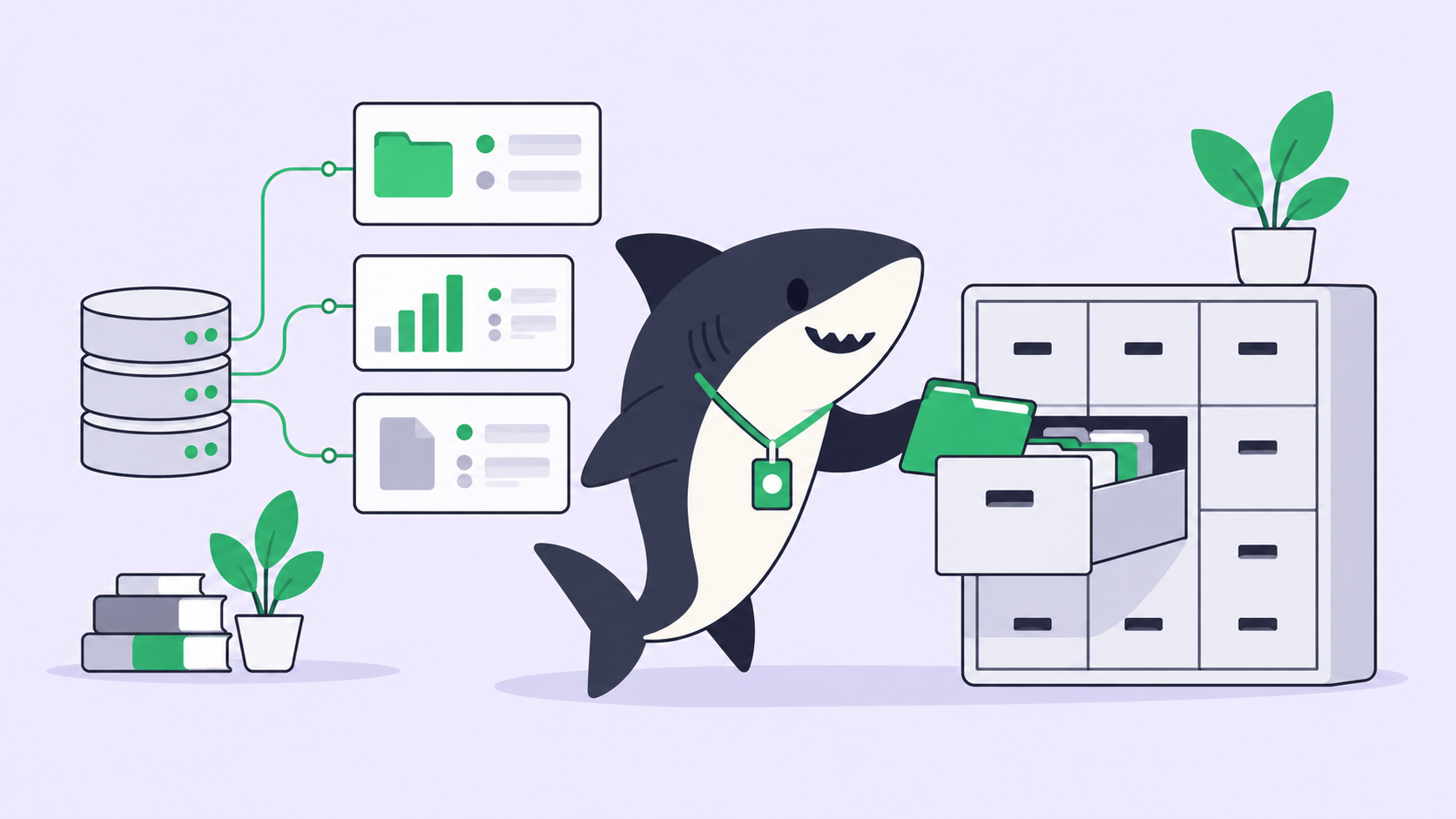
The verb that matters most in this framing is “close the loop,” and it’s worth being specific about what that means mechanically. An Agent’s run, whether it started from a Triage decision or an Automation trigger, produces a result: a change summary, a test outcome, a list of what it checked and what it found. That result returns to the Task, visible in the same place the request lived, instead of disappearing into a private chat session or a message only one person saw. A Crew running a multi-step check, or a single Agent running one scheduled job: either way, the evidence sits on a record the whole team can see, not scattered across whoever happened to be watching a terminal.
This is also where the honest limit belongs. Agents research, execute, test, and report. People set direction, grant authority, and accept the result. An Agent that can act on production without that gate is a liability, not a feature, and automation stops where team judgment is required. For operations work specifically, that means an Automation can run a check, gather evidence, and even open a Task, but the decision to act on a production system, merge a fix, or close out an incident stays with the person reviewing what came back. The approval gate belongs at that review step, not somewhere earlier where it would just slow down triage.
It’s also worth being direct about what this setup isn’t. It is not an incident-response platform, and nothing here should be read as a claim that Sharkly pages anyone, runs a status page, or manages an on-call rotation. The operations page concedes a version of this boundary itself: keep a specialist tool for a process Sharkly doesn’t own, such as a dedicated procurement or expense system. The same logic applies to incident management. What Sharkly does is keep the triage decision, the automated recurring work, and the reviewable result of both in one place, so a team isn’t reconstructing what happened from five different tools after the fact.
Where this actually helps
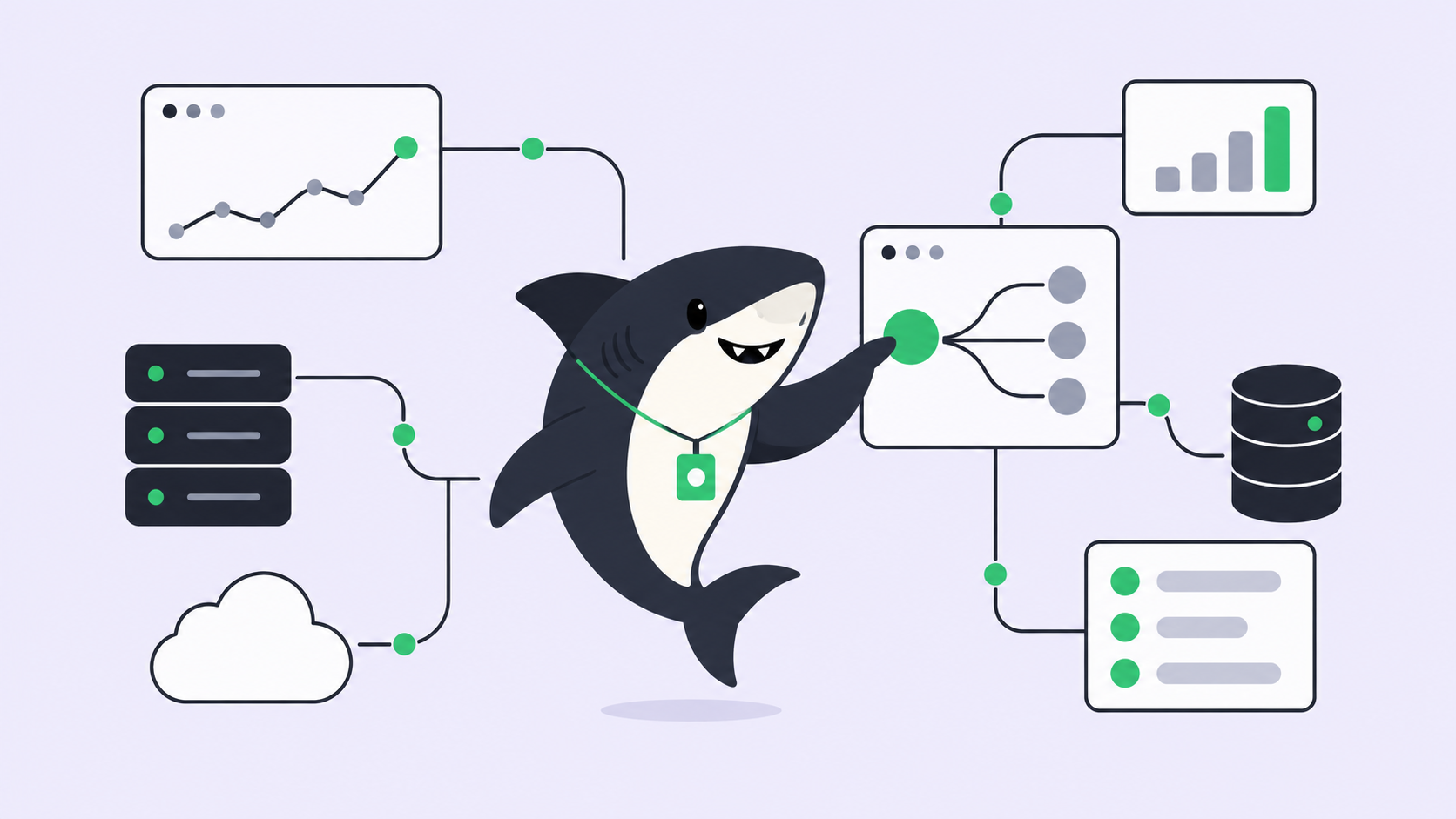
None of this requires an operations team to replace whatever it already uses for ticketing or paging. It requires putting the recurring third of the work on Automations instead of a person’s morning, and giving the unpredictable rest a Triage queue where an Agent can do the legwork before a human decides. Sharkly sits above the tools already doing the execution: it’s where the decision, the automated run, and the result end up next to each other, reviewable, instead of spread across a ticket, a Slack thread, and a terminal nobody else can see.
If a team is already fielding more recurring requests than people to triage them, that’s the specific problem this framing is built around. Start with one Automation on the most repetitive item in the queue and one Triage rule for everything else, then see how much of the day that actually frees up before deciding what else to move.