Yes, Slack is free: the Free plan costs $0, keeps 90 days of message history and allows up to ten apps. AI coding agents can use a free workspace through an MCP server, but the free part stops at the agent: Slack’s official MCP server connects only to Claude Code and Cursor, and both need a paid plan, while Anthropic’s Claude Tag needs a Claude Team or Enterprise plan plus usage credits. The one route that costs nothing on every line is OpenCode on a free model, a community Slack MCP server and Slack Free.
TL;DR
Slack Free gives an agent 90 days of searchable history and ten app slots, and every bot or MCP client you add takes one of those slots. Slack’s hosted MCP server at mcp.slack.com is the clean path for Claude Code and Cursor. Codex and other agents get Slack’s skills only, so they need a community server. Claude Tag is Anthropic’s Slack teammate, and it is a paid, usage-billed product. Sharkly’s Slack integration turns Slack messages into Tasks and gives an Agent its own Slack bot, on a board that is currently free for up to 5 people.
| Layer | What’s free | The cap | What you pay |
|---|---|---|---|
| Slack Free | Messaging, apps, the API | 90 days of history, 10 apps | $0; Pro is $7.25 per user a month billed yearly |
| Slack MCP server (official) | Connecting costs nothing | Claude Code and Cursor only; admin approval | The agent’s plan |
| Community MCP server | MIT-licensed, any MCP client | Uses one of your 10 app slots | $0 |
| Claude Code | Nothing on Claude Free | Pro from $17 a month billed yearly | |
| Codex | Quick tasks in the desktop app | CLI starts at Plus | Plus $20 a month |
| OpenCode | Free models, no sign-in | Free models rotate | $0 |
| Claude Tag | Nothing | Team or Enterprise only | Team seats plus usage credits |
| Sharkly | Full product | Up to 5 people | $0 today; Team $7 per person billed yearly |
Slack’s free plan: the limits that matter for agents
Slack’s help center lists the Free plan’s limits. Three of them shape what an agent can do.
History is 90 days. A free workspace shows “the most recent 90 days of message and file history”, and messages older than a year are deleted. An agent that searches Slack sees the same window you do, so “find where we decided on the retry policy” fails if the decision is four months old.
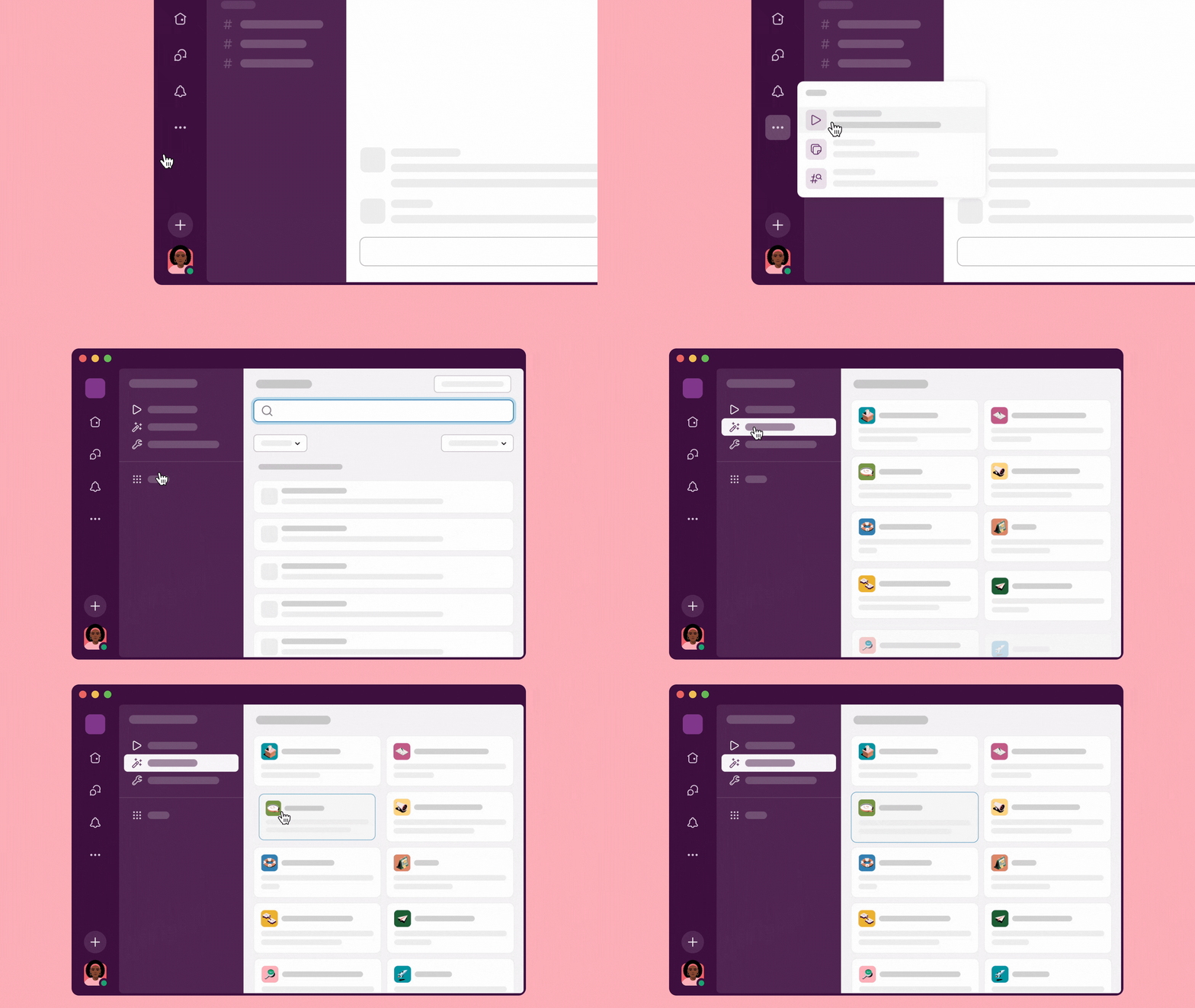
Ten apps, total. Free workspaces are “limited to 10 third-party or custom app installations.” Slack’s MCP server requires an app behind every client, a community server needs a Slack app for its token, and a Slack bot for an agent is another app. Count your slots before you add three of them.
Workflows and AI summaries are paid. On Free you can’t create workflows in Workflow Builder, and the pricing page lists only “Basic AI” for Free. That matters less than it sounds, because the agent brings its own model.
Rate limits are not plan-specific. Slack’s MCP server docs say each tool follows the Web API limit of the matching method: reading a channel or thread is Tier 3 (50+ requests a minute), searching users and channels is Tier 2 (20+).
Connect Slack to Claude Code, Codex or OpenCode
Slack’s hosted server lives at https://mcp.slack.com/mcp over Streamable HTTP, with user-token OAuth. It covers search, reading channels and threads, sending and scheduling messages, canvases, files and lists. Two rules come from Slack’s docs: a workspace admin approves MCP clients, and “only directory-published apps or internal apps may use MCP.”
1. Claude Code (official server). Install the Slack MCP and Skills plugin from a Claude Code session:
/plugin install slack@claude-plugins-official
The plugin configures the MCP server and prompts you to sign in to your workspace with OAuth. Your Slack admin has to approve the integration first.
2. Codex (community server). Slack’s plugin page says “the Slack MCP Server is not available on Codex yet”, so Codex gets Slack’s skills, not its server. For tool access, use a community server such as korotovsky/slack-mcp-server with a user OAuth token (xoxp-) from a Slack app you create:
codex mcp add slack --env SLACK_MCP_XOXP_TOKEN=xoxp-your-token \
  -- npx -y slack-mcp-server@latest --transport stdio
Posting is off by default in that server; set SLACK_MCP_ADD_MESSAGE_TOOL to a list of channel IDs to allow it in those channels only. The README also describes a mode that runs on browser session tokens. Stick to the OAuth token: it is the mode your Slack admin can see and revoke.
3. OpenCode (community server). Add the same server to opencode.json in the repo or in ~/.config/opencode/, using OpenCode’s local MCP format:
{
  "$schema": "https://opencode.ai/config.json",
  "mcp": {
    "slack": {
      "type": "local",
      "command": ["npx", "-y", "slack-mcp-server@latest", "--transport", "stdio"],
      "enabled": true,
      "environment": {
        "SLACK_MCP_XOXP_TOKEN": "{env:SLACK_MCP_XOXP_TOKEN}"
      }
    }
  }
}
4. Check it. Ask for something read-only first: “List the five most recent messages in #eng-alerts.” Then try a write in a test channel. If search returns nothing, check the date: on Free, anything older than 90 days isn’t there to find.
The $0 route
OpenCode on a free model plus the community server plus Slack Free costs nothing. OpenCode runs free models with no sign-in and no API key. In a clean install on October 16, 2026 (OpenCode 1.19.2), a write-and-run task finished in 32 seconds on opencode/deepseek-v4.1-flash-free. The free tier answers only the OpenCode program; direct API calls get HTTP 403 FreeTierError.
OpenCode Zen lists which models are free today, nearly all “for a limited time”. Some come from zero-retention providers that don’t train on your data; others say collected data “may be used to improve the model”. Slack threads hold customer names and internal decisions, so pick a zero-retention model for this route.
The honest limits: the 90-day window and the ten app slots stay exactly as they are, and a community server is maintained by its authors, not by Slack. Use the route for bounded jobs: summarize yesterday’s alerts channel, draft a release note from a thread, post a status update to one channel.
Claude Tag: Anthropic’s Slack teammate, and what it costs
Claude Tag puts Claude in your Slack channels: anyone in a channel can tag @Claude, hand it work, and get the result back in the thread. It replaced Claude in Slack on August 3, 2026, per Anthropic’s support article. Work runs in an ephemeral sandbox on Anthropic’s side, not on your computer.
It isn’t free. The Claude Tag docs say it “is available on Team and Enterprise plans” and “isn’t available on individual plans (Free, Pro, or Max).” Claude’s Team plan is $20 per standard seat a month billed yearly. Channel work then bills by usage against an organization balance that an Owner funds, and on Team “nothing runs until credits are loaded.” Anthropic publishes no per-task cost; its spend limit page suggests a pilot with a cap. Setup also needs a Slack workspace admin to pair the workspace.
Use Claude Tag when the team wants one shared Claude in its channels and is already on a Claude Team or Enterprise plan. Use an MCP server when one developer’s own agent should read and post to Slack.
From chat to assignment
Sharkly has a real Slack integration, and it comes in two independent parts, per Sharkly’s Slack docs.
The workspace connection installs Sharkly’s shared Slack app. People create Tasks from a slash command or a message shortcut, Task IDs get linkbacks, and status, assignee and due dates changed from a Slack card return to the Task. Members can also get Inbox events as Slack DMs.
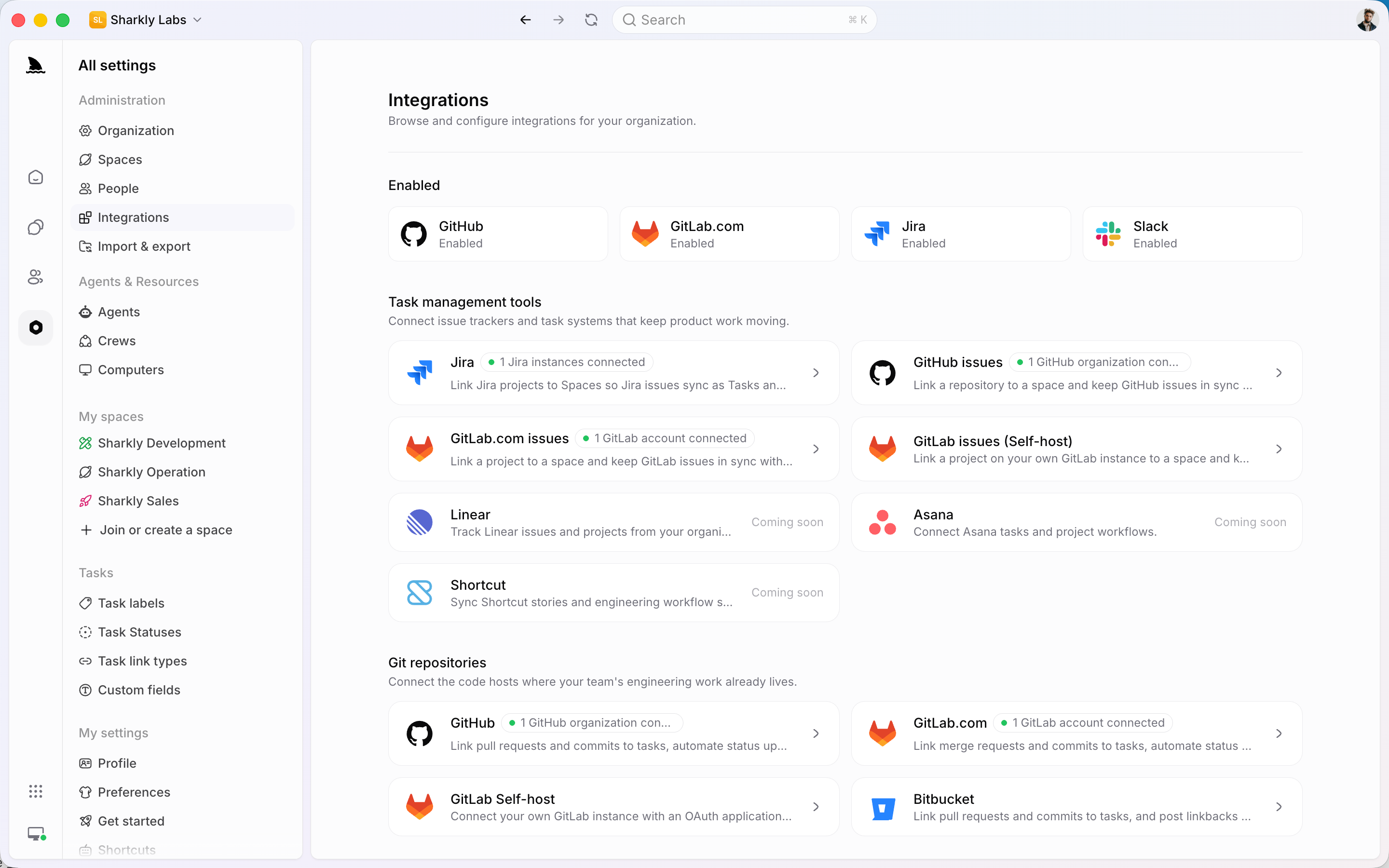
An Agent bot binding creates a Slack app for one Sharkly Agent. Mention the bot in a channel or DM it, and the message becomes a conversation with that Agent, which runs its coding agent on one of your own Computers. Those conversations don’t create Tasks by themselves. When a thread turns into work with an owner and a deadline, create the Task, assign the Agent, and its progress, blockers and result return to that Task instead of scrolling away in a channel. A Slack bot for coding agents walks through the setup.
On Slack Free, each piece is an app: the workspace connection is one slot, and every Agent bot is another. If an Agent also needs to read Slack itself, the MCP server travels with the repo: a project-scoped .mcp.json for Claude Code or opencode.json for OpenCode should load in the Agent’s run, because the run is the same CLI working in a worktree of that repo. That’s our inference; Sharkly’s docs don’t mention MCP. Smoke-test one small, read-only Task first.
The board side costs nothing for now: Sharkly is currently free for organizations of up to 5 people, and Agents and Computers take no seats. Models stay on your own subscriptions or keys (BYOK explained), and free and cheap tiers for agent Crews compares the model side.
Gotchas
- The ten-app cap fills fast. An MCP client app, a Sharkly workspace connection and two Agent bots already take four of the ten slots.
- OAuth doesn’t run headless. Claude Code’s MCP docs say
/mcpsign-in can’t run inclaude -pruns. Sign in once interactively on the Computer that will run the agent. - Search is scoped to the token. A user token sees what that user sees; a bot token (
xoxb-) can’t use Slack’s message search at all in the community server. - Admin approval is a real step. On a workspace you don’t own, the official server waits until an admin approves it.
FAQ
Is Slack free? Yes. The Free plan is $0 with no time limit, with 90 days of message history and up to ten apps. Pro starts at $7.25 per user a month billed yearly.
What are the Slack free plan limits for bots and apps? Ten third-party or custom app installations, 90 days of visible history, no new workflows, and one-to-one huddles only.
Does Slack’s MCP server work on the free plan? Slack’s MCP docs list no plan requirement; they require admin approval and an internal or directory-published app, which takes one of the ten app slots on Free.
Is Claude Tag free? No. It needs a Claude Team or Enterprise plan, and channel work bills by usage from credits your organization buys.