Yes, Trello is free: the Free plan costs $0 for up to 10 collaborators per Workspace. And yes, AI agents can use it on that plan. Trello’s official MCP server works with all Trello plans, so Claude Code, Codex or OpenCode can read, create and move cards on a free Workspace with nothing more than an OAuth sign-in.
The paid part, if there is one, is the agent. This guide covers what the Free plan allows, how to connect the server to three coding agents, a route that costs $0 end to end, and how to turn Trello chats into assigned agent work.
TL;DR
Add https://mcp.trello.com/v1 to your agent as a remote MCP server and sign in with your Trello account. It’s Trello’s own server, separate from Atlassian’s Rovo MCP server, which doesn’t reach Trello today. One connection covers one Workspace, and comments, attachments and custom fields aren’t in it yet. If you need those, the open-source @delorenj/mcp-server-trello covers them with an API key and token. Pair either with OpenCode on a free model and the whole stack costs nothing.
| Layer | What’s free | The cap | What you’d pay |
|---|---|---|---|
| Trello Free plan | Unlimited cards, unlimited Power-Ups per board | 10 collaborators and 10 boards per Workspace; 10MB per file; 250 Workspace command runs a month | Standard $5 per user per month billed yearly (pricing) |
| Trello MCP server (official) | Works on every plan, OAuth | One Workspace per connection; no comments, attachments or custom fields yet | Nothing |
| Open-source Trello MCP | Free, MIT-licensed community project | Trello API limits: 300 requests per 10 s per key, 100 per token | Nothing |
| Coding agent | OpenCode with a free model | Free models are “for a limited time” | Claude Code needs a paid Claude plan or API credits; Codex needs a ChatGPT plan or API key |
| Sharkly board | Currently free for organizations up to 5 people | Agents and Computers take no seats | Team $7 per person per month billed yearly |
Trello’s free plan: the limits that matter for agents
The Trello pricing page lists the Free plan as “Free for up to 10 collaborators per Workspace.” Four limits shape what an agent can do on it:
- 10 boards per Workspace. An agent that creates a board per feature or per sprint will hit this quickly. Ask it to add lists or cards to existing boards instead.
- 10 collaborators per Workspace. The agent signs in as you, so it doesn’t take a collaborator slot. Your teammates do.
- 10MB per file. Storage is unlimited, but each attachment is capped. The official MCP server can’t attach files yet anyway.
- 250 Workspace command runs a month. That quota is for Trello’s built-in automation. The pricing page doesn’t say MCP actions count against it, and the MCP server doesn’t create automation rules.
Trello’s own AI features sit on paid plans: Premium ($10 per user per month billed yearly) is pitched as the plan that adds AI to your boards. You don’t need it. Your coding agent brings its own model.
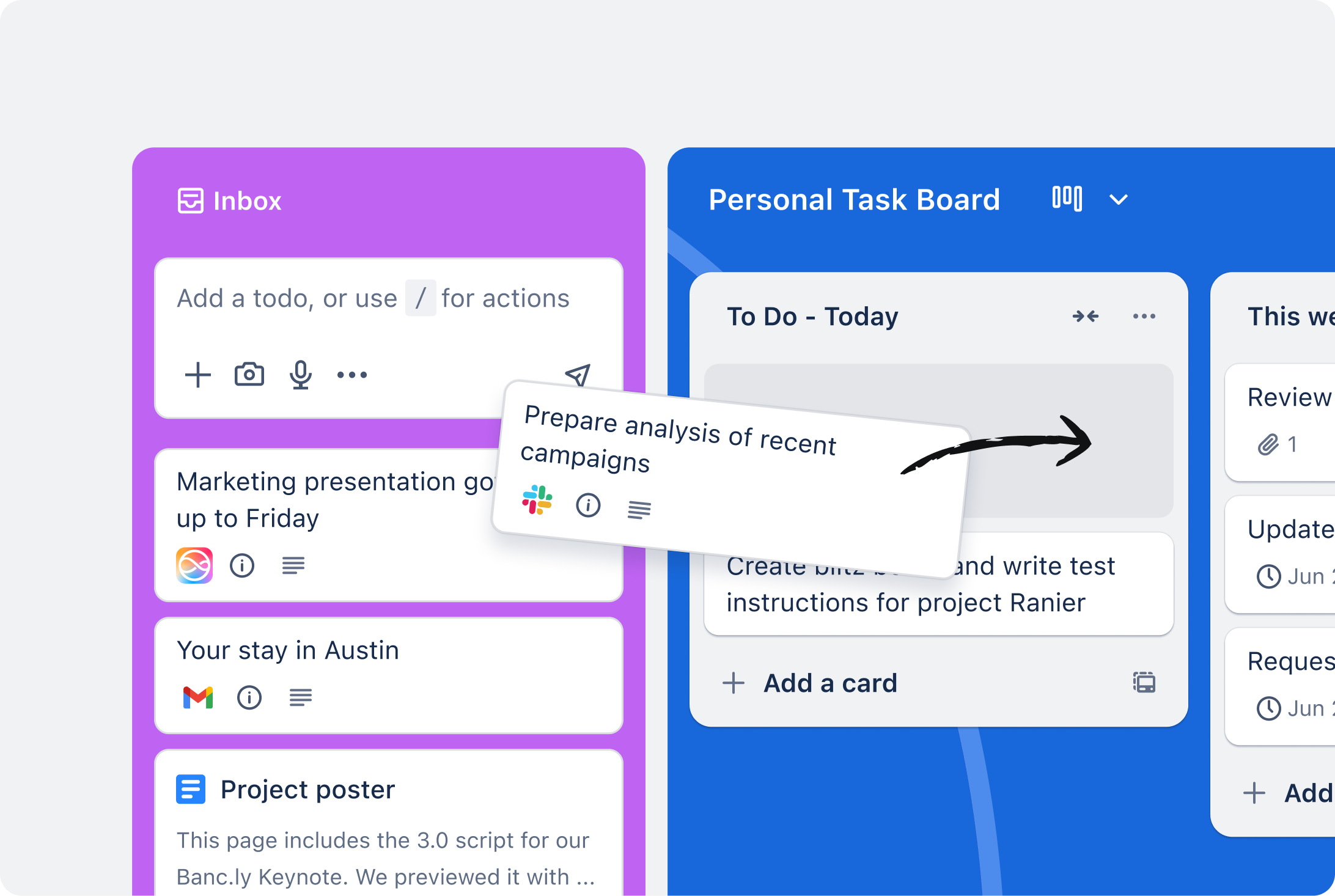
One more plan rule from the server’s README: creating focus time in Trello’s Planner “requires Trello Premium or enterprise.” Reading calendar events works more broadly.
Which Trello MCP server to use
There are two serious options.
The official Trello MCP server is a cloud-hosted server at https://mcp.trello.com/v1, published by Atlassian in the trello-mcp-server repo. It authenticates with OAuth 2.0, and on the consent screen you pick the Workspace and grant Read, Write and Search permissions. Today it can view and create boards, view and move lists, create, update, move, archive and complete cards, manage checklists, search, and work with Inbox and Planner. It can’t permanently delete anything; archiving is the furthest it goes. The repo lists comments, attachments, custom fields, activity history and multi-Workspace connections as coming later.
Is it part of Atlassian’s Rovo MCP server? No. The README’s comparison table describes Trello MCP as “Trello data only” and Rovo MCP as covering Jira, Confluence, Compass, Bitbucket and other Atlassian products, adding that Trello data “may also be available” through Rovo in a future release. If you already use the Rovo server for Jira, you still add Trello separately.
The open-source option is delorenj/mcp-server-trello, a widely used community server (MIT-licensed, 446 GitHub stars on October 21, 2026). It runs locally, talks to Trello’s REST API with your API key and token, and covers comments, attachments, custom fields and Workspaces across 57 tools.
Use the official server when the agent’s job is moving and creating cards in one Workspace. Use the open-source one when the agent needs to read or write comments, or work across several Workspaces.
Connect Trello to Claude Code, Codex or OpenCode
1. Add the official server to Claude Code. Claude Code’s MCP docs use --transport http for remote servers:
claude mcp add --transport http trello https://mcp.trello.com/v1
Start claude, run /mcp, and complete the Trello sign-in in the browser. Add --scope project to write the entry to a .mcp.json you can commit, so everyone on the repo gets the same server.
2. Or add it to Codex. Codex CLI’s codex mcp add takes --url for a streamable HTTP server, and codex mcp login runs the OAuth flow:
codex mcp add trello --url https://mcp.trello.com/v1
codex mcp login trello
3. Or add it to OpenCode. Put the server under mcp in opencode.json, per OpenCode’s MCP docs:
{
  "$schema": "https://opencode.ai/config.json",
  "mcp": {
    "trello": {
      "type": "remote",
      "url": "https://mcp.trello.com/v1"
    }
  }
}
OpenCode starts the OAuth flow the first time it needs the server. To trigger it yourself, run opencode mcp auth trello.
4. Pick the Workspace and permissions. On Trello’s consent screen, choose the Workspace and grant Read and Write. If you skip a permission, the README says to disconnect and reconnect to add it later.
5. Optional: install the agent skill. The repo ships a trello-use skill that teaches agents the ID format and date handling the tools expect:
npx skills install atlassian/trello-mcp-server
6. For the open-source server instead, create an API key: per Trello’s API introduction, you first create a Power-Up at trello.com/apps/admin, then generate the key on its Trello Auth tab and a token from the same page. Then:
claude mcp add trello \
  --env TRELLO_API_KEY=your-trello-api-key \
  --env TRELLO_TOKEN=your-trello-token \
  -- bunx @delorenj/mcp-server-trello
Treat the token like a password. Keep it out of any committed config.
The $0 route
Trello Free, the official MCP server and OpenCode on a free model cost nothing together.
OpenCode runs free models with no sign-in and no API key. In a clean install on October 16, 2026 (OpenCode 1.19.2), a write-and-run task finished in 32 seconds on opencode/deepseek-v4.1-flash-free. The OpenCode Zen docs still list DeepSeek V4.1 Flash Free today, along with other free models, each “for a limited time.” The free tier only answers OpenCode: calling the endpoint from a script returns HTTP 403 FreeTierError.
The honest limits of this route:
- Free models change. Check the Zen page the day you set this up, and read its privacy notes for the model you pick.
- Small models misread IDs. Trello tools expect specific ID formats. The
trello-useskill exists because agents get this wrong, so install it. - The board cap is the real ceiling. Ten boards per Workspace runs out before anything else on this stack.
What it costs to run an agent Crew on free and cheap tiers compares the model side, and the DeepSeek V4.1 Flash setup covers OpenCode’s free model.
From chat to assignment
Sharkly has no Trello integration; its shipped integrations are Jira, GitHub, GitLab, Slack and Discord. What it adds is the board above the agent: Claude Code, Codex or OpenCode as teammates you assign Tasks to, running on your own Computer, each Task in an isolated git worktree.
A Sharkly Agent runs the agent CLI itself on your Computer inside the repo’s worktree, so an MCP server that CLI loads should be available to the run. For Claude Code, that’s a project-scoped .mcp.json committed to the repo or the user-scoped config on that Computer. That’s an inference from how Agents run, not something Sharkly documents, and the Trello sign-in has to happen on that Computer first. Smoke-test one small Task, like “move card X to Done and add a checklist item,” before you queue more.
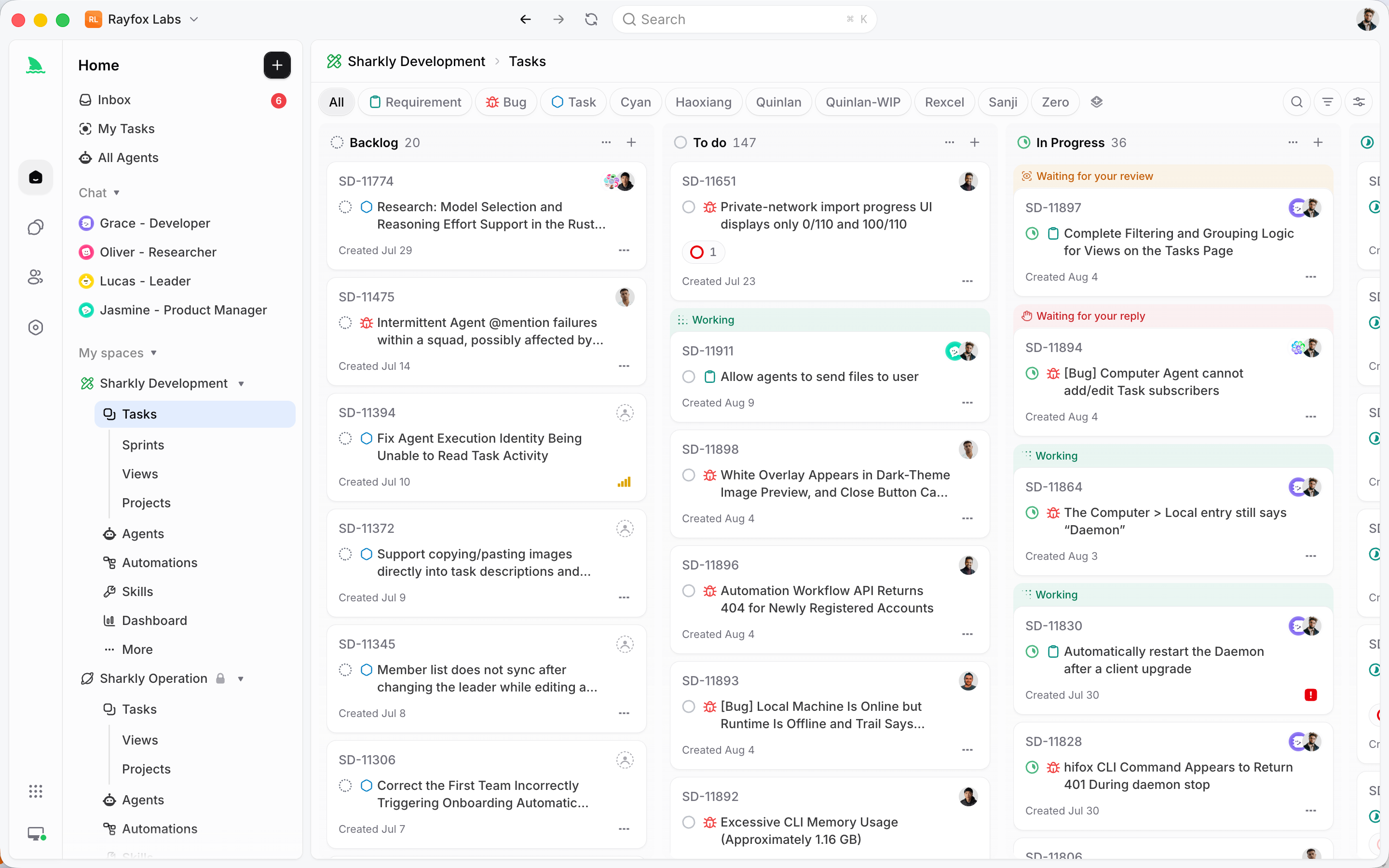
That split works well in practice: Trello stays where the wider team tracks work, and the agent updates cards as it finishes coding Tasks. Claude Code project management covers the review loop, and how Sharkly runs agents in parallel explains the worktree model. If your Trello boards are really an engineering tracker, Jira alternatives for human and agent teams compares the options.
Sharkly is currently free for organizations up to 5 people, and model usage stays on your own subscription or key. See Sharkly pricing.
Gotchas
- One Workspace per connection. The official server connects to the Workspace you pick at consent. For a second one, use the open-source server or wait for multi-Workspace support.
- No API tokens for the official server. Trello MCP uses OAuth consent only. The sign-in opens a browser, so do it once on the Computer that will run the agent.
- Rate limits on the open-source route. Trello allows 300 requests per 10 seconds per API key and 100 per token, and returns 429 past that (rate limits).
- Enterprise admins can block it. “Access to this domain is restricted” means your organization blocked the MCP domain in Atlassian Administration.
FAQ
Is Trello free? Yes. The Free plan is $0 for up to 10 collaborators per Workspace, with up to 10 boards per Workspace and unlimited cards.
What does the Trello free plan include for AI? Trello’s built-in AI sits on paid plans. The official MCP server works on Free, so an outside agent can work on your boards at no cost.
Is the Trello MCP server free? Yes. Trello says it “works with all Trello plans.” The open-source alternative is free too.
Does Atlassian’s Rovo MCP server work with Trello? Not today. Trello has its own server at mcp.trello.com/v1, and Atlassian says Rovo may add Trello data in a future release.