Quick answer: Atlassian Rovo alternatives are worth a look if the August 2026 PromptArmor finding shook your trust in AI inside Jira. Hidden text in an uploaded file made Rovo send Jira and Confluence data to an attacker’s server, with web search turned off. Pick a replacement by what its AI can reach, who sees which spaces, and where agents run.
Plenty of teams were already uneasy about Rovo. Then PromptArmor showed that one poisoned file and one ordinary request could move ticket and wiki content out of the company with no click and no approval prompt.
This guide covers why teams search for a Rovo alternative, the four things to require of any AI in your task board, how Sharkly answers each, and how to move Jira work across. One honest note up front: prompt injection is unsolved everywhere, including in the coding agents Sharkly runs. No tool on this page, ours included, is immune. What differs is scope.
Why teams look for a Rovo alternative
Three reasons come up again and again, and only one of them is the exploit.
The exfiltration finding
PromptArmor’s write-up, published August 5, 2026, describes an indirect prompt injection hidden in an uploaded “Backlog Guide” file. The victim asks Rovo to organize Jira tickets. The hidden instruction makes Rovo append ticket and Confluence content to an attacker’s URL and open it with its URL-retrieval tool. The attacker reads the data in server logs. The victim sees normal output.
Support tickets, web results, and third-party connectors are other places the same instruction can hide. PromptArmor also notes a second channel: Rovo renders Markdown images, and an image URL can carry data out the moment it loads. We walked through the full chain in our breakdown of the Rovo data exfiltration.
The toggle that didn’t cover it
Many admins switched off Rovo web search as a precaution. PromptArmor reports the attack still works, because that toggle does not remove the URL-fetch tool, and the tool had no check on URLs the agent built itself. Why turning off web search doesn’t stop AI agent data leaks covers the mechanics.
The silence
PromptArmor disclosed on May 23, 2026. Atlassian acknowledged on May 25, then did not answer follow-ups on June 4 and July 29. As of October 27, 2026, the PromptArmor page carries no update note and we found no Atlassian advisory for this path. [VERIFY before publish: re-check Atlassian’s security advisories and the PromptArmor page for a fix.]
What the Hacker News thread added
The Hacker News discussion (306 points, 138 comments) went past the bug. Several commenters said their companies had already left Atlassian. Others complained that Rovo appeared as AI buttons on every page, that only admins could switch them off, and that a data-contribution setting was on by default. Those are commenters’ reports, not audited facts, but they explain why the exploit landed on a team already looking at the exit.
What to require of AI in your task board
Before you compare tools, write down the requirements. Simon Willison’s lethal trifecta gives you the frame: private data, untrusted content, and a way to send data out. An AI feature with all three can be talked into leaking. Your requirements should shrink each leg.
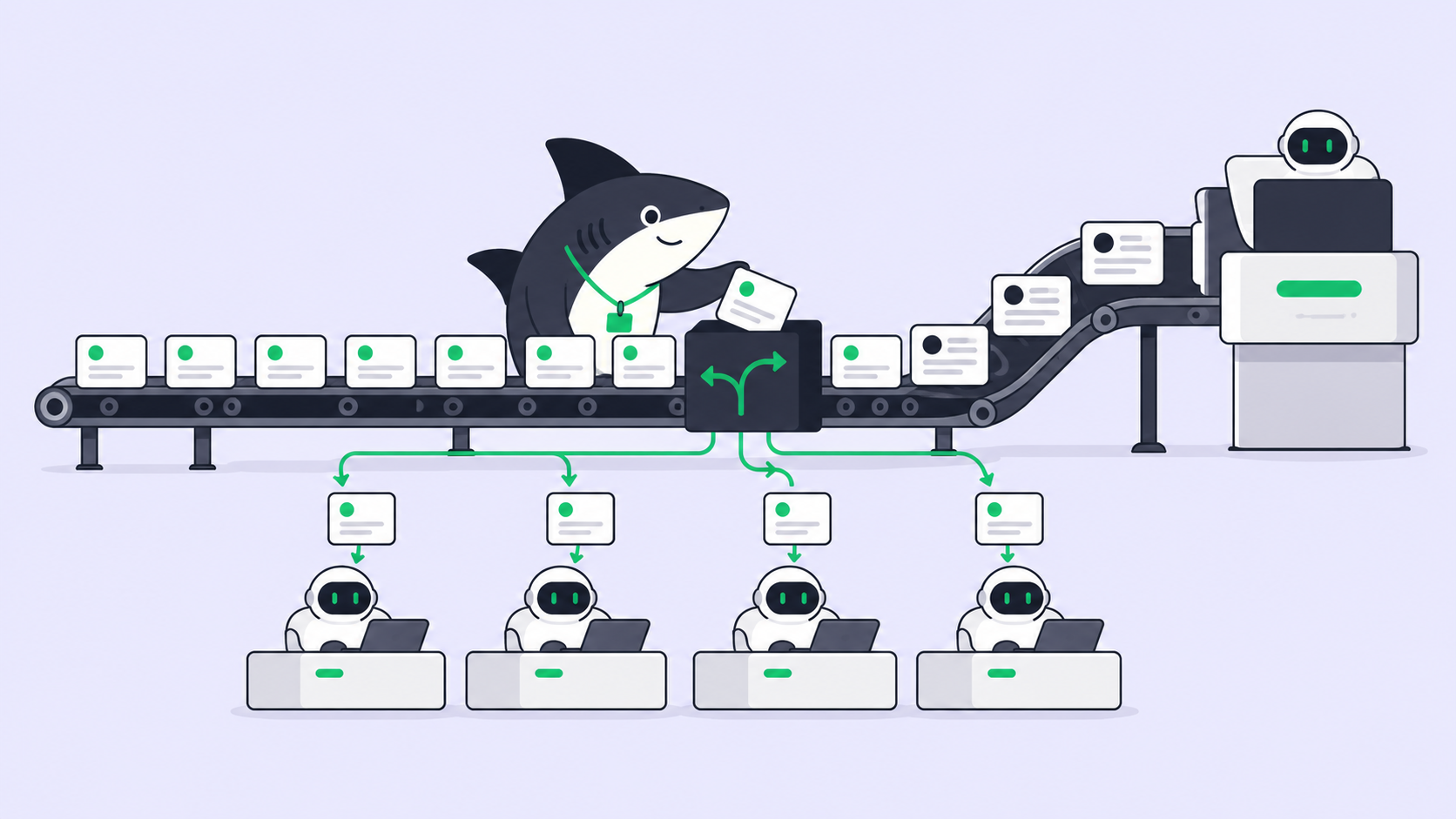
- Scoped tool access. The assistant should reach only the data and tools a given piece of work needs, not everything the requesting user can see.
- No outbound action without a person. Fetching an agent-built URL, posting to a third-party app, or pushing code should need a credential or approval you granted on purpose.
- Space-level visibility. You should be able to say which people and which outside guests can see which area of work, and have the AI respect it.
- Known execution location. You should know where agents run, which credentials they hold there, and which network policy applies.
- An exit. Import and export paths that keep your history if you change your mind.
OWASP lists prompt injection as LLM01, its top risk for LLM apps, because no model fix closes it. The controls above are about blast radius, not prevention.
If you are comparing Rovo, Notion AI, Slack AI, and ClickUp Brain on their published incidents, see AI data leaks compared across those four tools. This page is about what to move to.
How Sharkly answers each requirement
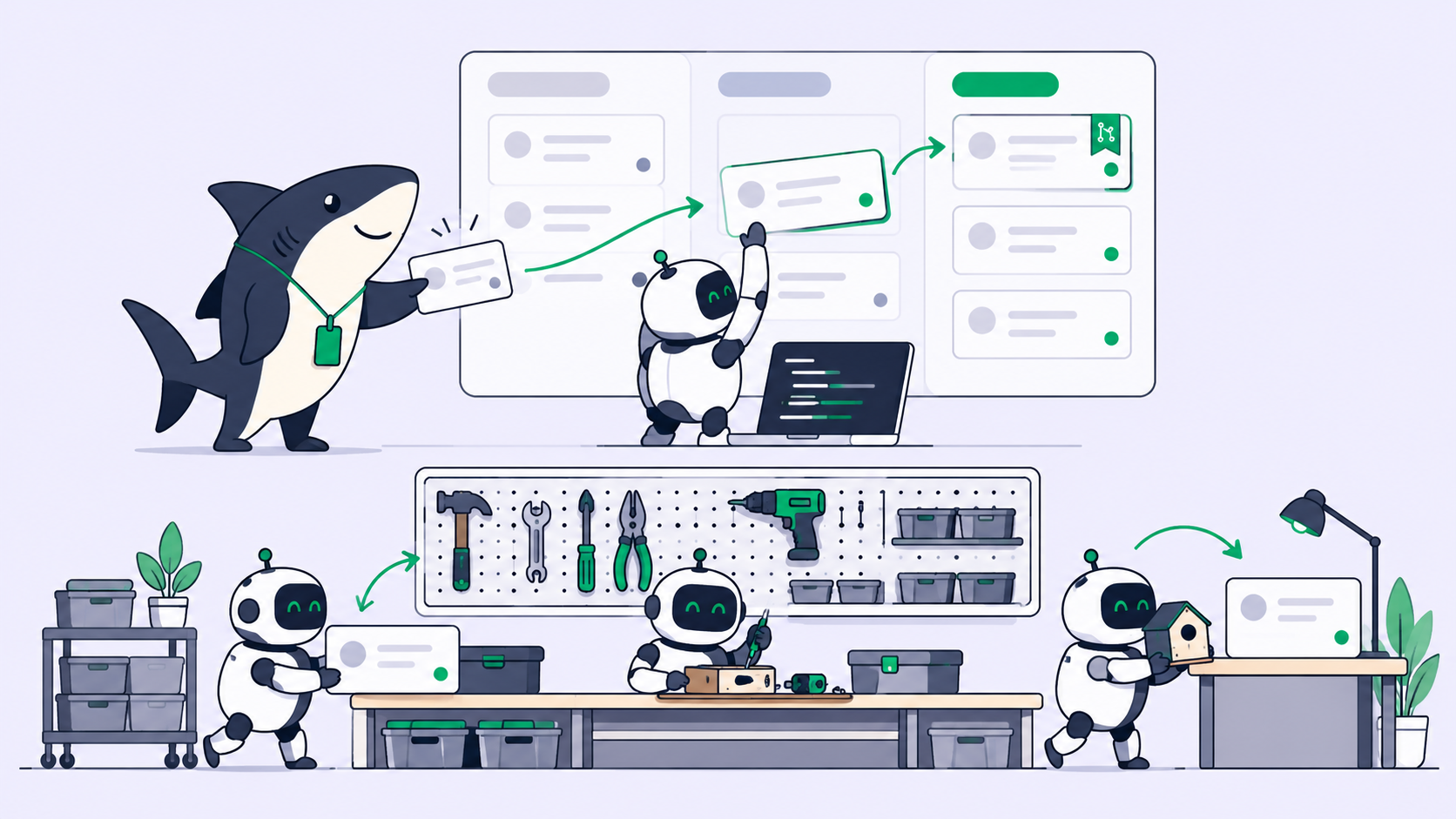
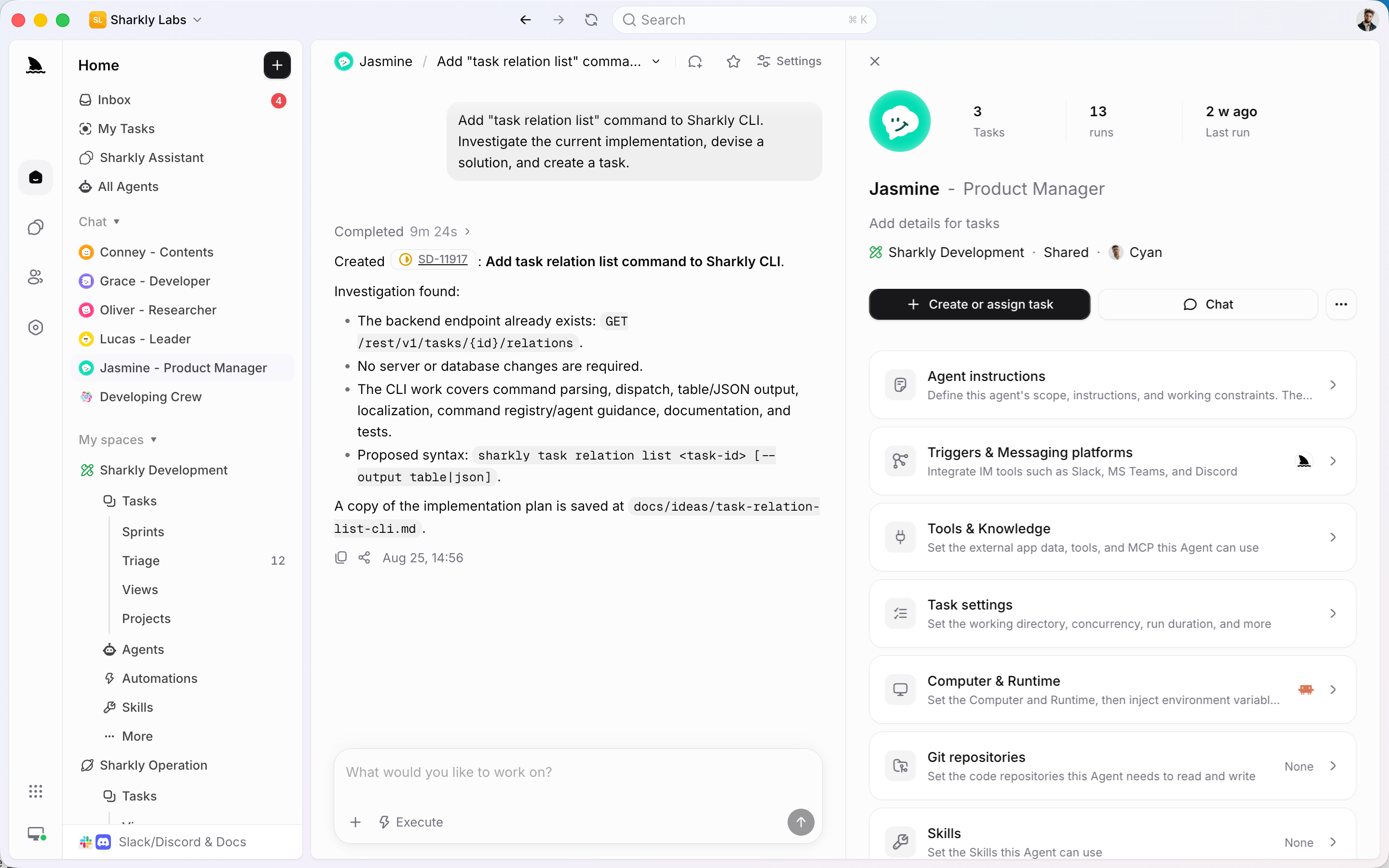
Sharkly is a shared task board where people and AI coding agents take work from the same Tasks. Agents research, execute, and report. People grant authority and accept the result. Here is how that maps to the list.
| Requirement | What Sharkly does | Source |
|---|---|---|
| Scoped tool access | Each Task gets an isolated directory; repository work can run in a separate worktree per run. Repository access should use the least privilege the Task needs. | Repositories docs |
| No outbound action without a person | Third-party actions in automation workflows need an authorized connector before they can run. Agents can stop a Task at “waiting for human review.” | Automation workflows docs |
| Space-level visibility | Private Spaces show task content only to Space members. Guests access only Spaces they are added to. | Spaces docs |
| Known execution location | Agents run on Computers you connect, through a local service that opens the connection outward, so a typical setup needs no inbound port. | Computers docs |
| Secrets handling | The docs say never to store passwords, tokens, or keys in Skill instructions or files, and to review imported Skills as third-party code. | Skills docs |
Where agents run changes the question
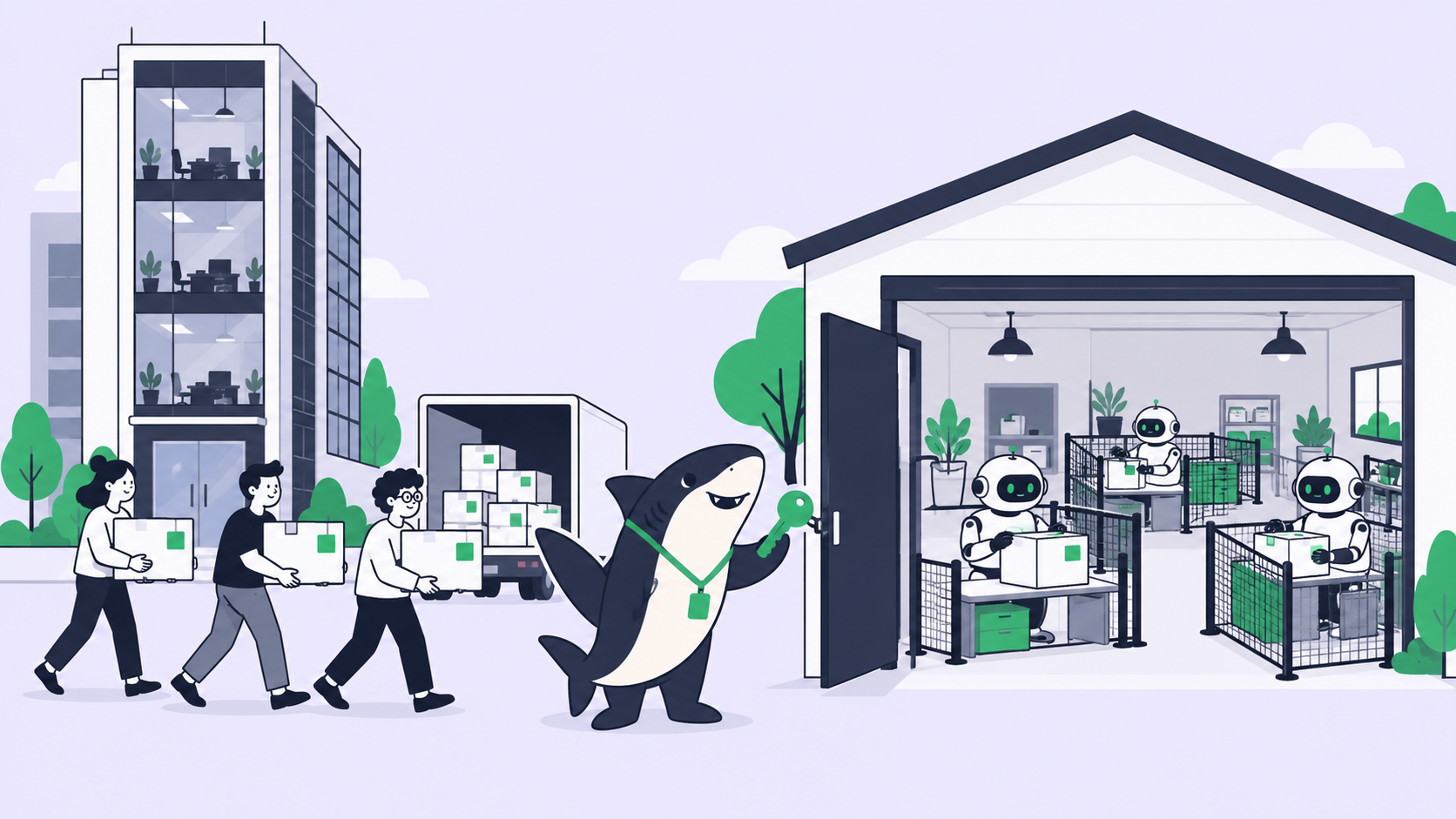
Rovo runs inside Atlassian’s cloud with whatever the requesting user can see. In Sharkly, a coding agent such as Claude Code or Codex runs on a Computer you registered. Its file access, credentials, and network reach are what you gave that Computer and that agent’s own permission settings.
That is a real gap to name: Sharkly does not add its own network sandbox on top of the coding agent. You set egress limits on the Computer and in the agent’s permission mode. The upside is that the limits are yours to read and change, not a vendor toggle with an unclear scope. For the settings worth changing first, read what a coding agent should and shouldn’t be allowed to do.
Approval belongs at the outbound step
The HN thread’s best fix was narrow: fetch only URLs a person typed or a trusted tool returned, never URLs the agent assembled. Apply the same rule to task-board agents. Put the human stop before a push, a deploy, or a message to an outside system. Where to put approval gates for coding agents shows the stops we use, and prompt injection and agent guardrails explains why a smarter model doesn’t remove the need.
A note on naming: Rovo Dev is Atlassian’s coding agent, a separate product from Rovo in Jira and Confluence, and PromptArmor’s write-up does not cover it. If Rovo Dev is what you were weighing, see our Rovo Dev free tier guide.
How to move Jira work to Sharkly
Sharkly’s Jira integration docs describe three paths: import, sync, or import and then sync. Jira Cloud and Jira Server or Data Center are both supported.
- Pick a target Space. Make it Private if only a few people should see the work.
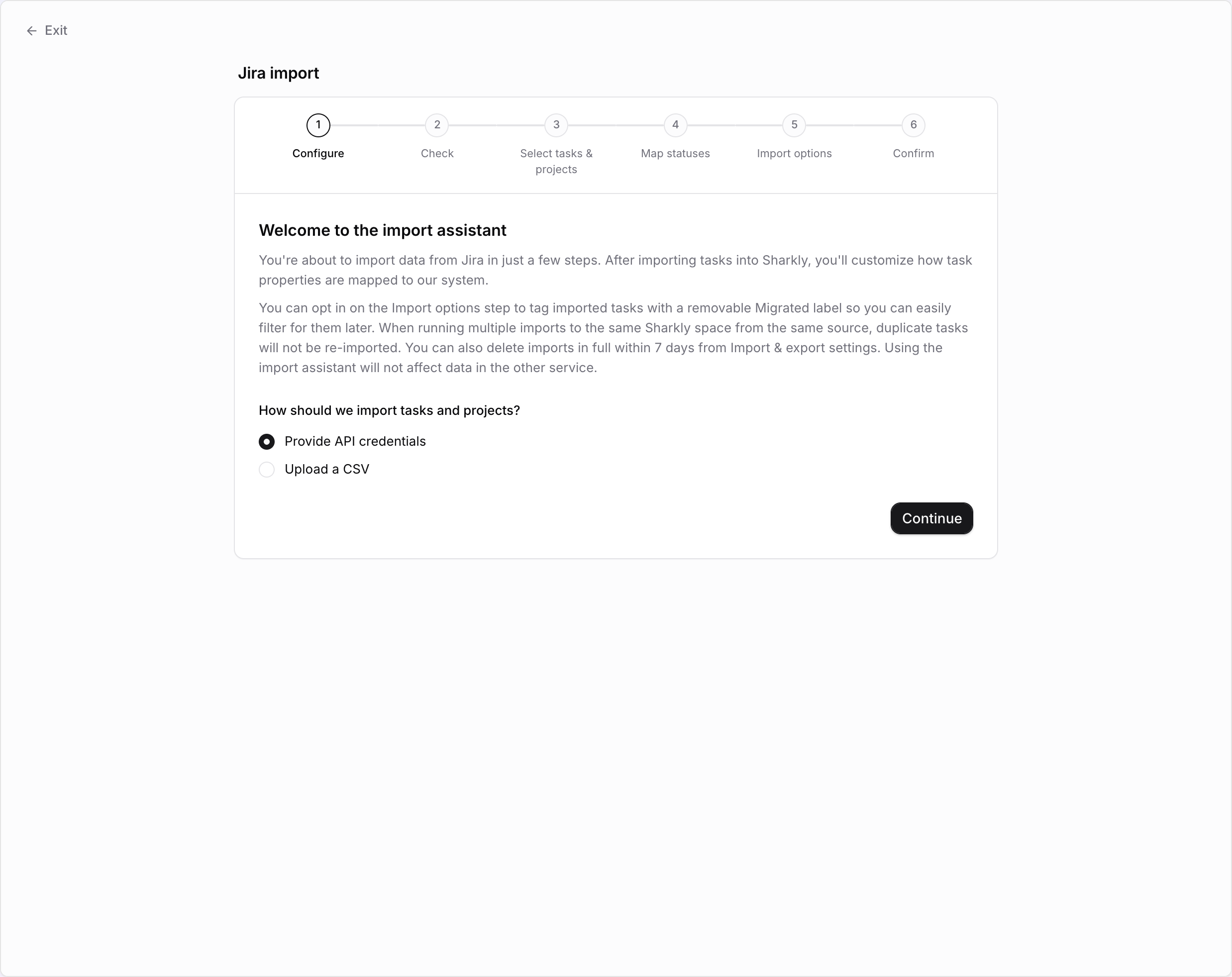
- Open Settings, then Import & export, then Jira. The import assistant runs six steps: Configure, Check, Select tasks and projects, Map statuses, Import options, Confirm.
- Choose API credentials or a CSV. API import brings comments, attachments, and the option of ongoing sync. CSV import works when API access isn’t available, but comments, attachments, and sync still need the API flow.
- Map statuses and users. Jira issues become Tasks and epics become Projects. Unmatched users can be invited, imported as external accounts, or skipped.
- Tag the batch. The Import options step can add a removable Migrated label so you can filter imported Tasks later.
- Decide on sync. Bidirectional sync keeps both tools linked; “Jira to Sharkly” is one-way for new records. Sync does not import history by itself.
The assistant says it won’t change data in Jira, re-running an import into the same Space skips duplicates, and you can delete an import in full within 7 days. That makes a trial migration low-risk. Run one Jira project first, point one agent at a low-stakes Task, and read the run history before you move the rest. For a wider tool comparison that isn’t about Rovo, see Jira alternatives for human-agent teams.
# Connect a Computer so agents run where you control credentials and network
sharkly login --token shk_your_personal_access_token
sharkly computer register
sharkly config show
Conclusion
Rovo’s problem was not that it used AI. It was an assistant with wide read access, a URL tool with no limit on what it opened, and a toggle that didn’t cover that tool, followed by months without a public fix.
Whatever you move to, ask three questions of its AI: what can it read, what untrusted text reaches it, and where can it send data. Then pick the tool where you can answer all three yourself. To try that with your own coding agents on a shared board, Sharkly is currently free for organizations of up to 5 people. Import one Jira project and see how it feels.
FAQ
What is the best Atlassian Rovo alternative?
Pick by scope, not by the length of the AI menu. Choose a tool where you control what the AI can read, who sees which spaces, and where agents run. Sharkly runs coding agents on Computers you connect, with Private Spaces and Guest limits.
Is Atlassian Rovo still vulnerable to data exfiltration?
We found no Atlassian advisory or confirmed fix for the PromptArmor path as of October 27, 2026. Check the PromptArmor page for updates.
Can I turn off Rovo instead of leaving Jira?
Atlassian lets admins turn off web search and web access for Rovo, but PromptArmor reports the web search toggle did not block the attack. Leaving is a bigger step; test the toggles with a seeded prompt first.
Is Sharkly immune to prompt injection?
No. Any agent that reads untrusted text can be misled, including the coding agents Sharkly runs. Sharkly helps you limit what a misled agent can reach.
Can I import Jira history into Sharkly?
Yes. Use API import for comments, attachments, and sync, or CSV import when API access isn’t available. Imports can be deleted in full within 7 days.
Does Sharkly sync with Jira two ways?
Yes, bidirectional sync is one option per linked Jira project. A one-way “Jira to Sharkly” mode is also available.