TL;DR: AI agent cyberattacks are no longer a forecast. Canada’s Cyber Centre says servers running the ARTEX framework have targeted Canadian organizations for several months, and one campaign went from picking a target to privileged cloud access in under three hours. The fix is the old list, applied faster, and applied to your own coding agents too.
If your team runs coding agents, this advisory is about you twice. Once as a target, because the tools it describes scan anything you expose. Once as an operator, because the same agency tells every organization adopting agents to scope, watch and contain them. This guide walks through what the advisory says, the checklist it sets, and how to apply it to the agents you run in Sharkly or anywhere else.
What the AI agent cyberattack advisory says
The Canadian Centre for Cyber Security warns that threat actors increasingly use automated and AI-enabled tools to find and attack internet-facing systems. It is tracking a growing set of these tools, names ARTEX, CyberStrikeAI and PentAGI, and says activity from ARTEX servers against Canadian organizations is ongoing across multiple sectors.
The advisory (last modified 2026-11-21) carries numbers worth knowing:
| Finding | Detail from the Cyber Centre |
|---|---|
| Share of observed AI-enabled attack tool infrastructure | ARTEX about 46%, CyberStrikeAI 28%, PentAGI 14% |
| ARTEX spread | Made closed source on October 8, 2026, after more than 12,000 copies |
| Speed | Under 3 hours from target selection to privileged cloud access in some Storm-0940 activity |
| Status | Activity from ARTEX servers “ongoing for several months”, not attributed to one actor |
| Autonomy | “Not yet fully autonomous”: people still pick targets and objectives |
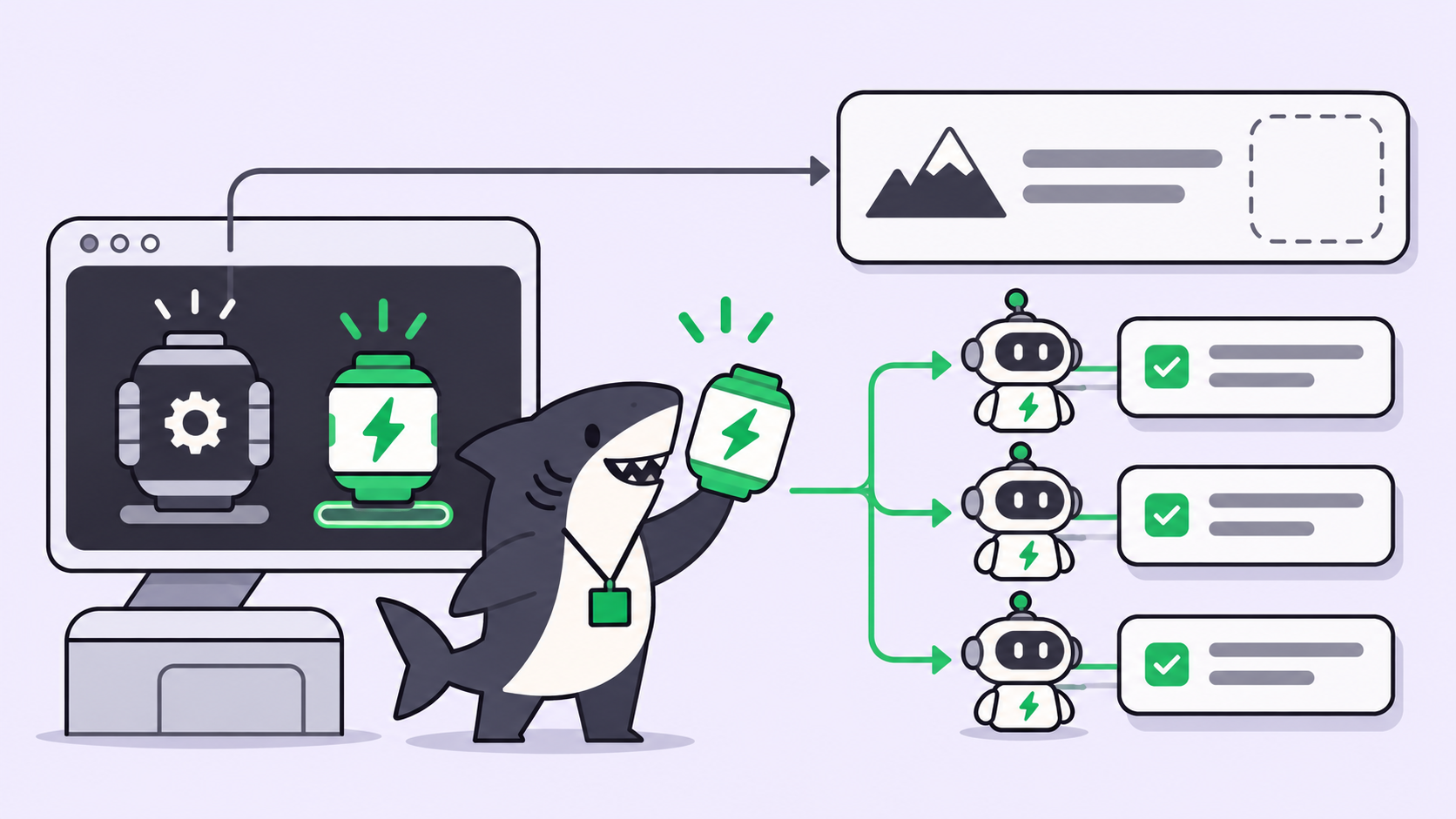
That last row matters. The agency is not describing a rogue AI. It is describing operators who hand the boring middle of an intrusion (scanning, password testing, exploring a network after a foothold) to software that never gets tired. The October threat bulletin on agentic AI puts it plainly: none of the techniques are new. Linking them, automating them and repeating them across hundreds of targets is.
Targeting alone is not compromise. A September 29 statement on government websites noted suspected agent activity with no sign of a breach. Bell later disclosed that business contact data was stolen in what The Globe and Mail reported as an agentic incident.
How an agent-driven intrusion moves
The advisory’s most useful sentence for engineers is about error messages. These tools work by trial and error at high volume, and “detailed error messages and stack traces are what let an automated agent correct a failed payload and try again within seconds.”
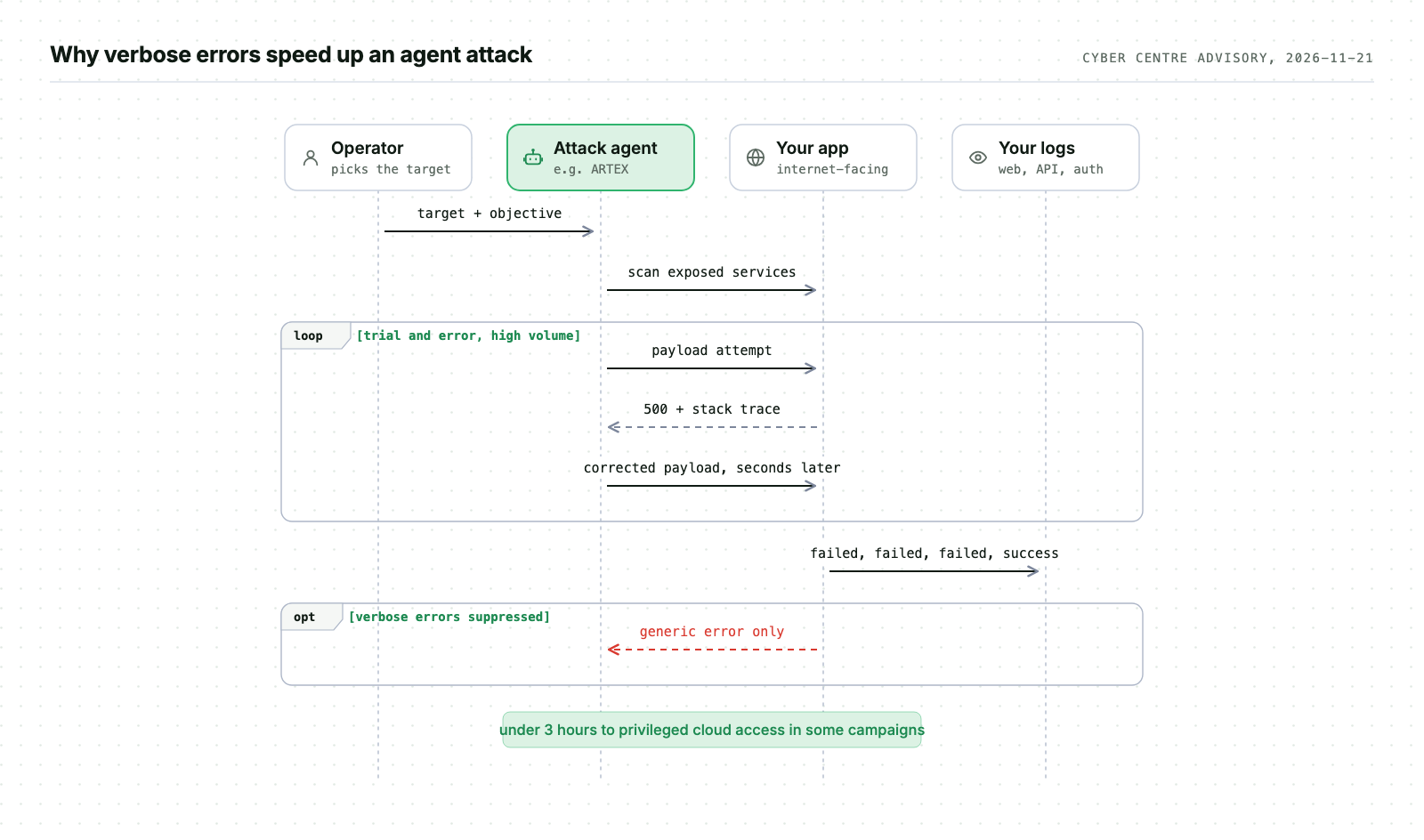
Read that loop again with your own stack in mind. Every verbose 500 response, every stack trace in production, every API that explains exactly which field failed validation hands the attacking agent its next prompt. A human pentester reads that output once. An agent reads it a thousand times an hour and adjusts each time.
The same pattern leaves a shape in your logs: long runs of failed requests followed by a success, repeated application errors followed by a working request, and fast bursts of read-only API calls across many resource types. The Cyber Centre’s advice is to hunt for that shape, not single indicators. The open agentic-attack-detections repository publishes detection rules for several of the named frameworks if you want a starting point.
The checklist the Cyber Centre wants you to run
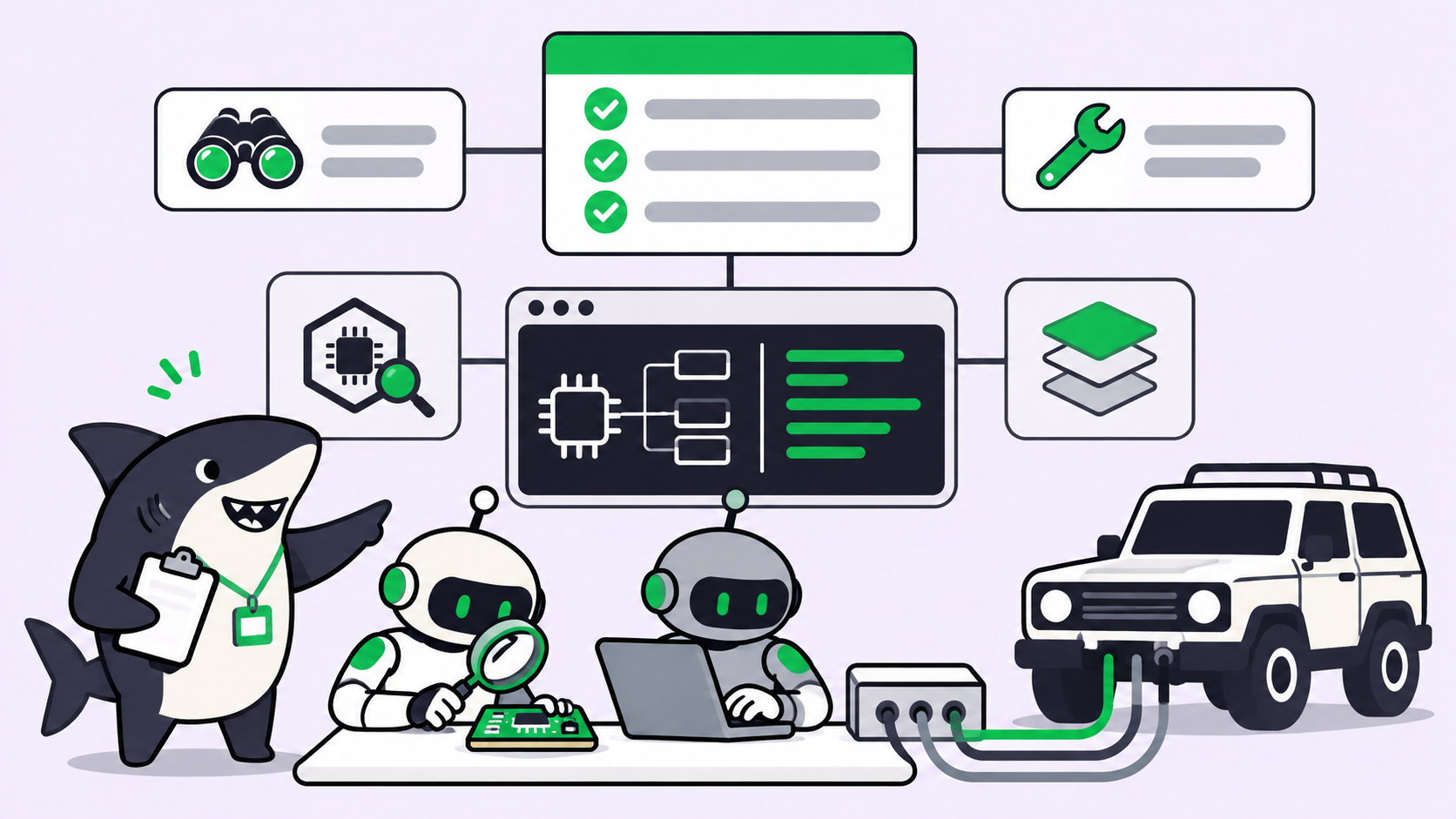
The bulletin’s position is that agentic AI does not make established security work obsolete. It makes slow, inconsistent work more expensive. Its eight measures:
- Require phishing-resistant MFA for administrators, remote access and other important accounts.
- Limit the access given to users, applications and service accounts.
- Review access granted to third-party and shared cloud applications.
- Patch internet-facing systems promptly and remove services you no longer need.
- Retain security logs and watch for unusual sign-ins, new credentials and unexpected access changes.
- Decide in advance who can isolate an account, application, network or service.
- Practice responding to incidents that unfold within hours, not days.
- Separate important systems and keep tested offline or protected backups.
The advisory adds tradecraft-specific steps on top: suppress verbose errors in production, alert on new secrets or permissions added to existing cloud applications, monitor unexpected outbound connections, and, after any incident, rotate every credential the actor could have reached before you call containment done.
Item 6 is the one most teams skip. When an intrusion runs in three hours, a Slack thread asking who owns the kill switch costs you the window. If you want a deeper look at patch speed, our post on what GPT-6 Cyber means for teams running AI agents covers the defender side of the same shift.
Your own coding agents sit on the same attack surface
Near the end, the advisory turns the lens around: “If your organization is adopting AI agents of its own, apply the same discipline to them.” It points to the Five Eyes joint guidance on the careful adoption of agentic AI services, written with CISA, the NSA and the UK, Australian and New Zealand cyber centres.
That sentence lands hard on engineering teams. A coding agent holds repository credentials, API keys in its environment, network access and a shell. To an attacker, it looks like a service account with initiative. Here is how the bulletin’s list maps onto agent operations:
| Cyber Centre measure | What it means for your coding agents |
|---|---|
| Limit access for service accounts | Each agent gets the repositories and secrets its role needs, nothing broader |
| Review third-party app access | Audit which hosts, Runtimes and MCP servers each agent can reach |
| Monitor new credentials and access changes | Keep a run history per agent and read it, not only the final diff |
| Decide in advance who can isolate | Name the person who can stop an agent’s runs, and make sure the tool lets them |
| Respond within hours | Cap run length so a hijacked run cannot work all night |
| Separate important systems | Run agents in isolated working directories, not in a shared checkout |
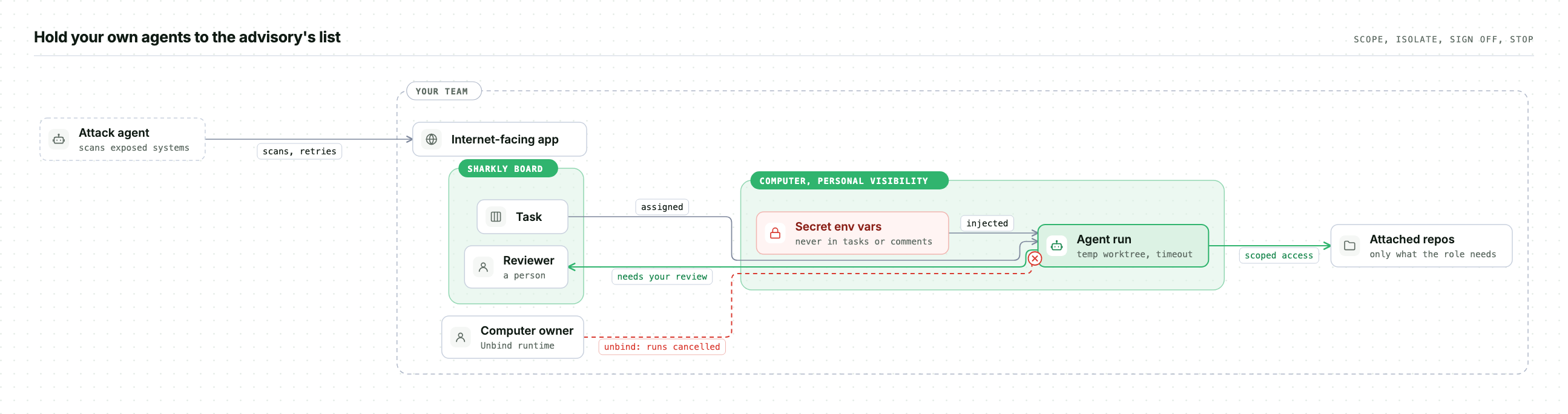
We made the longer argument in agents are actors, not workloads: an agent that can act needs an identity, a scope and a sign-off, the same as a person. The coding agent permissions guide breaks that scope down by task type.
How Sharkly maps to the agent lockdown list
Sharkly manages coding agents (Claude Code, Codex and the other Runtimes you already use) as a team on a shared board. Several of its controls line up with the Cyber Centre’s measures without extra tooling.
Scope where an agent can run. Every Agent executes through a Runtime on a connected Computer, and each Computer has its own owner and visibility: Personal, Space or Organization. The Computers docs say to keep Personal visibility (listed under Private on the Computers page) for a device with private credentials. A personal Computer’s owner can also restrict which Organizations may use it at all.
=
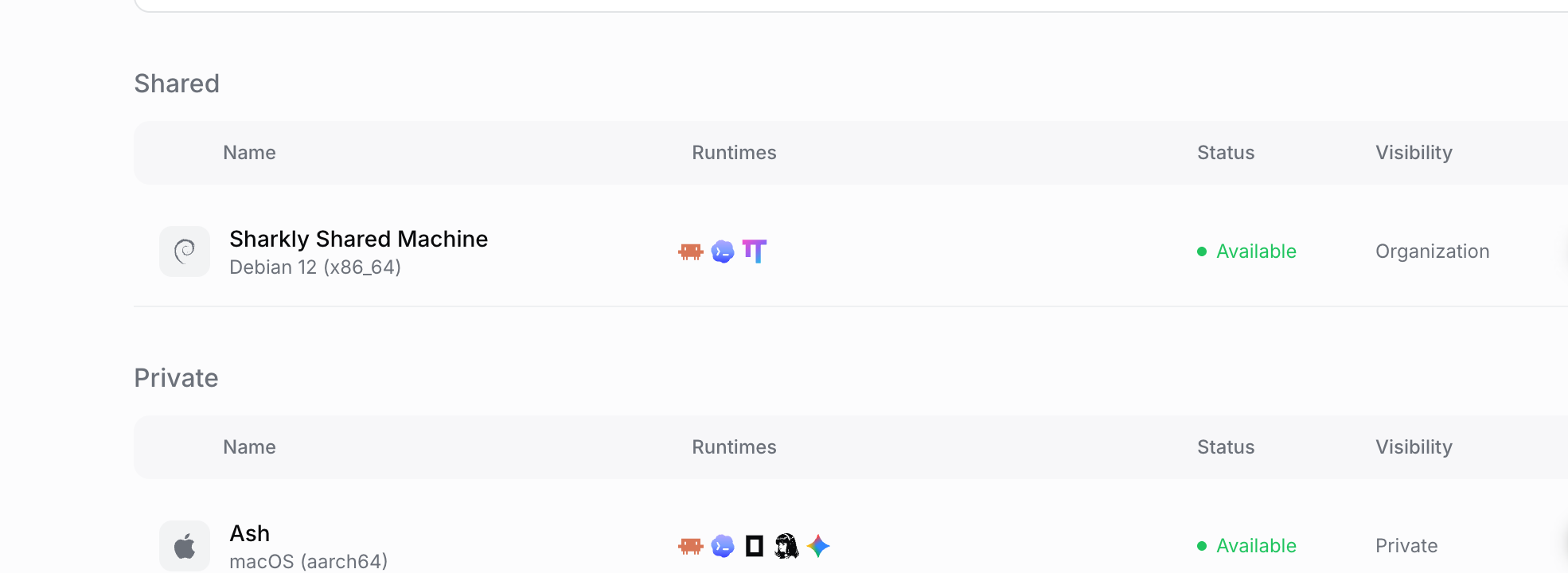
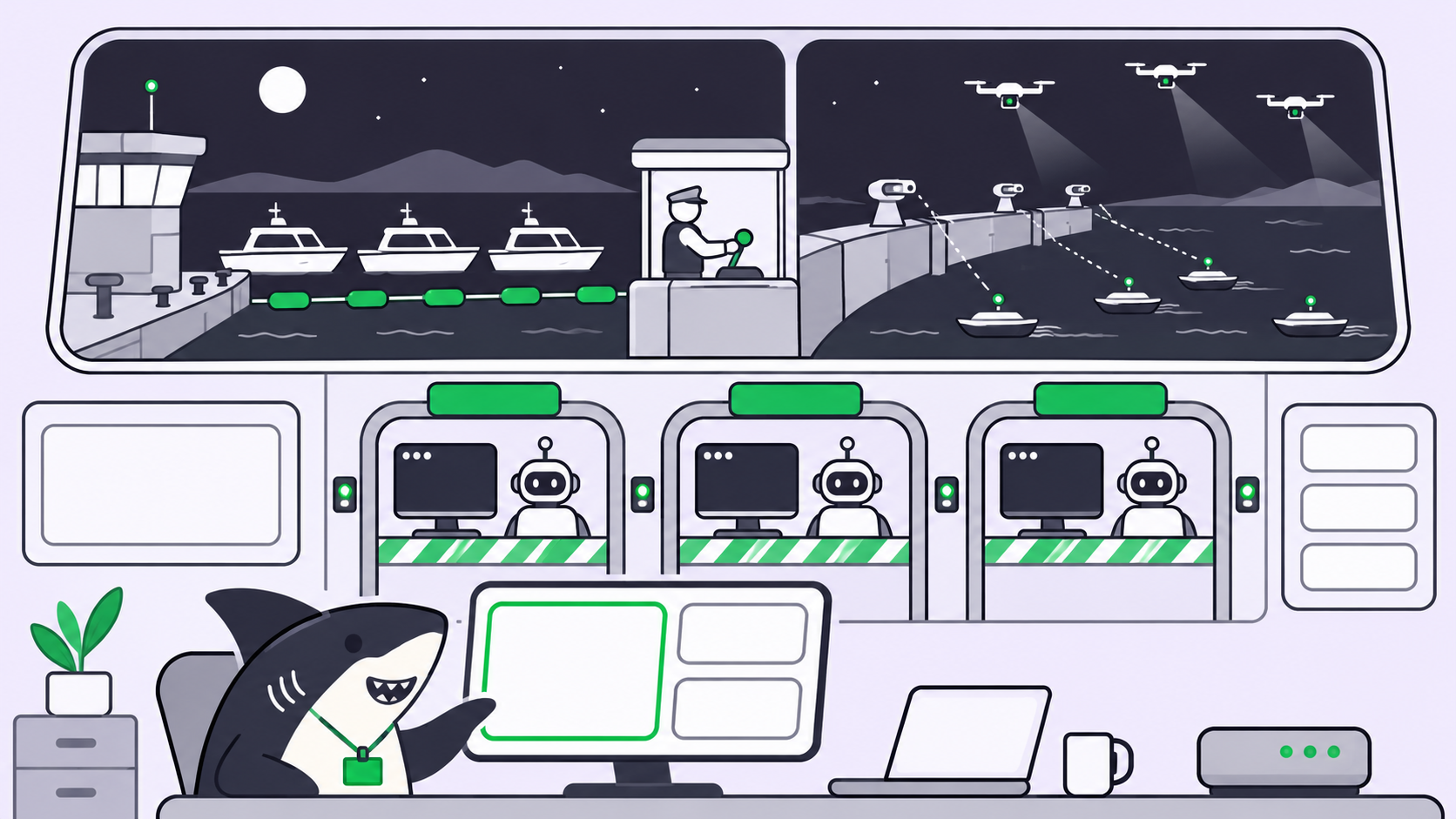
Decide who can isolate. The Computer owner can Unbind runtime for one Agent, or Unbind all, from the Computer detail page. Active runs are cancelled and the Agent must pick a Computer again before it runs. Archiving an Agent removes it from assignment and mentions and cancels its running work, while its task and run history stay readable.
Keep secrets out of the conversation. Agents take plain and secret environment variables. The docs are direct: never put repository tokens, private keys or install tokens in a task, comment, Agent instruction or Skill. The install token that registers a Computer is short-lived and single-use.
Contain the blast radius. Temporary working directory mode gives each task an isolated directory, with a fresh worktree for repository-backed runs. Task Run Settings cap parallel tasks and set a per-task timeout, so a run that goes wrong stops on a clock you chose.
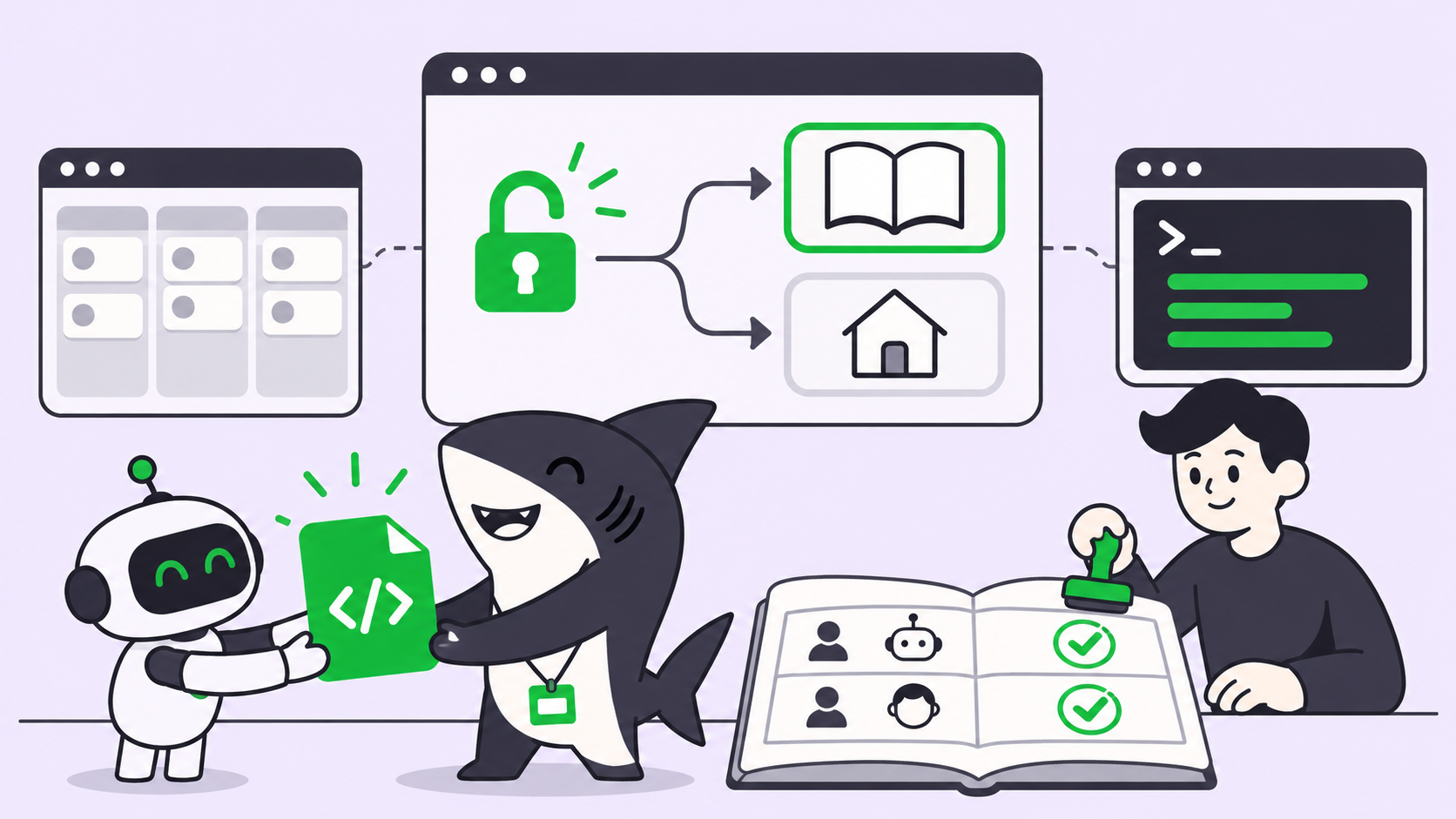
Keep a person on the sign-off. Agents finish by handing work back with a “needs your review” state, so a change reaches a human before it reaches production. The Agents docs cover visibility, which also controls who can assign or trigger an Agent.
None of this replaces MFA, patching or log retention. It gives you one place to see which agent runs where, with what, and who can stop it.
A 30-minute review to run this week
- List every coding agent your team runs, the host it runs on and the credentials in its environment.
- Remove any repository, token or MCP server an agent has not used in its last ten runs.
- Move private-credential hosts to Personal visibility.
- Set a per-task timeout on every agent that touches production code.
- Write down who can cancel an agent’s runs, and test that they can.
- Turn off verbose error output on every internet-facing service you own.
- Search your logs for the failed-then-succeeded pattern from the last 30 days.
FAQ
What are AI agent cyberattacks?
They are intrusions where an AI-enabled framework runs several attack stages, such as scanning, password testing and network exploration, with little human direction. Per the Cyber Centre, people still choose targets and objectives.
Which tools does the Canadian advisory name?
ARTEX, CyberStrikeAI and PentAGI, which together account for about 88% of the AI-enabled attack tool infrastructure the Cyber Centre observed. ARTEX alone is about 46%.
Are AI agent attacks against Canada still ongoing?
Yes. The advisory says targeting from ARTEX servers has run for several months and continues across multiple sectors. Targeting is not evidence of compromise.
Does this advisory apply outside Canada?
The data comes from Canadian monitoring, but ARTEX was reported in use against organizations abroad, and the tools scan any exposed system. The checklist is not country-specific.
How do I secure the coding agents my team runs?
Scope each agent’s repositories and secrets, isolate its working directory, cap run time, log every run and name who can stop it. The Five Eyes joint guidance covers the full set.
Why suppress verbose error messages?
Detailed errors and stack traces let an attacking agent fix a failed payload and retry within seconds. Removing them cuts the feedback loop the tool depends on.
The short version
The Cyber Centre’s message is that the fundamentals still work, but the clock is shorter. Patch, scope, log and decide who pulls the plug before you need to. Then hold your own agents to the same standard you hold attackers’ tools against.
If you want one board where every coding agent’s host, scope and run history sits in view, start with Sharkly and connect your first Computer.