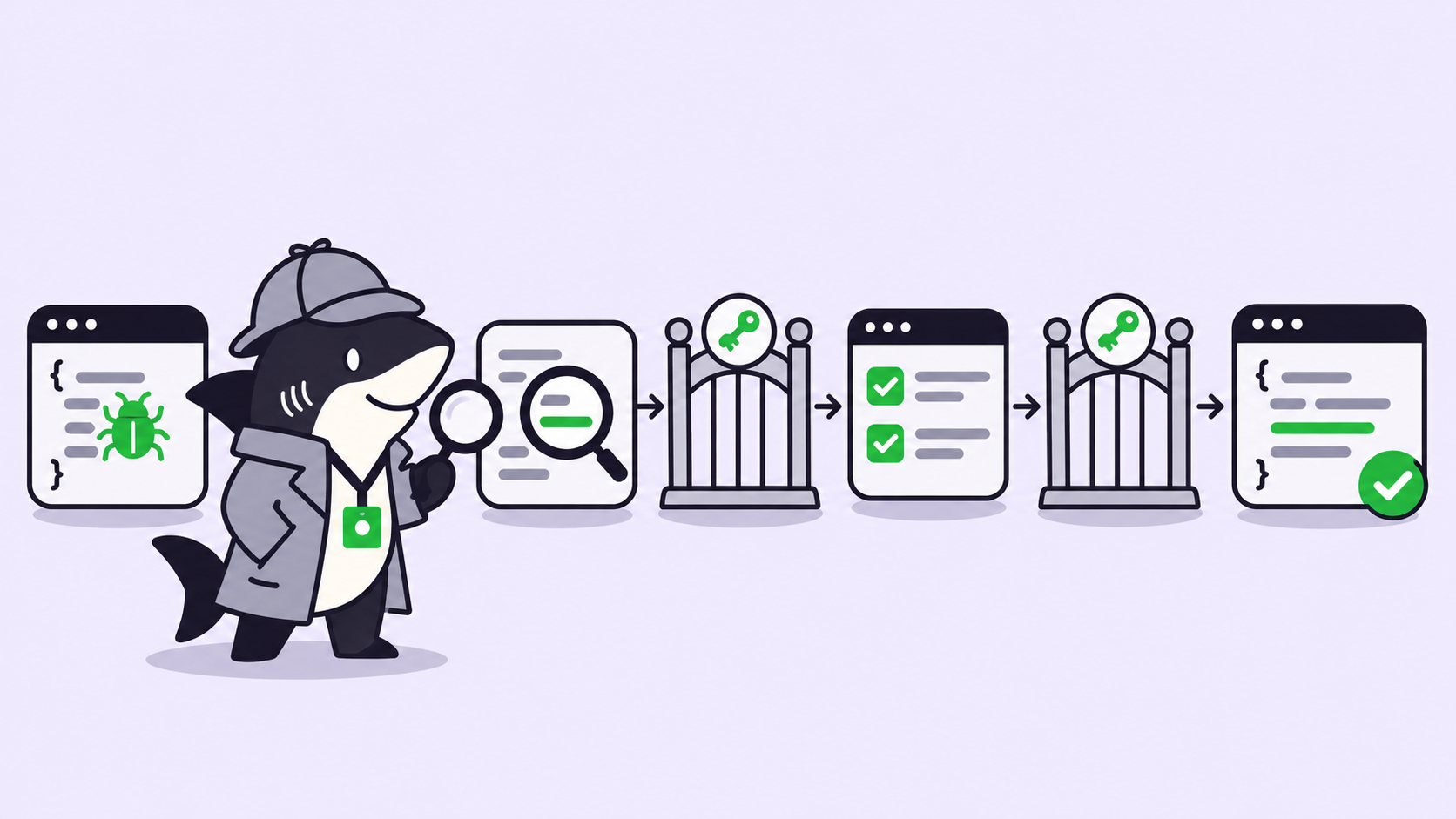
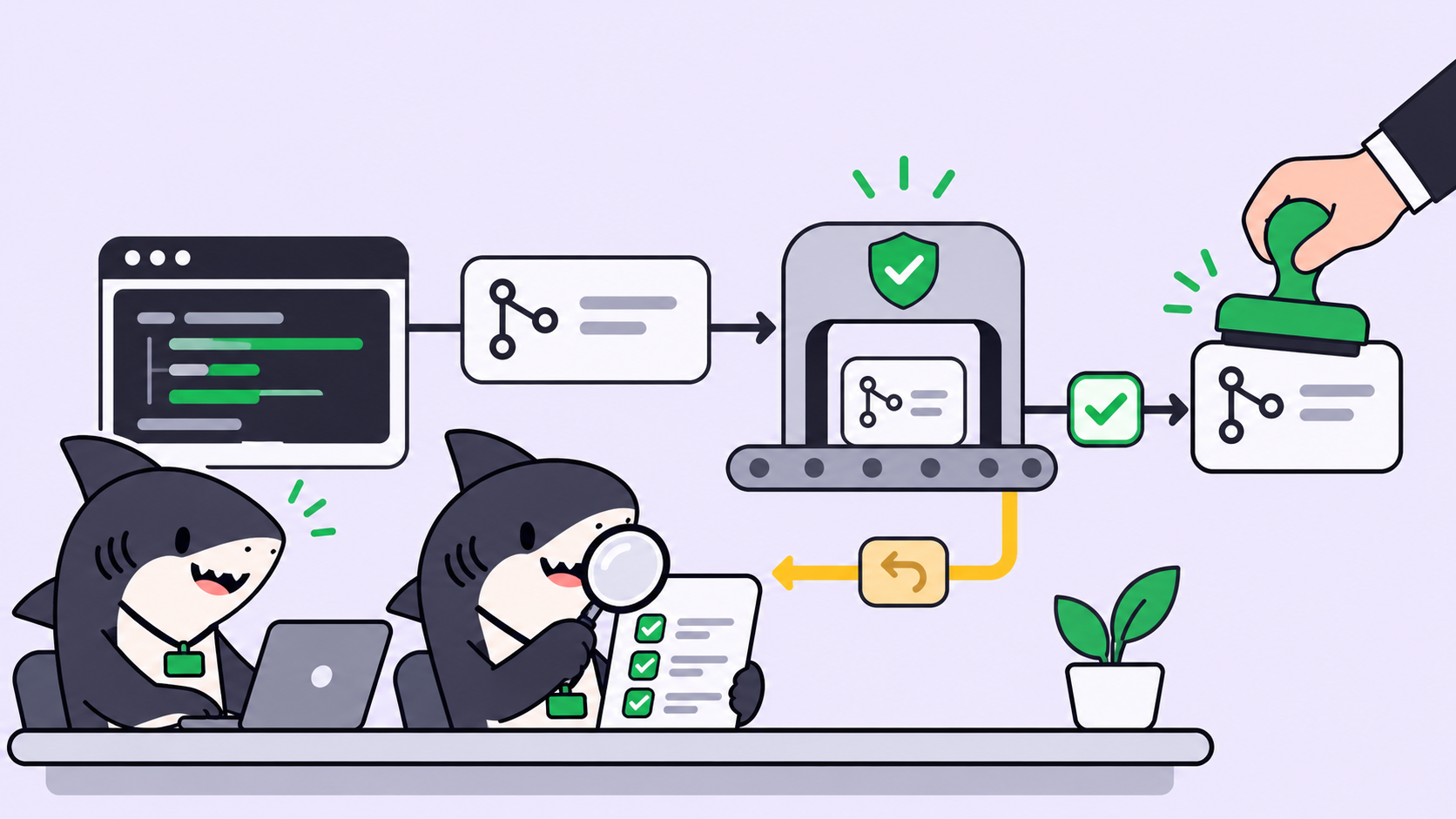
Quick answer: To have AI agents review pull requests, give the review to a second agent with its own instructions, its own checkout and, if you can, a different model. Start it automatically when work reaches a review status, make it run the tests and post a PASS or CHANGES REQUIRED verdict, and send failures back to the builder. A person still merges.
Why AI agents should review pull requests before you do
Every agent-written pull request lands on the same desk: yours. When one agent ships a PR an hour, that’s fine. When five agents run in parallel, the queue grows faster than you can read diffs, and the first pass becomes the bottleneck.
A reviewer agent takes that first pass. It doesn’t replace your judgment. It filters out the PRs that fail tests, wander outside scope, or leak a secret, so the ones that reach you are worth your time. In Sharkly, you set this up with one extra Agent and two Automations, and the rest of this guide walks through each piece.
If you want the limits of automated review first, read what AI code review agents can and cannot verify. This post is the setup.
Why one agent can’t review its own code
An agent that wrote the code also wrote the story about the code. When you ask it to check its own work, it reads its own reasoning back and agrees with it. The blind spots that produced the bug are the same ones doing the review.
You see this most with tests. A builder that couldn’t make a test pass may weaken the assertion and call the task done. We covered the patterns in how to catch coding agents cheating on tests. A reviewer with no stake in the result reads the diff cold and asks a different question: does this change do what the task asked, and nothing else?
The DeepSeek Harness team’s design essay on super-agents lands on a similar split: several Workers attached to the same PR all see its events and can settle conflicts between themselves. It describes a prototype design, not a shipped product, but the idea holds up. Review works better when the reviewer is a separate party.
Step 1: Split the builder and the reviewer
Create two Agents, not one Agent with two modes. Each has its own instructions, repositories and execution target.
| Builder Agent | Reviewer Agent | |
|---|---|---|
| Job | Implement the task, open the PR | Judge the PR against the task |
| Writes code | Yes | No |
| Pushes | To a feature branch | Never |
| Runtime | For example Claude Code | Ideally a different one, such as Codex |
| Output | Branch, PR, summary comment | Verdict comment |
A Sharkly Agent has no model picker. Its execution target is a Computer plus a Runtime detected on that Computer, so “use a different model” means binding the reviewer to a different Runtime. A second Runtime brings a second set of habits to the diff. Each run bills against the plan already attached to that Runtime, because Sharkly doesn’t sell tokens.
Set the reviewer’s working directory to Temporary mode. The Computers docs describe how each run then gets an isolated directory, and repository runs can prepare a fresh Git worktree. The reviewer checks out the PR branch in its own copy and can’t trample the builder’s files. Our post on parallel agents in isolated worktrees covers why that matters once several agents share a repository.
Step 2: Write the reviewer instructions
Agent instructions carry the role, the checks and the reporting format. Task-specific detail stays on the task. Keep the reviewer’s instructions short and testable:
You are the code reviewer for this Space. You never push, merge or edit files.

1. Read the triggering task. If it is not a code task in this Space, reply "not mine" and stop.
2. Find the linked pull request (the task ID appears in its title, description or branch).
3. Check out the PR branch in your worktree. Run the test command from the repo README.
4. Compare the diff to the task's acceptance criteria.
5. Post one verdict comment on the task in the format below. Nothing else.
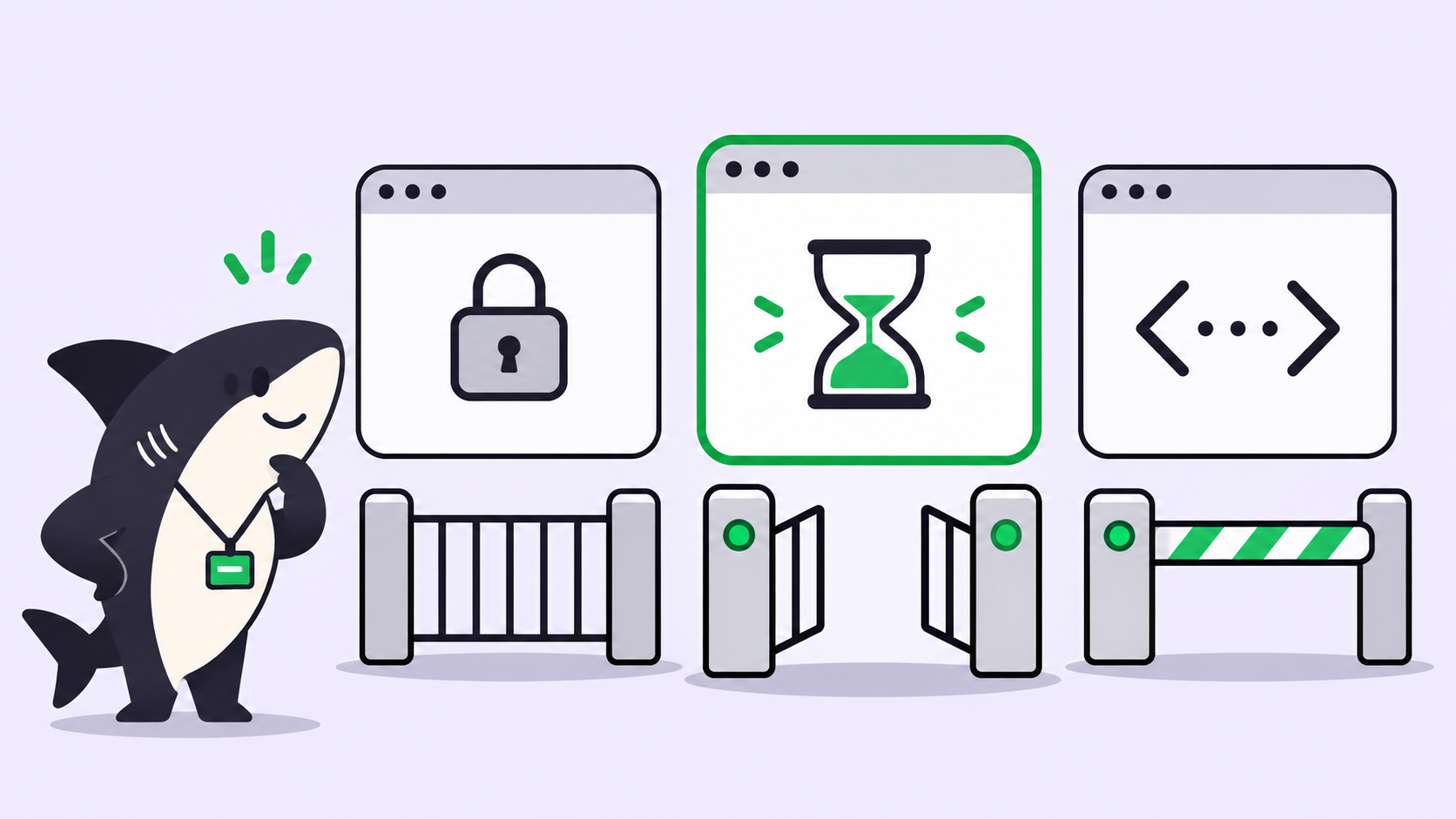
The first step matters more than it looks. Status triggers and comment triggers match across the whole Organization today, so the instructions must confirm the task before acting. The Automations docs say this outright.
Step 3: Pick the trigger
Sharkly Automations combine instructions, an Agent or Crew, and one or more triggers. For PR review, two triggers fit.
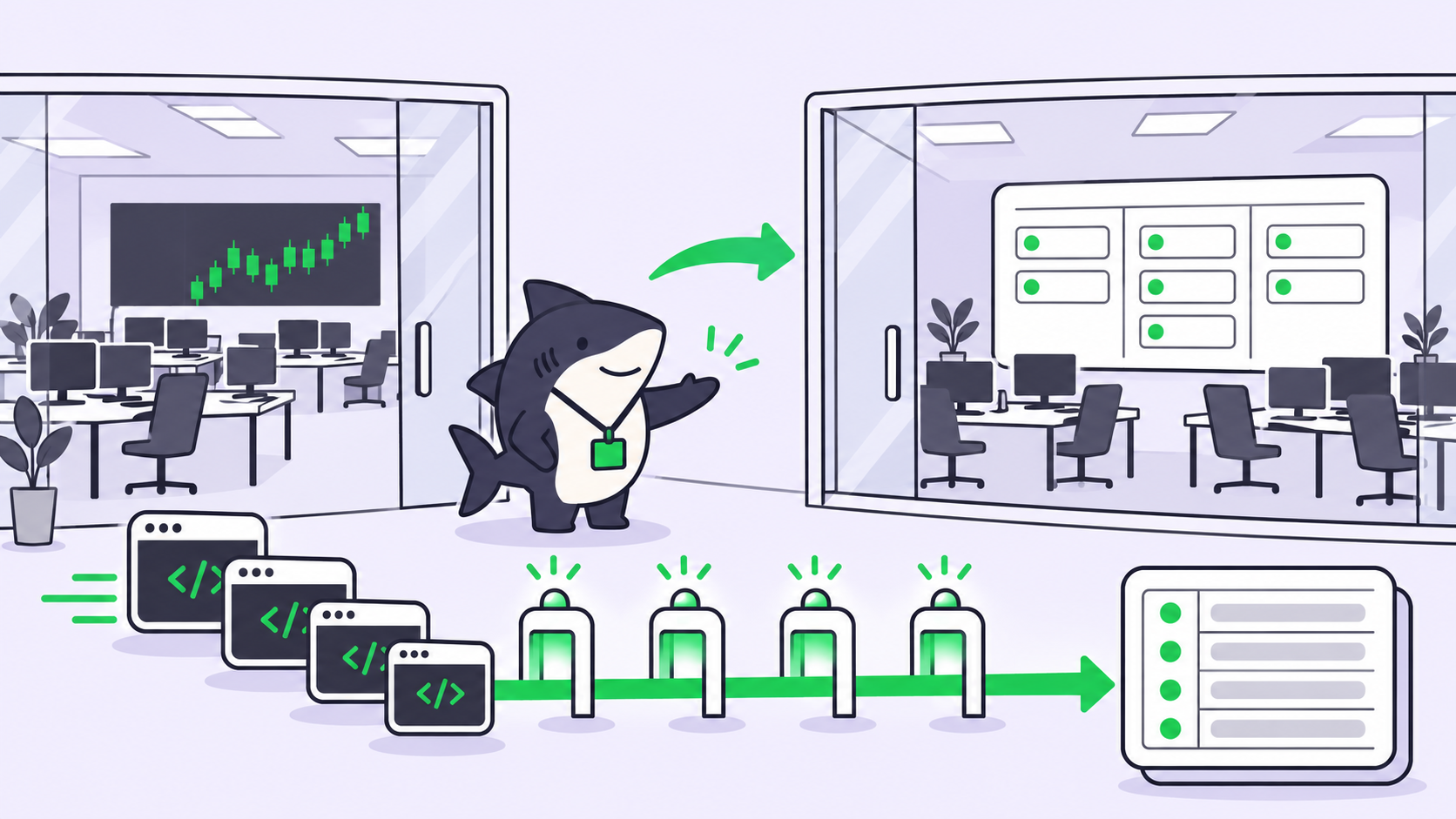
Task status change. Add a status such as In Review to your Space workflow. The builder moves its task there after opening the PR, and the reviewer starts. A status-triggered run creates a conversation on that task, so the verdict and its token usage stay attached to the work.
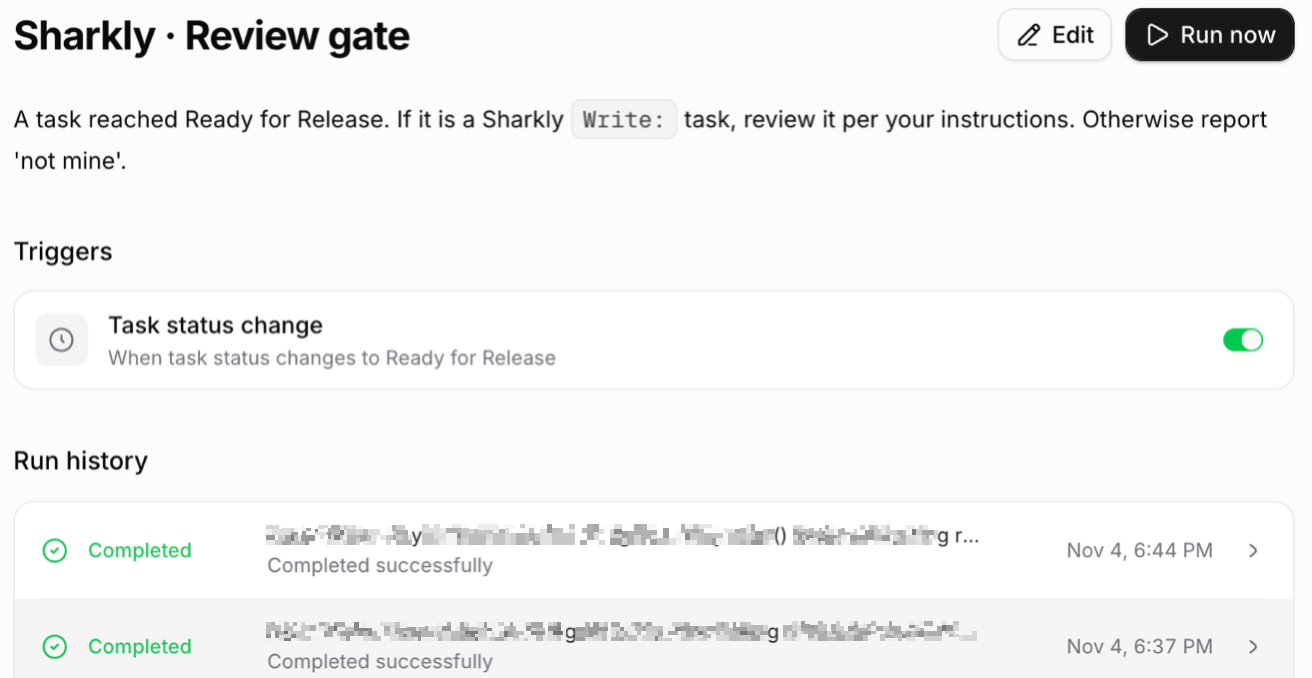
That screenshot is the gate this blog runs on its own drafts: a task reaches Ready for Release and a reviewer Agent picks it up. The pattern is identical for code.
Webhook. If PRs open outside your task board, point a GitHub pull_request webhook at an Automation’s webhook URL. With signature verification on, Sharkly also accepts GitHub’s X-Hub-Signature-256 header, so you paste the signing secret into GitHub’s Secret field. Webhook runs aren’t linked to a task, so the reviewer posts its verdict on the PR itself with the GitHub CLI instead.
Test either path with Run now before you rely on it.
Step 4: Give the reviewer a checklist
A reviewer without a checklist writes essays. With one, it writes findings. Five questions cover most agent PRs:
- Do the tests run and pass? The reviewer runs them itself, never trusting the builder’s summary.
- Did the scope hold? Files touched outside the task are a finding, even when the change looks harmless.
- Are any secrets exposed? Tokens, keys and
.envvalues in the diff or in logs. - Did anything break for callers? Changed signatures, removed endpoints, migrations without a rollback.
- Were tests weakened? Deleted assertions, new skips, loosened expected values.
Keep the list in a Skill if several reviewer Agents share it, so one edit updates all of them.
Step 5: Fix the verdict format
A verdict a person can scan in ten seconds beats a thorough one they skip. Use a fixed shape:
VERDICT: CHANGES REQUIRED

Tests: 41 passed, 2 failed (test_refund_rounding, test_refund_zero)
Scope: OK, 3 files, all under billing/
Secrets: none found
Breaking changes: refund() now raises on amount=0; two callers in api/ not updated
Weakened tests: none

Required:
1. Handle amount=0 in refund() or update both callers.
2. Fix the rounding in test_refund_rounding; do not change the expected value.
PASS has the same fields and an empty Required list. The fixed fields also make verdicts countable: you can see how often each check fails and tighten the builder’s instructions to match.
Step 6: Close the loop back to the builder
A CHANGES REQUIRED verdict should start the builder again without you relaying it. Create a second Automation, assigned to the builder Agent, with a comment trigger on a distinctive phrase.
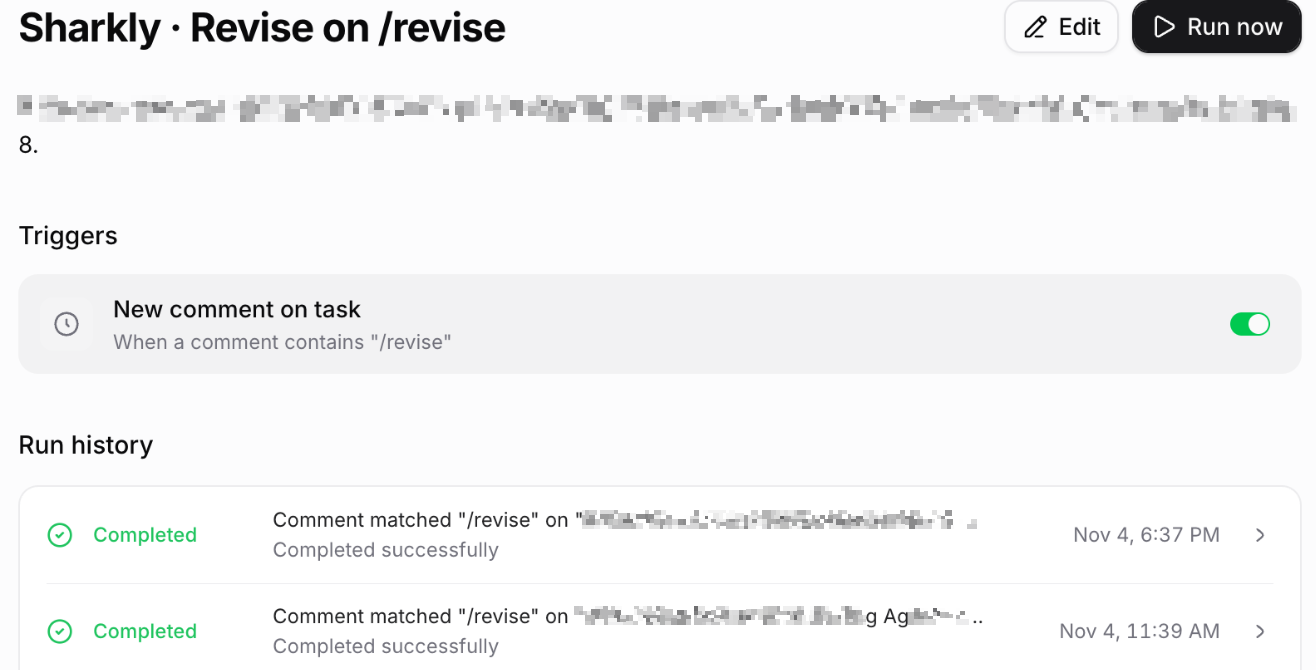
Comment matching is case-insensitive and fires when the phrase appears anywhere in a comment. Pick a phrase nobody types by accident, and tell the reviewer to write it only on its CHANGES REQUIRED line. If the builder quotes the phrase back in its own reply, it can trigger itself, so tell it never to repeat it.
Cap the loop. Two rounds of review and fixes, then the reviewer hands the task to a person with its last verdict attached.
What the human still owns
You still own the merge. In Sharkly’s GitHub integration, a task ID in the PR title links the PR to the task, and merging doesn’t change the task status. Nothing ships because an agent said PASS.
Back that up in GitHub too: protected branches with a required human approval keep a confident reviewer from becoming the last line of defense. You also own the judgment calls a checklist can’t make: is this the right design, and should it exist at all? For a way to order what reaches you, see ranking the agent PR queue and why human review is the bottleneck.
Conclusion
Agent PRs stop piling up on you once a second agent takes the first pass. Split builder and reviewer, give the reviewer its own worktree and Runtime, start it on a status or webhook, and make it answer five fixed questions in a fixed format. Send failures back with a comment phrase, cap the loop at two rounds, and keep the merge for yourself.
If you already run ten coding agents at once, this is the next piece to add. Start free on Sharkly and create the reviewer Agent first.
FAQ
Can an AI agent review its own pull request?
It can, but it catches less. The agent shares the assumptions that produced the code. A separate reviewer with its own instructions and, ideally, a different Runtime reads the diff without that bias.
Should the reviewer use a different model than the builder?
Yes, when you can. In Sharkly, the model comes from the Runtime, so bind the reviewer Agent to a different Runtime than the builder, for example Codex reviewing Claude Code’s work.
What should an AI code reviewer check first?
Tests. Have it run the suite itself and report pass and fail counts. Then scope, secrets, breaking changes and weakened tests, in that order.
Can a reviewer agent approve and merge a PR?
Don’t let it. Keep merge rights with people through branch protection. The reviewer comments a verdict; a person decides.
How do I stop the review loop from running forever?
Cap it at two rounds in the reviewer’s instructions, and use a comment phrase the builder never repeats. After the cap, the reviewer hands the task to a person.
Does this work with GitHub pull requests opened outside Sharkly?
Yes. Connect a GitHub webhook to an Automation’s webhook trigger. Sharkly accepts GitHub’s signature header when verification is on.