Sprint planning for a human-agent team works when you plan around review capacity, not execution speed. Agents can claim and finish more Tasks than your reviewers can accept, so the real limit on a cycle is how many finished changes a person can inspect and merge, not how much code gets written. This guide walks the planning method step by step, names the failure mode at each step, and ends with a checklist you can run before your next Sprint.
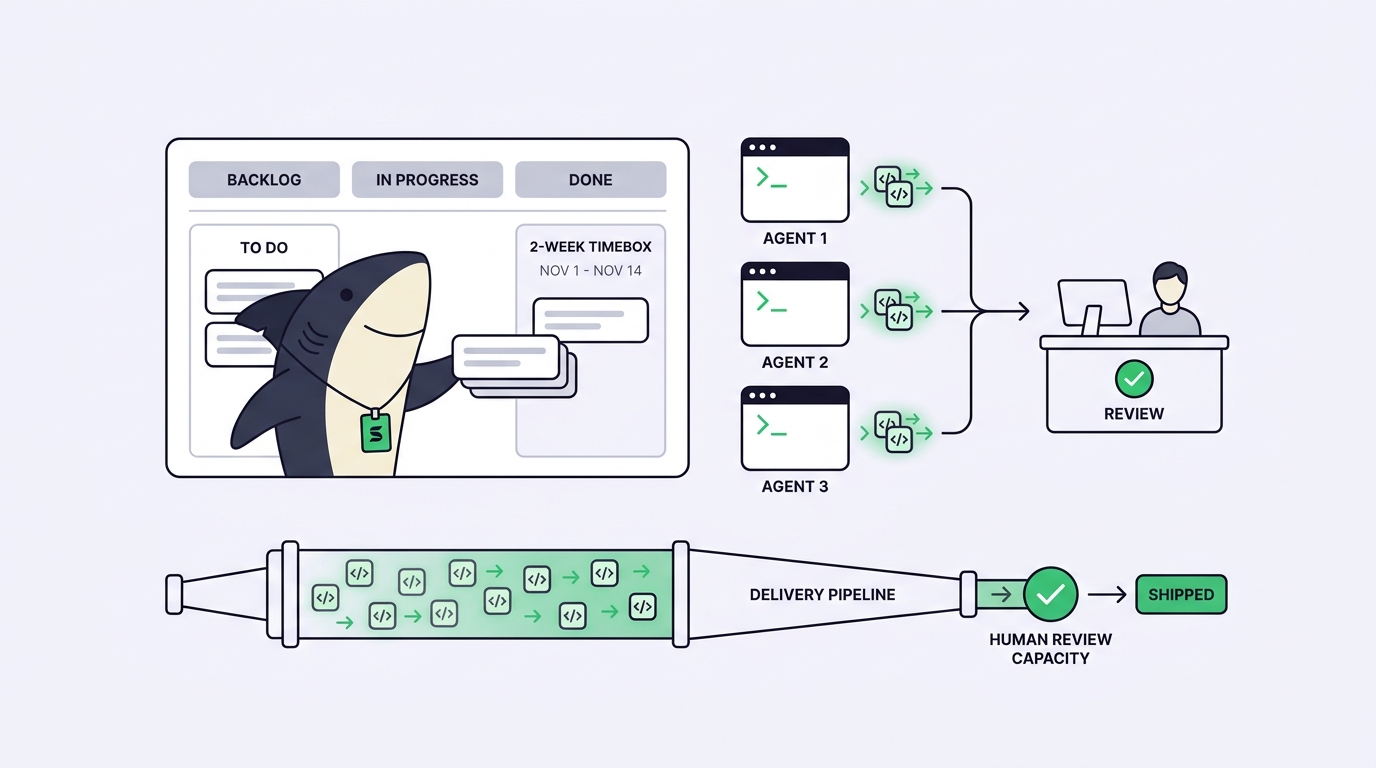
Classic sprint planning assumes the scarce resource is the hours engineers have to write code. Add coding agents and that assumption breaks. Claude Code, Codex, and Gemini CLI can each pick up a Task and return a working diff while you are still reading the last one. Execution stops being the bottleneck. Acceptance becomes it.
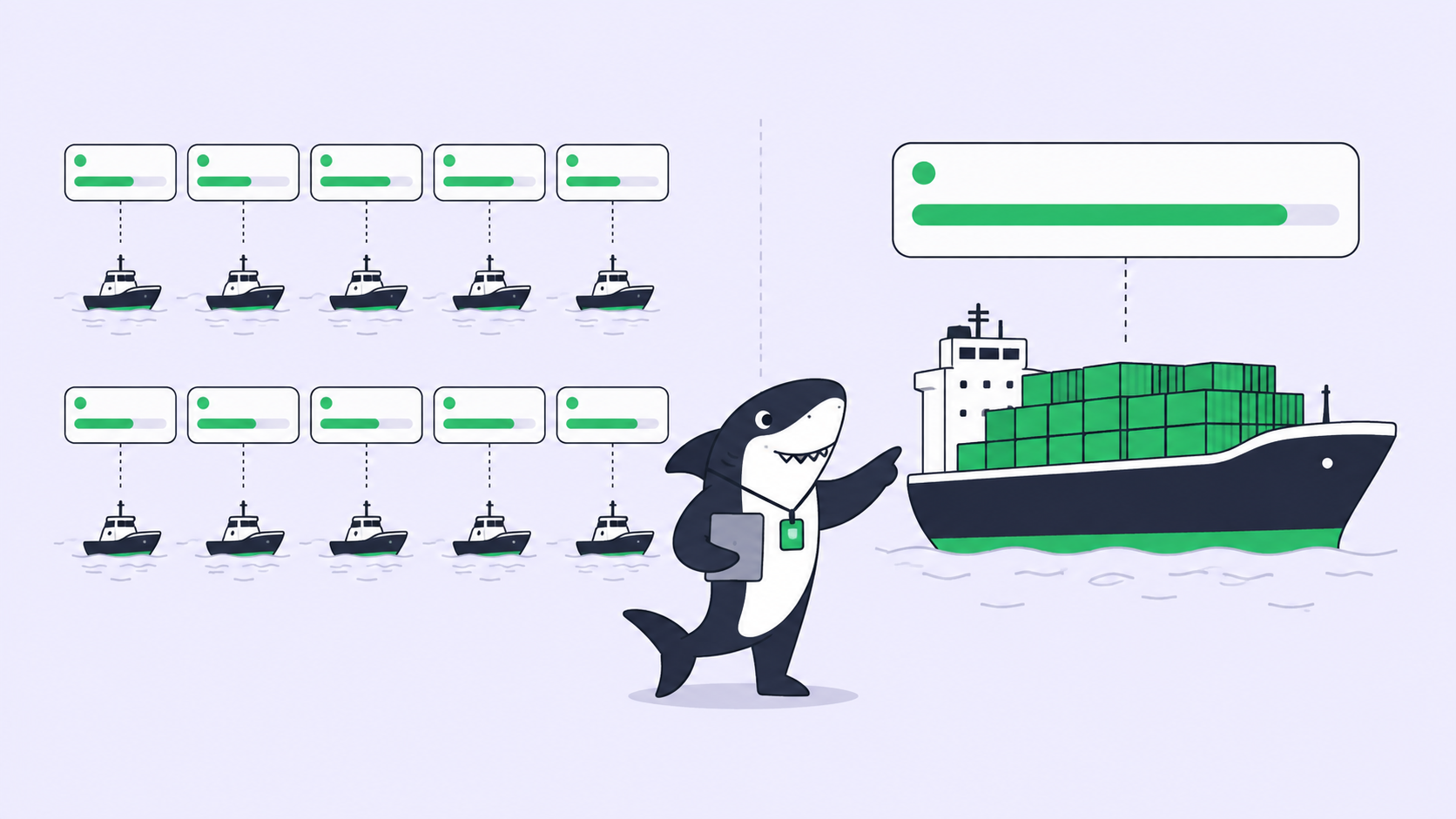
That shift quietly wrecks a normal plan. You size a two-week cycle by developer-days, the agents burn through the backlog in three, and a queue of finished-but-unreviewed changes piles up behind one or two humans who can accept the merge. The Sprint looks fast and finishes slow.
Sharkly is the workspace this guide plans inside. You already have coding agents; Sharkly turns them into a team by keeping every Task, its progress, blockers, results, and human review in one shared place instead of scattered across terminals. A Sprint in Sharkly is a time-boxed set of Tasks owned by one Space. The method below is the same whether you run it on a whiteboard or in the product, but the failure modes are easier to catch once the work returns to a shared board.
What changes when agents do the execution
Sprint planning for a human-agent team is the practice of scoping a cycle around how much finished agent work a human can review and accept, not around how much code the team can produce.
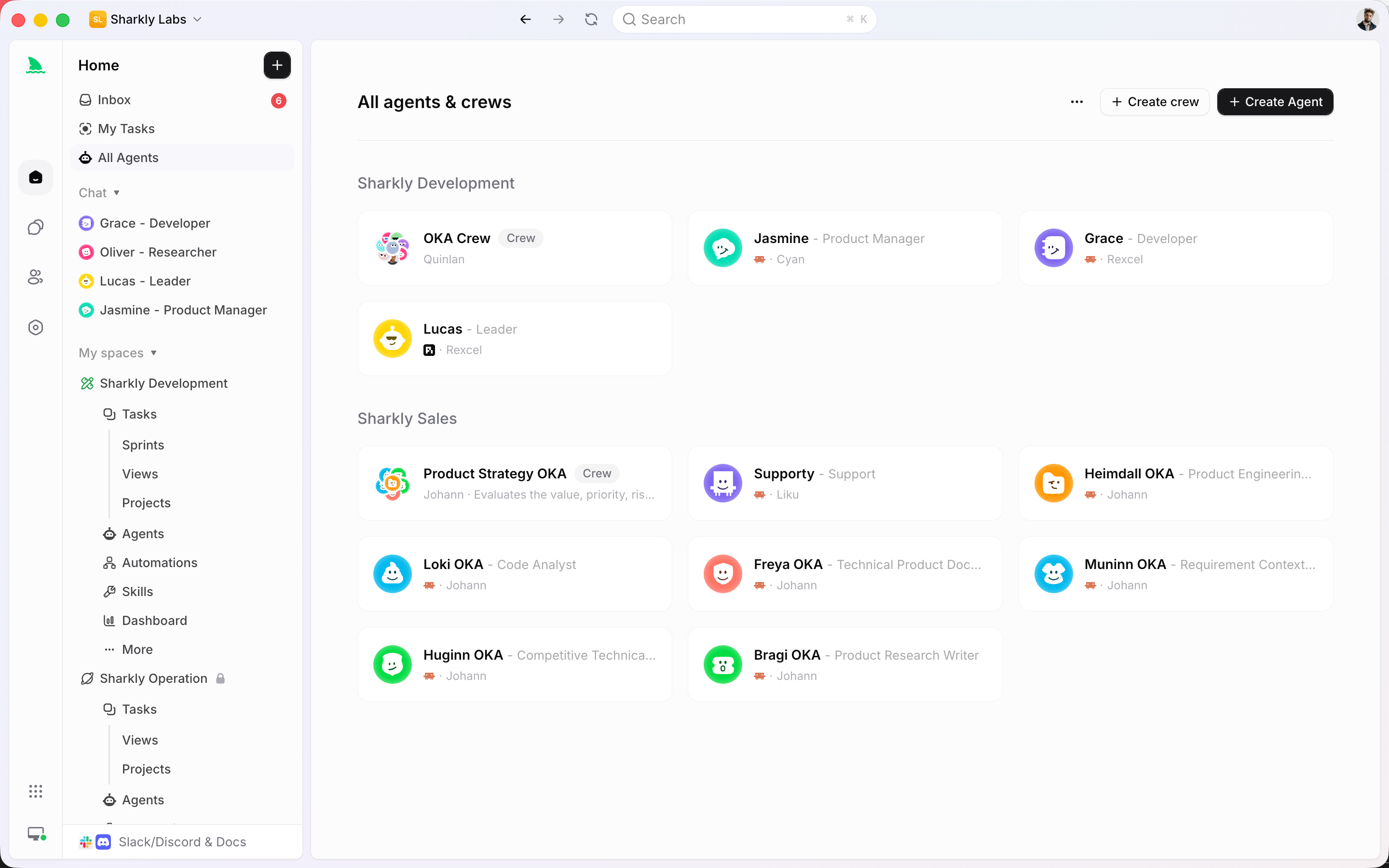
Agents research, execute, test, and report. People set direction, grant authority, and accept the result. That division is the whole planning problem. Your agents’ throughput is elastic: you can run three or ten. Your review throughput is fixed by the number of people who can read a diff, run the change, and decide it ships. See the review-capacity math for why a 5x jump in agent output rarely means 5x more shipped work.
So the first number you plan with is not story points. It is review slots: how many completed Tasks each reviewer can accept per day, times the number of reviewers, times the days in the cycle. Everything else has to fit under that ceiling.
Plan the Sprint step by step
1. Set the review ceiling first. Estimate the completed Tasks a reviewer can genuinely accept per day; a real review of a non-trivial change is 30 to 60 minutes. Multiply by reviewers and Sprint days. Failure mode: skip this, plan by agent capacity, overcommit, and end the cycle with a review queue longer than the Sprint itself.
2. Size Tasks for review, not execution. Break work so each Task produces a diff one person can hold in their head. Failure mode: an agent happily returns a 2,000-line change across nine files, no one can accept it inside a single slot, and it rots at the bottom of the board.
3. Write acceptance criteria before assigning. Each Task needs a testable definition of done: what to build, what “correct” looks like, what not to touch. Failure mode: vague scope means the agent guesses, the reviewer sends it back, and one Task burns two review slots.
4. Assign to a single Agent or a Crew, on purpose. Use one Agent for small, well-defined work. Use a Crew when a leader Agent has to interpret the goal, pull in other members, and bring their results back into one Task. Failure mode: reaching for a Crew on trivial work adds moving parts you then have to review.
5. Cap work in progress. Put a limit on how many Tasks can sit in the “in review” column, the way WIP limits work in kanban. Failure mode: no cap, and agents flood the review column faster than humans drain it; the bottleneck stays invisible until the last day.
6. Leave a slack buffer. Reserve review slots for rework and for the change requests you will send back. Failure mode: plan to 100% and the first round of “please fix” has nowhere to land.
Where a spreadsheet or ticket-only setup stops scaling
You can run the first Sprint in a spreadsheet. A tab of Tasks, an owner column, a status column. It holds together while one person runs two agents on one repo.
It stops working the moment execution and tracking split apart. The agent’s run, the diff, the test output, and the discussion live in a terminal; the spreadsheet holds a stale “in progress.” Someone updates the row by hand, or nobody does. Add a third agent across a second repo and the board drifts from reality within a day. Then you cannot answer the one question planning depends on: what finished, and what is waiting on me?
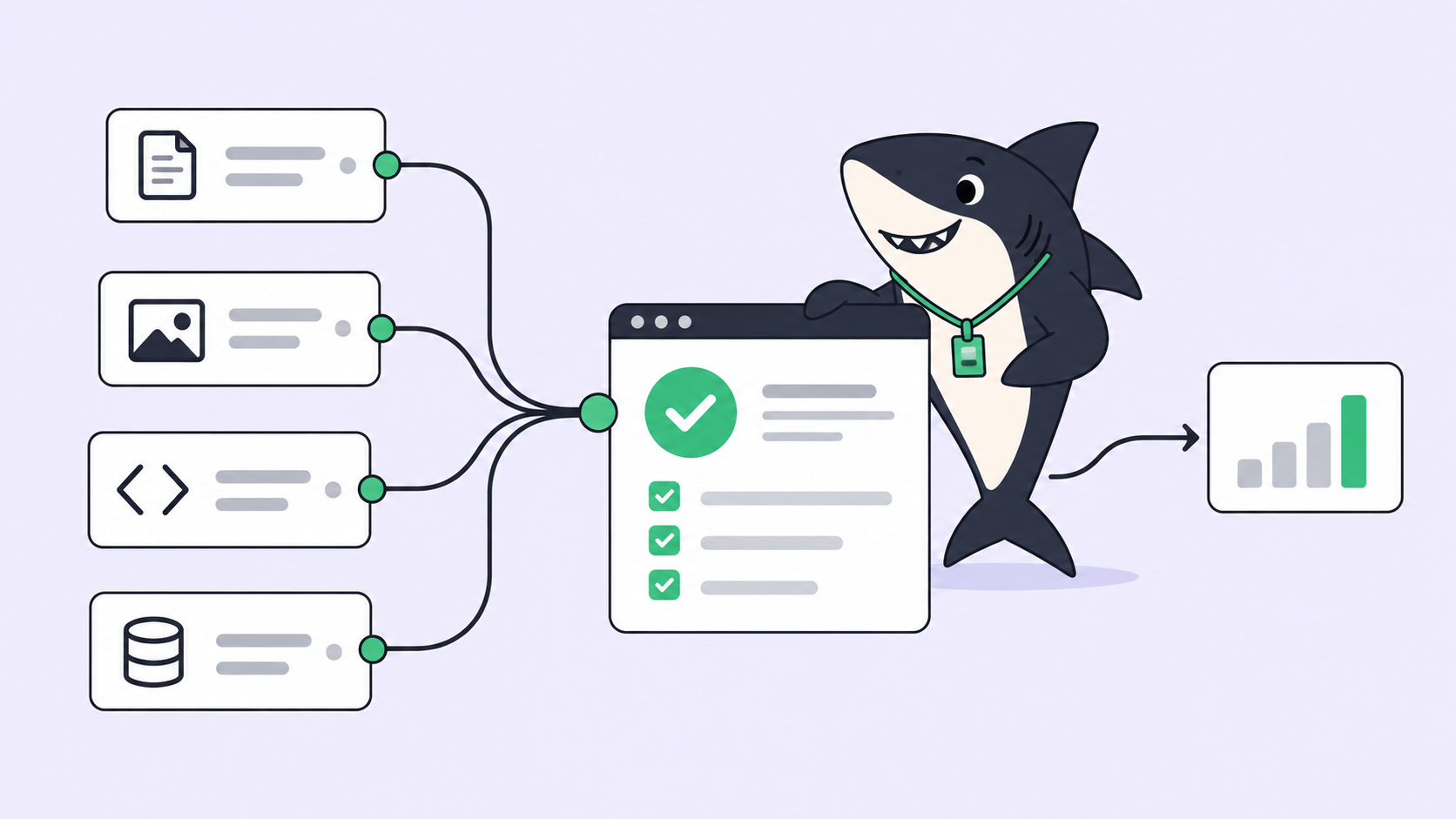
A task board built for this keeps execution and the record together. Work, progress, blockers, and results return to the Task instead of disappearing into private sessions. In Sharkly, an Agent claims a ready Task, runs in an isolated worktree so parallel changes do not collide, and its change summary, verification results, and known limits return to the Task timeline for a person to accept or send back. That is the difference between a status you maintain and a status that maintains itself. It also hands your next planning session real data: what work the agents completed last cycle, and where the review time went.
Honest boundary: if you run one agent on one repo and review as you go, you do not need a task board or Sharkly for it. A single terminal and a checklist is fine. The equation changes when you plan across multiple agents, Tasks, repositories, or people, which is the exact point where a spreadsheet turns into a second job. Sharkly is built for that second case; download it when the spreadsheet starts lying to you.
A checklist to run before your next Sprint
Run this before you commit the plan:
- [ ] Calculated the review ceiling (reviewers x accepts-per-day x days) and treated it as the Sprint’s real capacity.
- [ ] Every Task is small enough to review inside one slot.
- [ ] Every Task has testable acceptance criteria and a clear “do not touch” boundary.
- [ ] Each Task is assigned to a single Agent or a Crew on purpose, not by default.
- [ ] A WIP cap exists on the “in review” column.
- [ ] Slack reserved for rework and change requests.
- [ ] A human owns the merge and release decision for every Task.
- [ ] Progress, blockers, and results return to a shared board, not private terminals.
Tick all eight and agent execution stays inside a plan the team can finish. Miss the first one and the rest will not save you.
FAQ
Is sprint planning still useful when agents write most of the code? Yes, but the constraint moves. A Sprint stops being a container for engineering hours and becomes a container for review and acceptance. Plan the cycle around how much finished work people can inspect, and the agents fill it. The Scrum Guide still defines the ceremony; only the capacity math changes.
How do I estimate capacity for a human-agent team? Start from reviewers, not agents. Count the completed Tasks one person can honestly accept per day, then multiply by reviewers and Sprint days. Agent count only matters until it passes that ceiling; past it, more agents only grow the queue.
Should agents pick their own Tasks during the Sprint? Let them claim ready Tasks that already carry acceptance criteria, so parallel work moves without a dispatcher. Keep humans on direction, authority, and the merge. That leaves the human in the loop where judgment is required and automatic everywhere else.
How is this different from normal project management? The ceremonies look the same; the bottleneck does not. AI agent project management plans around review throughput and change isolation instead of developer availability, because execution is no longer the scarce resource.
Do I need a new tool, or can I extend Jira? You can keep the system your team already understands. The gap is that ticket tools track a status a human types, not an execution a machine runs. See Jira alternatives for human-agent teams for where that gap starts to hurt.