You kicked off four agents this morning. One refactored the auth module, one wrote tests, one chased a flaky CI job, and one is still thinking. By afternoon you have a vague sense that things happened, a stack of terminal tabs, three worktrees you half remember creating, and two pull requests you have not read. The work got done. You can’t see what it was.
Tracking work completed by AI coding agents is the problem of turning that scatter into a record: what each agent changed, whether it holds up, and where it ended. It’s a real problem because agents finish faster than you can inspect them, and the evidence of what they did lives in places built for one person working alone. This guide walks through the manual setup first, names where it breaks, and then shows the workflow Sharkly uses to keep every result attached to the task that asked for it.
The short version: you can track a couple of agents by hand with git and your terminal. Past that, you need a shared place where results return on their own, because the bottleneck stops being the coding and becomes your ability to review it.
TL;DR
Tracking completed agent work means answering three questions for every run: what changed, whether it’s correct, and where it landed. Git history and pull requests answer the first for one or two agents. Once several agents work in parallel, the record fragments across worktrees, terminals, and PR queues, and you lose the link between the task and its result. A task board fixes this by making execution, blockers, results, and human review return to one task, so the completed work is inspectable instead of reconstructed.
What tracking completed work means
Tracking is not a log of activity. It’s the ability to answer three questions about a finished run without reverse engineering it.
- What changed. The diff, the files touched, the reason for each.
- Whether it’s correct. Typecheck, tests, the build, and a summary of what the agent verified.
- Where it landed. The branch, the PR, the task it belongs to, and who accepts it.
An agent that finishes silently has technically completed work, but you can’t act on it. The completed state you care about is the one a person can inspect and accept. That’s why “the tests passed” is not the same as “the work is tracked.”
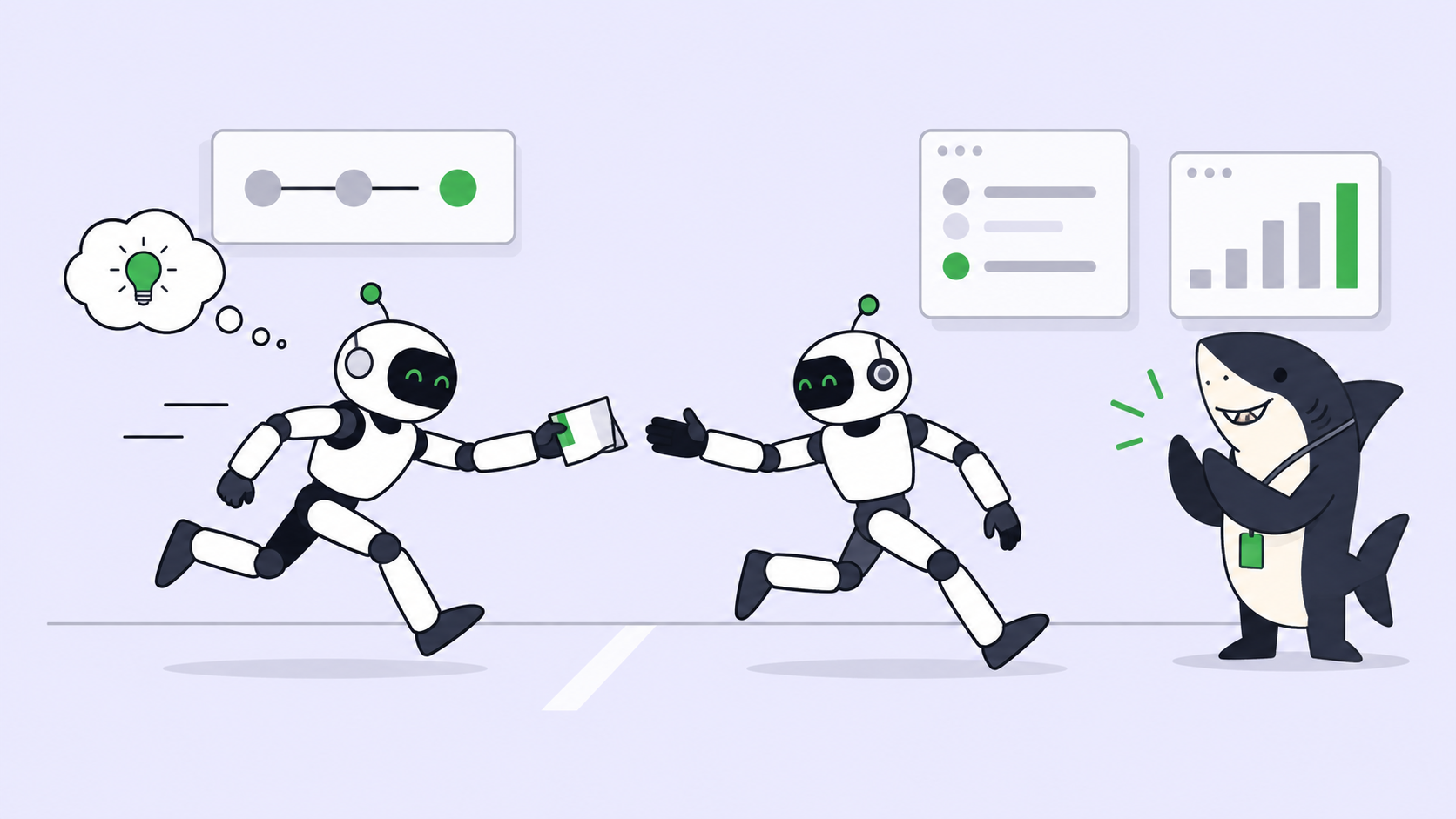
The human-in-the-loop model for coding agents draws the line: agents research, execute, test, and report; people set direction and accept the result. Tracking is the machinery that lets the second half happen.
The DIY setup, step by step, and where each step breaks
For one agent on one branch, the built-in tools are enough. Here’s the honest version, with the failure mode named at each step.
Step 1: See what changed. After a run, you read the diff.
git log --oneline -10
git diff main...HEAD --stat
Fails when: two agents share a branch, or an agent commits nothing and leaves changes in the working tree of a worktree you forgot about. The diff you read is not the diff that shipped.
Step 2: Isolate each agent’s work. You give every agent its own git worktree so they don’t collide.
git worktree add ../auth-refactor -b auth-refactor
git worktree list
Fails when: the list grows past what you can hold in your head. git worktree list tells you the paths, not which agent is in each, what task it serves, or whether it’s done. See the official git-worktree docs for the mechanics; they stop at bookkeeping.
Step 3: Check the results reached a PR. You lean on GitHub.
gh pr list --author "@me" --state open
gh pr view 214 --json title,statusCheckRollup
Fails when: the PR exists but nobody wrote why, or checks are green while the change is wrong, or the PR has no link back to the request that started it. The gh pr list reference shows you open PRs, not intent.
Step 4: Remember what you asked for. This step has no command. The original requirement lives in a Slack message, a note, or your memory. When you review the PR three days later, you’re guessing at the acceptance criteria.
Each step works. The problem is the seams between them. The diff, the isolation, the PR, and the intent live in four systems that don’t know about each other, and you’re the only thing connecting them.
Where the manual setup stops scaling
The break isn’t a moment. It’s a slope, and you can name where you are on it.
| Agents in parallel | What tracking costs | What breaks first |
|---|---|---|
| 1 | Read one diff, one PR | Nothing |
| 2 to 3 | Context-switch between worktrees | You lose which agent did what |
| 4 to 6 | Reconstruct intent per PR | Results outrun your review capacity |
| 7+ | Full-time coordination | Completed work sits unreviewed for days |
The real cost is measured in review capacity, not in agent speed. Agents produce completed work faster than one person can inspect it, so past a handful of runs your throughput is capped by how fast you can answer the three questions, not by how fast the agents code. Adding more agents makes the tracking problem worse, not the delivery problem better.
What a task board adds
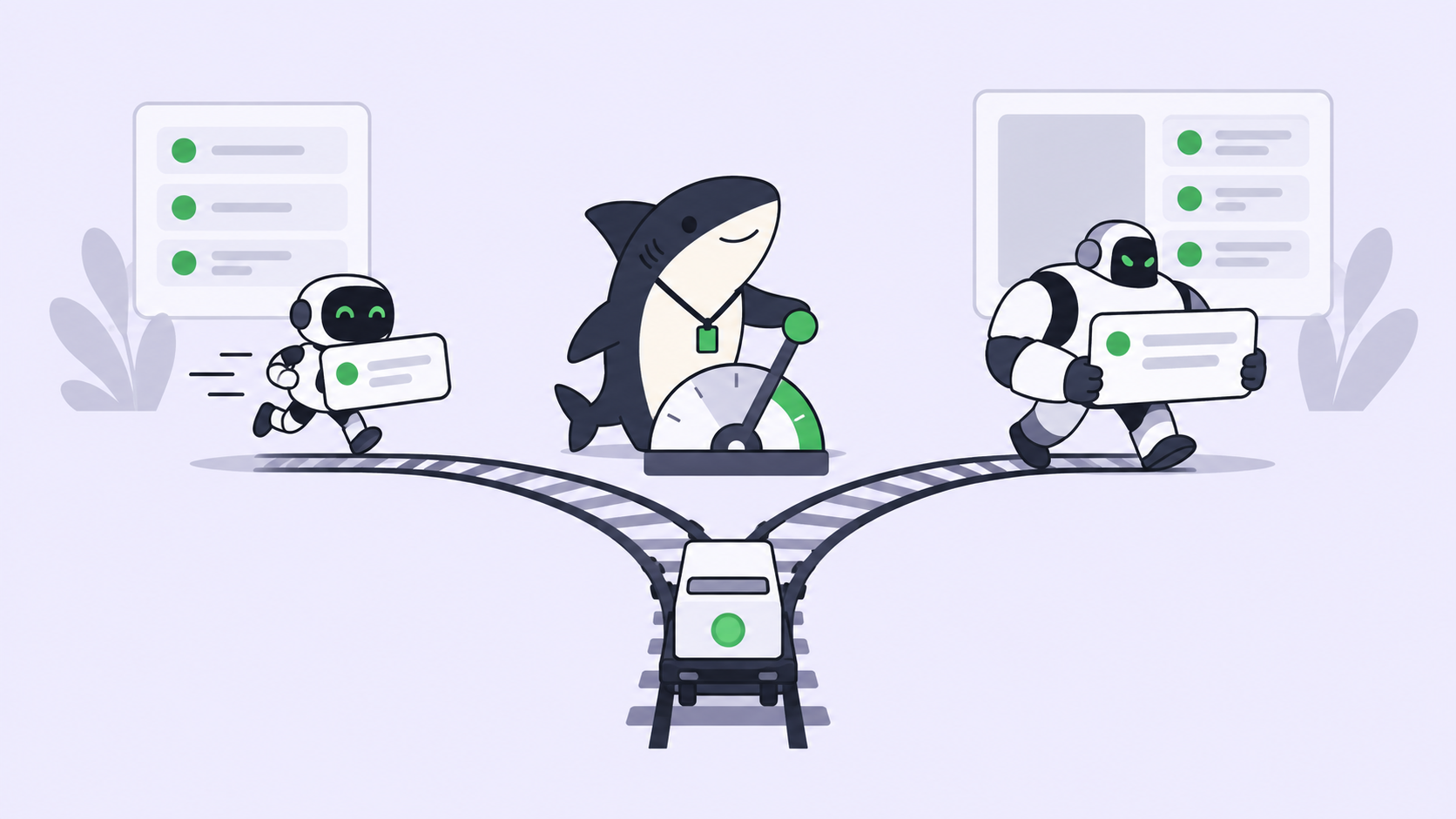
The fix is to stop treating a completed run as a diff and start treating it as something that returns to a task.
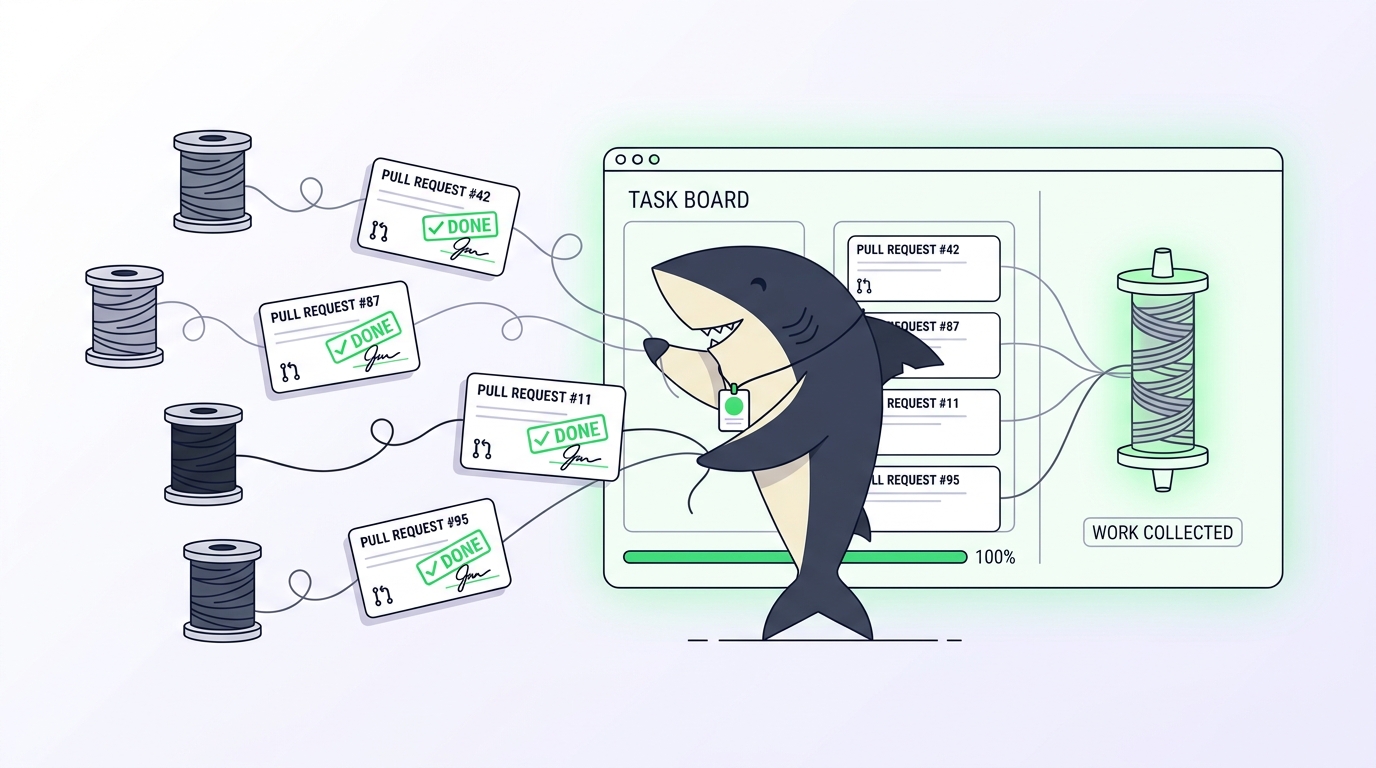
In Sharkly, the task is the shared record. You assign a task to an agent or a Crew, and the run happens in an isolated worktree, so parallel agents never touch the same files. When it finishes, the execution, blockers, results, and follow-up return to the task timeline. The change summary, the verification results, and the known limits attach to the task itself, not to a terminal you have to still have open.
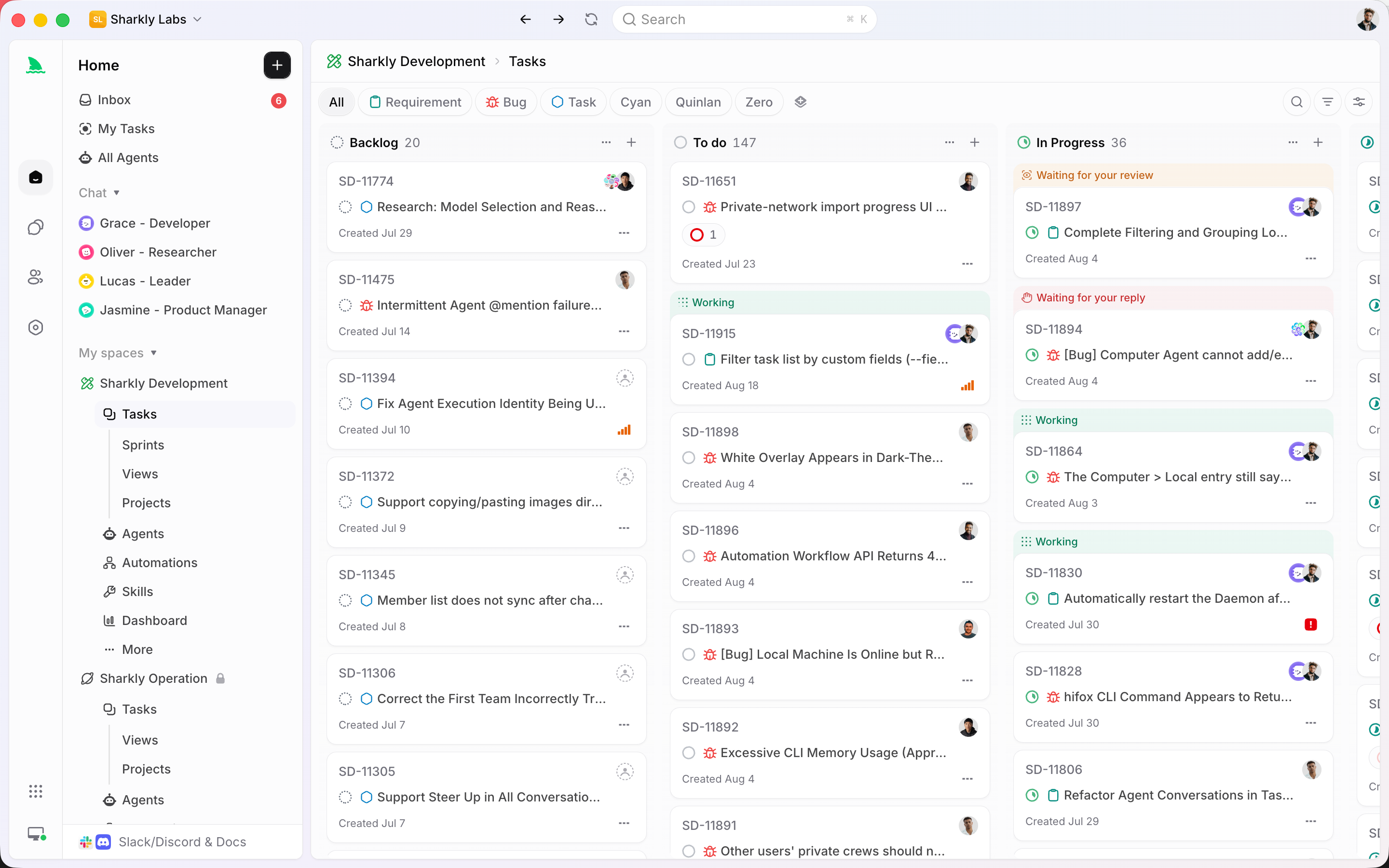
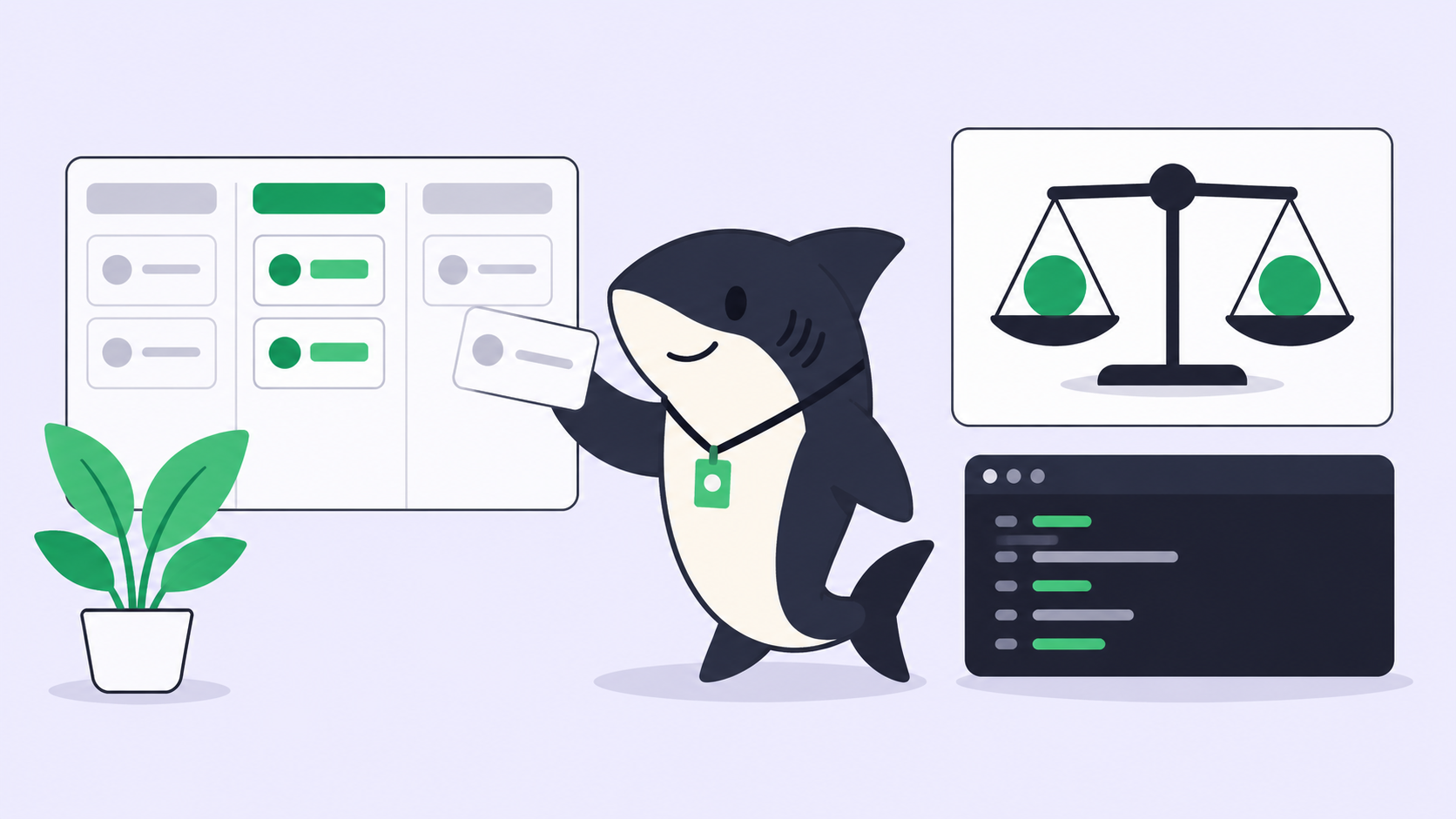
That’s the difference between a log and a record. A log tells you something happened. A record tells you what changed, whether it’s correct, and where it landed, all in one place, keyed to the request that started it. You review completed work from the task, accept it or send it back, and the decision has your name on it.
This is where the DIY seams close. The intent, the diff, the checks, and the acceptance live on one object. You keep the tools your agents already use; Claude Code and Codex still do the execution, and Sharkly adds the task, context, and review layer around them. Assigning work to an AI agent then reads like assigning it to a teammate, and the result comes back where you can find it.
You can download Sharkly and connect one Computer to try this on a single real task before you scale it up.
When you don’t need any of this
Be honest about the threshold. If you run one coding agent, in one repo, and you read every diff before it merges, git and your terminal already track your completed work. A task board would add ceremony you don’t need. The built-in project view in Claude Code covers a surprising amount for a single-agent workflow.
The equation changes when three things stack up: more than a couple of agents at once, work you can’t review the same day it finishes, and results that need to reach someone other than you. That’s when a shared task record stops being overhead and starts being the only way the completed work is visible from request to release.
A checklist you can run today
Before you add another agent, confirm you can answer yes to each of these for the ones already running:
- [ ] For any finished run, can you find the diff in under a minute without opening a terminal?
- [ ] Does each completed run carry a summary of what the agent verified, not just green checks?
- [ ] Can you trace a PR back to the requirement that started it?
- [ ] Is there one place that shows which agent is on what, what finished, and what needs review?
- [ ] Does accepting completed work have a person’s name attached to it?
- [ ] When an agent finishes, does the result come to you, or do you have to go find it?
Any “no” is a seam that will widen as you add agents. Fixing it early is cheaper than reconstructing a week of untracked runs later.
FAQ
How do I track what an AI coding agent changed? Read the diff, not the agent’s summary of it. For one agent, git diff and the PR are enough. For several, keep each run in its own worktree and route the diff plus a verification summary back to a shared task so you’re not reconstructing it from scrollback.
Can I track AI agent work with GitHub alone? For one or two agents, yes. GitHub shows you open PRs and check status. It won’t tell you which agent produced a PR, what task it serves, or whether the change matches the original intent, so it thins out fast once several agents run in parallel.
How many agents can I run before I need a task board? Most people feel the seams around three to four parallel agents, when reconstructing intent per PR starts eating more time than the review itself. The trigger is review capacity, not a fixed number. See our note on managing parallel coding agents.
Does a task board slow down fast-moving agents? No. Agents still execute in isolated worktrees at full speed. The board adds a return path so their completed work lands somewhere you can review it, which removes the manual reconstruction step rather than adding one.