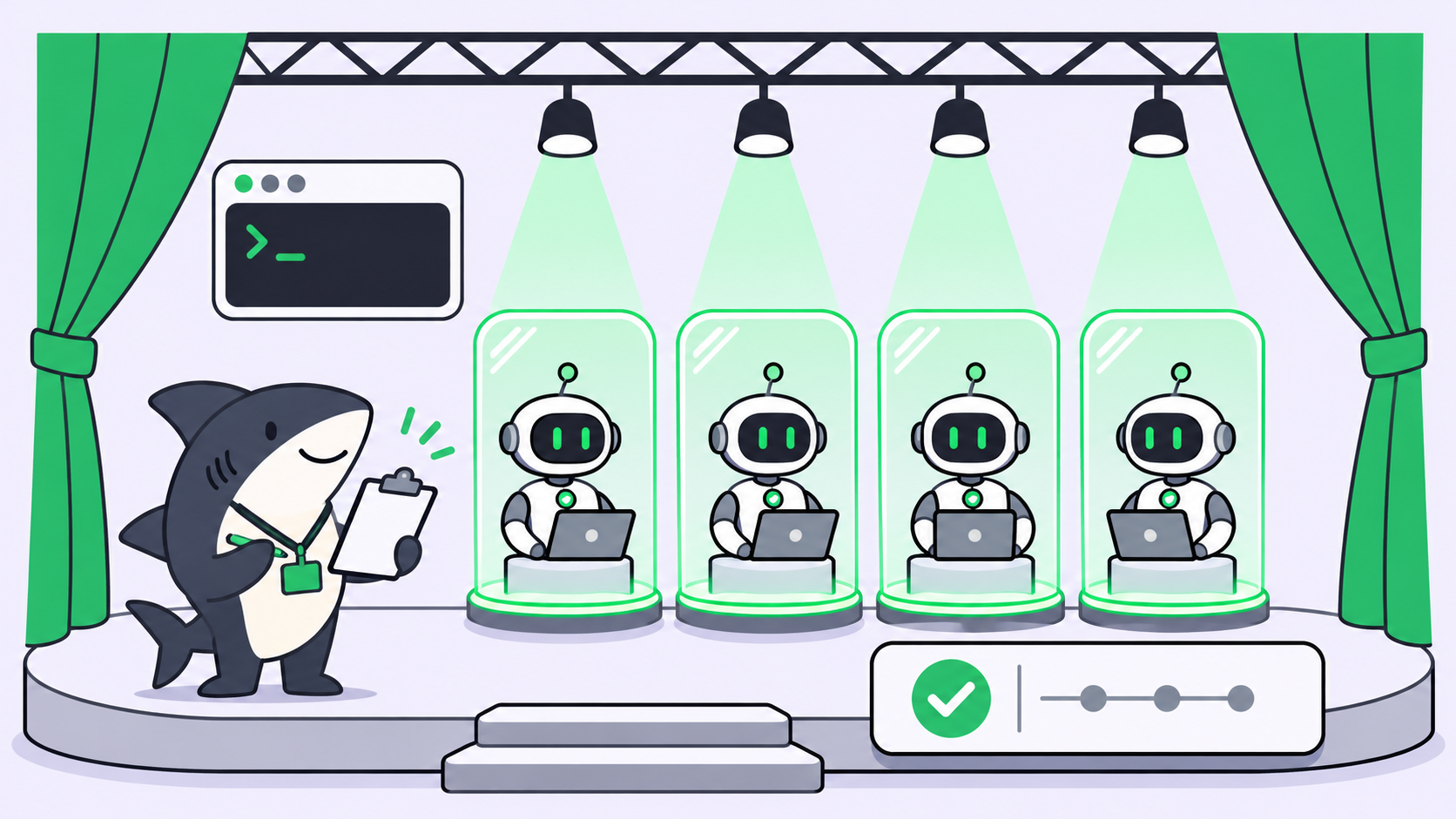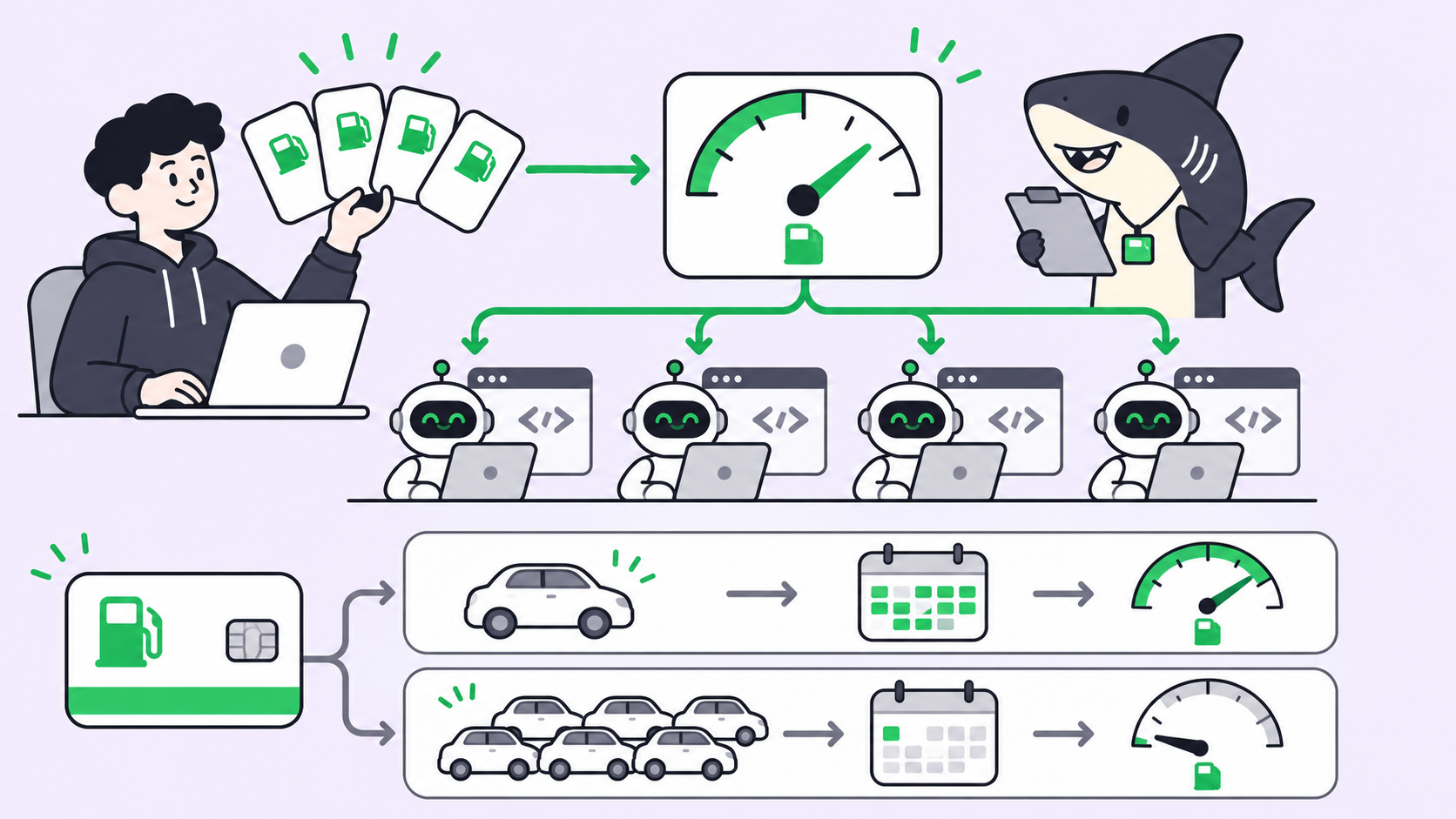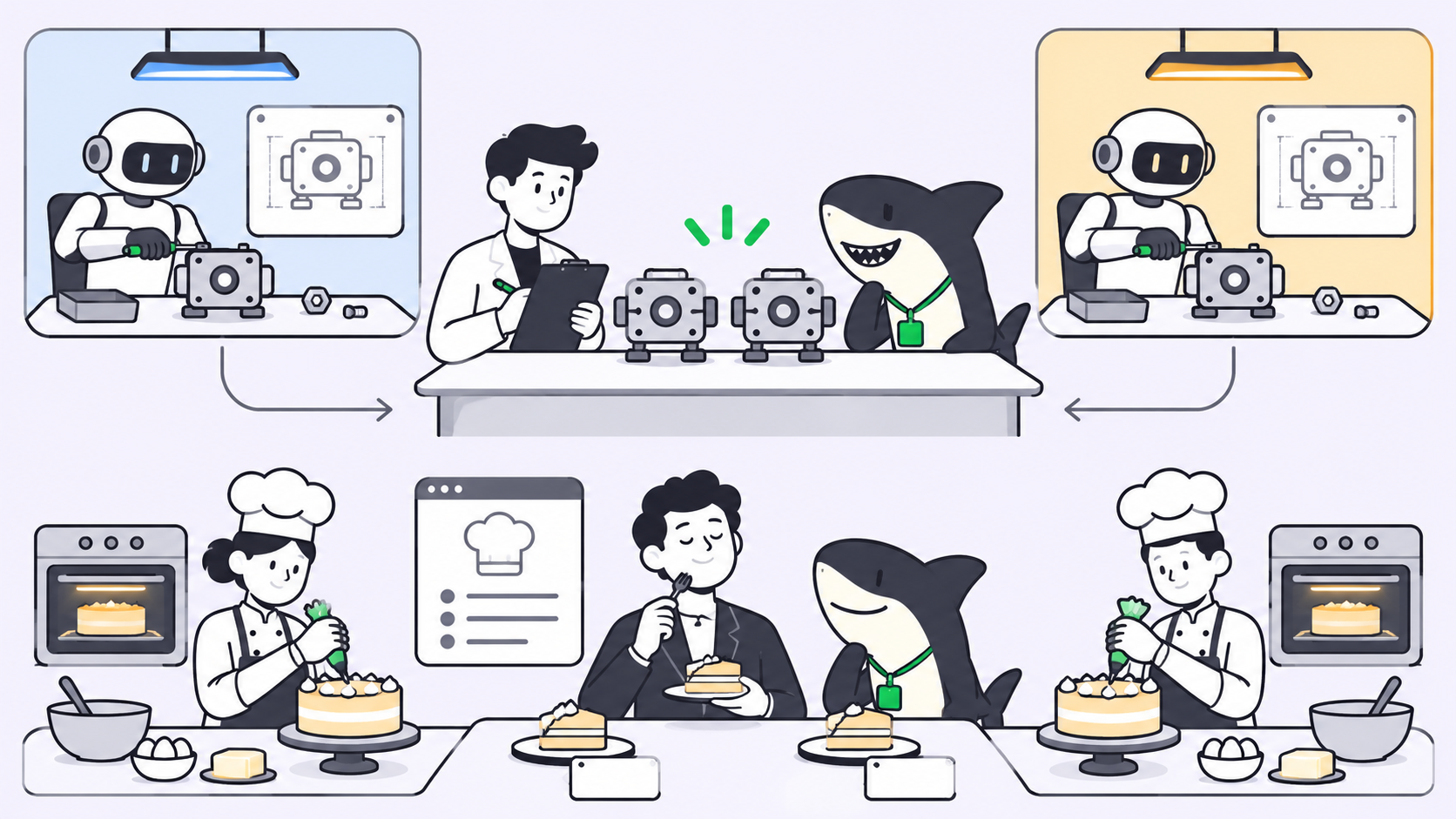
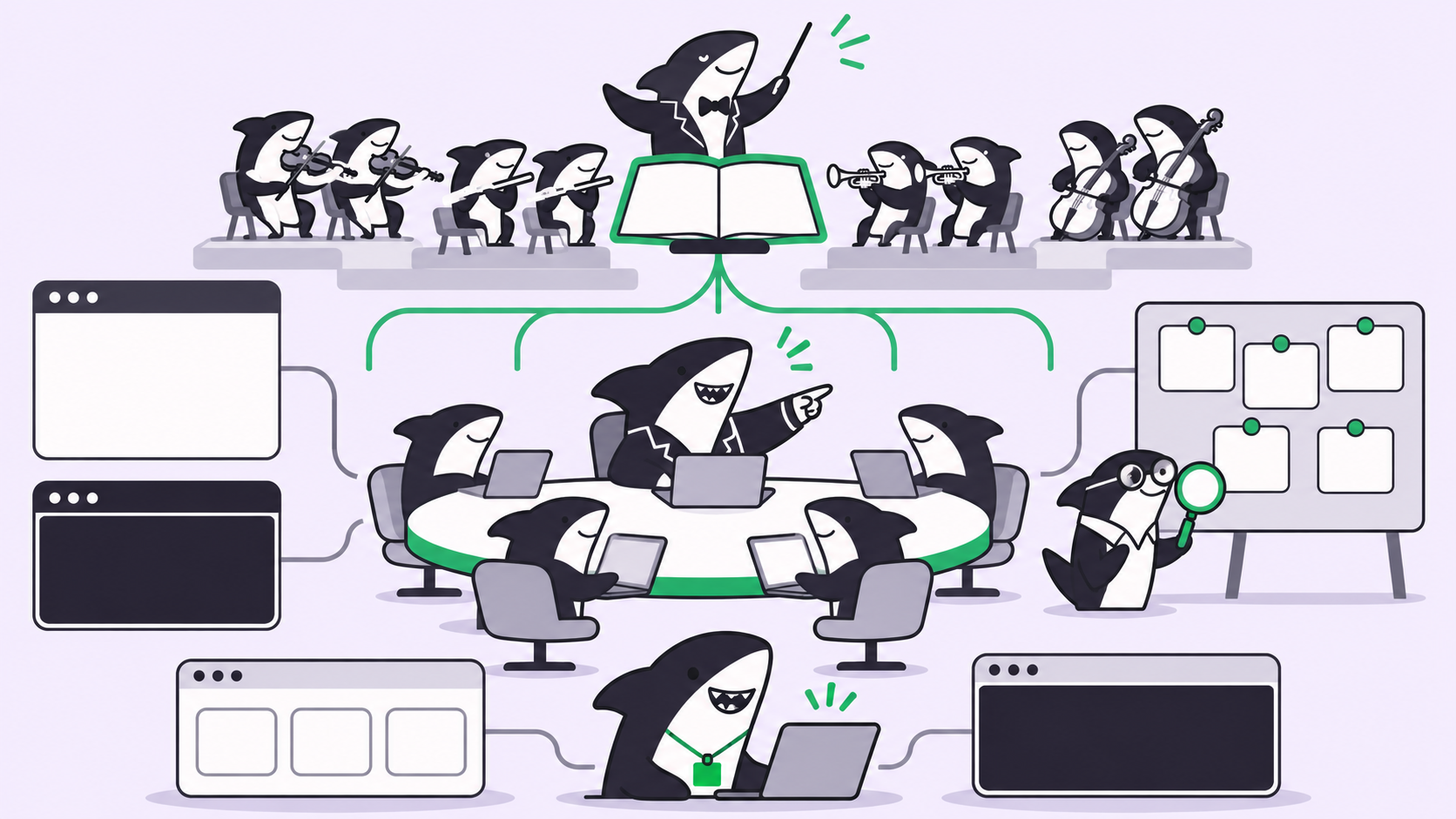
Antigravity swarm is a preview slash command in Google Antigravity that turns one prompt into a team of parallel agents. Type /swarm <task>, and your conversation becomes a coordinator that splits the work across named workers, adds a @verifier to review diffs and run tests, and keeps everyone on one shared message board. It needs a Google AI Pro or Ultra plan and burns quota faster than a single agent.
What is Antigravity swarm?
Antigravity swarm is the /swarm command in the Antigravity App and CLI. It runs a team of named agents that split a task, work on the pieces at the same time, and coordinate in public on a shared board. Use it when a task divides cleanly across separate files, packages, or questions, and you want a second agent to test the result.
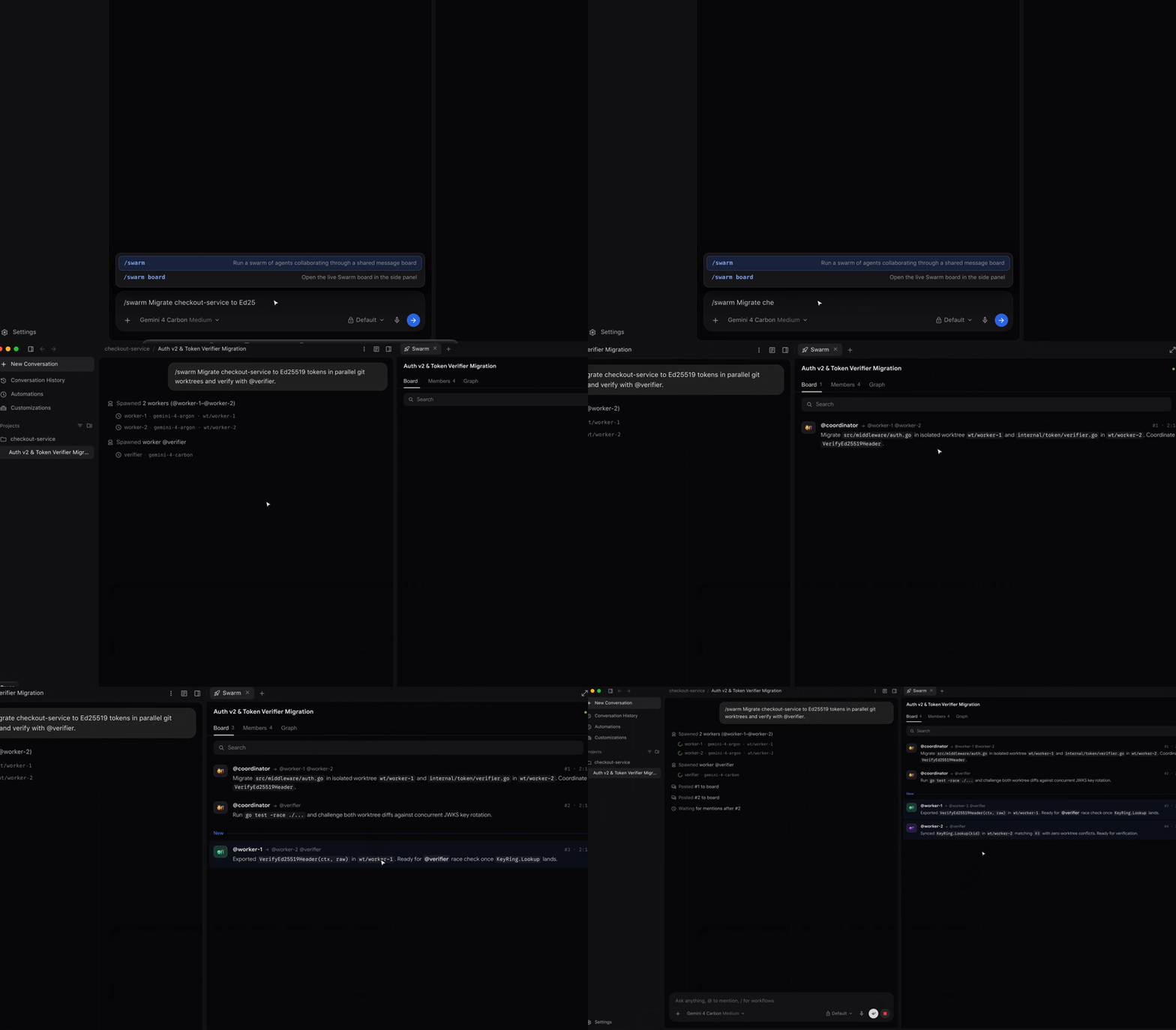
Google showed the command off in its Gemini 4 Neon launch on November 18, 2026, with demos like a Google Sheet driven by over 500,000 live formulas. The useful part is the mechanism, which the /swarm docs spell out. This guide covers how it works, what it costs, and where a shared task board like Sharkly fits next to it.
How /swarm works: coordinator, workers, verifier
When you run /swarm <task>, the current conversation becomes the coordinator. It doesn’t write code. It hands out work, judges what comes back, and reports to you. Here is the sequence the docs describe:
- The coordinator splits the task. It names the swarm and adds one worker per piece that won’t collide, such as
@parser,@api-tests, or@docs. For a pool of similar jobs it can add a numbered group,@fix-1through@fix-4. - Each worker gets a public brief. A worker starts with a clean context. Its brief (what it owns, what it must not touch, what “done” means) is posted to the board.
- A verifier checks the work. The coordinator usually adds one
@verifierfor every two to four workers. It reads diffs, runs tests, and sends problems back to the author. - Everyone talks on the board. Assignments, questions, diff summaries, and test results go to the board with
@name,@group, or@all. Nobody messages privately. - Idle members sleep for free. A worker with nothing to do waits on the board without using tokens and wakes when someone mentions it.
There is also a @monitor worker. It stays asleep while the swarm makes progress and posts only if every member goes quiet before the work is done.
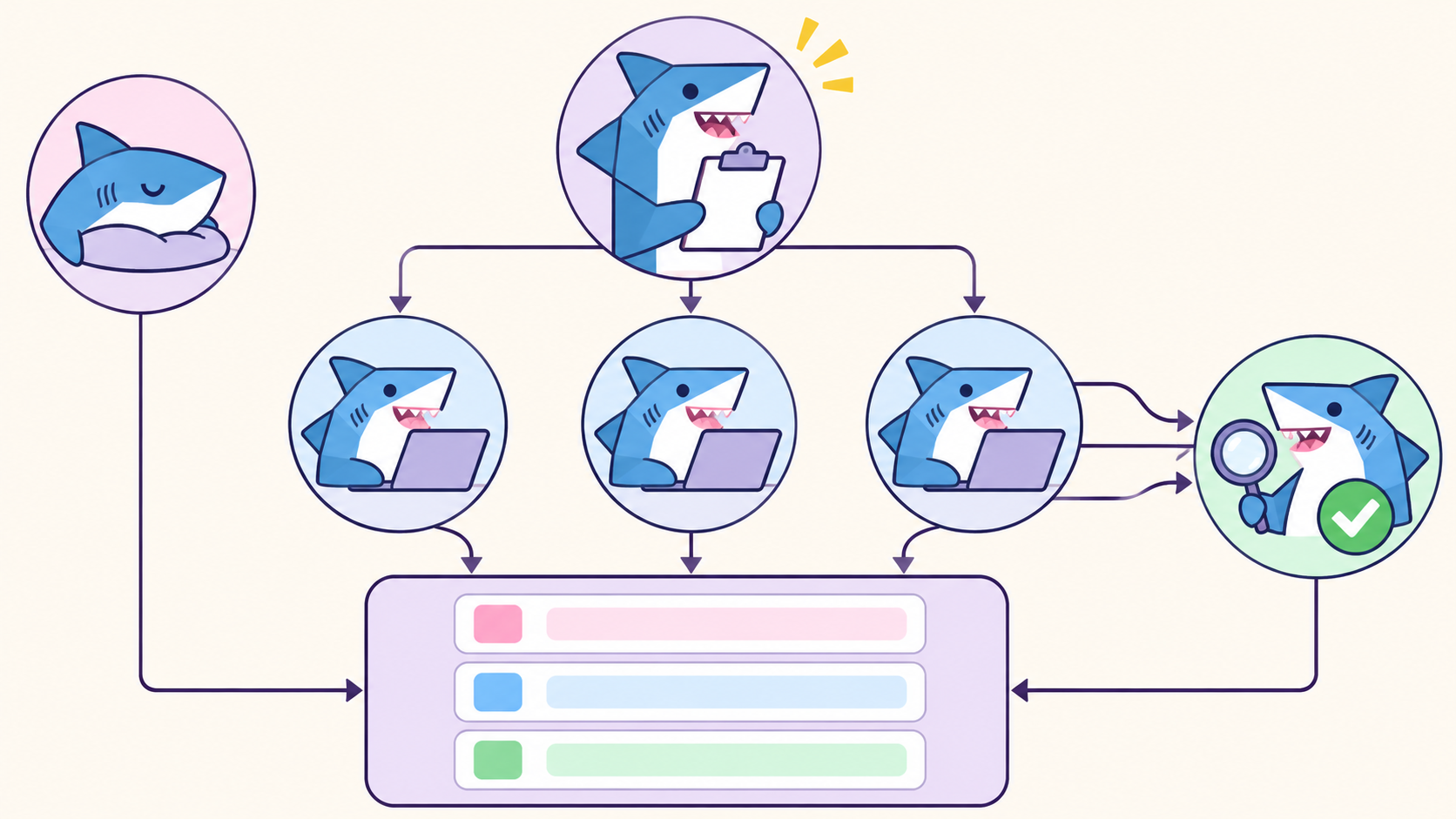
That public board is the main difference from subagents, which report privately to their parent. Our AI agent swarms explainer covers the general pattern.
Worker models and workspaces
Workers run on the same model as your conversation unless you say otherwise. You can ask for a split in the prompt, for example “run the verifier on a different model than the workers,” as long as that model is in your model picker.
Workers share your workspace by default. When several edit at once, the coordinator can give each its own working copy of the repository, the same idea behind parallel agents in isolated worktrees outside Antigravity.
How to run your first Antigravity swarm
The steps are nearly identical in the App and the CLI.
- Open a conversation in your project, type
/swarm, and press Tab to insert the command. - Describe the task and how to check it.
- Wait for the coordinator to add workers and post their briefs.
- Open the board: click Open the Swarm UI in the App, or run
/swarm board(or press Alt+S) in the CLI. - Keep talking to the coordinator while the swarm runs. Ask for status or change the plan.
Google’s own first example is a good template:
/swarm Add unit tests for the date utilities in src/utils/date.ts and the
currency formatter in src/utils/currency.ts, and run npm test to verify.
To talk to one worker, start a CLI prompt with its name, for example @verifier also run the integration tests, or open it from the App’s Members tab. That message skips the board.
Writing a /swarm prompt that splits well
The coordinator decides how many workers to add, so your prompt’s job is to make the split obvious and the finish line testable. Three habits help:
- Name the boundaries. List the files, packages, or questions so each worker owns one.
- Name the check. Say which command proves the work, such as
npm testorgo test -race ./.... - Name the constraint. “Fix the failures without deleting assertions” stops a worker from passing tests the cheap way.
/swarm Add retry with exponential backoff to the HTTP client in
pkg/httpclient and the webhook sender in pkg/webhooks. Run the verifier
on a different model than the workers, and have it check for race
conditions and run go test -race ./....
Swarm vs subagents vs /boost vs /teamwork
Antigravity ships four ways to use more than one agent. Pick by the shape of the problem, not its size.
| Subagents | /boost |
/swarm |
/teamwork |
|
|---|---|---|---|---|
| Best for | A focused side task | A hard bug or tricky refactor | Broad work that splits cleanly | Multi-milestone projects |
| Coordination | Private report to parent | Iterative challenge and fix | Shared board with @mentions | Milestone plan with review gates |
| Typical horizon | Seconds to minutes | Seconds to hours | Minutes to hours | Hours to days |
| Plan tier | All plans | Paid plans | Google AI Pro and Ultra | Paid plans |
Use /swarm when the task is broad and divides cleanly. Use /boost when the problem is hard rather than broad, because a race condition doesn’t get easier with four agents poking at it. Use /teamwork when the work spans days and needs a scoping interview first.
Running /swarm on Gemini 4 Neon
Google pitches Neon as a fast orchestrator that directs parallel Hydrogen subagents in Antigravity. It’s available there for paid Google AI Pro and Ultra subscribers. Outside Antigravity, the API facts look like this, per the Gemini API pricing page and models page:
| Gemini 4 Neon | Value |
|---|---|
| Model code | gemini-4-neon |
| Input, per 1M tokens | $3.00 |
| Output (incl. thinking), per 1M tokens | $15.00 |
| Cached input, per 1M tokens | $0.15 (implicit caching only) |
| Context window | 1,048,576 tokens |
| Free API tier | Not available |
Neon has four thinking levels. High is the default and xhigh is the top. Google says that at high, Neon costs 32% less per task than Gemini 4 Carbon. For a swarm, that matters more than usual: every worker is its own agent, so per-task cost multiplies by headcount. A sensible split is Neon as coordinator and verifier with faster workers, which the docs let you ask for in the prompt. Our Gemini 4 Hydrogen guide covers the worker side.
Costs, limits, and failure modes
Swarm is in preview, and the docs are blunt: a swarm “uses quota much faster than a single conversation.”
- Quota pauses don’t self-heal. A member that runs out of quota pauses and stays paused until a new board post, a model switch, or your message. It won’t restart when quota refreshes.
- Killed is permanent. A removed worker can’t be revived; the coordinator adds a new one.
- Approvals still block. A worker waiting on a tool approval stops. In the CLI, Alt+J jumps to the next one waiting.
- Overlapping edits need working copies. If two workers touch the same file in a shared workspace, ask for separate copies.
If you’re not sure your plan includes /swarm at all, our breakdown of whether Antigravity is free lists what each tier gets.
Where a task board fits next to /swarm
A swarm board is scoped to one conversation in one developer’s session. It answers “what are these workers doing right now?” well. It doesn’t answer “what is every agent on the team doing this week, who asked for it, and who signed off?”
That second question is the job of a team task board. Sharkly is not a replacement for Antigravity or any coding agent. It adds the shared task, Computer, context, and review layer around the agents your team already runs, such as Claude Code, Codex, Gemini CLI, and OpenCode. Antigravity isn’t one of the Runtimes Sharkly runs today, so treat the two as separate layers.
Here is how the pieces map:
| Concern | Antigravity /swarm | Sharkly |
|---|---|---|
| Unit of work | One prompt in one conversation | A Task on a shared board |
| Team of agents | Coordinator plus named workers | A Crew: a leader Agent plus Agents and People |
| Isolation | Optional working copy per worker | Isolated directory per Task, worktree per run |
| Where results go | The board and the coordinator’s reply | Back to the Task, with progress and trace events |
| Who accepts the work | You, in the conversation | A responsible person reviewing on the Task |
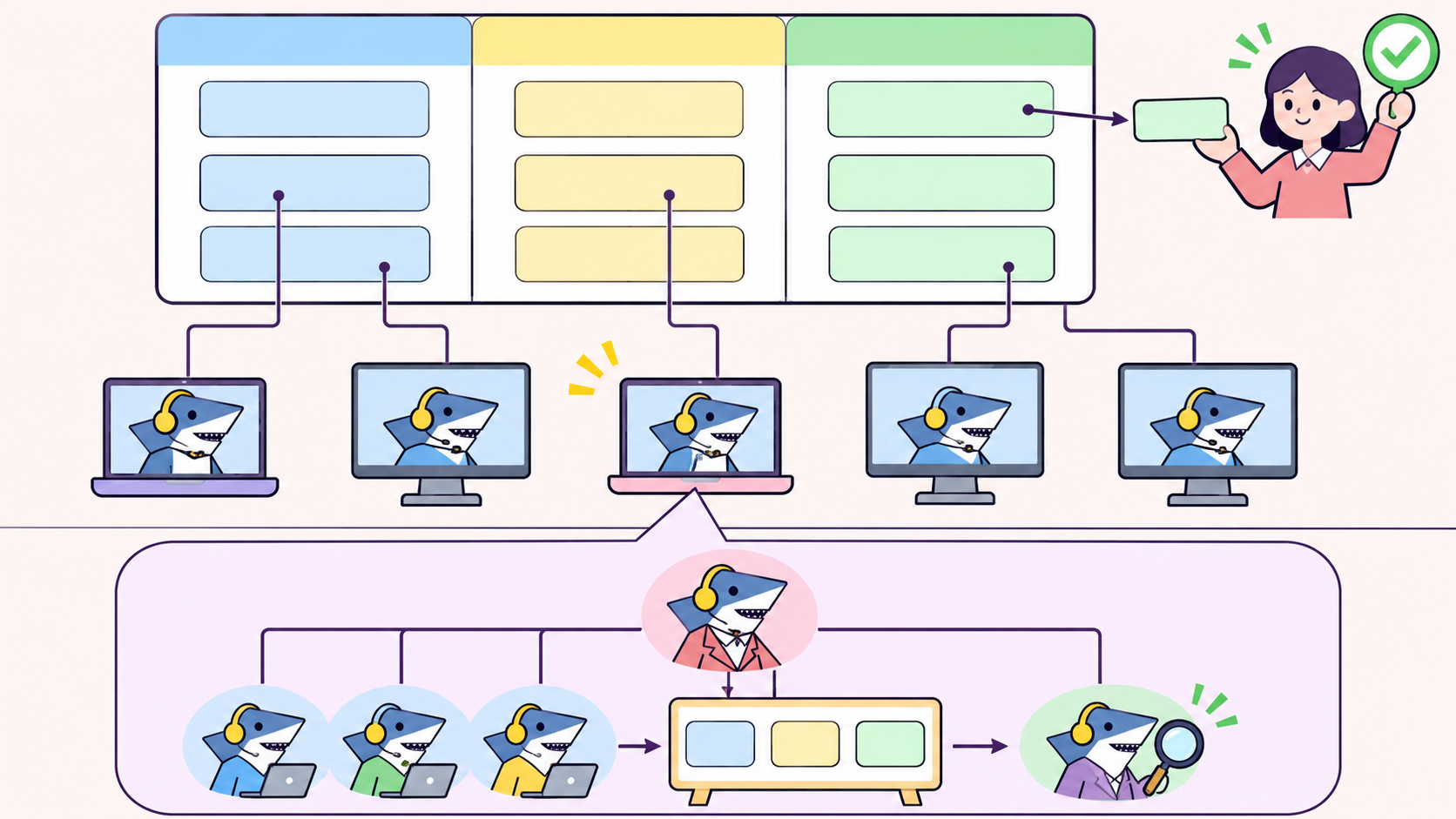
Per the Sharkly docs, each Task runs in its own isolated worktree, and progress, trace events, and the result return to the Task. Agents research, execute, test, and report. People set direction and accept the result. When reviews start piling up across parallel agents, read why human review becomes the bottleneck.
For small, well-defined work, prompt the default agent directly; a one-file fix with four workers costs more and finishes no sooner. Use /swarm when the task has three or more pieces that don’t share files and a test that proves each one.
Conclusion
Antigravity swarm gives one developer a coordinator, named workers, a verifier, and a public board in one command. Its limits are quota, a preview label, and a scope of one conversation. Start with a task that splits by file and has a test command. When your team’s agents need a shared board above the swarm, connect a Computer and assign your first Task in Sharkly.
FAQ
What does /swarm do in Google Antigravity?
It turns your conversation into a coordinator that splits a task across named worker agents running in parallel, usually with a verifier that reviews diffs and runs tests. All members coordinate on one shared message board with @mentions.
Is Antigravity swarm free?
No. The docs list /swarm on Google AI Pro and Google AI Ultra plans in the Antigravity App and CLI. Subagents are available on all plans.
How many workers does a swarm use?
The coordinator decides based on how the task splits. It usually adds one verifier for every two to four workers, plus a monitor. The /swarm docs don’t publish a maximum.
Can swarm workers use different models?
Yes. Workers default to your conversation’s model, but you can ask for a different model for one worker or all of them, as long as you can select it in the model picker.
What is the difference between /swarm and subagents?
Subagents run in the background and report privately to the agent that started them. Swarm workers talk publicly on a shared board, and idle workers sleep without using tokens until mentioned.