Most Asana alternatives lists still sort the category the old way: timelines against boards, portfolio reporting, admin overhead, free-tier limits. Those questions are fair. Asana is genuinely good at cross-functional work management, the job it was built for.
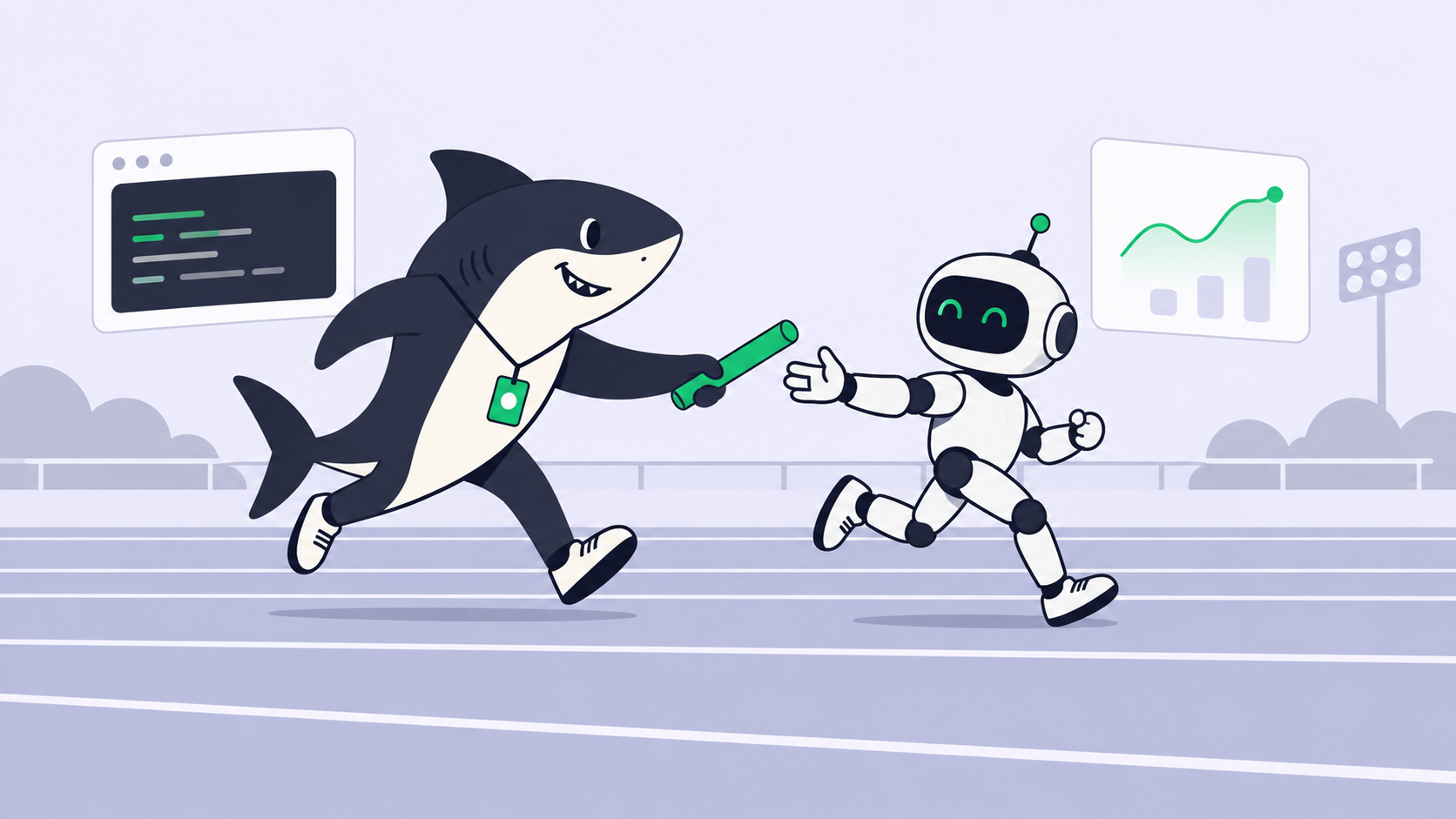
Engineering teams now ask something Asana was never designed to answer. If part of your delivery runs through AI coding agents, the tool you plan in either treats an agent as a real assignee or it does not. A real assignee is not a bot that drops a summary into a comment thread. It claims the task, reads the context, does the work on a host your team connects, and returns a result a person can accept or reject. Anyone who has tried to assign a ticket to an AI agent knows the gap.
That question sorts this list: one tool below is agent-native, and the other five are strong work systems covered at their best.
TL;DR
If agents do a real share of your engineering work and it must be assignable and reviewable beside the human work, Sharkly is the agent-native pick. If human coordination is still the bottleneck: Linear is the fastest tracker, Jira the deepest, ClickUp the widest, Notion the best home for the writing, and Plane the one you can host yourself.
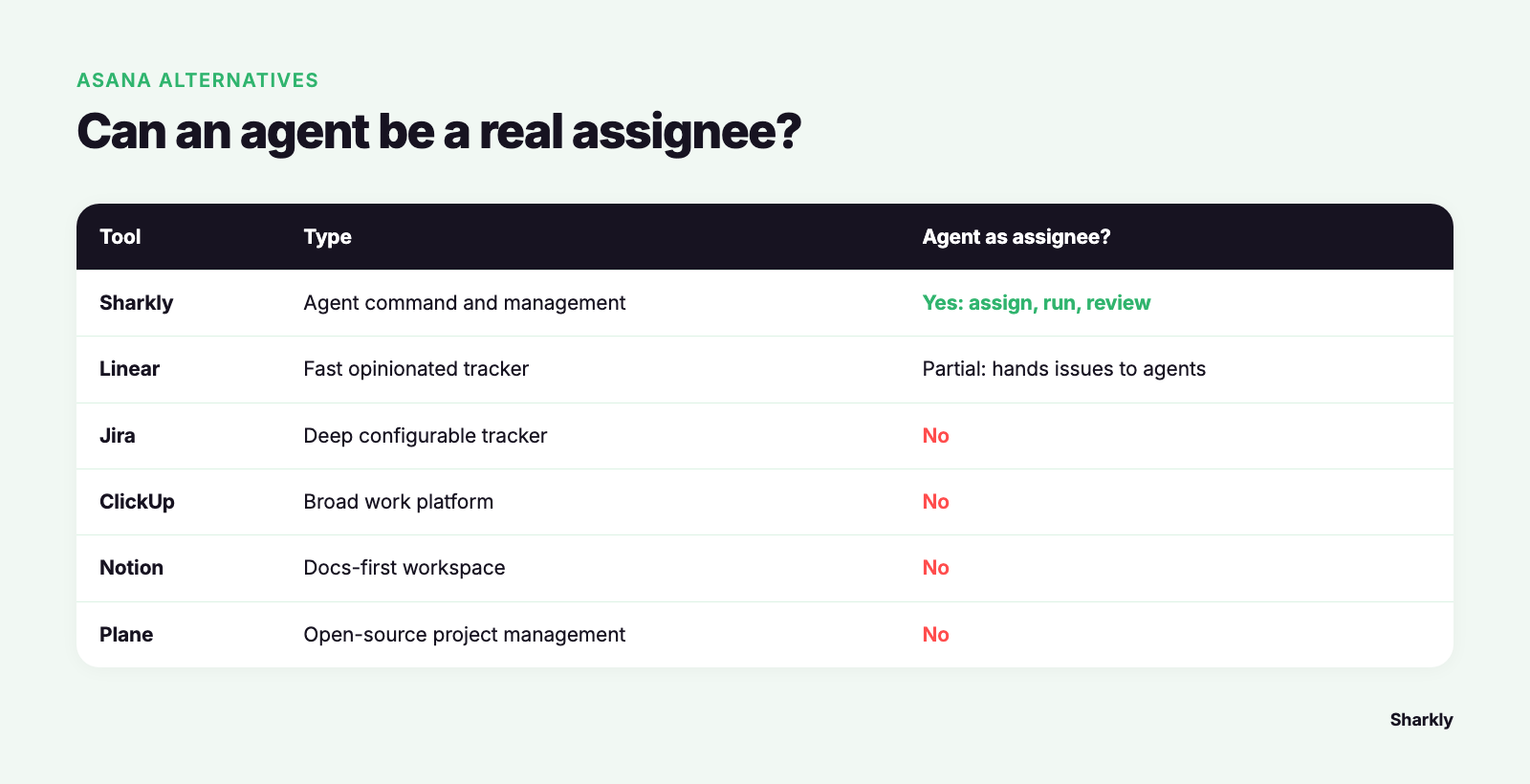
| Tool | Type | Agent as real assignee? | Best for |
|---|---|---|---|
| Sharkly | Agent command and management platform | Yes: assignment, execution, review | Routing work to people and Agents |
| Linear | Fast opinionated tracker | Partial: hands issues to connected agents | Teams that live in the tracker |
| Jira | Deep configurable tracker | No | Process, permissions, reporting |
| ClickUp | Broad work platform | No | Consolidating many tools into one |
| Notion | Docs-first workspace | No | Specs and tasks in one place |
| Plane | Open-source project management | No | Self-hosting project data |
1. Sharkly
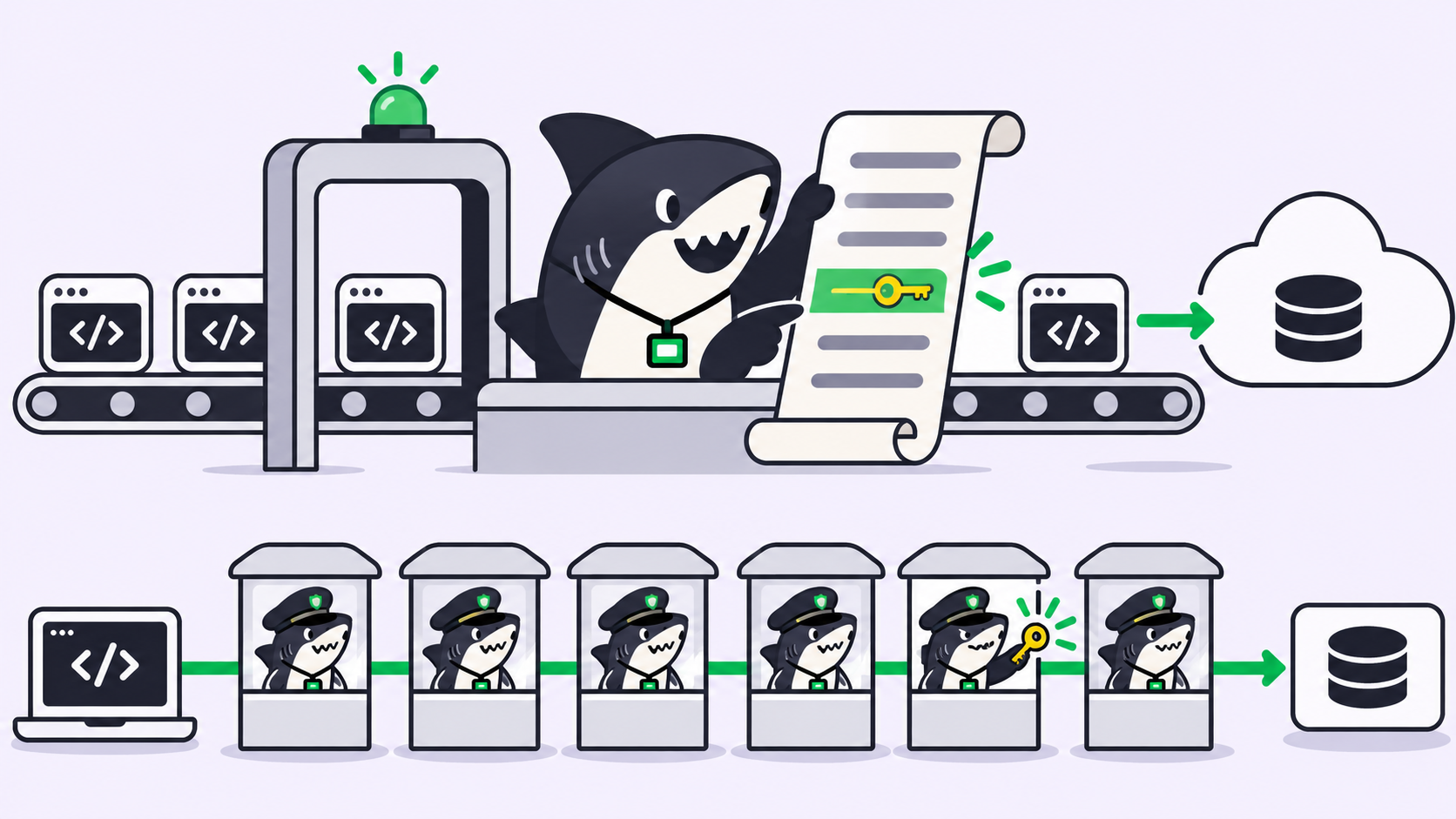
Sharkly is an all-in-one Agent command and management platform. It is not a replacement for Claude Code, Codex, or other execution tools. It adds the shared Task, Computer, context, control, and review layer around the tools your team already uses. Every other product here manages what people do. Sharkly manages what people and Agents do.
A Task is the main unit of work, and an Agent is an assignee in the full sense. The Agent runs on a Computer your team connects, works in an isolated git worktree so parallel runs never collide, and its execution, blockers, results, and discussion return to the Task timeline. Agents research, execute, test, and report. People set direction and accept the result.
Two honest limits. Sharkly’s shipped integrations are Jira, GitHub, and Slack, so there is no Asana connector today: leaving Asana is a migration, not a sync. And if nobody on your team runs coding agents yet, this layer buys you nothing the tools below do not do better.
Sharkly is currently free for organizations up to 5 people and $7 per user per month billed yearly past that, with no feature difference between the two. Model usage is bring your own key, billed against the subscriptions already attached to your Runtimes. Start with getting started with Sharkly, or the side-by-side at Sharkly vs Asana.
2. Linear
Linear is the tracker engineering teams name first when they leave Asana. It is fast in a way that changes behavior: keyboard-first, opinionated about cycles and triage, strict about removing configuration other tools make you maintain. For human coordination it is the best-executed product here.
It has also moved further toward agents than any other human-first tool here. Its agent platform lets you hand an issue to a connected coding agent, which appears in the workspace like a teammate and reports progress back. Where it stops is the layer underneath: execution happens inside whichever vendor’s hosted agent you connected, on that vendor’s terms, with no neutral place to run your own mix of runtimes on hosts you control. Pricing is $0 for Free (unlimited members, 2 teams, 250 issues), then $10 per user per month on Basic and $16 on Business, both billed yearly, with AI features drawing on separate credits. Pick Linear if human speed is the bottleneck and you accept agent work reported rather than operated.
3. Jira
Jira is what engineering teams consider when Asana’s flat work-management model stops matching how they ship. It has a decade more depth where it matters under pressure: issue types, workflows, permission schemes, JQL, release versions, reporting that survives an audit.
Where it genuinely beats Sharkly is governance. If you need granular permissions, formal process rules, and dashboards leadership already reads, Jira does it better than anything newer. What it does not do is treat an agent as an assignee. Automation rules move issue state, they do not run work, so execution happens off-stage and a person transcribes the outcome back. Jira’s Free plan covers up to 10 users with 2GB of storage and Community Support; Standard lists at $7.91 per user per month and Premium at $14.54. If Jira is already where your organization plans, the real question is whether agent work is visible inside it, the tension behind Jira alternatives for human-agent teams.
4. ClickUp
ClickUp is the widest tool here. Tasks, docs, whiteboards, forms, goals, dashboards and time tracking sit in one product, which is why teams collapsing four subscriptions land on it. Its Free Forever plan is generous: unlimited tasks, unlimited free plan members, 60MB storage.
Where it beats Sharkly is breadth for non-engineering work: marketing, support and operations live in it beside engineering without feeling like guests in a developer tool. The AI is assistive rather than executive. ClickUp Brain writes, summarizes, and answers questions about your workspace, but it does not claim a task, run on a host you connect, and hand back a diff. Paid tiers run $7 per user per month on Unlimited and $12 on Business, both billed annually, with Brain AI listed as a $9 add-on. Pick ClickUp when the problem is tool sprawl across departments rather than agent chaos inside engineering.
5. Notion
Notion earns its place because much of engineering work is writing: specs, decisions, runbooks, postmortems. Notion databases turn that writing into trackable work without the split between document and ticket that Asana and Jira make you live with.
Where it beats Sharkly is documentation gravity. If your team’s context already lives in Notion pages, keeping tasks beside it is worth friction elsewhere. The trade is rigor: databases flexible enough to model anything let process drift, and Notion’s AI summarizes and drafts rather than executing engineering work. The pricing page lists Free at $0 per member per month, Plus at $10 and Business at $20, with Notion Agent on Business. Use Notion when the writing is the hard part, a purpose-built tracker when delivery discipline is.
6. Plane
Plane is the open-source answer. It carries the shapes engineering teams expect, issues, cycles, modules and views, and runs on your own servers instead of a vendor’s. For teams under data-residency rules, that is not a preference, it is the requirement that ends the evaluation.
Where it beats Sharkly is control and cost at small scale: the Free plan covers 12 users, Pro lists at $6 per user per month billed annually, and self-hosting keeps project data on infrastructure you own. The gap for human-agent teams is plain. Plane manages human work. An agent can touch it through the API the way any script can, but the execution, isolation and review layer is yours to build. Pick Plane if self-hosting is a hard requirement.
How to actually decide
Start with one honest question: is agent execution part of how your team delivers, or a habit two developers have in a terminal? If it is the former, you need assignment, execution and review in one system, because a human-first tracker keeps losing half the work to private sessions. If it is the latter, pick on ergonomics and revisit later.
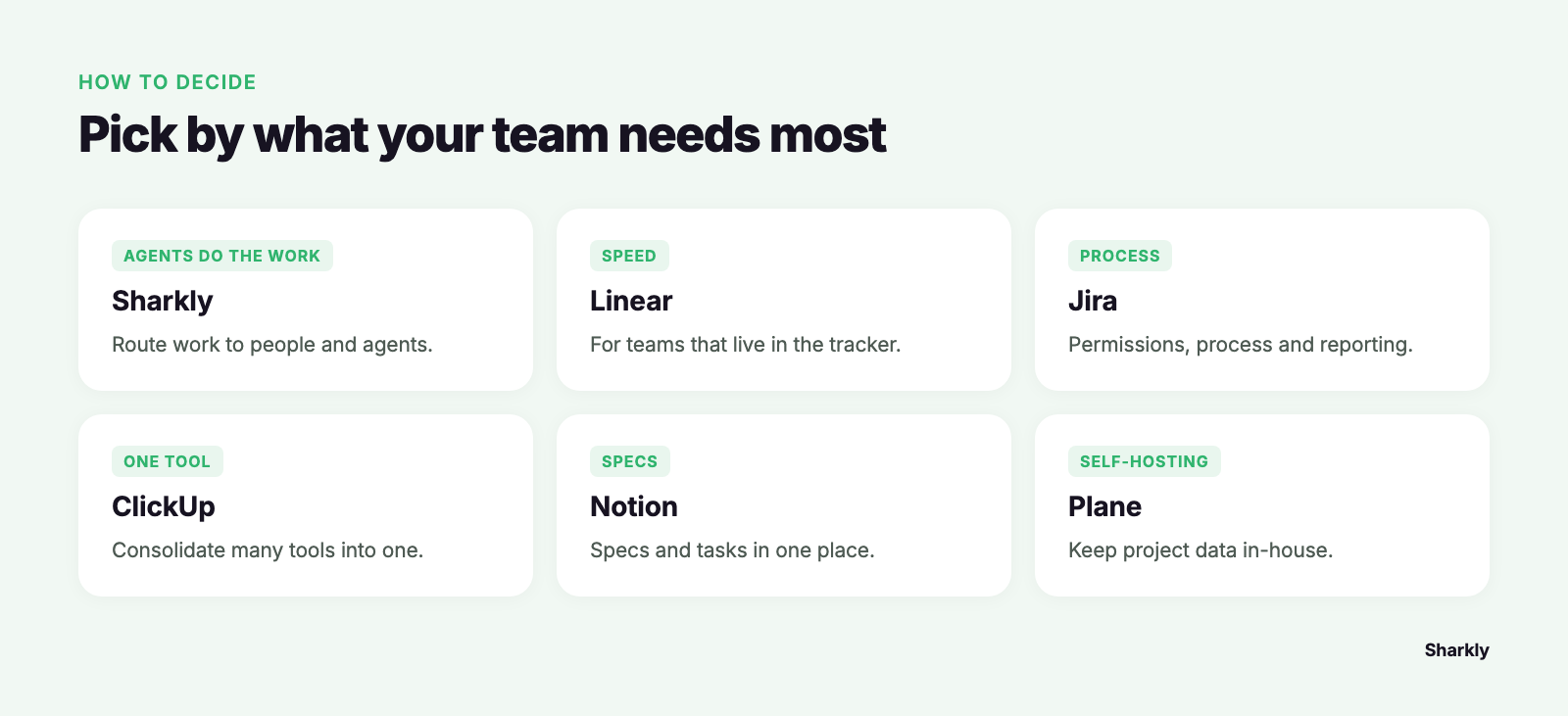
Second: what is actually wrong with Asana for you? Speed and engineering fit points to Linear. Depth, process and permissions to Jira. Sprawl across departments to ClickUp. Specs and tasks living apart to Notion. Hosting and data control to Plane. If the answer is that agent work has gone invisible, none of those five fix it, which is the problem AI agent project management describes.
Third: who reviews the result? A tool that lets agents work but leaves no reviewable record moves the bottleneck instead of removing it. Automation should stop where team judgment is required.
FAQ
What is the best free Asana alternative?
It depends on team size, because free tiers differ more than paid ones. Asana’s own Personal plan lists 2 users. Jira’s Free plan covers up to 10 users and Plane’s covers 12. ClickUp’s Free Forever plan allows unlimited free plan members with 60MB storage; Linear’s has unlimited members but caps you at 2 teams and 250 issues. Sharkly is currently free for organizations up to 5 people.
What does “agent-native” mean compared to an AI feature?
An agent-native tool treats the agent as an assignee with an execution path: it claims a task, runs on a connected Computer in an isolated workspace, and returns results, blockers and evidence to the Task for human review. AI layered on a human-first tracker summarizes, triages and drafts. It assists the people using the tool rather than doing the work the ticket describes, a line drawn in project management tools for human-agent collaboration.
Asana vs ClickUp: which should an engineering team pick?
ClickUp, if the choice is only between those two: broader, cheaper per seat at the entry tier, more configurable. Asana is calmer and easier to keep tidy at scale. Neither treats an AI coding agent as an assignee, so if that is your criterion, neither is the answer.
Can we keep Asana and add agent execution alongside it?
Not through a connector today. Sharkly’s shipped integrations are Jira, GitHub and Slack, so an Asana team adopting it moves the engineering work rather than syncing it. Most keep company-wide planning where it is and move only the engineering Space.
Do AI agents cost extra seats?
In Sharkly, no. Guests, Agents, Crews, Computers and Runtimes do not occupy seats; a seat is a person in the organization. Model usage is bring your own key, billed against the plans your Runtimes already use. Other tools here price AI as credits or a per-seat add-on, so check whether a seat price covers the AI you plan to rely on.