You have Claude Code running in one terminal, Codex in another, and a Gemini CLI session you started an hour ago and half forgot about. All three are working. None of them can tell you what the others are doing. By the time you’ve checked each window, you’ve lost the thread on the first one, and you still can’t answer the only question that matters: what finished, and what needs your eyes before it merges.
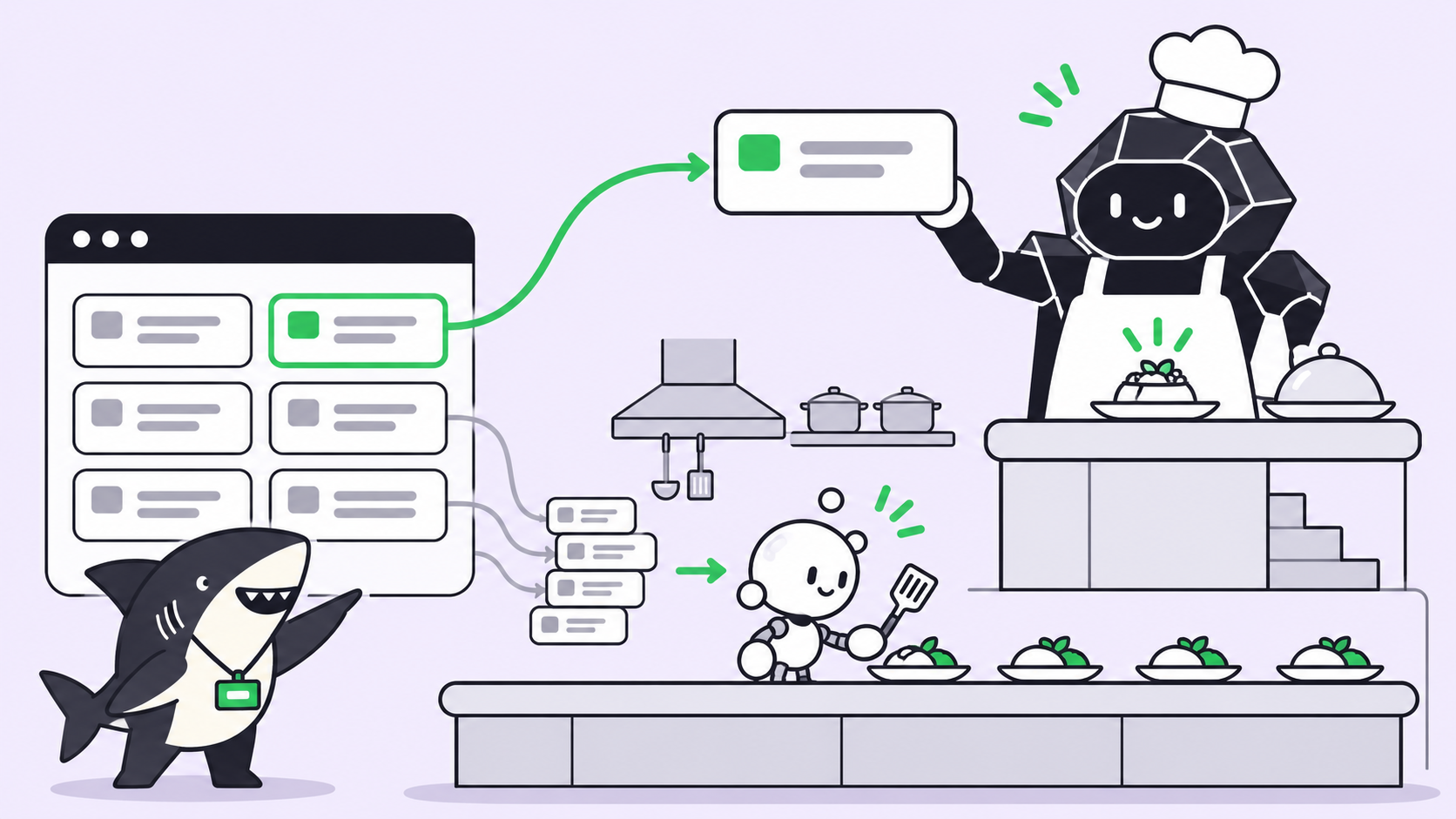
That’s not a coding problem. The agents write code fine. It’s a task management problem, and it shows up the moment you run more than one agent. An AI task manager is the layer that turns a request into an assignable unit of work, routes it to a coding agent, and keeps that work’s progress, blockers, and results visible until a person reviews the outcome. The agent executes; the task manager keeps the execution legible.
Sharkly is one of those layers. You already have coding agents; Sharkly turns them into a team by adding the shared Task, Computer, context, and review layer around the tools you already run. It isn’t the only option, and it isn’t the right one for every setup. This article compares the realistic field, each tool at its strongest, on the five things a task manager for agents has to get right.
What an AI task manager has to do
Strip away the marketing and the job comes down to five capabilities. Judge any tool on these before anything else.
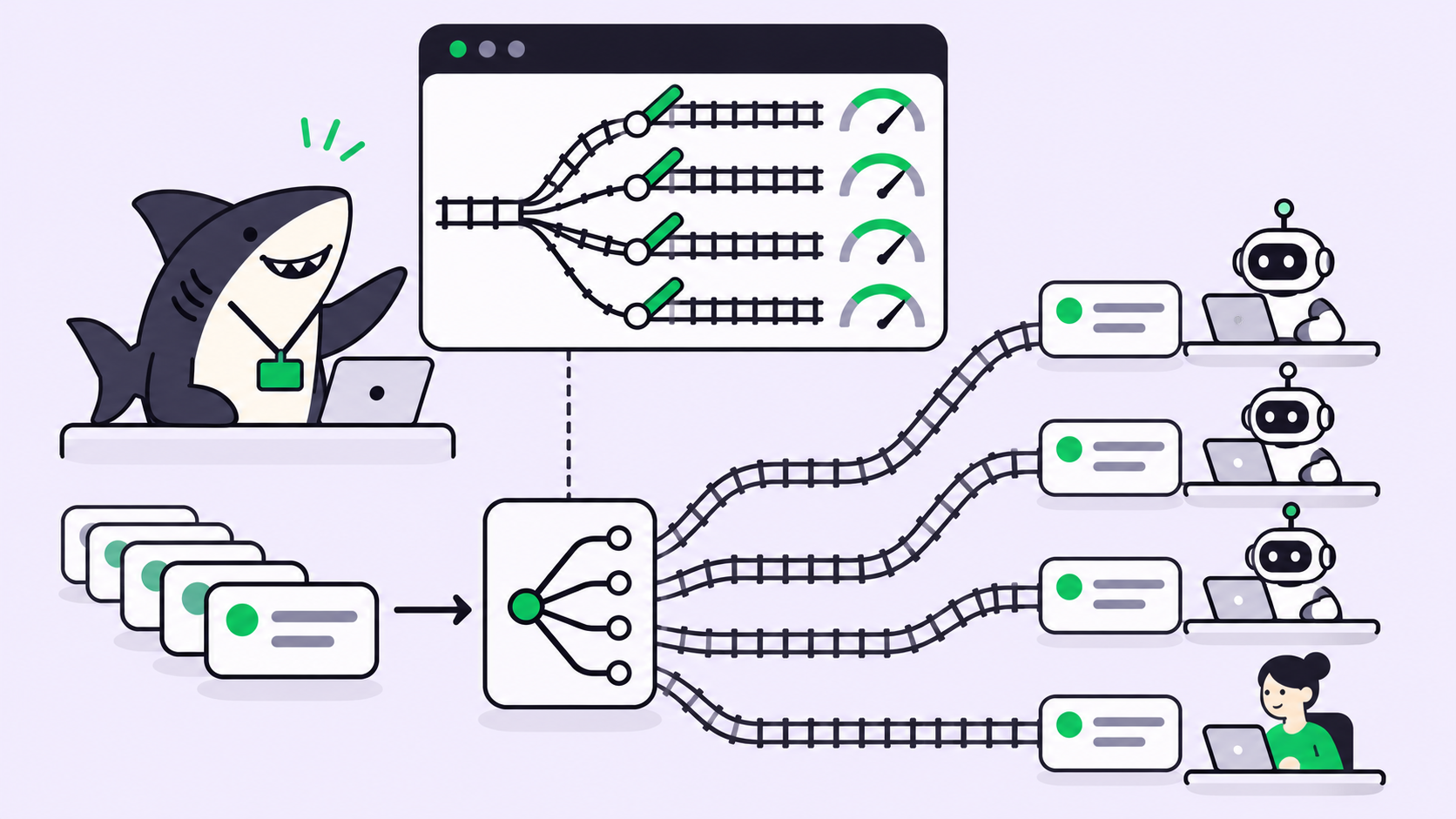
- Parallel execution. Can it run several agents at once without their changes colliding? Isolated worktrees are the usual answer.
- Team visibility. Can more than one person see what every agent is doing, what’s blocked, and what’s done, in one place instead of scattered terminals?
- Review flow. Is there an explicit step where a person accepts, requests changes, or decides the merge? Or does work slide toward production unwatched?
- Own-machine execution. Can agents run on your hardware, with your environment and secrets, or only in a vendor’s cloud?
- Integrations. Does it connect to the tools your team already uses, or does it ask you to move into a new home?
No tool tops every column. The interesting differences are in the trade-offs.
The tools, at their best
Here is each option judged on its strongest version, not a strawman.
| Tool | Parallel execution | Team visibility | Review flow | Own-machine | Integrations |
|---|---|---|---|---|---|
| Sharkly | Multiple agents in isolated worktrees | Shared Tasks and Projects | Explicit human acceptance | Your connected Computers | Jira, Slack, CLI/API |
| Cursor background agents | Cloud agents in parallel | Inside the Cursor app | Pull requests | Cursor cloud | Editor-native |
| GitHub Agent HQ | Agents across repos | Inside GitHub | PR + checks | GitHub cloud | Deep GitHub / Actions |
| Conductor / Claude Squad | Local Claude Code sessions | Local, single-user | Git and diffs | Local | Minimal |
| Devin / Factory | Vendor’s own agent | Vendor dashboard | PRs | Vendor cloud | Vendor-managed |
| Jira / Linear | None (no execution) | Excellent | Built for people | N/A | Vast |
Cursor background agents are strong when your team lives in one editor. Agents run in the cloud, work in parallel, and open pull requests you review like any other. What Cursor does that Sharkly doesn’t: it is a first-class code editor, so the agent and your hands share one surface. The trade-off is ecosystem gravity. The workflow assumes Cursor, and the agents run in Cursor’s cloud, not on your machine. See Cursor background agents explained for the details.
GitHub Agent HQ is the natural choice if your code, CI, and reviews already live in GitHub. It gives you a control surface for agents next to the pull requests and checks you already trust, which is a real advantage Sharkly can’t match on GitHub’s home turf. It’s also GitHub-centric by design: the value concentrates where your repos and Actions are. The GitHub Agent HQ breakdown covers what it does today.
Conductor and Claude Squad are the lightweight local option. They spin up several Claude Code sessions in isolated git worktrees on your own machine with almost no ceremony. What they do that Sharkly doesn’t: stay small and single-user, with nothing to log into. The cost is that team visibility and a shared review flow aren’t there; you’re the only one who can see the work. The Claude Squad, Conductor, and tmux comparison walks through the local approach.
Devin and Factory sell a different shape of product: an autonomous engineer that plans and executes on its own. When you want a vendor to own the whole loop, that’s something neither Sharkly nor the others offer, because Sharkly’s model is that you bring the agents you already use rather than adopt a new one. The trade-off is provider lock-in and running inside their cloud with their agent.
Jira and Linear deserve a place here precisely because they don’t run agents. They have the deepest project-management feature set and the widest integration ecosystem of anything on this list, and they were built for human review. What they do that Sharkly doesn’t: manage a whole organization’s non-agent work with a decade of polish. What they can’t do is execute a task. That gap is why assigning a Jira ticket to an AI agent needs an execution layer underneath.
Where Sharkly fits
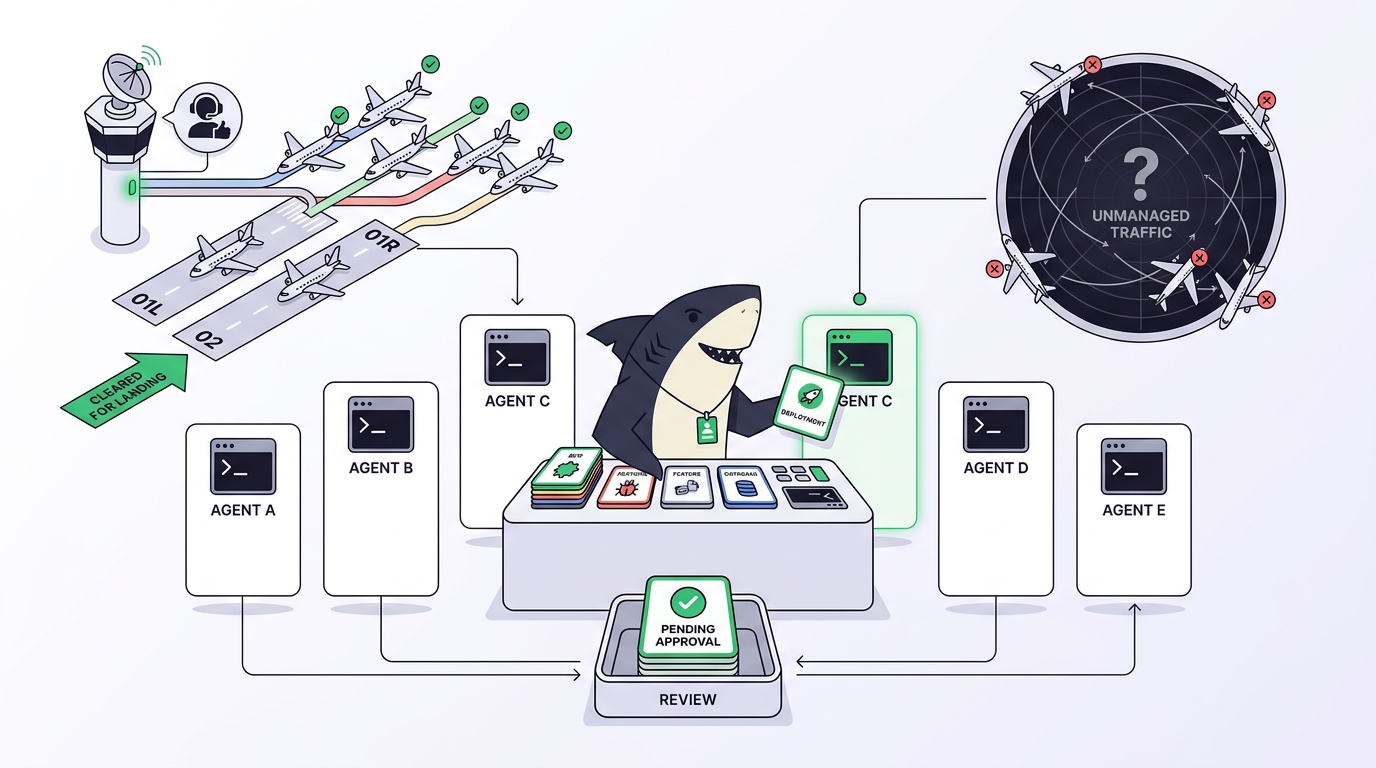
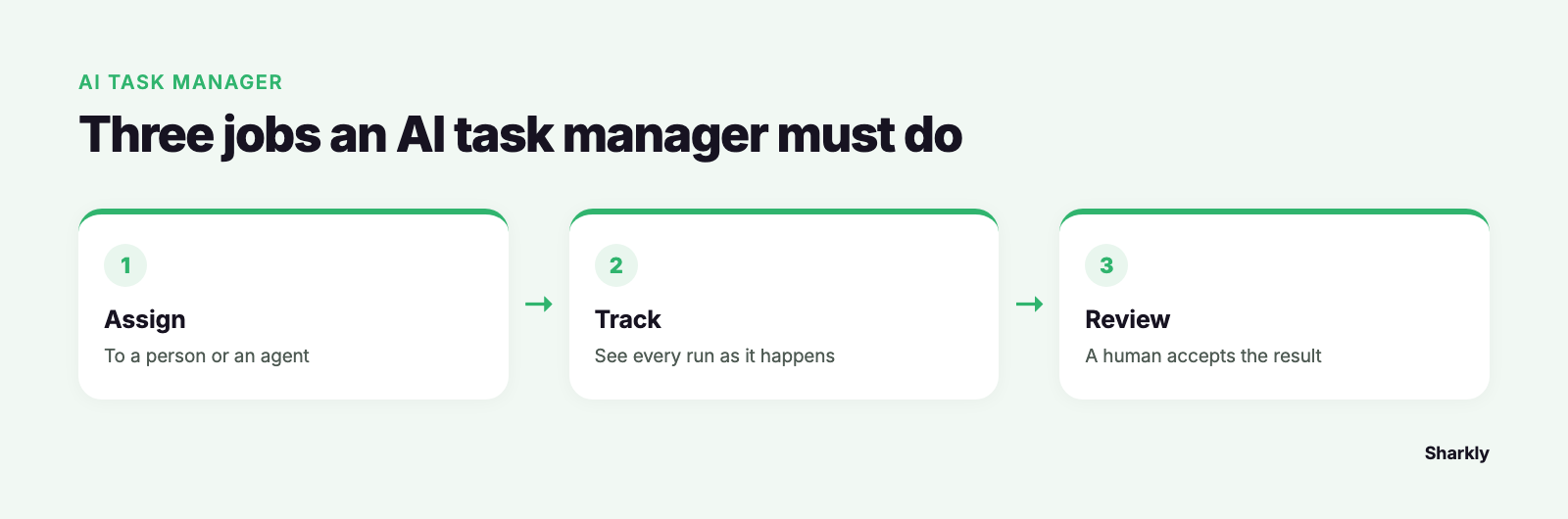
Sharkly’s answer to the review column is the one worth stating plainly, because it’s where scattered agents hurt most. Agents research, execute, test, and report. People set direction, grant authority, and accept the result. Automation stops where team judgment is required.
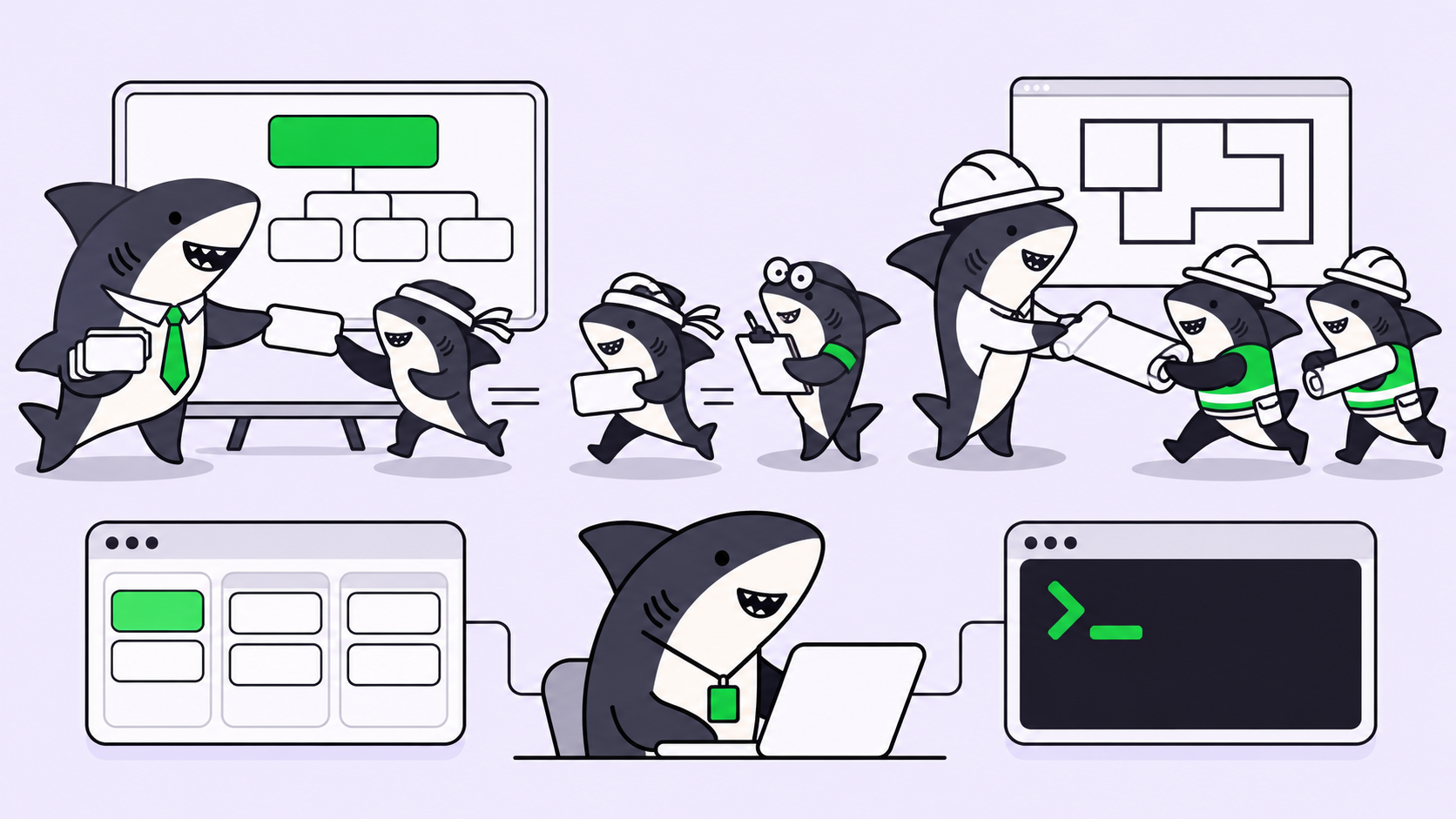
In practice that means execution, blockers, and results return to the Task timeline instead of disappearing into private terminal sessions. One person assigns a Task, an agent claims it and works in an isolated worktree, the change summary and verification results attach to the same Task, and a human accepts it or requests changes before anything merges. The whole arc keeps context, progress, blockers, results, and human review visible from request to release.
The own-machine column is the other real difference. Sharkly runs agents on the Computers you connect, so work happens in your environment with your secrets, not a vendor’s sandbox. And because it sits above the agents rather than replacing them, the provider-neutral bet holds: when a better coding agent shows up next year, you route work to it without rebuilding your workflow. That’s the argument, expanded, in what you actually need from an AI coding agent dashboard.
One boundary, so nobody assumes wrongly: Sharkly is not a replacement for Claude Code, Codex, or other execution tools, and an AI task manager does not write the code. The agent does. The manager keeps the agent’s work assignable, traceable, and reviewable.
Which one to pick, by team size
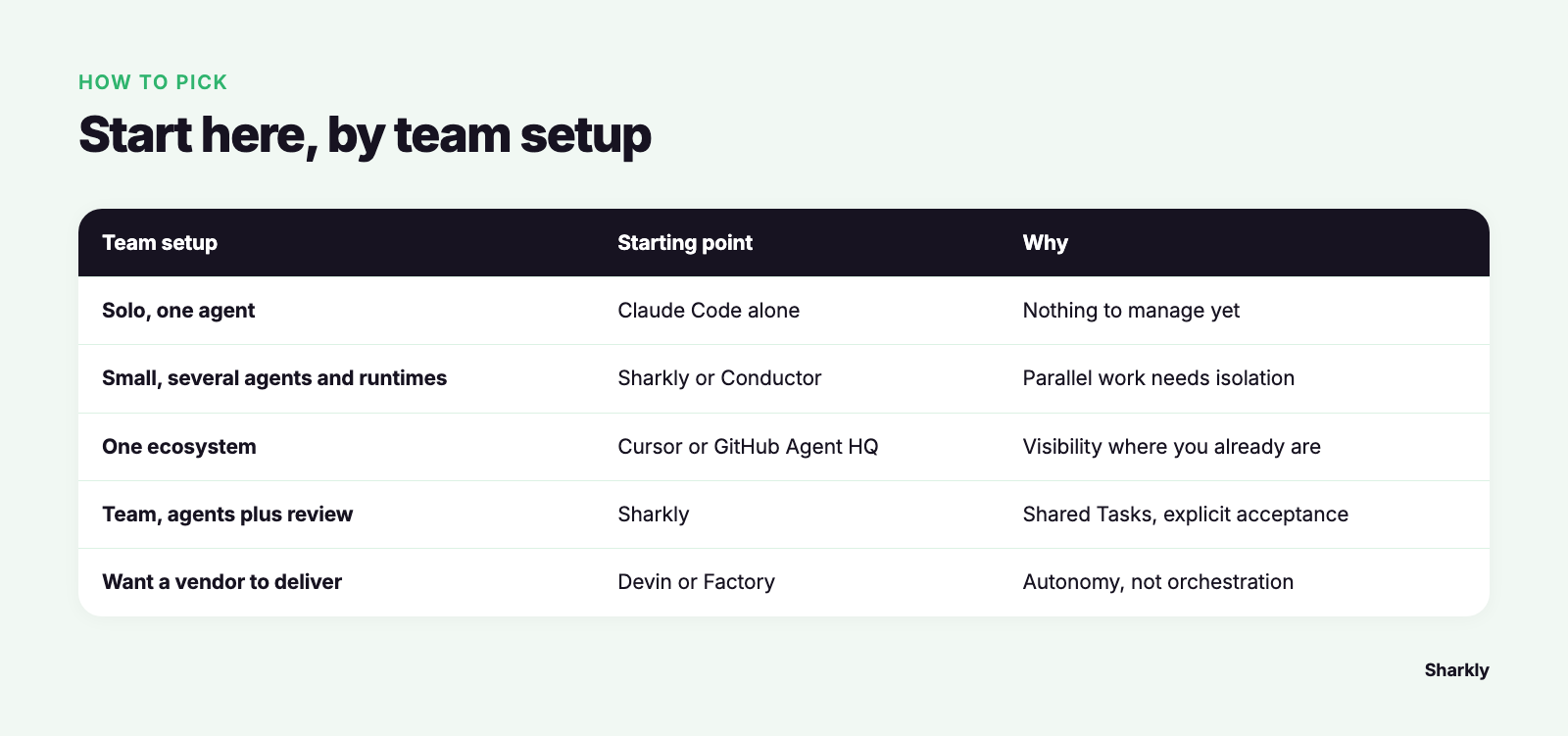
The honest starting point: if you only use Claude Code and want a terminal-first workflow, you may not need a task manager at all. One agent, one worktree, one PR is a fine setup. The equation changes when you’re running several agents across tasks and repositories, and reviewing their output turns into the bottleneck.
| Team size and setup | Reasonable starting point | Why |
|---|---|---|
| Solo, one agent | Claude Code alone | Nothing to manage yet |
| Solo or small, multiple agents and runtimes | Sharkly or Conductor | Parallel work needs isolation and a place to track it |
| Team living entirely in one ecosystem | Cursor or GitHub Agent HQ | Native visibility where you already are |
| Team, multiple agents plus review and repos | Sharkly | Shared Tasks, own-machine execution, explicit acceptance |
| Team wanting a vendor to own delivery | Devin or Factory | You want autonomy, not orchestration |
Use the lightweight local tools when the work is yours alone and small. Use Sharkly when more than one person needs to see the work, the agents span runtimes and repositories, and someone has to sign off before code ships. If you want to keep using multiple coding agents rather than committing to one ecosystem, that’s the problem Sharkly is designed around.
Frequently asked questions
Is an AI task manager the same as Jira for robots? No. Jira and Linear track work for people to do. An AI task manager also dispatches the work to a coding agent and pulls the result back for review. You can connect the two: keep Jira as the system of record and route execution through a layer that runs agents. See how to track work completed by AI coding agents.
Do I have to give up Claude Code or Codex to use one? No. The whole point of a provider-neutral layer is that you keep the agents you already run. Sharkly manages assignment, context, and review around them rather than replacing them.
How do I stop agents from merging code I haven’t seen? Pick a tool with an explicit acceptance step, and keep a person in the loop. Agents propose; people decide the merge. The pattern is covered in human-in-the-loop coding agents.
Run your existing coding agents through Sharkly when the reviewing, not the coding, becomes the hard part.