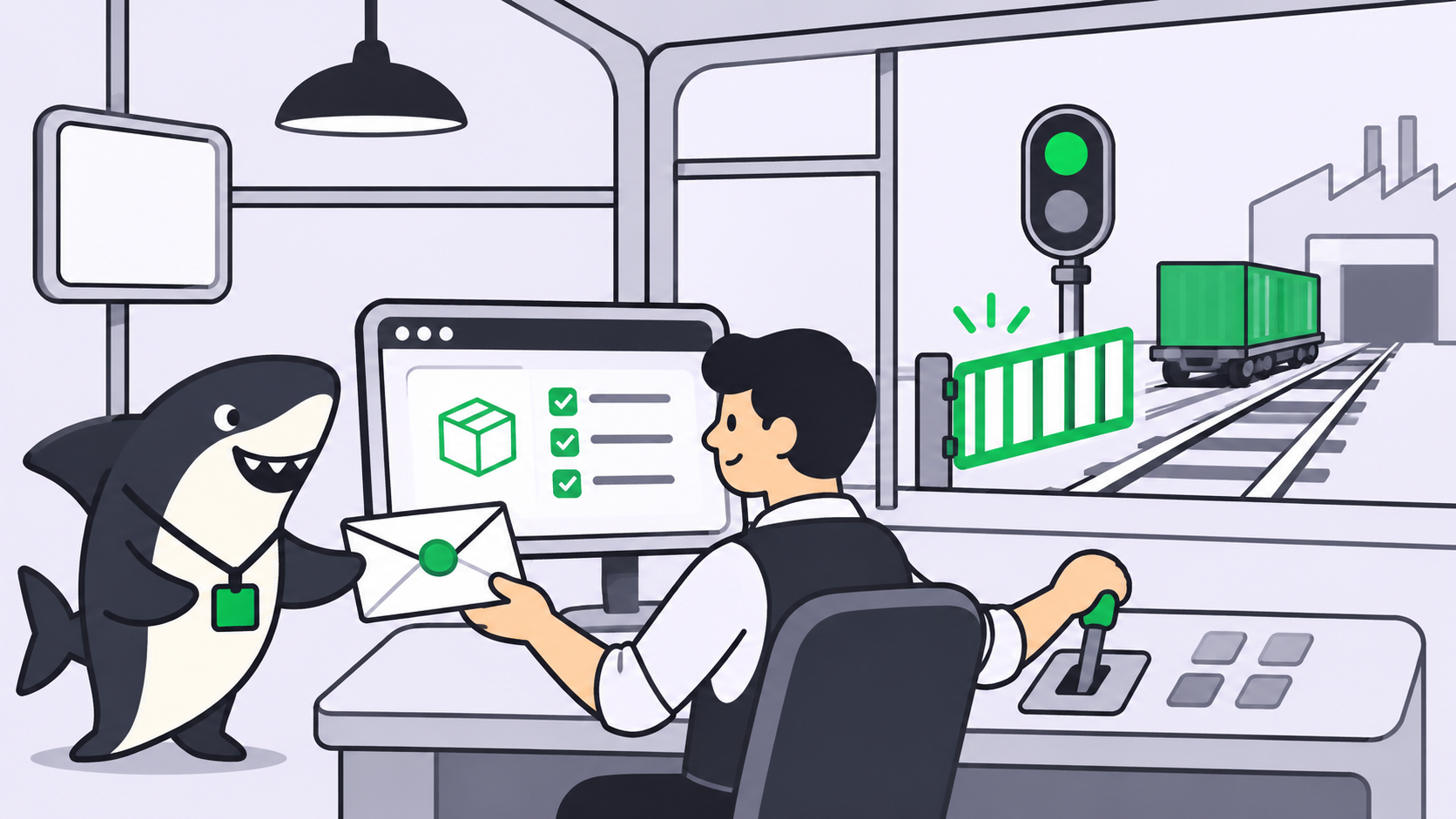
TL;DR: A knowledge factory for AI agents is a loop that keeps your agents’ working knowledge correct. Agents flag missing or wrong knowledge as tasks while they work, a curator agent on a schedule turns those flags into edits, and the knowledge lives as Skills that every later run loads. You build it from three parts: a flag, a curator, and a store.
What is a knowledge factory for AI agents?
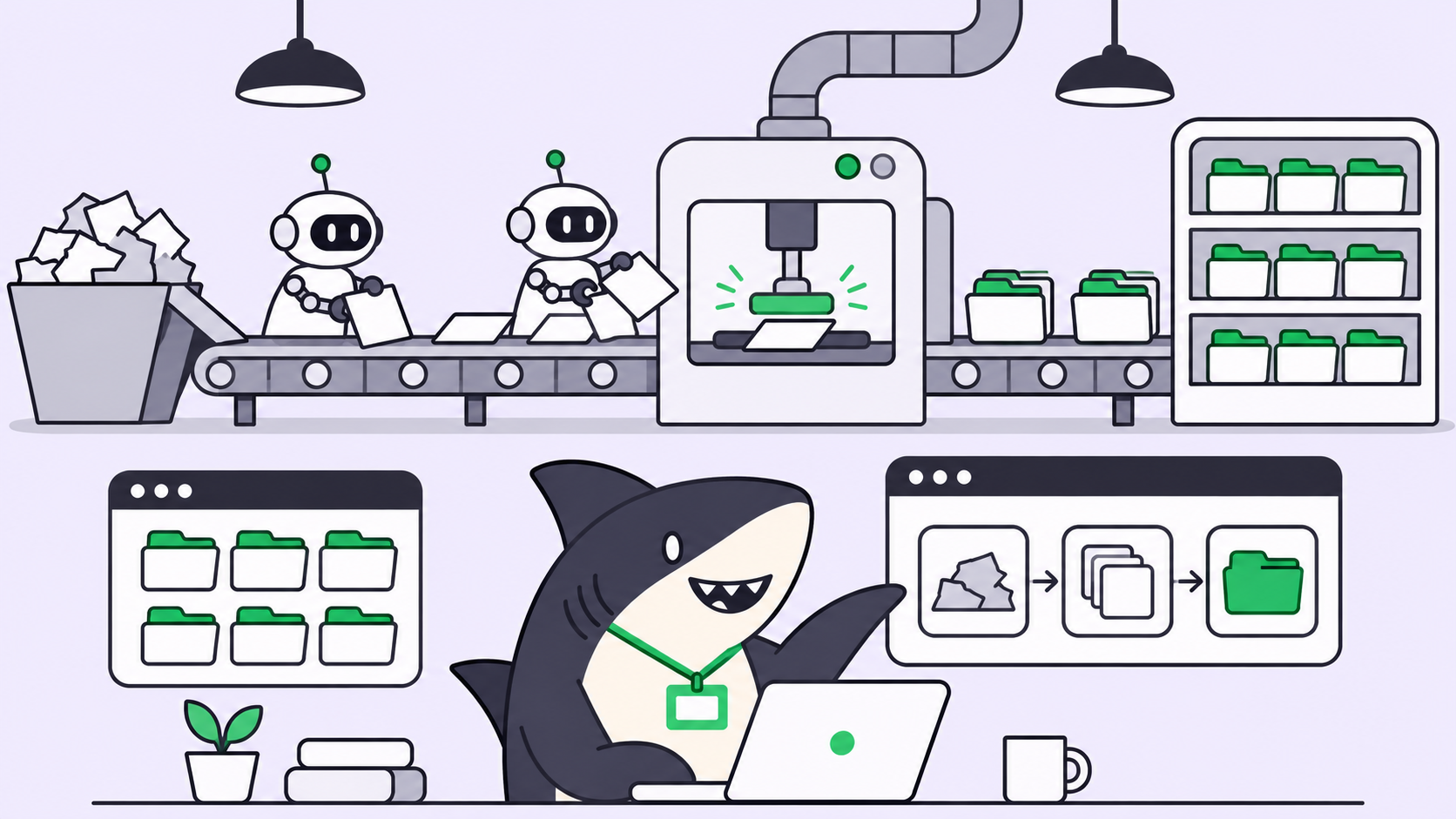
A knowledge factory for AI agents is the system that collects, curates, and maintains what your agents need to know about how your team works. It turns scattered docs and lived experience into reusable knowledge, then keeps that knowledge current by learning from the work itself instead of from a one-time documentation push.
Harrison Chase, LangChain’s CEO, named the pattern in How to build a knowledge factory. His point: the missing piece for useful agents is better knowledge, not a better model. Your best engineers carry it in their heads: which test command is current, which service owns which table, why the team never merges on Fridays. Psychologists call this tacit knowledge, and agents can’t read it.
If you run several coding agents, you’ve seen every agent rediscover the same quirks. This guide shows you how to build the loop on a board you already use, with Sharkly as the worked example.
Context vs knowledge: why agents keep relearning
Chase draws a line that’s worth keeping. Context is what an agent has during one task: the diff, the ticket, the logs. Knowledge is the reusable understanding that lets it do the task correctly next time.
Most teams handle context fine. They lose knowledge in three places:
- The run ends. The agent figured out that
npm testbecamepnpm test:unit, worked around it, and forgot. - The review ends. A person corrected the agent in a comment. The fix lands in one pull request and nowhere else.
- The file rots. Someone wrote an AGENTS.md six months ago. Half of it is still true.
Hand-maintaining that knowledge doesn’t scale, and Chase is blunt about the other trap. If the agents doing the work also edit the knowledge, it fills with contradictions, because each one optimizes for its own task.
The three parts of a knowledge factory
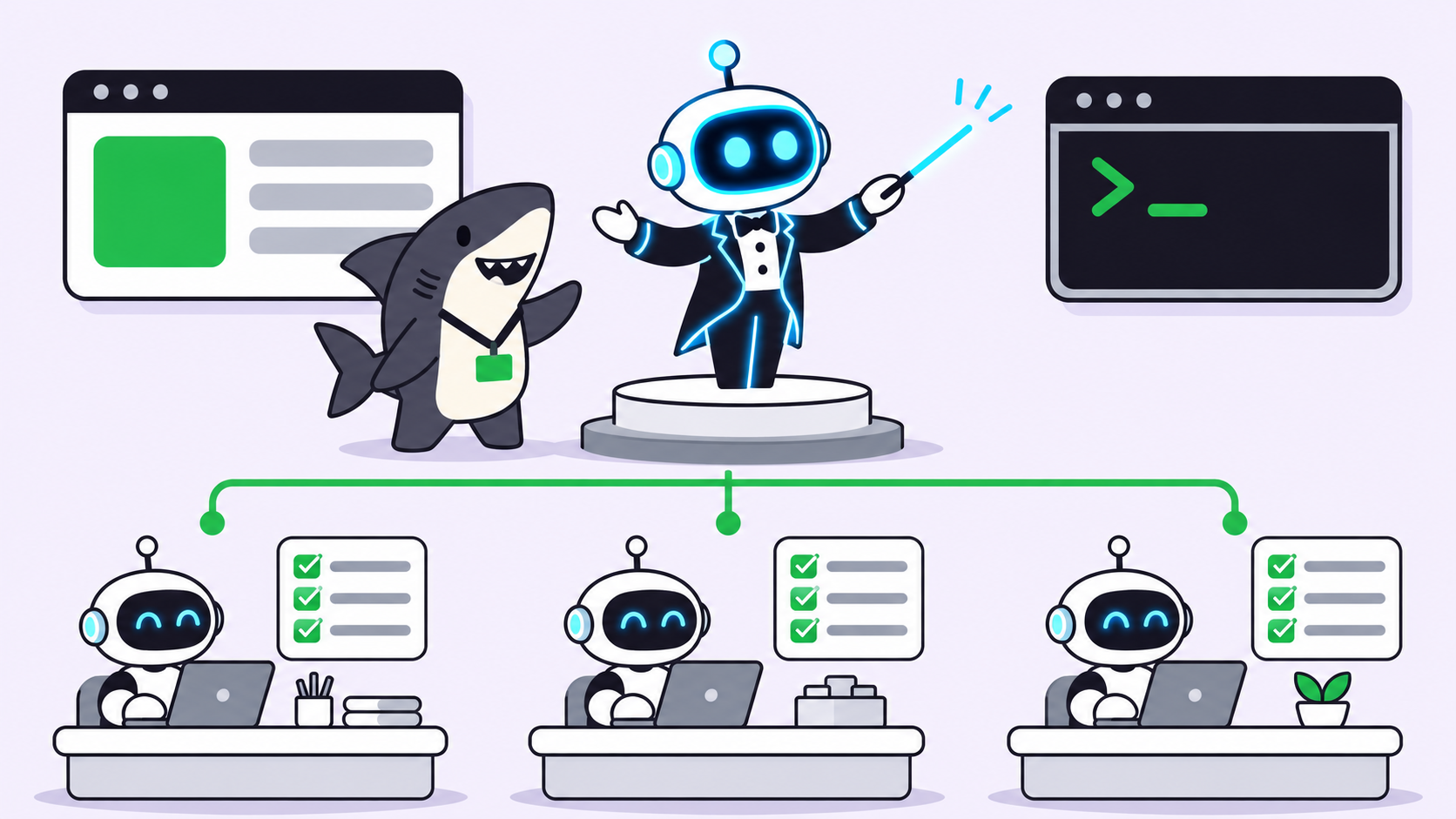
Chase splits the knowledge into skills (how to do the work), domain knowledge (how the business works), and data access guidance (where current information lives). The factory that maintains it has three moving parts:
| Part | Job | Who does it |
|---|---|---|
| Flag | Report a gap or a wrong fact, with evidence | Every working agent, during its run |
| Curator | Turn flags, traces, and sources into edits | One background agent, on a schedule |
| Store | Hold the knowledge where the next run loads it | Skills, in files you version |
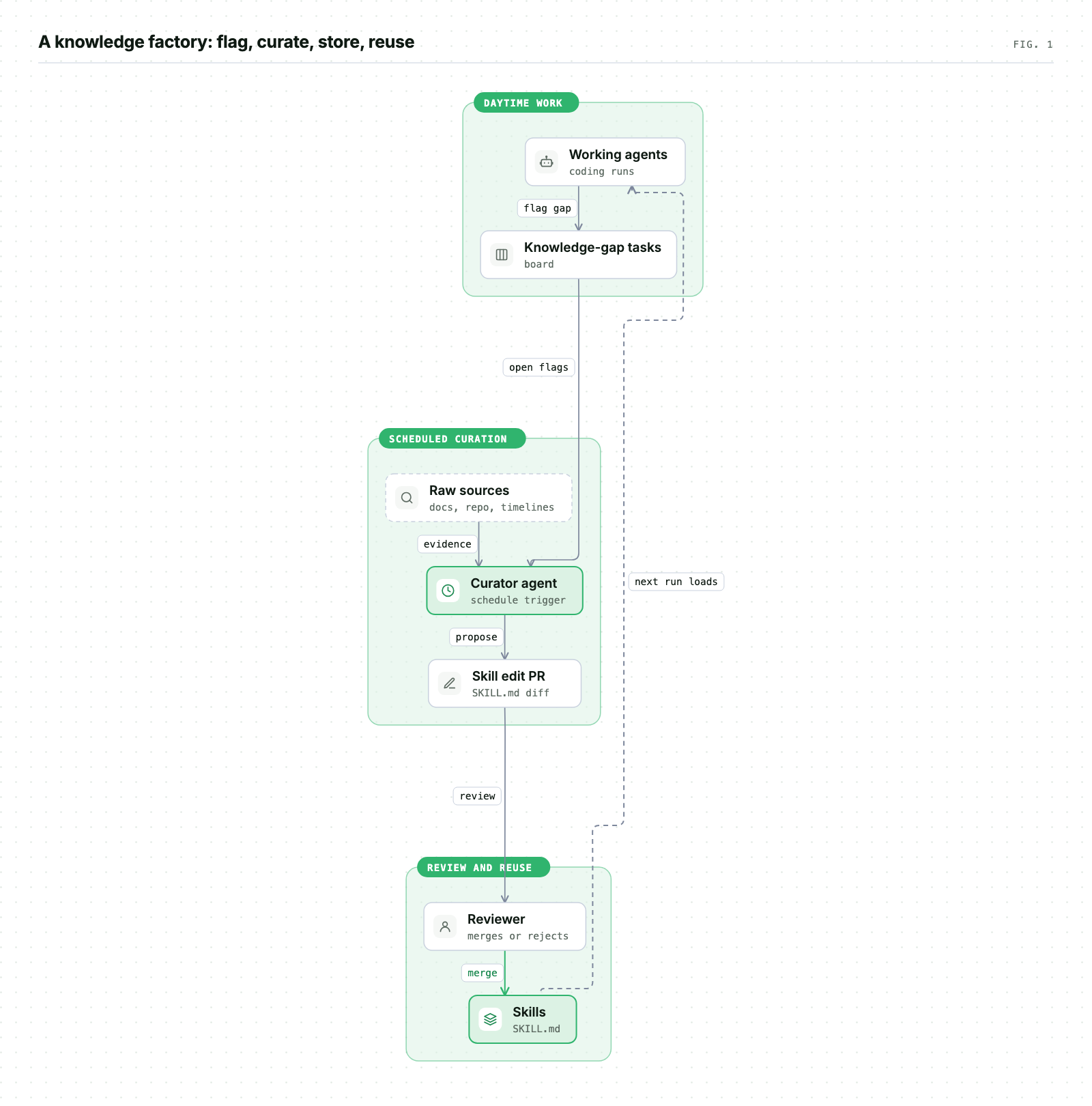
Chase calls storage the least important piece, and for coding teams the answer is already settled: Agent Skills, a folder with a SKILL.md that agents load when its description matches the job. If Skills are new to you, start with what a coding agent skill is.
How to build a knowledge factory in Sharkly
Sharkly is a board for coding agents: you assign tasks to Agents the way you assign them to People, and each Agent runs on a Computer you connect. Every part of the factory maps to something that already exists there.
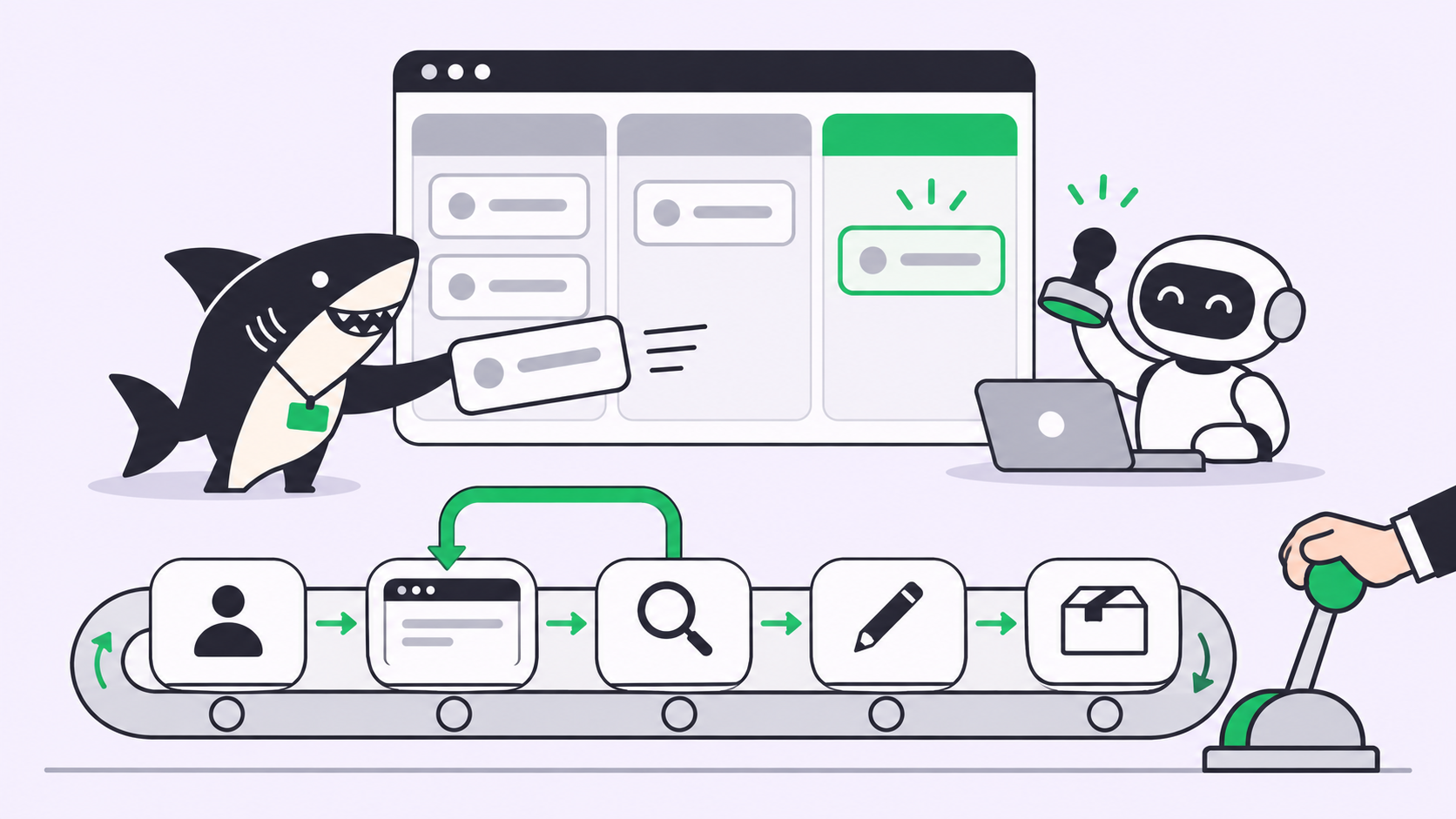
Step 1: Give gaps their own task type
Create a task type called “Knowledge gap” in your Space. A task type carries its own fields and its own workflow, so gaps don’t clutter feature work. Add three fields: what was wrong, the evidence (a run link or a file path), and the proposed fix.
Step 2: Tell agents to flag, not fix
Agents on Sharkly already have the sharkly CLI in their run. Add one rule to a Skill every Agent loads: when knowledge is missing or wrong, work around it, then file a gap.
sharkly task create \
  --title "Gap: testing skill says npm test, repo uses pnpm test:unit" \
  --body-file gap.md \
  --priority low \
  --output json
The agent finishes its own task first. Flagging takes ten seconds and costs the run nothing, which is why Chase makes it the first piece.
Step 3: Schedule the curator agent
The curator is an ordinary Agent with a narrow job, started by an Automation. A schedule trigger uses a five-field cron expression and a timezone, so 0 2 * * * wakes it at 02:00 every night (crontab.guru checks the syntax).
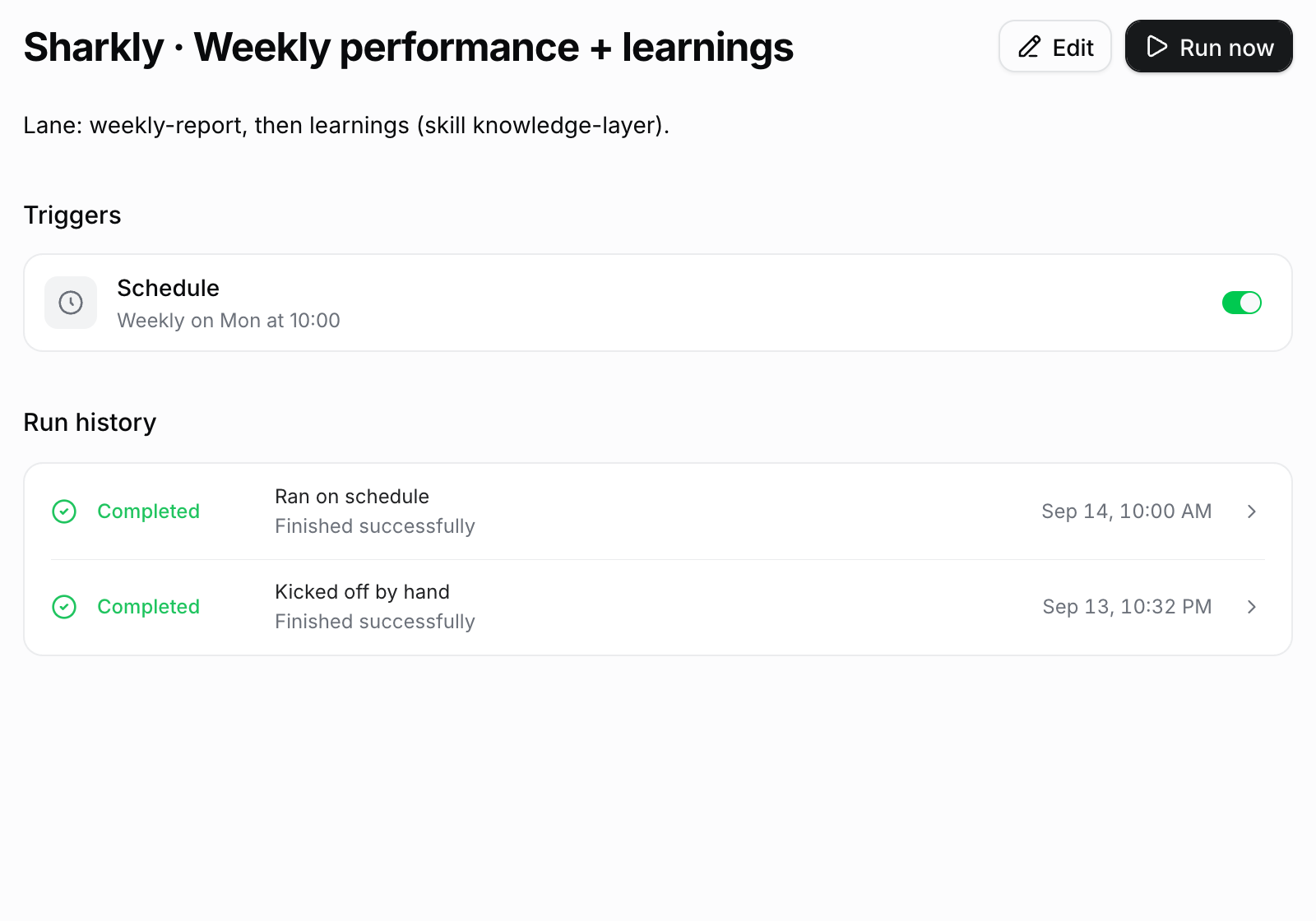
Write its instructions the way the docs ask for any Automation: the outcome, the inputs, the steps, where the result goes, and when a person decides. For a curator that means reading every open gap task and its comments, checking each claim against the source, and proposing edits. Reviewer corrections count too: they sit in the task timeline, which is the closest match your team has to Chase’s agent traces. Use Run now to test it before you trust the schedule.
Step 4: Store the knowledge as Skills
The curator never edits live knowledge directly. It opens a pull request against the repository that holds your SKILL.md files, and a person merges it. A Skill in Sharkly can be scoped to the organization, one Space, or one Agent, and changes apply to later runs, so a merged fix reaches the next task without a redeploy. The Skills docs cover scopes and binding, and Skills in Sharkly walks through setup.
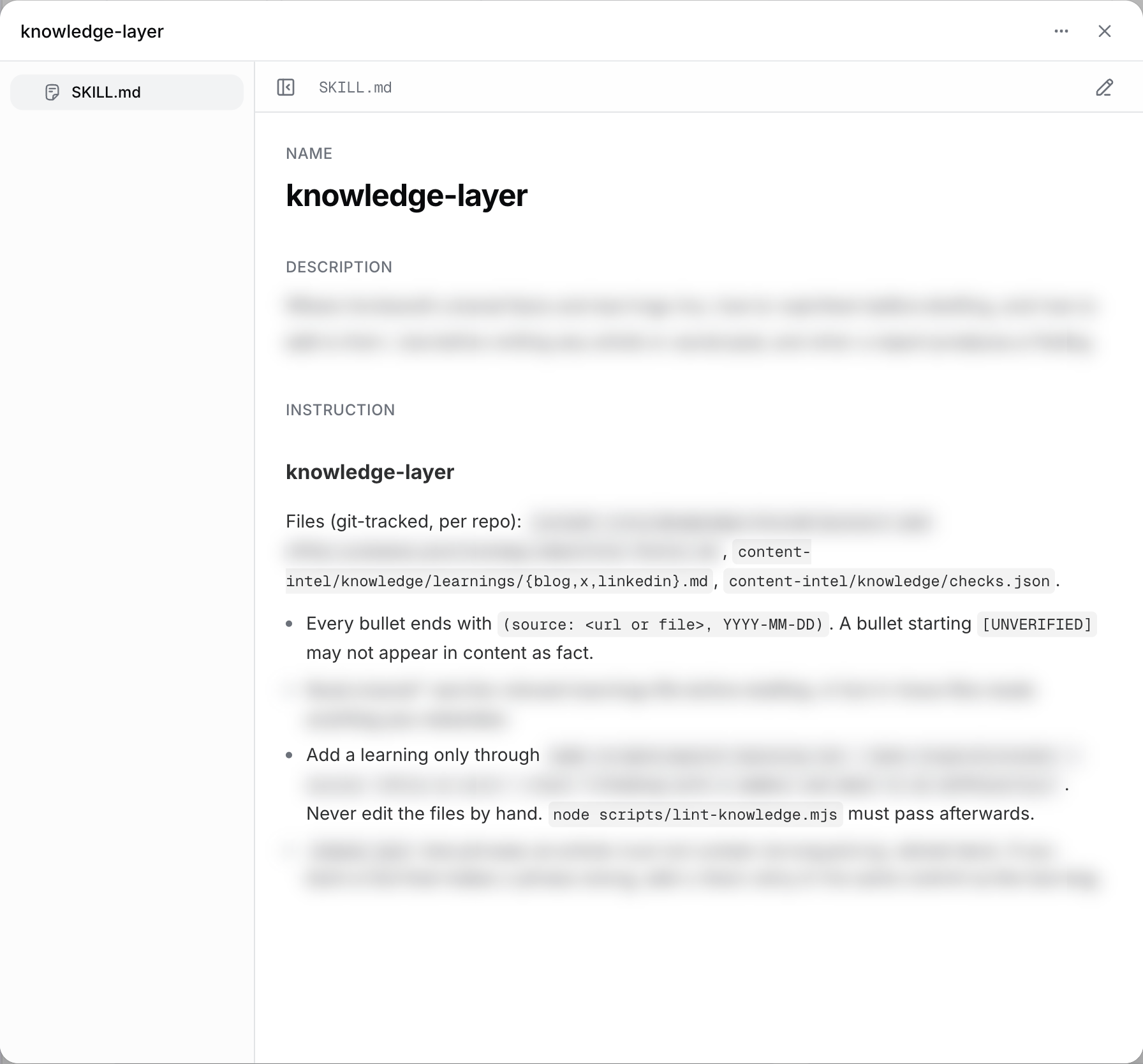
Notice the rule in that Skill: every entry ends with a source and a date. That one line powers the next two sections.
How does the curator avoid adding junk?
A curator that accepts every flag turns your Skills into a junk drawer within a month. Five rules keep it clean:
- No evidence, no edit. A flag without a run link, file path, or quoted source gets closed with a comment asking for one.
- Check the source, not the flag. The curator opens
package.jsonitself before it changes a test command. - Merge duplicates first. Three agents flagging the same renamed column is one edit, and a strong signal.
- Mark what it can’t confirm. An entry it can’t verify goes in as
[UNVERIFIED], and agents may not treat it as fact. - A person merges. The pull request is the quality gate. Small diffs make it a two-minute review.
The fifth rule matters most. Sharkly’s docs warn that overlapping Skills make runs less predictable, so the reviewer also asks whether the edit belongs in an existing Skill instead of a new one.
How does the curator retire stale knowledge?
Junk comes in through the front door. Stale knowledge was true once and stopped being true without anyone noticing. Three habits catch it:
- Date every entry. The source-and-date rule gives each fact an age. Once a week, the curator re-checks anything older than 90 days against its source.
- Delete when the source disagrees. If the cited file or doc no longer says it, the curator proposes removing the entry, not rewording it.
- Watch for silent fixes. When agents keep working around an entry without flagging it, that entry is likely dead. The curator can spot this in run results and file the gap itself.
When a whole Skill goes stale, check which Agents bind it before you delete it, because deletion removes it from every Agent that uses it.
A worked example: one gap, one night
Here’s the loop end to end on a single fact.
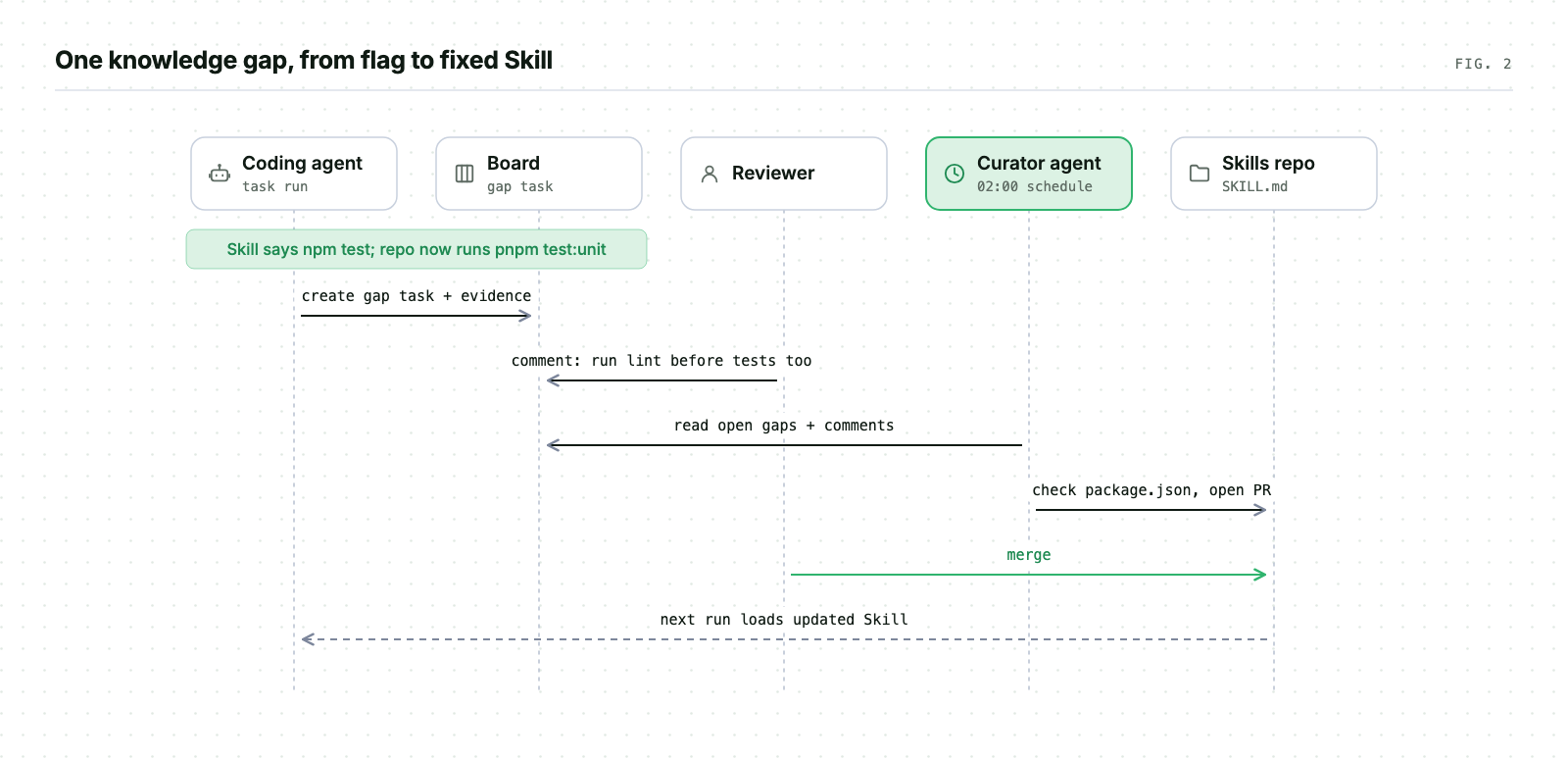
At 14:00 a coding agent finds that the testing Skill says npm test while the repo now runs pnpm test:unit. It runs the right command, finishes its task, and files a gap with the package.json line as evidence. During review, the engineer adds a comment: lint has to run before tests too. At 02:00 the curator reads both, confirms them in the repo, and opens a three-line pull request. The engineer merges it over coffee, and every run after that gets it right the first time.
Alternatives to a curator agent
You don’t need the full loop on day one. Three lighter options, and where each stops working:
- One shared instruction file. An AGENTS.md or CLAUDE.md works for one repo and one agent. It breaks when five agents and three People edit it with no review.
- A wiki page. Good for People, invisible to agents unless you load it on every run, which burns context.
- Decision records. Architecture decision records capture why a choice was made. They’re a fine raw source for the curator, but they don’t tell an agent what to run.
Each of these is a store without a flag or a curator. The factory is what keeps the store honest.
Conclusion
A knowledge factory isn’t a documentation project. It’s a loop: agents flag what they lack, a curator fixes it on a schedule, and Skills carry the fix into every later run. You need a task type, one line in a Skill, one scheduled Automation, and a person who merges small pull requests.
Your next step: open your board, pick the one correction you’ve typed most often this month, and make it the first gap your curator closes. Get started with Sharkly and connect the agents you already run.
FAQ
What is a knowledge factory in AI?
It’s a system that collects, curates, and maintains the knowledge AI agents need to do work your team’s way. Agents flag gaps as they work, a curator agent turns flags into edits, and the knowledge lives somewhere every run can load, such as Skills.
What’s the difference between context and knowledge for agents?
Context is what an agent has during one task, like a diff or a ticket. Knowledge is the reusable understanding it needs to do that task correctly every time, such as which test command is current or how your team writes reports.
Why shouldn’t working agents update the knowledge themselves?
They’re optimizing for their own task. Chase notes that letting them edit the shared knowledge fills it with contradictions. Let them flag gaps, and give one curator agent, plus a human reviewer, the job of editing.
How often should the curator agent run?
Nightly works for most teams, because flags pile up during the day and a person reviews the pull request the next morning. Add a weekly pass that re-checks old entries against their sources.
Can I build a knowledge factory without Sharkly?
Yes. You need a place for agents to file gaps, a way to run an agent on a schedule, and Skill files under version control. Sharkly puts all three on one board, next to the agent work that produces the gaps.