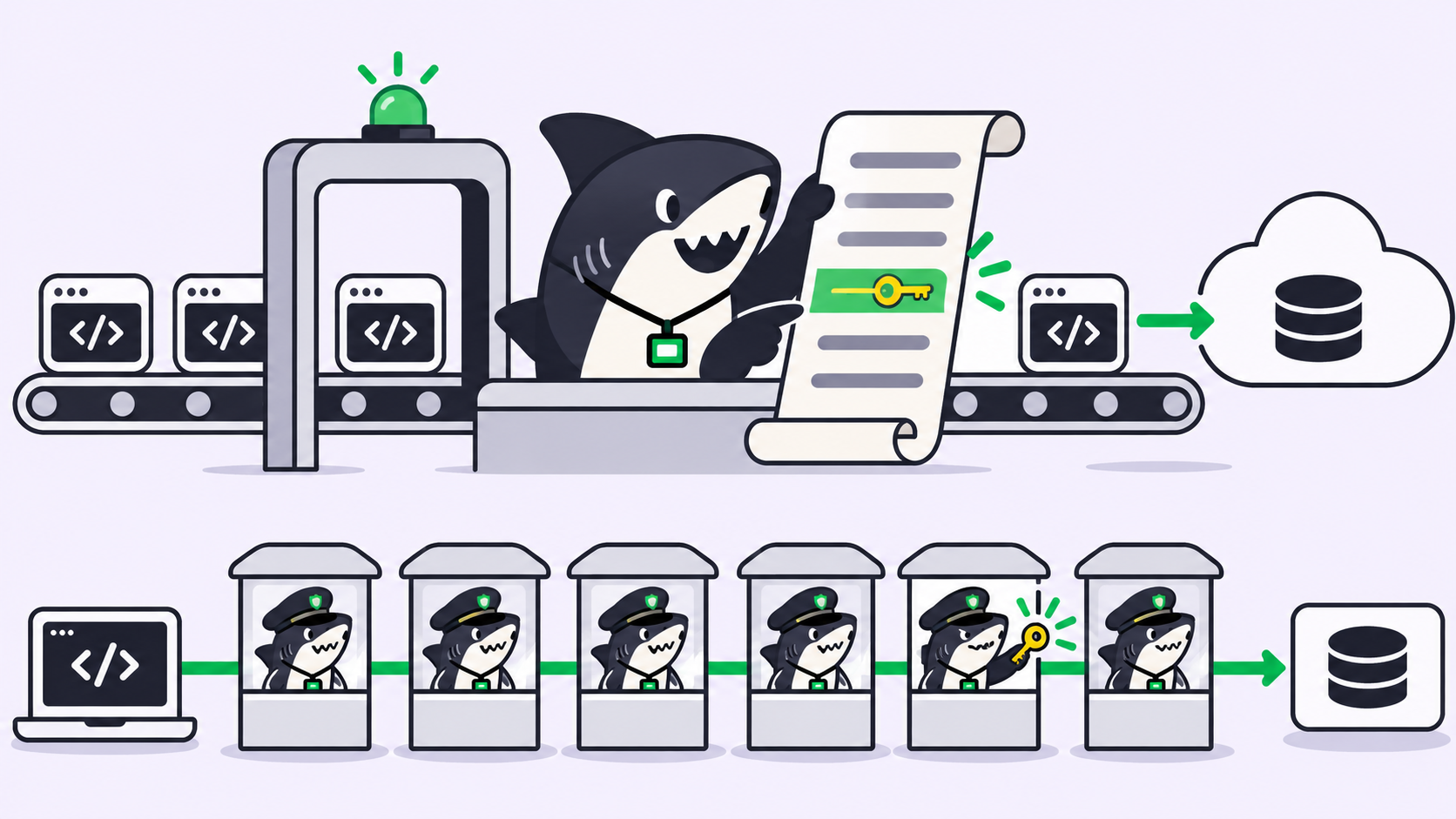

Quick answer: Claude Code usage limits come in two layers. A session limit resets every five hours, and a weekly limit resets once a week. Both are shared with the Claude web app and Claude Desktop. Anthropic publishes no message count for either, because how much you get depends on model, context size, and tools.
That shared pool is the part most people miss. The window you burned on a long research chat at breakfast is the window your agent run needs at 3pm.
What counts against your Claude Code limits
Anthropic’s help center states it plainly: paid plans have a session limit that resets every five hours and weekly limits that reset once a week. Max plans carry a separate weekly limit for Fable models on top. Three surfaces draw from that one allowance: the Claude web app, Claude Desktop, and Claude Code in your terminal and IDE. There is no per-tool budget to protect.
| Plan | Price (verified 2026-10-21) | Claude Code |
|---|---|---|
| Free | $0 | Not included |
| Pro | $20/month, or $17/month billed annually ($200 up front) | Included |
| Max | From $100/month, in 5x and 20x tiers | Included |
| Team | $20/month per standard seat billed annually, $25 billed monthly | Included |
Prices come from Anthropic’s pricing page and change at Anthropic’s discretion.
The five-hour window, in practice
The session limit resets five hours after the window opens. Anthropic publishes no start rule and no token figure, so treat it as a rolling budget rather than a clock you can game.
One behavior looks like a bug and is not. If you hit the limit mid-response, Claude Code may finish the step it is on and print Usage limit reached · wrapping up. Anthropic’s Pro and Max guidance says that wrap-up counts toward your weekly limit and does not cover new messages. On Pro it applies once per weekly period; on Max, each time you hit a five-hour limit. Anthropic also says the behavior is rolling out gradually, so your account may not have it yet. It is a courtesy for the turn in flight, not a grace period.
The weekly cap, and why it hurts more
The weekly limit is the one that ends a workday. Five-hour windows refill four or five times a day; a weekly cap does not. Anthropic publishes no reset rule beyond “weekly limits that reset once every week”, so do not plan a heavy refactor around a reset moment you have inferred. Check /usage before you start.
When you hit either limit you have three options:
- Wait for the reset.
- Enable usage credits, which switch requests to pay-as-you-go instead of stopping them.
- Move the work to a different agent on a subscription you already pay for.
Why there is no message count
Anthropic does not publish “200 messages per window” because the number would be fiction. Usage scales with tokens, and tokens scale with your model (Opus costs more per turn than Sonnet), your context size (every message re-sends the conversation so far), your tools (Anthropic calls connectors “token-intensive”), and your effort level (thinking tokens bill as output, and the default budget can run to tens of thousands per request).
That list is also the tactics list.
9 ways to stretch your Claude Code limits
1. Run /usage and do what it says
On Pro, Max, Team, and Enterprise plans, /usage attributes recent usage to skills, subagents, plugins, and individual MCP servers, then gives you recommendations labelled with the share each one addresses:
25%  Trim ~/code/api/CLAUDE.md · 49k tokens per request
40%  Switch from max to high effort · /effort high
30%  Compact before you step away · run /compact
Press d or w to toggle 24 hours and 7 days. If the footer shows f to fix 2 of 3, pressing f applies the rows Claude Code can handle itself. Figures come from local session history, so another laptop’s usage is missing. Start here; it beats guessing.
2. Clear between unrelated tasks
Stale context costs tokens on every subsequent message, not once. Switch from a bug fix to a new feature and the old conversation is dead weight that still re-sends.
/rename auth-token-refresh-bug   # label it so you can find it later
/clear                           # start fresh
/resume                          # come back to it later
/rename before /clear is the step people skip and then regret.
3. Tell compaction what to keep
Auto-compaction summarizes your history near the context limit, and left alone it guesses what matters. Point it with /compact Focus on code samples and API usage, or make it permanent in your project’s CLAUDE.md:
# Compact instructions

When you are using compact, please focus on test output and code changes
4. Match the model to the task
Sonnet handles most coding work and costs less than Opus. Reserve Opus for architecture calls, and switch with /model. Two details bite people: a switch to Opus also applies to subagents that inherit the session’s model, and you can pin a cheaper one per subagent.
---
name: test-runner
model: haiku
---
Our model routing guide covers which role gets which model, and when a cheaper model costs more covers the cases where downgrading backfires.
5. Lower the effort level
Extended thinking is on by default because it helps on hard planning. For routine edits it is tokens spent for nothing. Lower it with /effort or disable thinking in /config. You cannot turn it off on Opus 5.5, Sonnet 5.5, Haiku 5.5, or the Fable models. On models with a fixed budget, cap it with MAX_THINKING_TOKENS=8000; adaptive-reasoning models ignore a nonzero budget.
6. Cut MCP server overhead
Tool definitions are deferred by default, so only names and server instructions enter context until a tool runs. That is still not free. Use /context to see what occupies space and /mcp to disable servers you are not using today. Where a CLI exists, prefer it: gh, aws, and gcloud add no per-tool listing at all.
7. Move CLAUDE.md instructions into skills
CLAUDE.md loads at session start and stays in context for every message, including ones it has nothing to do with. A 300-line file carrying your PR checklist and migration runbook taxes every request. Skills load on demand, so move the specialist procedures out and keep CLAUDE.md under 200 lines.
8. Filter verbose output before Claude reads it
A PreToolUse hook preprocesses data before it reaches context. Instead of Claude reading a 10,000-line log, the hook greps for ERROR and returns the matches, taking the cost from tens of thousands of tokens to hundreds. Subagents do the same for test runs and documentation fetches: the noise stays in the subagent’s context and only a summary returns.
9. Plan first, and prompt specifically
“Improve this codebase” triggers broad scanning. “Add input validation to the login function in auth.ts” needs a handful of file reads. For bigger work, press Shift+Tab into plan mode: a plan you reject costs a fraction of an implementation you have to unwind.
One warning on scaling up. Anthropic’s cost documentation states that agent teams use approximately 7x more tokens than standard sessions when teammates run in plan mode, because each one keeps its own context window. Parallelism inside a single subscription is the fastest way to find your weekly cap.
What not to do
Multiple accounts to dodge a cap, shared logins, and credential rotation all violate Anthropic’s terms, and losing the account costs more than any reset. The legitimate paths are a higher tier, usage credits, or Console API credits.
When a bigger plan is the wrong fix
Here is the pattern worth noticing. You hit a weekly cap on Thursday. You have a Codex subscription your team already pays for, a Gemini CLI key, and a laptop sitting idle. None of it helps, because the work lives in one terminal attached to one subscription. That is a routing problem, not a quota problem.
Sharkly is the layer above your coding agents. You connect a Computer, its local service detects the agent tools installed there and reports each as a Runtime, then you assign a Task to an Agent running on the Runtime you pick. Claude Code, Codex, Gemini CLI, and OpenCode become execution targets you choose between instead of silos.
Two boundaries, stated plainly:
- Sharkly does not raise your Claude limits. Model usage stays on the subscriptions and API keys configured in those tools. Sharkly sells no tokens, which is a deliberate design choice, not a gap.
- Sharkly is not a replacement for Claude Code. It adds the shared Task, Computer, context, and review layer around the tools your team already runs.
The division of labour stays the same whichever Runtime picks the Task up. Agents research, execute, test, and report; you set direction, grant the authority to run, and accept the result. A spent window moves the execution, not the judgment.
What changes is where work can go. When the Claude window is spent, the Task does not sit in a dead terminal until 4pm. You reassign it to an Agent on another Runtime, and execution, blockers, and results keep returning to the same Task timeline, as the walkthrough on running Claude Code and Codex together on one codebase shows.
A decision pair, honestly: if you run one agent on one repository, these nine tactics are the whole answer. If you already run several agents across several subscriptions, counting windows by hand is what breaks, and too many terminals is the bill you are paying. More agents also means more review, and human review becomes the bottleneck once execution stops being one.
To see it on your own setup, connect one Computer, create one Agent, and assign it something boring.
FAQ
Does Claude Code share limits with the Claude app? Yes. Usage across the Claude web app, Claude Desktop, and Claude Code counts against the same session and weekly limits. IDE usage counts too.
How many messages do I get in five hours? Anthropic publishes no fixed number. It depends on your model, conversation length, enabled tools, and effort level. Use /usage instead of estimating.
What does “Usage limit reached · wrapping up” mean? Claude Code is finishing the step already in progress when you hit the five-hour limit. The wrap-up counts toward your weekly limit and does not cover new messages. Once per weekly period on Pro, each time you hit the limit on Max.
When does the weekly limit reset? Anthropic publishes no reset rule beyond “weekly limits that reset once every week”, and its help center calls the span a weekly usage period. The session limit is the one it describes precisely: it resets every five hours. Check /usage before starting heavy work.
Can I keep working after hitting a limit? Yes, with usage credits enabled, which switch requests to pay-as-you-go. You can also buy Console API credits. Monthly API credits included with Max cannot be used in Claude Code.
Will another agent platform give me more Claude quota? No. Any tool that runs Claude Code runs it on your subscription. A management layer changes routing, so work can move to a different agent instead of waiting for your reset.