
Most lists of ClickUp alternatives sort by surface area. ClickUp sells one app for everything: tasks, docs, whiteboards, chat, goals, dashboards. The engineering complaint follows from that pitch: too many features, a heavy interface, and a configuration someone else finished two quarters ago.
Those complaints still decide most migrations, but a newer question now sorts this category faster: can the tool treat an AI coding agent as a real assignee? A real assignee claims the work, reads the context, executes on a computer somewhere, and returns a result a person can accept or reject. A chat panel that summarizes a task is not one. It helps the human doing the work, which is a different product, and that distinction is the subject of AI agent project management. Sort by it and this list splits in two: one agent-native tool, and six good human-first trackers.
TL;DR
Sharkly is the agent-native pick when engineers assign real work to coding agents and the team needs that execution visible beside human work. If human coordination is still the bottleneck, Linear is the fastest developer tracker, Jira the deepest for governance, Asana the best cross-functional planner, Notion the docs-first option, Plane the self-host answer, Shortcut the cheapest.
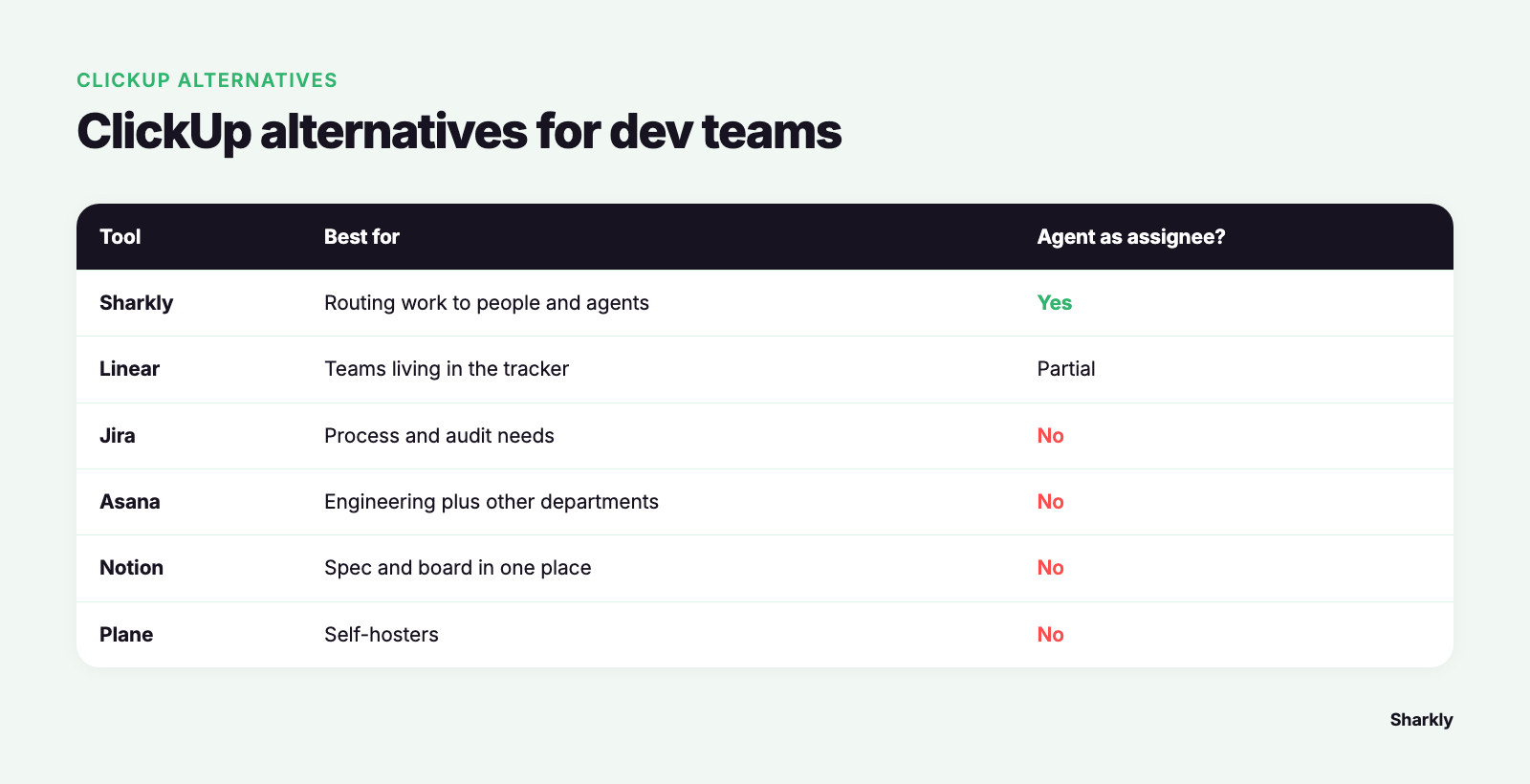
| Tool | Type | Agent as real assignee? | Best for |
|---|---|---|---|
| Sharkly | Agent command and management platform | Yes: assignment, execution, review | Routing work to people and Agents |
| Linear | Fast opinionated dev tracker | Partial: hands issues to agents | Teams living in the tracker |
| Jira | Enterprise issue tracker | No: AI assists the humans | Process and audit needs |
| Asana | Cross-functional work management | No | Engineering plus other departments |
| Notion | Docs-first workspace with databases | No | Spec and board in one place |
| Plane | Open-source issue tracker | No | Self-hosters keeping data in-house |
| Shortcut | Lightweight dev tracker | No | Teams shedding ClickUp’s weight |
1. Sharkly
Sharkly is an all-in-one Agent command and management platform. It is not a replacement for Claude Code, Codex, or other execution tools. It adds the shared Task, Computer, context, control, and review layer around the tools your team already uses. Every other tool here manages what people do; Sharkly manages what people and Agents do.
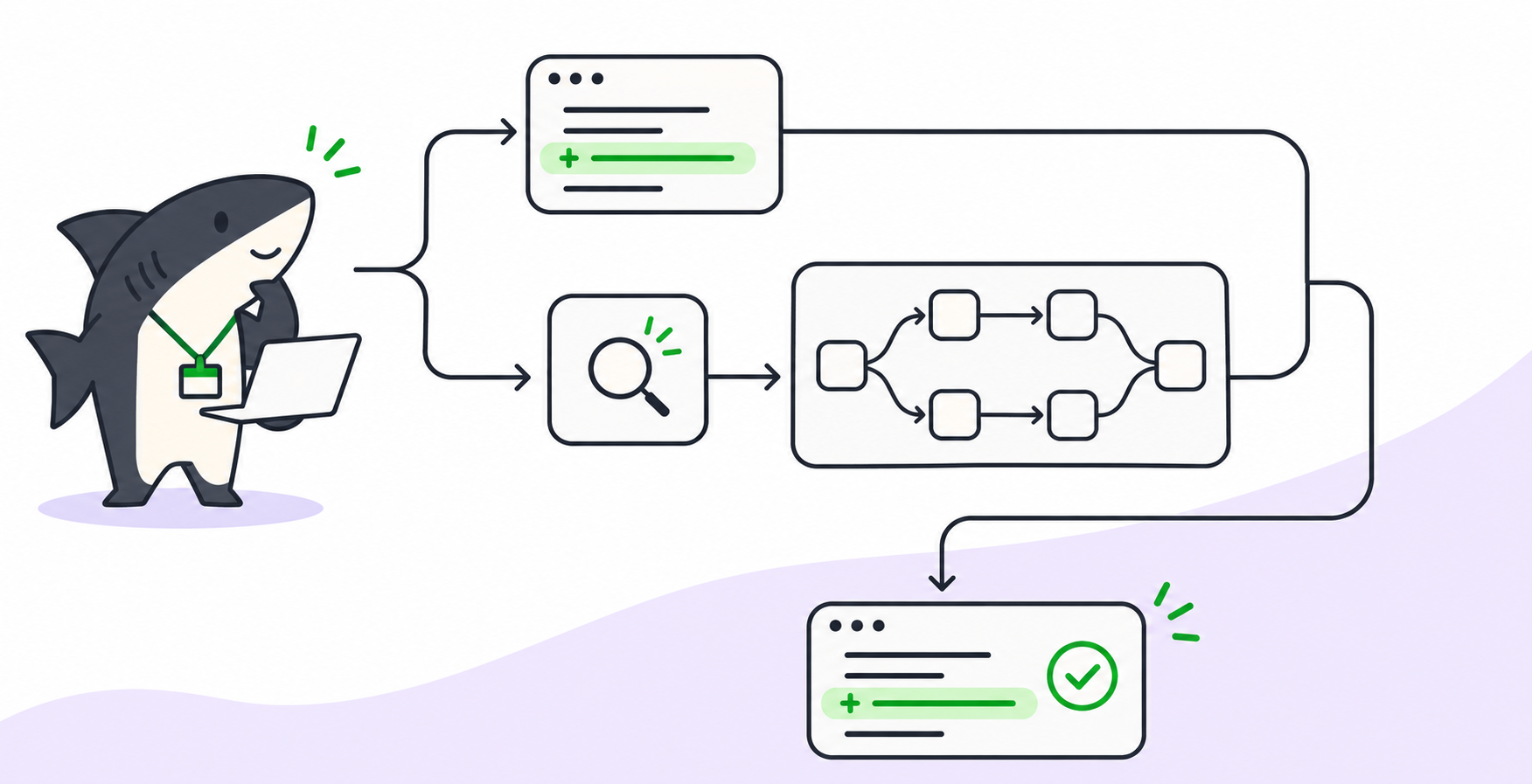
A Task is the main unit of work, and an Agent is an assignee in the full sense. You assign a Task to an Agent as you would to a colleague. The Agent runs on a Computer your team connects, works in an isolated git worktree so parallel runs never touch each other’s files, and its progress, blockers, results, and follow-up discussion return to the Task timeline. Agents research, execute, test, and report. People set direction, grant authority, and accept the result. Pricing is flat against ClickUp’s ladder: currently free for organizations of up to 5 people, then $7 per user per month billed yearly, with no feature difference. Agents, Crews, Computers, and Runtimes never occupy a seat, because a seat is a person. Model usage is bring your own key.
The honest decision pair: pick Sharkly when agents complete a meaningful share of your tickets and more than one person must steer and review that work. Do not pick it if you want one app that also holds marketing calendars, whiteboards, and company docs. Start with assigning, tracking, and reviewing agent work, or read the Sharkly vs ClickUp comparison.
2. Linear
Linear is the tracker most engineering teams name first when they leave ClickUp. Keyboard-first, opinionated about cycles and triage, and free of the configuration surface that makes big workspaces sag. For pure human coordination it is better executed than anything else here, including Sharkly. It has also moved further toward agents than any other human-first tool: its pricing page lists an Agent platform and Linear Agent on the Free plan, capped at 2 teams and 250 issues, with Basic at $10 per user per month and Business at $16 billed yearly.
The gap sits underneath the assignment. Linear hands the issue over well, but execution happens inside whichever vendor’s hosted agent you connected. There is no neutral layer for running your own mix of runtimes on hardware you control. You get agent handoff, not agent operations. Pick Linear if the bottleneck is human speed.
3. Jira
Jira is what teams reach for when ClickUp’s flexibility is the problem, not the feature. It is the deepest tool here for permissions, audit trails, and cross-project reporting. Nothing here matches it for governance, and Sharkly does not try to.
Atlassian’s own Jira features page describes Rovo AI as the layer that breaks ideas into tasks, assigns them to the right person, and builds automations. That is planning assistance for the humans, not an assignee that executes the ticket. Jira has no native concept of an assignee that needs a workspace, a runtime, and a diff for acceptance.
Pick Jira if process and reporting depth are hard requirements. If the pain is only that agent work is invisible, Sharkly’s Jira import and two-way sync keep Jira where it is, as our Jira alternatives for human-agent teams breakdown covers.
4. Asana
Asana is the strongest pick when engineering is not the only audience. Starter is $10.99 per user per month billed annually or $13.49 monthly, Advanced $24.99 annually, and a free Personal tier covers a very small group. Portfolios, goals, and workload views are genuinely better than Sharkly’s for planning that spans marketing, operations, and engineering together.
For developers it lands where ClickUp does, minus the sprawl, with a task model that assumes a person does the task. Asana’s AI summarizes, drafts, and routes. It does not check out a repository. Pick Asana if projects cross departments, not if you want sprint-level ergonomics, because Linear and Shortcut beat it there.
5. Notion
Notion solves a different half of the ClickUp problem. If what you liked was docs and tasks in one place, Notion does that better, with databases flexible enough to model a board, a roadmap, and a spec on one page. Plus is $10 per member per month and Business is $20, and the free plan limits blocks past one member, caps uploads at 5 MB, and keeps 7 days of page history. Notion beats Sharkly outright as a knowledge surface. Sharkly is not a wiki.
The trade is rigor. A Notion database will let a sprint drift, and there is no execution path behind an assignee field. Isolation, review, and progress reporting stay yours to build, the layer described in project management tools for human-agent collaboration.
6. Plane
Plane is the open-source answer. Free is $0 per user, Pro $6 per user per month annually, Business $13, and it runs entirely on your own servers. For teams where data residency is a hard requirement, Plane does something Sharkly does not: it is open-source, and self-hosting carries no license cost. Its issue, cycle, and module model feels familiar coming from ClickUp.
Plane manages human work. There is no native concept of an agent claiming an issue, running in an isolated workspace, and returning something reviewable. Pick Plane if self-hosting is non-negotiable and agent usage is still an individual habit.
7. Shortcut
Shortcut is the smallest sensible step away from ClickUp: free for up to 10 users, Team at $8.50 per user per month, Business at $12. Stories, epics, and iterations map onto how small teams plan, with no admin role needed to tend it. It is cheaper than Sharkly’s paid tier and lighter than everything here except Notion. Agents stay invisible to it: their work shows up only as commits and pull requests referenced from a story, narrated by hand.
How to actually decide
Start with one honest question: is agent execution part of how your team delivers, or a private habit two developers have? If agents finish a real share of tickets, you need assignment, execution, and review in one system, because a human-first tracker keeps losing that half of the work to private terminals. If not, pick on speed, price, and fit.
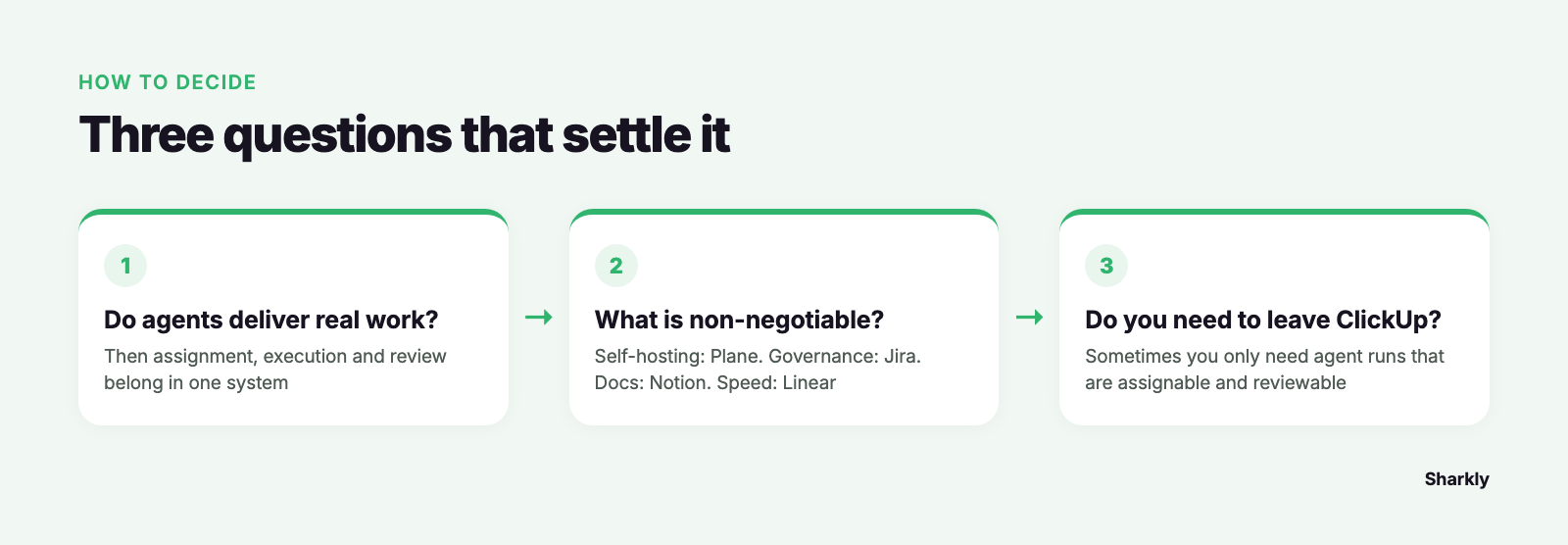
Second, the non-negotiable constraint: self-hosting points to Plane, governance to Jira, cross-department planning to Asana, docs to Notion, tracker speed to Linear or Shortcut.
Third, do you have to leave ClickUp at all? Sometimes the missing piece is just a place where agent runs become assignable and reviewable. That is agentic project management, a smaller change than a migration.
FAQ
Can ClickUp assign a task to an AI coding agent?
Not in the sense that matters here. ClickUp’s pricing page sells Brain AI at $9 per user per month for the Brain Assistant and chatbot, and Everything AI at $28 for the AI Notetaker, image generation, and automations. That is assistance for the person working, not an assignee that runs a coding session and returns a diff.
What is the best free ClickUp alternative?
It depends on team size. Shortcut’s free plan covers up to 10 users, Plane is free and self-hostable, Linear’s allows 2 teams and 250 issues, and Sharkly is currently free for organizations of up to 5 people, with no feature difference from the paid tier. Getting started with Sharkly takes one Computer, one Agent, one low-risk Task.
Asana vs ClickUp for a development team?
Asana is more disciplined, ClickUp more configurable, and that trade decides it. Asana wins when engineering plans alongside marketing and operations; ClickUp wins when the process is unusual enough to need shaping. Neither treats an AI agent as an assignee, so if that is your criterion, run a different comparison.
Can we keep ClickUp and add agent execution next to it?
Not through a connector today. Sharkly ships integrations for Jira, GitHub, and Slack only. Teams in that position keep ClickUp for company-wide planning and run engineering Tasks and Agent execution in Sharkly, with GitHub as the evidence trail between them.
What makes a tool agent-native instead of AI-assisted?
An agent-native tool treats the Agent as an assignee with an execution path: it claims a Task, runs on a connected Computer in an isolated worktree, and returns results, blockers, and evidence to the Task for human review. AI bolted onto a human-first tracker summarizes, drafts, and triages: it helps the person work rather than doing it.
Which alternative handles a messy backlog best?
Jira and Asana have mature triage and reporting, and either beats a lighter tracker on years of history. The newer approach is to make triage itself assignable, which AI backlog management and triage covers. Pick the mature tracker if the backlog is a reporting problem, the agent-native one if it is a capacity problem.