At DevDay on September 29, OpenAI said developers “can run Codex wherever they need it: on a computer, remotely from a phone, or in the cloud from any device.” The sentence in the DevDay recap that matters most to a team comes next: reusable development environments “help tasks start quickly and give your team a shared setup with approved settings and permissions.” Codex cloud is available on Plus, Pro, Business, Healthcare, Education, and Enterprise.
For one developer, that settles a question. For a team already running Claude Code on a workstation, Codex on a build server and Gemini on somebody’s laptop, it adds a place. Work now starts in OpenAI’s cloud, on your own hardware, and from a phone on the train, and each place keeps its own list of what ran. Which agent is on what, what finished, and what is waiting for a reviewer gets one more location to check. So the useful question is not “cloud or local?” It is which work belongs where, and where the record of that work lives.
TL;DR
Codex cloud is the better home for Codex work that should start fast, keep going while your laptop sleeps, or begin from a phone, and for teams that want one approved setup instead of everyone preparing their own host. Your own Computers win when a task needs Claude Code or another non-Codex Runtime, hardware beyond your plan’s default VM, or something OpenAI’s cloud environment docs list as unsupported today: GitLab repositories, browser use, or private services reached over SSH or a database protocol. Neither choice decides who assigned the work or who accepts it. That stays with the team, on a Task.
What a Codex cloud environment gives you
A cloud environment, in OpenAI’s documentation, “is the reusable setup that tasks use: repositories, dependencies, tools, and access settings.” You pick GitHub repositories, and Codex inspects them, installs dependencies and tools, tests the workflow, and asks for anything it cannot infer. You review the setup report and publish. Every new task then starts from that published filesystem in its own isolated workspace, and tasks “can keep working while your computer is asleep.”
The access model is more careful than a setup script with a token pasted into it. Environment variables pass straight to programs. Network secrets never reach a process at all: programs receive a placeholder, and a proxy substitutes the real credential only for allowed HTTPS destinations. Internet access is a setting you turn on and then narrow, with a package-manager preset or a custom domain list. Private services are reachable through a VPN, with Tailscale as the supported provider today, and Enterprise workspaces can request OIDC connections for short-lived cloud credentials.
Starting work is just as flexible. The Codex Cloud overview lists the web, the desktop app, mobile, and the Codex CLI, and Enterprise workspaces with Cloud delegation can start tasks from @ChatGPT in Slack or Microsoft Teams. An Enterprise environment can be shared with the workspace, so a new teammate starts from the approved setup instead of rebuilding it. For Codex work, that removes a real source of setup drift.
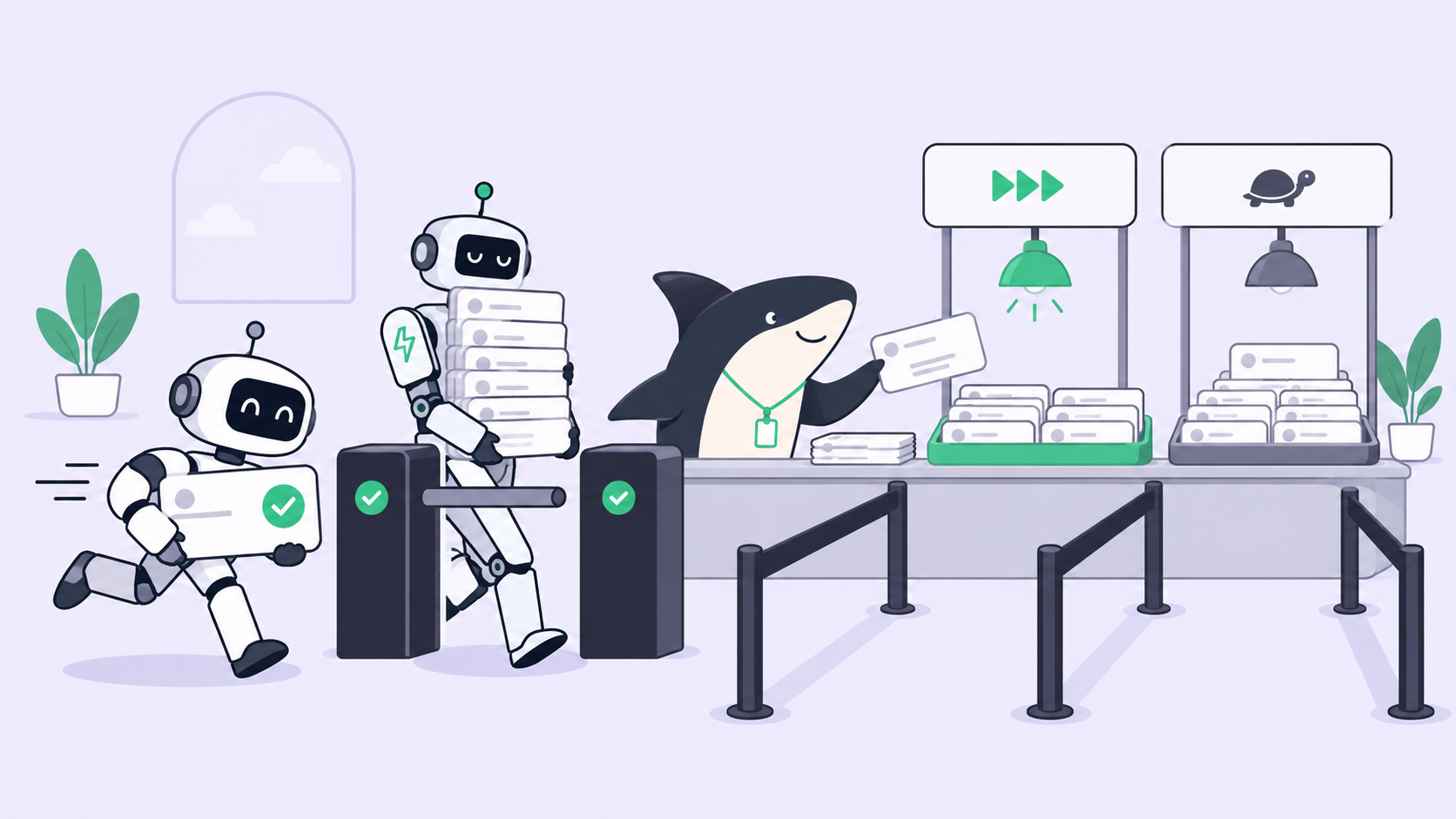
OpenAI’s own lineup treats placement as a per-workload choice, not a single answer. Dots each get their own cloud computer, and the Agents API takes an OpenAI-hosted or a self-hosted environment, as we covered in who runs the agents. Codex now runs in either place too.
What a Sharkly Computer gives you
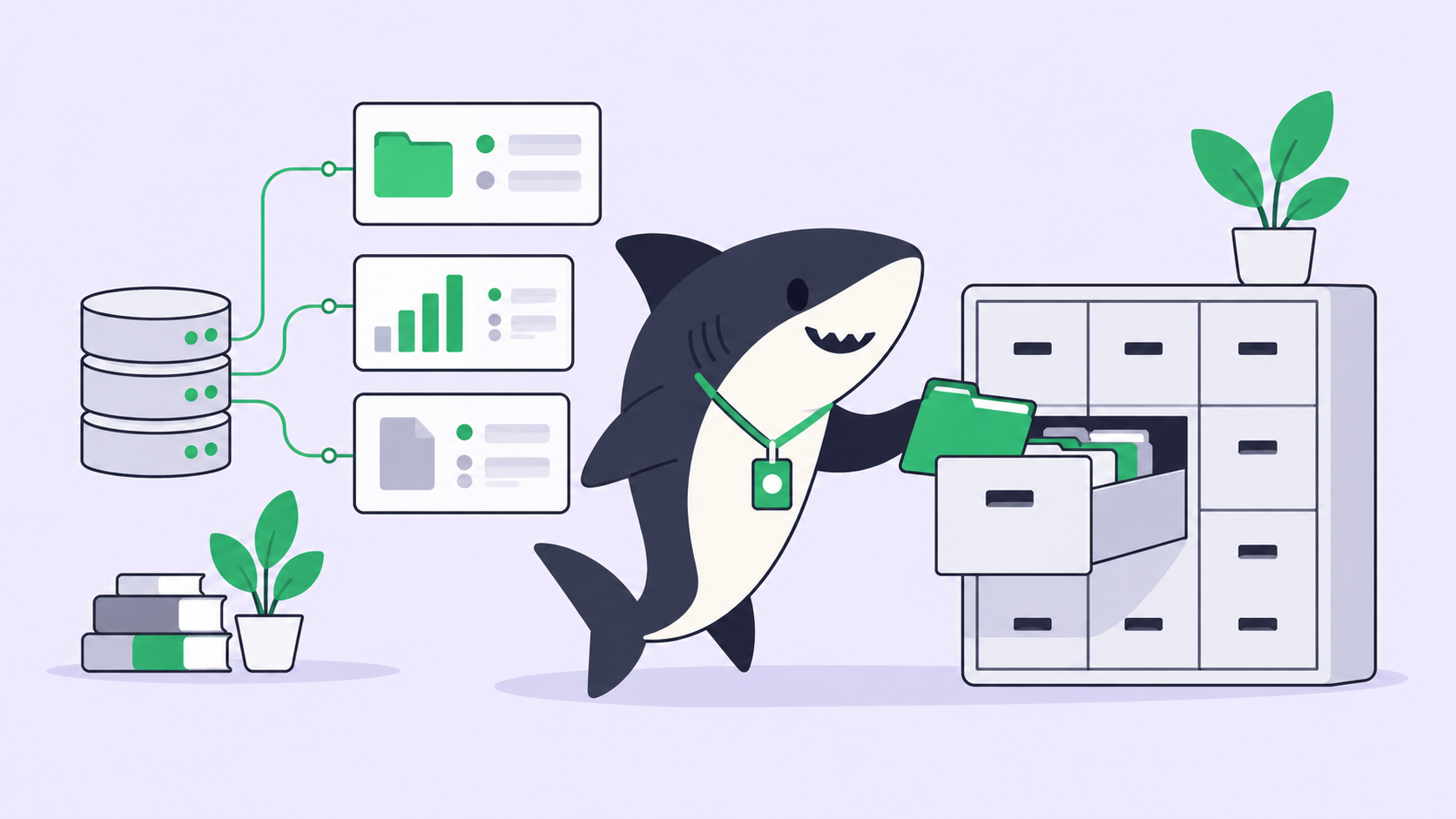
A Computer is a connected device, server, or container where an Agent can run work. In the words of the Sharkly Computers documentation, it “provides the operating system, files, credentials, network access, and tools required by an Agent.” A small local service registers it, detects the Runtimes installed there, receives queued runs, and streams progress back. The service opens the connection outward, so a typical setup needs no inbound port.
Three properties matter for this comparison. First, one Computer can expose several Runtimes. Sharkly names Claude Code, Codex, Gemini, OpenCode, OpenClaw, and Hermes, a custom ACP Runtime covers a tool the local service does not detect, and a single Computer can serve several Agents. Second, isolation is per Task. In Temporary mode each Task gets an isolated directory, and repository-backed runs can use a fresh worktree, which is how parallel agents avoid merge conflicts. In Specified mode a run reuses a configured local directory with its dependencies, caches, and local services already in place, one run at a time. Third, the credentials are yours: an Agent carries plain and secret environment variables, each run receives only the environment and credentials it is allowed, and a Computer with Personal visibility stays available only to its owner.
The honest cost is that the host is also yours. If a Computer goes offline, new runs wait for it to reconnect. The desktop app can prevent sleep, and on macOS keep running with the lid closed when the system allows it, but long unattended runs belong on a server you control, as we argued in running coding agents remotely. The bill stays where it was: Computers and Runtimes do not occupy seats on Sharkly’s plans, Sharkly does not sell tokens, and a Codex Agent uses whatever ChatGPT plan or API key its Codex CLI signs in with.
Codex cloud or your own Computer: a decision table
Every Codex cloud entry below comes from OpenAI’s cloud environment documentation as of September 30. The Computer entries come from Sharkly’s docs.
| The work needs | Better fit | Why |
|---|---|---|
| A fix started from a phone, laptop closed | Codex cloud | Tasks start from mobile and keep working while your computer is asleep |
| One approved setup for every teammate | Codex cloud (shared in an Enterprise workspace) | One published environment; each task still gets its own workspace |
| No host to maintain | Codex cloud | Codex prepares, tests, and runs the environment |
| Claude Code, Gemini, OpenCode, or another non-OpenAI Runtime | Your Computer | A Computer can host several Runtimes side by side |
| Computer or browser use inside the task | Your Computer | The docs list computer and browser use as not yet supported in cloud environments |
| A repository on GitLab or GitHub Enterprise Server | Your Computer | Also listed as a current cloud limitation |
| SSH, a native database protocol, or private DNS | A Computer inside that network | The cloud VPN handles HTTP and HTTPS over IPv4, without private DNS, SSH, or native database protocols |
| Specific hardware, or more than the default VM | Your Computer, or an Enterprise request | Defaults are 2 vCPUs, 8 GiB memory, 8 GiB disk on Plus; 4 vCPUs, 16 GiB, 32 GiB on Pro, Business, and Enterprise. Larger or custom specs go through the OpenAI account team |
| A very large repository with expensive local state | A local Computer, Specified mode | Reuses the existing directory instead of preparing a copy |
| Skills that live only on your laptop | Your Computer | Personal local skills are not synced to cloud environments; repository skills are |
Read it as a decision pair. Use Codex cloud when the task is Codex work, its dependencies are public or reachable over allowlisted HTTPS, and the person starting it may not be at a desk. Use your own Computers when the task needs a Runtime, hardware, or network you chose for a reason.
One row is missing on purpose: “data that must not leave our network.” Running on your own Computer keeps the repository, the caches, and the secrets on hardware you control. It does not keep prompts away from the model provider, because whatever the Runtime sends to its model still leaves. OpenAI draws the same line for its own product: the Agents API documentation says “choosing a self-hosted sandbox does not make the Agents API ZDR-eligible.” Placement decides where code and credentials live. Retention is a separate contract with your model provider.
Mixed placement is where the board earns its place
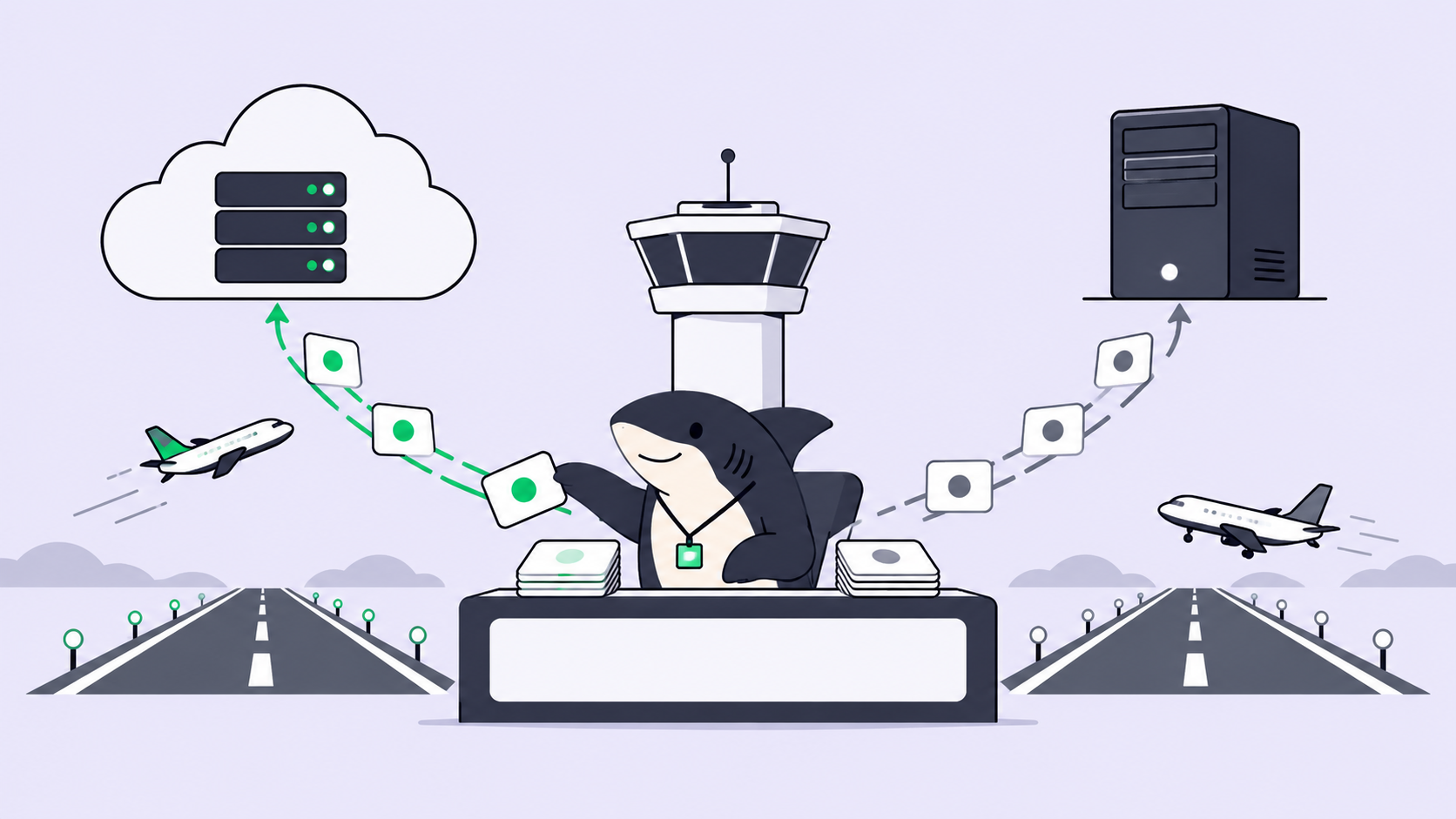
Most teams will use both. Quick Codex fixes start from a phone into a cloud environment, and the migration that needs the staging database runs as an Agent on a Computer inside the network. That is a sensible split, and it produces two lists of work.
Codex cloud keeps tasks separate by design: access to a shared setup, the docs say, “doesn’t grant access to someone else’s task.” That is the right default for privacy. It also means the setup is shared while the work is not, so “what is the team’s agent work doing right now?”, across cloud tasks and Computers, has to be answered somewhere else. Write the routing rule down first:
Where does this Task run?
1. Needs a non-Codex Runtime                          -> Agent on a Computer
2. Needs SSH, a database protocol, or private DNS     -> Computer inside that network
3. Needs GitLab, GitHub Enterprise Server, or browser use -> Computer
4. Codex work, allowlisted HTTPS, started away from a desk -> Codex cloud
5. Someone must accept the result                     -> a Task with an Assignee and a reviewer, wherever it ran
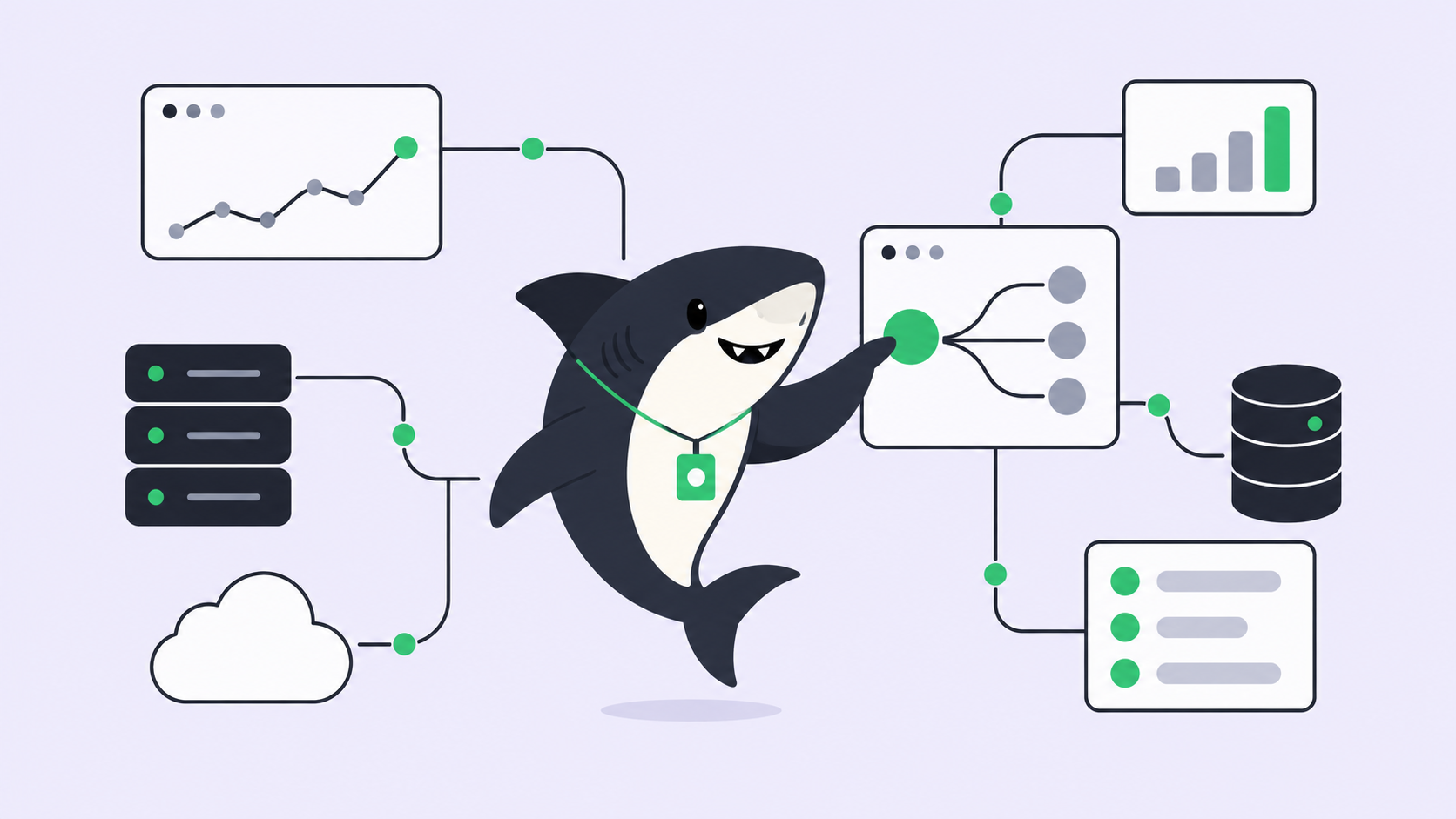
Rule five is the one that keeps the split manageable. In Sharkly, the Task is the record: progress, the execution log, blockers, and the result return to it, and a run waiting for human review lands in the responsible person’s Inbox. A Codex Agent and a Claude Code Agent on the same Computer report into the same board, each following the model its Runtime is configured with. For work that ran in Codex cloud, the link is the pull request: put the Task ID in the branch name or PR title, and Sharkly’s GitHub integration tries to link the PR back to the Task, so acceptance still happens in one place. Our note on agent runs that outlive your workday covers the review side of long unattended runs.
Agents research, execute, test, and report. People set direction, grant authority, and accept the result. That contract does not change with where the run happened.
Where this leaves your setup
Codex cloud is a good answer to “where should Codex run?” It was not built to answer “which of our agents, on every Runtime, is on what, and who signed off?” Keep a Computer for work that needs your Runtimes, hardware, or network, let Codex cloud take the phone-started and laptop-closed work, and keep one record of both.
If you want to keep using multiple coding agents rather than committing to one ecosystem, that’s the problem Sharkly is designed around.