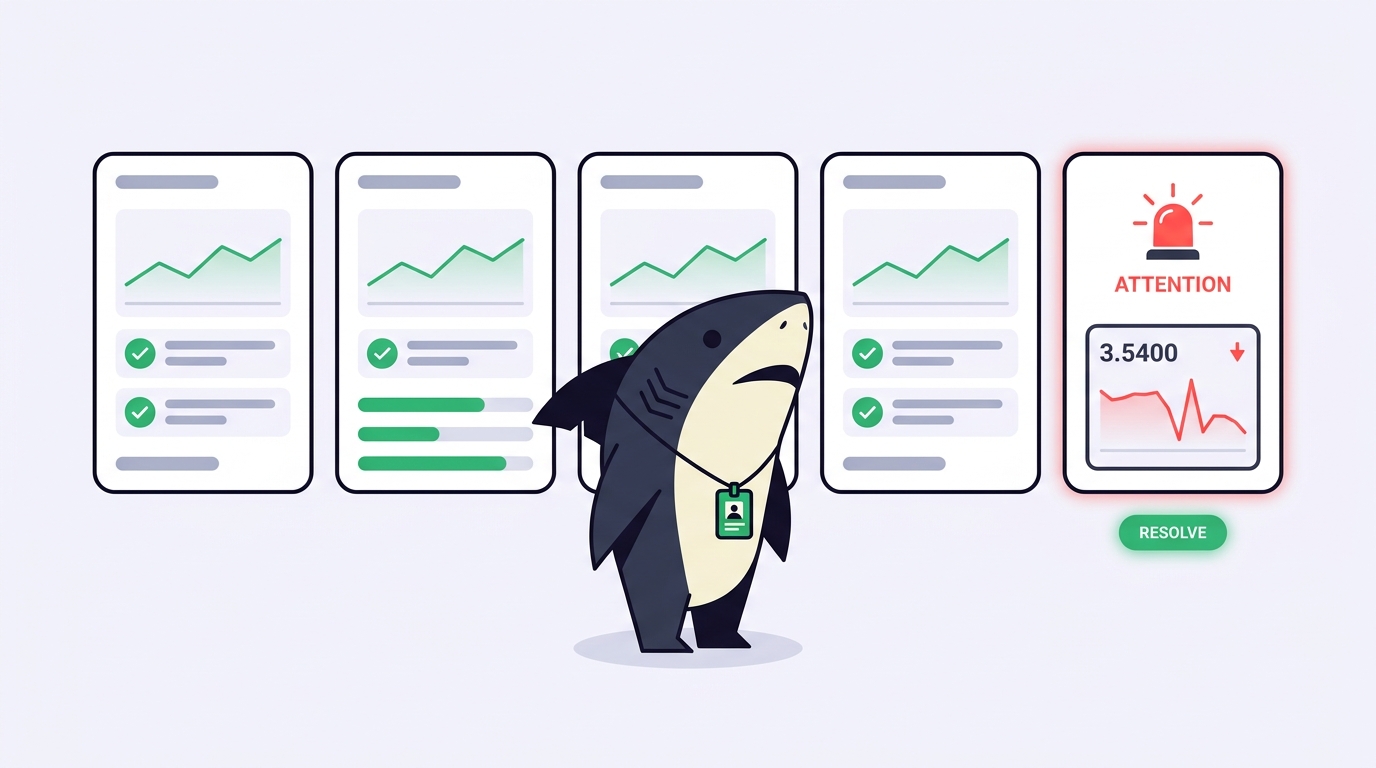
You start three coding agents on three tasks, then spend the next twenty minutes cycling through terminal tabs trying to answer one question: which one needs me right now? One is still running. One is waiting on a y/n you never saw. One exited green an hour ago and quietly built the wrong thing. Nothing told you any of that. You had to go looking.
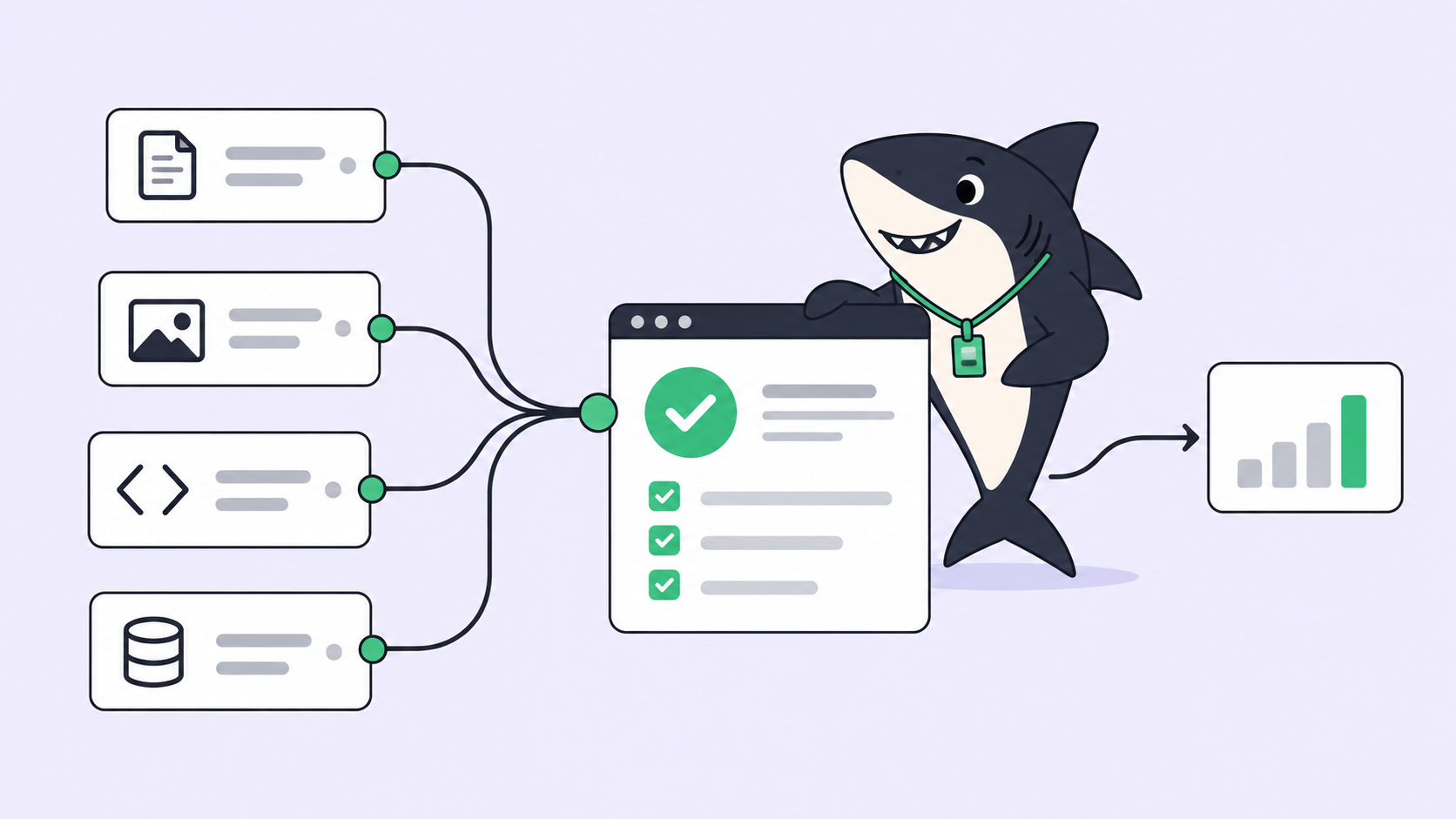
That gap is what coding agent observability is supposed to close. Observability, borrowed from systems engineering, is the ability to understand what a running process is doing from the signals it emits, without attaching to it directly (OpenTelemetry has a good primer). For coding agents the standard: you should be able to answer “what is each agent doing, what has failed, and what needs a human” from a shared view, not from tailing a session. Most setups can’t. They have a status somewhere and a log somewhere and call that observability. It isn’t.
This article walks the three signals a coding agent actually emits, which failure signals are worth wiring an alert to, and where a shared task layer like Sharkly turns raw output into something you can act on. Sharkly sits above the agents you already run; you already have coding agents, and the point here is making their work legible when there’s more than one.
Status, logs, and failure signals are three different things
These three words get used interchangeably, and the confusion is the root of most bad monitoring setups. They answer different questions.
Status is the summary state of a run. Running, waiting for input, done, or failed. It is one field, cheap to read, and it tells you where a run is, not what it did. A status is not observability; it’s the smallest fact about a run.
Logs are the raw execution trace. Every tool call, file edit, and model response, in order. Logs tell you what happened after you already know something went wrong. They are indispensable for a post-mortem and useless as a live signal, because nobody watches five scrolling logs at once. A log is not a signal until something extracts meaning from it.
Failure signals are derived alerts. They are the specific conditions worth interrupting you for: an agent stalled, a run went green on the wrong direction, a budget ran out mid-task. A failure signal is the thing you actually want, and it’s the layer almost every hand-built setup skips, because deriving it means processing logs into events instead of just storing them.
The trap is stopping at the first two. Status plus logs feels like observability because you have a state and a record. But the only question that scales, “which of my agents needs me?”, lives entirely in the third layer.
The failure signals that actually matter
Web-service observability watches for crashes and latency. Coding agents fail differently, and the failures that cost you an afternoon are rarely the ones that show up as a red status. These are the signals worth deriving.
| Signal | What it means | Why status and logs miss it |
|---|---|---|
| Silent stall | Agent is waiting on a prompt or a missing secret, producing no output | Status still reads “running”; nothing raises a hand |
| Green but wrong | Run exited successfully and did the wrong thing | Status is “done”; only reading the diff reveals it |
| Skipped verification | Reported done without running typecheck, tests, or the build | Logs contain the omission, but nobody reads a passing log |
| Budget exhaustion | Model quota or spend cap hit partway through a task | Failure surfaces as a truncated response, not an alert |
| Latent conflict | Two agents edited the same files in separate worktrees | Both runs are “done”; the collision waits at merge |
| Thrash | Agent edits, reverts, and re-edits the same file in a loop | Every individual step looks fine in the log |
The pattern across all six: the failure is invisible at the status layer and buried at the log layer. “Green but wrong” is the one people underestimate most. A coding agent that confidently finishes the wrong task looks identical to one that nailed it, right up until review with task-level evidence catches it. Observability that only reports exit codes will report that failure as a success.
Two of these are structural rather than behavioral. Latent conflicts are why same-repo parallel work needs isolated worktrees per task, so file overlaps surface before merge instead of during. Budget exhaustion is why tracking spend across agents belongs in the same view as status; a run that quietly stopped because it ran out of quota is a failure signal, not a completed task.
How much observability you need, by team size
You don’t need all six signals on day one. The right amount of instrumentation scales with how many agents run and how many people need to see them.
| Setup | What to instrument | Where it breaks |
|---|---|---|
| One agent, one task | Status only; read the log if it fails | Nothing, until you start a second agent |
| Several solo agents | Status per run plus stall and green-but-wrong signals | You infer state from silence and miss stalls |
| Small team, shared repos | All six signals, plus review state, in a shared view | Your monitoring lives on one laptop nobody else can see |
| Larger team, many repos | The above plus per-run ownership, budget, and audit trail | Nobody can answer “who ran what” a week later |
The honest read: a solo developer running one agent on unrelated work has all the observability they need in a single terminal. The equation changes the moment agents outnumber your screens, work runs on machines you’re not sitting at, or another person needs to see the same board. Past that line, a status field and a log directory stop being enough.
Where raw logs and a single runtime are enough
Give the built-in tools their best version, because for a lot of work they win. Claude Code and Codex both keep a readable session trace, and for a single agent on a single task that trace is your observability. You started it, you’re watching it, you’ll read the log if it stops. Adding a management layer there is pure overhead.
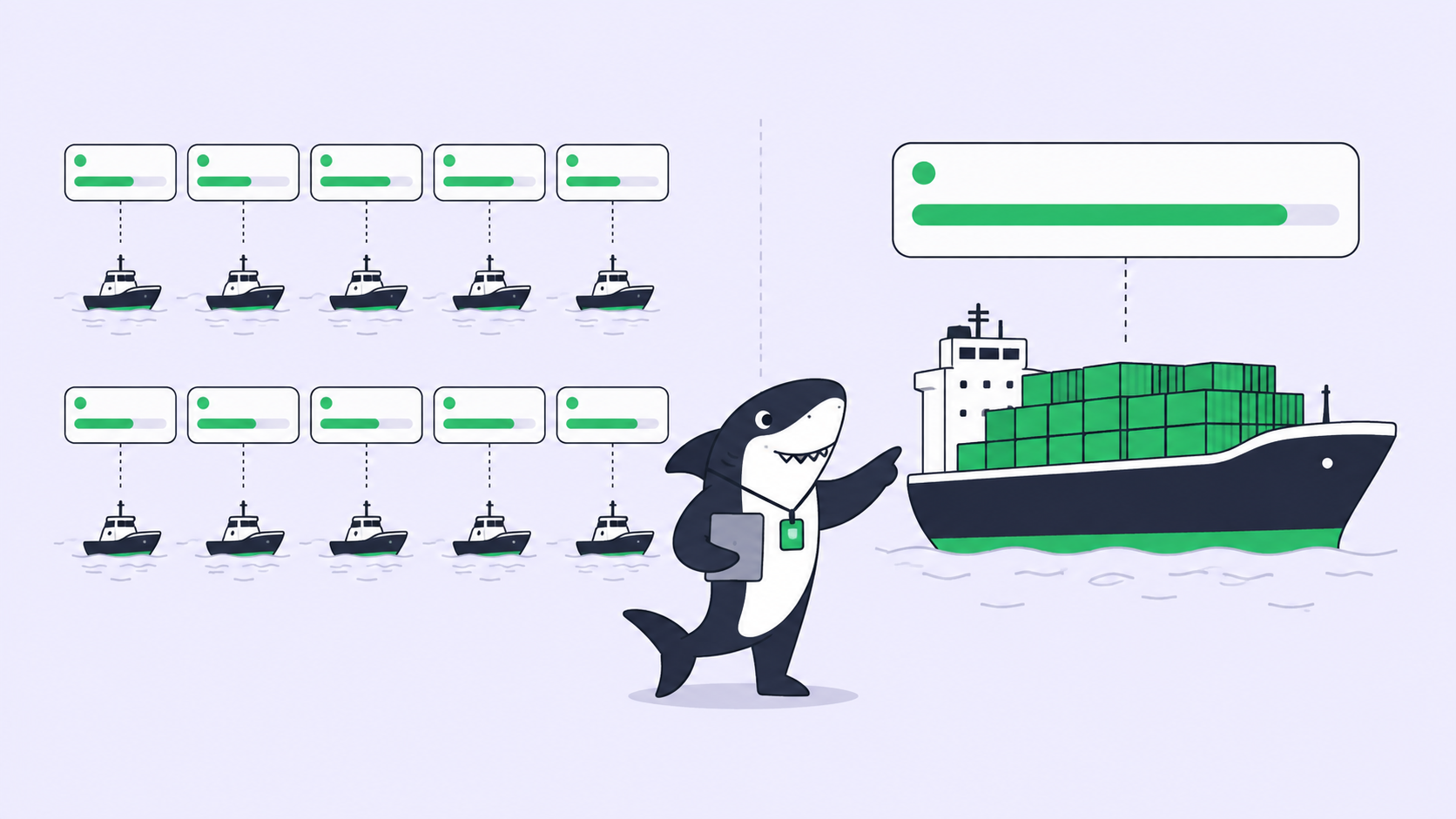
Use the runtime’s own output when you run one or two agents, on unrelated work, that never hand off to anyone else. Reach for a shared observability layer when the runs outnumber your attention, when they execute somewhere you can’t tail, or when review has to become a team activity rather than a private one. That last case is the quiet killer: five agents finishing in parallel isn’t a win if reviewing their diffs serializes back into a queue of one human. The agents got faster; you got slower. That’s an observability problem too, and no single runtime solves it, because the signal that matters, “this run is done and waiting on your review”, lives across agents, not inside one.
Observability when results return to the Task
A task layer changes the unit of observability from “a process in a pane” to “a Task with a state.” This is the shift Sharkly is built around, and it maps onto all three signals at once.
Each agent run attaches to a Task. Status, progress, blockers, and results return to that Task’s timeline instead of living in a log only you can see. Failure signals surface in one place: the runs that need a human land in the Inbox, so the question stops being “did anything finish?” and becomes “here is what needs my decision.” Agents research, execute, test, and report; people set direction, grant authority, and accept the result. Automation stops where team judgment is required.
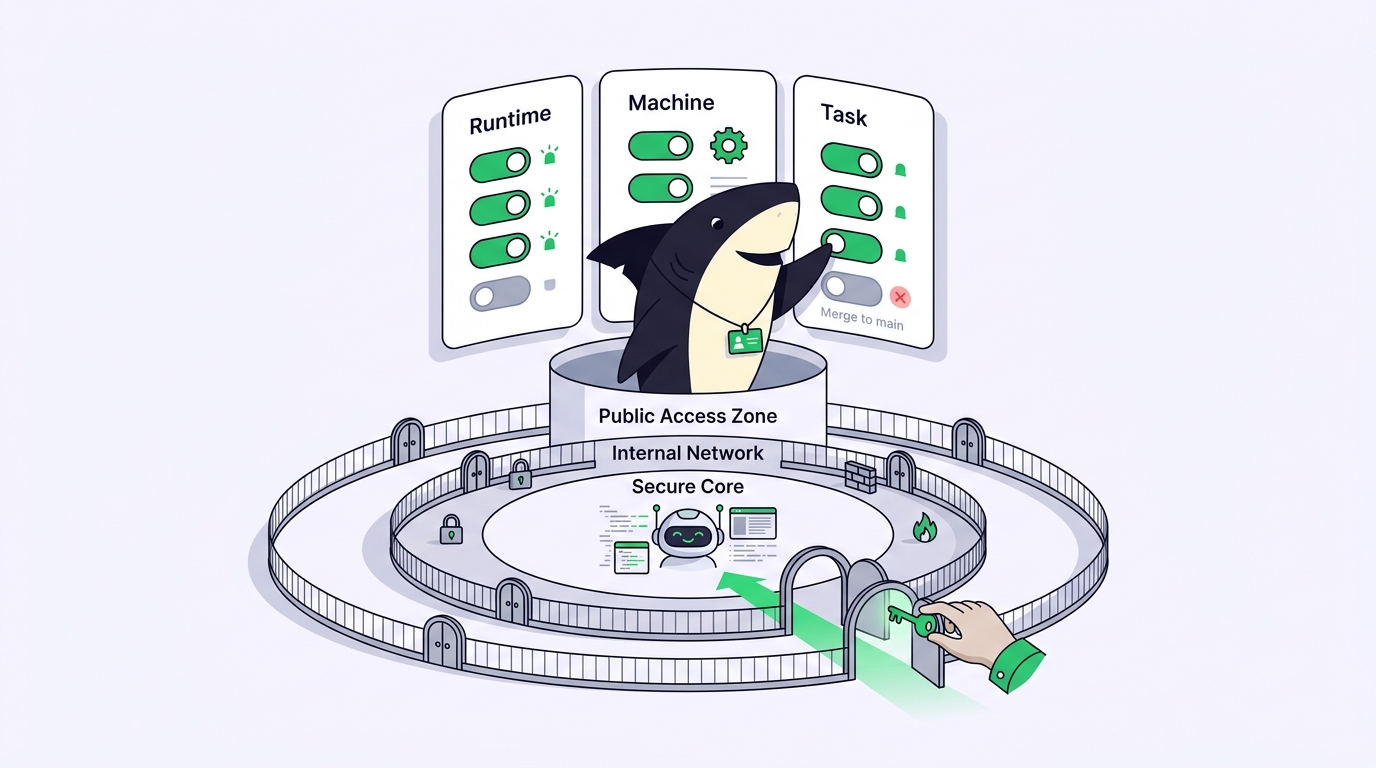
The boundary matters, because it’s easy to assume wrongly. Sharkly does not run the agent or write the code. Claude Code, Codex, and the other runtimes you already use still do the execution. Sharkly adds the shared task, Computer, context, and review layer around them, so context, progress, blockers, results, and human review stay visible from request to release. For the fuller picture of what that shared board should show, see what an AI coding agent dashboard actually needs, and for the live-monitoring angle, how to monitor coding agents running in parallel.
If you want to keep using multiple coding agents rather than committing to one ecosystem, that shared, signal-first view is the problem Sharkly is designed around. You can run your existing coding agents through Sharkly and keep every runtime you already use.
FAQ
Is coding agent observability the same as logging? No. Logging stores what happened. Observability is being able to answer what each agent is doing, what failed, and what needs you, without reading those logs one by one. Logs are one input to observability, not the whole of it.
What’s the single most important failure signal to instrument first? The silent stall. An agent that reads “running” while it waits forever on a prompt you never saw is the most common way parallel work quietly dies. Make blocked runs raise a hand before you chase anything fancier.
Can I get this from my coding agent’s built-in output? For one agent, yes. The runtime’s own session trace is enough. Built-in output has no cross-agent view, so it can’t tell you which of five runs needs you, which is exactly the question that appears once you scale past one.