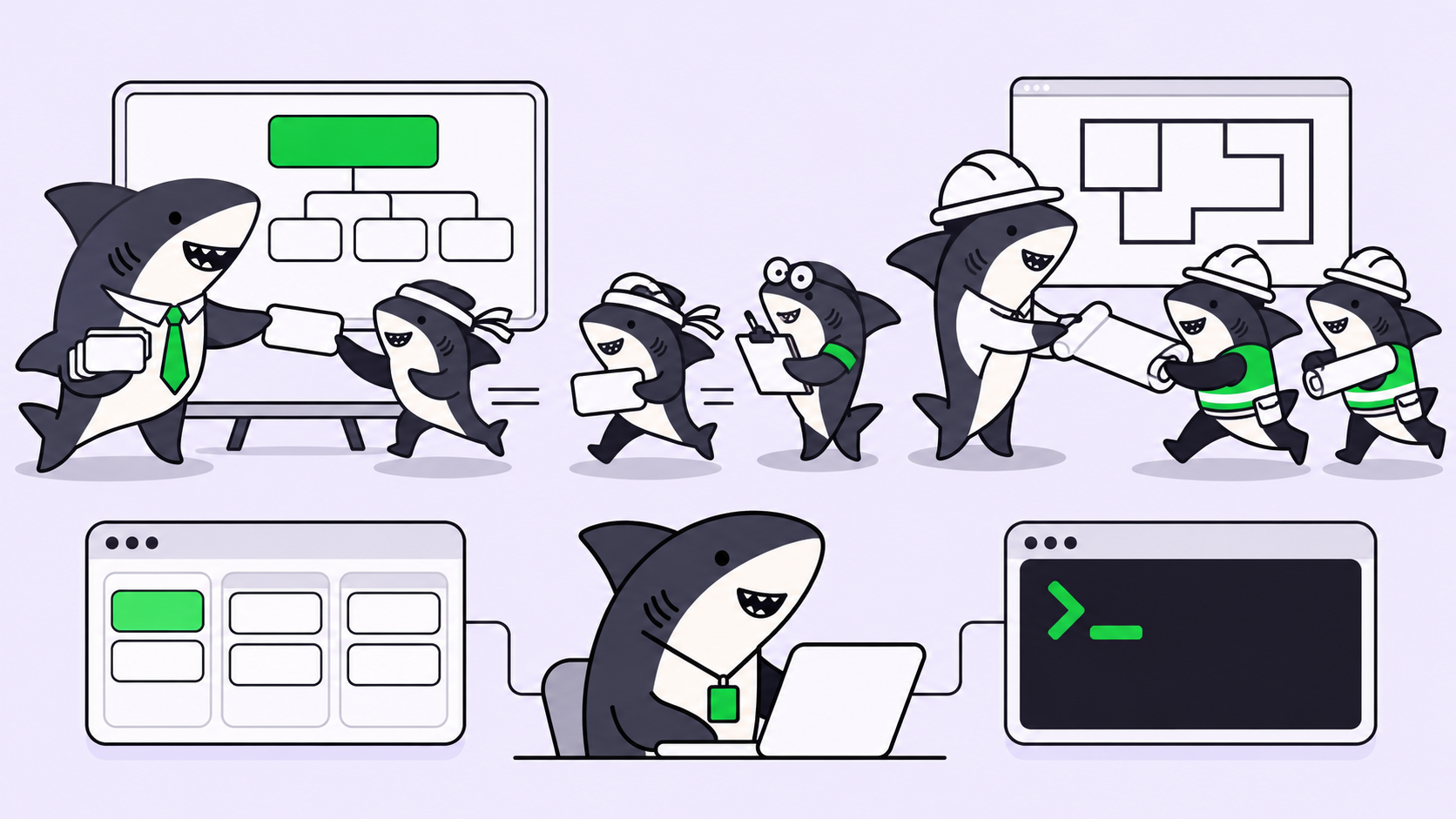
You started three coding agents this morning. One is refactoring an auth module, one is writing tests, one is chasing a flaky CI job. An hour later you have five terminals open, two detached tmux panes, and a nagging feeling that at least one of them stopped a while ago and has been sitting idle while you weren’t looking. You alt-tab, scroll a log, guess.
That guessing is the real cost of running agents in parallel. Launching several coding agents at once is easy now. Knowing which one needs you, which one is stuck, and which one quietly finished is the part that eats the afternoon. Monitoring parallel coding agents means answering four live questions without opening five windows: what is each agent doing, how far has it gotten, what is blocking it, and what has come back needing review.
This guide walks through the do-it-yourself monitoring setup first, names the failure mode at each step, then shows where that setup stops scaling and what a shared task layer adds. That shared layer is Sharkly: you already have coding agents, and Sharkly turns them into a team by keeping every agent’s progress, blockers, and results visible in one place instead of scattered across terminals. You can build most of the monitoring by hand. The point of walking through both is to know exactly when the hand-built version starts costing more than it saves.
The four signals worth watching
Monitoring is not one thing. When people say an agent run “looks fine,” they usually mean one of four separate signals, and each fails differently.
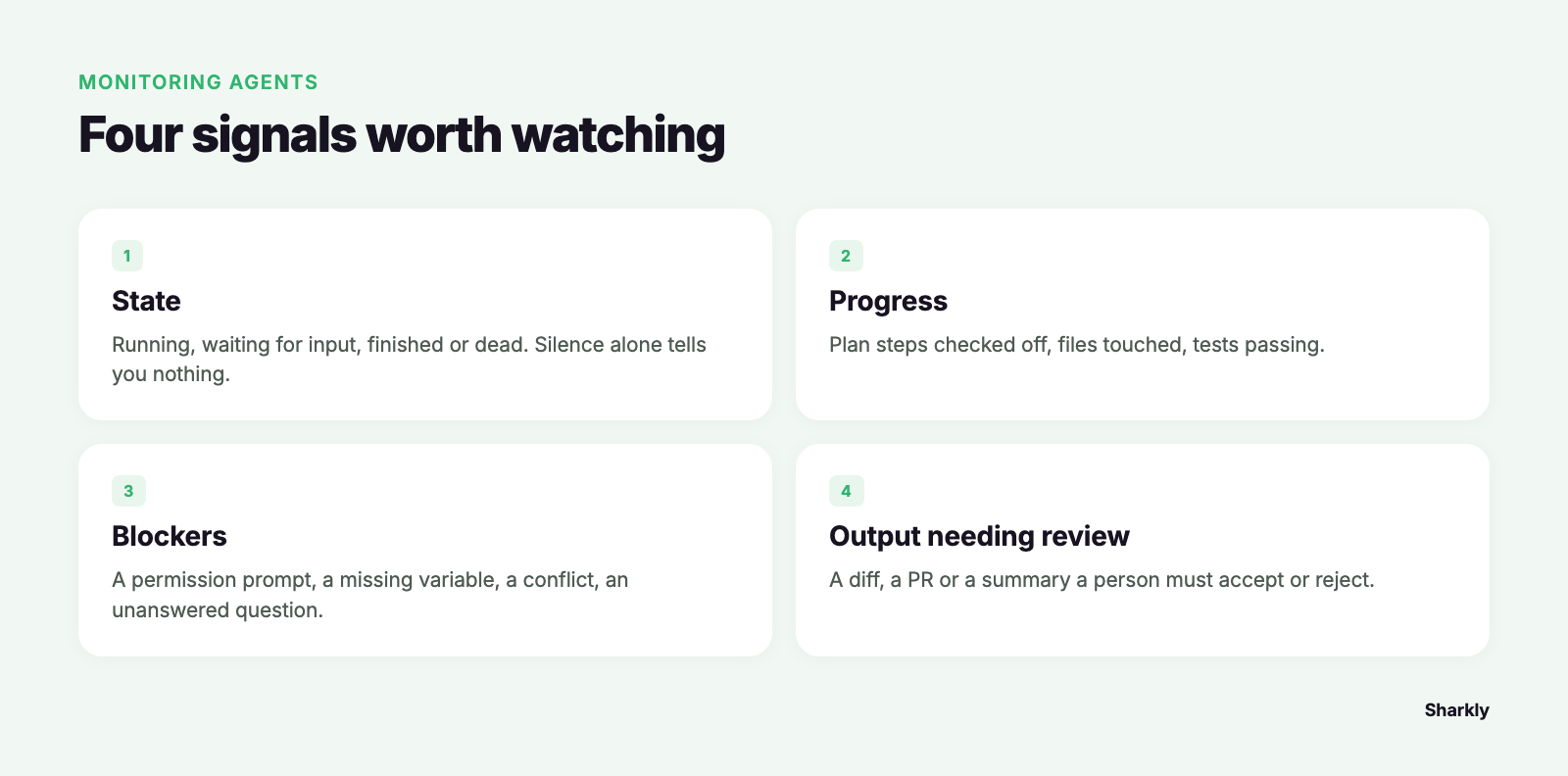
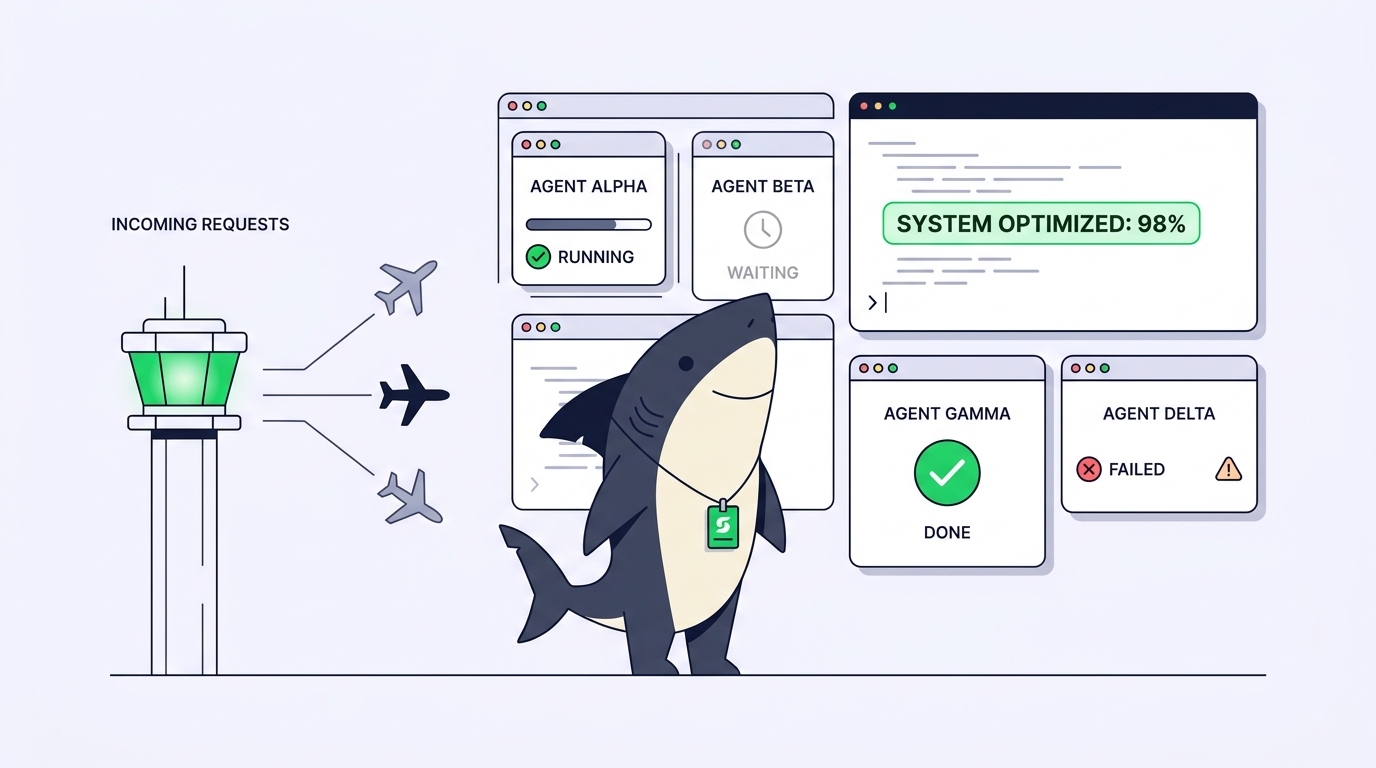
- State. Is the process running, waiting for input, finished, or dead? A finished agent and a hung agent both produce no new output, so silence tells you nothing on its own.
- Progress. How much of the task is done? Lines of a plan checked off, files touched, tests passing. Progress is what tells you a running agent is actually moving and not looping.
- Blockers. What is the agent waiting on? A permission prompt, a missing environment variable, a merge conflict, a question it asked and nobody answered.
- Output needing review. What has the agent produced that a person now has to accept or reject? A diff, a PR, a summary of changes.
Watch only state and you will miss the agent that is running but stuck in a retry loop. Watch only progress and you will miss the one that finished twenty minutes ago. A monitoring setup has to surface all four, for every agent, at a glance.
Step 1: monitor the DIY way, and where each step leaks
The hand-built setup uses tools you already have. Here is the honest version, with the gap each step leaves open.
See what is running. If each agent runs in its own git worktree, list them and their branches:
git worktree list
tmux ls   # if each agent runs in a tmux session
Failure mode: this tells you a session exists, not whether the agent inside it is working or waiting. A tmux pane blocked on a Continue? (y/n) prompt looks identical to one mid-task. You only find out when you attach.
Watch progress. Tail each agent’s output and poll its worktree for changes:
tail -f /path/to/agent-1.log
watch -n 5 'git -C ../wt-auth status --short'
Failure mode: this scales linearly with agents. Three logs are readable. Six interleaving log tails are not, and watch loops give you file churn, not meaning. You can see files changing without any idea whether the change is correct or whether the agent is repeating itself.
Catch completions. Wrap each agent so it pings you when the process exits:
your-agent-command "$TASK"; \
  curl -s -X POST "$WEBHOOK_URL" -d "agent-1 exited $?"
Failure mode: exit code 0 means the process ended, not that the work is good or even complete. Many agents exit cleanly after asking a question you never saw. A “done” ping trains you to trust a signal that does not mean done.
Spot conflicts. When multiple agents share one repository, worktrees keep their working directories apart, but two agents editing the same file on two branches still collide at merge time.
git worktree list --porcelain | grep branch
Failure mode: you learn about the overlap when you try to merge, which is the most expensive moment to learn it.
None of this is wrong. For two or three agents on unrelated tasks, a couple of tmux panes and a watch loop is a reasonable monitor, and you should not reach for anything heavier. Keep the moving parts at zero until you feel the wall.
Where the DIY monitor stops scaling
The wall shows up around the point where you are running enough agents that no single screen holds them all. Three failures compound:
Polling tells you state, not cause. git status and a log tail show you that something changed or that output stopped. They cannot tell you the agent is blocked on a prompt versus blocked on a missing dependency versus finished. You end up attaching to sessions one by one to diagnose, which is exactly the terminal-switching the parallelism was supposed to remove.
There is no shared state. Your monitoring lives on your laptop, in your tmux server, in your shell history. A teammate cannot see which agent owns which task, and neither can you after you close the lid. When an agent runs on a remote machine, the local-tail approach stops working entirely.
Review becomes the bottleneck. This is the one people underestimate. Running agents in parallel isn’t useful if reviewing their output serializes right back into a queue of one. Five finished diffs with no shared place to track “reviewed / changes requested / merged” is five browser tabs and a mental note. The agents got faster; the human got slower.
At that point you are not missing more terminals. You are missing a shared record.
What a task board adds: results return to one place
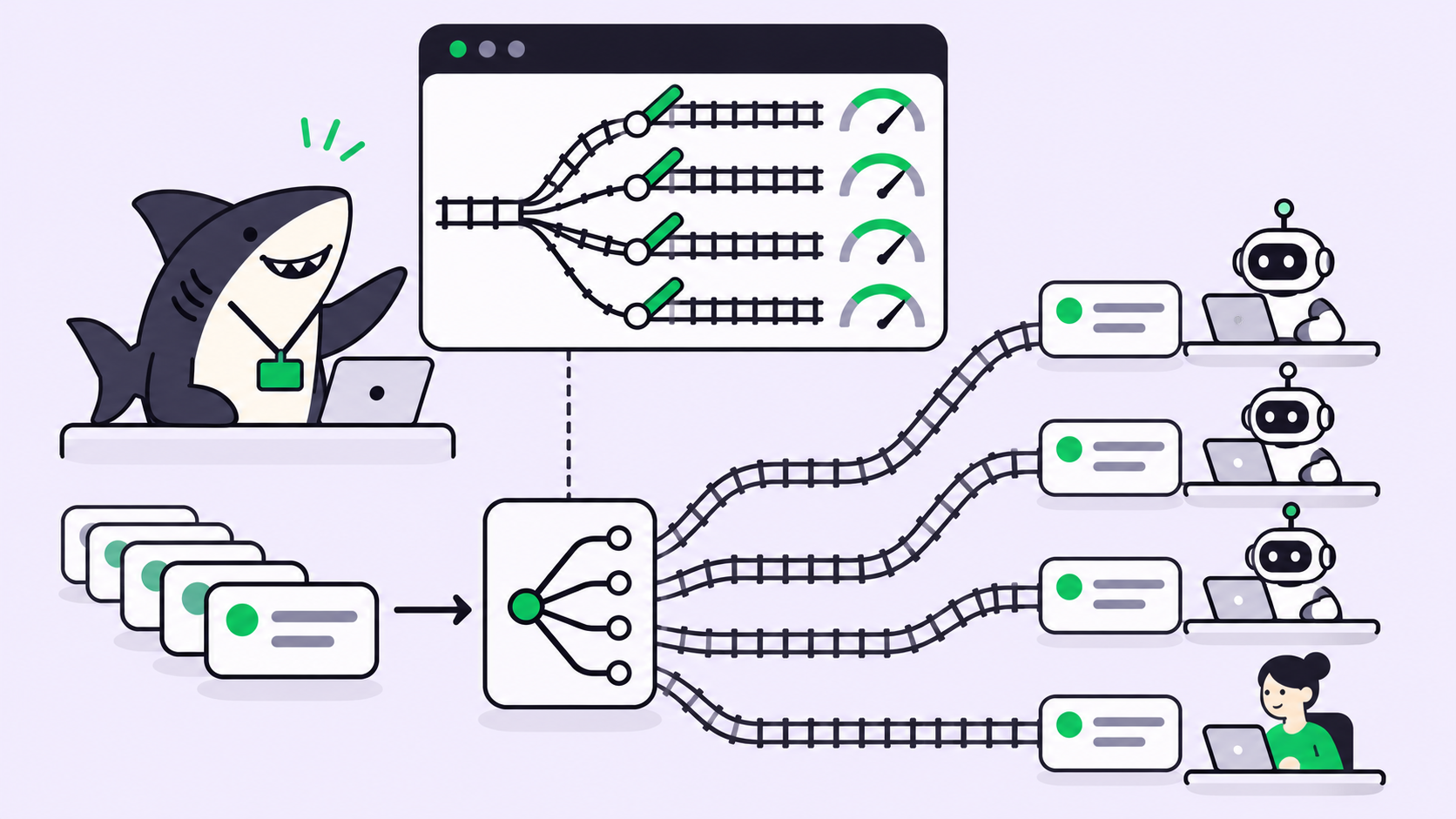
A task layer changes the unit of monitoring from “a process in a pane” to “a Task with a state.” This is the shift Sharkly is built around, and it maps directly onto the four signals.
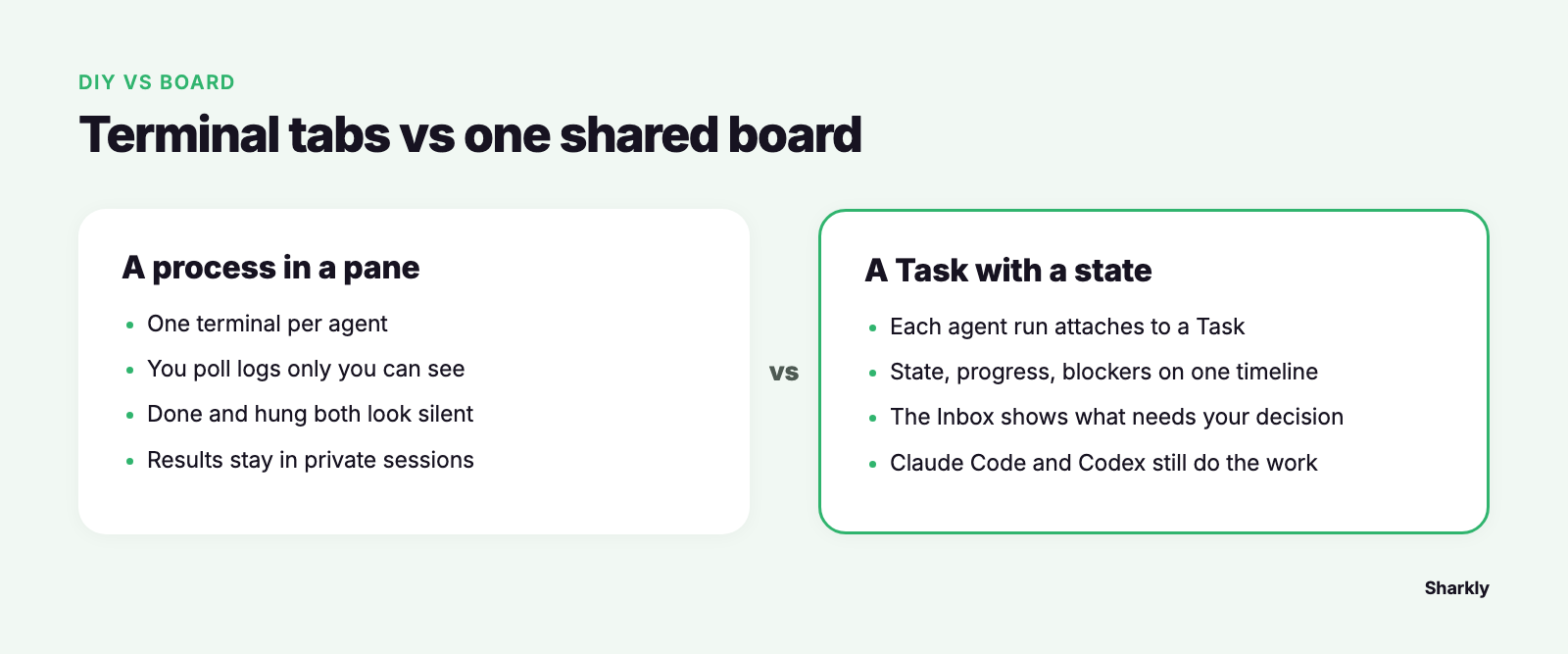
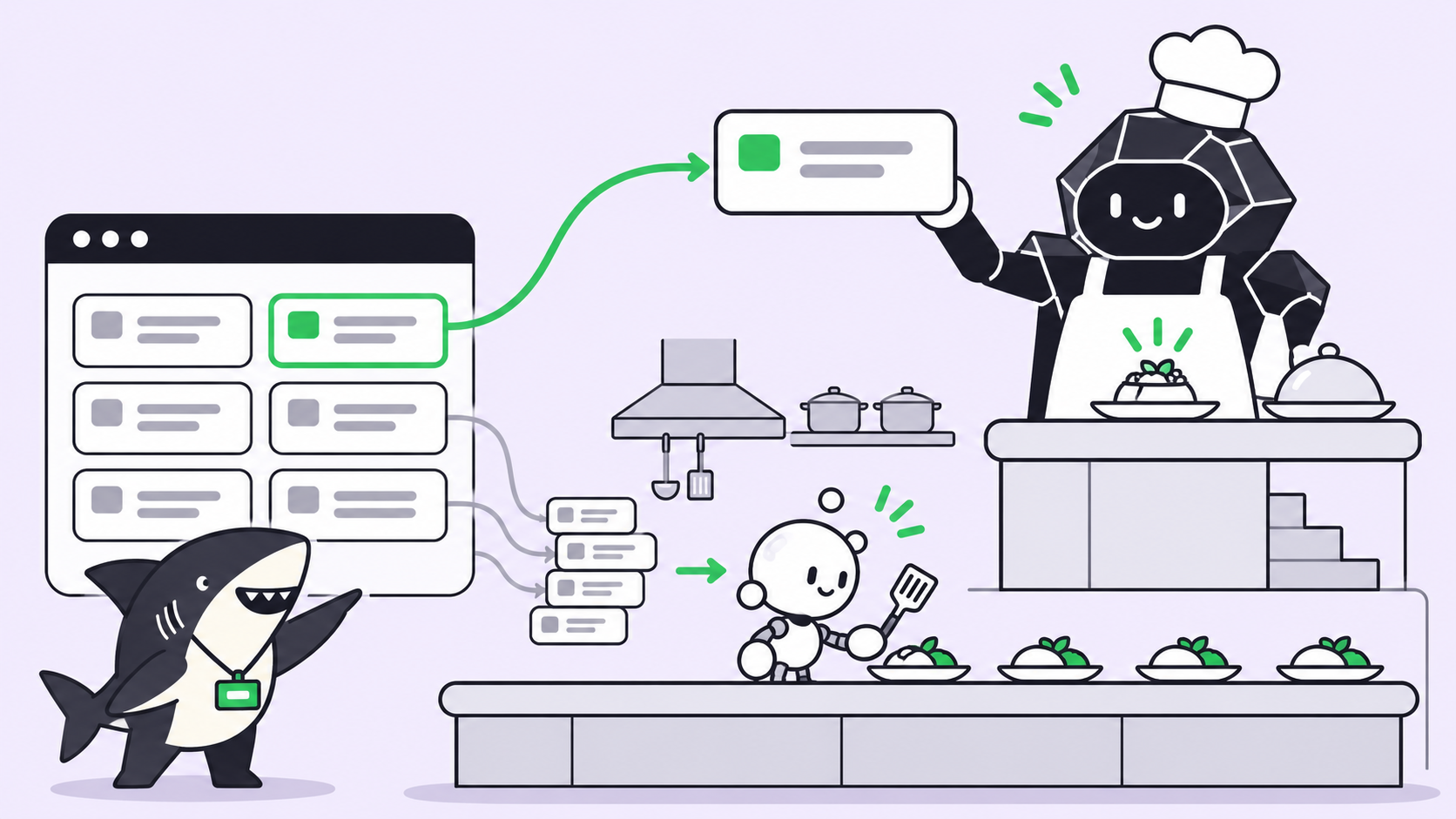
Each agent run attaches to a Task. State, progress, blockers, and results all return to that Task’s timeline instead of living in a log only you can see. Instead of polling, you watch a board: which Tasks are in progress, which are blocked, which are done and waiting on you. Sharkly’s Inbox is where the runs that need a human surface, so the question stops being “did anything finish?” and becomes “here is what needs my decision.” Agents research, execute, test, and report; people set direction, grant authority, and accept the result. Automation stops where judgment is required.
The boundary matters here, because it is easy to assume wrongly: Sharkly does not run the agent or write the code. Claude Code, Codex, and the other runtimes you already use still do the execution. Sharkly adds the shared task, computer, context, and review layer around them, so a run’s progress and its diff land somewhere the whole team can see from request to release. It also keeps each run in its own isolated worktree, so the same-file collision you would otherwise discover at merge time is contained per Task.
The honest decision rule: if you run one or two agents on unrelated work and never hand off to anyone, the DIY monitor is enough and Sharkly is overhead. The equation changes when the agents outnumber your screens, when work runs on machines you are not sitting at, or when other people need to see the same board. If you want to keep using multiple coding agents rather than committing to one ecosystem, that shared view is the problem Sharkly is designed around. For the wider picture of what belongs on that board, see what an AI coding agent dashboard should actually show.
A monitoring checklist you can run today
Whether you stay hand-built or move to a shared layer, a parallel-agent monitor should answer these without you attaching to a single session:
- Every agent maps to a named task. No anonymous “agent-3.” You should be able to say what each one is for.
- State is visible at a glance. Running, waiting for input, done, or failed, distinguished, not inferred from silence.
- Blocked agents raise a hand. A prompt waiting for a
y/n, a missing secret, or an unanswered question surfaces to you instead of stalling quietly. - Completion means reviewable, not just exited. A finished run points at a diff or PR, not just an exit code.
- Review has its own state. Reviewed, changes requested, and merged are tracked, so parallel work does not collapse back into a one-at-a-time review queue.
- The view survives a closed laptop and is shareable. State lives somewhere other than your shell history.
- Same-repo work is isolated. Each agent has its own worktree, and file overlaps surface before merge, not during.
Run down that list against your current setup. The rows you cannot check today are the ones that will cost you an afternoon later. If you are already running several agents, Sharkly gives you one place to manage their tasks and results. You can also run your existing coding agents through Sharkly and keep the runtimes you already use.