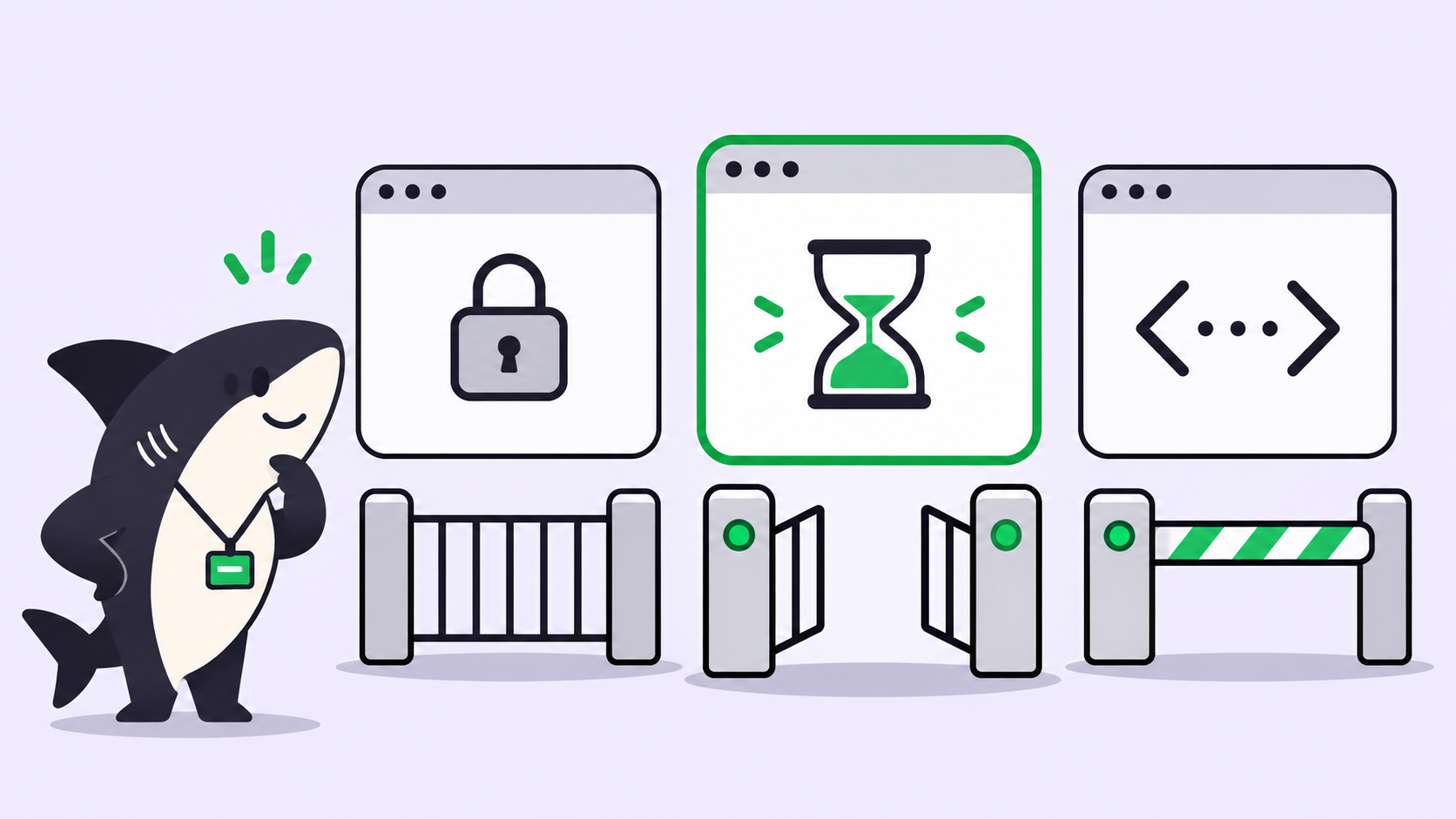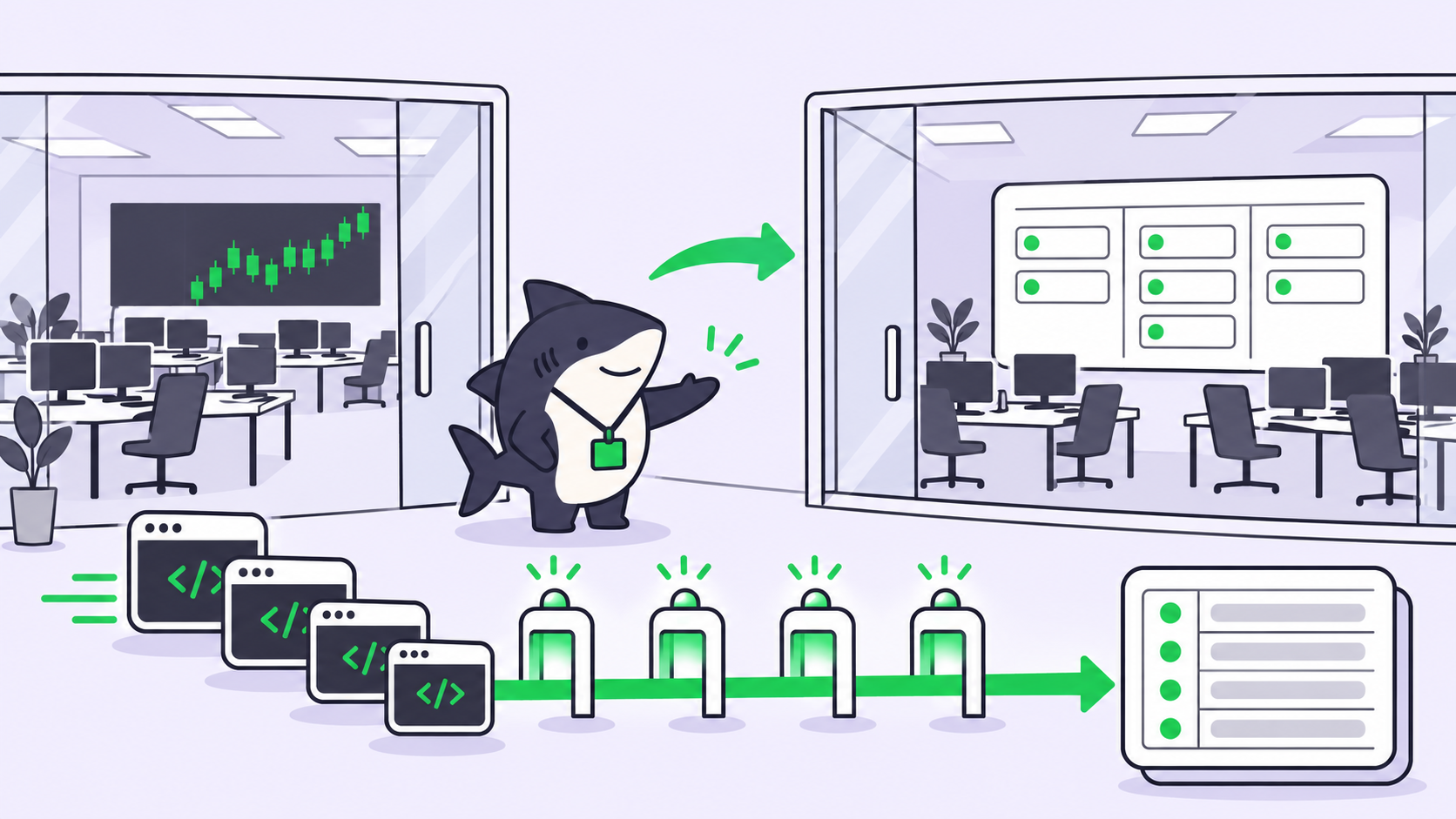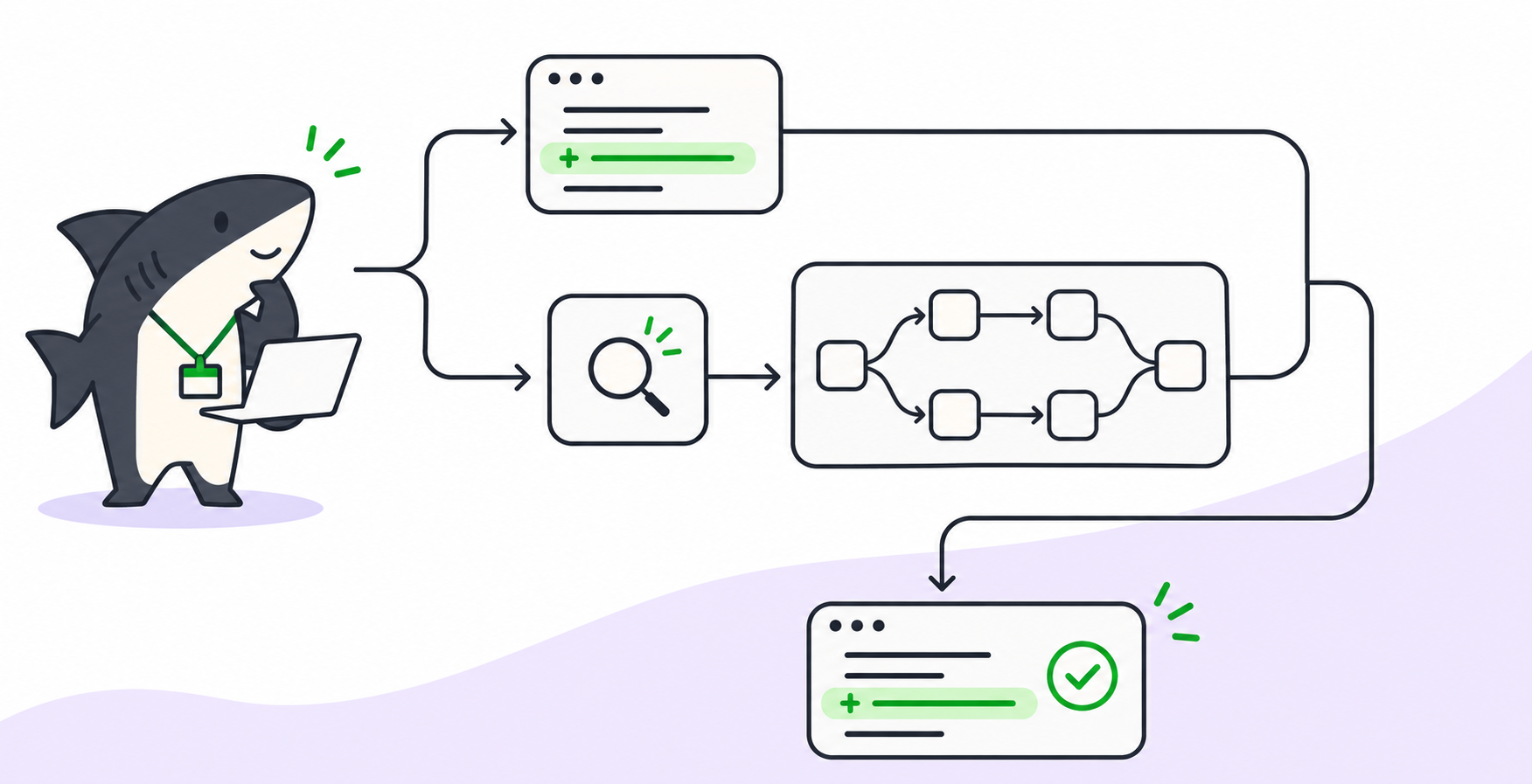

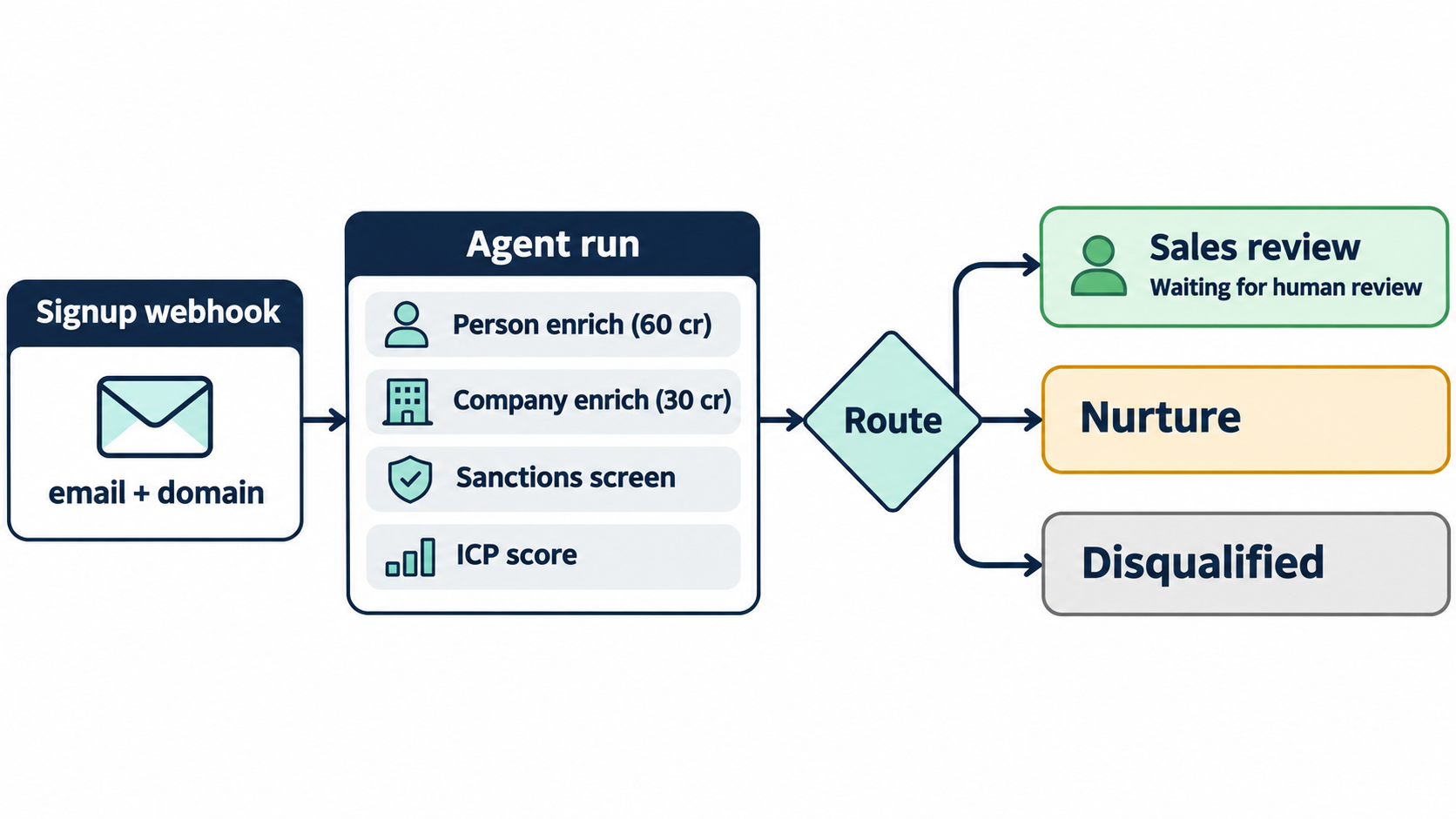
TL;DR: To enrich inbound leads with agents, send each signup’s email and domain to a webhook that starts an agent run. The agent enriches the person on People Data Labs, the company on Apollo, screens the name against a sanctions list, scores the result against your ICP, and files one task per lead. A person reviews every qualified lead before anyone replies. You pay per lead in Firecrawl credits, not per seat.
A signup lands with two useful fields: an email and a company domain. Someone has to turn that into a decision. Is this a buyer, a student, a competitor, or a name you can’t legally do business with?
The usual answer is a seat on an enrichment tool for everyone who triages leads. Apollo bills by seat, and its pricing page notes that all seats on an account share one plan. That makes sense when people do the lookups. When an agent does them, the person who reads the result doesn’t need a seat at all.
This guide builds that flow on Sharkly, with Claude Code or Codex as the runtime and Firecrawl Alexandria as the data layer. Every credit price below is Firecrawl’s listed price, read on 3 November 2026. We didn’t run a live lead for this post, so treat the totals as worked examples and check prices in the playground before you wire anything up.
Why enrich inbound leads with agents
Inbound lead enrichment means filling in a new contact’s job, company, and fit before a person spends time on them. An agent can run the lookups, apply your rules, and write a one-paragraph brief. A person keeps the decision about who gets a reply.
Three things change when the agent does the lookups:
- Billing follows leads. One Firecrawl key covers every provider. Each lookup has a listed credit price, and unmatched lookups on the providers below cost nothing.
- Rules become a file. Your ICP lives in a reviewed file the agent reads on every run, not in a reviewer’s head.
- Every lead gets the same checks. The 40th signup of the day gets the sanctions screen the first one got.
The inbound enrichment pipeline at a glance
| Step | Provider and capability | Listed price | Free when |
|---|---|---|---|
| 1. Webhook starts a run | Sharkly Automation | 0 credits | Always |
| 2. Enrich the person | People Data Labs person/enrich |
60 credits | The match falls below min_likelihood (404) |
| 3. Enrich the company | Apollo companies/bulk-enrich |
30 credits per matched company | The domain doesn’t match |
| 4. Screen against sanctions | OpenSanctions (opensanctions-org) |
Check with find-tools |
Never assume it |
| 5. Score and route | Your rules file | 0 credits | Always |
Step 1: A webhook starts the enrichment run
In Sharkly, an Automation is a Space-owned rule that hands repeatable work to one Agent or Crew. One of its trigger types is a webhook: a secret URL that accepts a POST from another service. Your signup backend posts the new lead to it.
# From your signup handler. The URL is a secret; keep it in your app's env.
curl -X POST "$SHARKLY_LEAD_WEBHOOK_URL" \
  -H "Content-Type: application/json" \
  -d '{"signup_id": "su_10482", "email": "[email protected]", "domain": "example-corp.com"}'
Sharkly shows the full URL once, when you create or regenerate the trigger. After that, the trigger card only says the URL is active. You can add a signing secret so requests must also pass signature verification.
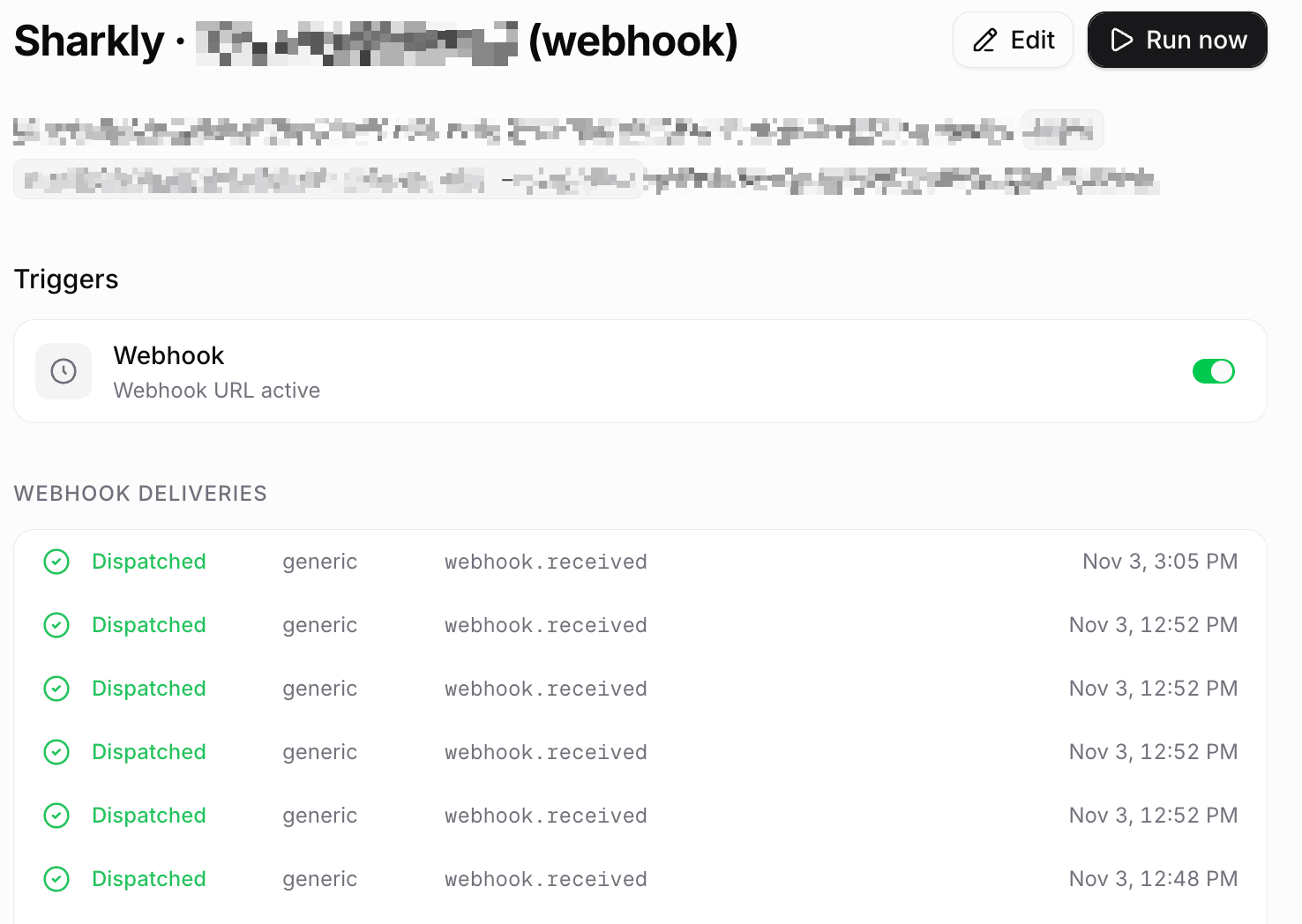
One detail shapes the design: an Automation starts an agent run, not a task. So the instructions tell the agent to file the lead task itself at the end. The run details keep the trigger payload, which gives each lead a record of what arrived.
Step 2: Enrich the person from the email
People Data Labs person/enrich is listed at 60 credits per call. An email alone is enough input. The setting that controls your spend is min_likelihood, which runs from 1 to 10 and defaults to 2. Raise it, and weak matches return a 404 instead of a record. Firecrawl’s provider page puts it plainly: “a 404 is free here and a wrong record is not.”
// enrich-lead.mjs: one call per signup, key injected as $FIRECRAWL_API_KEY
const call = (alexandria) =>
  fetch("https://api.firecrawl.dev/v2/scrape", {
    method: "POST",
    headers: {
      Authorization: `Bearer ${process.env.FIRECRAWL_API_KEY}`,
      "Content-Type": "application/json",
    },
    body: JSON.stringify({ alexandria }),
  }).then((r) => r.json());

const person = await call({
  provider: "people-data-labs",
  capability: "person/enrich",
  options: { email: lead.email, min_likelihood: 6, titlecase: true },
});
const p = person.alexandria?.[0];
if (p?.error) brief.errors.push(p.error); // check every result before using it
The record carries about 150 fields. Your brief needs five of them. With placeholder values, the part the agent keeps looks like this:
{
  "full_name": "Jordan Example",
  "job_title": "Director Of Platform Engineering",
  "job_company_name": "Example Corp",
  "linkedin_url": "linkedin.com/in/placeholder",
  "likelihood": 8
}
Watch the quota too. Through Alexandria, People Data Labs allows 50,000 API calls per year per customer organization across person and company endpoints. Retries count, and the quota resets on 1 January UTC.
Step 3: Enrich the company from the domain
Apollo’s company data covers funding, headcount, and technologies. Firecrawl’s own example uses the companies/bulk-enrich capability, which takes up to ten domains per call. Firecrawl’s October 2026 comparison lists it at 30 credits per matched company, with unmatched domains free.
const company = await call({
  provider: "apollo",
  capability: "companies/bulk-enrich",
  options: { "domains[]": [lead.domain] },
});
const org = company.alexandria?.[0]?.data?.organizations?.[0];
// org.name, org.estimated_num_employees, funding and technology fields
Apollo’s Alexandria page lists a built-in skill called “CRM account data refresh.” It re-enriches accounts by domain and compares the new values with what the CRM already holds. That’s the same call, pointed at your existing accounts instead of new signups.
Step 4: Screen the lead against a sanctions list
The People category on Alexandria includes OpenSanctions, a sanctions, PEP, and persons-of-interest database, plus the UK Sanctions List. Discovery is free, so have the agent find the screening capability and its price before the first paid call:
firecrawl find-tools --options '{"providers": ["opensanctions-org"]}' --include-costs
OpenSanctions’ dataset capability shows 5 credits per run. Don’t assume entity search costs the same; read the price find-tools returns. Check the license as well. OpenSanctions publishes its data under CC BY-NC 4.0 and sells separate licenses for business screening, so a commercial lead flow needs the right one.
A match doesn’t mean the agent rejects the lead. It means the task goes to a person with the match attached.
Step 5: Score fit against your ICP
Scoring costs nothing because it reads fields you already paid for. Put the rules in a Sharkly Skill, so every run reads the same file and changes to it get reviewed.
# inbound-icp.md (owner: head of sales)
qualify_if: employees >= 50 AND title in [Director, VP, Head, CTO] AND sanctions_match == false
nurture_if: employees < 50 OR title not senior
disqualify_if: free_email_domain OR known_competitor_domain
on_sanctions_match: route to Sales review with the match, never auto-reply
brief_fields: [name, title, company, employees, funding, score, reason, credits_spent]
Route the lead on the board
Routing is where Sharkly earns its place. Task statuses are configurable per task type, and each status belongs to a fixed category. For leads, three statuses cover it:
| Status | Category | Assignee | What happens next |
|---|---|---|---|
| Sales review | Unstarted | A person | Brief and draft reply in the task, reviewed before sending |
| Nurture | Backlog | Nobody | Waits for a later campaign |
| Disqualified | Canceled | Nobody | Kept with the reason, no further runs |
The agent files the task as the last step of its run:
sharkly task create \
  --title "Lead: Example Corp (Director Of Platform Engineering)" \
  --body-file brief.md \
  --status "Sales review" \
  --assignee <member> --output json
An assignment lands in the person’s Inbox as a Primary signal. If the agent drafts the first reply, the draft sits in the task body. The agent never sends it. That gate is the same pattern we describe in human-in-the-loop coding agents.
The per-lead credit receipt
For one lead where both enrichments match, the listed prices add up like this:
| Call | Credits |
|---|---|
People Data Labs person/enrich |
60 |
Apollo companies/bulk-enrich (1 matched domain) |
30 |
| Sanctions screen | Price from find-tools |
| Scoring and routing | 0 |
| Total before screening | 90 |
On Firecrawl pricing, Hobby is $19 for 5,000 credits a month, or $0.0038 a credit. That makes 90 credits $0.342 per lead. Standard is $99 for 100,000 credits, or $0.00099 a credit, so the same lead costs $0.0891. Skip the company call for free-email domains such as gmail.com. Otherwise you pay 30 credits to learn Google’s headcount.
At 100 matched leads a month you’d spend 9,000 credits. That’s more than Hobby’s 5,000, so you’d buy extra credits or move to Standard. Do that math with your own volume before you choose a plan.
One caveat on the seat comparison. Apollo bills per seat. Clay doesn’t: its pricing page lists unlimited users per workspace on every plan. The argument here is narrower than “seats are bad.” When agents do the lookups, billing follows the number of leads, not the number of people reading them.
How Sharkly holds the flow together
Claude Code or Codex runs the calls. Sharkly keeps the work around them visible.
- The key stays out of tasks. Set
FIRECRAWL_API_KEYin the Agent’s Environment Variables. Sharkly labels these plaintext settings visible to Agent managers, so use a key scoped to this job. - Agents don’t take seats. In Sharkly, a seat is a person. Agents, Crews, Computers, and Runtimes don’t occupy one.
- Runs leave a record. Automation run history shows the trigger payload, the agent run, and any failure reason.
Before you rely on the webhook, use Run now on the Automation with a test payload. Then review a few runs before you add auto-drafted replies. The Automations guide covers each trigger type.
Start with one webhook
To enrich inbound leads with agents, start small. One webhook, one agent, two enrichment calls, one rules file, and one review status. Run it on your next 20 signups and read every brief before anyone replies. Sharkly is free to start, and model usage runs on the Claude Code or Codex plan already attached to your Runtime.
FAQ
How much does it cost to enrich one inbound lead with Firecrawl?
At Firecrawl’s listed prices, a lead that matches on both People Data Labs and Apollo costs 90 credits before sanctions screening. That’s about $0.34 on Hobby and $0.09 on Standard, billed monthly.
Does a failed enrichment cost credits?
Not on these two providers. A People Data Labs match below your min_likelihood returns a free 404, and Apollo bulk company enrichment doesn’t charge for unmatched domains.
Can the agent reply to the lead on its own?
Keep it from doing so. The agent files the task with a draft, and a person sends the reply after review.
Is OpenSanctions free for commercial use?
No. Its data is CC BY-NC 4.0, and business screening needs one of its paid licenses. Check that before you put it in a sales flow.
Do I need an Apollo seat for this?
No seat is needed for the agent’s calls, because they run through your Firecrawl key. Firecrawl may ask an org admin to accept a provider’s data terms first; the error is THIRD_PARTY_DATA_TERMS_REQUIRED.
What if Firecrawl asks to accept terms in the middle of a run?
The response includes a requiresAction.url. An org admin accepts the terms there. Firecrawl’s docs say agents need explicit user authorization before accepting terms, so the agent should leave the task waiting for a person.