TL;DR: To run 10 AI coding agents at once, stop treating each agent as a terminal you watch. Turn each piece of work into a task, give every task its own agent run in an isolated worktree on a connected Computer, keep follow-ups as task comments, and let event triggers start the repeat work. You review results, not sessions.
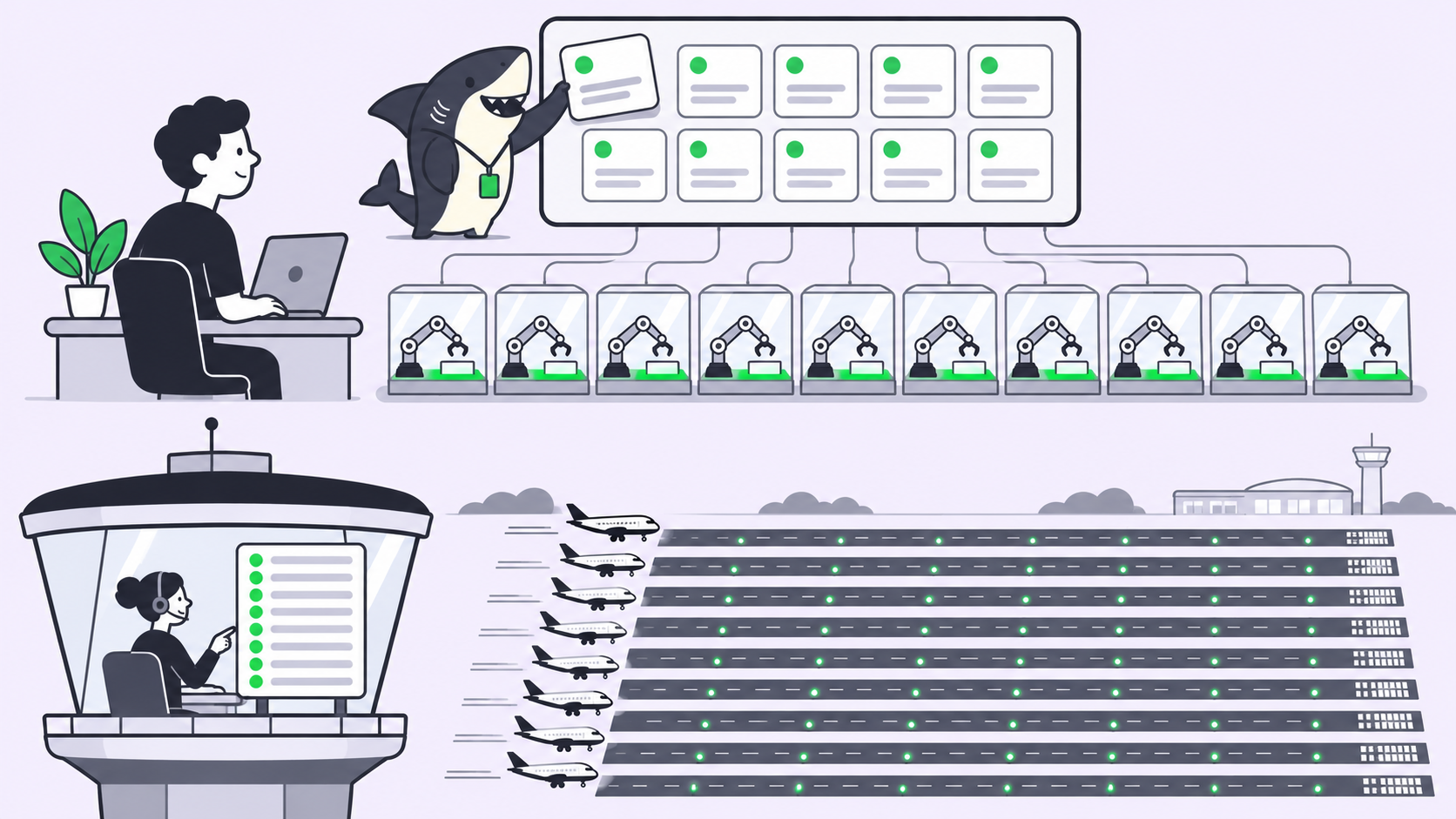
You can run 10 AI coding agents at once without 10 terminal tabs, and the limit you hit first isn’t the model. In their essay “Exploring Super-agent Design”, the DeepSeek Harness team puts it plainly: a person can usually follow only 3 to 5 active sessions at once. Past that, you’re the bottleneck.
Their answer is a “super-agent”: one coordinator that talks to people and hands work to many isolated workers. The essay describes an architecture, not a shipped product. This guide shows the simplified version a team can run today on a Sharkly board, using the Claude Code or Codex setup you already have.
One honest difference: DeepSeek’s coordinator is an LLM that decides who does what. On a board, a person makes that call, and every decision leaves a record.
Why 10 terminals break
By hand, two or three agents work. At ten, four problems arrive together.
- You become the router. Every prompt, every “continue”, every follow-up passes through you.
- Context gets mixed. A fix meant for the auth branch lands in the billing session, or two agents edit the same checkout and overwrite each other.
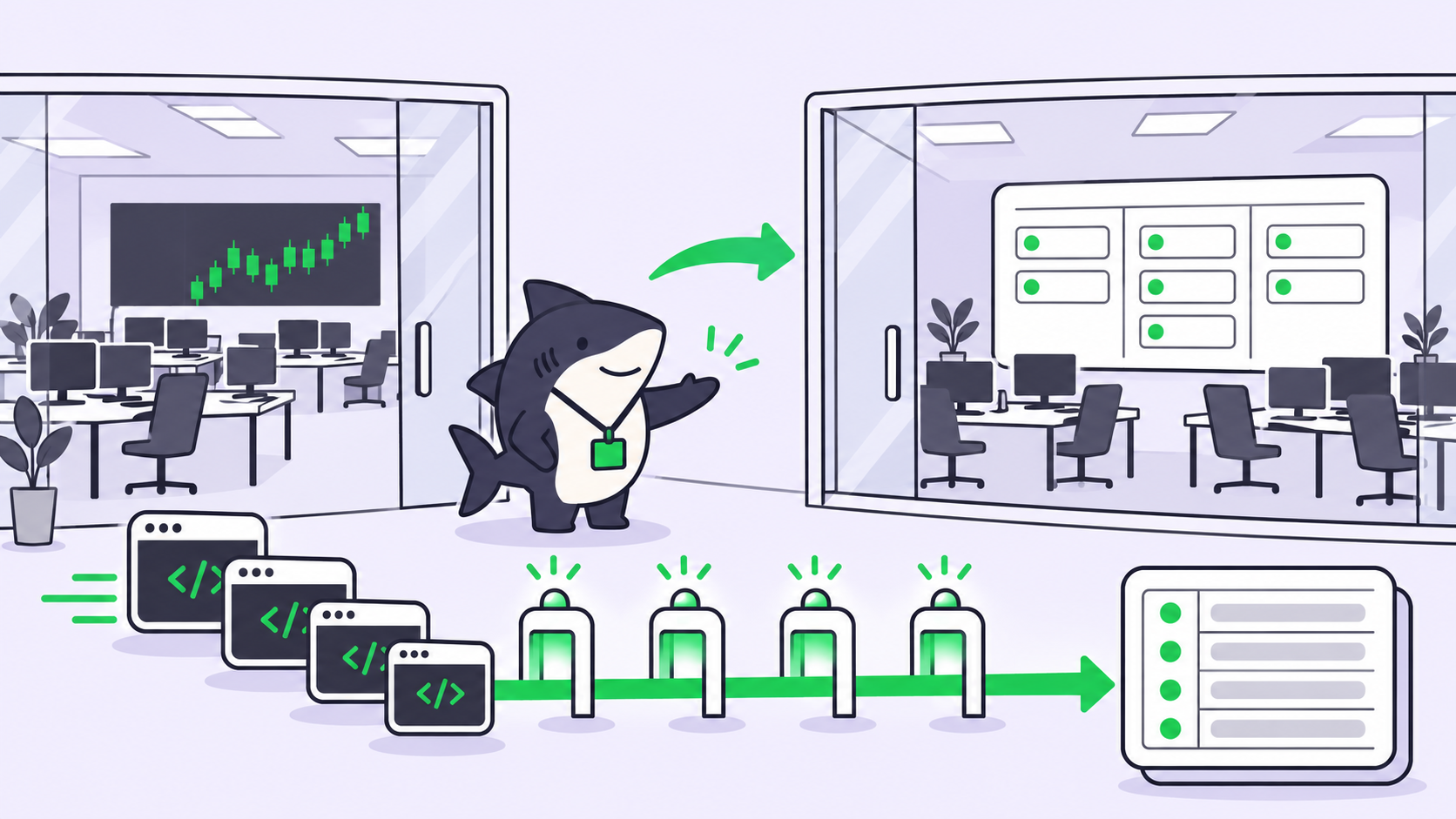
- Your laptop is the server. Close the lid and every session pauses. Long runs need a host that stays awake.
- Nothing is written down. When a run goes sideways, the history lives in a scrollback buffer you already closed.
We covered this cost in Too Many Terminals. The fix: move coordination out of your head into something that keeps state.
DeepSeek’s super-agent, mapped to a board
Each part of DeepSeek’s design has a plain equivalent on a task board.
| DeepSeek part | What it does in the essay | On a Sharkly board |
|---|---|---|
| Router | One long-lived session; talks to humans, dispatches, never executes; a lighter model is fine | The board plus the person assigning tasks |
| Workers | One isolated session per task, strongest model, never talk to humans | One agent run per task, in its own worktree |
| Threads | Follow-ups on the same PR or chat topic go straight to the subscribed Worker | Comments on the task wake the assigned agent |
| Triggers | Events filtered first by code (allowlists), then by the model (policies as prompts) | Automations on status, comment phrase, webhook or schedule |
| BYOM (bring your own hardware) | Agent loop in the cloud, environments on your own hardware via a light daemon | Computers connected through Sharkly Desktop or the Sharkly CLI |
| Watchdog | An external session that catches looping or drifting Workers | A scheduled check plus run history and a human review gate |
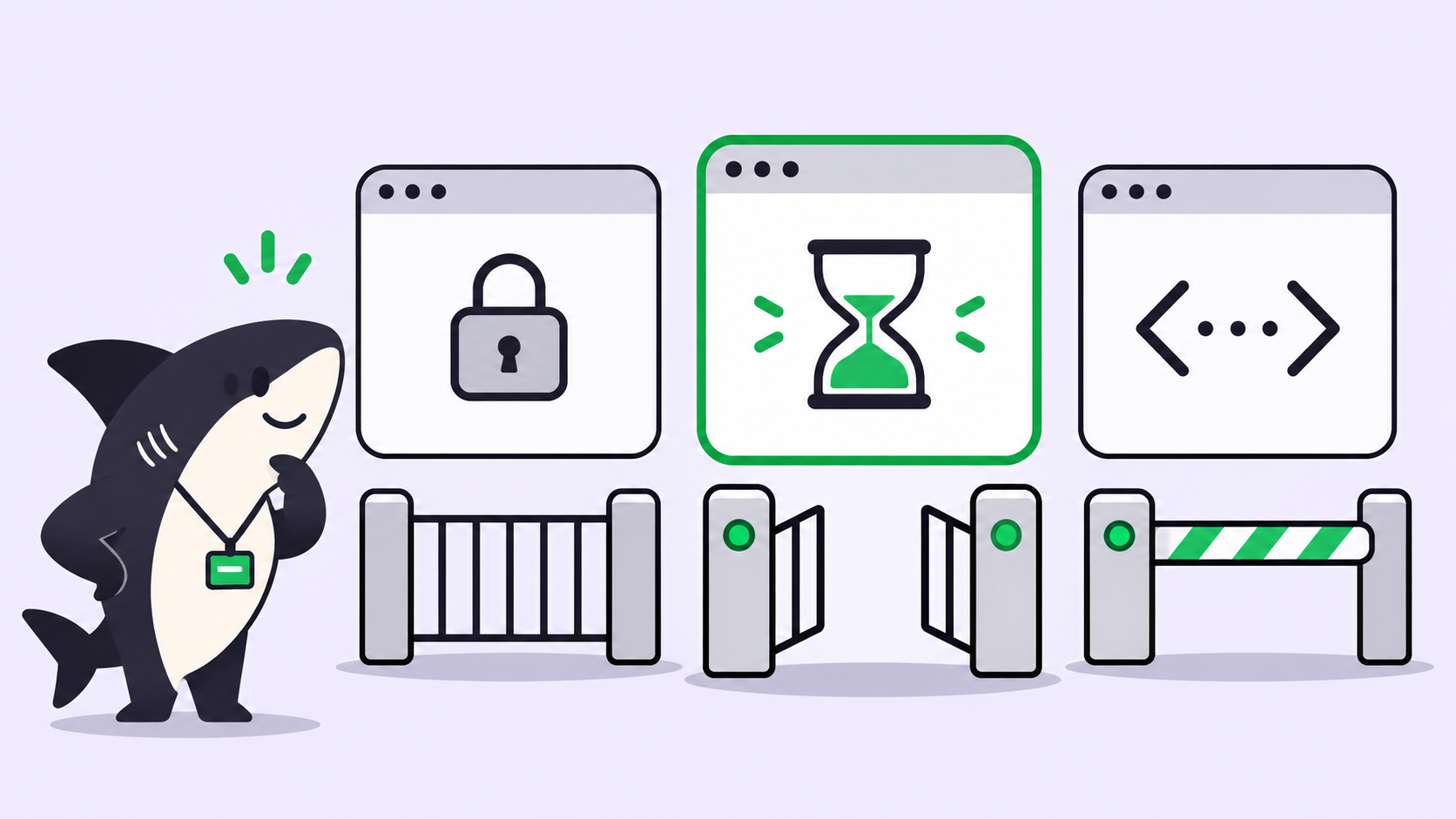
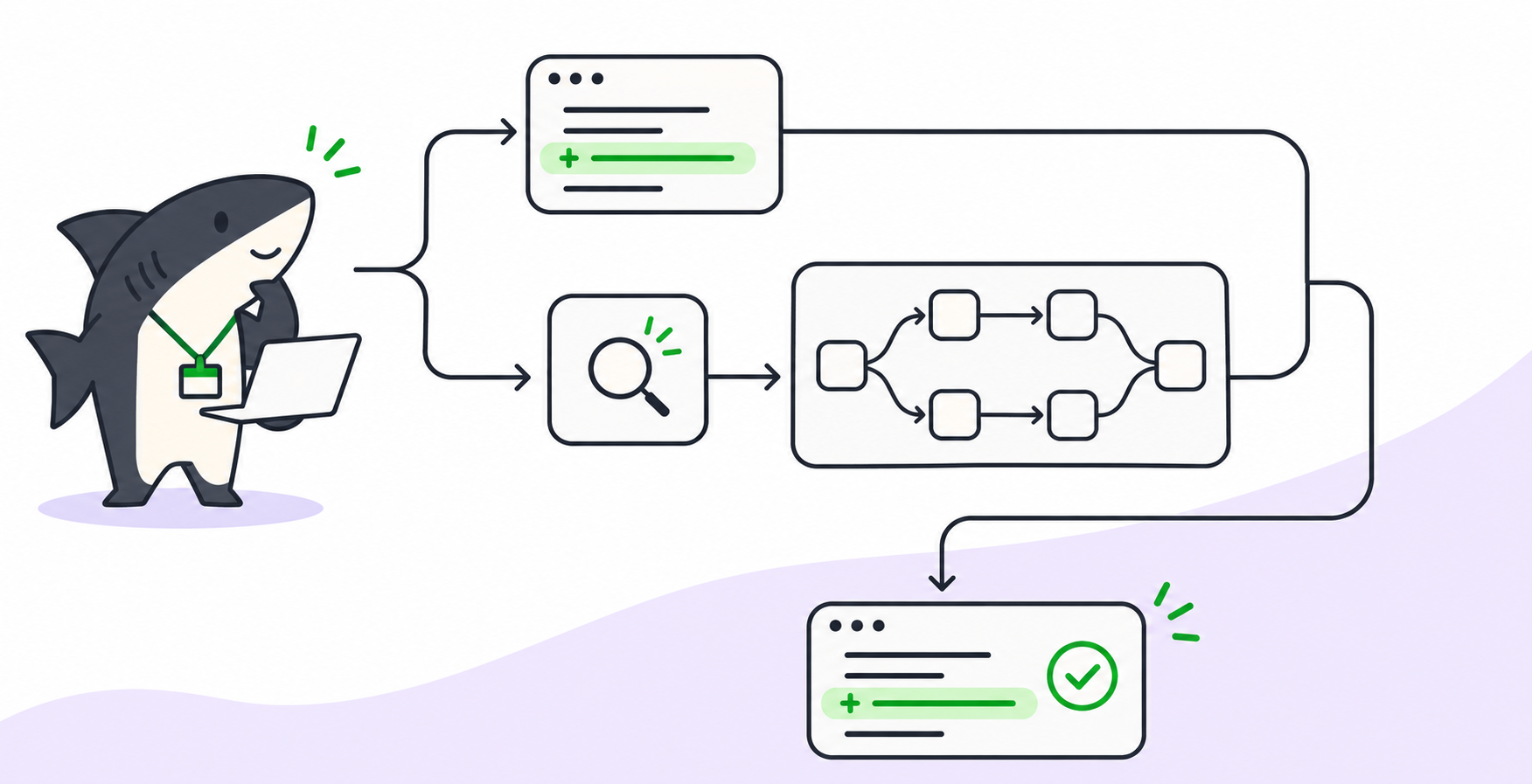
The two-stage trigger filter is worth copying exactly. Code rejects what it can (wrong repo, wrong status), and only then does a model read the event. On a board, the trigger is the code filter and the Automation’s instructions are the policy prompt.
How to run 10 AI coding agents on a Sharkly board
You don’t start at ten. Start at three, prove the loop, then raise the numbers.
Step 1: Connect a Computer and set concurrency low
A Computer is the host that runs your agents. On a laptop, install Sharkly Desktop. On a remote host or Linux box, use the Sharkly CLI and its local service:
# On the remote host, with an install token from the Computers page
sharkly computer register --install-token <install-token>
sharkly daemon status
The local service detects installed tools such as Claude Code and Codex and reports each one as a Runtime.

Each Computer has a concurrent-task limit. Per the Computers docs, temporary-directory runs default to 50% of that limit, and extra tasks queue when capacity is full. Start lower than you think: three parallel runs on one Computer is a fair first test.
Use temporary-directory mode for code work. Each run gets its own directory, and repository runs can get a fresh git worktree, so two agents never write to the same checkout. If worktrees are new to you, read how to use git worktrees with AI coding agents first.
Step 2: Create two or three agents with distinct jobs
Ten agents doesn’t mean ten personalities. It means a few roles, each running several tasks.
- Builder: writes the change. Put it on your strongest model, as DeepSeek does with Workers.
- Reviewer: reads the diff and the task’s acceptance check, and comments.
- Fixer: picks up failing tests and review comments.
Agents, Crews and Computers don’t take seats, so a new role costs no seat.
Step 3: Write tasks that can run on their own
Most parallel setups fail here. A task that depends on another task’s unmerged code stalls or conflicts.
Write each task with three things: one outcome, the files or module it owns, and a check anyone can run. “Add rate limiting to /api/upload; npm test -- upload passes” works. “Improve the API” doesn’t.
If two tasks touch the same file, run them in sequence.
Step 4: Assign, then keep follow-ups on the task
Assign each task to an agent. A task outside Backlog can start its run right away; a Backlog task waits until it moves to a ready status.
Follow-ups go in task comments, never in a side chat. A member comment on an agent-assigned task can queue a follow-up run, and Sharkly coalesces rapid comments so you don’t get duplicate pending runs. That’s DeepSeek’s Thread idea: the conversation stays attached to the work.
A fixed phrase such as /revise plus the change keeps follow-ups easy to spot.
Step 5: Turn repeat events into Automations
An Automation pairs instructions with an agent or Crew and one or more triggers. Per the Automations docs, four trigger types are available, plus a manual Run now:
- Schedule: a five-field cron expression and a timezone.
- Task status: fires when a task moves into a chosen status.
- Comment phrase: fires when a comment contains a phrase, case-insensitive.
- Webhook: a secret URL that accepts a POST, with optional request signing.
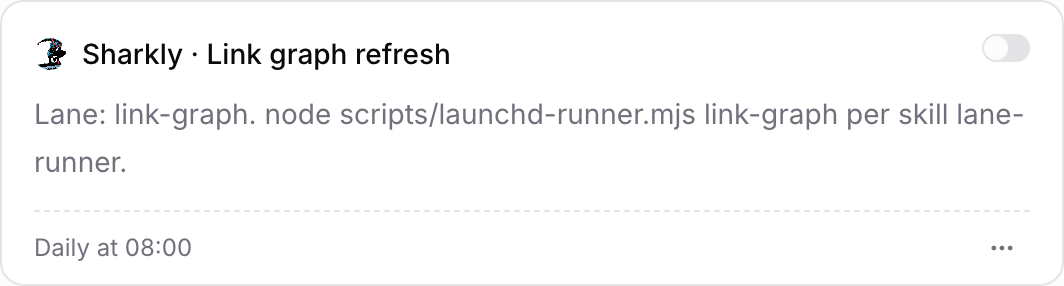
One caveat from the docs: status and comment matching is organization-wide today, not scoped to one Space. Write the instructions so the agent first checks the triggering task (its title prefix, its Space) and stops if it isn’t a match. That’s DeepSeek’s second filter stage, written as a prompt.
Step 6: Add a watchdog and a human review gate
DeepSeek runs a separate Watchdog to catch Workers that loop or drift. Approximate it with a scheduled Automation that flags runs far past their usual time, using the run states Sharkly records: queued, running, completed, failed, canceled.
Then put a person at the end: a review status where a human approves the diff before merge. Review capacity sets your real ceiling, so read Human Review Is the Bottleneck before you scale past five. For what to watch while runs are live, see how to monitor coding agents running in parallel.
What it costs to run ten
Two separate bills apply: model tokens and the coordination layer.
Tokens. Sharkly doesn’t sell tokens. Runs bill against the Claude Code, Codex or API plan already attached to the Runtime. We explain why in Why an Agent Platform Should Not Sell You Tokens.
Parallelism costs tokens. DeepSeek’s own test is useful here. They ran about 300 messages with about 20 work requests, coding simulated, 5 runs each, and call the results indicative.
| Setup (DeepSeek’s figures) | p50 task time | p95 task time | Cache-read tokens per run |
|---|---|---|---|
| Super-agent | 12.4 min | 15.7 min | 23.2M |
| Single session + subagents, neutral prompt | 20.4 min | 29.5 min | 6.1M |
| Single session + subagents, delegation-first prompt | 13.8 min | 29.0 min | 10.8M |
The neutral-prompt session never delegated once in five runs. The trade: more tokens for shorter, steadier task times. We did not rerun these tests.
The platform. As of 4 November 2026, Sharkly pricing shows the product is currently free for organizations of up to 5 people. The Team plan is $7 per person, billed yearly. Seats count people only.
Where this pattern fits
- Backlog burn-down: twenty small, independent issues, one task each, builder plus reviewer.
- Test repair after an upgrade: one task per failing package, each in its own worktree.
- Docs and code in lockstep: a status trigger starts a docs agent when a feature task moves to review.
- Overnight queues: tasks run on a remote Computer that never sleeps, and you review in the morning.
If you’d rather compare where agents should run at all, Codex Cloud vs your own Computers covers that choice.
Start with three
Ten parallel agents is a result, not a starting point. Connect one Computer, create a builder and a reviewer, write three tasks with checkable outcomes, and assign them. Watch one full loop: run, comment, follow-up, review. When that loop is boring, raise concurrency by two and add one Automation.
FAQ
How many AI coding agents can one person manage?
DeepSeek’s team puts it at 3 to 5 active sessions when you follow each one yourself. You can run more when the work lives as tasks with written outcomes, because you review results instead of watching sessions.
Can I run multiple Claude Code agents on the same repo?
Yes, if each run works in its own directory. Temporary-directory mode gives each task an isolated directory, and repository runs can use a fresh git worktree, so parallel agents don’t overwrite each other’s changes.
What happens when I assign more tasks than my Computer can run?
Extra tasks queue. Each Computer has a concurrent-task limit, and runs start as capacity frees up. A queued run also waits if the Computer is offline or its Runtime is unavailable.
Do I need a cloud server to run agents in parallel?
No. A laptop works as a Computer through Sharkly Desktop. For long or overnight runs, a remote or Linux host connected with the Sharkly CLI keeps running when your laptop sleeps.
Is a board the same as DeepSeek’s super-agent?
Not exactly. DeepSeek’s Router is an LLM that dispatches on its own. On a board, a person assigns tasks and Automations handle repeat events.