Yes. Cline itself is free: the extension and CLI are open source under Apache 2.0, and the pricing page says “Cline is free for individual developers.” The catch is the model. Cline does nothing without one, and unless you run a free or local model, you pay for every token the agent spends.
Cline is an open-source coding agent for VS Code and other editors, the terminal and the desktop. It reads files, writes code and runs commands with your approval, using whichever model provider you connect.
What’s free and what you pay
| Route | Cost | The cap | What you pay past it |
|---|---|---|---|
| Cline extension, CLI, Desktop | $0 (Apache 2.0) | None on the tool; it needs a model | Whatever your model provider charges |
| Cline free models (Cline account) | $0 | “a limited usage quota”, rotating models, IDE and CLI only | ClinePass or Cline credits |
| Cline (usage-billing) credits | Pay as you go | Your credit balance | Per-token rates of the model you pick |
| ClinePass | $9.99/month | 5-hour, weekly and monthly usage limits on 12 open models | Cline credits or your own key |
| Your own API key (BYOK) | Provider’s rates | Your provider’s limits | Provider’s per-token rates |
| Claude Pro/Max or OpenAI plan inside Cline | Your existing plan | That plan’s limits | That plan’s upgrade path |
| Local model (Ollama, LM Studio) | $0 per request | Your RAM and GPU | Nothing, but quality depends on your hardware |
OpenRouter :free models |
$0 | 20 requests/minute, 50/day (1,000/day after $10 in purchased credits) | OpenRouter’s paid models |
| Cline Enterprise | Custom | Contract | Contact sales |
What the free Cline includes today
The pricing page has two plans. Open Source is “Free” for individual developers and lists the VS Code extension, the CLI, the MCP Marketplace, multi-root workspaces, community support, and “Model Inference at Cost or BYOK.” The FAQ is direct about the business model: “You only pay for AI inference on a usage basis - no subscriptions, no vendor lock-in,” and “There are no subscriptions or seat fees for the open source version.”
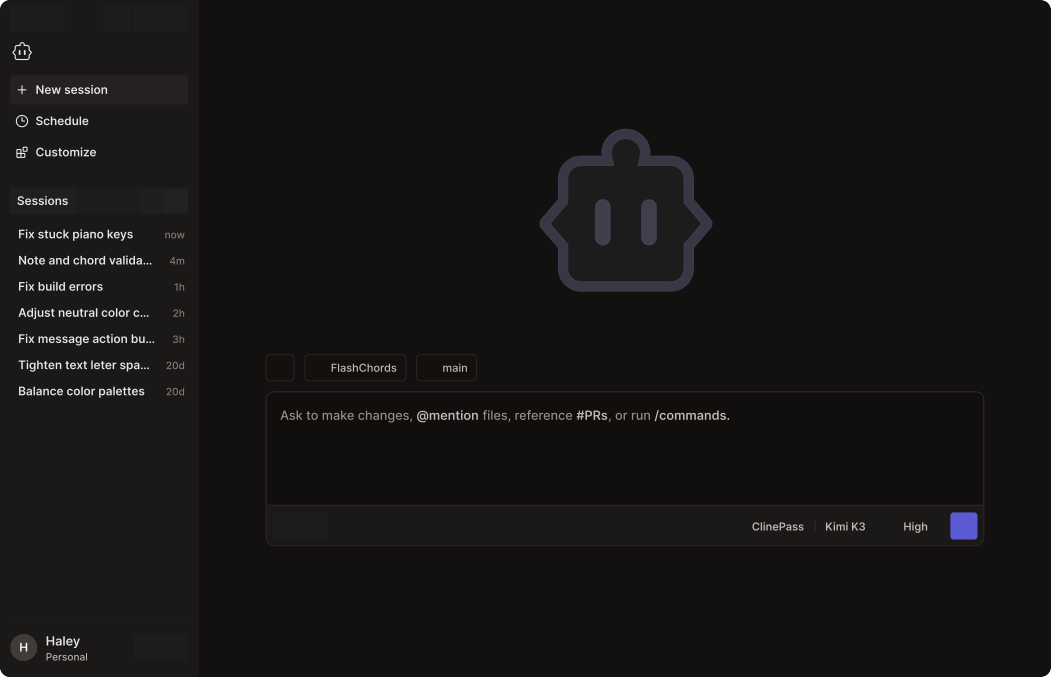
The code is on GitHub under Apache 2.0, with about 71k stars when checked on October 23, 2026. The README calls Cline “The open source coding agent in your IDE, terminal, & desktop!” One exception: “Currently we are not open-sourcing JetBrains plugins.”
According to the install docs, the extension runs in VS Code, Cursor, JetBrains, Windsurf, VSCodium and Antigravity. There is also a CLI (npm install -g cline), a desktop app, an SDK and a Kanban preview.
The free part is real. What is not free is inference: every plan, file read and edit is a model call someone pays for.
Cline’s own free models
Cline does run free model promotions. The free models page says Cline “periodically offers free model promotions that let you try select models at no cost, up to a limited usage quota,” and that they are “available to any user with a Cline account.” You find them tagged FREE in the model selector under the Cline provider, and during promotions under ClinePass too.
Know the limits before you build on them:
- They rotate. “Free model promotions are offered on a rotating, limited-time basis.” Cline does not publish the current list or the quota size on that page; check the selector.
- IDE and CLI only. “Free model usage is not supported through the Cline API.”
- Your prompts may train models. “Free model usage may be used to help improve model performance and quality.” Keep private code off them if that matters to you.
When the quota runs out, Cline points you to ClinePass, Cline credits, or your own API key.
Where free stops: ClinePass, credits and Enterprise
ClinePass is the cheapest paid step inside Cline. The ClinePass docs describe “a low-cost monthly subscription” at $9.99 per month that offers “2-5x the usage on popular open coding models compared to standard API rate.” It covers 12 open models today, including GLM-5.3, Kimi K3, DeepSeek V4 Pro, DeepSeek V4.1 Flash, MiniMax M3 and Qwen3.8 Max. Usage is measured against a 5-hour rolling window, a weekly limit and a monthly limit. Closed models such as Claude and GPT are not part of it.
Cline (usage-billing) is pay as you go. You sign in, add Cline credits on the dashboard, and spend one balance across “100+ models.” This is the route for frontier models without managing separate keys.
Your own keys. Cline connects to Anthropic, OpenAI, Google Gemini, OpenRouter, AWS Bedrock, DeepSeek and 30-plus other providers. Two options reuse plans you may already pay for. The Anthropic provider docs let you select Claude Code as the provider, which “Uses your Claude subscription limits instead of API token billing.” The OpenAI docs offer OpenAI Codex sign-in, where “Available models depend on your OpenAI plan.” Neither plan is free: see Is Claude Code free? and Is Codex free?.
Teams and Enterprise. The pricing page lists no Teams plan today. Enterprise is “Custom” and adds SSO, SLA, centralized billing, role-based access control, limits on inference providers, a team dashboard and authentication logs. Cline does not publish a seat price.
How to use Cline for free: the $0 routes
1. Cline’s free models. Sign in, set the provider to Cline, pick a model tagged FREE. Good for a trial, not for a workflow.
2. A local model. Cline’s local models guide supports Ollama, LM Studio and Atomic Chat, and the authorization docs promise “zero per-request costs.” With Ollama:
ollama pull <model-name>
ollama run <model-name>
Then in Cline settings, choose Ollama, keep the base URL http://localhost:11434, and pick the model. LM Studio’s server defaults to http://localhost:1234. Cline recommends turning on Use Compact Prompt and keeping tasks focused. Its hardware table puts small or quantized models at 16 to 32 GB of RAM and larger models with bigger context windows at 64 GB or more.
3. OpenRouter free variants. Paste an OpenRouter key into Cline and pick a model whose ID ends in :free. OpenRouter’s limits page caps free variants at 20 requests per minute and 50 per day, rising to 1,000 per day once you have bought at least $10 in credits. It also warns that a negative credit balance can block free models too.
That 50-a-day number matters more than it looks. One Cline task is not one request: the agent reads a file, plans, edits, runs a command and reads the output, each as a separate call. A single medium task can use a meaningful share of a 50-request day.
For other no-cost routes, see free AI API keys and the DeepSeek V4.1 Flash free guide.
The cost trap: agent loops on per-token billing
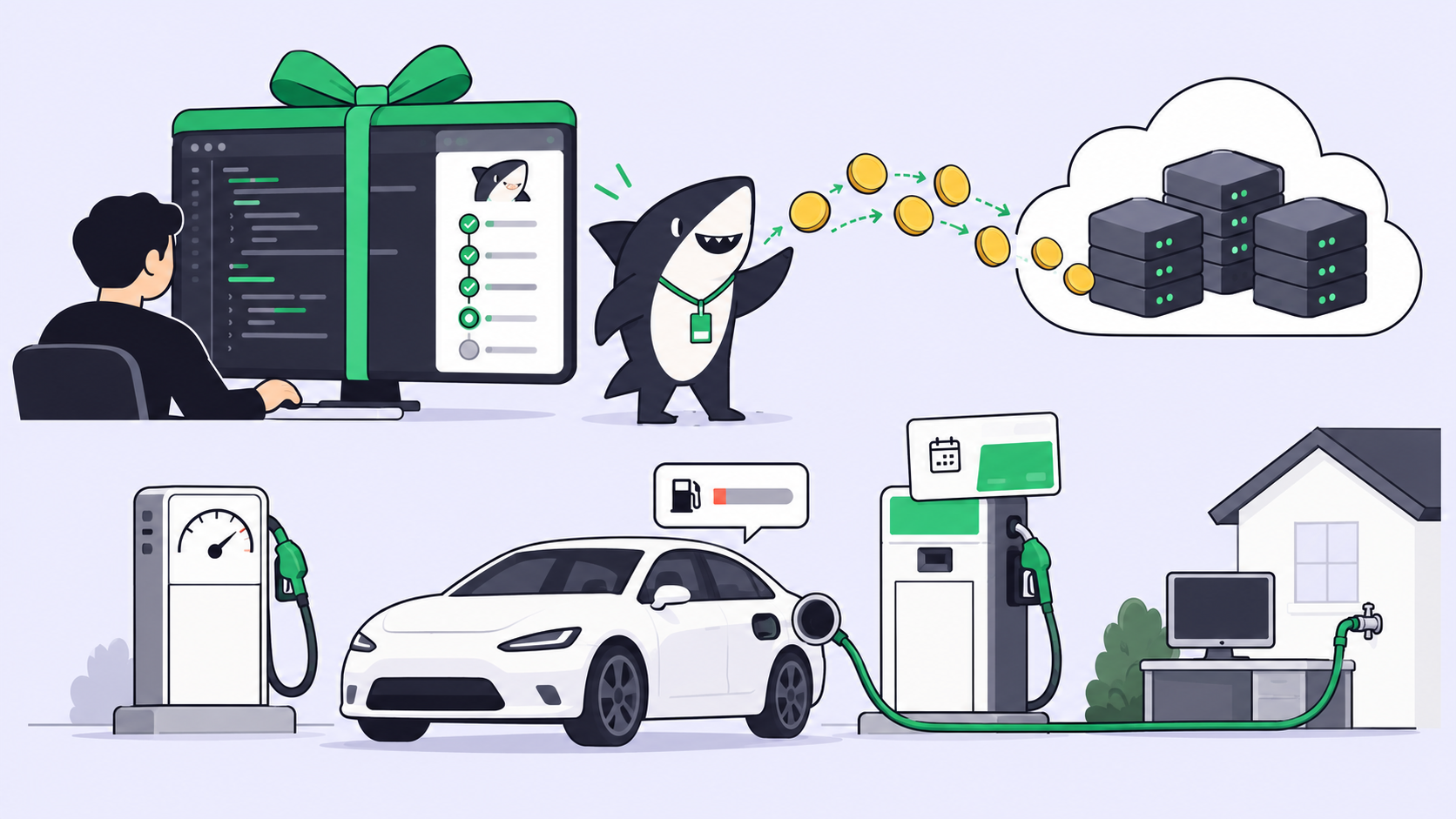
“Free extension, pay for tokens” sounds cheap, and for short tasks it is. The trap: an agent loop resends context on every turn, so file contents, tool results and the conversation so far ride along with each step.
The arithmetic gets large fast. Take an illustrative task of 30 turns averaging 40,000 input tokens each. That is 1.2 million input tokens. At ClinePass’s published reference rate for Kimi K3 ($3.00 per million input tokens), that is $3.60 of input for one task, before output. At the DeepSeek V4.1 Flash reference rate ($0.30), the same task is $0.36.
Three habits keep it in check:
- Start new tasks when context grows, as Cline advises for local models. It helps paid models too.
- Use cheaper models for routine work and save frontier models for hard changes. When cheap models cost more covers the exception: a weak model that loops can cost more than a strong one that finishes.
- Be careful with YOLO mode. Cline’s auto-approve docs say YOLO mode “auto-approves everything” and call it “dangerous.” Unattended loops spend tokens unattended.
A flat plan (ClinePass, or a Claude or OpenAI subscription used through Cline) caps the bill at the plan price and turns overspend into a rate limit instead of a charge.
Where Sharkly fits
You already have coding agents. Sharkly turns them into a team. It runs the agents you have as assignable Agents on your own Computers: each Task runs in an isolated worktree and the result lands back on the Task for review.
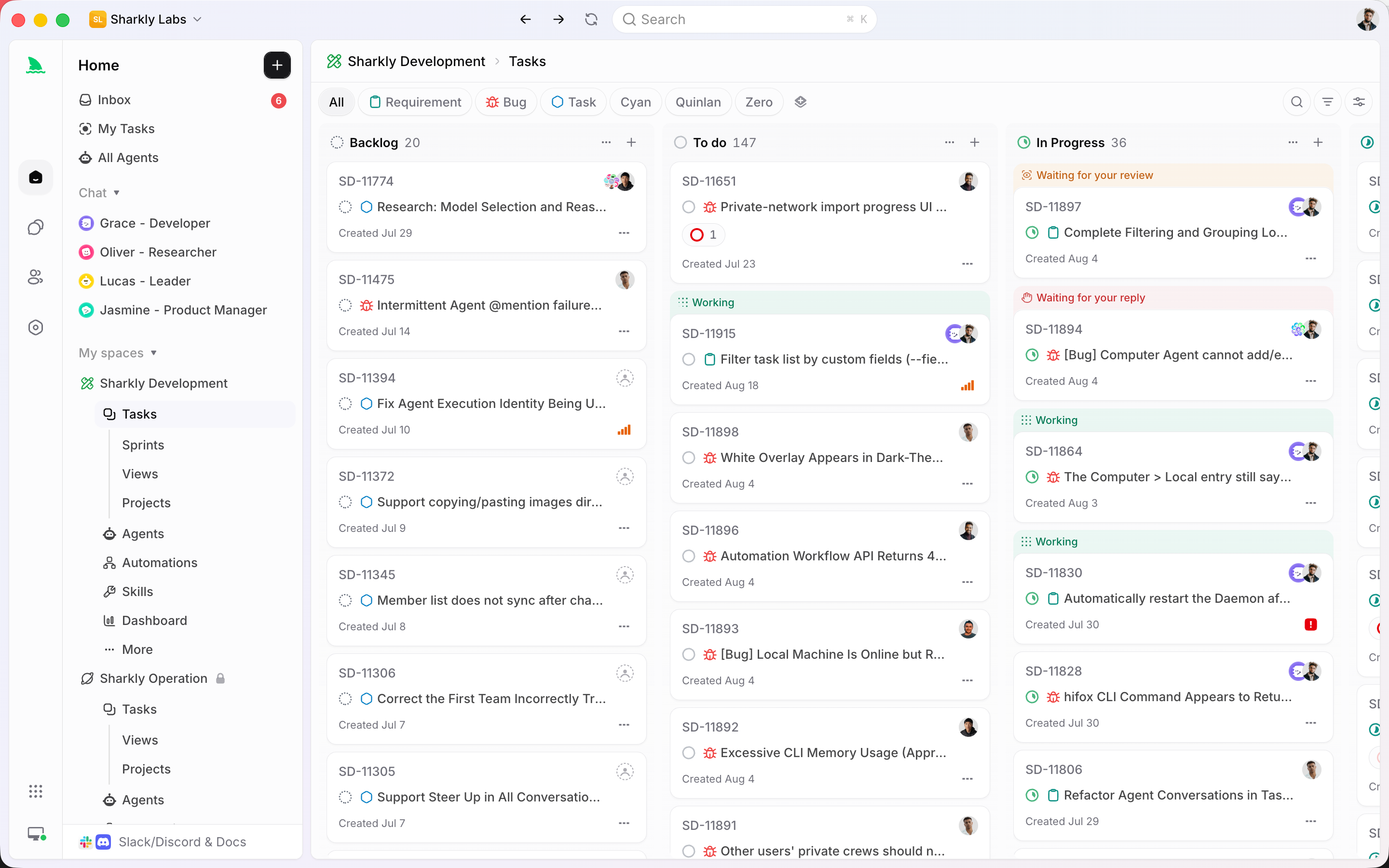
Be clear about the boundary. Sharkly’s docs today list Runtimes such as Claude Code, Codex and OpenCode, not Cline, so Sharkly does not run Cline itself. If you want parallel Cline sessions on a single laptop, Cline’s own Kanban preview does that with a worktree per card. Sharkly is for the step after: a shared board where teammates assign work to agents across several Computers.
Sharkly does not make any agent free. Per the Sharkly pricing page, Free covers organizations of up to 5 people, Team is $7 per person billed yearly after that, and “Guests, Agents, and Computers do not occupy seats.” On tokens: “Sharkly does not sell tokens.” Sharkly pricing explained has the details.
If your team runs more than one coding agent, try Sharkly and keep each agent on the plan it already uses.
FAQ
Is Cline free? Yes, the extension and CLI are free and open source under Apache 2.0. You pay for the model: Cline credits, ClinePass, your own API key, or nothing if you use a local model or a free promotion.
How can I use Cline for free with no bill at all? Only with a $0 model. Cline’s free models have a limited quota, OpenRouter’s free variants allow 50 requests a day without purchased credits, and local models cost hardware instead of money.
What is ClinePass and how much does it cost? ClinePass is a $9.99 per month subscription with 2-5x the usage of standard API rates on 12 curated open coding models, measured against 5-hour, weekly and monthly limits.
Can I use Cline with Ollama for free? Yes. Pick Ollama as the provider, keep http://localhost:11434, and choose a pulled model. Turn on Use Compact Prompt, and expect smaller local models to need more retries.
Does Cline have a Teams plan? Not on the pricing page today. There is the free Open Source plan and Enterprise, which is custom priced through sales.
Can I use my Claude subscription in Cline? Yes. Choose Claude Code as the provider; Cline then uses your Claude subscription limits instead of API token billing. Claude’s Free plan does not include Claude Code, so this needs Pro or higher.