Yes. Windsurf still has a free plan, but Windsurf itself has a new name. Cognition’s Devin Desktop FAQ says “Devin Desktop is the new name for Windsurf,” and windsurf.com/pricing now redirects to devin.ai/pricing, where the Free plan costs $0 and includes a “Light quota to code with agents,” “Limited model availability,” “Unlimited inline edits” and “Unlimited Tab completions.”
Devin Desktop (formerly Windsurf) is an AI code editor from Cognition with Tab autocomplete, a local coding agent, and an Agent Command Center for running local and cloud agents side by side.
What’s free and what you pay
| Route | Cost | The cap | What you pay past it |
|---|---|---|---|
| Free | $0 | Light agent quota on a daily and weekly reset; limited models (SWE-1.6 per the models docs); unlimited Tab and inline edits | Nothing: you wait for the reset |
| Pro | $20/month | Daily and weekly quota, full model list, Devin Cloud, third-party ACP agents | Extra usage at API list prices |
| Max | $200/month | Weekly quota only, “significantly higher” than Pro | Extra usage at API list prices |
| Teams | $80/month minimum, plus $40/month per full seat | Full seat gets a Pro-sized quota and Devin Desktop; flex seats get no Desktop access | Shared on-demand credits |
| Enterprise | “Let’s talk” | Custom | Custom |
| Linked ChatGPT Go, Plus or Pro plan | Your ChatGPT subscription | GPT models only, Devin Pro, Max or Teams required | Your ChatGPT plan’s limits |
What changed: Windsurf became Devin Desktop
If you searched for Windsurf, you will land on Devin pages. Per the FAQ, “On June 2, 2026, Windsurf is becoming Devin Desktop,” delivered “as a regular over-the-air update.” The editor, extensions, keybindings and workflows stay. The app is renamed (Devin.app on macOS), the Agent Command Center becomes the main view, and the surf command gives way to devin-desktop.
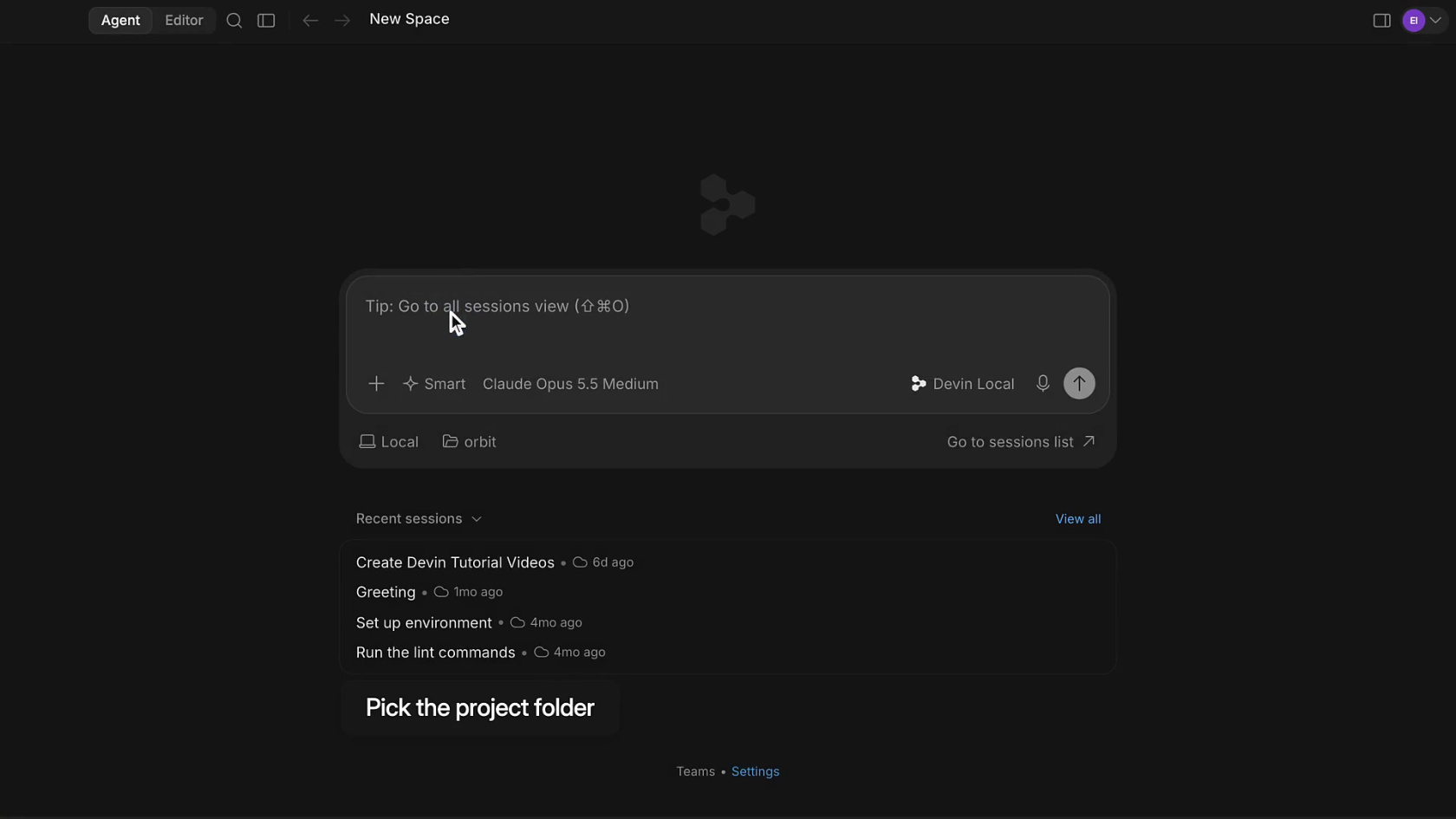
On price, the FAQ is direct: “Your current plan continues to work exactly as it does today. Pricing is unchanged.” The local agent also changed. Cascade is being replaced by Devin Local, which the FAQ says has “up to 30% better token efficiency” and “uses the exact same pricing model as Cascade.” The FAQ said Cascade “remains available through July”; it is still documented today as the legacy agent.
What the Free plan includes today
Checked on devin.ai/pricing on October 23, 2026, the Free plan includes:
- Unlimited Tab. The comparison table lists Tab as “Unlimited” on every plan, Free included. Tab is powered by Cognition’s own small model (
SWE-1-mini), suggests multi-line edits before and after your cursor, and offers Tab to Jump and Tab to Import. - Unlimited inline edits. Listed on the Free card.
- A light agent quota. You can use the local agent, but only a little each day. Cognition does not publish the Free quota as a number.
- Fast Context. The table marks the code-retrieval subagent as included on all plans.
The quota works the same way on every plan. The quota docs say your plan includes “a daily and weekly usage allowance that refreshes automatically,” that your budget is “based on how many tokens the model uses for each request,” and that “free models don’t count against your quota at all.” The daily allowance is “more than 1/7” of the weekly one, so weekend work does not cost you a week.
Where the free plan stops
Free is a taste of the editor’s agent, not a working budget. Four limits matter:
- Models. The models page says “Free tier users only have access to SWE-1.6,” Cognition’s previous-generation in-house model. The pricing table marks “Premium models” unavailable on Free and lists free SWE-2 as “Slow” for Free users. No Claude, GPT or Gemini models.
- The reset is the only way past the cap. The quota docs say Free users “wait until your next daily or weekly reset.” Extra usage is for “Pro, Teams, or Max” only.
- No cloud agents. “Access to cloud agents (Devin Cloud)” is a Pro feature, and the table marks the Devin API and Ask Devin unavailable on Free.
- No third-party agents. The ACP docs list Codex CLI, Claude Agent, OpenCode, Junie and Gemini CLI as agents you can run inside the Agent Command Center, but note that “ACP agents are available for Pro, Max, and Teams users.”
Is there a Windsurf free trial?
No. The plans and usage docs state: “Free trials of paid plans are not currently offered, and support cannot apply one to your account.” The alternative offered is to subscribe and “request a refund before using the subscription if you change your mind.”
The Free plan is effectively the trial, and it does not expire. We found no student or education discount on the pricing page or in the docs.
The cheapest paid step: Pro at $20
Pro is $20 per month. Per the self-serve plan docs, it includes “a daily and weekly usage quota that covers Devin sessions, Devin CLI, and Devin Desktop,” plus pay-as-you-go on-demand credits past that. The pricing card adds “Full model availability,” “access to frontier models from OpenAI, Claude, Gemini, and SpaceXAI,” “Free use of SWE-2” and Devin Cloud. Past the quota, extra usage is “billed at API list prices for the model you’re using.” Purchased on-demand credits “never expire.”
Three details are worth knowing before you pay:
- Old Windsurf Pro prices are grandfathered. The quota docs say an existing Pro subscriber at $15 per month keeps that price “indefinitely,” and existing Teams seats keep $30 per Developer seat.
- Your ChatGPT plan can pay for GPT models. The ChatGPT plan docs let you link ChatGPT Go, Plus or Pro so GPT requests bill to that subscription “instead of your Devin quota.” It is “not available on the Free plan.”
- Teams pricing has a floor. Teams costs “at least $80/month.” A full seat is $40 per month; a flex seat is free but does “not include Devin Desktop access.”
What about bring your own key? The current pricing page and models page do not describe a BYOK option. Older Windsurf release notes offered an Anthropic key for Claude 4 models in Cascade, but we found nothing current that confirms it still works, so do not plan around it. The documented ways to use your own provider plan today are the ChatGPT link and, on Pro and up, an ACP agent whose “billing is directly between you and the third-party agent provider.”
How to use Windsurf for free
Use the Free plan for what it is good at. Unlimited Tab plus a light daily agent quota is a solid free autocomplete editor. Install Devin Desktop, sign in on Free, and lean on Tab for edits and the local agent for small, well-scoped asks. When the quota runs out, keep typing with Tab until the next reset.
Use a free agent outside the editor for bigger tasks. Because ACP agents need Pro, a free OpenCode model cannot run inside Devin Desktop on the Free plan. It can run next to it. The OpenCode Zen docs list several models as “free for a limited time,” such as DeepSeek V4.1 Flash Free. In an earlier test on October 16, 2026, OpenCode 1.19.2 on opencode/deepseek-v4.1-flash-free finished a write-and-run task in 32 seconds with no sign-in. Our DeepSeek V4.1 Flash free guide covers the setup.
Compare the other free tiers. If you mainly want an agent, see whether Codex is free and whether Cursor is free. Each draws its line in a different place.
Use Free when you want a capable editor with unlimited Tab and an occasional agent assist. Pay for Pro when you want frontier models, cloud agents, or Codex and Claude running inside the same command center.
Where Sharkly fits
Sharkly does not make Windsurf or Devin Desktop free, and it does not sell tokens. It answers a different question: what to do once you run more than one coding agent.
You already have coding agents. Sharkly turns them into a team. You connect your own Computer, Sharkly detects the coding tools installed there, such as Claude Code, Codex or OpenCode, and each becomes a Runtime behind an Agent you assign Tasks to from a shared board. Each Task runs in an isolated worktree and reports back on the Task for review. Devin Desktop is not on that list; Sharkly’s docs describe adding a custom ACP Runtime for tools it does not detect, and Devin CLI has an ACP mode, but we have not tested that pairing.
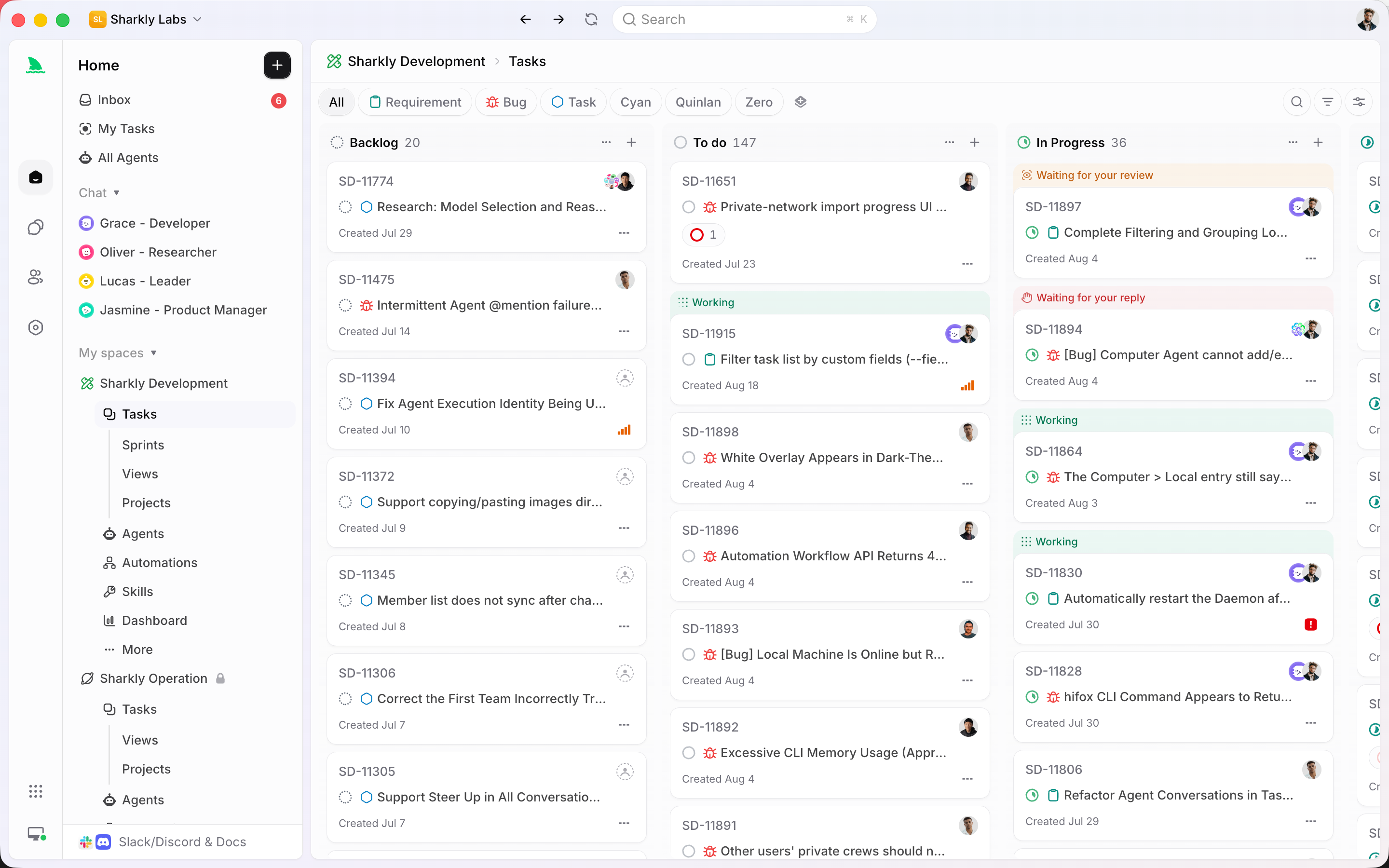
Sharkly’s pricing page lists Free for organizations of up to 5 people and Team at $7 per person per month billed yearly beyond that. “Guests, Agents, and Computers do not occupy seats.” Sharkly pricing explained has the details, and running an agent Crew on free and cheap tiers shows how to mix paid and free models.
If you already run more than one coding agent, put them on one board with Sharkly.
FAQ
Is Windsurf free? Yes, with limits. Windsurf is now Devin Desktop, and its Free plan costs $0 with unlimited Tab completions, unlimited inline edits and a light agent quota that resets daily and weekly.
Is Windsurf still free after the Devin Desktop rename? Yes. Cognition’s FAQ says “Pricing is unchanged” for every plan type. The Free plan is still listed on devin.ai/pricing at $0.
Which models does Windsurf free include? Cognition’s models page says “Free tier users only have access to SWE-1.6.” Premium models from Anthropic, OpenAI and Google need Pro or higher.
Is Windsurf autocomplete free? Yes. The pricing table lists Tab as “Unlimited” on every plan, including Free.
Is there a Windsurf free trial of Pro? No. The docs say “Free trials of paid plans are not currently offered.” You can subscribe and request a refund before using the subscription.
Can I use my own API key with Windsurf free? Not in any way the current docs describe. Linking a ChatGPT plan and running third-party ACP agents both require Pro, Max or Teams.