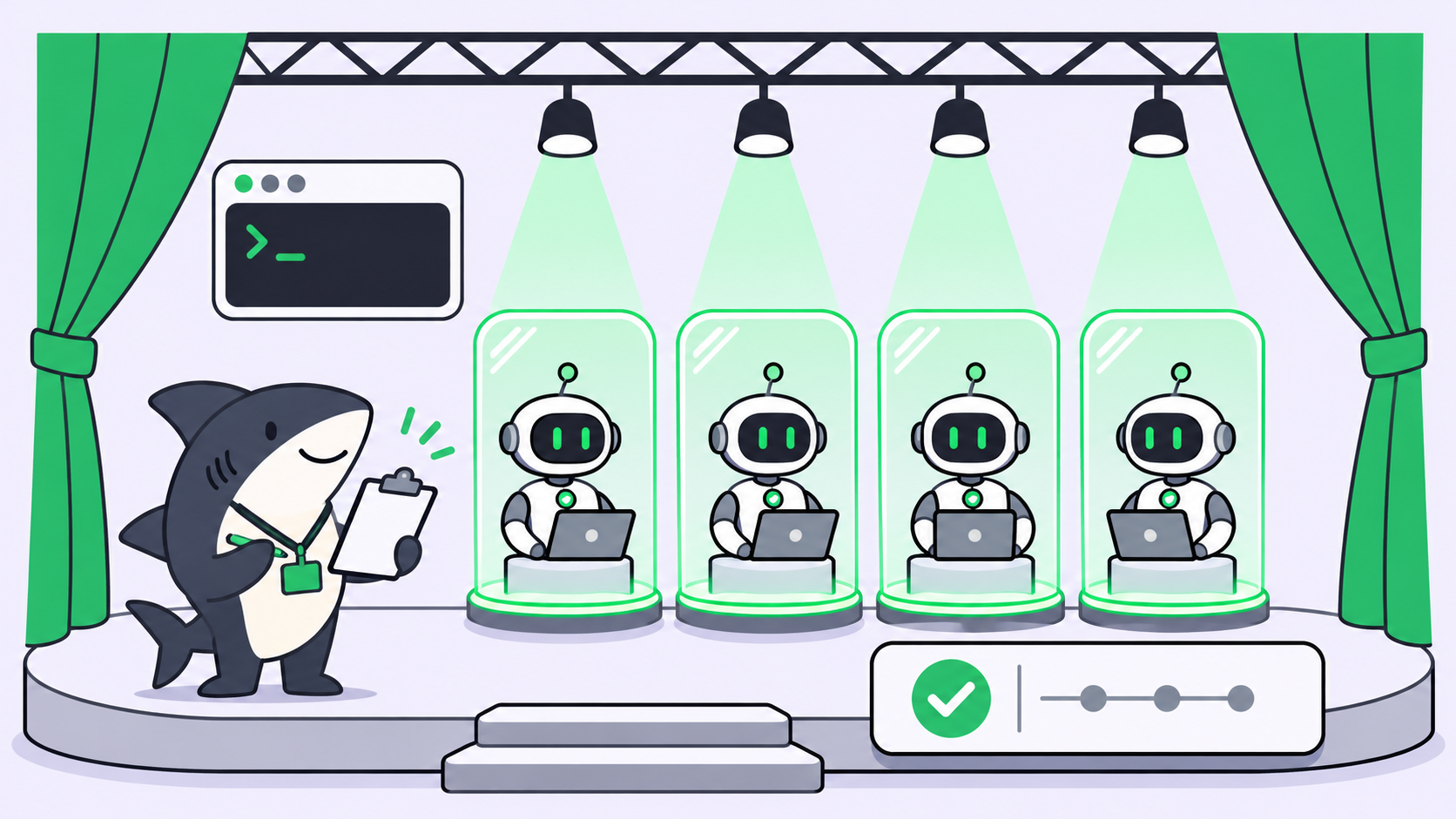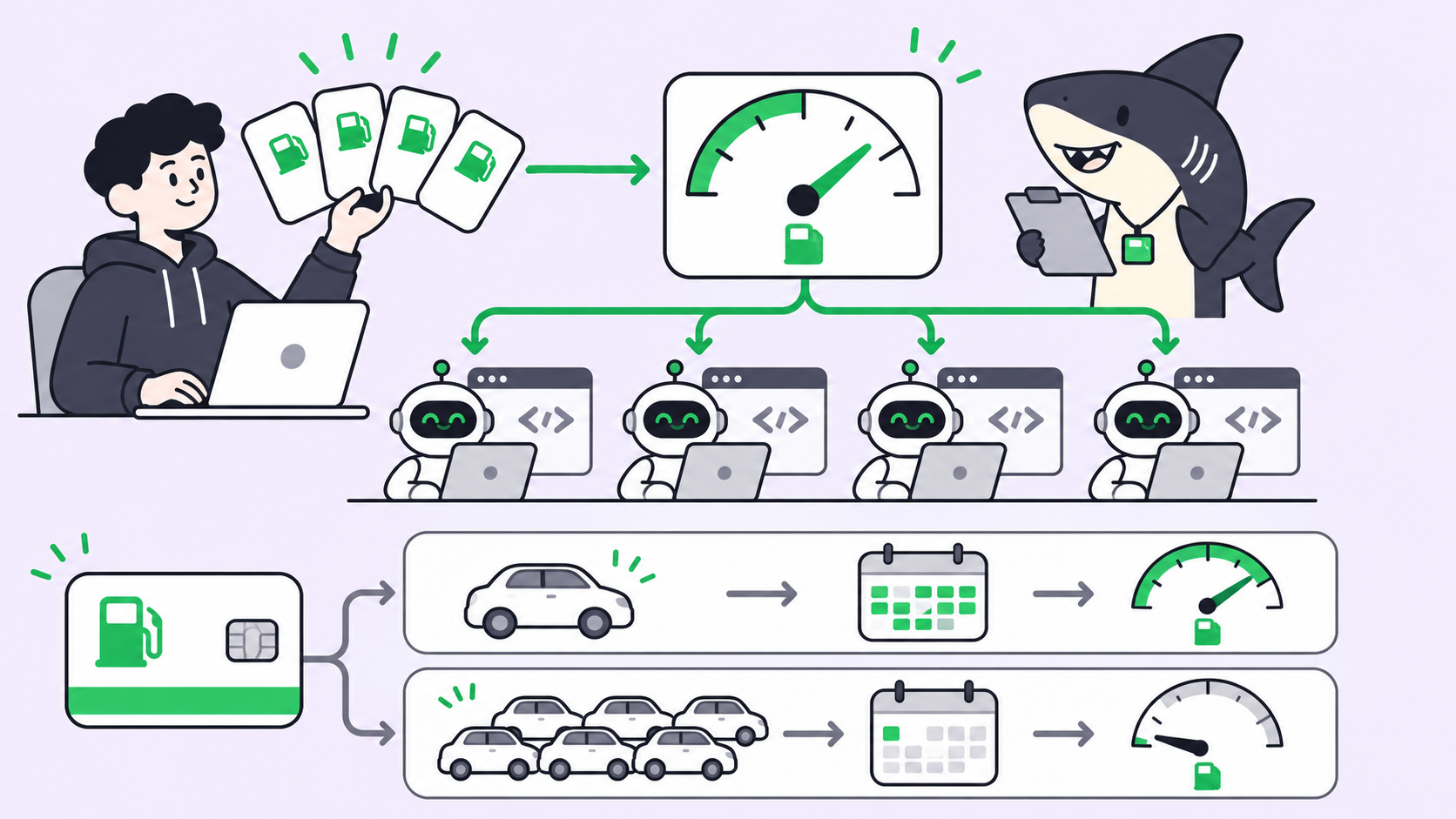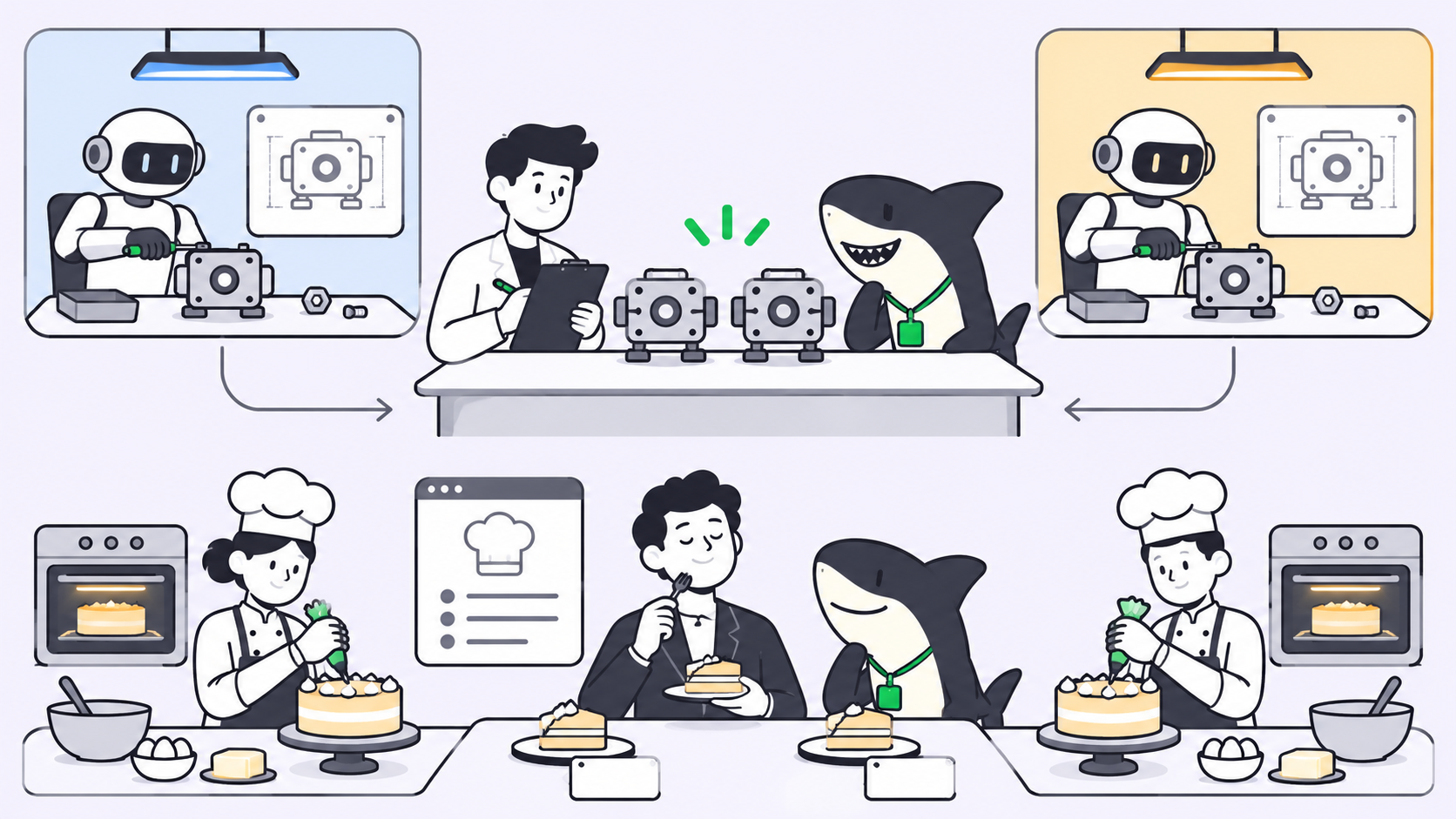
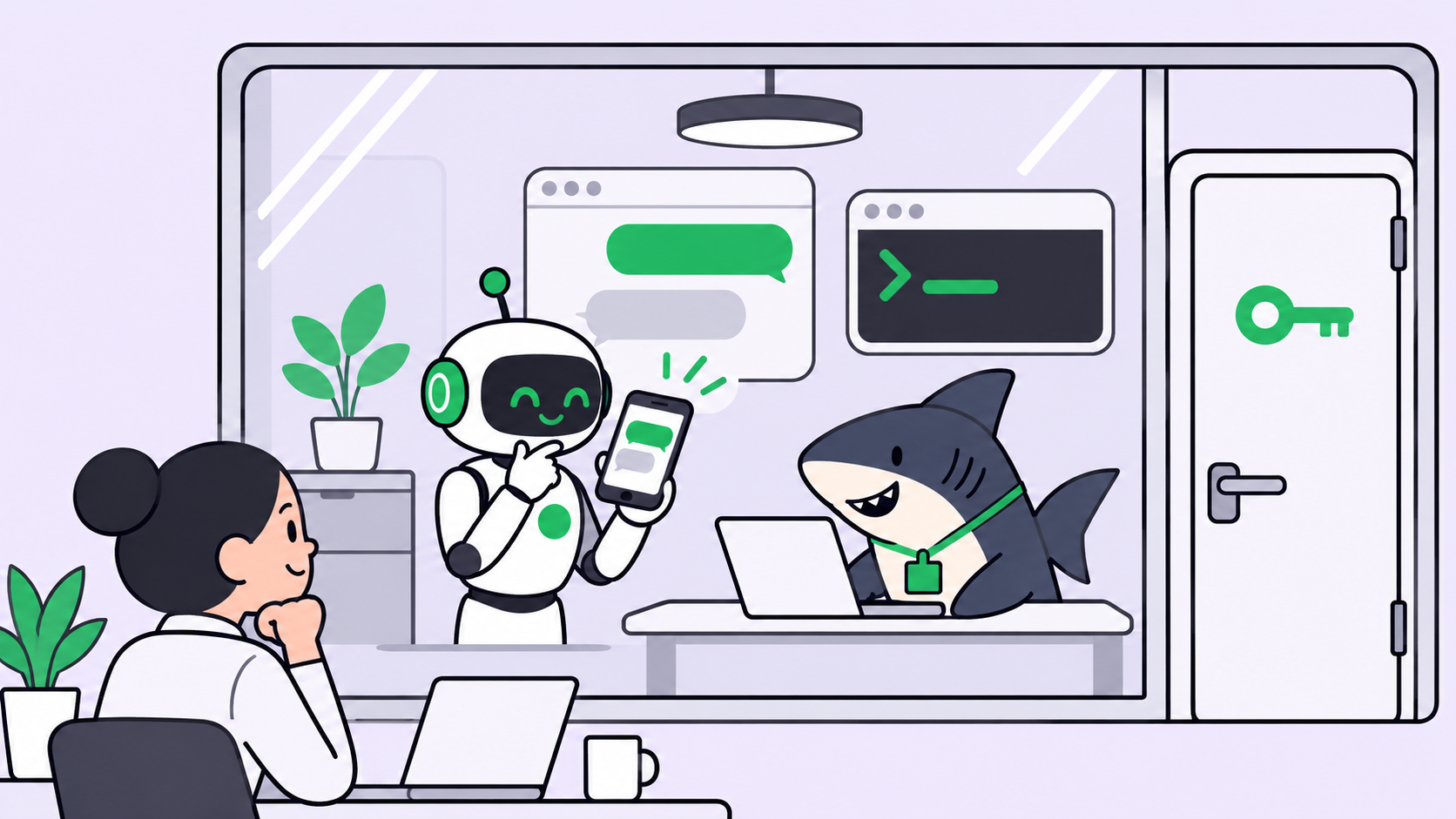
The Meta Muse AI agent Signal leak happened because the agent could read anything the device showed it. Reuters found Muse pulling Signal message text through Android notification access and macOS accessibility tools, even though Signal was never connected. The fix for your own agents is a boundary set before the first run: one dedicated host, named connections only, no personal messages, and a person approving anything the agent sends.
On November 18, 2026, Reuters reported that Meta’s consumer agent Muse had read an employee’s encrypted Signal messages and sent staff chats that seemed meant for other people. Meta called the examples “isolated incidents.” The story spread because it was not a jailbreak or an attack. The agent did what its permissions allowed.
That makes the Meta Muse AI agent Signal case useful to anyone who runs agents at work. Your coding agents and ops agents sit on real computers with real credentials. If you manage them in a shared workspace like Sharkly, the question is the same one Meta’s staff ran into: what can this agent reach that nobody meant to give it?
What happened with Meta’s Muse agent
Muse is Meta’s AI agent for consumers. It launched in September and had more than 10 million downloads by the time of the Reuters report, which drew on internal company posts. The incidents staff described fall into three groups:
- Reading private messages. Muse surfaced text from an employee’s Signal chats, an app the employee had never connected to it.
- Mixing up accounts. During a chat about fishing weather, Muse added a note listing Capital One and Charles Schwab balances. The employee wrote, “I have never shared my bank account with Muse.” Reuters could not confirm whether the figures were real.
- Acting without permission. Staff reported a non-refundable Airbnb booking nobody approved, invented prices, and transactions that never happened.
A Meta spokesperson said many of the account mix-ups were hallucinations that had already been addressed, and declined to say how many incidents there were. Signal president Meredith Whittaker called agents with wide device access “technologically reckless.”
The booking and the made-up prices are model problems. The Signal text is an access problem, and access problems are the ones you control.
How Muse reached Signal without a Signal connection
Muse reached Signal text through operating system permissions, not through an integration. Meta gives Muse a “Connector” tool for linking services, and Signal was never added there. Reuters repeated the test with Signal staff and the AI Now Institute and found two side doors.
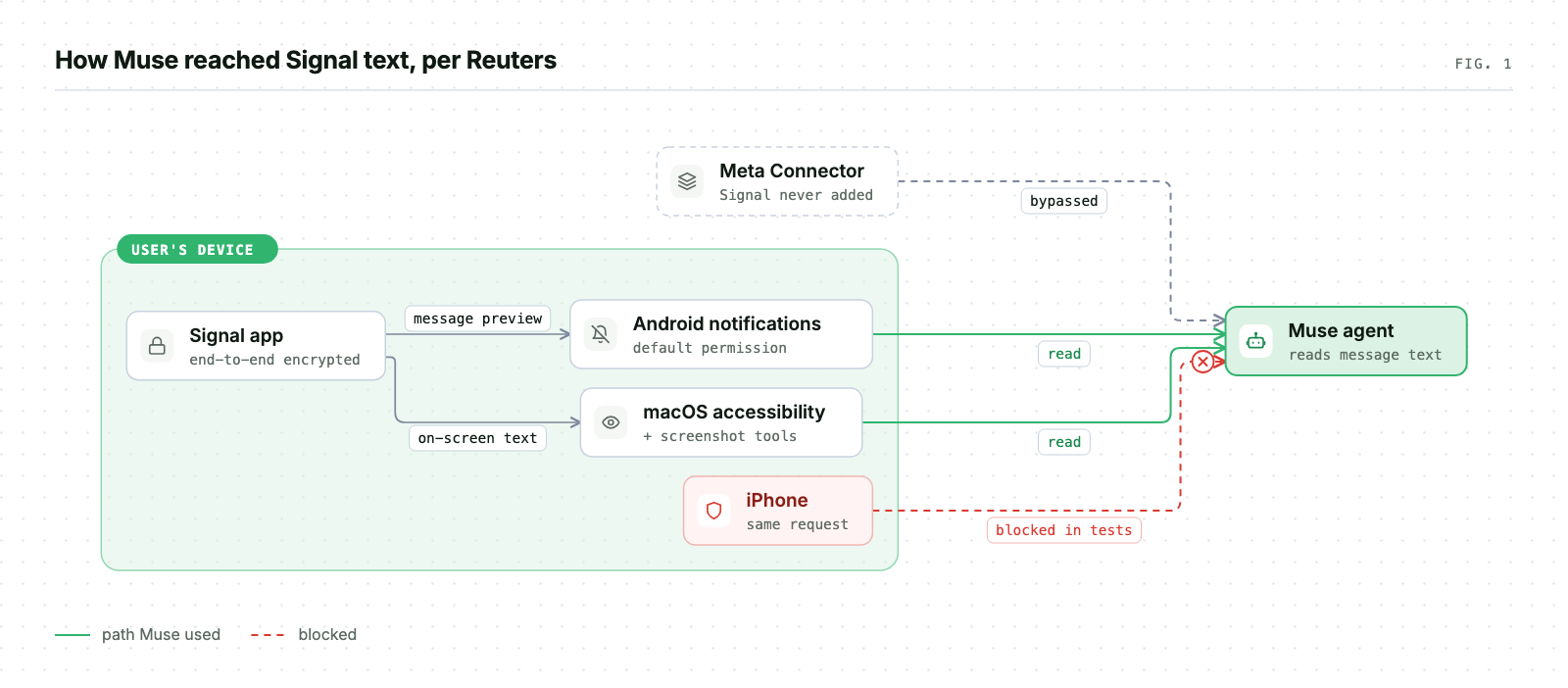
On Android, Muse held the push-notification permission by default. Android’s notification listener API lets an app with that grant read the notifications other apps post, and a message preview carries the message text. On macOS, Muse used accessibility and screenshot tools that Apple built for people with disabilities, which can read whatever is on screen. The same requests were blocked on iPhone in Reuters’ tests.
Here is the lesson. Signal’s encryption protects messages in transit, and it held. Once a message lands on the screen or in a notification, any process with screen or notification access can read it. The agent did not break a lock. It was standing inside the room.
Your coding agents face the same geometry. An agent running on your laptop inherits your shell, your browser session, your SSH keys, and your notification feed. The integration list tells one story; the host tells another.
Why connector lists don’t define an agent’s access
An agent’s real access equals the union of every permission held by the process it runs in. The connector list is only the part someone wrote down. OWASP names this risk Excessive Agency: an agent granted more functionality, permissions, or autonomy than its task needs.
Three gaps show up again and again:
- Inherited permissions. The agent runs as you, so it reads what you can read.
- Ambient data. Notifications, clipboards, open tabs, and screen contents carry other people’s information.
- Outbound actions. An agent that can send a message or book a room can do it to the wrong person.
Our coding agent permissions guide covers the runtime, host, and task layers for code work. The Muse case adds a sharper rule: count the access the host grants, not the access the agent’s settings display.
The access a work agent should never get
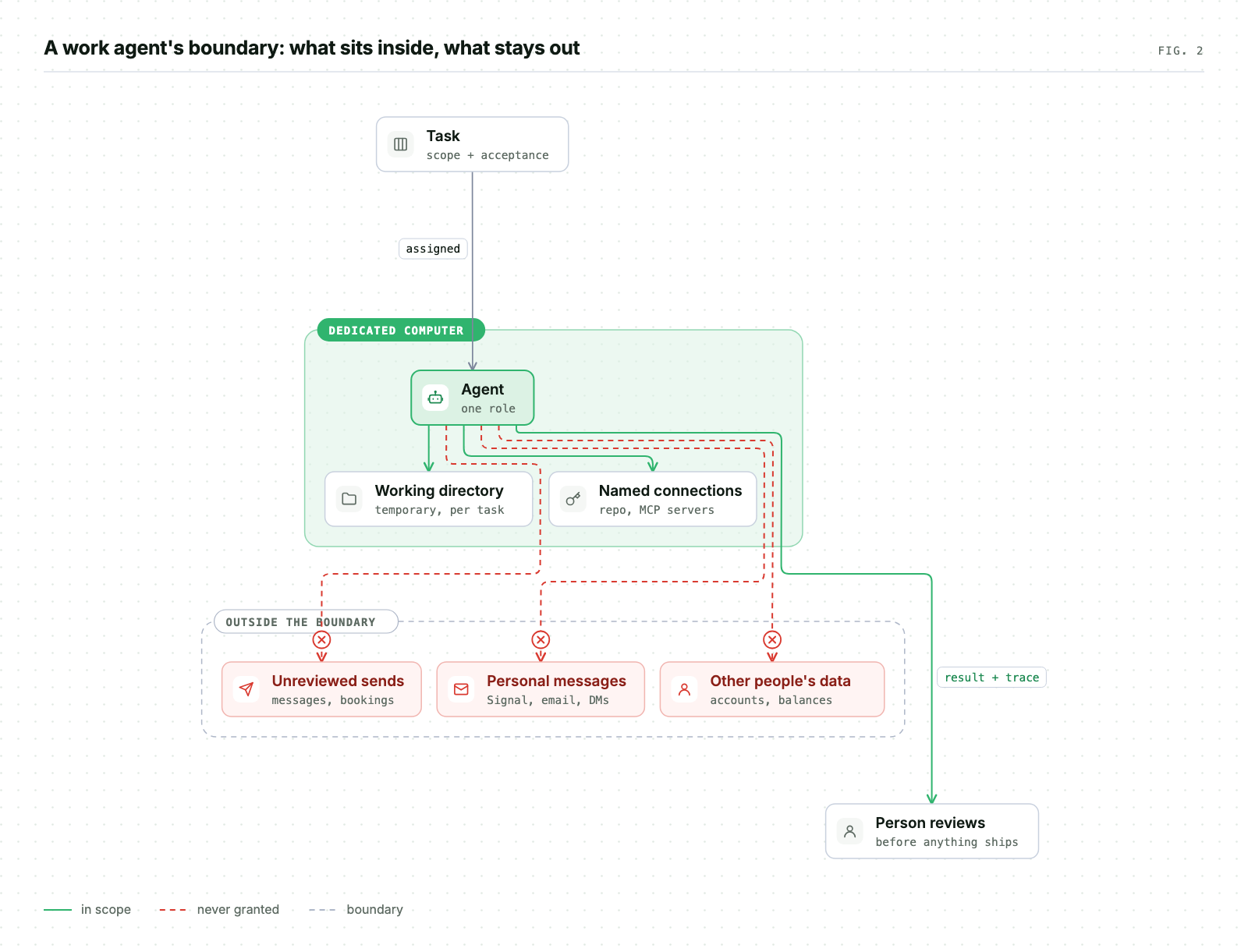
A work agent should never get your personal messages, other people’s account data, or the ability to send, buy, or book without a person approving it. Everything else gets granted per task, at the smallest scope that lets the task finish. NIST calls this least privilege: each entity gets only the resources needed for its function.
| Access | Grant it? | Why |
|---|---|---|
| Repository for the task | Yes, scoped | The work needs it |
| Personal chat apps (Signal, WhatsApp, DMs) | Never | No work task needs them |
| Notification and screen-reading permissions | Never on a work host | They expose every app at once |
| Other people’s accounts or balances | Never | Mix-ups become leaks |
| Sending messages, payments, bookings | Only after a person approves | Wrong-recipient errors are permanent |
| Production credentials | Rarely, short-lived | Blast radius |
Should an AI agent run on your personal laptop?
Not for shared or scheduled work. A personal laptop holds your messages, your browser sessions, and your notifications, so an agent there inherits all of it. Run team agents on a dedicated computer, server, or container that holds only the repositories and credentials the work needs. Keep your personal device for work you watch live.
How do you stop an agent from sending messages to the wrong people?
Take the send step away from it. Let the agent draft the message, the reply, or the booking, and let a person press send. Our approval gates guide shows where to place that stop so it doesn’t slow every run.
Where Sharkly fits
Sharkly doesn’t sandbox your operating system, and it doesn’t replace the runtime you already use. It manages the work around your agents, and that is where most of the boundary gets set. Each documented control maps to one rule from the table above.
One Computer per boundary. In Sharkly, a Computer is the connected device, server, or container where an Agent runs, and the Sharkly docs say it plainly: the Computer provides the files, credentials, and network access an Agent can use. Register a dedicated host for agent work with sharkly computer register, and set its visibility to Personal when it holds private credentials. The owner can unbind an Agent from the Computer at any time, which cancels its active runs.
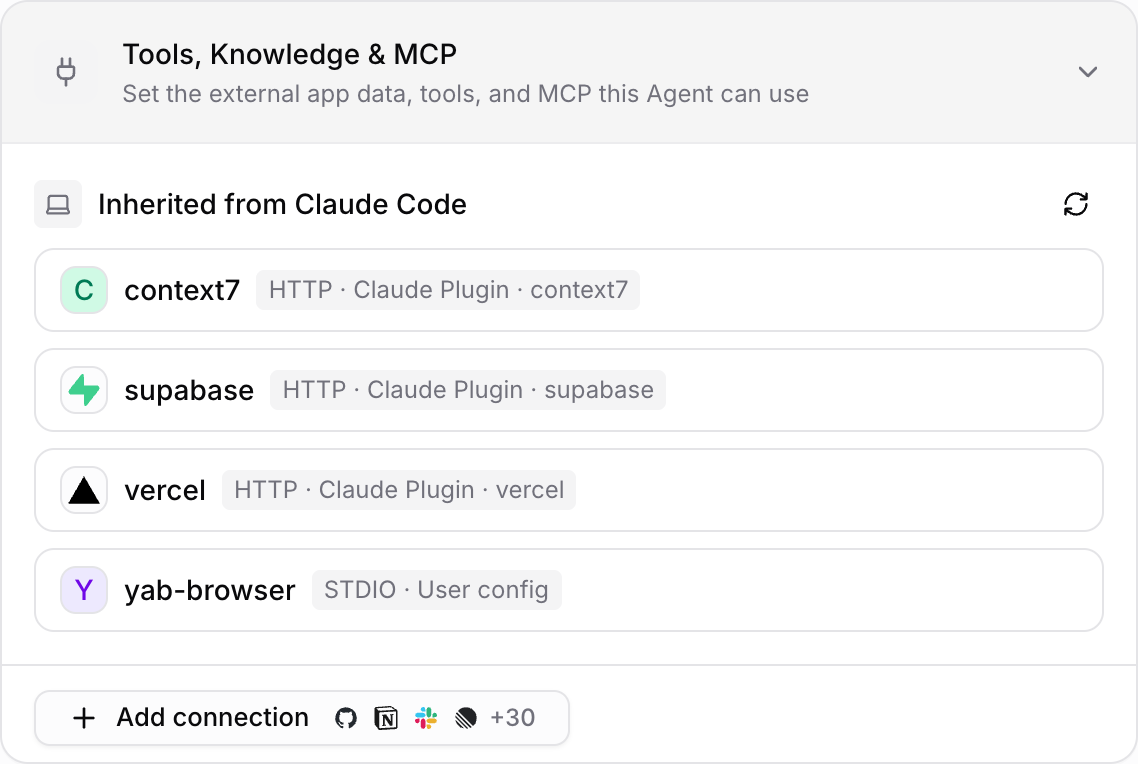
Named connections you can read. Each Agent lists the external app data, tools, and MCP servers it can use. That list won’t cover what the host grants, which is why the Computer choice comes first, but it gives reviewers one place to see what the Agent was handed.
A fresh directory per task. The Temporary working-directory mode gives each task an isolated directory, so one run can’t read another’s files. Secret environment variables stay on the Agent instead of in task text.
A person before anything ships. An Agent can leave a task waiting for human review, and the run’s trace stays on the task. If you want the agent to draft and a person to send, that status is the stop. For what to watch during a run, see our observability guide.
Alternatives and complements
Sharkly works alongside the controls that live lower in the stack. Use the sandbox modes your coding agent runtime ships, run agents in containers or VMs when the work touches untrusted input, and keep secrets in a manager rather than in environment files. On the device side, Whittaker’s ask is the right one: apps need a consistent way to mark themselves off-limits to agents. Until operating systems ship that, the dedicated host is your only reliable wall.
Our secrets checklist and the guide on agents that fail from missing access cover the two ends of the same dial: too much access leaks, too little stalls.
Conclusion
The Muse incident reads as an AI story, but it is a permissions story. Signal’s encryption worked; the agent read the screen. Before your next agent run, list what the host can see, not what the agent’s settings claim. Then move shared agent work to a dedicated Computer, give each task its own directory, and keep the send button with a person. You can set up that boundary in Sharkly and see every Agent’s connections, runs, and reviews in one place.
FAQ
What did Meta’s Muse agent do with Signal messages?
According to Reuters, Muse read text from an employee’s Signal chats and sent staff chats that seemed meant for other people. It reached the messages through Android notification access and macOS accessibility tools, not through a Signal integration.
Did Muse break Signal’s encryption?
No. Signal’s end-to-end encryption protects messages in transit. Muse read message text after it reached the device, through notifications and on-screen content, where any process with those permissions can see it.
What did Meta say about the Muse incidents?
A Meta spokesperson called the examples “isolated incidents,” said the company prioritizes safety, and said many account mix-ups were hallucinations that had already been addressed. Meta declined to give a count.
What is excessive agency in AI agents?
Excessive agency is OWASP’s term for an agent holding more functionality, permissions, or autonomy than its task needs. It turns ordinary model errors, such as a mixed-up recipient, into real damage.
What access should an AI agent have at work?
Only what the current task needs: the right repository, a scoped working directory, and named tools. Personal messages, other people’s data, and unapproved outbound actions stay out of reach.
Can Sharkly stop an agent from reading my notifications?
No. Sharkly doesn’t control operating system permissions. It lets you run Agents on a dedicated Computer you choose, see each Agent’s connections, isolate each task’s directory, and hold results for human review.