On September 10, OpenAI put the Agents API into public beta, “bringing that same harness and infrastructure that powers Codex to developers through a simple, flexible API.” At DevDay on September 29 it gained computer use, an AWS-native sibling, and a neighbor: ChatGPT’s new always-on dots run on the same Codex harness.
Read that as a developer building an agent product and it is good news: the harness you were going to write badly is now someone else’s problem. Read it as an engineer whose team already runs Claude Code and Codex on a real codebase, and the question changes. The API answers “how do I keep an agent running for hours?” It does not answer “how does my team know what six of them did, and who approved the website one of them just signed into?” Sharkly lives in the second question.
TL;DR
The Agents API hosts the Codex harness: durable sessions, compaction, tool search, subagents, and a sandbox from OpenAI, your infrastructure, or nine partners, with no fee beyond tokens, tools and container time. DevDay added computer use, where your application approves each new website origin and every sign-in (origin approval is not confirmation of individual actions), and Bedrock Managed Agents, which run its core capabilities inside AWS. None of it hosts the team layer: who assigned the work, which agent has it, what finished, what failed, and who accepts the result.
What the Agents API is, and what OpenAI runs
OpenAI’s overview reduces the API to four constructs. An Agent is “the model, instructions, tools, and MCP servers available to the agent.” An Environment is “an optional sandbox or computer where the agent accesses files, loads skills, and runs commands.” A Session is “a durable instance of an agent that works on tasks and responds to input.” Events and items are the inputs you send and the output that comes back.
You create a session with an agent configuration, give it a task once the environment is ready, follow it through streaming or webhooks, then send more tasks or steering into the same session. The docs’ example, trimmed:
const session = await client.beta.agents.sessions.create({
  agent: {
    model: "gpt-6-astra",
    instructions: "Use the docs MCP and web search. Delegate independent research to subagents when useful.",
    tools: [
      { type: "programmatic_tool_calling" },
      { type: "mcp", server_label: "openai_docs", transport: { type: "http", server_url: "https://developers.openai.com/mcp" } },
      { type: "web_search" },
    ],
    multi_agent: { enabled: true, max_concurrent_subagents: 4 },
  },
  environment: { type: "self_hosted", workspace_directory: "/workspace" },
  input: [{ role: "user", content: [{ type: "input_text", text: "Research how to connect an MCP server to an OpenAI agent and summarize the setup." }] }],
});
Two lines carry most of the news. multi_agent turns on subagent fan-out with a concurrency cap, and environment.type decides where the code runs: openai_hosted, self_hosted, or one of the partner sandboxes (Blaxel, Cloudflare, Daytona, DigitalOcean, E2B, Modal, Oracle, Runloop, Vercel).
The docs put the division of labor in one sentence: “OpenAI manages sessions, orchestration, context compaction, and recovery while your application provides tools and chooses its execution environment.”
| OpenAI runs it | You still provide it |
|---|---|
| The agent loop: model calls, tool use, retries | The task, and the definition of done |
| Context compaction as a session nears its limit | Tools: MCP servers, functions, built-ins |
| Tool search and loading | Credentials, via vault IDs |
| Subagent decomposition and coordination | The environment choice and its setup |
| Session resumption and steering | Everything that happens after the session ends |
Model usage bills at the model’s API rates, tools at standard rates, and OpenAI-hosted sandboxes at container rates; the launch post says “there are no additional fees for using the Agents API.” Two boundaries are stated plainly in the docs: the API “currently supports data residency only in the United States and does not support Zero Data Retention (ZDR),” and choosing a self-hosted sandbox does not make it ZDR-eligible. If either matters to your compliance story, moving the sandbox in-house does not change the answer.
What DevDay added
Computer use. Add the computer_use tool, enable a desktop on an OpenAI-hosted environment, and the agent drives a hosted browser. The computer use guide builds the flow around approval events. The browser asks for the user’s approval before each new website origin, public sites included. Sign-ins arrive as separate requests your application renders for email, password and verification-code fields; passkeys and QR sign-in are not supported, and only the main agent, not a subagent, can ask for credentials. The line to read twice: “Origin approval does not enforce confirmation before individual actions.” For purchases or destructive changes, the docs advise restricting the hosted browser to resources that cannot perform them, or using a browser runtime you control. The DevDay recap lists computer use “through the API and in Codex and ChatGPT Work on Pro 500 and Enterprise.”
Bedrock Managed Agents, powered by OpenAI. OpenAI and Amazon took “the core capabilities of the Agents API” and added customization to work natively in AWS. AWS’s product page lists it as a preview and says the agent runtime and model inference remain inside AWS, with each agent holding its own AWS identity and permissions.
Dots on the same harness. Decrypt reports that the Codex harness “now powers dots and is open source.” Dots are ChatGPT’s always-on agents, each with its own cloud computer, and our explainer on dots covers what they do well.
So one loop now runs a coding agent, an API session, an AWS agent and an always-on assistant. The harness is converging. The approval events are the part that lands on a team: each one is a question inside one session, answered by whoever is holding its stream open. When five sessions are asking, someone has to decide which person may approve which origin, and where that decision is recorded. That is an approval gate problem, and we worked through the Computer-side version in GPT-6 Astra computer use guardrails.
What it does not run: the team layer
A session knows about itself. It does not know that three other sessions touch the same repository, or that the result of a fourth has sat unread since Tuesday. Those are management problems, and they arrive the moment more than one person starts more than one agent.
Five questions the API leaves open, by design:
- Who assigned this, and against which ticket? A session has an ID and whatever metadata your code writes into it. An owner, a Sprint, or a link to the issue it came from exists only if you put it there.
- Which repository and branch did it change? The diff has to be brought somewhere a reviewer can read it.
- What finished, what failed, what is waiting? Events stream while you listen, or arrive by webhook. Nothing accumulates into a queue of results waiting for a person.
- Who accepts the result? An approval event covers a website or a sign-in, not the work. “The session ended” and “a person read the evidence and said yes” are the same event unless you build the second one.
- What about the agents that are not OpenAI’s? Claude Code for one class of work and Codex for another means two session models and two places to look.
You can build all five on top of the events: a board, a webhook, a status field, a review column. Then someone asks “did we ever ship the export fix?” and the answer lives in a scrollback nobody saved. AI agent task management covers the build-it-yourself version.
Subagents inside a session, or Tasks on a board?
The max_concurrent_subagents knob is the API’s answer to parallelism, and a good one for the right shape of work. It is the trade-off we wrote about when Codex raised its subagent cap to 64: subagents share a parent, report back into one consolidated reply, and are reviewed as one result.
Use subagents inside a session when the pieces are read-heavy, independent, and only the combined answer matters: research four APIs, scan a codebase for a pattern, gather evidence for an incident.
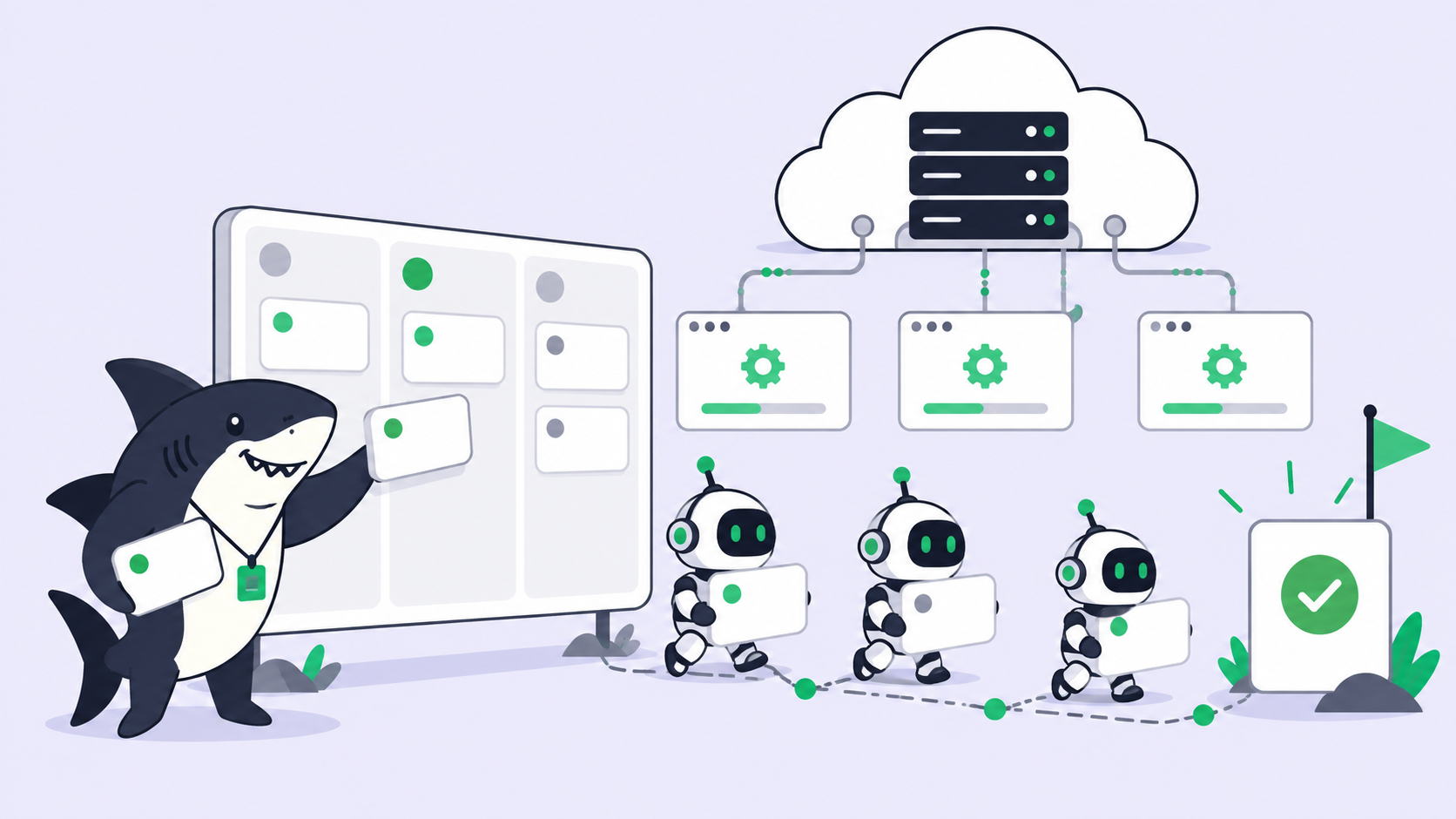
Use separate Tasks when each piece writes code that someone must review on its own: a migration, a feature on one module, a fix that touches a shared file. In Sharkly, each run gets its own isolated git worktree on a Computer you own, and each result returns to its own Task with its diff, its execution log and its reviewer. Four write-heavy changes squashed into one subagent summary is four decisions hidden inside one.
Frequently asked questions
Which model does computer use run on? The docs’ examples use gpt-6-astra. Check the guide before assuming another model works with the computer_use tool.
Does Sharkly run Agents API sessions? Sharkly runs CLI coding agents installed on your Computers, such as Codex and Claude Code, as Runtimes. Agents API sessions are a hosted service, not an installed Runtime, so treat them as a separate execution path.
Where does human review happen? In the Agents API, wherever you build it: approval events cover website access and sign-in, not acceptance of the result. In Sharkly, an Agent can leave its Task waiting for human review, the request lands in the responsible person’s Inbox, and a person changes the status after reading the response, the execution log and the diff.
Where each layer belongs
A durable session in OpenAI’s infrastructure is the most convenient object in this launch, and the stickiest. For an engineering team that matters, because the strongest coding agent is a moving target, and a team whose review states and assignment rules live in one vendor’s session store rebuilds its workflow every time the leader changes.
If you are building an agent-powered product or backend service, the Agents API is the right layer, and Bedrock Managed Agents is the same bet for teams that need it inside AWS. You get the harness without maintaining it and sandboxes without provisioning them. You may not need a task board at all; your application is the board.
If your agents are teammates on your own codebase, run by people, reviewed by people, shipped through your existing repositories and trackers, the equation changes. Codex and Claude Code do the execution. Sharkly manages team-level assignment, connected Computers, task context, progress, blockers, results and human review across those tools. It is not a replacement for either Runtime, or for the Agents API. The same placement question now applies to Codex itself, which we cover in Codex cloud vs your own Computers.
Rent the harness if you are building an agent. Keep the management layer yours, and provider-neutral, if you are managing them.
If you’re already running several agents, Sharkly gives you one place to manage their tasks and results. Sharkly does not sell tokens: model usage continues through the subscriptions or API keys configured in the tools you connect.