TL;DR: Pokee AI agents run through the Pokee Enterprise API: each tenant gets a private, persistent sandbox where an agent can work on one turn for up to 90 minutes, with scoped file access, uploaded skills, .pokee/ persona files and memory that survives across sessions. The API runs the agent. Your team still needs a place to assign that work, watch it, and review the output before anyone ships it.
Pokee is built for tasks a chat window can’t hold: a ten-page market report, research that takes most of an hour. Nobody watches a 90-minute turn, so somebody has to own it, check it, and say whether it’s done. If you already run coding agents on one board, Sharkly is where that work can live; more on that below.
What is Pokee AI?
Pokee is an agent platform whose Enterprise API is “a REST API for running long-form agent-driven workflows in a dedicated, persistent sandbox.” Each tenant gets a private workspace, a bearer token, and endpoints for sessions, files, skills and streaming messages at an address like https://your-tenant.enterprise.pokee.ai. Access is enterprise: the Pokee docs route new customers through “Request demo,” and they don’t describe a self-serve or free tier.
Two model tiers are listed on the models and pricing page:
| Model | Input ($/M tokens) | Output ($/M tokens) | Cache read ($/M tokens) |
|---|---|---|---|
pokee-isaac-high-reasoning |
$3 | $15 | $0.30 |
pokee-isaac |
$0.30 | $5 | $0.10 |
New tenants default to the high-reasoning tier. The model is locked when you create a session, so every turn in that session runs on the same tier.
The Pokee agent model: sessions, sandbox, files, skills, memory
Pokee’s agent model has five parts you configure, and each one maps to a team decision.
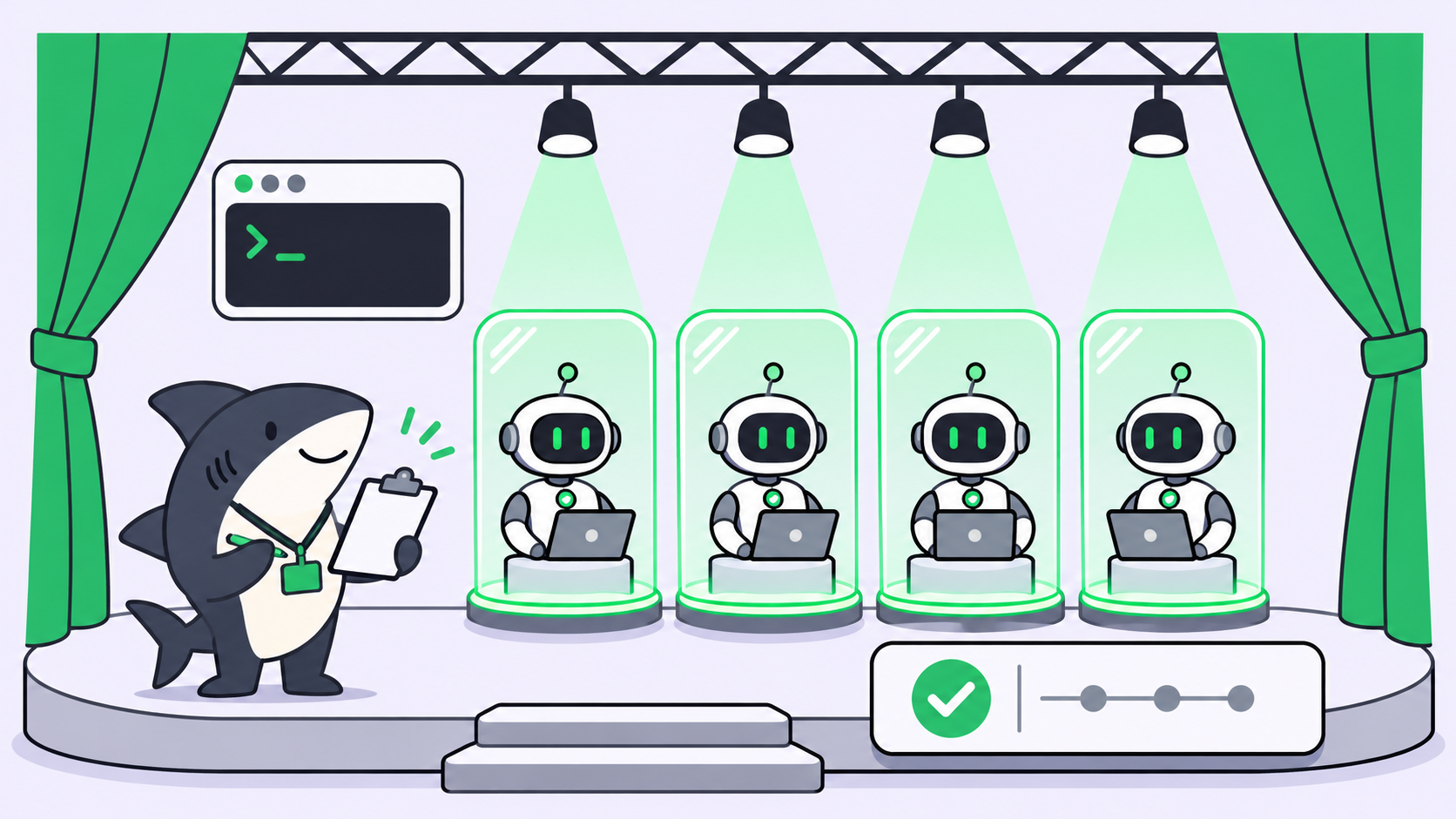
- Sessions. A session is one agent process in its own sandbox inside your dedicated pod, with its own history, file scope and busy state.
- Persistent mode. A default session self-destroys 5 minutes after its last response. Set
persistent: trueand it lives until its TTL (4 hours by default) or until you delete it. - Scoped file access. You pass
readandwritepaths at creation. Out-of-scope paths don’t exist inside the agent’s filesystem. - Skills. You upload a zip with a
SKILL.mdat its root. Every new session in the tenant sees it. - Persona files and memory. Markdown in
.pokee/is prepended to the system prompt, and.memory/MEMORY.mdcarries facts across sessions.
How does Pokee scope file access?
Scope is enforced twice. Inside the agent, a per-session bubblewrap mount namespace hides everything outside the allowed paths, so a read returns ENOENT. Through the HTTP file API, the same request returns 403 Forbidden.
The scoped file access cookbook shows a session that can read one client’s folder and a shared templates folder, and write only to that client’s output folder:
curl -X POST "$POKEE_API/v1/sessions" \
  -H "Authorization: Bearer $POKEE_KEY" \
  -H "Content-Type: application/json" \
  -d '{
    "persistent": true,
    "ttl": 14400,
    "metadata": {"board_task": "COIN-412", "client": "acme-corp"},
    "file_access": {
      "read": ["projects/acme-corp", "shared/templates"],
      "write": ["projects/acme-corp/output"]
    }
  }'
Scope is immutable for the session’s lifetime. To widen it, you destroy the session and create a new one. That helps compliance and moves a decision onto the team: set the scope when you assign the task, not halfway through.
What do .pokee/ persona files and memory do?
Files in workspace/.pokee/*.md load alphabetically into the system prompt, each under a ## <filename> header. The persona cookbook uses 00_soul.md for voice, 10_glossary.md for domain terms and 20_style_guide.md for formatting. The cap is 1 MB across the directory.
Changes apply to the next session; a running session keeps its prompt. The agent also reads and updates .memory/MEMORY.md each session, which you can edit through the files API or, per the agent context page, ask Pokee to turn off.
What long-running AI agents mean for teams
Long-running AI agents change three parts of a team’s day: who starts the work, how you know it’s moving, and who signs off. Pokee’s default limits make each one concrete.
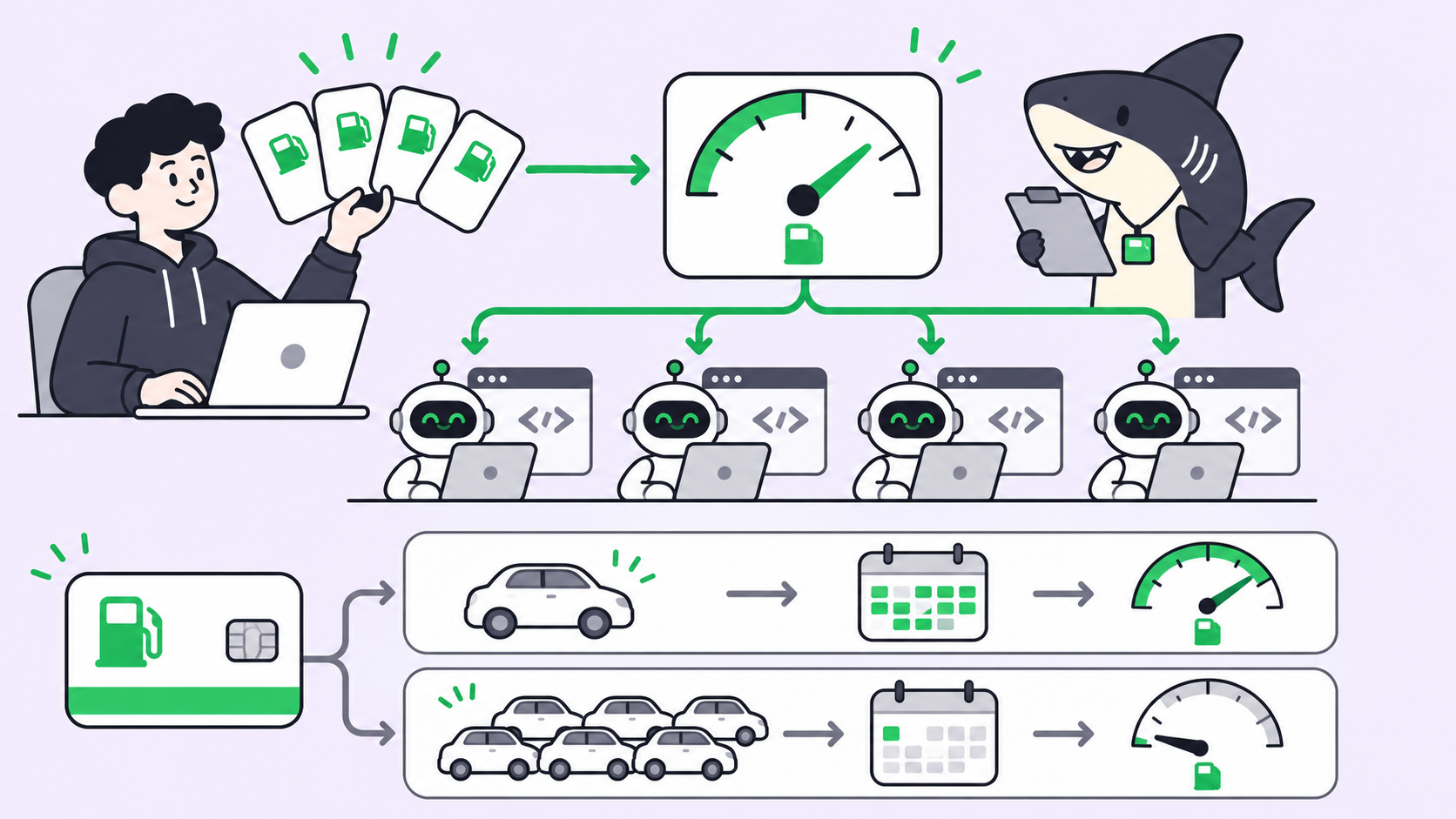
| Limit | Default |
|---|---|
| Concurrent sessions | 10 |
| Turn timeout | 90 minutes |
| Session TTL | 4 hours |
| Turns per hour / per day | 300 / 5,000 |
| Tokens per hour / per day | 20M / 200M |
| Max workspace size | 100 GB |
Pokee says any of these can be raised on request.
Who assigns a 90-minute agent task?
Ten concurrent sessions sounds like plenty until five people each start two report builds on a Monday. A busy session also rejects a second message with 409. So somebody picks the task, model tier, file scope and session, and writes it on a task with an owner, which stops two people starting the same 90-minute build.
How do you see what a long agent turn is doing?
The agent keeps running after your client disconnects. The long-running tasks cookbook polls GET /v1/sessions/{id} every 15 seconds for the busy flag, reads any progress keys the workflow writes into metadata, then downloads the output file.
while True:
    s = c.get(f"/v1/sessions/{sid}").json()
    if not s["busy"]:
        break
    print(f"metadata: {s['metadata']}")
    time.sleep(15)
The stream itself uses Server-Sent Events, with message.created, message.completed, message.error and message.cancelled events. The resume endpoint reconnects a dropped stream from Last-Event-ID without re-billing tokens. That tells your script the turn finished, not whether the report is any good.
Who reviews the output before it ships?
Pokee writes a file to the workspace. Review is a human step outside the API: someone opens report.md, checks it against the brief, and approves it or sends it back. On parallel agent work, that step is usually the bottleneck, which is the argument in human review is the bottleneck.
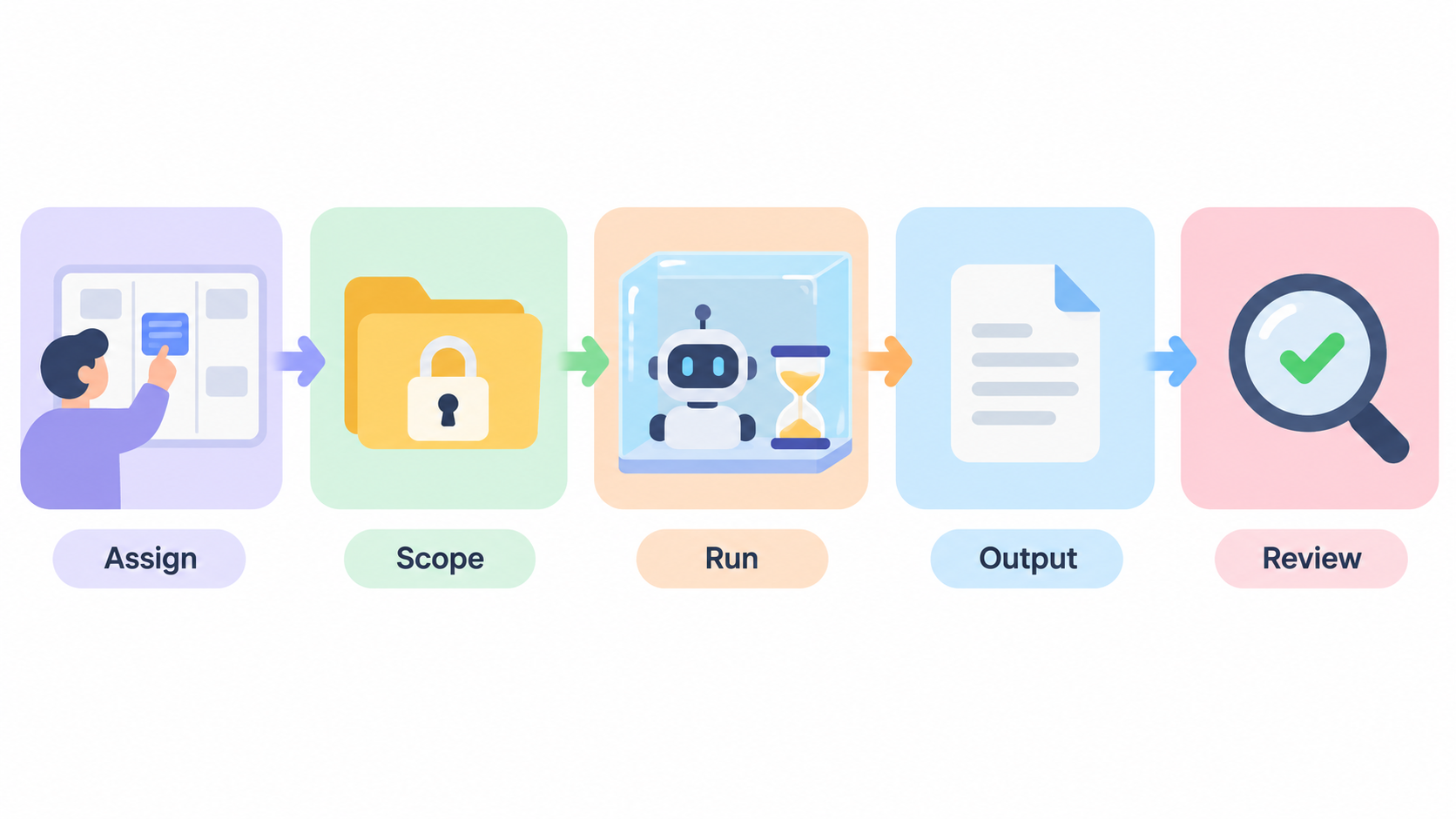
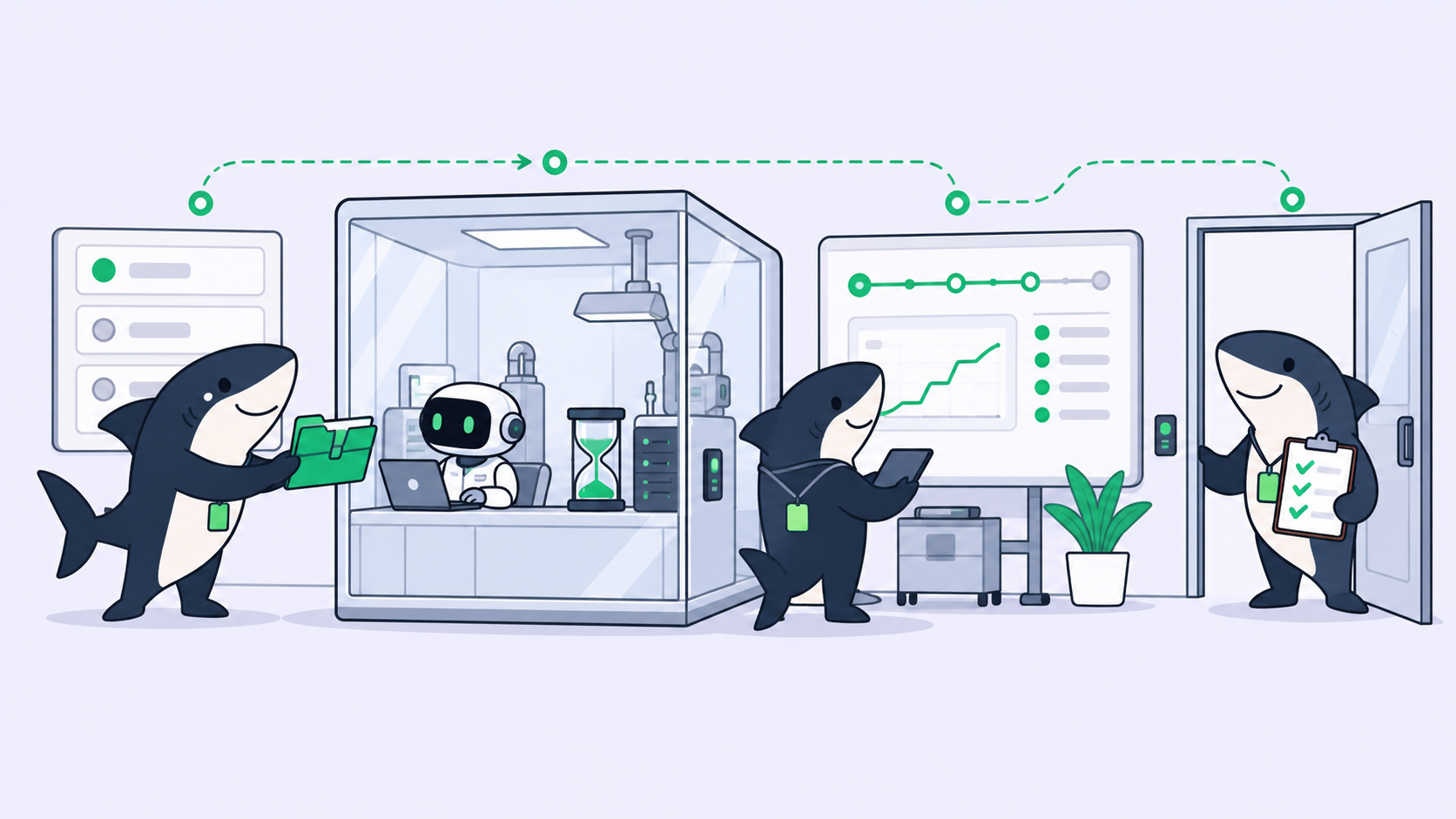
Worked example: one client report from assignment to review
Three people share one Pokee tenant. The deliverable is a quarterly market report for “Acme Corp.”
- Assign. Dana files a task: “Q3 market report for Acme,” owner Dana, reviewer Sam, due Thursday.
- Scope. The task names the Pokee model (
pokee-isaac-high-reasoning), the read paths (projects/acme-corp,shared/templates) and the write path (projects/acme-corp/output). - Start. Dana creates a persistent session with the task ID in
metadata, then sends one message asking for the report inoutput/report.md. - Track. The session ID goes into a task comment. Anyone polling
GET /v1/sessions/{id}seesbusy: trueuntil the turn completes. - Collect. When
busyflips to false, Dana downloads the file and attaches it to the task. - Review. Sam reads it against the brief. A miss goes back with a comment and a new turn; a pass moves the task forward.
- Clean up. Dana deletes the session, or a nightly
DELETE /v1/sessions?status=idle&older_than=1hsweeps it.
Steps 1, 4 and 6 aren’t API calls. They’re coordination, the steps teams skip when an agent is fast and regret when it takes an hour.
Where Sharkly fits for Pokee agent work
Sharkly is an agent work-management platform: one board where tasks go to People and Agents, runs are tracked, and output waits for human review. It doesn’t run Pokee sessions for you, and it has no Pokee connector. It holds the task, the owner, the status and the review around them.
In practice that looks like this:
- Assignment. The Pokee task lives on the board with an Assignee and a status, next to everyone’s other work. See agentic teams on why ownership has to be explicit.
- An Agent that drives the API. A Sharkly Agent runs on your own Computer through a Runtime such as Claude Code. Give it a skill that wraps the curl calls above, and it can create the session, poll it, and post the session ID and result back to the task.
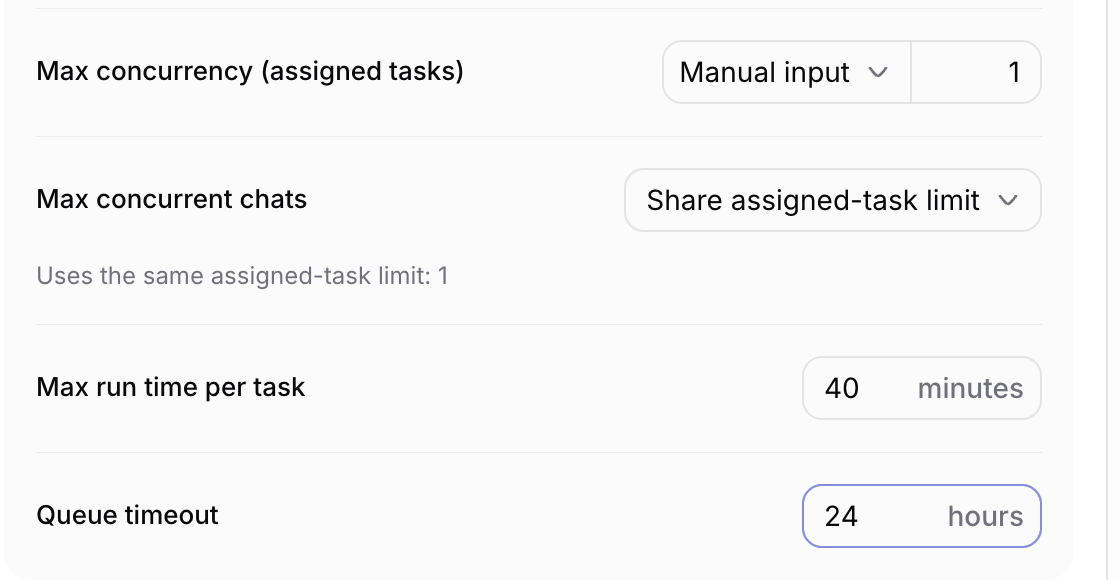
- Run limits that match Pokee’s. Each Agent has Run settings: max concurrency for assigned tasks, max run time per task, and queue timeout. The Agent below is capped at 1 task and 40 minutes; for Pokee work, keep concurrency at or under your 10 sessions and set run time to cover the 90-minute turn, or have the Agent start the turn and check back later.
- Review as a state, not a message. An Agent can leave a task waiting for human review, and that task lands in the reviewer’s Inbox. Human-in-the-loop coding agents and approval gates for coding agents cover where to put those stops.
- Triggers from outside. A Sharkly Automation can take a webhook trigger: a secret URL that starts a run when an external service POSTs to it. Your own script can call it when a Pokee turn completes.
Sharkly is free to start, and model usage stays on the accounts you already pay for. For the long-run review pattern in more depth, read million-token agent runs need a review queue.
When Pokee fits and when it doesn’t
Use Pokee when the task produces a document or dataset rather than a code change, runs for minutes to an hour, and needs a persistent sandbox. It’s a strong match when “the agent must not see client B’s data” is a contract clause, because scope is enforced at the filesystem. Its offline mode adds a tenant whose only outbound path is the model API.
Look elsewhere when you need to start today without a sales conversation. For coding inside your own repositories, Claude Code or Codex on your own Computers is the more direct fit. Many teams will run both, which is the case for one board above them.
Conclusion
Pokee AI agents give a team long-running work with real isolation. The API answers “is the turn done?” Your team still answers who started it, what it touched, and whether the output is right.
Put those three answers on a task before the first session starts. If you want that board for Pokee runs and your coding agents together, start a Sharkly workspace and assign your first long-running task to an Agent this week.
FAQ
What is the Pokee Enterprise API?
The Pokee Enterprise API is a REST API for running long-form agent workflows in a dedicated, persistent sandbox per tenant. You get endpoints for sessions, files, skills, streaming messages and usage, authenticated with a bearer token.
How long can a Pokee agent run?
One turn runs up to 90 minutes by default and a session up to 4 hours; both can be raised on request.
Is Pokee AI free?
The docs don’t describe a free tier. Access goes through a demo request, and usage bills per token: $3 input and $15 output per million tokens on pokee-isaac-high-reasoning, $0.30 and $5 on pokee-isaac.
What happens if two people message the same Pokee session?
The second message gets a 409 error: the session is busy with another message. Each session handles one turn at a time, so concurrent work needs separate sessions, up to the default of 10.
Can a Pokee agent remember things between sessions?
Yes. It reads and updates workspace/.memory/MEMORY.md each session, and the file survives pod restarts.
Can Sharkly run Pokee agents directly?
No. Sharkly has no Pokee connector. A Sharkly Agent on your Computer can call the Pokee API from a skill, and the Sharkly task holds the assignment, status and human review.