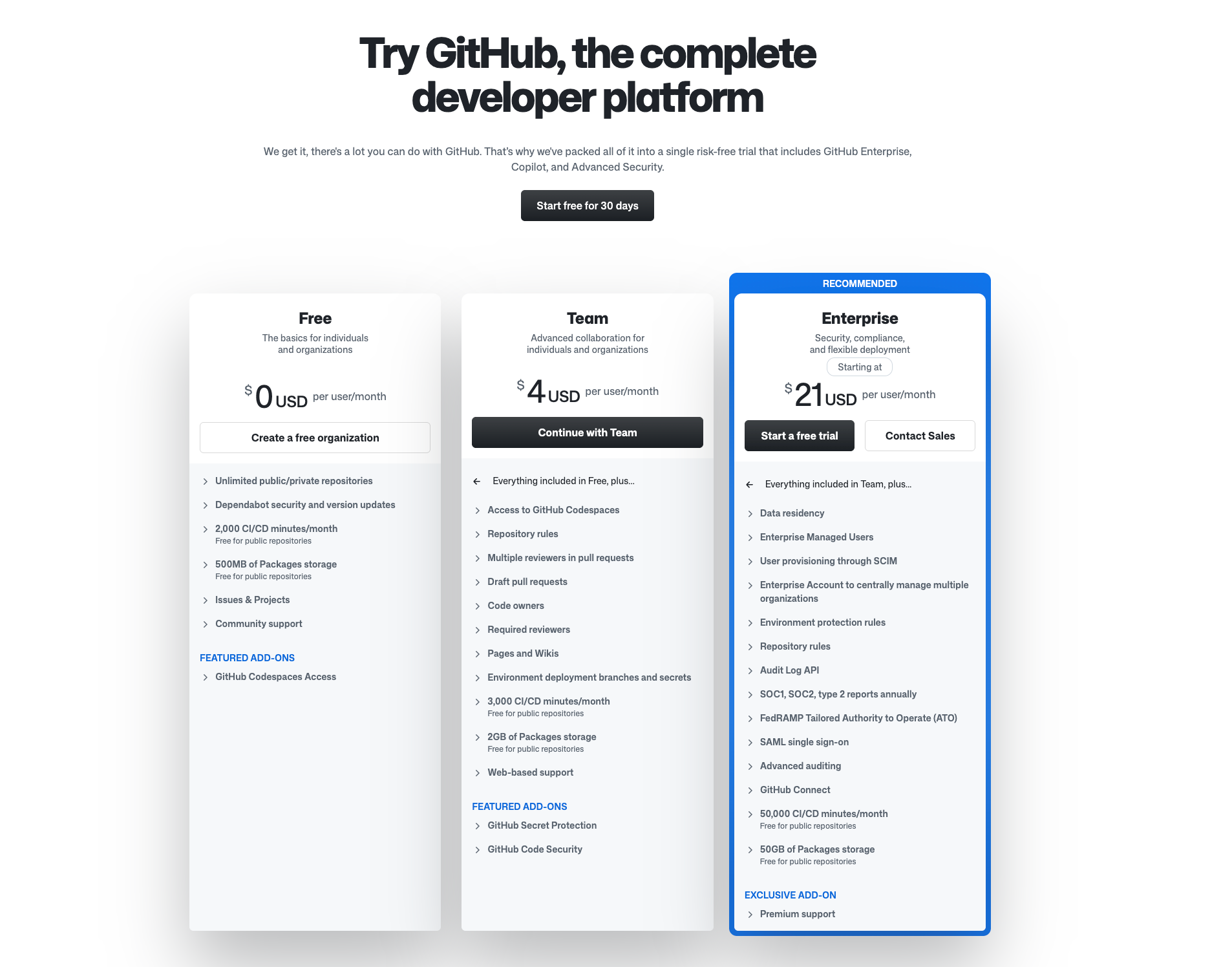
Yes, GitHub is free: the GitHub Free plan gives you unlimited public and private repositories, unlimited collaborators and 2,000 GitHub Actions minutes a month. AI agents can use it on that plan too. GitHub’s own docs say its official MCP server is “available to all GitHub users regardless of plan type,” so Claude Code, Codex or OpenCode can read issues, open pull requests and check workflow runs without a paid GitHub plan. What you may pay for is the agent’s model, and one route keeps that at $0 as well.
TL;DR
Connect GitHub’s official MCP server to your coding agent with a fine-grained personal access token. On GitHub Free, the limits that matter are Actions minutes on private repositories, the REST rate limit, and a handful of collaboration features that are public-repo-only. The agent side is the real cost: Claude Code and Codex need a paid plan or API credits, while OpenCode runs several free models today. Once agents are doing real work, Sharkly’s GitHub integration turns new issues into Tasks you can assign to an Agent.
| Piece | Free? | The cap | What you pay past it |
|---|---|---|---|
| GitHub Free | Yes | 2,000 Actions minutes/month on private repos (public repos free); 500 MB Packages storage | A paid GitHub plan or metered minutes |
| GitHub MCP server | Yes, all plans | Your token’s REST budget: 5,000 requests/hour | Tools tied to paid features need that subscription |
| Copilot Free | Yes | 2,000 completions/month, an unstated AI Credits allowance, no cloud agent | Copilot Pro or higher |
| Agent: OpenCode free model | Yes, for now | Promotion models, limited time | OpenCode Zen or Go |
| Agent: Claude Code / Codex | No | Needs a plan or API key | Your Claude or ChatGPT plan, or tokens |
| Sharkly board | Currently free | Organizations up to 5 people | $7 per person/month, billed yearly |
GitHub’s free plan: the limits that matter for agents
GitHub Free is generous on storage and seats, and tighter in the places an agent tends to push.
Actions minutes. The pricing page lists 2,000 minutes a month, and Actions is “Free for public repositories.” An agent that opens pull requests triggers your CI on every push. Ten agent PRs a day with a six-minute test suite, each pushed twice, would use about 3,600 minutes in a month, so on a private repo the minute budget can become the first wall. Keep CI fast, or cancel superseded runs with a concurrency group in the workflow.
Rate limits. Every MCP tool call becomes a GitHub API call made with your token. GitHub’s REST rate limit docs give a personal token 5,000 requests per hour, with secondary limits such as about 80 content-creating requests per minute. One agent rarely hits either. Several agents sharing one token can.
Public-repo-only features. On Free, code owners, draft pull requests and environment protection rules apply to public repositories. If you want agents to open drafts on a private repo, that is a paid-plan feature.
Copilot Free. It includes up to 2,000 code completions a month, agent mode and MCP support in the editor, but the plans page says the Copilot cloud agent is not included, and the AI Credits allowance isn’t given as a number. Treat it as an editor assistant, not a teammate you can assign issues to.
The MCP server itself. GitHub’s MCP setup docs add one boundary: “If a feature requires a paid GitHub or Copilot license, the equivalent MCP tool will require the same subscription.” Issues, pull requests, repositories and Actions logs work on Free; tools that drive the Copilot cloud agent don’t.
Connect GitHub to Claude Code, Codex or OpenCode
The github-mcp-server repository documents two ways to run it: GitHub’s hosted endpoint at https://api.githubcopilot.com/mcp/, or a local Docker image. The hosted one needs nothing installed, so start there.
1. Create a fine-grained personal access token. Give it access to only the repositories the agent should touch, with read and write on Issues and Pull requests and read on Contents and Actions. GitHub’s guides mention the classic repo scope; a fine-grained token scoped to a few repositories is the safer choice for an agent.
2a. Claude Code. From a normal terminal, per GitHub’s Claude guide:
claude mcp add --transport http github https://api.githubcopilot.com/mcp \
  -H "Authorization: Bearer YOUR_GITHUB_PAT"
Then run claude mcp list and confirm github is connected.
2b. Codex. GitHub’s Codex guide reads the token from an environment variable, so it never lands in the config file:
export GITHUB_PAT_TOKEN=your_token
codex mcp add github --url https://api.githubcopilot.com/mcp/ \
  --bearer-token-env-var GITHUB_PAT_TOKEN
Run /mcp inside Codex to see the tools.
2c. OpenCode. Add this to opencode.json in the project root, per GitHub’s OpenCode guide:
{
  "$schema": "https://opencode.ai/config.json",
  "mcp": {
    "github": {
      "type": "remote",
      "url": "https://api.githubcopilot.com/mcp/",
      "enabled": true,
      "oauth": false,
      "headers": {
        "Authorization": "Bearer {env:GITHUB_PERSONAL_ACCESS_TOKEN}"
      }
    }
  }
}
The {env:...} form keeps the token in your shell, not in a file you might commit.
3. Trim the toolsets. The default toolsets are context, repos, issues, pull_requests and users. Fewer tools means less context spent on tool descriptions. The local server also takes a --read-only flag, a sensible start for an agent that only triages.
4. Ask for something small. “List the open issues labeled bug in this repo and summarize the three oldest” proves the token, the server and the agent in one prompt.
The $0 route
Here is the combination that costs nothing today: GitHub Free, the hosted MCP server with a fine-grained token, and OpenCode on one of its free models.
OpenCode’s free tier needs no sign-in and no API key. We ran it on October 16, 2026 (OpenCode 1.19.2 via npx opencode-ai@latest): a write-and-run task finished in 32 seconds on opencode/deepseek-v4.1-flash-free. The OpenCode Zen docs list that model as free today, alongside glm-5.3-flash-free and others, and say its provider keeps zero retention and doesn’t train on your data. Other free models on the same list may use your data, so read the notes before pointing one at a private repo.
The honest limits:
- Free models are promotions. Zen calls most of them free “for a limited time.” Plan for the day yours disappears.
- The free tier answers only OpenCode. Calling the same endpoint from a script returns HTTP 403
FreeTierError. - Actions minutes still count. The agent is free; the CI it triggers on a private repo is not unlimited.
- Claude Code and Codex are not part of this route. Claude Code needs a paid Claude plan or API credits; Codex needs a ChatGPT plan or an OpenAI API key.
From chat to assignment
Pasting “fix issue #142” into a terminal works for one person. For a team, the useful step is assigning the issue to an agent and getting the result back where everyone can see it.
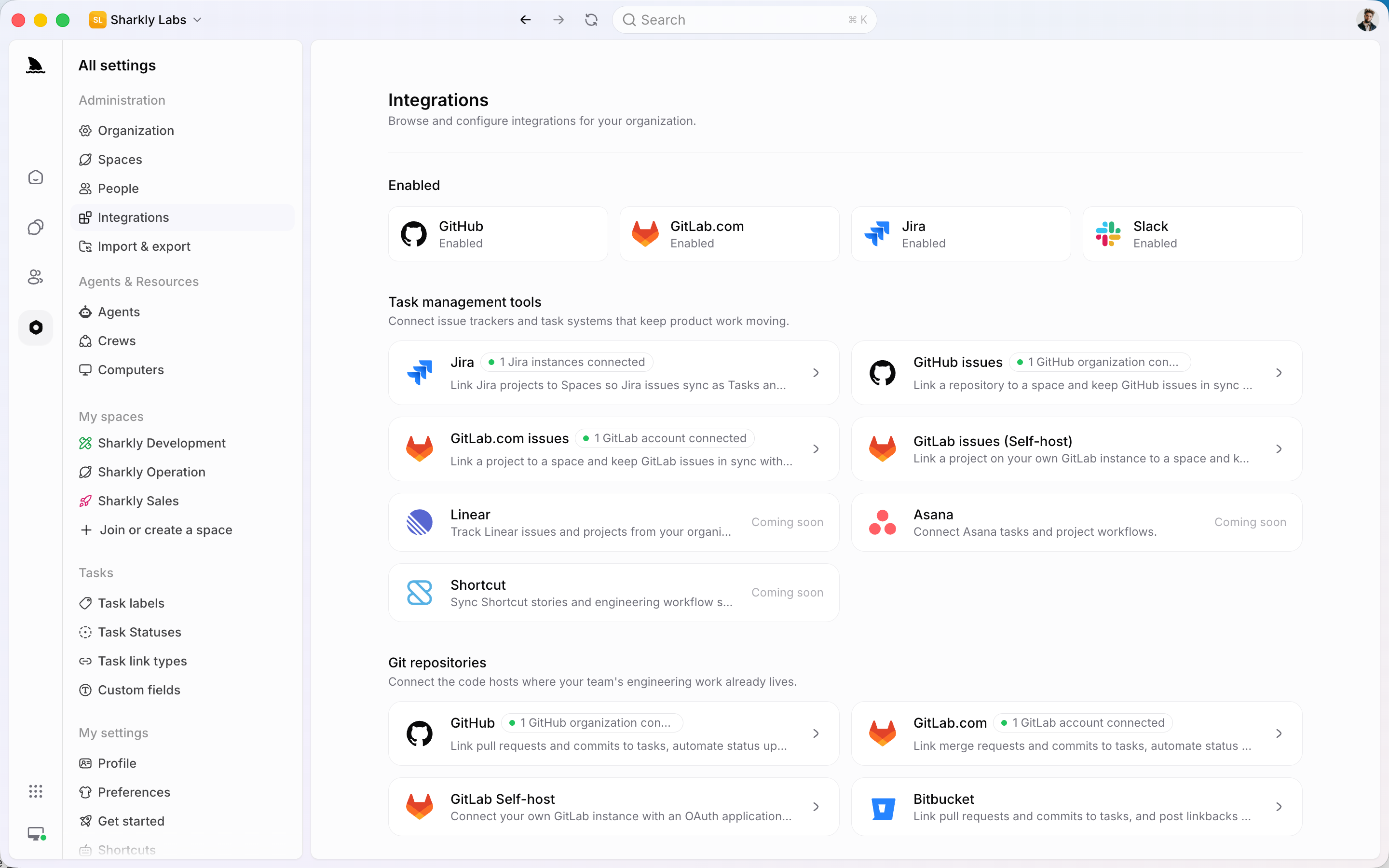
Sharkly has a real GitHub integration for that, documented in the GitHub integration docs:
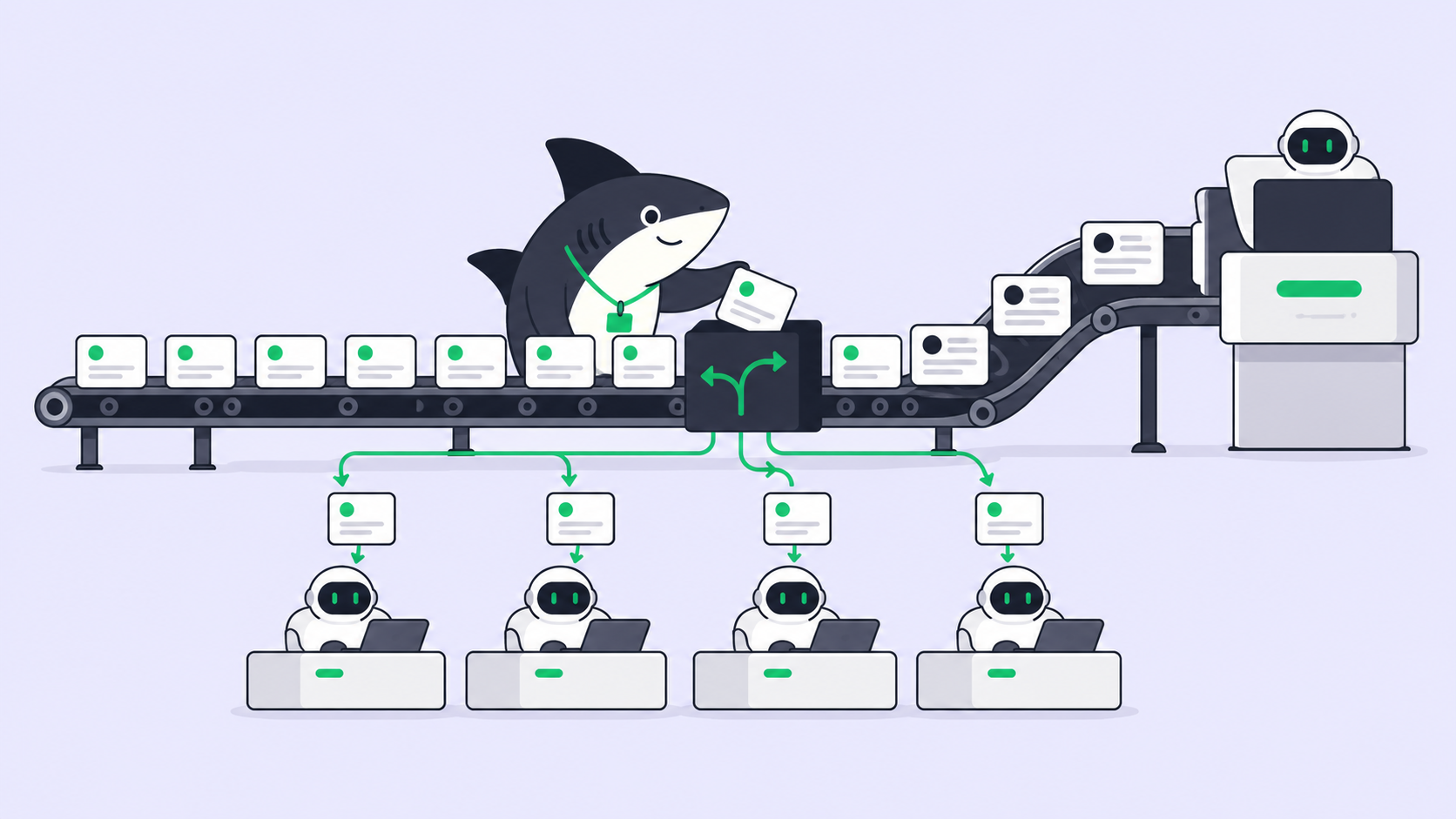
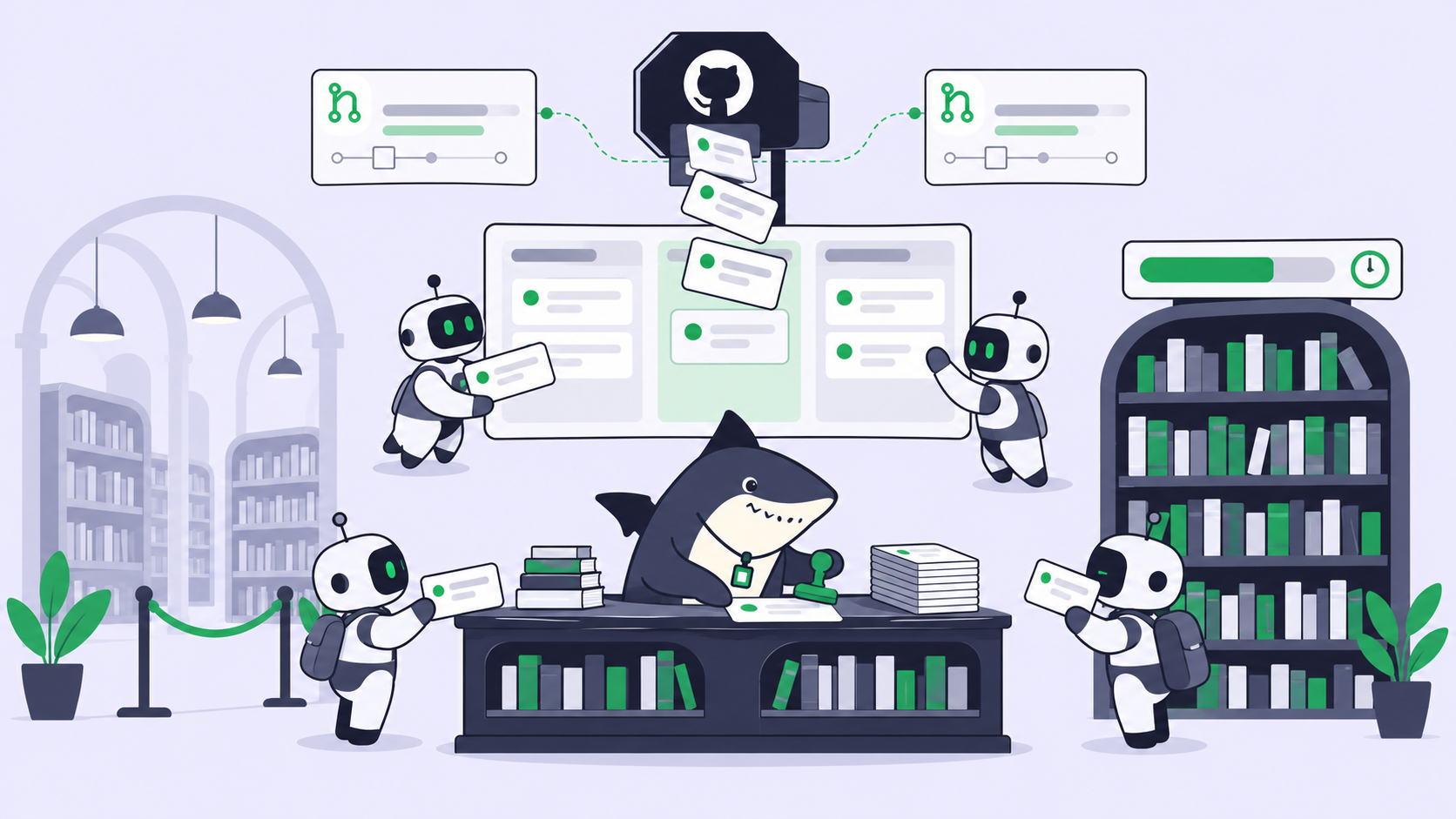
- Issues become Tasks. An Organization Owner or Admin installs the GitHub App and picks repositories. Link a repository to a Space and newly created issues sync in as Tasks. Existing issues aren’t imported. One-way sync flows from GitHub into Sharkly; a Space can also have one two-way repository.
- Pull requests link back. Put a Task ID in the branch name, PR title or PR body and Sharkly tries to link the PR to the Task. Merging a PR doesn’t change the Task’s status; closing or reopening a synced issue can.
- Assign the Task to an Agent. The Agent runs Claude Code, Codex or OpenCode on your own Computer, each Task in an isolated git worktree, and progress and results return to the Task.
One boundary matters: the GitHub App does not give the Agent clone access. Cloning still uses the Computer’s SSH key or HTTPS credentials, configured as repositories on the Agent or Space.
What about the MCP server inside a Sharkly run? Sharkly’s docs don’t mention MCP. Our inference: an Agent launches the agent CLI itself in the repository’s worktree, so a project-scoped .mcp.json committed to the repo (or the user config on that Computer) should load in the run. Smoke-test one small Task before you rely on it. Assigning a GitHub issue to an AI agent walks through the flow, and GitHub Agent HQ explained covers GitHub’s own take on agent assignment.
The board is currently free for organizations up to 5 people, Agents and Computers take no seats, and model usage stays on your own subscriptions or keys. Keep context, progress, blockers, results and human review in one place from issue to merge.
Gotchas
- One shared token, one shared rate limit. Give each agent its own fine-grained token so one busy agent can’t throttle the rest.
- Never put the token in
.mcp.jsonas plain text. Claude Code expands${VAR}in.mcp.jsonheaders, so commit the variable name and keep the value on the Computer. - Draft PRs on private repos need a paid plan. On Free, ask the agent to open normal PRs with a “WIP” title instead.
- Agent pushes burn Actions minutes. Add a
concurrencygroup withcancel-in-progress: trueto stop stale runs. - Copilot cloud agent tools fail on Free. That is the paid-license rule, not a broken token.
FAQ
Is GitHub free? Yes. GitHub Free includes unlimited public and private repositories, unlimited collaborators, 2,000 Actions minutes a month for private repositories and 500 MB of Packages storage.
Is the GitHub MCP server free? Yes. GitHub says it is available to all users regardless of plan. Tools tied to paid features, such as the Copilot cloud agent, need that subscription.
What does the GitHub free plan not include for agents? Unlimited Actions on private repositories, draft pull requests and code owners on private repositories, and the Copilot cloud agent.
Can I run a coding agent on GitHub for $0? Yes, with OpenCode on a free model plus GitHub Free and the hosted MCP server. The free models are time-limited promotions, so expect to switch eventually. For cost routes across models, see what it costs to run an agent crew on free and cheap tiers, and for keeping several agents’ work in order, project management for Claude Code.