TL;DR: Cursor Projects multiplayer lets several people work inside one Cursor Project, each with their own coordinator agent and worker agents. Teammates share a task board, a context layer of docs and decisions, and coordinators that talk to each other to avoid overlapping work.
Cursor Projects multiplayer turns a single-person agent fleet into a shared team workspace. Cursor shipped Projects on September 10, 2026, as a way for one engineer to direct many agents through one coordinator. Two months later, Cursor made Projects multiplayer: you invite teammates, and everyone plans, builds and ships alongside all of the Project’s agents.
This guide explains what changed, how the pieces fit, and where a team-wide board such as Sharkly fits when your work runs across more than one coding tool.
What is Cursor Projects multiplayer?
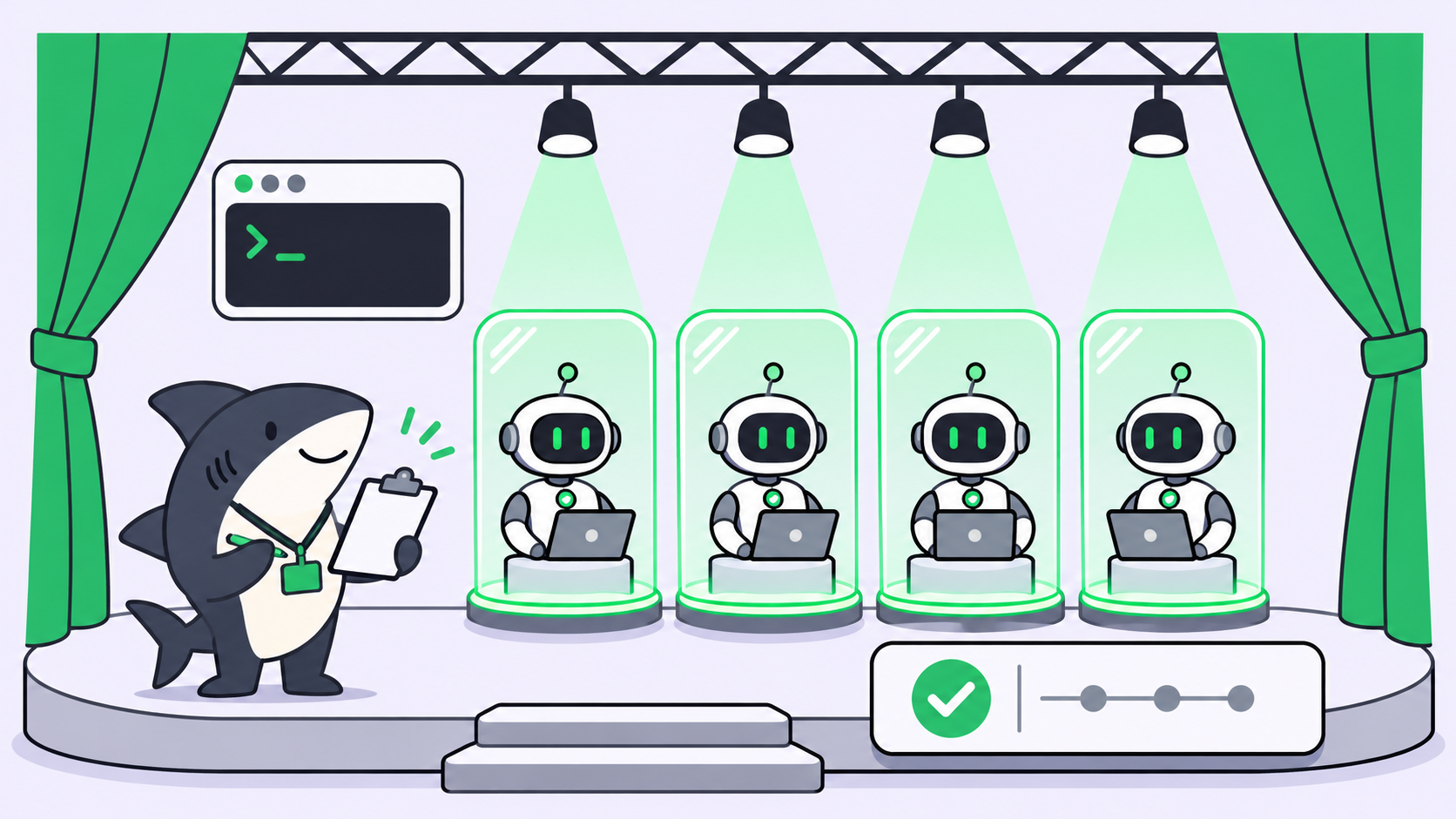
Cursor Projects multiplayer is a beta mode of Cursor Projects in which several teammates share one Project. Each person keeps a private chat with their own coordinator and worker agents. The team shares a task board, a context layer, and agent-to-agent coordination between teammates’ coordinators. Cursor calls it “a multi-agent system built for a whole team.”
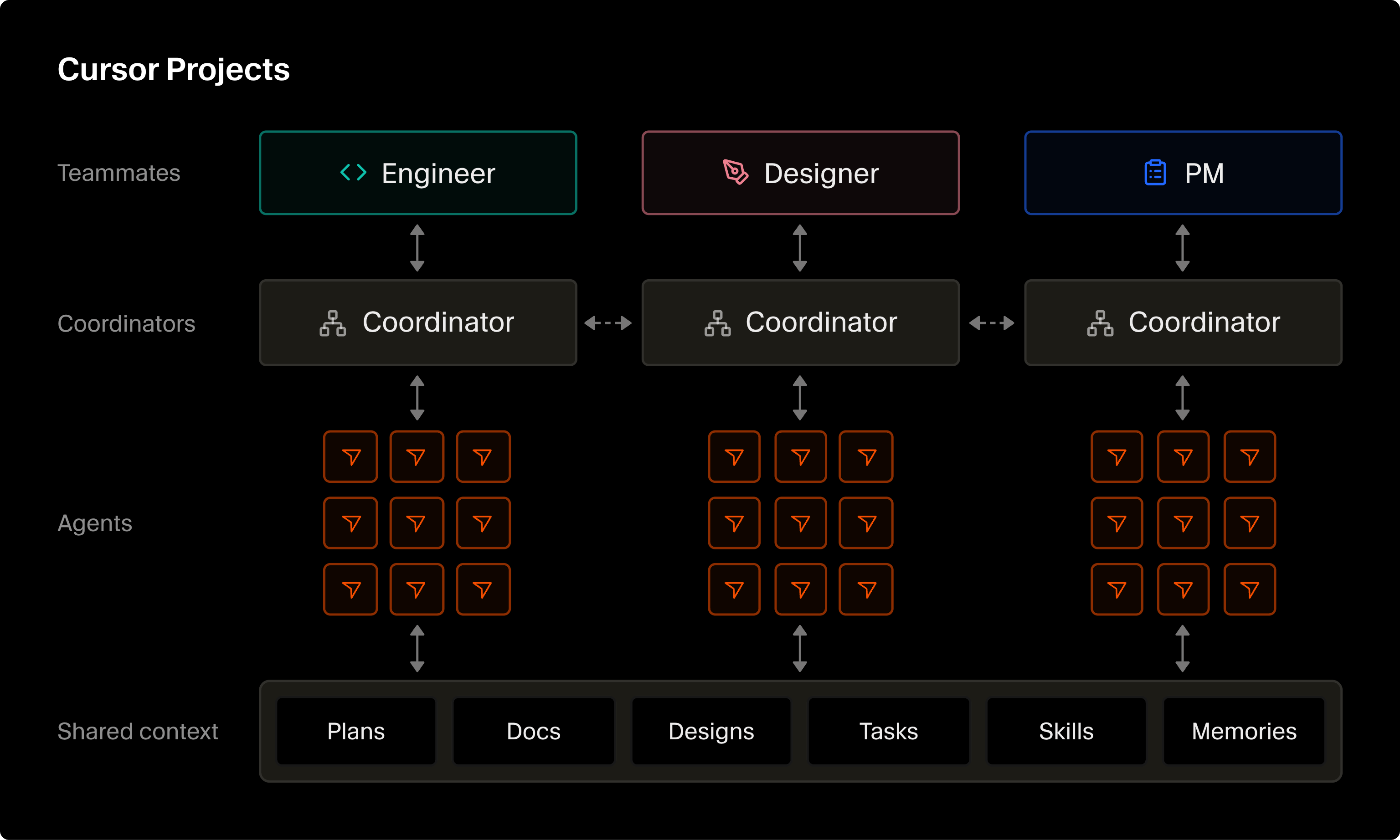
The short version of what it adds:
- Invite teammates into an existing or new Project.
- Each teammate gets a one-to-one chat with their own coordinator.
- A shared task board shows who is doing what and the PR behind each task.
- A shared context layer holds specs, diagrams, mockups, skills and memories.
- Coordinators from different teammates talk to each other about overlap.
- A new teammate starts with that context already in place.
How Cursor Projects worked before multiplayer
The September release was single-player. You chatted with a coordinator agent, and the coordinator delegated work to subagents instead of writing code itself. Because it delegates, Cursor says the coordinator “is never blocked and is always responsive to direction.”
Three capabilities carried that design, per the launch post:
- Cloud by default. A Project runs on its own computer, so closing your laptop does not stop it. The coordinator can start a local agent when something needs testing on your own computer.
- Shared context. Files sync across every cloud and local environment the Project’s agents use. What one agent learns, such as how to test a service, every later agent can read.
- Subscriptions. The coordinator can watch a Slack channel, run on a schedule, or follow your PRs and fix CI.
Cursor reported that users who mostly work in Projects merge six times as many PRs. That is Cursor’s own internal number, not an independent benchmark. If you want background on Cursor’s earlier async agents, read our explainer on Cursor background agents.
The shared task board in multiplayer Projects
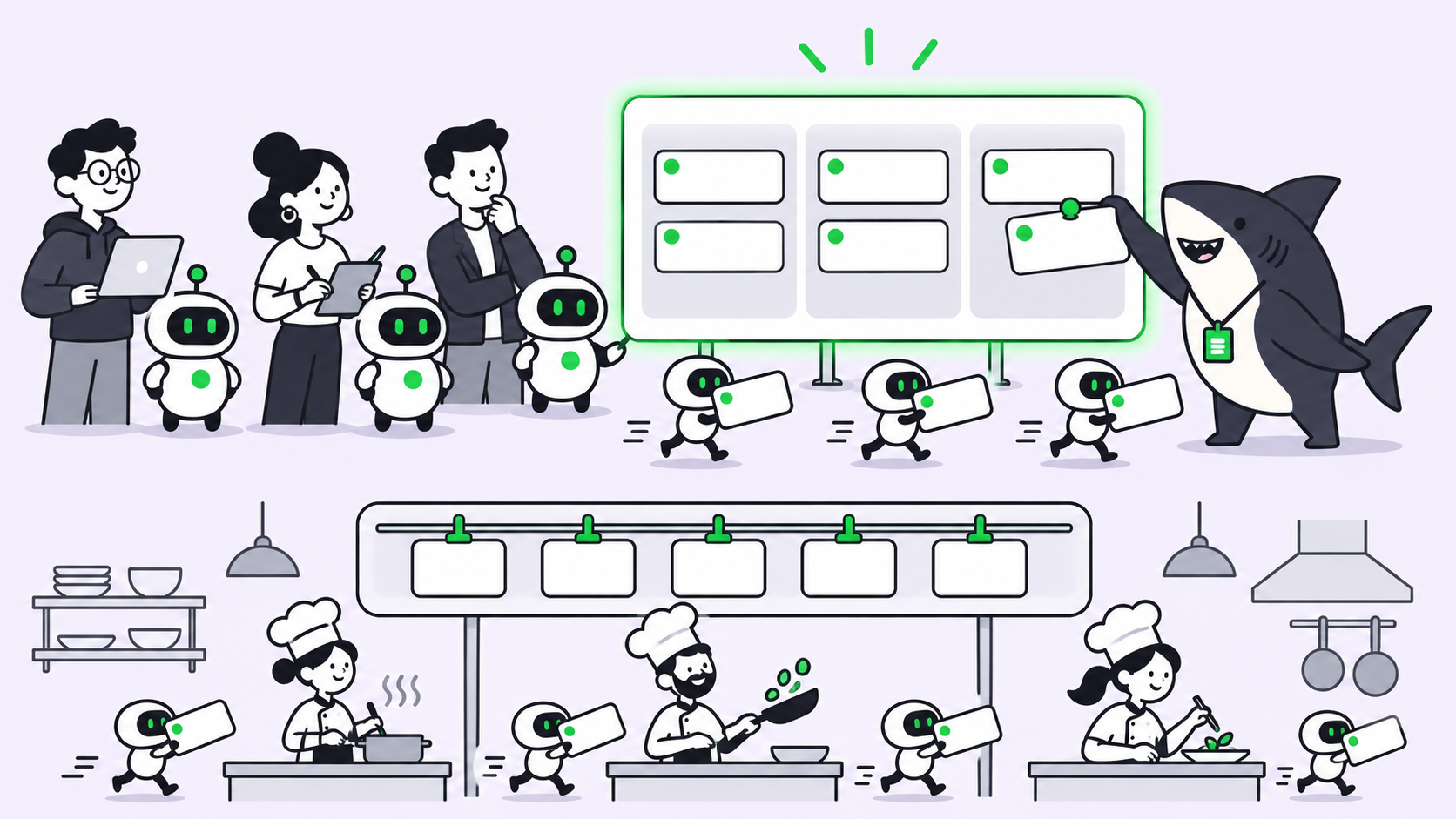
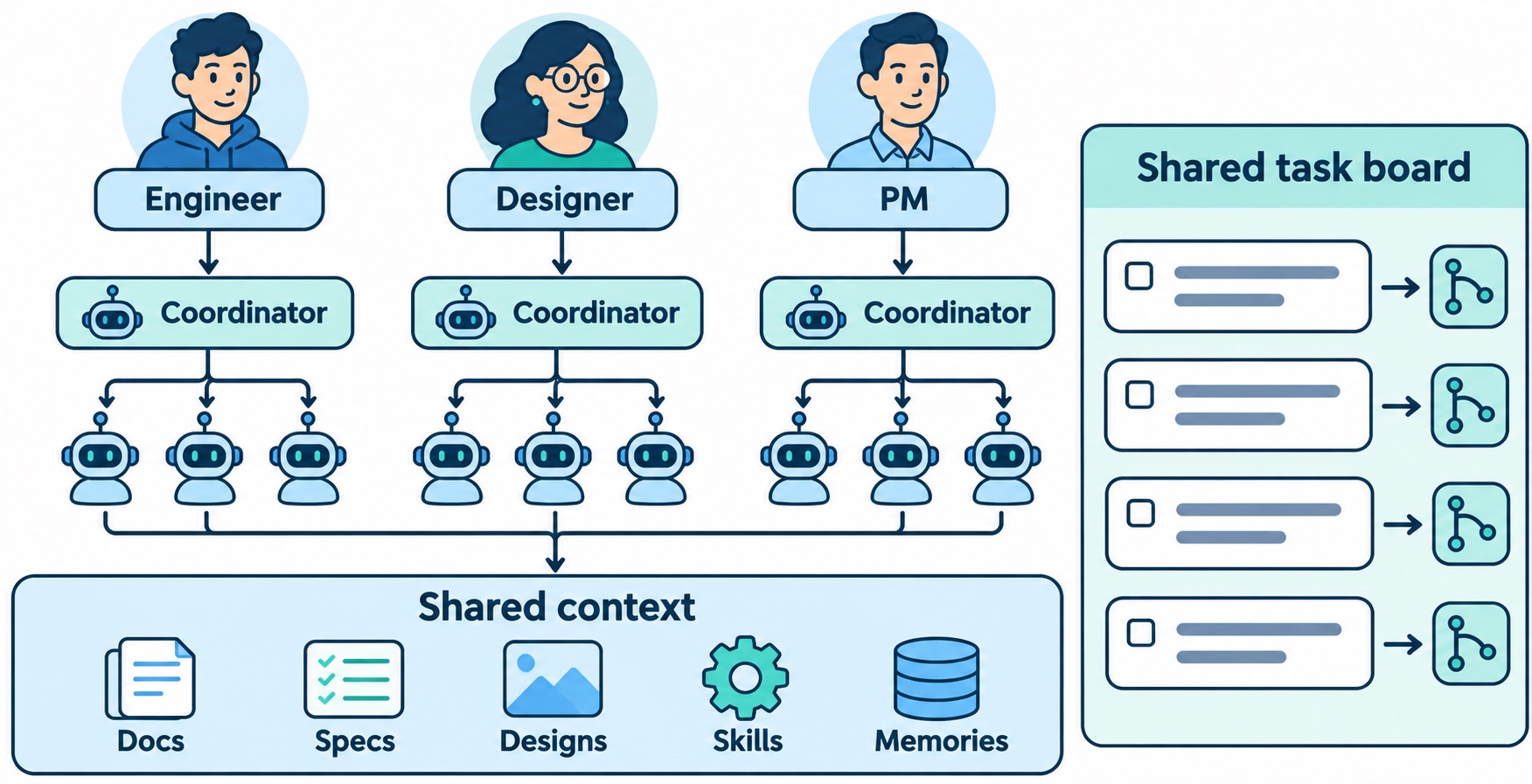
The first visible change is a board. In Cursor’s words, a shared task board “shows who’s doing what, what everyone’s agents are working on, and the PR behind each task.” Humans and agents read the same view.
This solves a problem anyone running several agents has met. Agent sessions are private by default. Your teammate cannot see that your agent is halfway through the same refactor. A shared board turns hidden sessions into visible work items, each tied to a PR you can review.
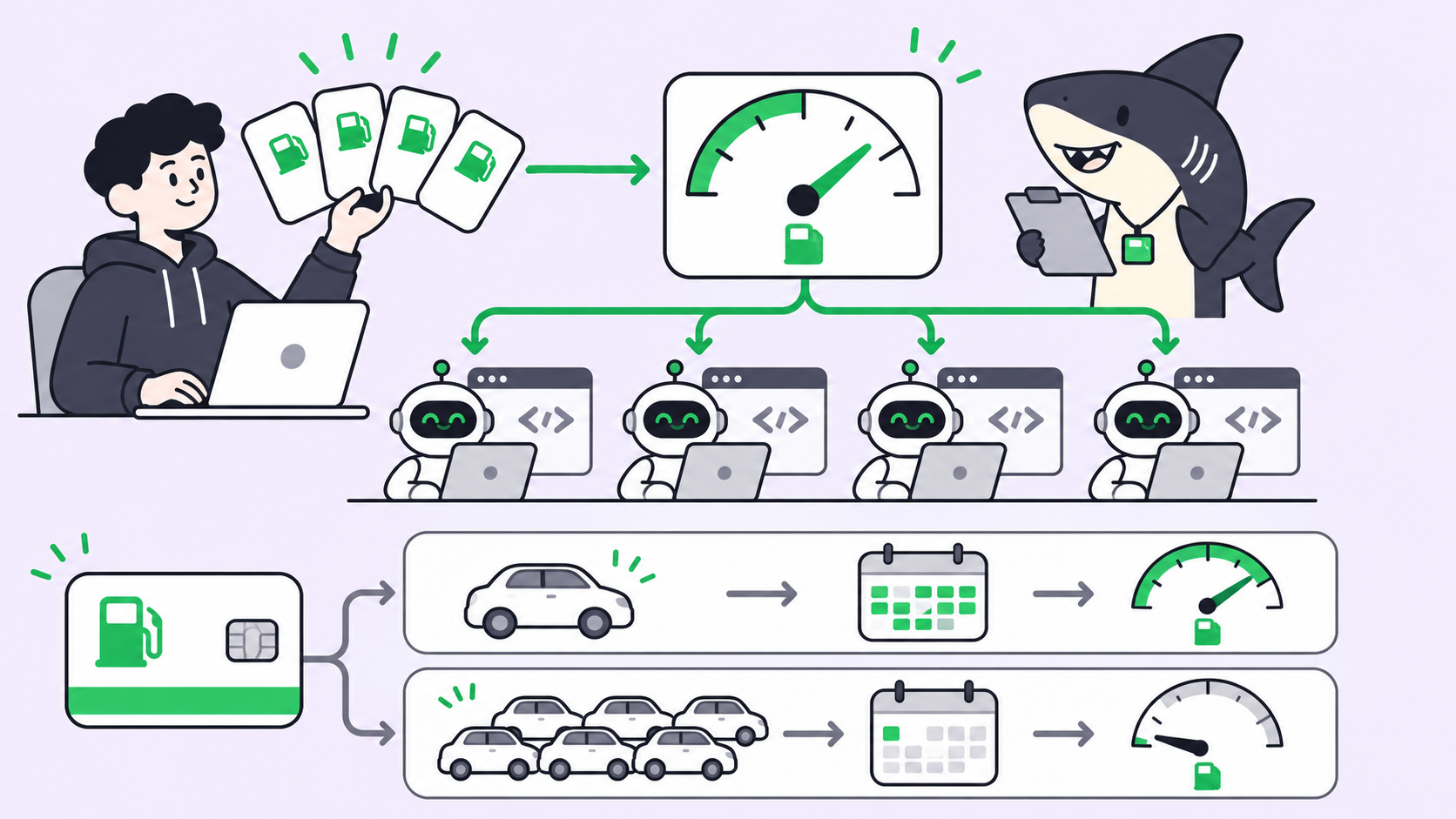
Shared context: how teams share agent memory
Before multiplayer, context lived per person. Cursor’s post names the cost directly: new teammates “have to build and maintain context before putting agents to work.”
Multiplayer keeps two layers:
| Layer | Who sees it | What it holds |
|---|---|---|
| Local context | One teammate’s chat | That person’s coordinator and worker agent context |
| Shared context | Every agent in the Project | Requirements docs, diagrams, tech specs, mockups, skills, memories |
The shared layer is built once and grows with the work. A decision made in one chat is available to every agent in the Project. When you invite someone new, their agents start from that context instead of an empty prompt.
What does shared context look like in practice?
Cursor’s clearest example is on-call. Several Cursor teams run their on-call rotations in a shared Project. When one engineer took over the rotation, their coordinator already knew the in-flight work, unattended issues, incidents and notes to hand off, and which channels, Linear boards and threads to watch. In-progress work can move directly: the new person’s agent takes it on.
That is a handoff with the history attached. For the general patterns behind it, see our guide to agent-to-agent and agent-to-human handoffs.
Agent-to-agent communication across teammates
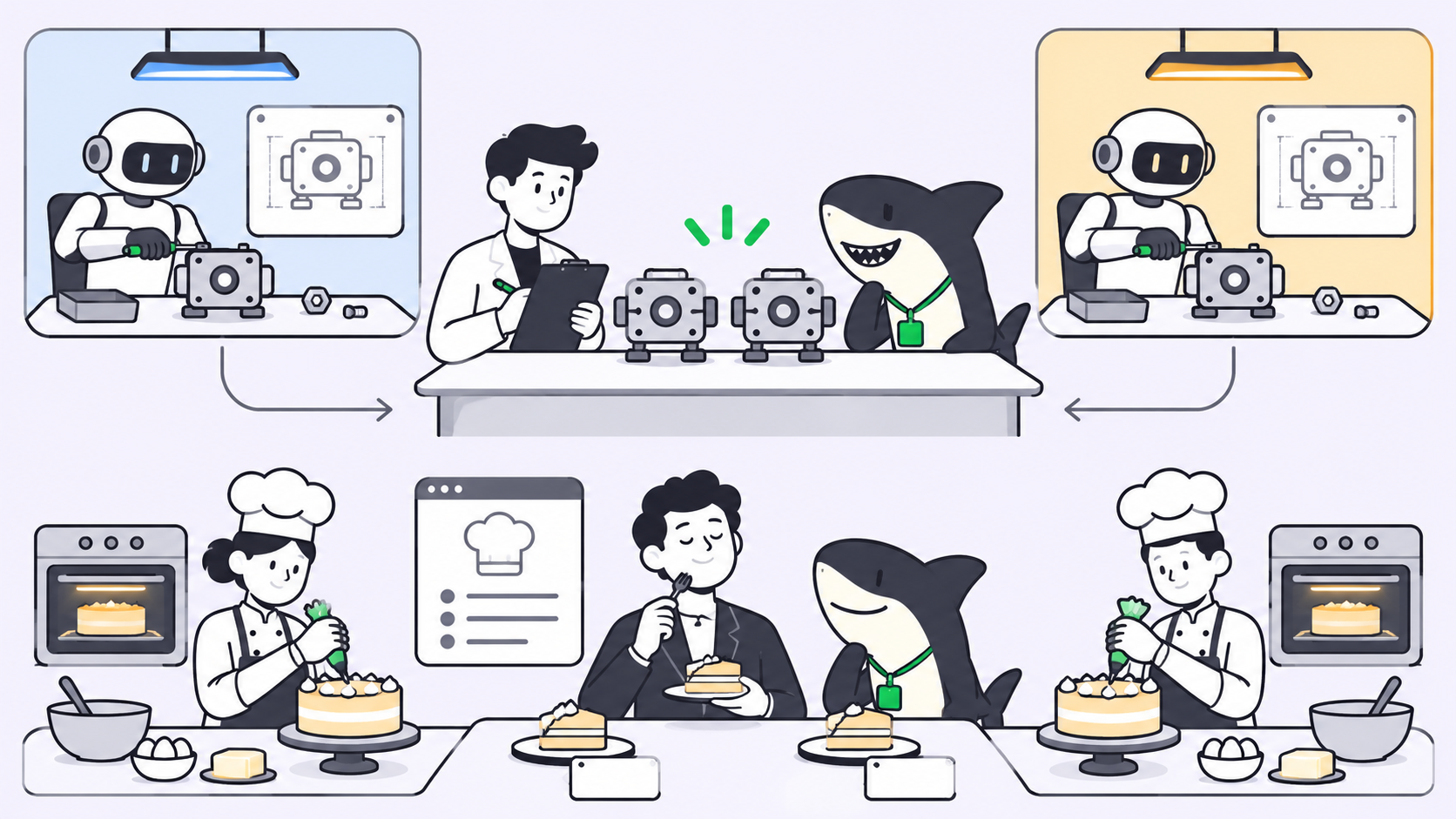
The third change is the most unusual one. Coordinators belonging to different people talk to each other and plan around each other’s work.
Cursor gives two examples:
- Reviews vs redesign. An engineer adds reviews to a product page while a designer redesigns that page. Their coordinators spot the overlap and sync, so the reviews land inside the new design with no later refactor.
- Schema change vs reader. Your feature reads from a database while a teammate changes the schema. The agents agree on the order of work up front, so neither of you hits a merge conflict at the end.
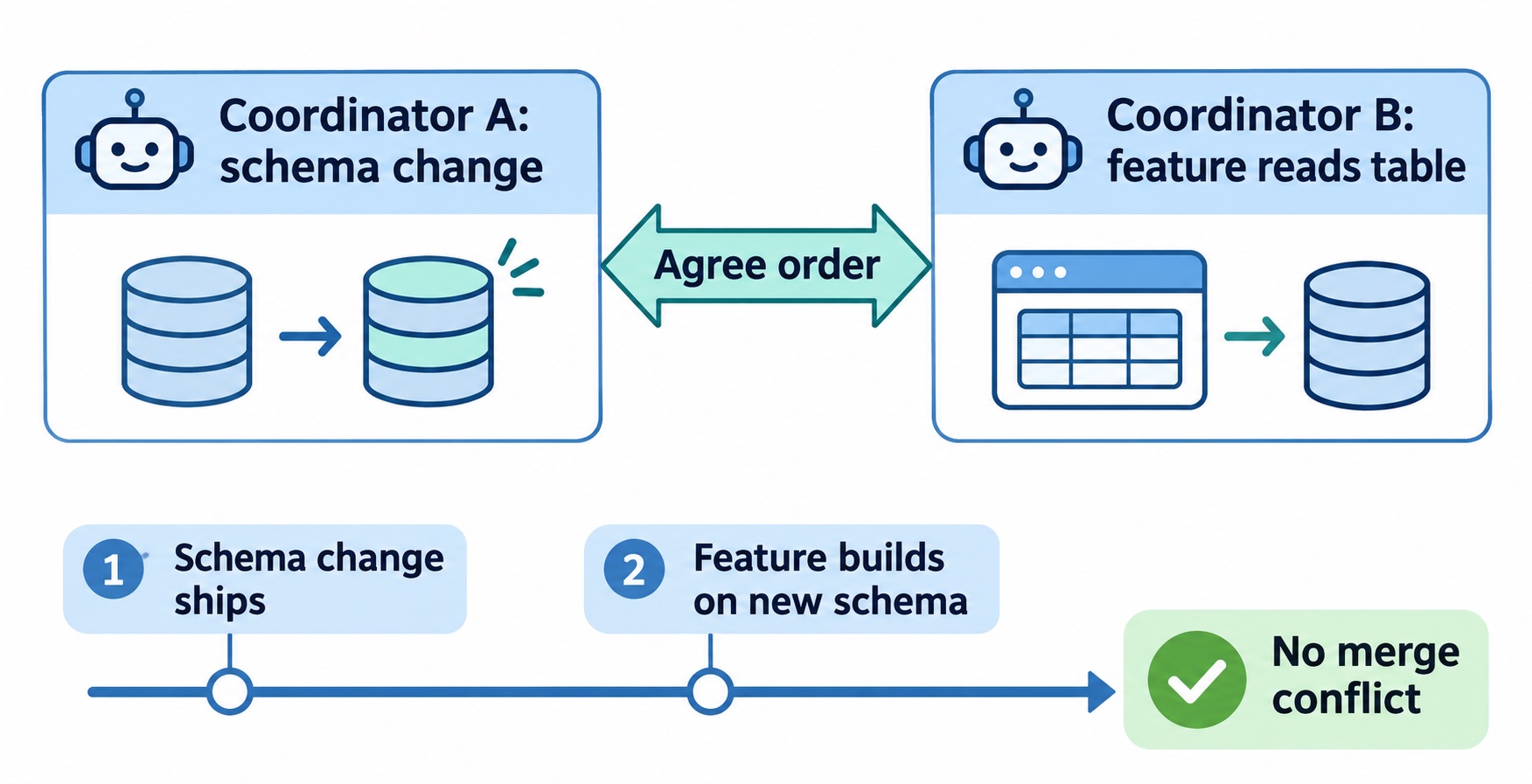
Overlap detection is the hard part of running agents in parallel. Two humans would mention it at standup. Two agents in separate sessions never meet. Moving that conversation to the coordinators puts it before the code exists, not after the PRs collide. Our post on monitoring coding agents running in parallel covers the visibility side of the same problem.
How to start a multiplayer Project in Cursor
Cursor’s setup is two steps:
- Create a Project from the left-hand nav in Cursor.
- Invite your teammates to join it.
Multiplayer is rolling out in beta to all Cursor users from November 10, 2026. The announcement does not list pricing, seat rules, or per-Project limits. Check Cursor’s pricing and docs pages for those before you plan a team rollout. [VERIFY] Confirm current plan requirements for multiplayer Projects on Cursor’s own pages before publishing.
When should a team use a multiplayer Project?
Use a multiplayer Project when the work outlives one chat and several people touch the same codebase: a feature split across engineering and design, a migration of hundreds of PRs, or a shared on-call rotation. Keep a single-player Project when one engineer owns the whole body of work and nobody else needs to see the agents’ progress.
Where Sharkly fits for teams beyond the editor
Cursor’s version is built for software teams working inside Cursor. Sharkly is the same idea, people and agents on one board, applied to a whole team’s work and not only the code in one editor.
In Sharkly, People, Agents and Crews can all be assignees on a Task. A Crew combines a leader Agent with other Agents and People, so a larger Task goes to a reusable team instead of one executor. Agents run through the tools your team already uses, such as Claude Code or Codex, on Computers you connect. Sharkly does not replace those tools; it adds the shared task, context, review and progress layer around them. That matters when your designers, PMs or support people run agents too, or when half your engineers live in one coding agent and half in another.
If your whole team already works in Cursor, multiplayer Projects may cover what you need. If your work spans several agents and roles, read what AI agent orchestration means or compare options in Cursor background agent alternatives for multi-agent teams. The setup steps are in the Sharkly docs, and you can start with your team on Sharkly. Free to start.
Conclusion
Cursor Projects multiplayer adds three things to Projects: a shared board, a shared context layer, and coordinators that negotiate with each other. Together they move multi-agent work from one person’s private sessions into a space the whole team reads. The beta is live for all Cursor users now.
Your next step: pick one body of work your team splits today, such as a migration or an on-call rotation, and run it in a shared space for a week. Watch where agents overlap and where context gets lost. If that work crosses tools and roles, put it on a Sharkly board and assign the pieces to People and Agents side by side.
FAQ
What is Cursor Projects multiplayer?
It is a beta upgrade to Cursor Projects that lets several teammates share one Project. Each person keeps their own coordinator and worker agents, while the team shares a task board, a context layer, and coordinator-to-coordinator communication.
When did Cursor Projects become multiplayer?
Cursor announced it on November 10, 2026. Projects itself launched on September 10, 2026, as a single-player tool.
Do teammates share one coordinator agent?
No. Each teammate has a one-to-one chat with their own coordinator and worker agents. What they share is the task board, the context layer, and communication between coordinators.
What goes in a Project’s shared context?
Requirements docs, diagrams, tech specs, mockups, skills and memories. Decisions made in one chat become available to every agent in the Project.
How do agents avoid conflicting work in a multiplayer Project?
Coordinators of different teammates talk to each other. They spot overlapping work, such as a schema change and a feature that reads the same table, and agree on the order before code is written.
How do I start a multiplayer Project?
Create a Project from the left-hand nav in Cursor, then invite your teammates. It is rolling out in beta to all Cursor users.
Does Cursor Projects work with agents outside Cursor?
The announcement describes Cursor’s own coordinator and worker agents only. For a board that assigns work to agents from several tools, see Sharkly.