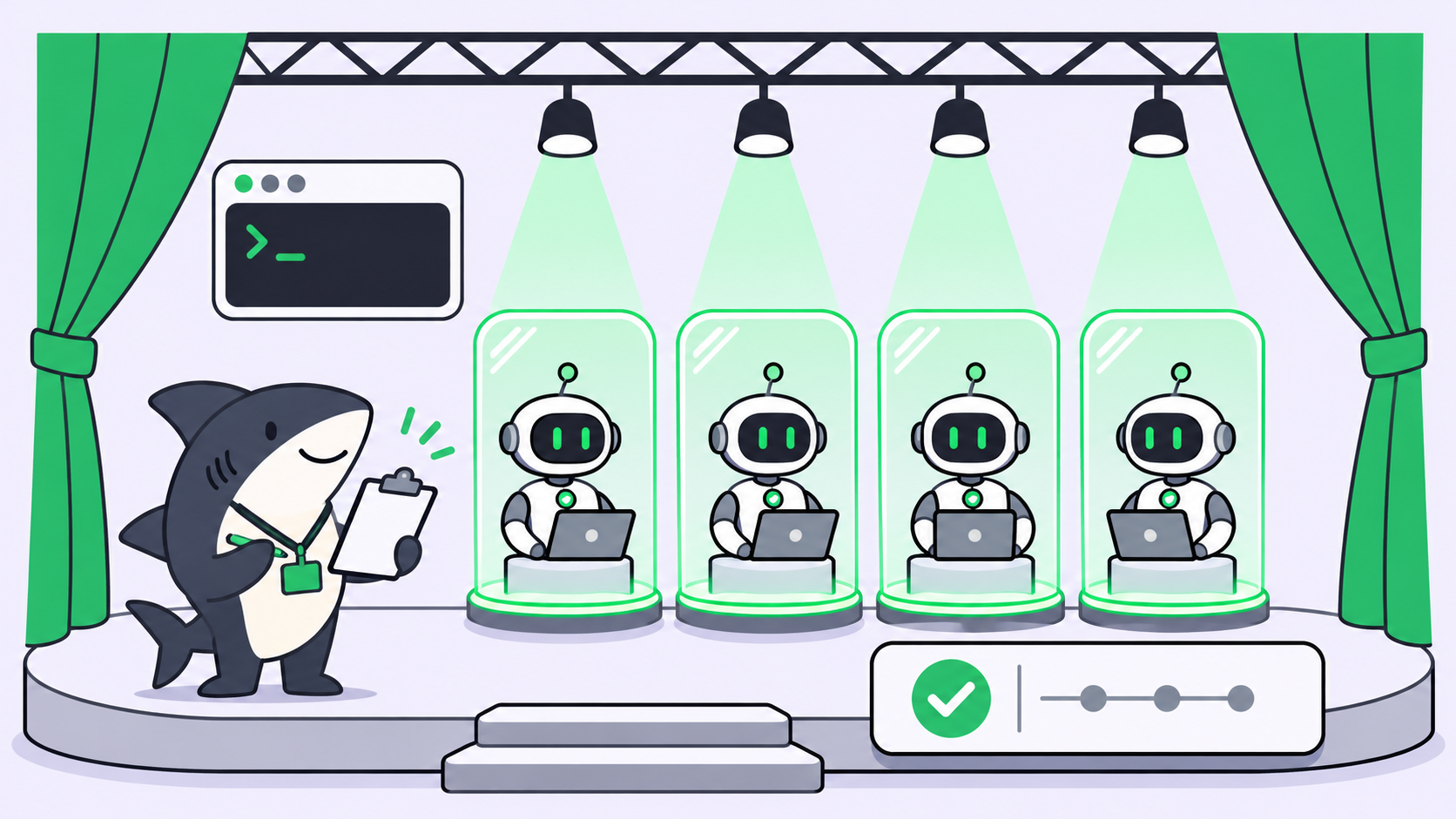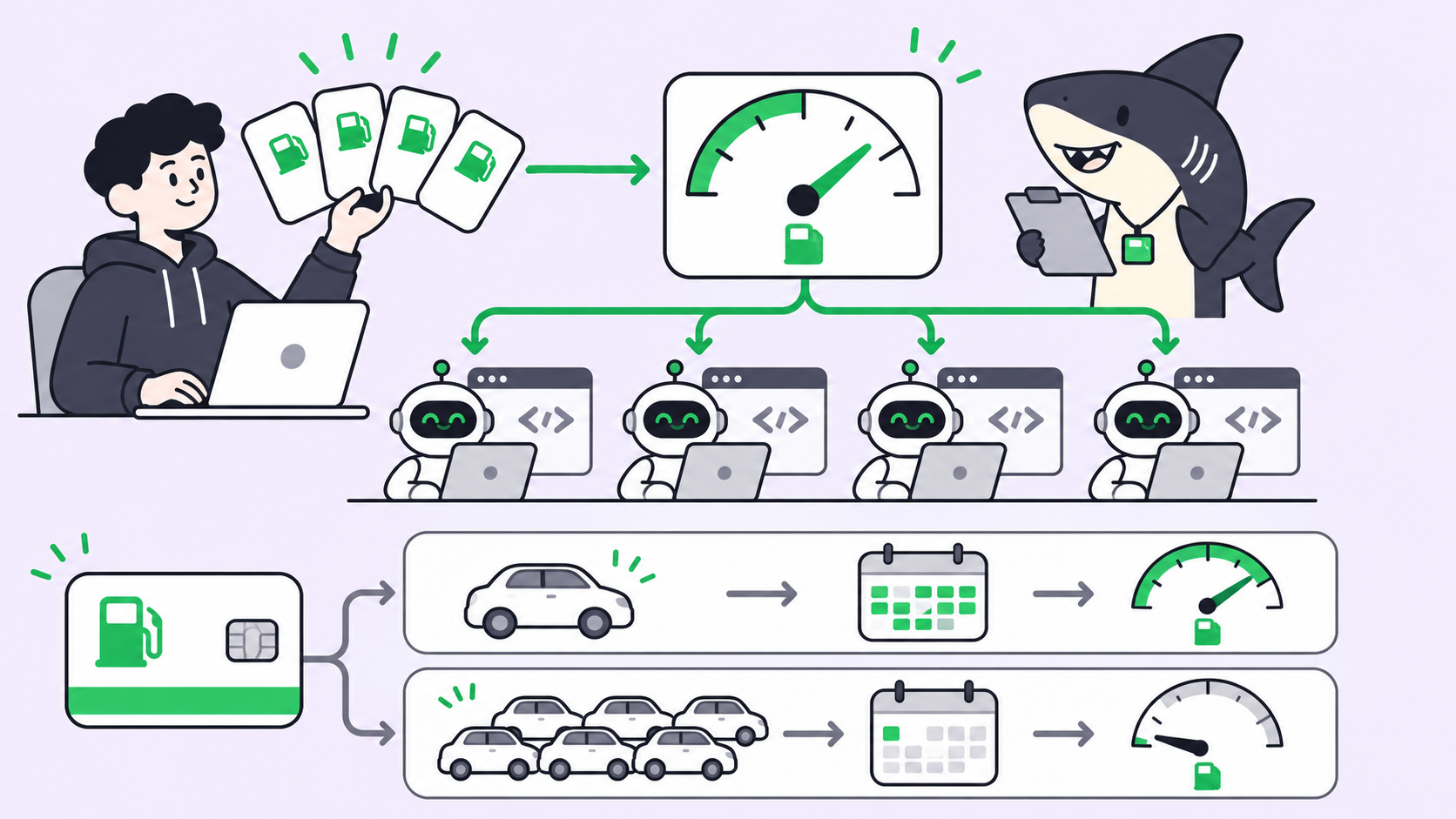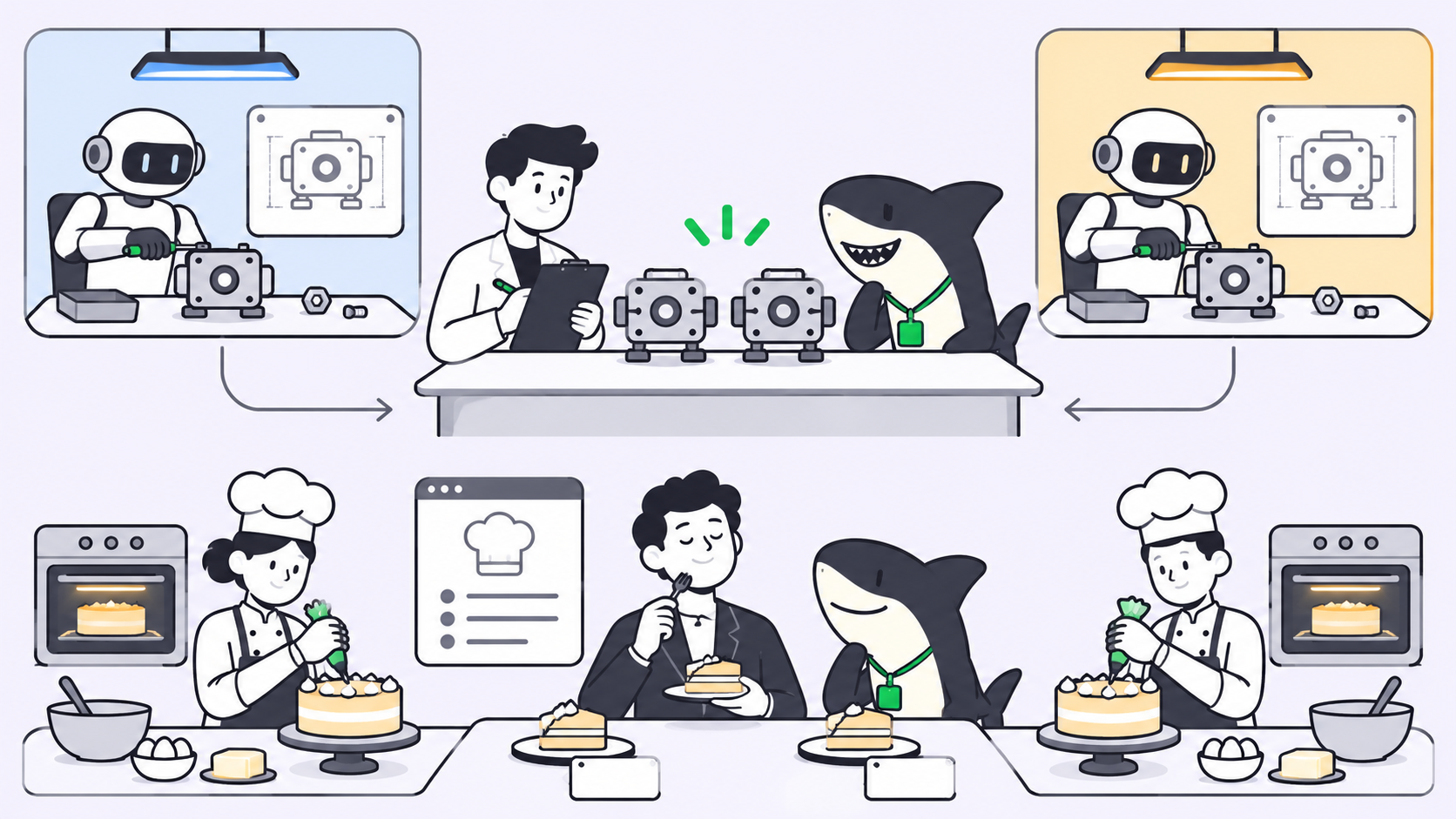
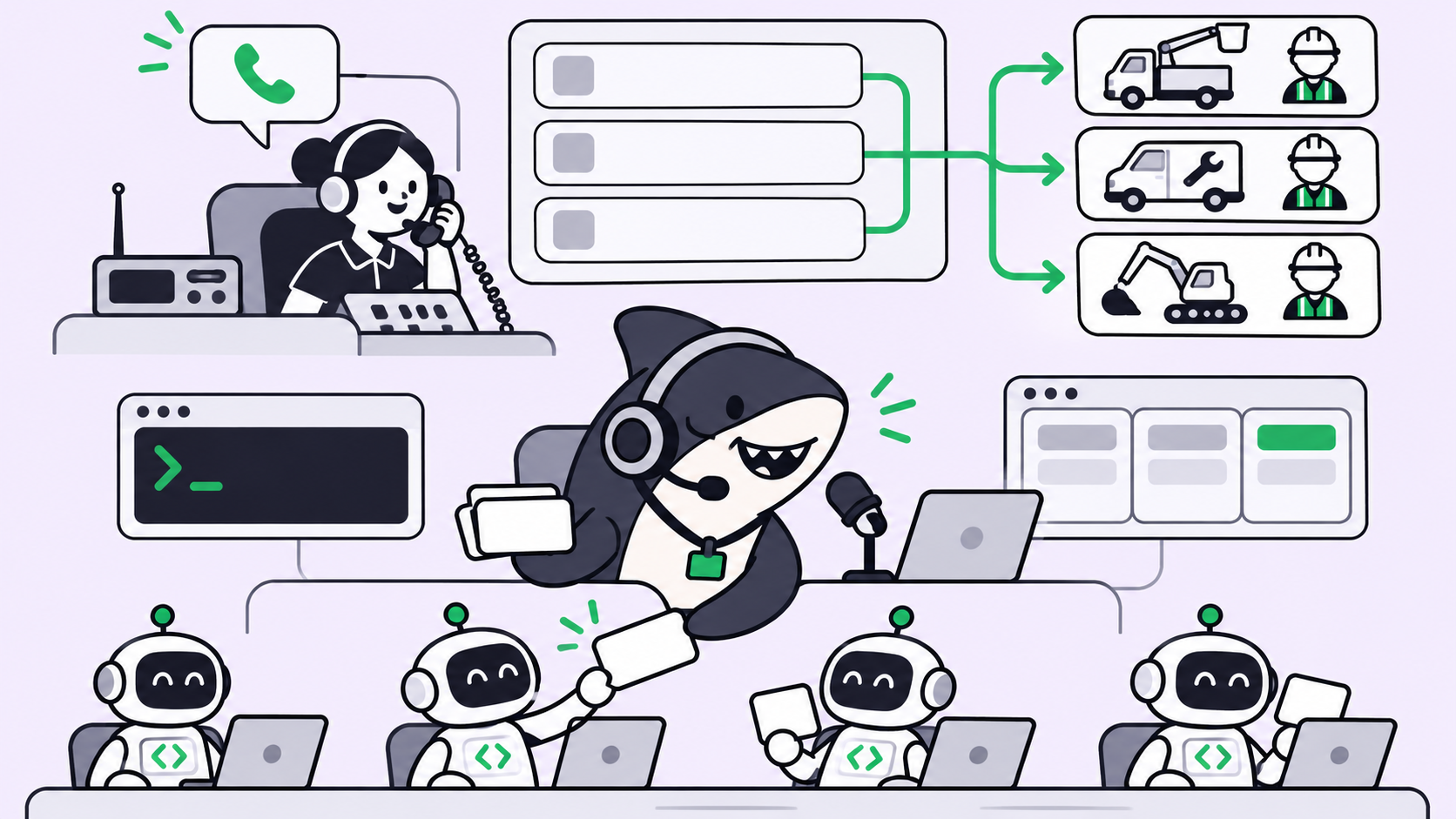
TL;DR: To give your AI agent a voice, put OpenAI’s GPT-Live-1.1 in front of it as a voice front end and keep the real work on the agents you already run. GPT-Live listens while it speaks and hands reasoning and tool calls to a backend through delegation. In client delegation mode, your app catches each handoff, starts a Sharkly Automation through its webhook, and speaks the result back.
What is GPT-Live-1.1?
GPT-Live-1.1 is OpenAI’s full-duplex voice model for multilingual conversations: it can listen while it speaks, so people can interrupt it the way they interrupt a colleague. It runs on the v1/live/sessions endpoint, supports function calling and streaming, and can delegate reasoning and tool use to a backend agent instead of doing that work itself.
OpenAI’s GPT-Live-1.1 model page says it transcribes speech more accurately than GPT-Live-1 and holds a more consistent accent and voice across languages. Input and output are audio and text. It doesn’t accept images directly.
The part that matters for agent teams is delegation. The voice model is built to talk, not to run a 20-minute refactor. It hands that work to something else and keeps the conversation going while it waits.
If your team already assigns work to coding agents on a shared board, Sharkly can be that “something else.” The rest of this guide shows the wiring.
Why a voice agent needs a backend team
A voice interface has a hard latency budget. People expect a reply within a second or so, and silence longer than that feels broken. Real agent work doesn’t fit in that window: reading a repository, running tests, or triaging a queue takes minutes.
So a voice agent that tries to do everything itself fails in one of two ways. It either answers fast and shallow, or it goes quiet while it thinks. Neither is useful when you’re walking to a meeting and want to know whether last night’s agent runs passed.
The fix is a split you may already use for text: a fast front end that handles the conversation and a slower backend that does the work. GPT-Live builds that split into the API. If you’ve read our post on agent-to-agent and agent-to-human handoffs, this is the same pattern with a microphone attached.
How GPT-Live delegation works
GPT-Live has two delegation modes, chosen when you create the session. To switch modes, you start a new session.
| Responses delegation | Client delegation | |
|---|---|---|
| Who runs the backend | OpenAI, through the Responses API | Your application |
| Config | delegation.type: "responses" plus model, instructions, tools |
delegation.type: "client" |
| Backend model | One you configure, for example gpt-6-luna |
Anything you can call |
| How results return | Handled for you | session.commentary.append or session.thinking.append |
| Fits | Lookups and tool calls OpenAI can run | Work that lives in your own systems |
Responses delegation is the short path. You name a backend model, and OpenAI runs it with the tools you list. The delegation guide suggests starting with gpt-6-luna and trying gpt-6-sol for more complex backend tasks.
Client delegation is the path for agents you already run. When the voice model decides it needs help, your app receives a session.delegation.created event with a delegation ID. That event doesn’t carry the user’s words, so your app rebuilds the request from the transcript events and its own state. When the work is done, you send the result back with the same delegation ID and GPT-Live paraphrases it aloud.
The pattern: GPT-Live talks, your agent team works
Here’s the shape of a voice front end on top of Sharkly. Sharkly sits above your coding agents (Claude Code, Codex, Gemini CLI and others) as the layer where work is assigned, run on connected Computers, and reviewed. The voice model never touches a repository. It asks for work, and the board records it.
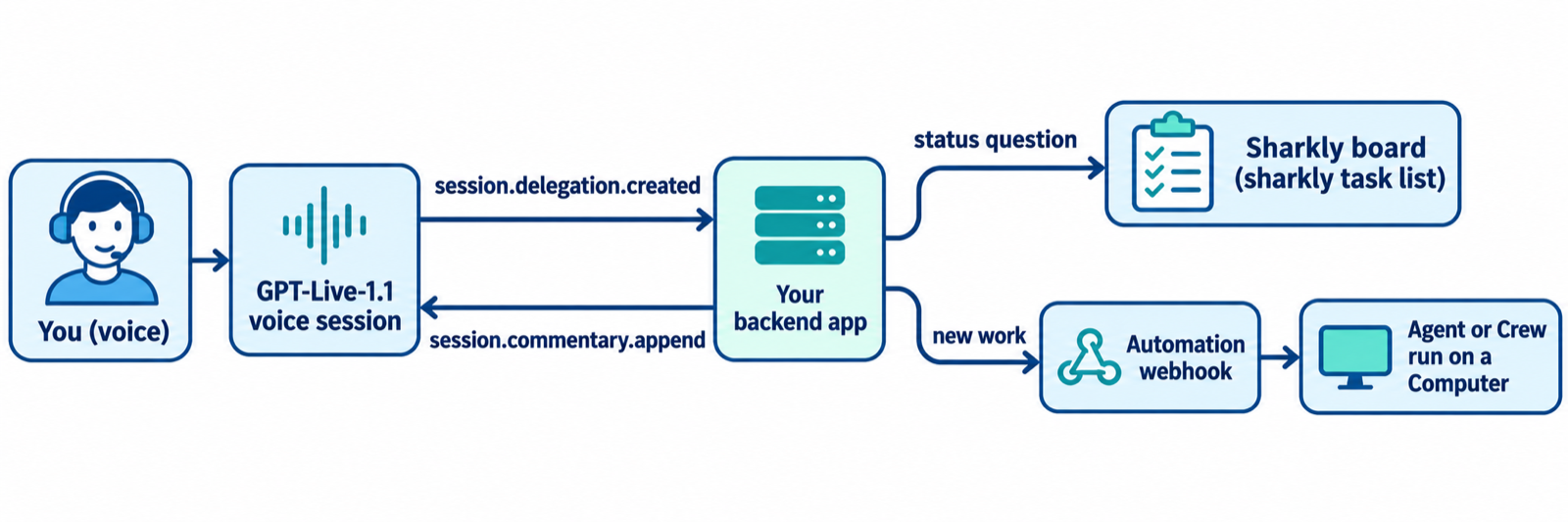
Three request types cover most of what people ask a voice agent about their agent team:
- Status questions (“Did the nightly test run pass?”). Your backend reads the board with the
sharklyCLI and answers in seconds. - New work (“Have an agent look at the flaky login test”). Your backend calls a Sharkly Automation webhook, and an Agent or Crew starts a run.
- Decisions (“Merge it”). Your backend refuses and tells the person where to review. Voice is a poor place to approve changes.
That third rule is a design choice, not a limitation of either product. A spoken “yes” is easy to mishear and hard to audit. Keep approvals where the evidence is, which our guide to human-in-the-loop coding agents covers in depth.
Give your AI agent a voice: step-by-step setup
Step 1: Create the Automation and its webhook trigger
In Sharkly, an Automation is a Space-owned definition for repeatable Agent or Crew work: instructions, an assignee, triggers, and run history. A webhook trigger creates a secret URL that accepts a POST request from an external service. The Automations docs note that the full URL is shown once, when the trigger is created or regenerated, so store it as a secret right away.
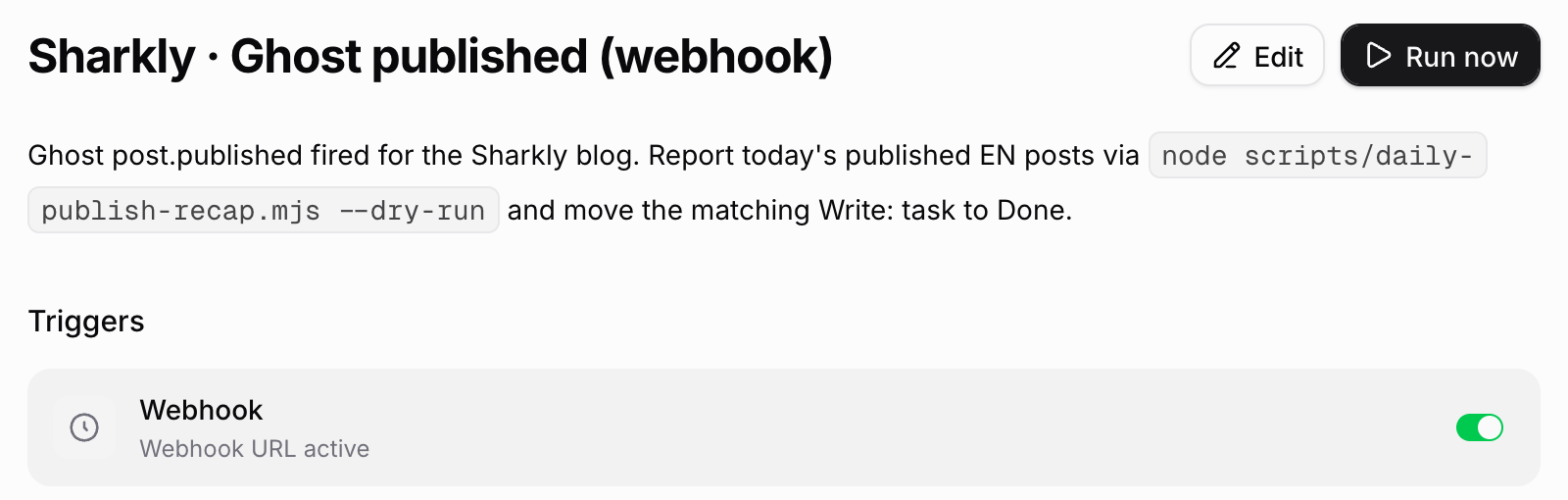
Write the instructions so the Agent reads the request from the trigger payload and records its result as a task comment. State what it may change and when a person must decide. Then use Run now to test the Agent and its Computer before you connect any voice traffic. Our walkthrough of Automations in Sharkly shows more trigger types.
Step 2: Create a GPT-Live session in client mode
Your session config names the voice model and turns on client delegation. The acknowledgement_delay_ms setting gives your app time to send its own update before GPT-Live speaks a generic acknowledgment.
export const session = {
  model: "gpt-live-1.1",
  instructions:
    "You are the voice front end for an engineering team's agent board. " +
    "Delegate status questions and new work requests. Never approve, merge, or deploy.",
  delegation: {
    type: "client",
    acknowledgement_delay_ms: 800,
  },
};
OpenAI recommends WebRTC for audio in browser, mobile and server apps, with WebSockets as a supported alternative. The GPT-Live getting started guide covers the connection setup.
Step 3: Route each delegation to Sharkly
When session.delegation.created arrives, save the delegation ID, rebuild the request from the transcript, and decide which path it takes. This Node sketch sends new work to the Automation webhook and answers status questions from the board.
import { execFile } from "node:child_process";
import { promisify } from "node:util";
const run = promisify(execFile);

const WEBHOOK_URL = process.env.SHARKLY_AUTOMATION_WEBHOOK_URL!; // stored secret

async function handleDelegation(connection, delegationId: string, request: string) {
  // Quiet note so the voice model knows work started; not spoken on append.
  connection.send({
    type: "session.thinking.append",
    event_id: `start_${delegationId}`,
    delegation_id: delegationId,
    content: "Request received. Checking the agent board.",
  });

  if (isStatusQuestion(request)) {
    const { stdout } = await run("sharkly", ["task", "list", "--status", "In Progress", "--output", "json"]);
    const tasks = JSON.parse(stdout);
    return speak(connection, delegationId, `${tasks.length} tasks are in progress right now.`);
  }

  const res = await fetch(WEBHOOK_URL, {
    method: "POST",
    headers: { "Content-Type": "application/json" },
    body: JSON.stringify({ source: "voice", request }),
  });
  if (!res.ok) {
    return speak(connection, delegationId, "I couldn't start that run. Nothing was assigned.");
  }
  return speak(connection, delegationId, "An agent run has started. The result will land on the board.");
}

function speak(connection, delegationId: string, content: string) {
  connection.send({
    type: "session.commentary.append",
    event_id: `result_${delegationId}`,
    delegation_id: delegationId,
    content, // 500-token limit per append
  });
}
Notice what the voice reply promises. It says a run started, not that the work is done. OpenAI’s guide makes the same point about bookings: only send the result after the action has succeeded.
Step 4: Read results on the board, not by ear
Agent runs take minutes, and a voice session may end before the work does. So the board is the record. The Agent posts its result on the task, the run history shows the trigger payload and output, and a person reviews it there. Next time you ask “what happened with the flaky test?”, the status path reads that result back to you.
Cost and limits to plan for
| Item | GPT-Live-1.1 (OpenAI docs, 2026-11-20) |
|---|---|
| Endpoint | v1/live/sessions |
| Active session | $0.05 per minute |
| Standby | $0.02 per minute (WebRTC sessions while inference is paused) |
| Billing | By duration; OpenAI’s pricing page says GPT-Live bills per second |
| Concurrent sessions | Separate limits from GPT-Live-1; see your organization’s limits page |
| Backend calls | Billed at the configured model’s normal rates |
A 10-minute standup check-in costs $0.50 in voice time at the active rate, before any backend calls. For reference, the GPT-Live-1 model page lists 50, 300 and 500 concurrent sessions on the Build, Launch and Grow tiers, and no access on the Free tier. GPT-Live-1.1 has its own limits.
Agent runs on the Sharkly side bill against the Claude Code, Codex, or API plan already attached to each Runtime. Sharkly doesn’t sell tokens. If you route status questions to a cheap backend model, our notes on running GPT-6 Luna agents in Sharkly apply directly.
Guardrails worth adding on day one
- Interruptions don’t cancel work. OpenAI’s guide says interrupting the spoken conversation does not stop backend work. If someone says “never mind,” your backend has to handle that, or the run continues.
- Treat the webhook URL as a password. Sharkly’s docs describe it as a bearer secret by default. Add a signing secret and regenerate the URL if it leaks.
- Scope the Automation. Start with work that is observable and reversible, as the Sharkly docs advise, and review several runs before you widen it.
- Keep Crew delegation inside Sharkly. If one request needs several agents, point the webhook at a Sharkly Crew and let its leader split the work.
When a voice front end is the wrong tool
Skip it when the request needs a diff, a log, or a screenshot to make sense. Voice can’t show you a failing test. It’s also the wrong channel for anything that needs a signature: approvals, deploys, and access changes belong on the task where the evidence sits.
Voice earns its place for quick status checks, kicking off well-defined runs, and hands-busy moments. Think of it as a remote control for your agent board, not a replacement for it.
Conclusion
GPT-Live-1.1 handles the part of a voice agent that’s hard to build yourself: full-duplex conversation with interruptions. Delegation hands everything else to a backend. Put your existing agent team behind that backend, and you can ask about runs and start new ones out loud, while every result still lands on a board a person reviews.
Your next step: create one Automation with a webhook trigger in Sharkly, test it with Run now, then point a client-mode GPT-Live session at it. The Sharkly docs cover Agents, Computers and Automations in detail.
FAQ
How do I give my AI agent a voice?
Put a voice model such as GPT-Live-1.1 in front of the agent and let it delegate. The voice model handles listening and speaking, and your backend runs the agent and returns a short result for the voice model to say.
Is GPT-Live-1.1 available in the API?
Yes. OpenAI lists gpt-live-1.1 with the v1/live/sessions endpoint, function calling, and streaming. It doesn’t support v1/realtime or v1/responses directly.
How much does GPT-Live-1.1 cost?
OpenAI lists $0.05 per minute for active sessions and $0.02 per minute in standby. Backend model calls made through delegation are billed separately at their normal rates.
What’s the difference between Responses delegation and client delegation?
In Responses delegation, OpenAI runs a backend model you configure. In client delegation, your app receives each request and returns results with session.commentary.append or session.thinking.append.
Can GPT-Live-1.1 run coding agents directly?
No. It delegates. Your backend decides what runs, for example by calling a Sharkly Automation webhook that starts an Agent or Crew run on a connected Computer.
What happens if I interrupt the voice agent mid-task?
The conversation stops, but backend work doesn’t. Handle cancellation in your backend, for example by pausing the run or commenting on the task.