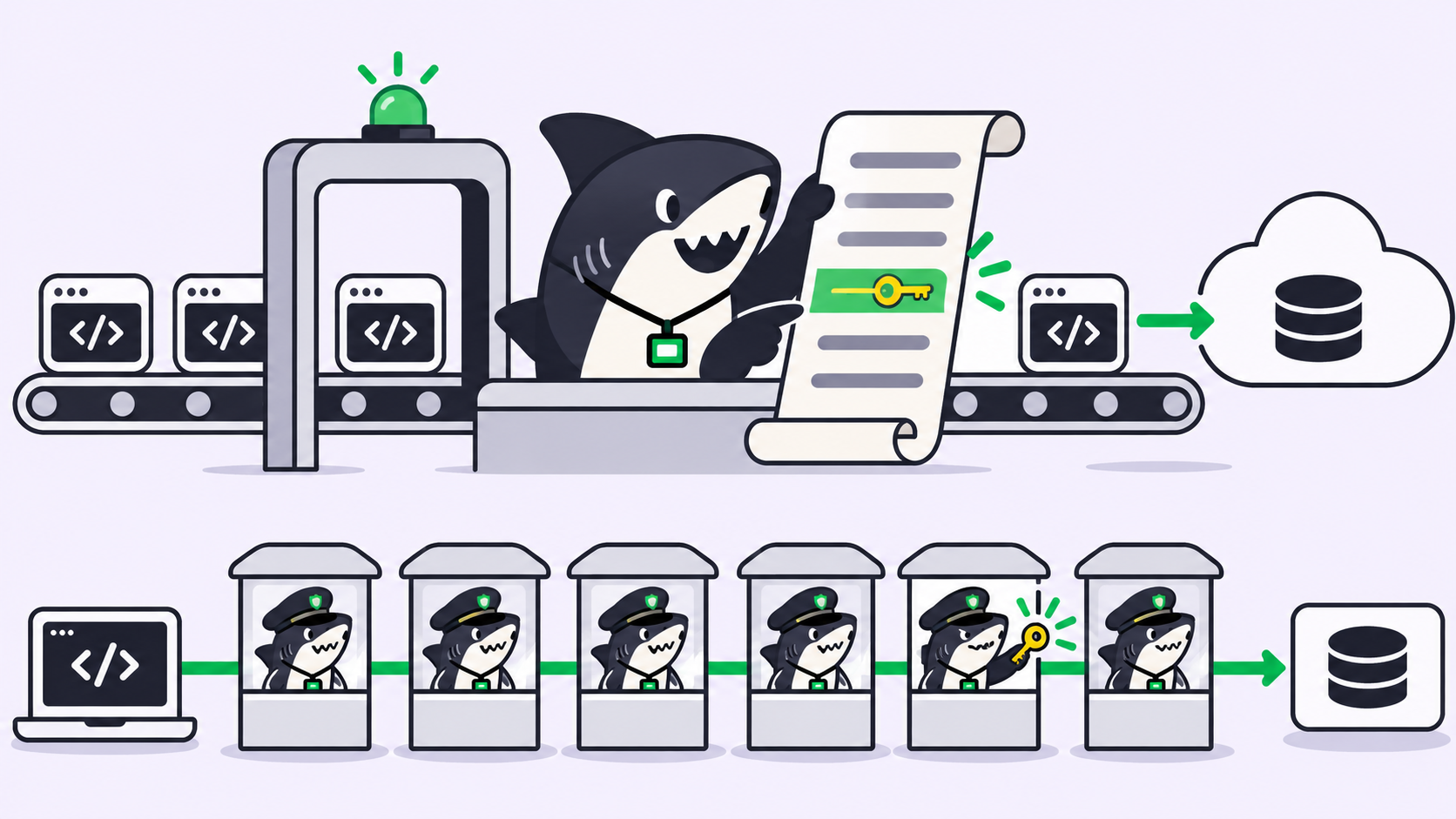
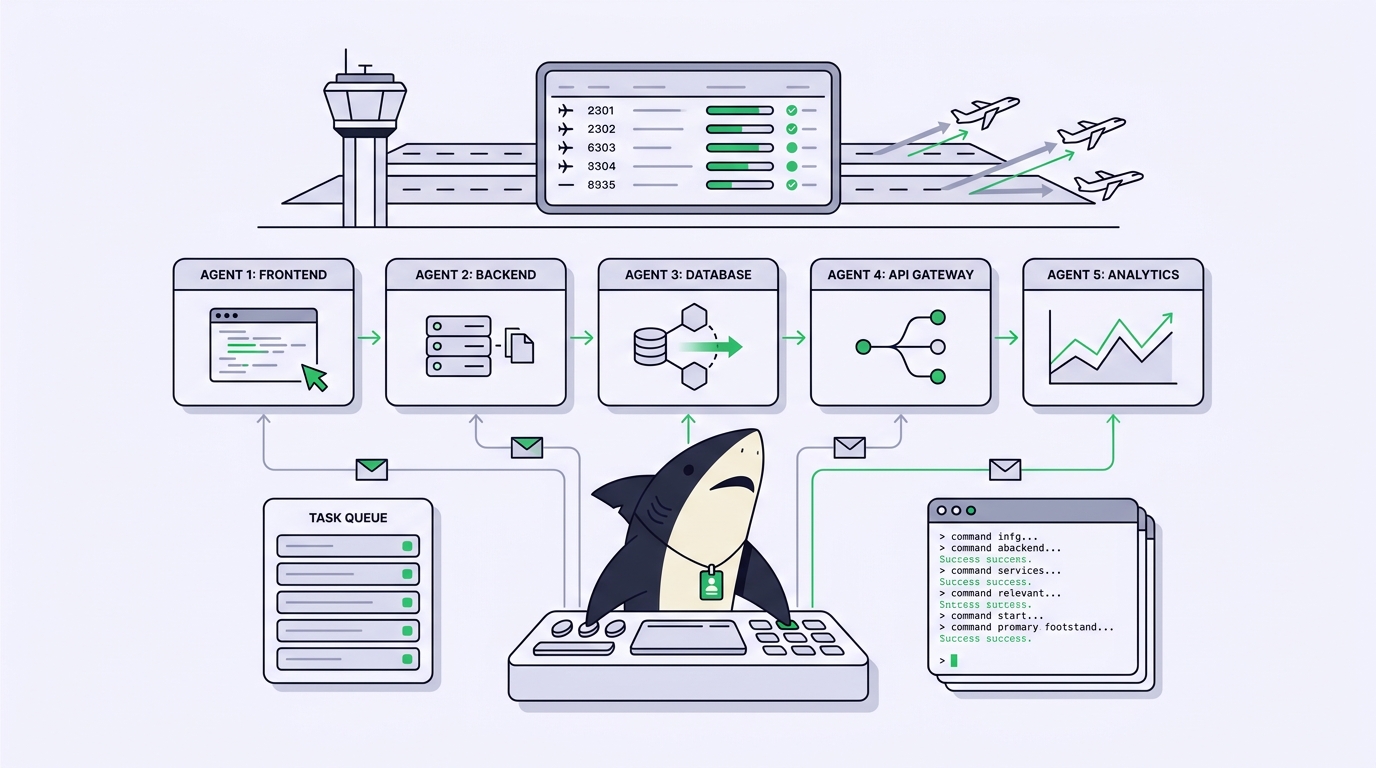
Cursor background agents solve a real problem: you describe a task, an agent works in the cloud while you keep coding, and a branch comes back. That loop is clean right up to the moment your team stops running one tool. The day a backend engineer moves to Claude Code, a teammate tries Codex, and someone keeps a Gemini agent on their own laptop, the background-agent model quietly splits your work across places that never see each other. You go looking for a Cursor background agent alternative not because the feature is weak, but because it manages Cursor and your team no longer runs only Cursor.
This guide compares the honest options for a multi-agent team, each at its best version, on the five criteria that decide the outcome: parallel execution, team visibility, review flow, own-machine execution, and integrations. It also draws the line where the choice changes shape. One of the options is Sharkly, an all-in-one Agent command and management platform that sits above your coding agents instead of beside them. You already have coding agents. Sharkly turns them into a team.
The point is not to declare a winner. Different tools win for different team shapes. Read the criteria, find your row in the decision table, and pick the shape that matches how your team actually works.
TL;DR
If your whole team lives in Cursor, its background agents are the shortest path from idea to reviewed branch and you probably need nothing else. The alternatives split by what they optimize for: Conductor runs many Claude Code agents in parallel on a Mac, Vibe Kanban puts an open-source board over local agents, GitHub’s coding agent keeps everything inside pull requests, and hosted engineers like Devin or Factory take a whole ticket end to end. Sharkly is the neutral management layer: it runs the agents you already use across the Computers you control, and every run returns to one shared Task with human review. Pick single-vendor tools when one runtime and one host cover you. Pick a neutral layer when the team mixes runtimes and needs one review surface.
The five criteria that actually decide it
A Cursor background agent alternative is any tool that lets a team run coding-agent work asynchronously and get it back in a reviewable form. That definition is broad on purpose, because the tools underneath it make very different trade-offs. Five criteria separate them for a multi-agent team.
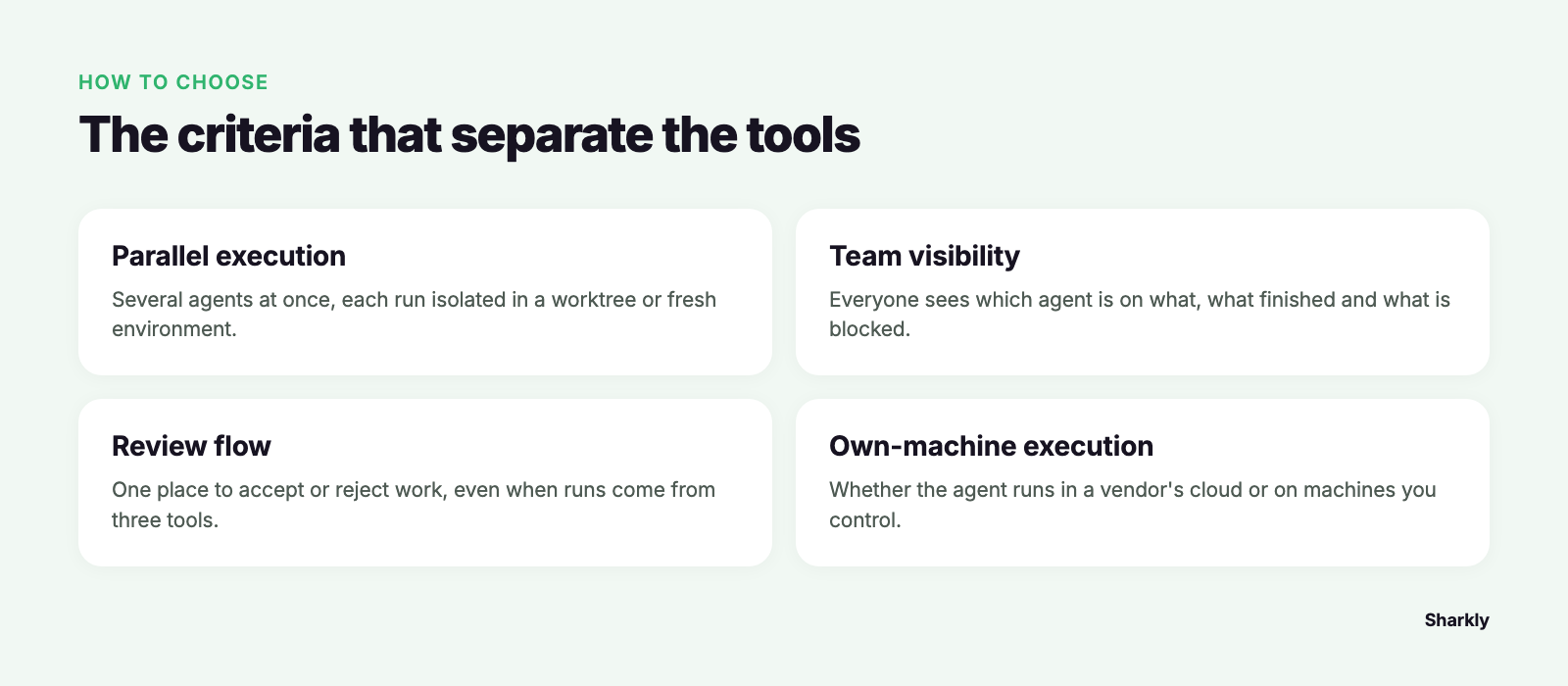
Parallel execution. Can several agents work at once without stepping on each other? The safe version isolates each run with a git worktree or a fresh environment, so two agents touching the same files do not corrupt each other’s state. We cover the mechanics in parallel agents in isolated worktrees.
Team visibility. When five agents are running, can everyone see which agent is on what, what finished, what is blocked, and what needs review? Single-vendor tools tend to answer this only for their own runs.
Review flow. Where does the work land, and is there one place to accept or reject it? A branch per run is fine until runs come from three tools and the single source of truth becomes three sources.
Own-machine execution. Does the agent run in a vendor’s cloud, or on a Computer you control with your secrets, dependencies, and network? Teams with private infrastructure or data-residency rules care about this one first.
Integrations. Does it fit the Git host, chat tool, and tracker you already use, or ask you to move into a new home? The best adoption path keeps the tools your team understands and adds coordination on top.
The alternatives, each at its best
Conductor is a Mac app built to run several Claude Code agents in parallel, each in its own worktree, with a tidy UI over the whole set. If your team is Mac-first and standardized on Claude Code, this is a strong local answer to parallel execution: it removes the terminal juggling and keeps runs isolated. Its shape is single-runtime and single-platform, so the equation changes if you add Codex, Gemini, or Windows and Linux machines. We go deeper in the Conductor alternatives guide.
Vibe Kanban is open source and puts a kanban board over local coding agents, so you can queue and watch work across several runtimes from one screen. If you want to self-host, read the code, and stay local, it earns its place. It optimizes for a solo developer’s or small group’s board rather than team-level assignment, permissions, and shared review; the Vibe Kanban alternative guide covers where that boundary sits.
GitHub’s coding agent assigns an issue to an agent that works in GitHub’s own environment and returns a pull request, keeping every run inside the review flow your team already trusts. If your team lives in GitHub and reviews everything as pull requests, that native fit is the whole point, and there is no new place to look. Its world is GitHub, so runs from other tools on other hosts stay outside it; see GitHub Agent HQ explained for the current picture.
Devin and Factory are hosted autonomous engineers: you hand over a ticket and get back a finished attempt. When a task is well-scoped and you are happy for one system to own it end to end, that autonomy is the draw. They are a different category from a management layer, because they replace the engineer’s hands rather than coordinate the agents you already run.
Sharkly is the neutral layer around all of them. It does not run its own coding model. It runs Claude Code, Codex, Gemini, OpenCode, and others on Computers you connect, and it keeps every run’s context, progress, blockers, results, and human review visible from request to release. Where the tools above each optimize one criterion for one vendor, Sharkly’s job is to hold all five across a mixed fleet.
A decision table by team size
Read this as a match between team shape and tool shape, not a scoreboard. Verify current platform support before you commit, since these tools change fast.
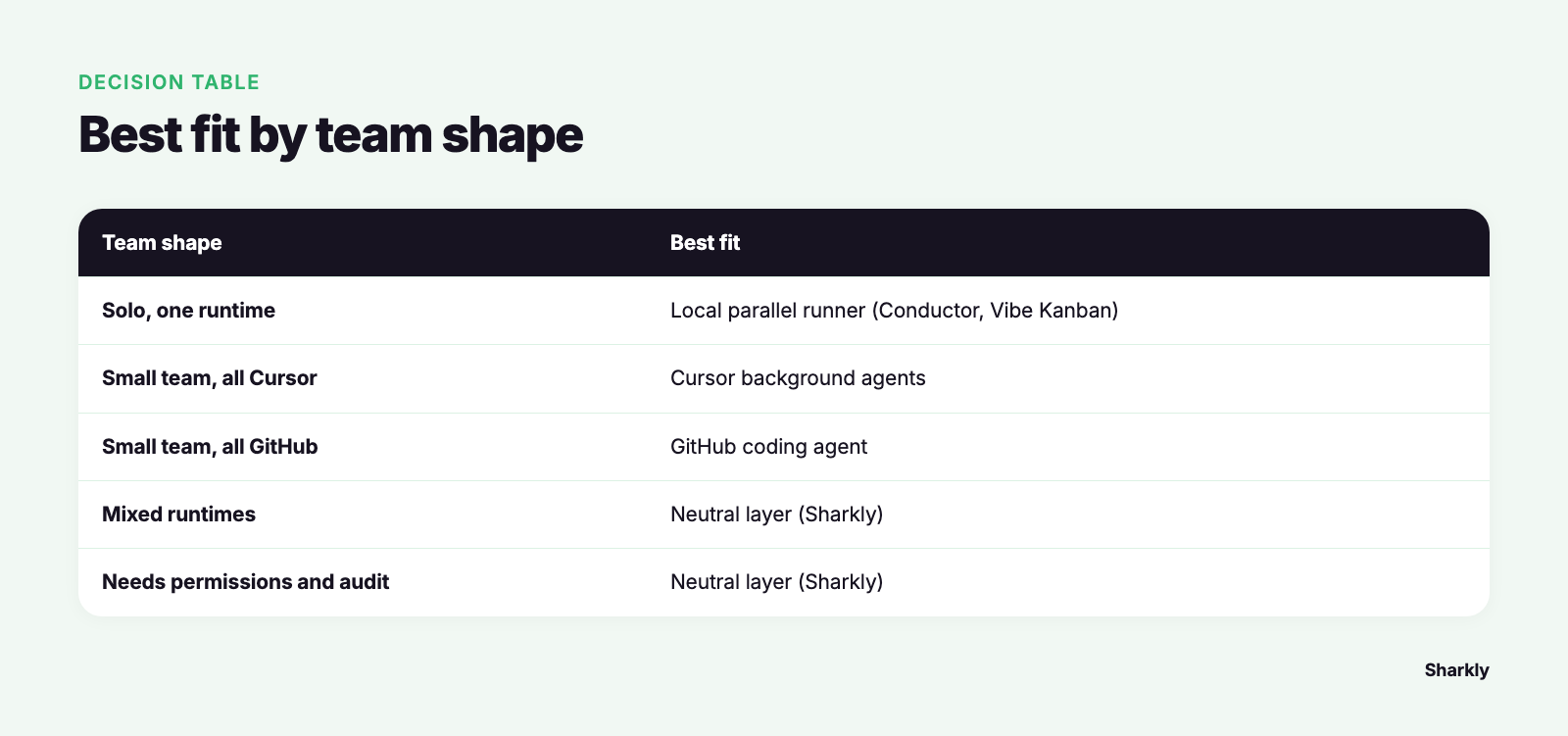
| Team shape | Parallel execution | Team visibility | Review flow | Own-machine | Best fit |
|---|---|---|---|---|---|
| Solo, one runtime | Conductor / Vibe Kanban | Not needed | Branch or PR | Local | Local parallel runner |
| Small team, all Cursor | Cursor background agents | Cursor only | PR | Cursor cloud | Cursor background agents |
| Small team, all GitHub | GitHub coding agent | GitHub only | PR | GitHub cloud | GitHub-native agent |
| Mixed runtimes, no team layer | Per-tool | Fragmented | Multiple surfaces | Mixed | Neutral layer (Sharkly) |
| Team needs permissions and audit | Per-tool | Shared Task | One review gate | Computers you control | Neutral layer (Sharkly) |
If your row lands inside one vendor’s cloud and one runtime, a single-vendor tool is the shortest path and adding a layer is overhead you do not need. If your row drifts toward mixed runtimes, shared review, or machines you control, you have outgrown single-vendor orchestration.
Where the equation changes
Here is the honest decision pair. Use Cursor background agents, or Conductor, or the GitHub agent, when one runtime and one host cover your whole team; the native path is faster and simpler than anything you would add on top. Use a neutral layer when the team runs several coding agents and needs one place that holds every run, because at that point the thing you are missing is not more agents. It is a shared record.
Sharkly is not a replacement for Cursor, Claude Code, Codex, or other execution tools. It adds the shared Task, Computer, context, control, and review layer around the tools your team already uses. The division of labor stays clean: those tools perform execution, and Sharkly manages team-level assignment, connected Computers, Task context, progress, blockers, results, and human review across them. Agents research, execute, test, and report. People set direction, grant authority, and accept the result. Automation stops where team judgment is required.
Concretely, a Task is the main unit of work, and it holds everything about one piece of work in a single place. You assign it to an Agent running on a Computer you control, under the Runtime of your choice, and execution, blockers, results, and discussion return to that Task instead of scattering across private terminals and one vendor’s cloud. It does not ask you to rebuild anything: keep the tools your team already uses, bring your own subscription, and model usage continues through the subscriptions or API keys configured in those tools. If you want to keep using multiple coding agents rather than committing to one ecosystem, that is the problem Sharkly is designed around. The first-task walkthrough shows the smallest useful version, and you can download Sharkly to try it against real work.
FAQ
What is the best Cursor background agent alternative for a team on multiple runtimes? A neutral management layer, because the single-vendor tools each coordinate only their own runs. If your team mixes Claude Code, Codex, and Gemini, you need one shared Task and one review gate across all of them, which is what Sharkly adds without replacing any tool.
Do these alternatives run agents on my own machines? It varies. Cursor background agents and the GitHub coding agent run in their vendor’s cloud. Conductor and Vibe Kanban run locally. Sharkly runs agents on Computers you connect and control, which matters most for private code or data-residency rules.
Is there an open-source option? Yes. Vibe Kanban is open source and self-hostable, which suits developers who want to read the code and stay local. It optimizes for a personal or small-group board rather than team assignment, permissions, and shared review.
When should I not add an orchestration layer at all? When your whole team lives in one tool, like Cursor or GitHub, and has no plan to add other runtimes. In that world the native agent is the shortest path, and a layer on top is overhead. Add a neutral layer only once you run several tools and need one shared record. Our roundup of tools for managing parallel AI coding agents covers the full field.
Does a management layer change how I pay for models? No. You bring your own subscription. Model usage continues through the subscriptions or API keys configured in your connected tools, and model quota depends on the plans and accounts your team connects.