Yes. Google Antigravity has a free plan for individuals: the pricing page lists “For Individuals” at “$0/month,” marked “Generally Available,” with “Basic weekly rate limits,” unlimited Tab completions and unlimited Command requests. The catch is the quota. Free gets “a meaningful quota, refreshed weekly,” Google publishes no number for it, and the free model list shrinks on November 2, 2026.
Google Antigravity is Google’s agent-first coding product: a desktop app, a terminal CLI (agy), extensions for five IDEs and a Python SDK, all running on one agent harness built around Gemini models.
What’s free and what you pay
| Route | Cost | The cap | What you pay past it |
|---|---|---|---|
| Free (personal Google account) | $0 | Weekly quota, no published number. Gemini 3.8 Flash; Claude Sonnet 4.6, Claude Opus 4.6 and GPT-OSS-120b until November 2, 2026 | Wait for the weekly refresh, or upgrade. AI credits are for Pro and Ultra only |
| Google AI Plus | Google One price for your country (SGD 6.98/month in Singapore) | Same model column and quota type as Free | Upgrade to Pro |
| Google AI Pro | Google One price for your country (SGD 28.99/month in Singapore on October 23) | “A high, generous quota, refreshed every five hours until the weekly limit is reached.” Adds Gemini 4 Argon, Claude Sonnet 5.5 and Claude Opus 5.5 on paid plans | AI credits at Gemini Enterprise rates, or Ultra |
| Google AI Ultra | From SGD 139.99/month in Singapore | “The highest, most generous quota, refreshed every five hours” | AI credits |
| Business via Google Cloud | From $30 per seat per month (Standard/Plus), or $0 seat fee pay-as-you-go | Spend caps you set | Consumption pricing |
What the free plan includes today
Google’s Plans docs, checked on October 23, 2026, give every plan the same baseline: “Use of Gemini models, including Gemini 3.8 Flash,” “Unlimited Tab completions,” and “Access to all product features, such as scheduled tasks and the CLI.” Free is not a stripped-down product. You get the desktop app, worktrees, subagents, the agy CLI and the IDE extensions.
The Models page shows which reasoning models the “Free & Google AI Plus” column gets:
- Gemini 3.8 Flash, the default model and the only Gemini model in the free column.
- Claude Sonnet 4.6 (Thinking) and Claude Opus 4.6 (Thinking).
- GPT-OSS-120b.
All three non-Gemini models carry the same footnote: “Will be removed on November 2, 2026.” After that date the free column holds Gemini 3.8 Flash alone. Gemini 4 Argon, Claude Sonnet 5.5 and Claude Opus 5.5 are paid-only.
Who can sign in. This is where Antigravity differs from Gemini CLI. The FAQ says Antigravity “is currently available for personal Google Accounts in approved geographies,” and suggests an @gmail.com address “if you experience issues with Google Workspace accounts.” You must be 18 or older. The June 18, 2026 change that ended Gemini CLI for consumer accounts does not apply here: Google’s transition notice moved those users to Antigravity CLI and said it “is available to everyone.”
Where the free plan stops
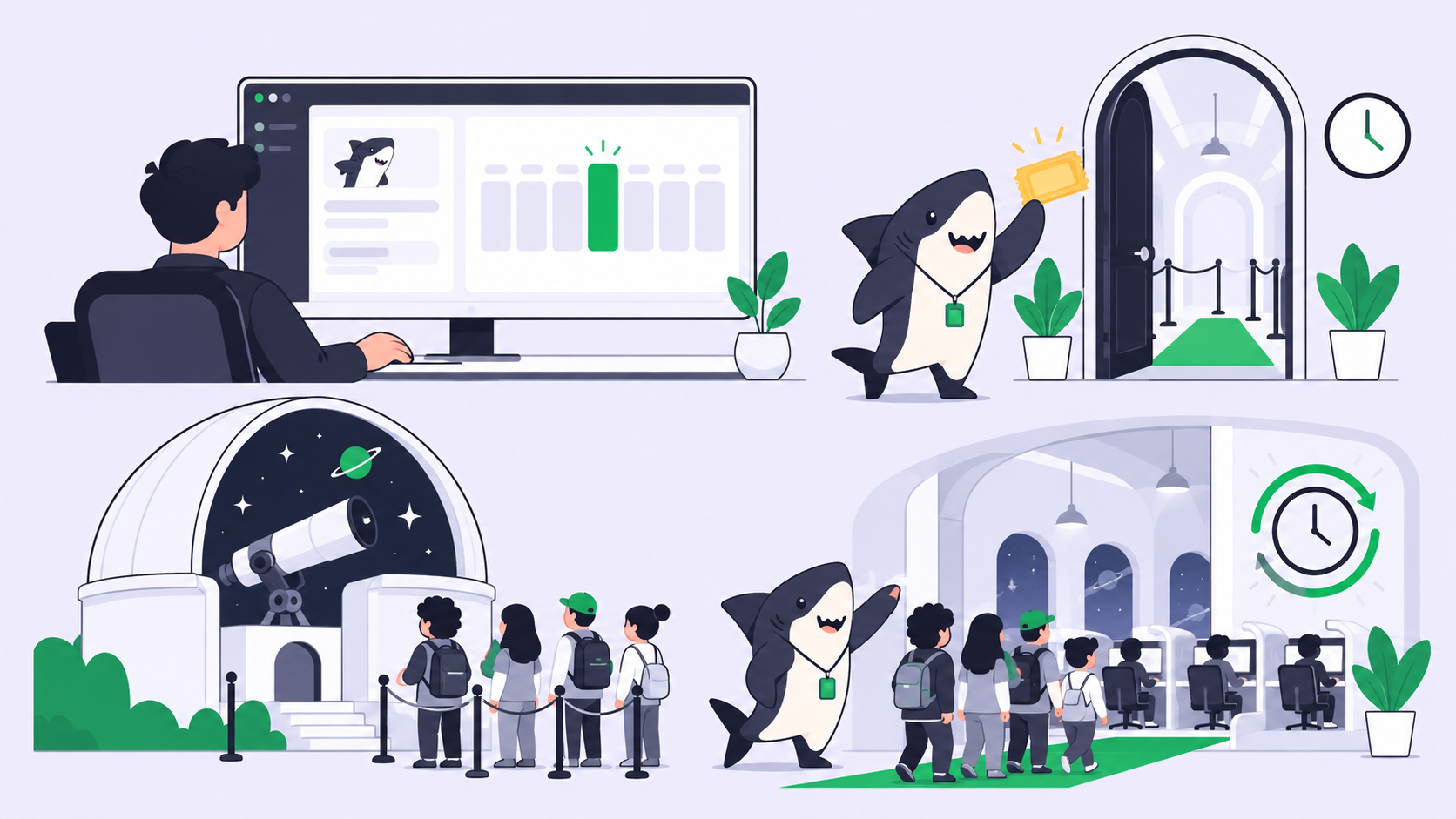
The weekly quota. Free quota refreshes once a week. Pro and Ultra refresh every five hours. Google does not publish a prompt count for any plan, and the docs explain why: the limits “correlate with the amount of work done by the agent,” so “more complex tasks consume more quota.” A quick edit costs little; a long multi-file refactor can use a large share of the week. Your remaining usage per model is on the Settings page, and the CLI shows it in the status line.
No overage on Free. Only “Users on Google AI Pro or Ultra plans can use purchased AI credits” past the baseline. On Free, when the quota is gone you wait for the weekly refresh.
No bring-your-own-key. The Plans page lists “no support” for “Bring-your-own-key (BYOK) or bring-your-own-endpoint for additional rate limits.” You cannot paste a Gemini API key into the app to lift the free cap.
The limits can move. The docs say “Usage limits for this service are subject to modification.” Treat any number you read on a third-party blog as a snapshot, not a promise.
Your login stays in Antigravity. The FAQ is blunt: using third-party software such as Claude Code, OpenClaw or OpenCode to access Antigravity “is a violation of our Terms of Service” and “can result in suspension or termination of your account.” Headless agy -p is for “direct scripting and CI workflows,” but wrapping it inside third-party agents or applications “is not supported under consumer plans.”
Free trials and student offers
The Models page has separate columns for “Pro Trial” and “Pro Paid,” so Pro trials exist, but they are not the full Pro plan. Claude Sonnet 5.5 and Claude Opus 5.5 are “Available on Google AI Pro for non-trial subscriptions only,” and Gemini 4 Argon is available “with paid Google AI Pro plans or on trial with eligible premium devices.” Google’s pages don’t state the trial length in a form we could confirm today, so check the offer shown in your Google One account.
The student offer does not help Antigravity much. Google’s student page offers eligible college students aged 18+ “Student plan for 1 year at no cost,” but the plan is Google AI Plus, not Pro, it needs a payment method, and you redeem it by December 31, 2026. In Antigravity, Plus sits in the same column as Free.
The cheapest paid step
Google AI Pro is the first plan that changes how Antigravity feels. Quota refreshes every five hours “until the weekly limit is reached,” and paid Pro adds Gemini 4 Argon, Claude Sonnet 5.5 and Claude Opus 5.5. Argon has one surface limit: it is “Not available in Antigravity IDE,” only in the App, the CLI and the IDE extensions.
Google One sets the price per country. On October 23, 2026, from Singapore, Google One listed Pro at SGD 28.99 a month and Ultra from SGD 139.99. Your page will show your local price. Pro also bundles storage and Gemini app features, so you are buying a Google subscription, not an Antigravity seat.
Past the baseline, Pro and Ultra can buy AI credits “consumed at standard Gemini Enterprise consumption pricing.” A setting called AI Credit Overages decides what happens: “Never” waits for the refresh, “Always” spends credits automatically. Leave it on Never until you know your usage.
For teams, the Business plan through Google Cloud starts at $30 per seat per month on Standard/Plus, with a pay-as-you-go option at a $0 seat fee. For the model side, including what Argon costs on the API and where it shows up, see Gemini 4 Argon for free coding agents.
How to use Google Antigravity for free
The direct route is the simplest:
- Download the Antigravity App, or install the CLI, from antigravity.google.
- Sign in with a personal Google account (an @gmail.com address avoids most Workspace issues).
- Open a project, pick Gemini 3.8 Flash, and choose a thinking level. For routine edits, a lower level is the sensible default.
- Use “New worktree mode” for anything risky, so the agent works in an isolated Git worktree instead of your active folder.
Two habits make the quota last. Keep tasks small and well specified, because quota tracks agent work, not prompts. And save the Claude models for the tasks that need them before November 2; after that, plan around Gemini 3.8 Flash.
The $0 route with no quota. The Antigravity SDK runs agents on local models “without an API key or internet connection.” It supports Gemma 4 26B A4B through LiteRT, with a recommended “24 GB of VRAM or unified memory,” or any OpenAI-compatible local server such as Ollama or LM Studio. This is a Python SDK for building your own agent, not the desktop app on a local model, and expect a local model to need more retries than Gemini 3.8 Flash on long agent loops.
If you want a free agent outside Google’s ecosystem, our guides to whether Claude Code is free and whether Codex is free cover the other $0 routes, and free AI API keys covers keys you can call from your own code.
Where Sharkly fits
You already have coding agents. Sharkly turns them into a team: it runs the Claude Code, Codex or OpenCode you have as assignable Agents on your own Computers, each Task in an isolated worktree, with results back on the Task.
Antigravity is not one of the Runtimes our docs list, and Google’s FAQ says wrapping agy in third-party apps “is not supported under consumer plans,” so we do not suggest routing a free Antigravity login through Sharkly. Use Antigravity directly for your own work. For a Gemini model inside a third-party agent, Google’s FAQ recommends “a Gemini Enterprise or Google AI Studio API key.”
Sharkly does not make Antigravity free, and “Sharkly does not sell tokens.” Per the Sharkly pricing page, Free covers organizations of up to 5 people and Team is $7 per person billed yearly after that; “Guests, Agents, and Computers do not occupy seats.” Sharkly pricing explained has the details. If you run more than one coding agent, manage them in Sharkly.
FAQ
Is Antigravity free? Yes. The Individuals plan is $0 a month and “Generally Available,” with a weekly quota, unlimited Tab completions and access to every product feature, including the CLI.
Is Google Antigravity free with a personal Google account? Yes. The FAQ says it “is currently available for personal Google Accounts in approved geographies,” for users 18 and older. Unlike Gemini CLI since June 18, 2026, a personal account works.
What are the Google Antigravity free limits? “A meaningful quota, refreshed weekly.” Google publishes no number. Usage depends on how much work the agent does, and the limits are “subject to modification.”
Which models are free in Antigravity? Gemini 3.8 Flash, plus Claude Sonnet 4.6, Claude Opus 4.6 and GPT-OSS-120b until they are removed on November 2, 2026. Gemini 4 Argon and the Claude 5.5 models need paid Pro or Ultra.
Can I use my free Antigravity login in OpenCode or Claude Code? No. Google’s FAQ calls that “a violation of our Terms of Service” and recommends a Gemini Enterprise or Google AI Studio API key for third-party coding agents.
Can I add my own API key to raise the free limit? No. The Plans page says there is no support for bring-your-own-key or bring-your-own-endpoint for additional rate limits.