The Codex Pro limit cut lands on October 30, 2026. From that date, the $200 ChatGPT Pro plan carries a lower Codex allowance at the same price, and a team that runs several Codex agents in parallel will reach the new ceiling sooner than a solo developer. This guide covers what changes, who keeps the old allowance until October 29, and four ways to keep work moving. If your agents already sit on a shared board like Sharkly, most of the fixes below are configuration changes, not a new workflow.
TL;DR: what the Codex Pro limit cut means for your team
From October 30, 2026, existing Pro 200 subscriptions move to a lower included usage allowance, and the price stays at $200 a month. Third-party reporting puts the new allowance at 10x Plus, down from 20x. To keep moving, spread tasks across more than one Runtime, route overflow to API keys or credits, send routine work to cheaper models, and track which tasks consume the allowance.
What changes on October 30
OpenAI’s About ChatGPT Pro tiers page describes three monthly Pro plans and the change to existing Pro 200 subscriptions.
| Before October 30 | From October 30 | |
|---|---|---|
| Pro 200 price | $200 / month | $200 / month |
| Pro 200 Codex allowance | Previous allowance (reported as 20x Plus) | “Lower included usage allowance” (reported as 10x Plus) |
| Pro 100 | $100 / month | No change announced |
| Pro 500 | $500 / month, includes Ultrafast | No change announced |
| Extra usage | Credits after the included allowance | Credits after the included allowance |
OpenAI’s page gives the direction of the change but no new multiple. The 20x and 10x figures come from independent reporting on the Pro 100 and Pro 200 plans, which also notes that OpenAI had not published revised message ranges at the time of writing. Treat the multiple as reported, and check Settings, then Usage, in ChatGPT for your own numbers.
Who is grandfathered until October 29?
You keep the previous allowance through October 29, 2026 if you had an active Pro 200 subscription at any point from September 22, 2026 through 10 a.m. Pacific Time on September 29, 2026. After that date, the subscription moves to the lower allowance. New Pro 200 subscriptions outside that window start on the lower allowance. OpenAI says only affected users receive an email.
Why the Codex limit cut hurts teams more than solo users
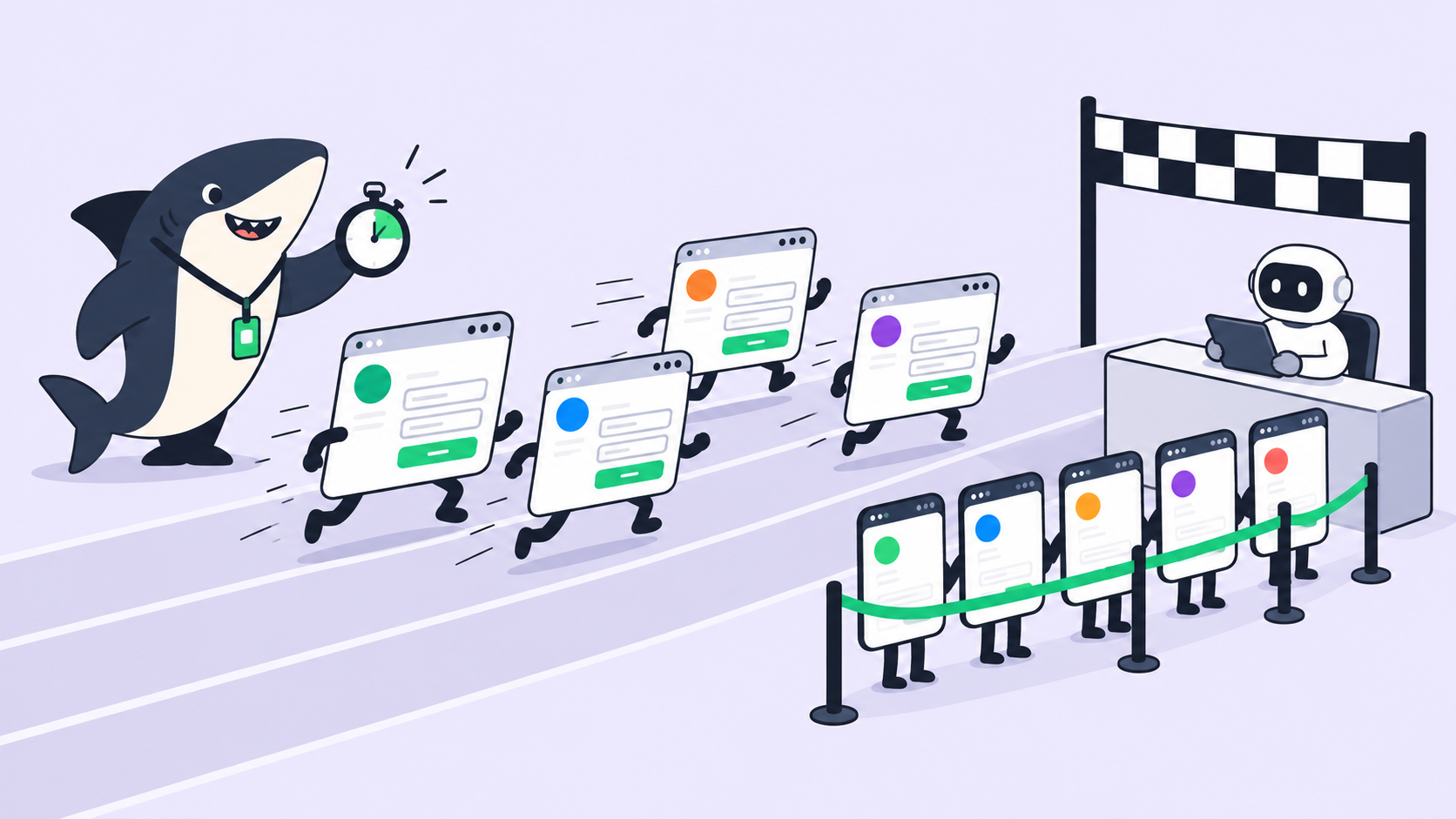
A solo developer runs one Codex session at a time and feels the cap as a slower Friday. A team running parallel Codex agents burns the same weekly allowance from several directions at once, so a halved ceiling arrives in days rather than at the end of the week.
Three patterns make it worse:
- Parallel runs. Five agents working five tasks draw on one allowance five times as fast.
- Fast mode. OpenAI says Fast mode uses your included allowance at 2.5 times the Standard rate for the same model.
- Invisible attribution. When one subscription powers many tasks, nobody knows which task spent the budget until the cap hits.
There is no support workaround. OpenAI states that support cannot reset ChatGPT or Codex limits.
Four ways to keep coding agent work moving
None of these require dropping Codex. They change where each task runs and what it costs.
1. Spread tasks across Runtimes
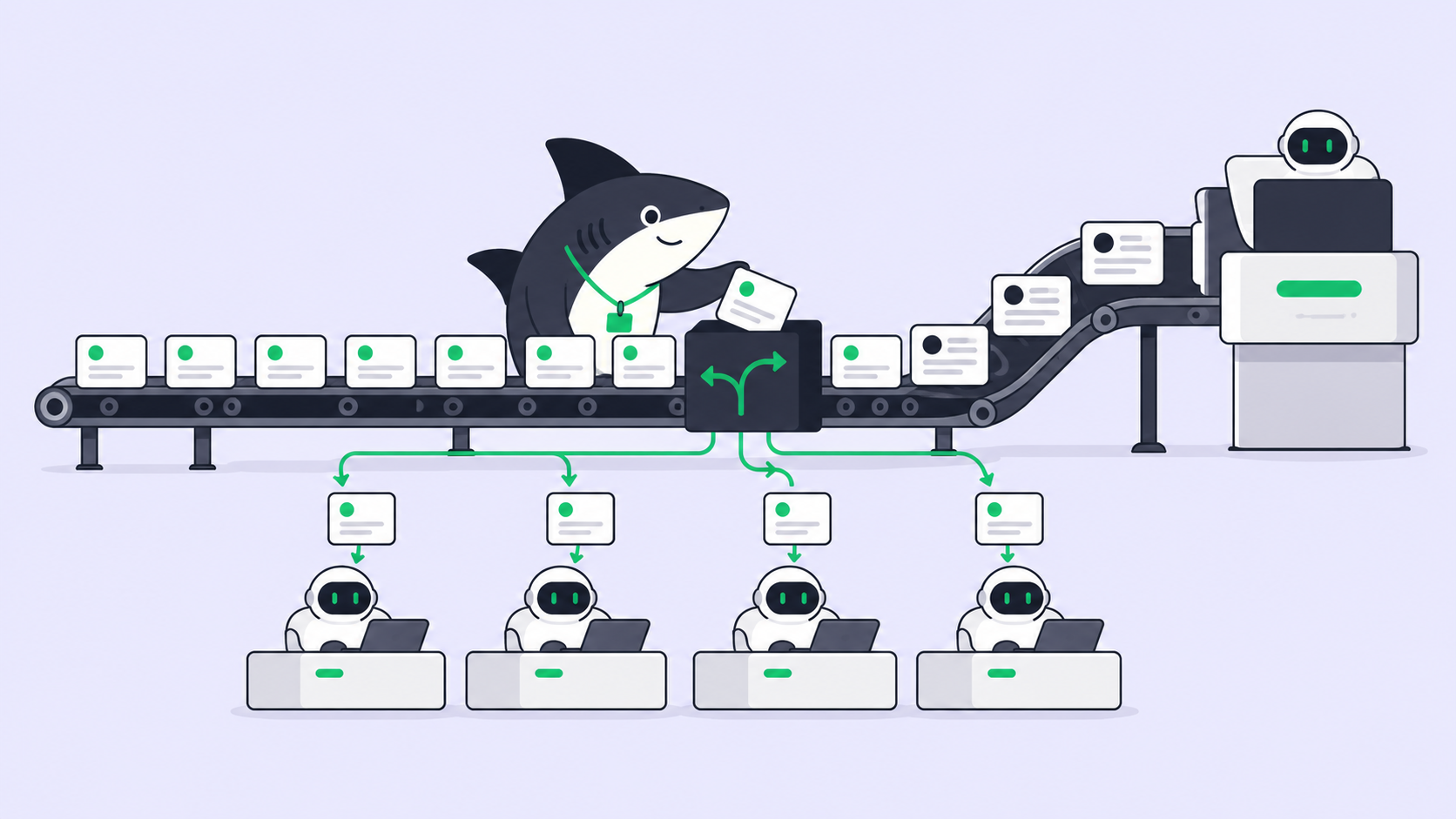
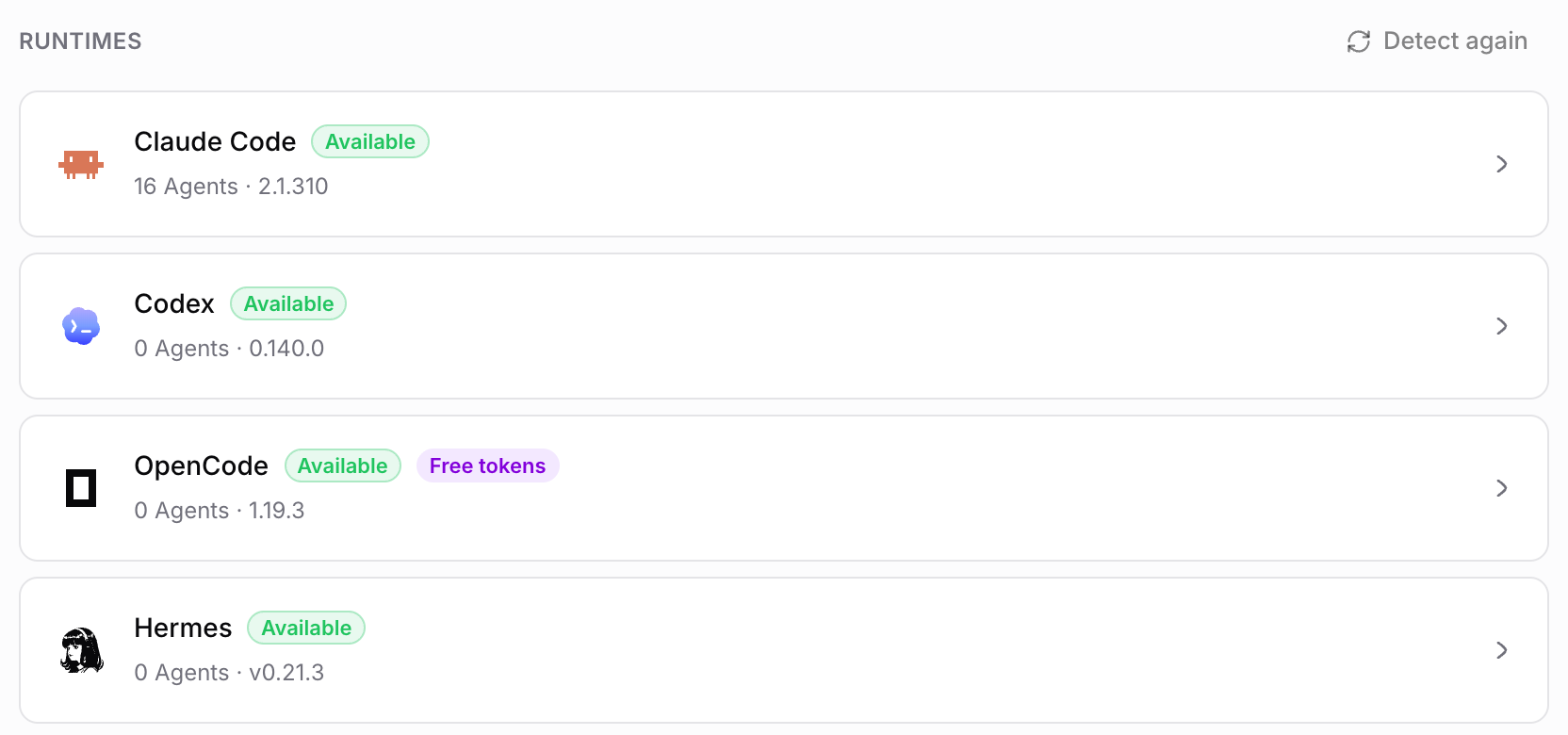
Codex is one of several coding agents your team can run. Claude Code, Gemini, and OpenCode run the same kind of task with their own plans and limits. Split the queue by task type: send refactors to one agent and test writing to another, so one cap never stops the whole board. Our guide to running Claude Code and Codex together on one codebase covers the setup.
2. Route overflow to API keys or credits
OpenAI lets eligible plans buy credits that apply after the included allowance runs out, from Settings, then Usage, in ChatGPT or Usage and Billing in Codex. The other path is an API key billed per token. Either way, decide in advance which tasks are allowed to spill into paid usage, so overflow is a policy and not a surprise invoice. The BYOK guide explains how bring-your-own-key works on an agent platform.
3. Send routine tasks to cheaper models
Not every task needs the top model. Dependency bumps, lint fixes, and docstring passes run fine on a lighter model and cost less per message. Keep the strongest model for tasks where reasoning depth changes the result, and turn Fast mode off for anything that isn’t waiting on a person.
4. Watch usage per task, not per month
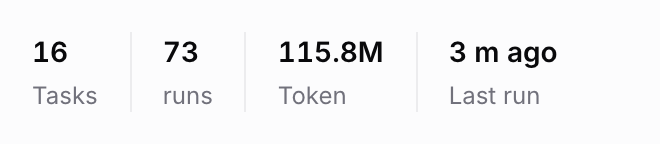
The cap is a monthly or weekly number, but the decisions are per task. If every run ties back to a task, you can see that one flaky integration test ate a third of the week and fix that task instead of rationing everything. In Sharkly, each Agent’s header shows its task count, run count, and tokens used, so a heavy Agent stands out before the cap does.
How Sharkly keeps a mixed-runtime team on one board
Sharkly sits above your coding agents. It doesn’t replace Codex; it manages the work around Codex and every other Runtime your team uses.
Here’s how the four fixes map onto Sharkly:
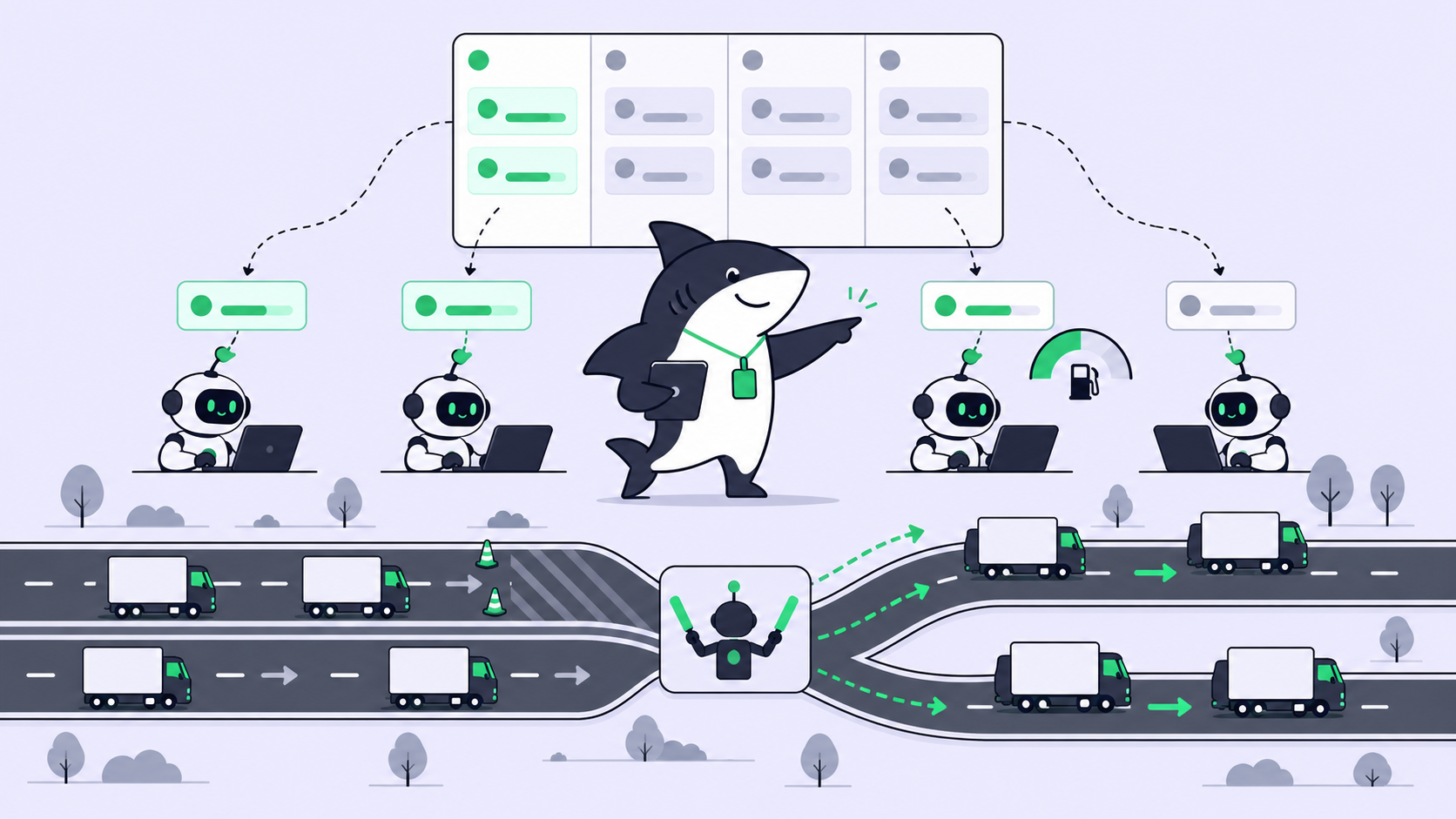
- One board, several Runtimes. An Agent in Sharkly runs through a Runtime on a connected Computer. Runtimes named on the site include Claude Code, Codex, Gemini, OpenCode, OpenClaw, and Hermes. When one Runtime is capped, you reassign the task to an Agent on another Runtime and the history stays on the task.
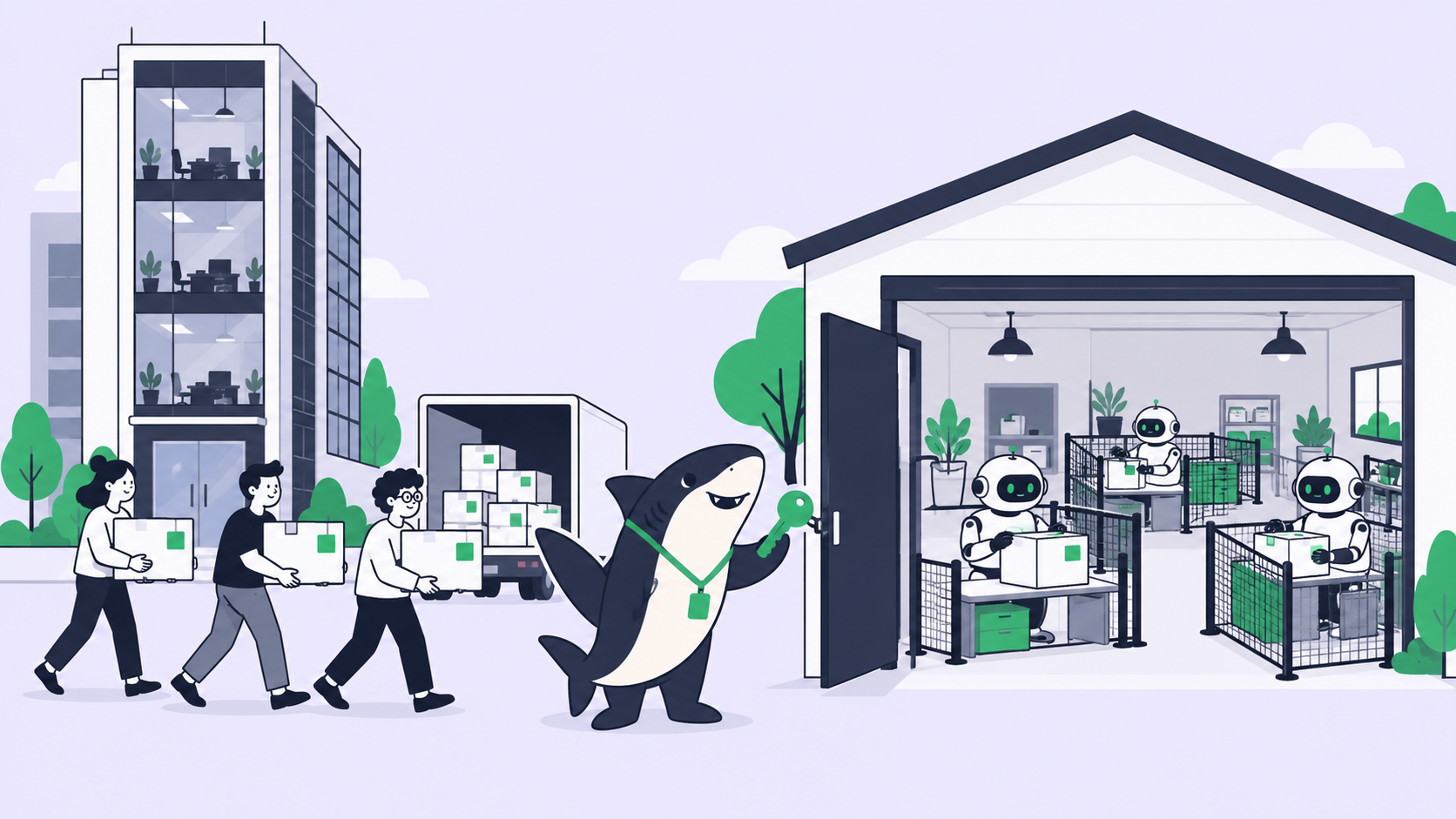
- Bring your own subscription. Sharkly does not sell tokens. A run bills against the Claude Code, Codex, or API plan already attached to the Runtime, so overflow keys are configured in the tool itself.
- Model choice stays in the Runtime. An Agent follows its Runtime’s default model. To send routine work to a lighter model, change the model in the Runtime or Computer tool configuration.
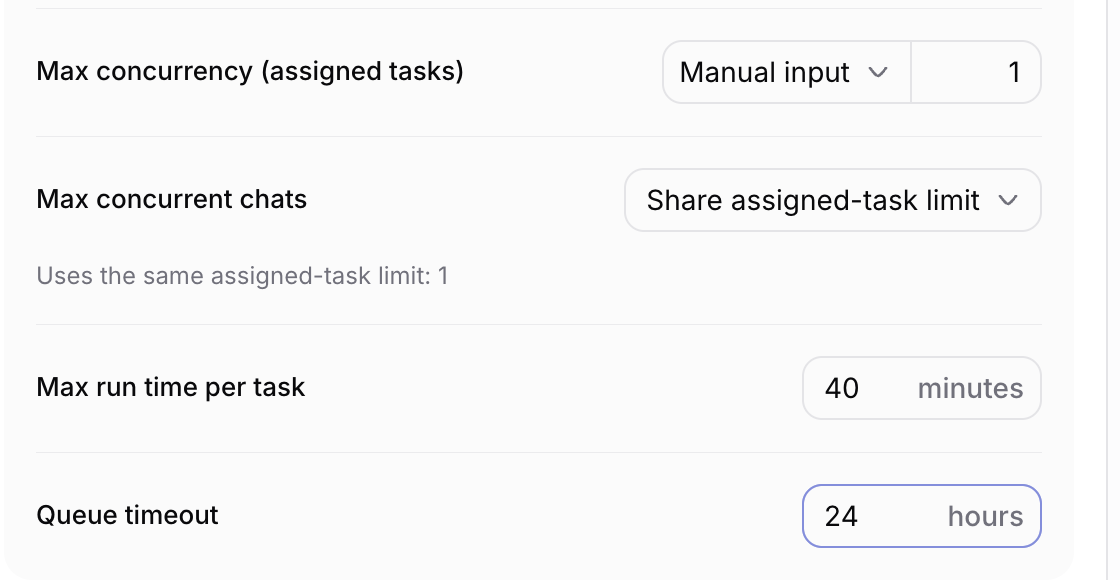
- Concurrency limits per Agent. An Agent’s Run settings set its max concurrency for assigned tasks, its max run time per task, and how long a task waits in the queue. Lower the cap on your Codex Agent after October 30 and the rest of the queue waits instead of draining the allowance.
- Every run tied to a task. Runs, execution logs, and results live on the task, and a usage dashboard ships on every plan, so you can trace where the allowance went.
You can also check a single Runtime from the terminal:
sharkly computer list
sharkly computer usage <computer-id> <runtime-id>
sharkly computer activity <computer-id> <runtime-id>
When a run hits the cap, the Sharkly docs separate the two failure modes. A 429 can mean a rate limit or exhausted quota, and OpenAI often labels both as rate limits, so check error.code in the details. Retrying a quota failure won’t help; retry only after quota is restored or a different account is configured.
Sharkly is currently free for organizations of up to 5 people, and Agents, Crews, Computers, and Runtimes don’t take seats. See pricing for the Team plan.
What not to do
Don’t pool one Pro login across engineers. OpenAI’s Pro page says sharing account credentials and reselling access are prohibited, and access can be restricted for misuse. See the OpenAI Terms of Use. Each engineer keeps their own subscription; Sharkly coordinates the work, not the login. Our post on running Codex as a team covers the structure.
Don’t raise concurrency to beat the reset. More parallel runs finish the allowance faster, not more work.
Don’t plan against the old multiple. Re-measure your weekly use after October 30 before you decide between Pro 100 plus credits, Pro 200, or Pro 500.
Alternatives if Codex alone no longer covers the load
If the new allowance is too tight, compare the options in free Codex, Cursor, and Claude Code alternatives and check whether Codex is free on lower plans. If cloud tasks drive most of your usage, Codex cloud vs your own Computers explains where runs execute and what that changes.
Real-world setups (illustrative)
- Three-person startup. Two engineers on Pro 200, one on Claude Code. Feature tasks go to Codex, test and docs tasks go to Claude Code, and the Codex Agent’s concurrency drops from four to two.
- Platform team. Codex for reviews, an API key for nightly batch fixes. Overflow tasks carry a label so the API spend maps to named work.
- Solo founder. One Pro 200 subscription, Fast mode off by default, and a weekly check of which tasks consumed the most.
Conclusion
The Pro 200 price holds and the allowance drops. For a team, the response is routing: more than one Runtime, a declared overflow path, lighter models for routine work, and usage you can trace to a task. Connect a Computer and put your Codex and Claude Code Agents on one board at Sharkly, then set your Codex Agent’s concurrency before October 30.
FAQ
When does the Codex Pro limit cut take effect?
October 30, 2026. Grandfathered Pro 200 subscribers keep the previous allowance through October 29, 2026, then move to the lower allowance.
Does the ChatGPT Pro $200 price change?
No. OpenAI states the subscription price stays at $200 a month after the move to the lower allowance.
Is the new Codex allowance exactly half?
Third-party reporting says 20x Plus becomes 10x Plus. OpenAI’s help page says “lower included usage allowance” without a multiple, so check your own usage page.
Can OpenAI support reset my Codex limit?
No. OpenAI says support cannot reset ChatGPT or Codex limits, though it can investigate usage that was counted incorrectly.
Can my team share one Pro subscription?
No. OpenAI prohibits sharing account credentials. Give each engineer their own plan and coordinate the work in one place.
What happens when Codex usage runs out mid-task?
You can buy credits where your plan allows it, wait for the reset, or move the task to an Agent on a different Runtime.