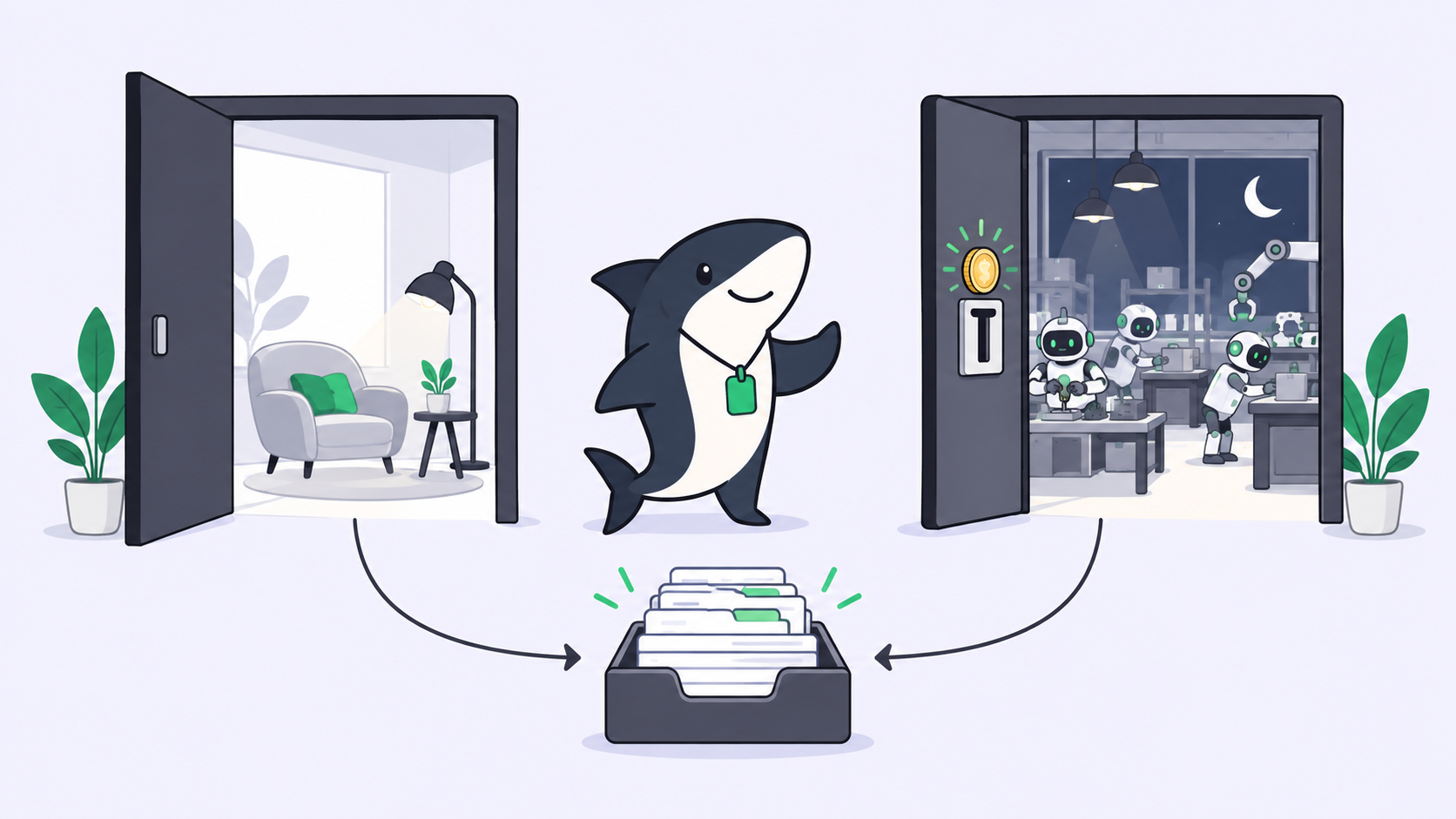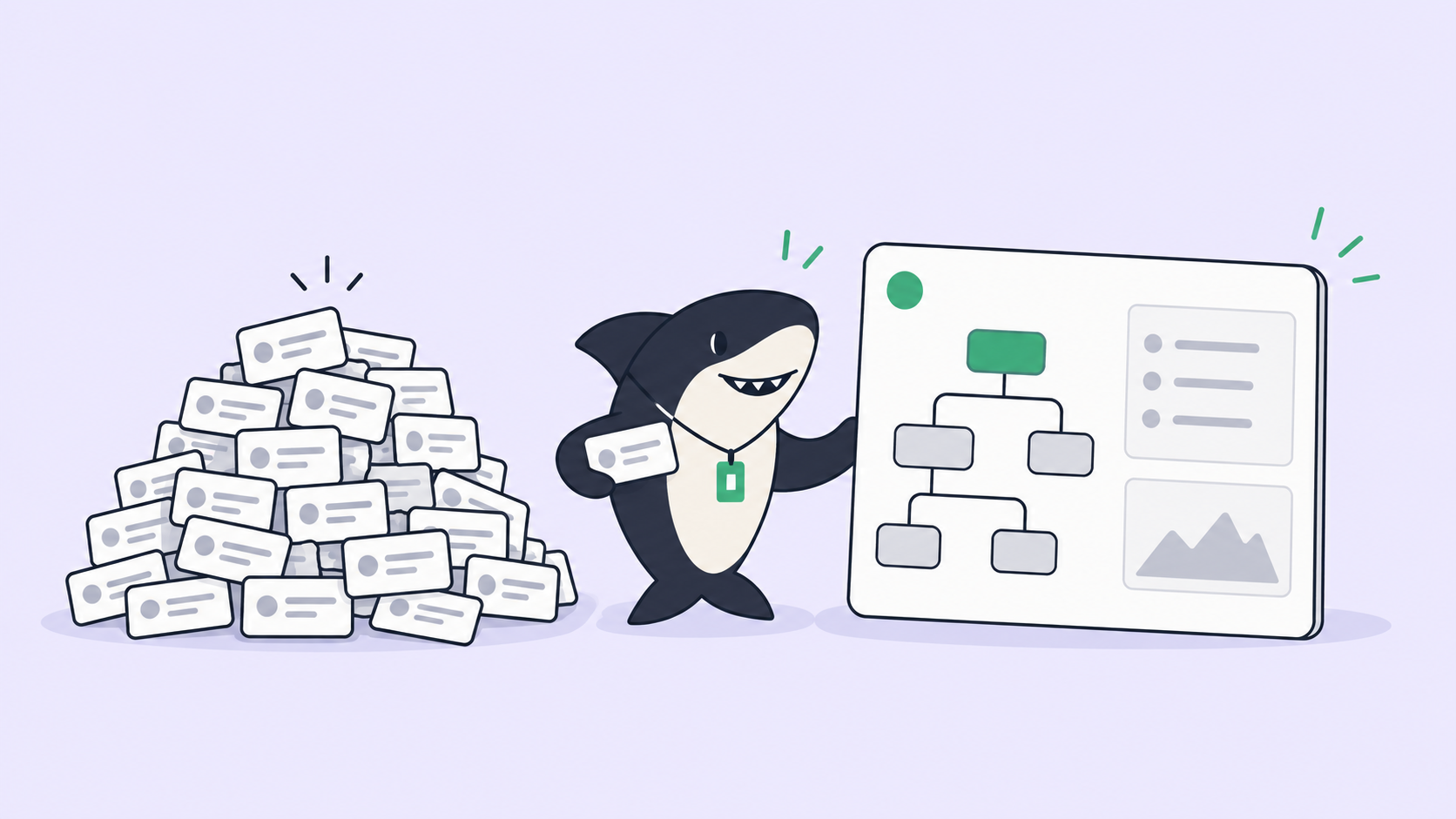
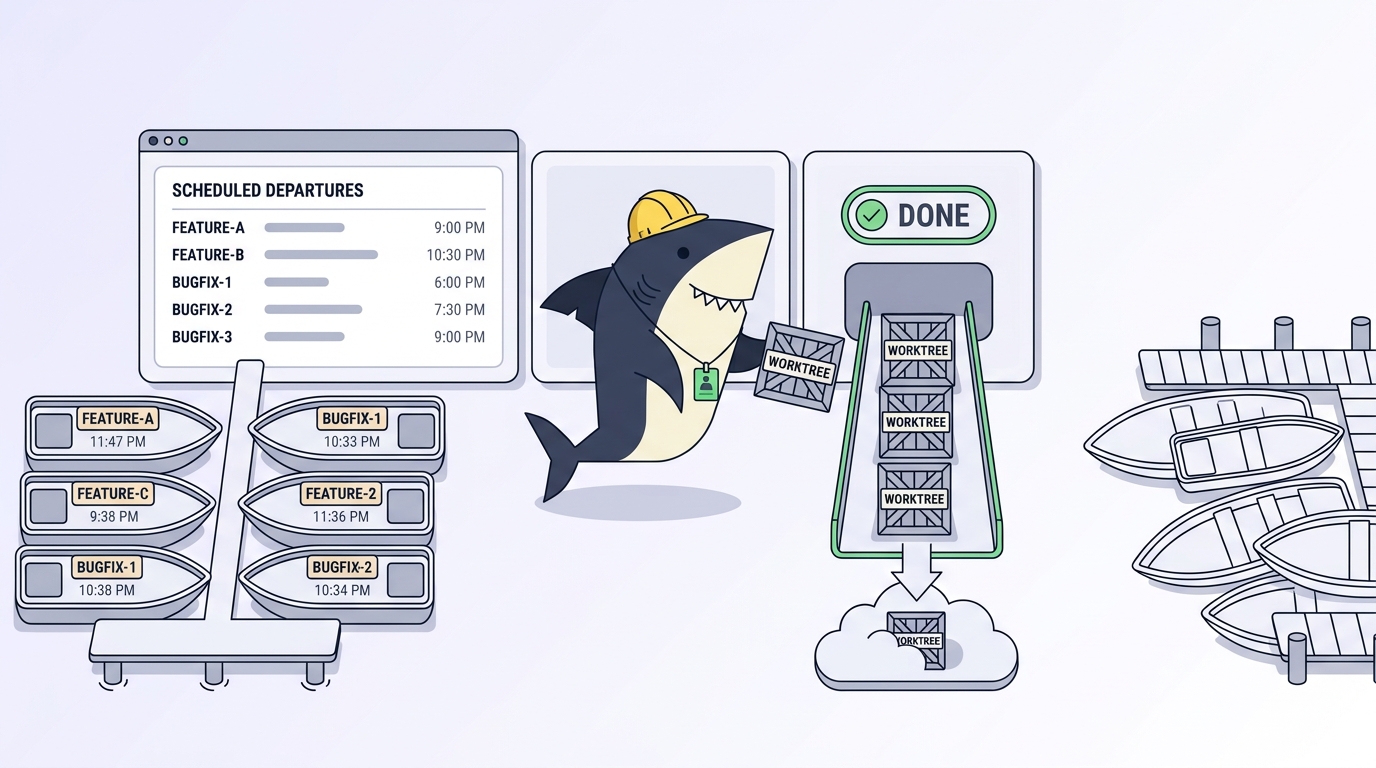
Worktrees are easy to create and easy to forget. You spin one up so an agent can work on a branch in isolation, the agent finishes, you review the diff, and then the directory just sits there. A week later git worktree list scrolls off the screen, du -sh on the repo reads twelve gigabytes, and three of those directories point at branches that were merged and deleted days ago. Nobody chose to keep them. They accumulated because creation was a command and cleanup was a chore.
This is the part of parallel agent work nobody warns you about. The isolation primitive is well documented; our guide to git worktrees for AI coding agents covers the create-and-branch mechanics in depth. The lifecycle after “done” is where the pain lives, and it gets worse fast when the thing creating worktrees is an agent that can open five in a minute and has no instinct to tidy up. This article is about that back half: the cleanup discipline, the exact commands, the failure mode waiting at each step, and where a hand-rolled script stops being enough.
Sharkly is one answer to the “who cleans up” problem: it runs every Task in its own worktree and treats that worktree as part of the Task’s lifecycle rather than a directory you have to remember. We will get there. First, the mechanics, because you should understand the manual version before you decide to stop doing it by hand.
TL;DR
A git worktree is a second working directory linked to one repository, with its own branch, index, and HEAD. Agents make them pile up because each run wants isolation and none of them clean up after themselves. The cleanup rail is four commands: git worktree list to see what exists, git worktree remove to delete a finished one, git worktree prune to clear stale metadata, and git worktree lock to protect one you want to keep. Each has a failure mode that leaves orphaned directories, lost work, or locked-up branches if you skip a step. The manual version works for a handful of worktrees. Past that, tie each worktree to a task record so cleanup has an owner, which is what Sharkly does automatically.
Why worktrees pile up faster with agents
A worktree has a lifecycle a person naturally manages: you create it, you work, you merge, you delete it. The delete step relies on a human remembering. Agents break that assumption in two directions at once.
First, volume. One developer running four agents in parallel is creating four worktrees an hour, not one a day. Our post on running multiple Claude Code agents in parallel walks through why that count climbs so quickly. Second, no cleanup instinct. An agent reads the task, does the work, writes the result, and stops. It does not think “the branch merged, so this directory is dead weight now.” So the directories survive their own usefulness, and the survivors are the problem: stale checkouts on deleted branches, half-finished experiments the agent abandoned, and duplicate node_modules trees eating disk in every one.
The cost is not abstract. Each worktree is a full checkout plus whatever the agent installed into it. Ten worktrees on a mid-size JavaScript repo is ten node_modules directories. The disk fills, git status slows down across the set, and the next person who runs git worktree list cannot tell which directories are live work and which are debris.
The cleanup rail, step by step
Here is the whole lifecycle in four commands. Run them in this order and the failure modes stay closed.
See what exists. Start every cleanup pass here:
git worktree list
# /repo              a1b2c3d [main]
# /repo-auth-refactor 4d5e6f7 [auth-refactor]
# /repo-fix-logging   8g9h0i1 [fix-logging]
The failure mode if you skip it: you delete the wrong directory. Two agents on similarly named branches produce similarly named worktree paths, and removing the live one costs you uncommitted work. Read the list before you touch anything.
Remove a finished one. Once a worktree’s branch is merged and you have confirmed there is nothing dirty in it:
git worktree remove /repo-fix-logging
The failure mode: remove refuses if the worktree has uncommitted changes or untracked files, which is the safe default. The unsafe move is reaching for --force to make the error go away. Force on a dirty worktree deletes real work an agent produced but never committed. If remove complains, go look at the directory first; the complaint is usually correct.
Prune the stale metadata. If a worktree directory got deleted with rm -rf instead of git worktree remove, git still holds an administrative record of it. That is the classic orphan:
git worktree prune
git worktree prune --dry-run   # preview first
The failure mode: skipping prune leaves ghost entries in git worktree list and, worse, git may refuse to reuse a branch it thinks is still checked out somewhere. prune clears the bookkeeping. Run --dry-run first so you see what it will drop before it drops it. The git worktree documentation spells out exactly what prune considers stale.
Lock the ones you want to keep. A worktree on a slow external drive, or one holding a long-running experiment, should not be pruned by an aggressive cleanup script:
git worktree lock /repo-experiment --reason "release repro, keep until 2.0 ships"
The failure mode: without a lock, a nightly cleanup job that prunes anything “stale” can remove a worktree you deliberately parked. The lock plus a reason string is the difference between a cleanup script you trust and one you disable after it eats something important.
Where the cleanup script stops scaling
You can automate all four steps. A cron job that lists worktrees, checks each branch against merged history, and removes the merged ones is thirty lines of shell. It works, and for a solo developer running a few agents it is enough. Use the script when the worktree count is small and one person owns the repository.
It stops scaling on judgment, not throughput. A script can tell that a branch was merged. It cannot tell that a worktree holds an agent’s uncommitted work you have not reviewed yet, or that a “stale” branch is actually a paused task someone means to resume. The moment cleanup requires knowing a worktree’s intent, a rule that only sees git state will eventually delete something that mattered. The other ceiling is coordination: on a shared machine, one person’s cleanup script does not know what another person’s agents are doing, and “is this safe to remove” stops being answerable from git worktree list alone. For more on that shared-machine problem, see our roundup of tools for managing parallel AI coding agents.
What a task board adds
The fix is to give every worktree an owner that outlives the shell session. Tie each worktree to a task record, and cleanup stops being “which directories look stale” and becomes “which tasks are done and reviewed.”
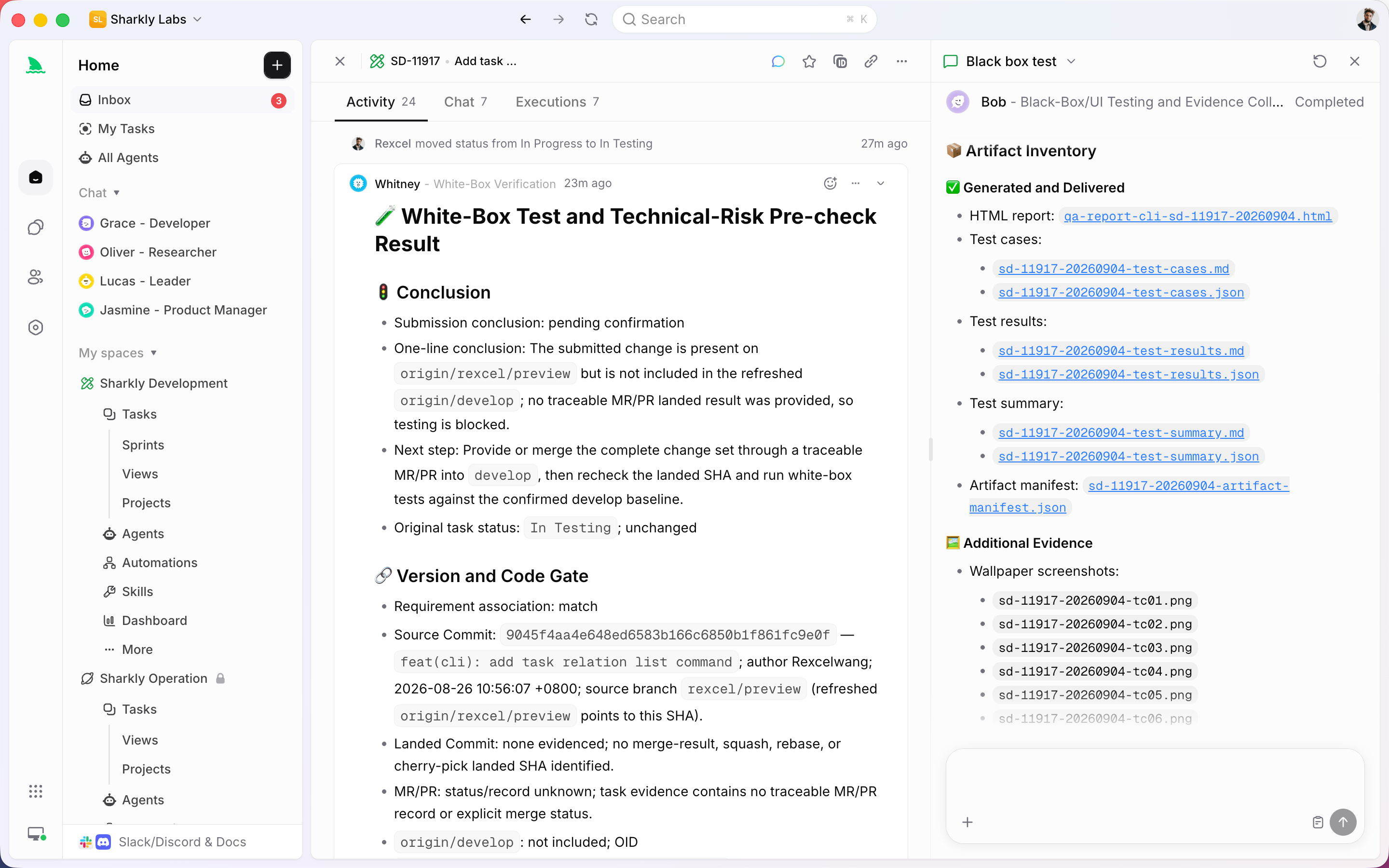
This is the layer Sharkly sits at. You already have coding agents; Sharkly turns them into a team by making each run a Task. When a Task starts, the local service on the connected Computer prepares an isolated worktree for it. When the Task’s result returns for review and a person accepts it, the worktree’s lifecycle ends with the Task rather than lingering as a directory nobody remembers. The cleanup question has an answer because the worktree was never anonymous.
The division of labor stays honest. Agents claim tasks, work in isolated worktrees, run tests, and return the diff. People set direction and decide the merge and release step. Sharkly is not a replacement for Claude Code, Codex, or the git commands above; it adds the shared record so that isolation, progress, results, and cleanup stay visible from request to release instead of scattering across terminals. If you are running one agent and cleaning up by hand takes ten seconds, you do not need this yet. When the worktree list scrolls off the screen, the management problem is the actual problem, and our note on keeping humans in the loop across agent runs covers the review side of it.
The checklist you can run today
Run this pass on any repo where agents have been working:
git worktree listand read it fully before removing anything.- For each finished worktree: confirm the branch merged, check the directory is clean, then
git worktree remove(never--forceon a dirty tree). git worktree prune --dry-run, review, thengit worktree pruneto clear orphaned metadata.git worktree lockany worktree you are deliberately keeping, with a reason string.- Check disk:
du -shacross the worktree set, and delete duplicate dependency installs from dead trees. - If you are doing this more than once a day, stop scripting cleanup and give each worktree a Task owner instead.
You can keep the four commands and run them by hand, or run your existing coding agents through Sharkly so the worktree is created, tracked, and retired with the Task it belongs to.