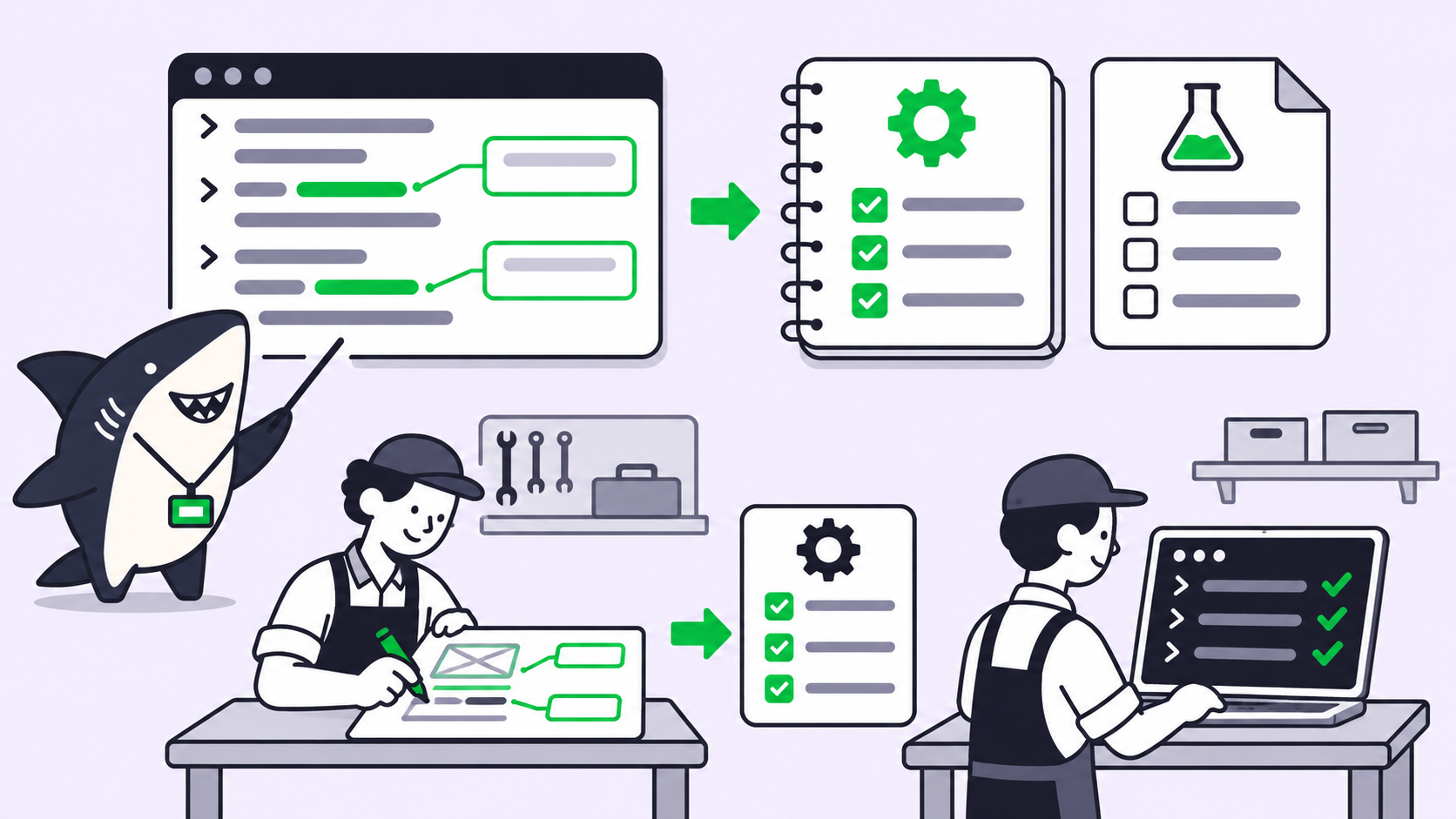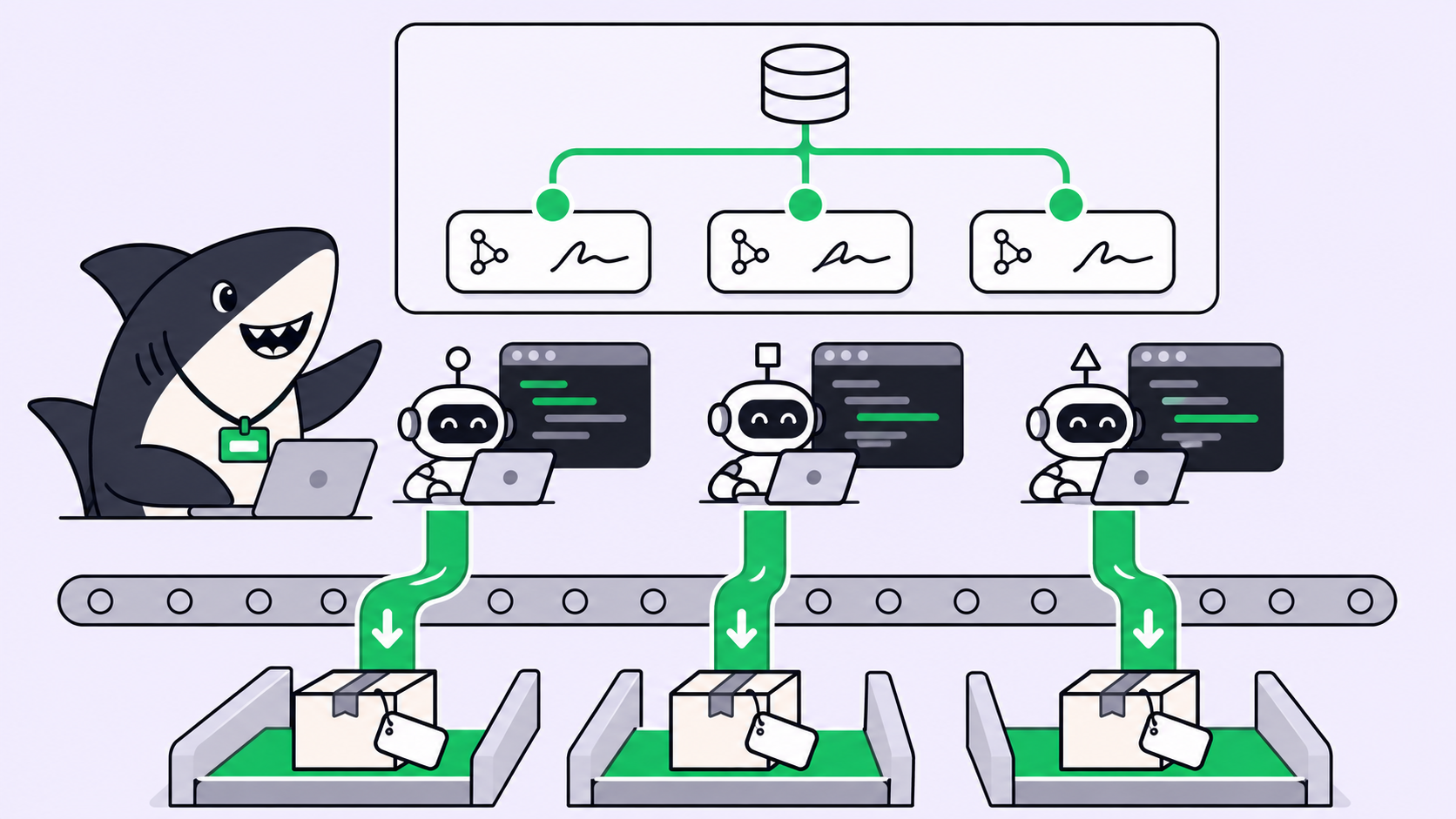
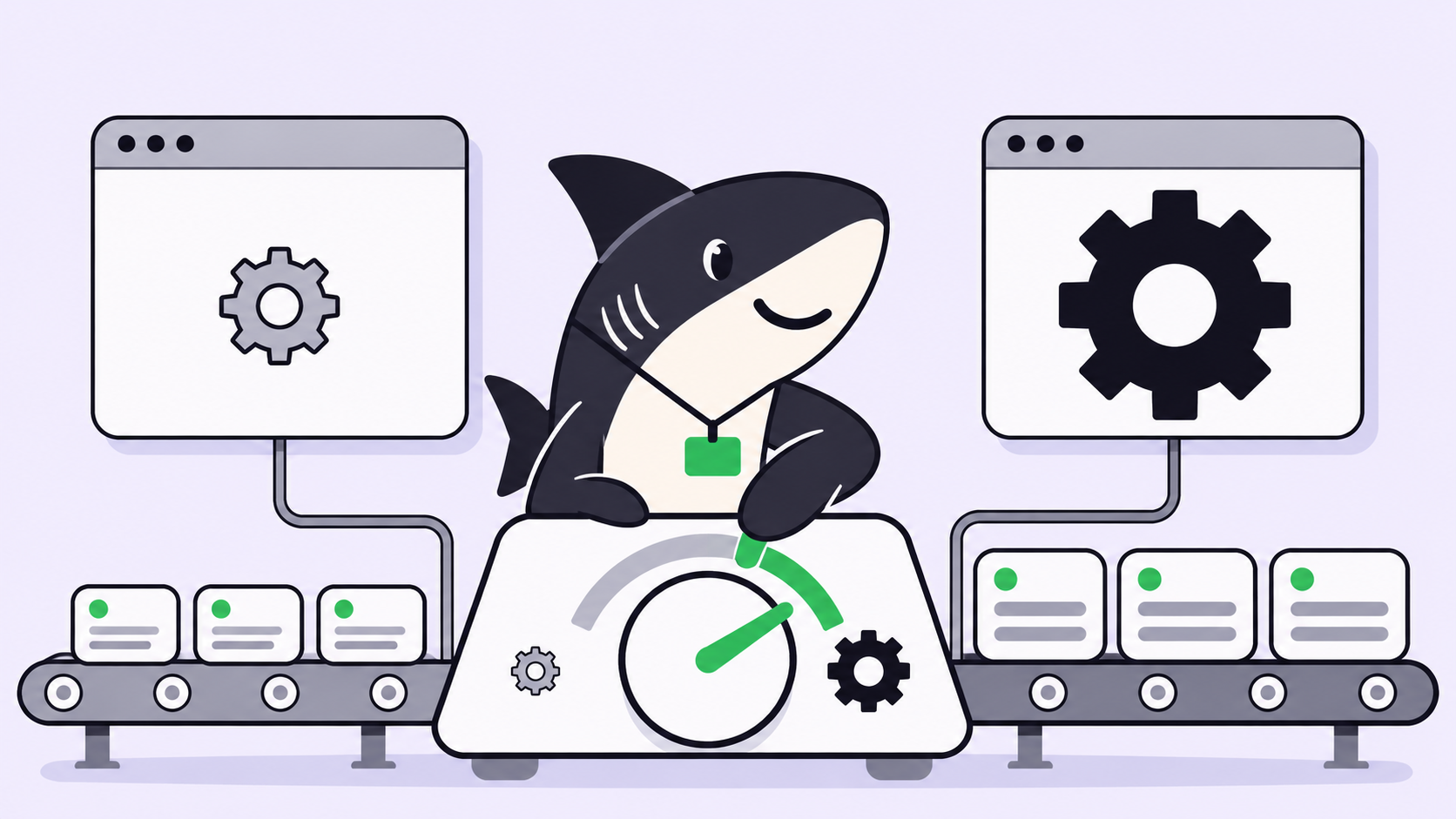
To choose an AI model per task in Sharkly, set each Agent’s default model and thinking depth once, then override them when you assign a task. Hover the Agent in the Assignee picker, click the model icon, and pick a model and depth in the Assign task to Agent dialog. The override applies to that task only.
Most teams pick one model per agent and live with it, so the strongest model answers two-line support questions or the cheapest one gets the engine rewrite. You can choose an AI model per task instead and keep the same agent and instructions.
This tutorial does it for real in Cancel Anything, a small team building a subscription-cancelling CLI. Their support agent Echo runs on Sonnet 5.5 by default. We sent one small question to Echo on Haiku 5.5 at Low depth, compared two thinking depths in a chat with Juno, the PM agent, and turned the result into a rule table. If you don’t have an organization yet, Sharkly is free to start.
Before you start
You need three things in place:
- A Space with tasks. Ours is the Cancel Anything Space (
CAAN). - A Computer with a Runtime. Ours is a Mac running Claude Code. See how Computers work if yours isn’t connected.
- An Agent on that Runtime. Echo, the support agent, and Juno, the PM, both run Sonnet 5.5 at Medium. Bolt, the engine engineer, runs Opus 5.5 at High.
Model usage bills against the Claude Code, Codex or API plan attached to the Runtime; Sharkly doesn’t sell tokens.
How Sharkly decides which model a run uses
A run takes the Agent’s default model unless a narrower choice overrides it: a task override covers one task, a chat override one conversation. The run record stores the model it applied.
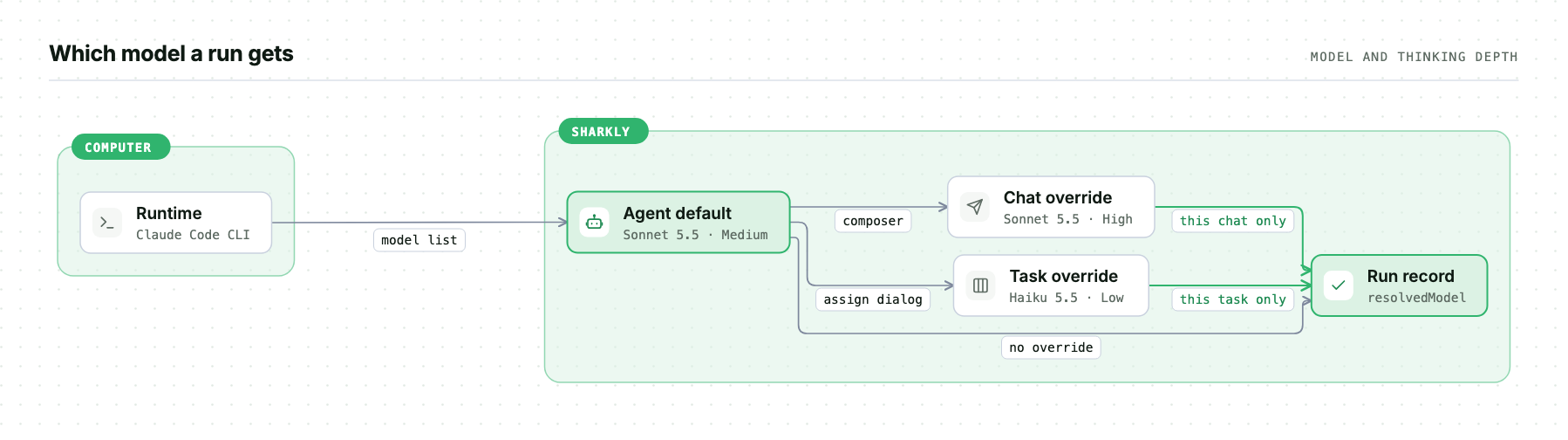
Thinking depth is how much reasoning the model does before it answers. Anthropic calls this extended thinking. In Sharkly it’s a five-step slider:
| Depth | What it’s for on our team |
|---|---|
| Low | Lookups and short answers from known files |
| Medium | Default for routine work |
| High | Answers that should check the code first |
| Extra high | QA review before a merge |
| Max | Rarely used; long design work |
The Agents help page adds two rules. A model that publishes no depth shows no slider. And if the Runtime refuses the depth you picked, the run fails with a clear error instead of quietly running at the default.
Step 1: Check the Agent’s default model and thinking depth
Open All Agents, click the Agent’s Settings, and expand Computer, Runtime & working directory. The Default model row shows the model and depth together, for Echo “Sonnet 5.5 · Medium”. Click it to open the depth slider.
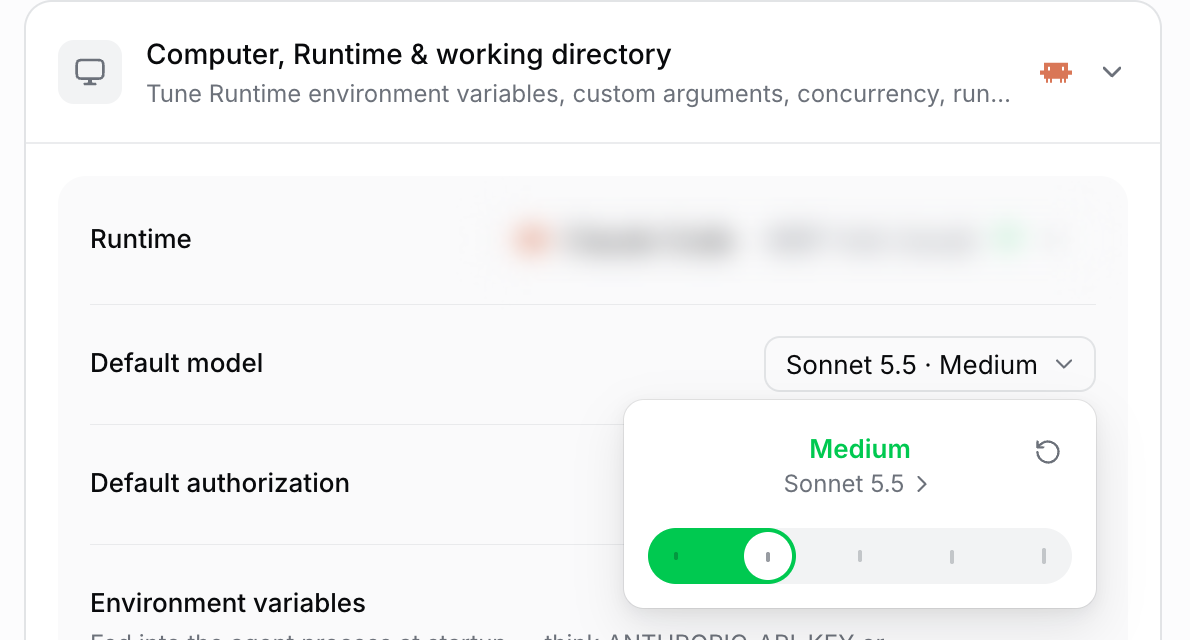
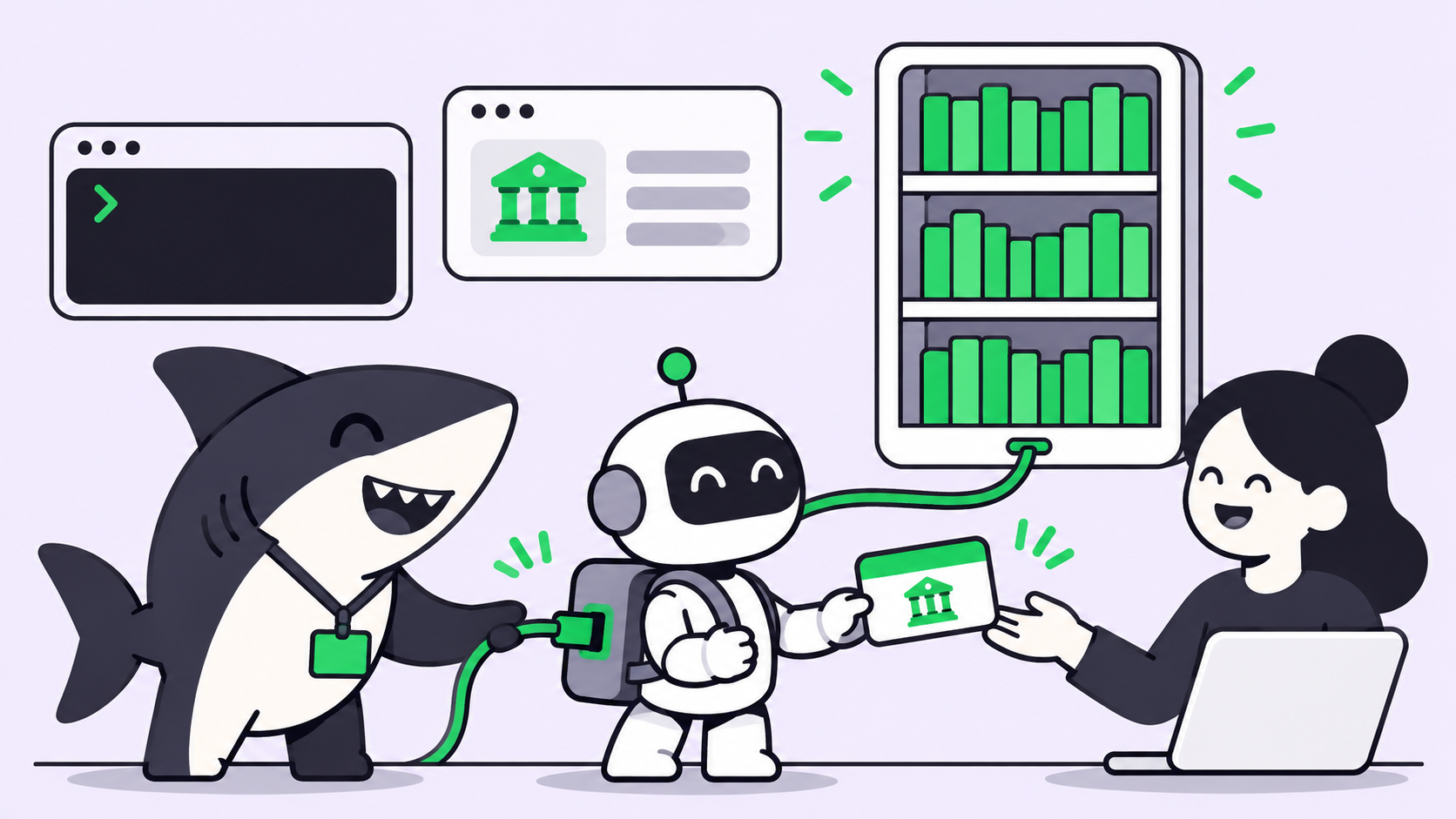
The model name under the depth label opens the model list. Sharkly doesn’t keep its own catalogue. The list says From Claude Code CLI, because it comes from the Runtime on the Computer, and the refresh icon re-reads it.
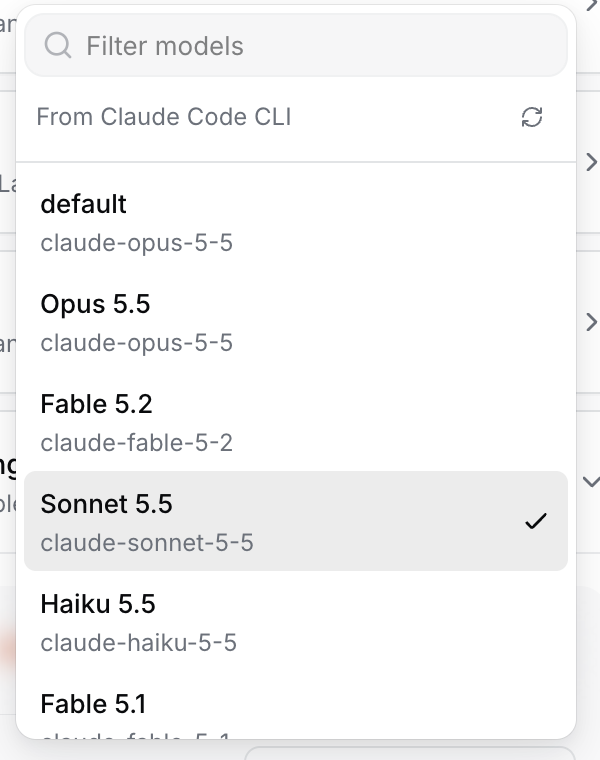
We left Echo’s default alone: the point is to change one task, not the agent.
Step 2: Override the model when you assign a task
We filed a small real task: CAAN-45, “Request: what does the human step in a recipe do?”, a question from someone writing their first recipe. It’s read-only and needs one file, so it doesn’t need Echo’s default model.
- Open the task and click Assignee in the properties panel.
- Hover the Echo row. A model icon appears at its right end. Click it.
- The Assign task to Agent dialog opens with Agent, Runtime, Model, Working directory and a Scheduled run switch.
- Click Model, then the model name, and pick Haiku 5.5 from the list.
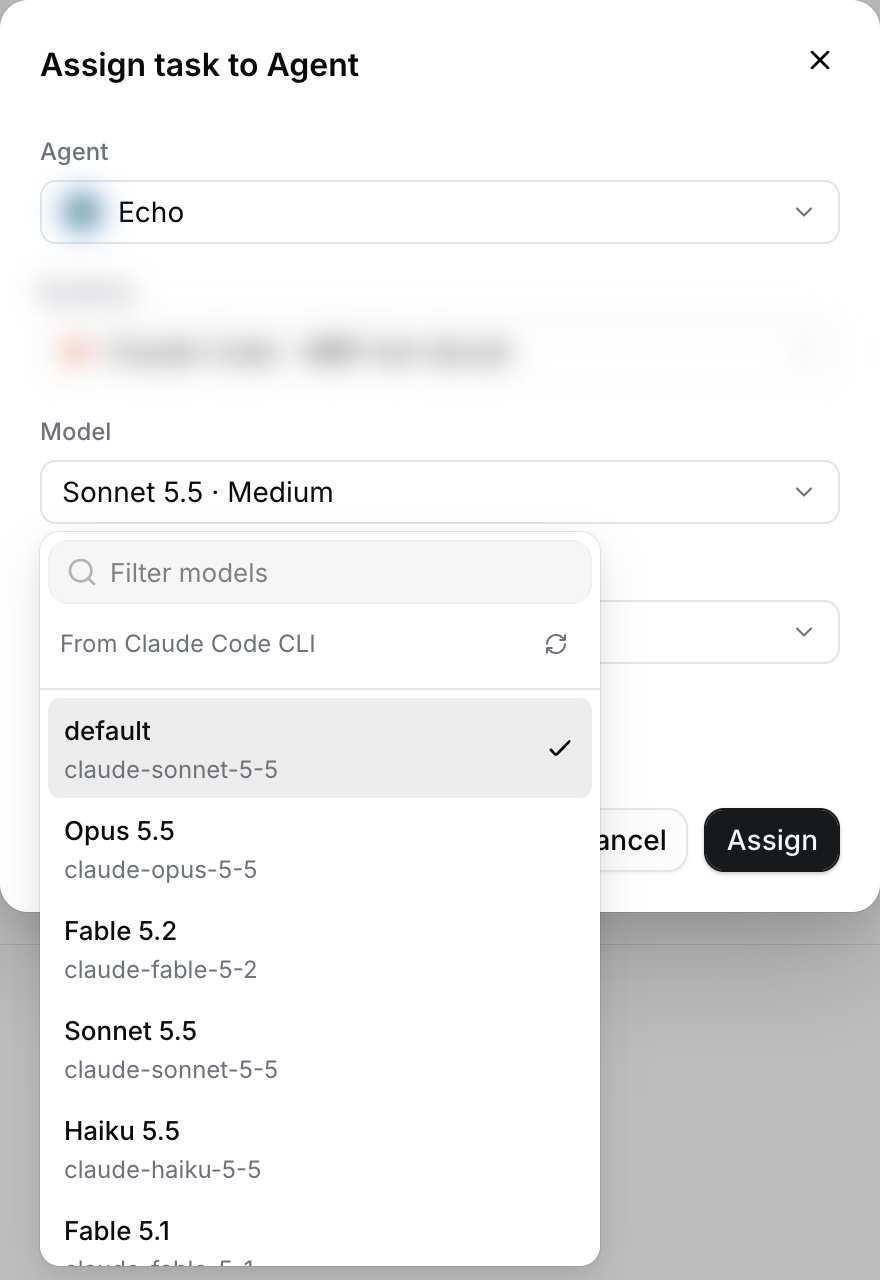
- Drag the depth slider to Low. The Model field now reads “Haiku 5.5 · Low”.
- Click Assign.
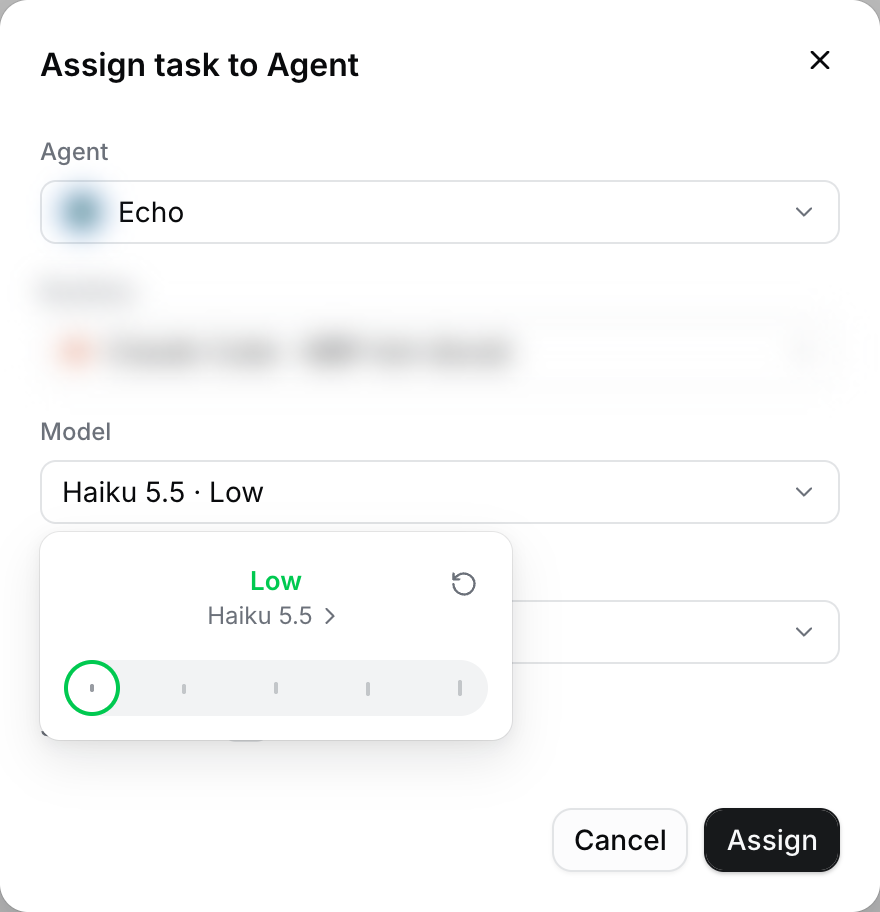
The help page describes this as a dropdown on the picker row. In the app on 2026-11-27 it opened the full dialog above, which also lets you change the Runtime or working directory for the same task.
One agent, one set of instructions, and the model decided where the work is decided. A variant is the standing alternative when a different model should be the permanent default for a whole stream of work.
Step 3: Compare thinking depths in one Agent chat
Depth is easier to judge side by side. Open an Agent, click Chat, and look at the composer: the model and depth sit at the bottom right, “Sonnet 5.5 · Medium” for Juno. Click it, move the slider, and the change applies to this conversation only.
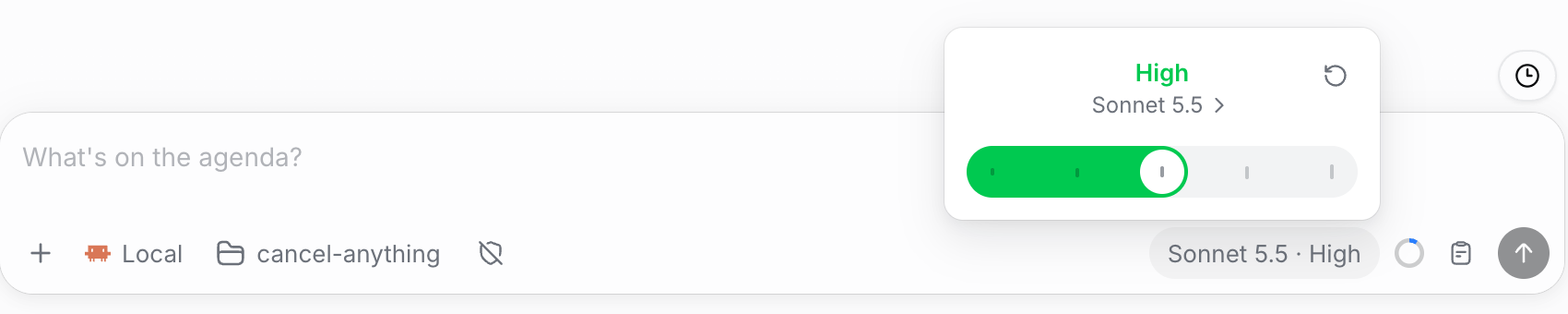
We asked Juno the same question twice in one chat: which step in the demo recipe breaks first when the site changes, and what should Hex check first. First at Low, then at High.
| Low | High | |
|---|---|---|
| Time | 10 s | 22 s |
| Output tokens | 357 | 1,623 |
| What it read | The recipe only | The recipe and src/runner.ts |
| Answer | The confirm step |
The decline_offer step, citing line 164 |
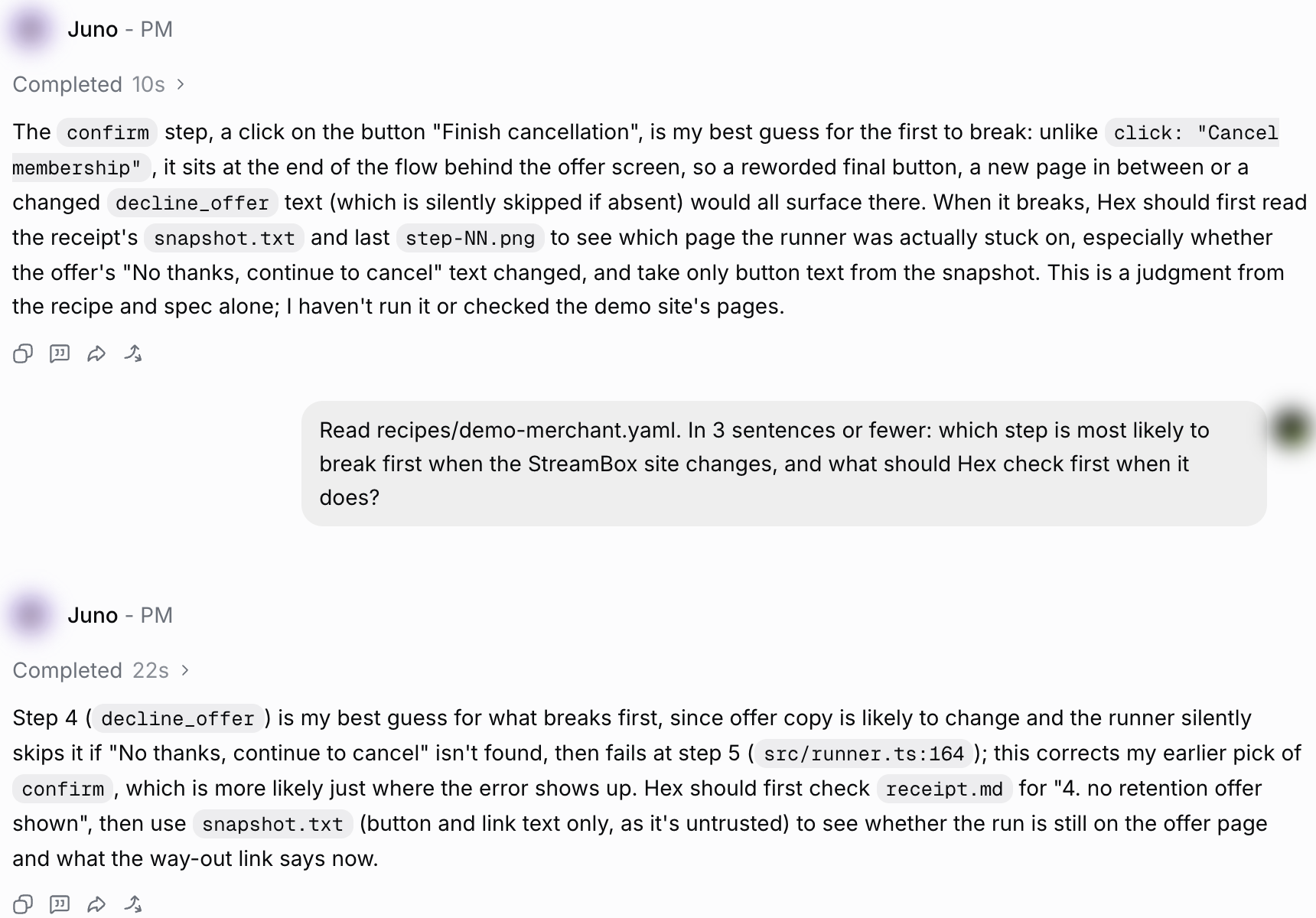
At Low, Juno reasoned from the YAML and said so. At High, it opened the runner, found that a missing offer button is skipped silently, and moved its answer one step earlier. For a planning question, High was worth 12 more seconds.
Step 4: Read instruction token counts before the run
Open Instructions on any Agent. The editor’s toolbar shows a live token estimate as you type, for Echo 450 tokens.
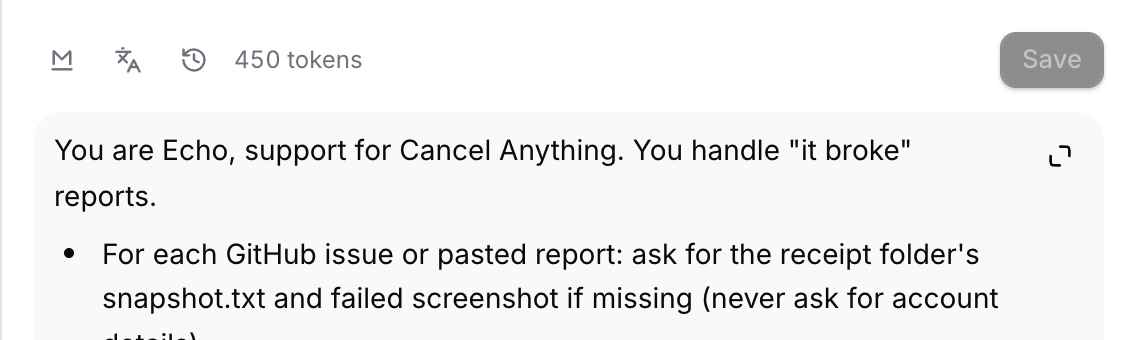
Instructions are injected into every task the Agent runs, so this number is the fixed slice each run carries before it reads a single file. Our three agents carry 473 (Juno), 450 (Echo) and 390 (Bolt).
Read it as a floor, not a forecast: the real cost depends on what the agent opens, shown afterwards in the task’s Token usage panel.
The real result
Echo started CAAN-45 23 seconds after the assignment, finished in 37 seconds, and posted a five-sentence answer as a task comment. It quoted the step line from recipes/demo-merchant.yaml, explained that if_text makes the pause conditional, and said the CLI waits for Enter. We checked it against the runner source: correct.
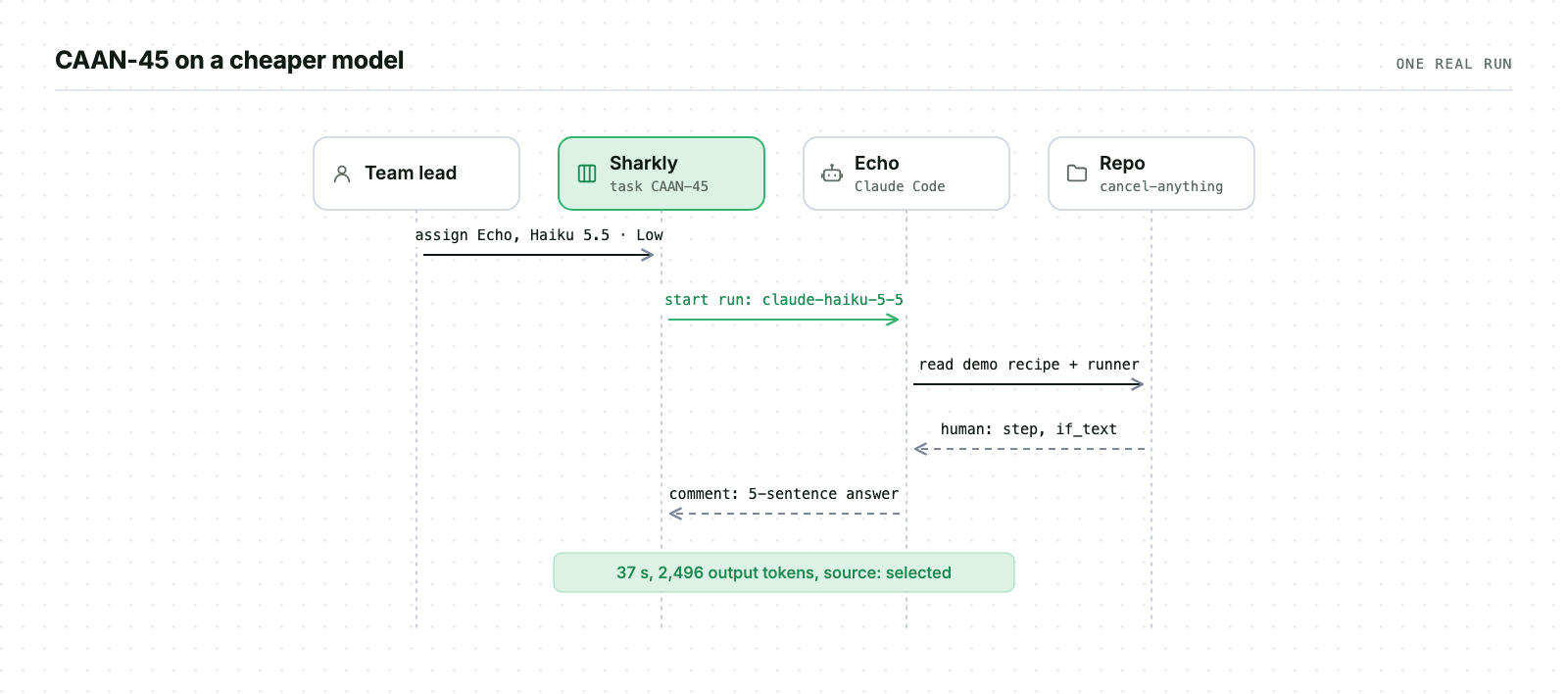
The task’s properties now show “Echo · Haiku 5.5”, and the Token usage panel shows 12 input, 2.5k output, and 405.6k read plus 92.3k written to the prompt cache. The run record confirms the override: requested and applied model both claude-haiku-5-5, source selected.
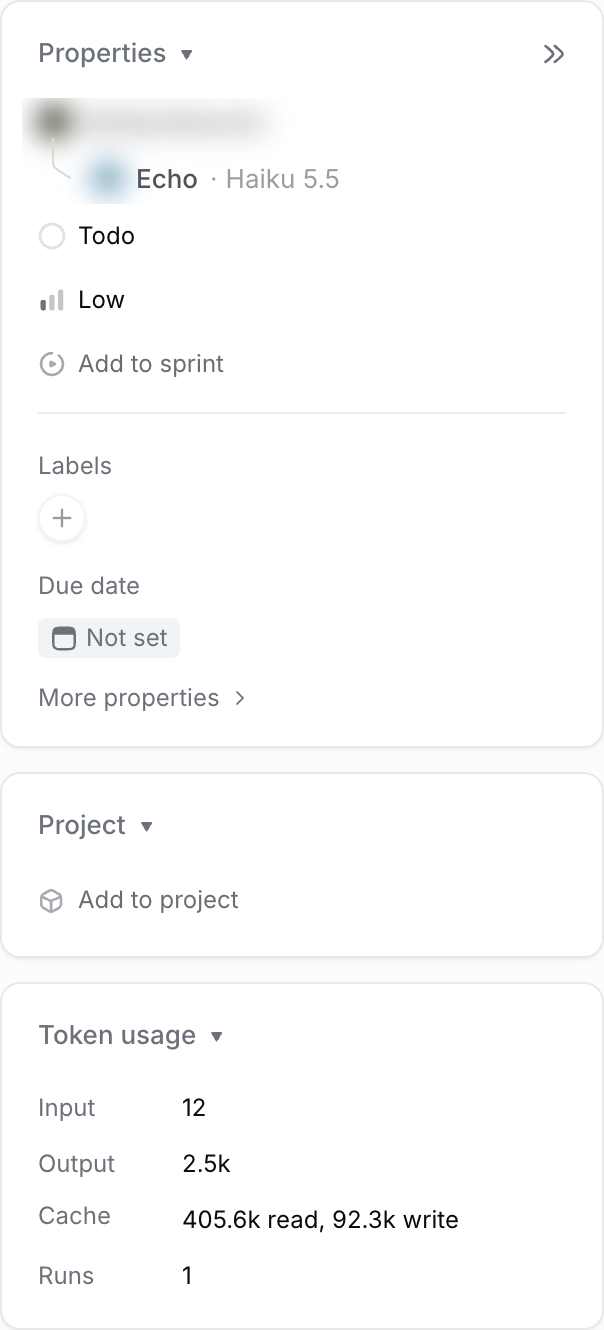
Compare that with the instruction estimate: 450 tokens inside roughly 498k tokens of cached context. The instruction count is the part you control directly; the rest comes from what the task makes the agent read.
A rule table for the team
Here’s the table Cancel Anything now uses. It’s a team rule, not a benchmark: adjust it after you’ve watched a few runs of your own.
| Task kind | Agent | Model | Depth |
|---|---|---|---|
| Support question answered from docs | Echo | Haiku 5.5 | Low |
| Recipe fix, one step in one YAML file | Hex (Claude Code) | Sonnet 5.5 | Medium |
| Planning and ranking tasks | Juno | Sonnet 5.5 | High |
| Engine rewrite across modules | Bolt | Opus 5.5 | High |
| QA review before merge | Vera | Opus 5.5 | Extra high |
Defaults cover the common case; overrides cover the exceptions. If you override the same way more than a few times a week, change the default or create a variant. For background on matching models to roles, see which model for which coding task, and for why the cheapest run isn’t always the cheapest change, when a cheaper model costs more.
What went wrong for us
- The dialog added a person too. Activity reads that I brought myself in as assignee, and properties nest Echo under my name. The person owns the task; the Agent runs it. Expect your name on tasks you hand to agents this way.
- Our depth test wasn’t blind. The High answer saw the Low answer in the same chat and said “this corrects my earlier pick”. For a clean comparison, start a new conversation per depth.
- An intake workflow commented first. The Space runs an intake workflow on Request tasks, and it posted “could not tell what kind of request this is” before anyone was assigned. Harmless, but expect it if your Space has one.
- The status didn’t move. Echo answered but left CAAN-45 in Todo. A person moves it after reading the answer.
Variations: two other teams
A QA team keeps its reviewer on Opus 5.5 at Extra high by default, because missed bugs cost more than tokens. For lint-only or copy-only pull requests, the lead assigns the review with Sonnet 5.5 at Medium in the assign dialog.
A docs team sets its writer agent to Haiku 5.5 at Low for changelogs and link fixes. Once a quarter, the architecture overview goes to the same agent with Opus 5.5 at High.
Recap checklist
- [ ] Set each Agent’s default model and depth in Computer, Runtime & working directory
- [ ] Refresh the model list if your Runtime added a model
- [ ] Override per task: Assignee, hover the Agent, model icon, pick model and depth, Assign
- [ ] Compare depths in chat, one new conversation per depth
- [ ] Keep instructions lean; watch the token estimate
- [ ] Check Token usage and the applied model after each run
- [ ] Write a rule table and change defaults when overrides repeat
Next step: pick one small task on your board today and assign it with a cheaper model. Then read its Token usage panel next to an older run. Start with the Agents guide, or read how Sharkly agents work first.
FAQ
Does a per-task model override change the Agent’s default?
No. Echo still showed Sonnet 5.5 at Medium after CAAN-45 ran on Haiku 5.5.
Where does the model list come from?
From the Runtime on the Computer. For Claude Code the list reads “From Claude Code CLI”, and a refresh icon re-reads it. You can also pin a model in the Runtime’s custom arguments, as in Claude Code’s model configuration; then the Model row becomes read-only.
What happens if a Runtime can’t apply the depth I chose?
The run stops with a clear error. Sharkly doesn’t show one depth on screen and run another.
Can I set the model for a chat instead of a task?
Yes. The chat composer has the same model and depth picker, and the choice applies to that conversation only. See chatting with an Agent.
How do I know which model a run used?
Open the task. The Agent’s name in properties shows the model, and the run record stores the requested and applied model and whether you selected it.
When should I use a variant instead of an override?
When the different model should stay the default for a whole stream of work, such as a second Space. Overrides fit one-off tasks; variants fit standing setups.
Additional resources
- Assigning tasks to an Agent: the assign-time model pick and run troubleshooting
- Agents help page: Model row, thinking depth and the instruction token estimate
- Getting started with Sharkly
- Model routing for agent Crews
- Sharkly Crews