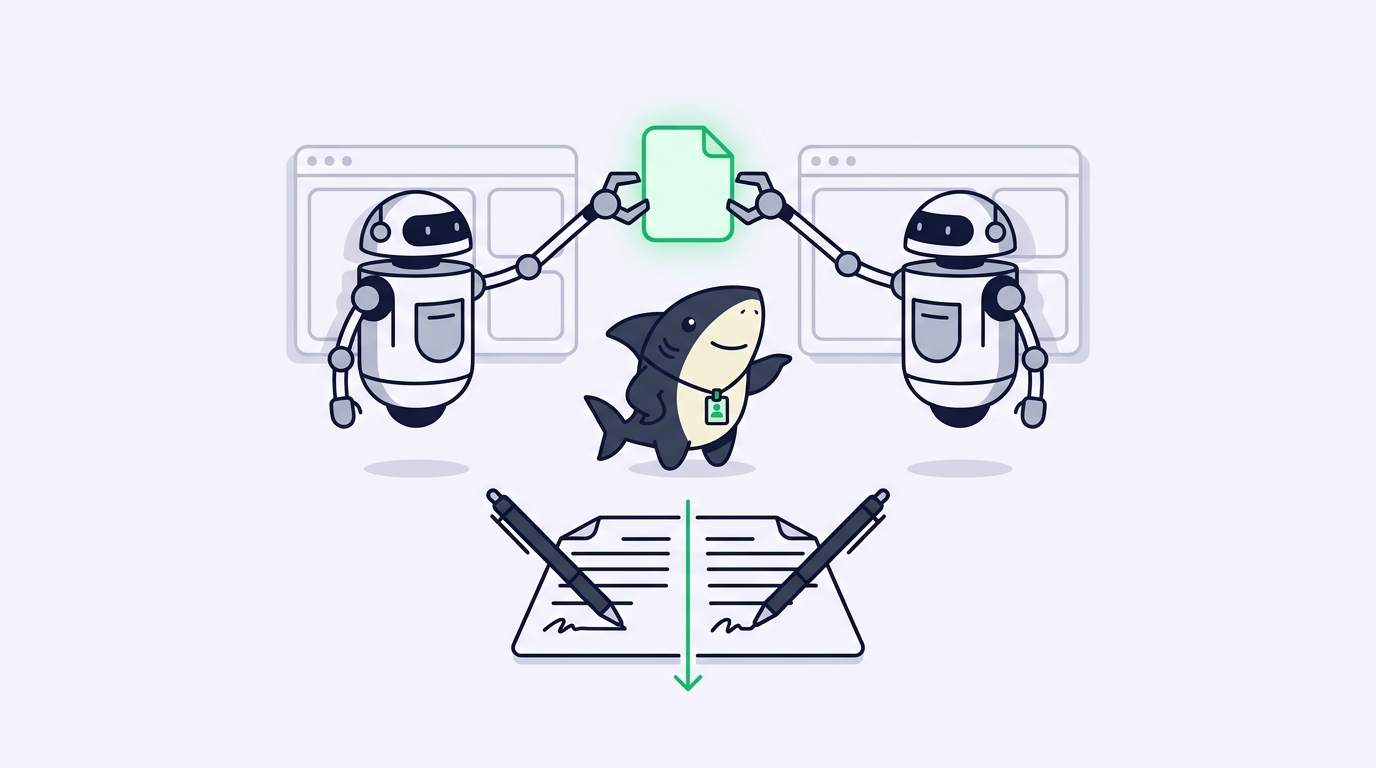
You hand one bug to Claude Code and a small feature to Codex, walk away, and come back to a file that looks wrong. One agent’s edit is missing. Or both edits are there and the build fails. Or, worse, everything compiles and a test breaks somewhere neither agent touched. Nothing crashed while you were gone. The two agents both did the work you asked. The file could not hold two authors at once, and nobody told you which one won.
That silence is the actual problem. A file is not a merge tool. When two coding agents write to auth.ts in the same directory at overlapping times, there is no lock, no queue, no warning; there is only whichever process saved last. This article walks the collision step by step, names the failure mode at each stage, and ends with a checklist you can run before your next parallel session.
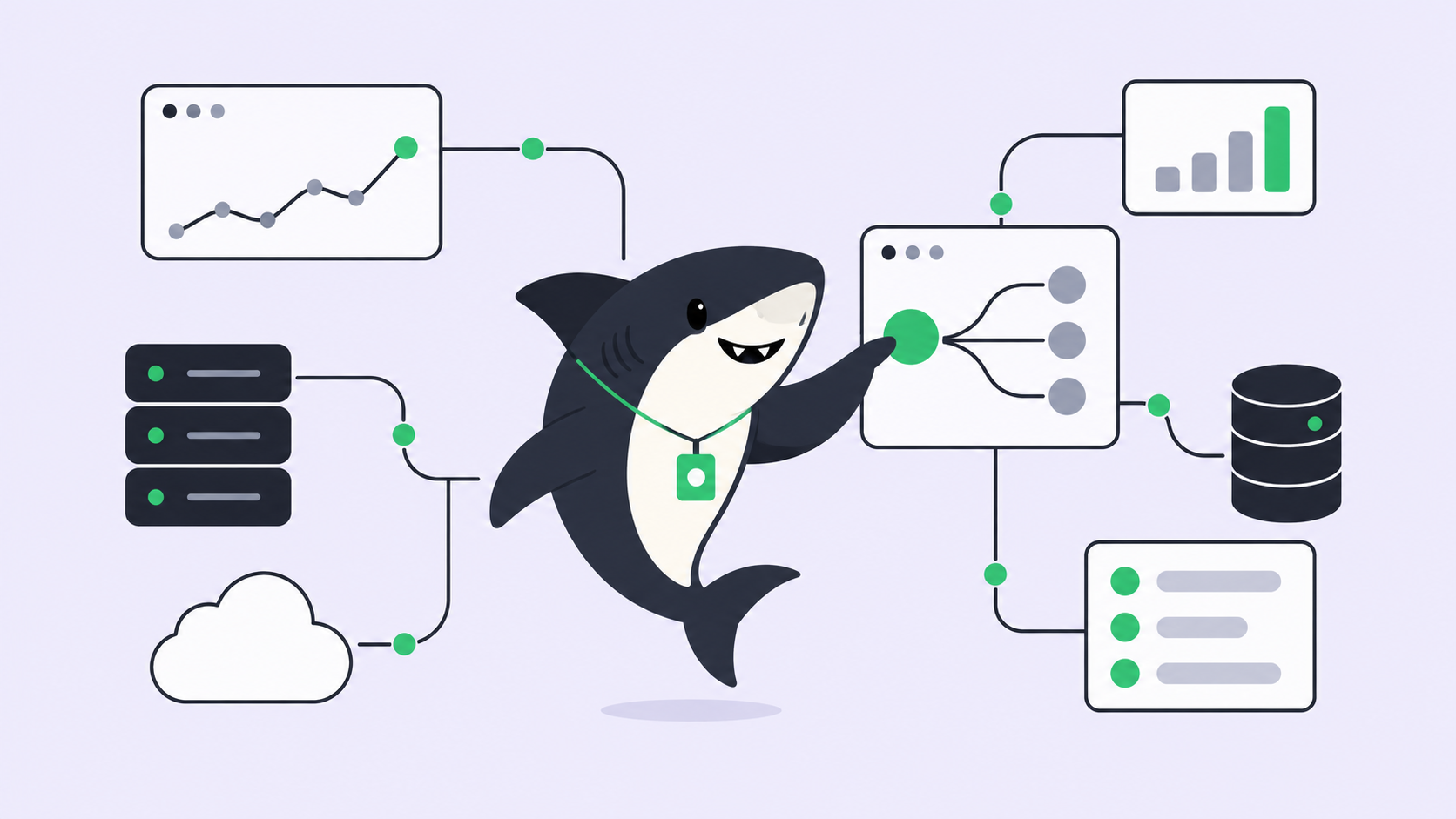
It also points at the workflow those fixes lead to. Sharkly is an all-in-one Agent command and management platform that sits above the coding agents you already run. It gives each Task its own isolated worktree and keeps context, progress, blockers, results, and human review visible from request to release. You can build the same discipline by hand with plain Git, and most of this article shows you how. The last section is about when doing it by hand stops paying off.
There is no lock: last write wins
Start with the worst version, because it is the most common and the least visible. Both agents run in the same working directory. Agent A reads auth.ts, plans a change, and starts writing. Agent B reads the same auth.ts a second later, plans a different change against the version it read, and writes too.
Neither read the other’s edit, because the edit was not saved yet when they read. Whoever saves second overwrites the file on disk with a version that never contained the first agent’s work. This is last-write-wins, and it is silent. There is no conflict marker, no error, no exit code. Agent A reports success. Agent B reports success. One of them is lying to you and does not know it.
The lockfile race is the same failure in a costlier place. Agent A runs npm install and rewrites package-lock.json; Agent B, mid-install, rewrites it again from a different starting state. The result is a lockfile that matches neither dependency tree, and the break surfaces on someone else’s machine days later. Shared build output, a single dev-server port, and a global cache all fail the same way.
The fix is not a smarter agent. It is giving each agent a room of its own.
One working copy per agent: the silent clobber becomes a visible conflict
A Git worktree is a second checked-out copy of one repository, on its own branch, sharing a single .git object store. Each agent gets a real directory to edit, build, and test in without seeing anyone else’s in-progress work.
# From the main repo
git worktree add ../repo-agent-a -b agent/auth-refactor
git worktree add ../repo-agent-b -b agent/session-timeout
Point Agent A at ../repo-agent-a and Agent B at ../repo-agent-b. Now A’s unsaved edits to auth.ts are invisible to B, and neither agent can overwrite the other’s file on disk, because they are editing two different files on two different branches. The worktree model is covered in more depth in Git worktrees for AI coding agents and coding agent worktrees: one checkout per task.
Notice what isolation did here. It did not prevent the two agents from editing the same file. It converted a silent data loss into a visible merge conflict at the moment the branches come back together. That is a real upgrade: Git stops and shows you the exact lines in disagreement, and you resolve them with full sight of both versions. A conflict you can see is a problem you can fix. The clobber you could not see was the one that shipped.
One boundary worth stating plainly: worktrees isolate files, not side effects. A shared database, a single port, or a hardcoded output path still collides across worktrees. Isolate those too, or serialize the agents that need them.
The conflict you cannot see
Here is the failure mode that survives isolation. Agent A, working in its own worktree, renames getUser() to fetchUser() and updates every call site it owns. Agent B, working in its own worktree at the same time, writes three new call sites for getUser(), because that was the function name when B read the file.
Both branches merge with zero conflict markers. Git compares lines, and line by line nothing overlapped: A changed its files, B added new ones. The merge is clean. Then the build breaks on an undefined getUser, or it compiles and fails at runtime where the type checker could not reach. No tool flagged it, because textually there was no collision. The two edits disagreed about the meaning of the file, not its text.
This is why “just isolate the agents” is not the whole answer. Isolation defers a same-file collision into a same-interface collision, and the second kind hides better than the first. The lever here is task scoping, not tooling. A useful rule: if you cannot describe two agents’ tasks without naming the same file or the same function, they are one task, not two. Splitting work along module boundaries is most of what keeps Claude Code and Codex working together on one codebase from turning into a debugging afternoon. When two tasks genuinely share an interface, serialize them, or merge and rebase between steps so the second agent reads the first agent’s reality.
Where the DIY setup stops scaling, and what a task board adds
Two agents and one shared file, you can manage by hand: two worktrees, careful scoping, a merge you watch. The method holds until the counting gets hard. Which agent is on which branch. Which worktree maps to which task. Which of five clean merges quietly changed a shared interface. Which branches are waiting on your review, and which you already looked at. The Git commands never got harder; the bookkeeping around them did, and that bookkeeping is exactly where same-file collisions slip through, because you approved a merge you did not fully read.
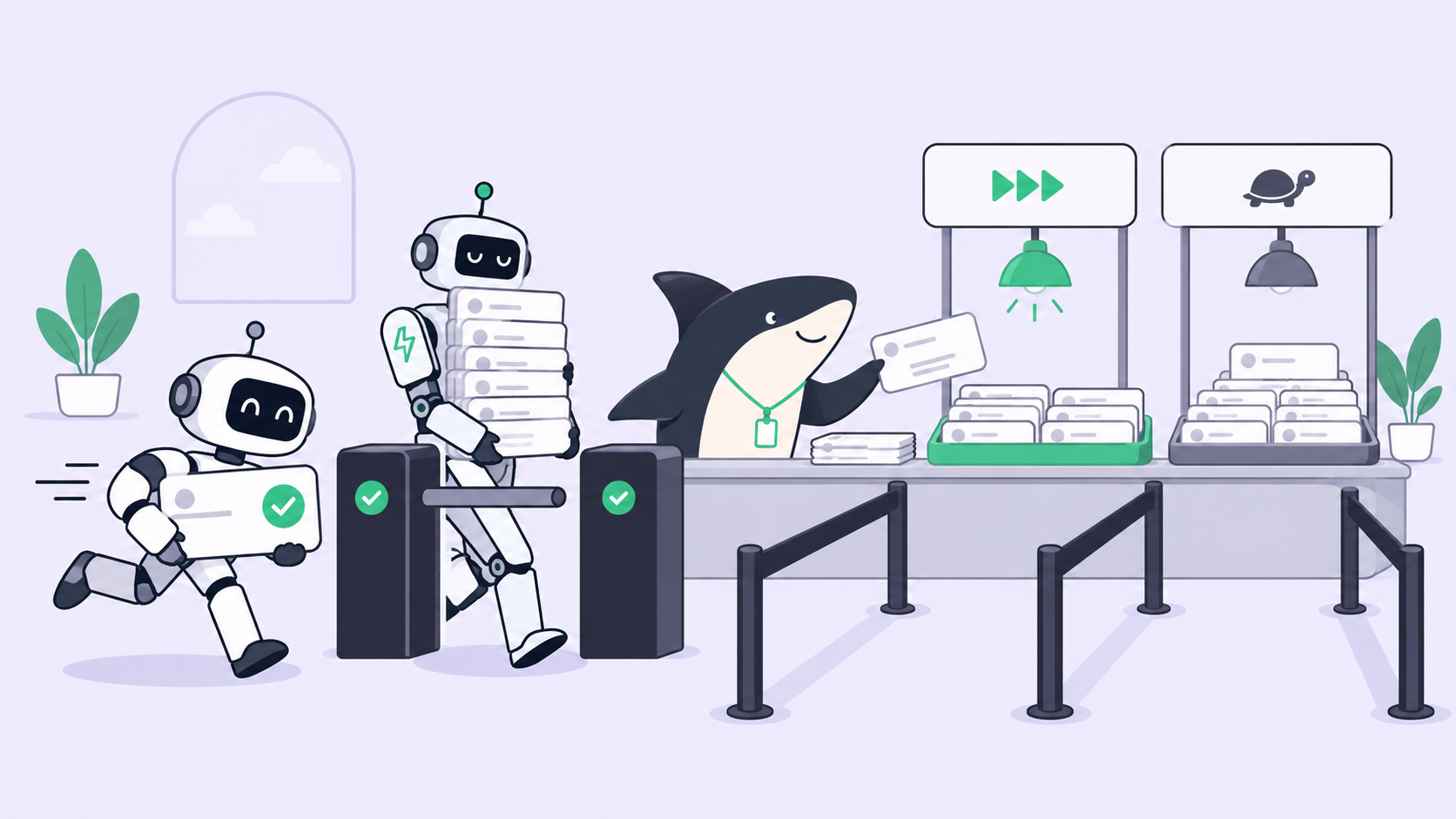
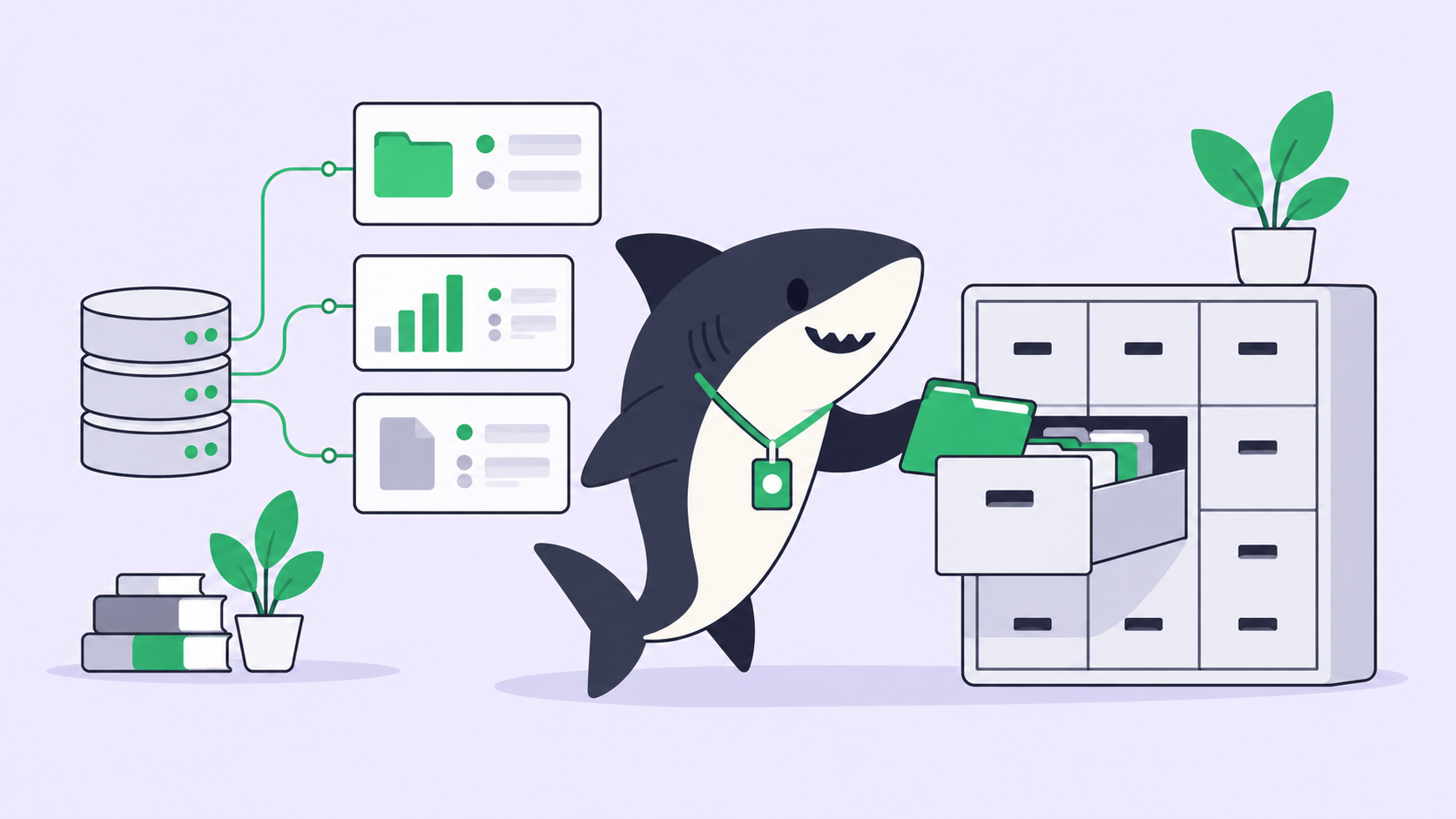
A task board changes what you are tracking. Instead of a wall of terminals and detached worktrees, each unit of work is a Task with an owner, a branch, and a state. In Sharkly, a Task gets its own isolated worktree automatically, so file-level isolation is the default rather than a command you remember to run. Execution, blockers, and results return to the Task, so you review a change against its stated scope instead of reverse-engineering intent from a diff. And the division of labor stays fixed: agents research, execute, test, and report; people set direction, grant authority, and accept the result. Automation stops where team judgment is required.
That last point is the one isolation alone never solves. Better tools make isolation and merging easier, but review does not scale with agent count; it scales with your attention, and human review is the real bottleneck in parallel agent work. Five agents produce five branches in the time you read one carefully. A task board does not read the code for you. It keeps the queue honest so the plausible-looking edit does not get skimmed and merged because you lost track of which pile it was in. The same conflict math shows up at the repo level too, covered in multiple coding agents in the same repository.
You can build this with worktrees and discipline, or use Sharkly to manage the workflow. If you are already running several agents, the value is having one place where their tasks and results live instead of scattered across terminals.
The checklist to run before your next parallel session
Run this before you point two agents at anything:
- Give each agent its own worktree. Never two agents in one working directory.
git worktree add ../repo-<task> -b agent/<task>per task. See parallel agents in isolated worktrees. - Scope tasks so they do not name the same file or function. If they must, that is one task; serialize it.
- Isolate side effects, not only files. Separate databases, ports, output paths, and caches, or serialize the agents that share them.
- Rebase before you merge when two branches ran against the same starting commit, so the second agent’s work sits on top of the first.
- Run the type check and full test suite after every merge, not after the last one. Semantic conflicts pass a clean merge and fail here.
- Review each branch against its task’s scope, one at a time. A pile of unread green checkmarks is where the invisible conflict ships.
Two agents editing one file is not a rare edge case; it is what parallel work looks like the moment your tasks overlap by an inch. Plan for the collision, make it visible, and keep one person deciding what merges.