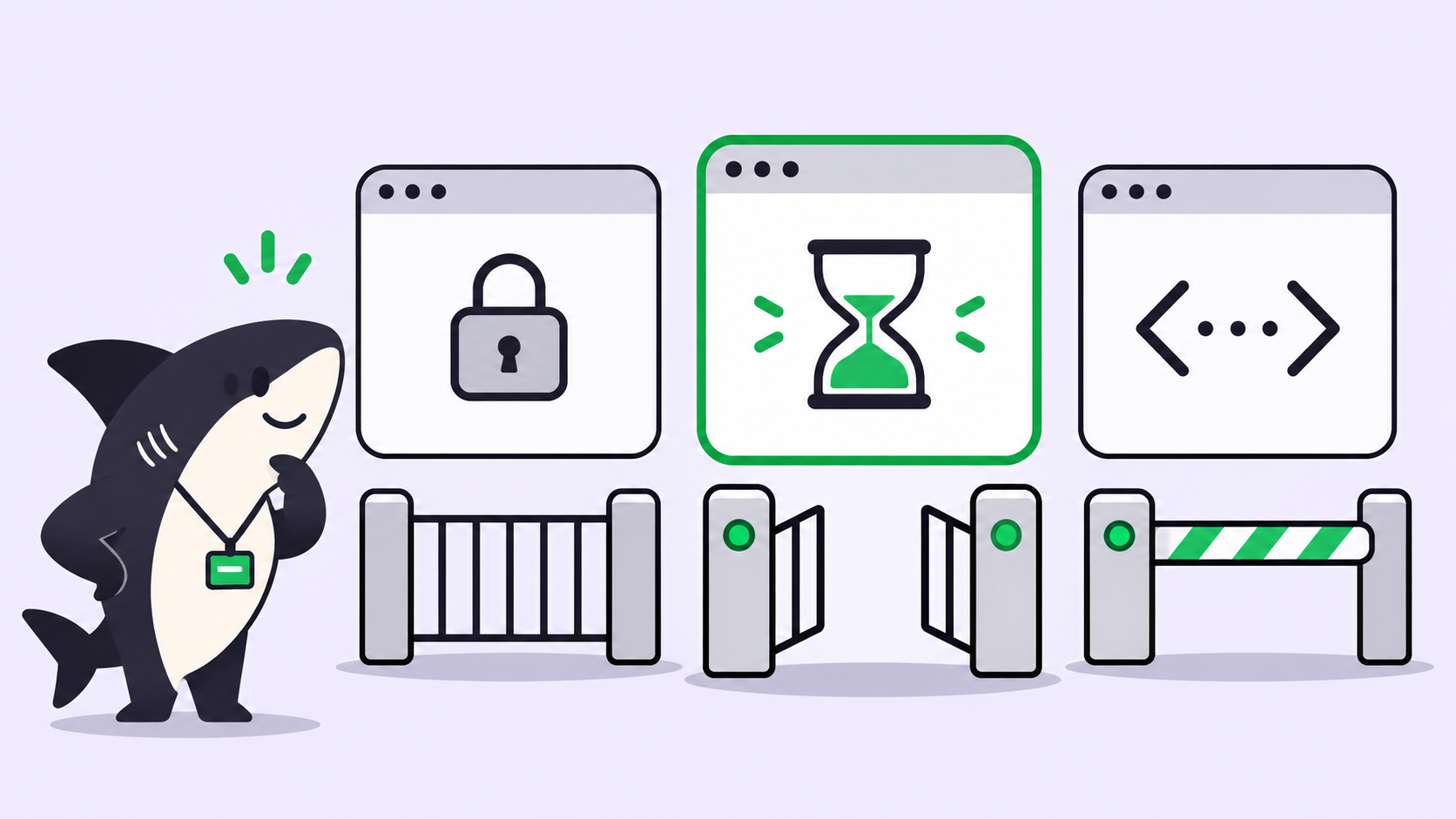
Quick answer: To fix failing CI with an AI agent, send the CI failure event to a webhook, let a coding agent check whether the failure is one it can handle, reproduce it locally in a clean worktree, and push a fix to a branch as a draft pull request. A person reviews and merges. No local repro means no push.
A red build at 4 p.m. costs more than the fix. Someone stops what they were doing, opens the log, scrolls past 900 lines of setup output, and finds a lint error or a stale snapshot. The fix takes two minutes. The context switch takes twenty.
That gap is where a coding agent earns its keep. You already run Claude Code, Codex, or another agent at your desk. The missing piece is the wiring: something that notices the failure, hands it to the agent with the right context, and keeps the agent from pushing guesses into your repo. This guide builds that wiring with GitHub Actions and a Sharkly Automation, and the same shape works with any CI that can send an HTTP request.
What an AI agent fixes well in CI (and what it doesn’t)
An agent does best on failures that reproduce on a laptop and have a small, checkable fix. It does worst on failures that live in infrastructure, credentials, or someone else’s service. Sort before you automate:
| Failure type | Agent fit | Why |
|---|---|---|
| Lint and format errors | Strong | Deterministic, the linter confirms the fix |
| Type errors | Strong | The compiler confirms the fix |
| Broken snapshot after an intended UI change | Good | Easy to repro, but a human should confirm the change was intended |
| Flaky test | Mixed | Repro needs repeated runs; the fix is often a real race condition |
| Failing unit test after a logic change | Mixed | The test might be right and the code wrong |
| Runner out of disk, network timeouts | Poor | Nothing to fix in the repo |
| Missing or expired secrets, permission errors | Never | The agent must not touch credentials |
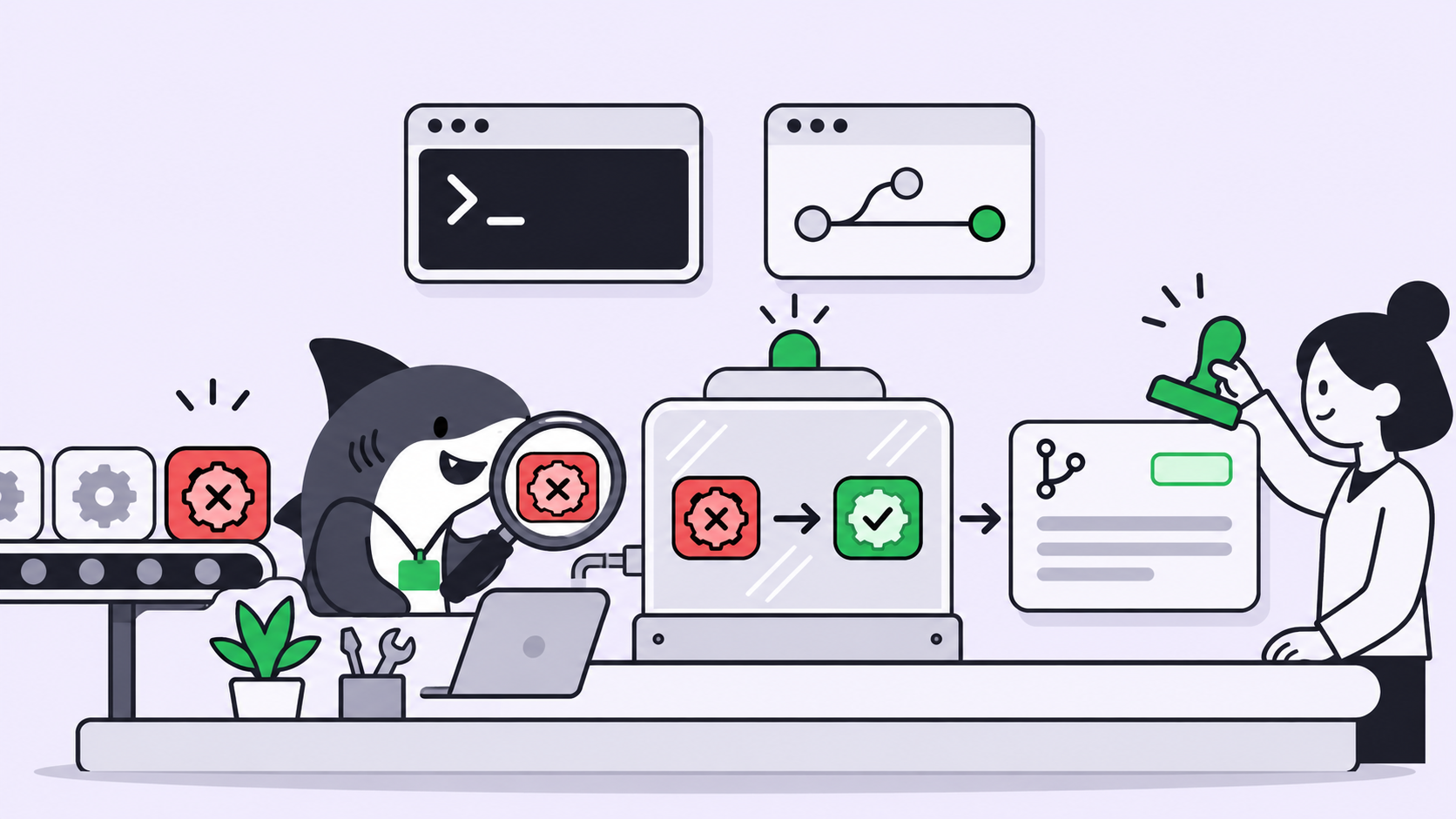
The rule that falls out of this table: the agent only delivers a fix it has watched turn red, then green, on its own Computer. A design essay the DeepSeek Harness team posted on X calls this pattern “silently reproduce and fix”: a trigger watches events, stays quiet by default, and surfaces only a confirmed simple fix. That essay describes a prototype design, not a shipped product, but the principle holds for any setup you build yourself.
How the CI fix loop works
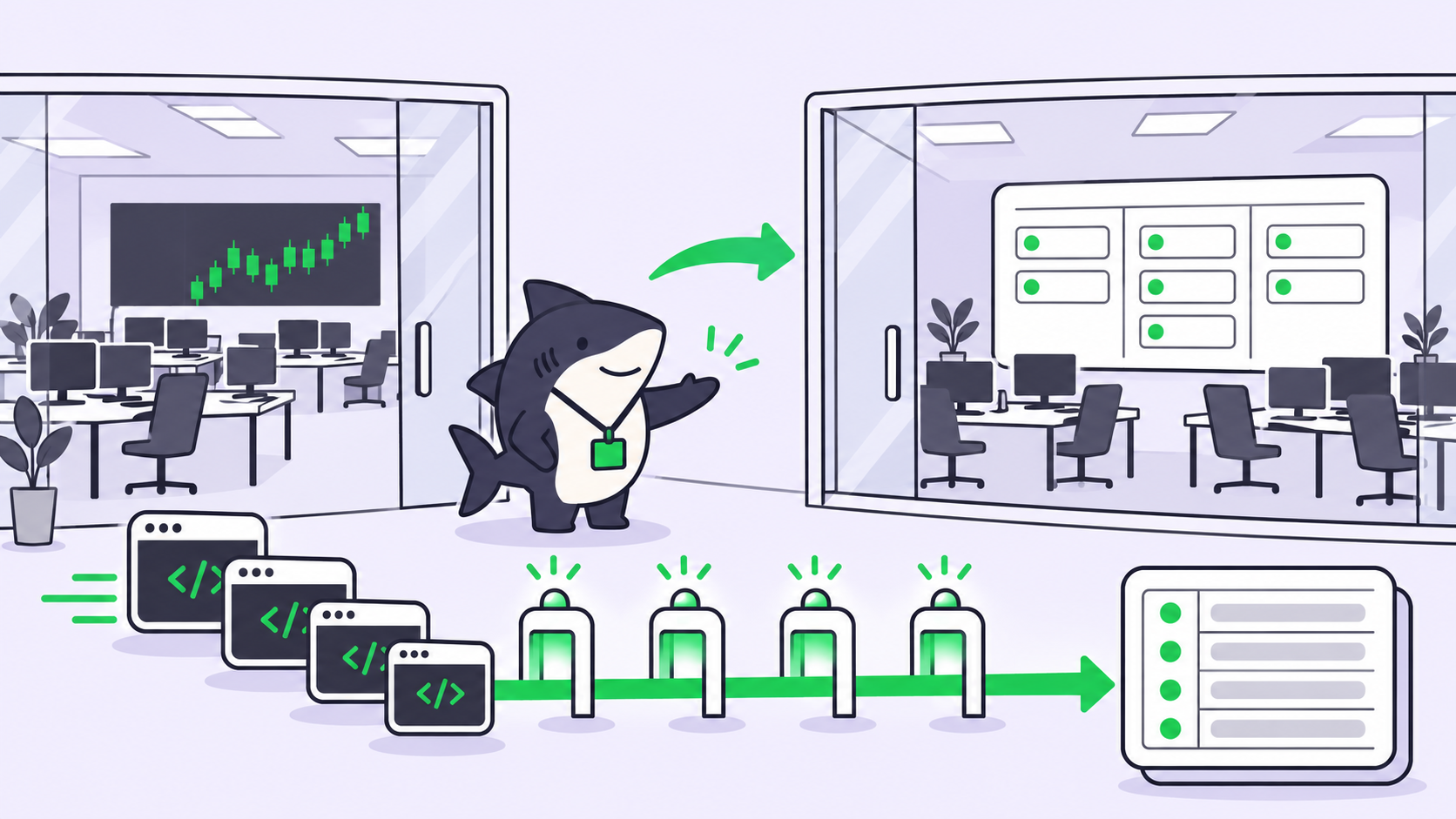
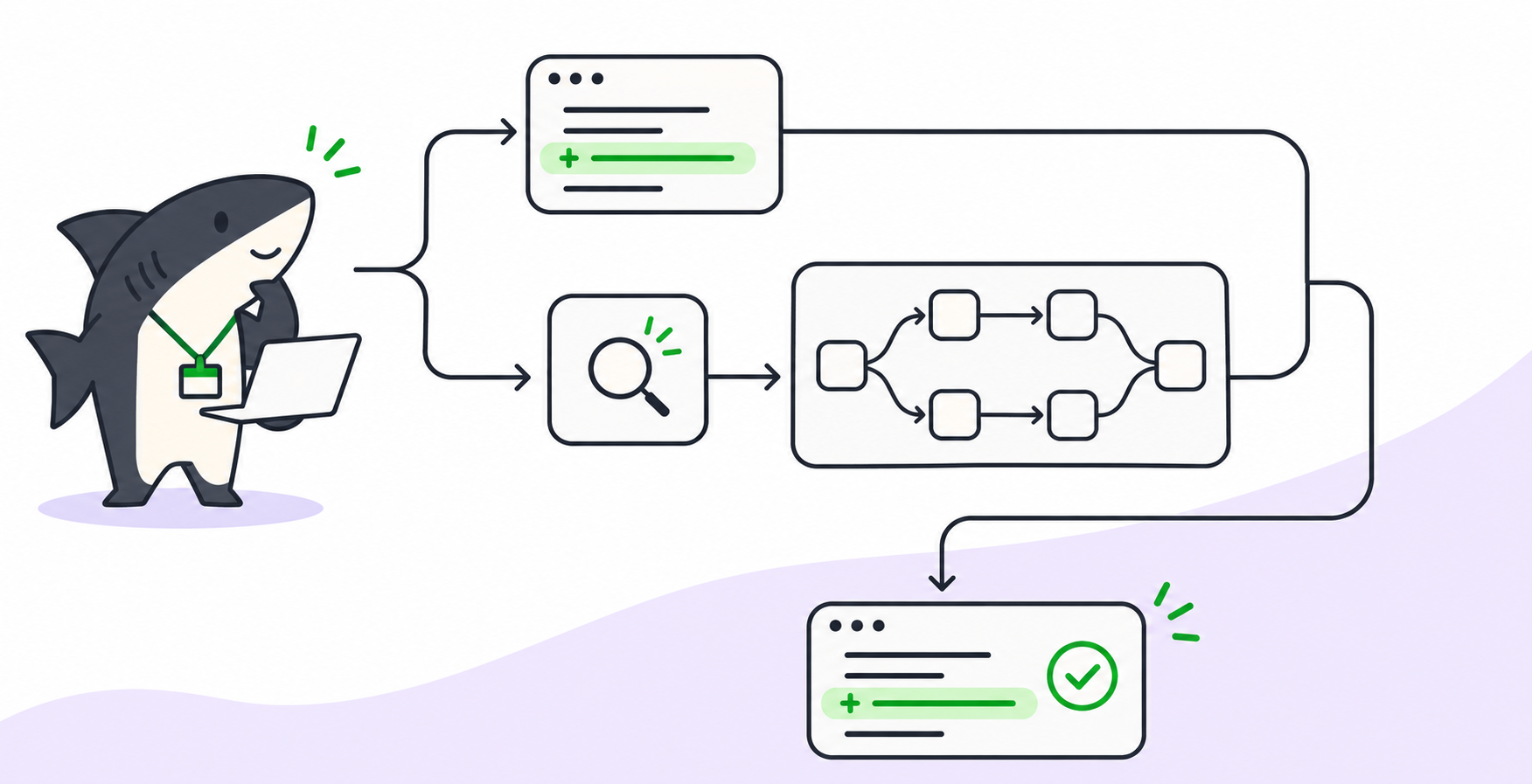
The loop has five parts: a failure event, a signed webhook, a cheap filter, an isolated repro, and a human review gate.
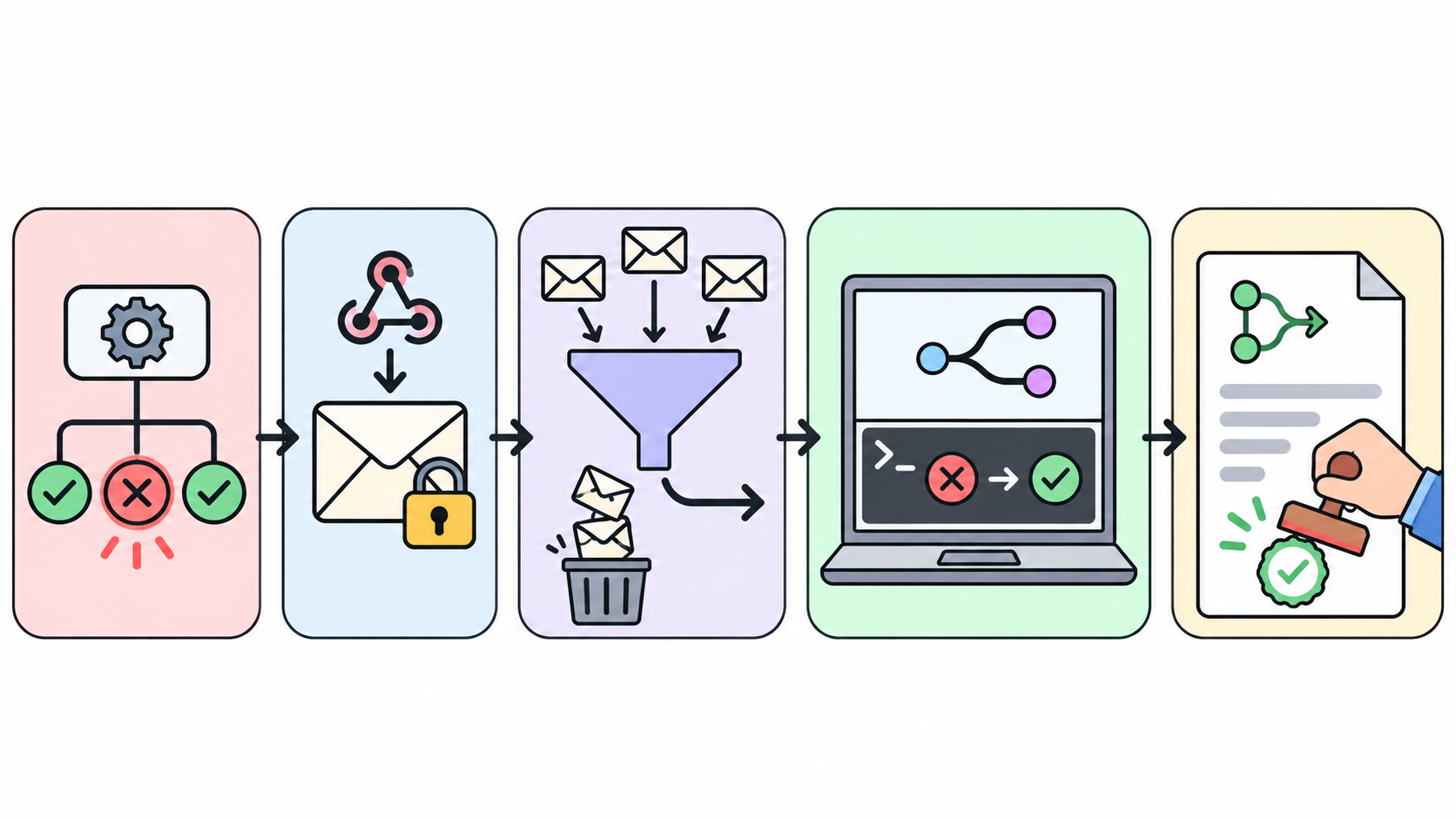
- Your CI finishes a run with a failure.
- A small workflow posts a signed JSON body to a webhook URL.
- The agent reads the body and drops anything outside scope, such as the wrong repo or a failure on a release branch.
- The agent files a task, checks out a fresh worktree, reproduces the failure, and fixes it.
- It pushes a branch and opens a draft pull request. A person merges or closes it.
Steps 3 and 4 run as a Sharkly Automation. An Automation is a saved set of instructions plus the Agent or Crew that runs them, started by a trigger: a schedule, a task status change, a comment phrase, or a webhook.
Step 1: Send the CI failure to a webhook
GitHub Actions has a workflow_run event that fires when another workflow completes. It fires on every conclusion, so you filter on failure with a job condition. One catch from GitHub’s docs: the workflow file must exist on the default branch, or it never triggers.
This workflow listens for a workflow named CI, builds a small JSON body, signs it, and posts it:
name: Report CI failure
on:
  workflow_run:
    workflows: [CI]
    types: [completed]

jobs:
  notify:
    if: ${{ github.event.workflow_run.conclusion == 'failure' }}
    runs-on: ubuntu-latest
    steps:
      - name: Send signed webhook
        env:
          WEBHOOK_URL: ${{ secrets.SHARKLY_WEBHOOK_URL }}
          SIGNING_SECRET: ${{ secrets.SHARKLY_SIGNING_SECRET }}
          REPO: ${{ github.repository }}
          RUN_ID: ${{ github.event.workflow_run.id }}
          RUN_URL: ${{ github.event.workflow_run.html_url }}
          BRANCH: ${{ github.event.workflow_run.head_branch }}
          SHA: ${{ github.event.workflow_run.head_sha }}
        run: |
          BODY=$(jq -nc --arg repo "$REPO" --arg run_id "$RUN_ID" \
            --arg url "$RUN_URL" --arg branch "$BRANCH" --arg sha "$SHA" \
            '{event:"ci_failure",repo:$repo,run_id:$run_id,run_url:$url,branch:$branch,sha:$sha}')
          TS=$(date +%s)
          SIG=$(printf '%s\n%s' "$TS" "$BODY" \
            | openssl dgst -sha256 -hmac "$SIGNING_SECRET" -binary | base64)
          curl -fsS -X POST "$WEBHOOK_URL" \
            -H "Content-Type: application/json" \
            -H "X-Webhook-Timestamp: $TS" \
            -H "X-Webhook-Signature: v1=$SIG" \
            --data-raw "$BODY"
Branch names come from contributors, so the workflow passes them through env and jq instead of pasting them into the shell script. Store both values as encrypted repository secrets, never in the file.
Step 2: Create the Automation and its webhook trigger
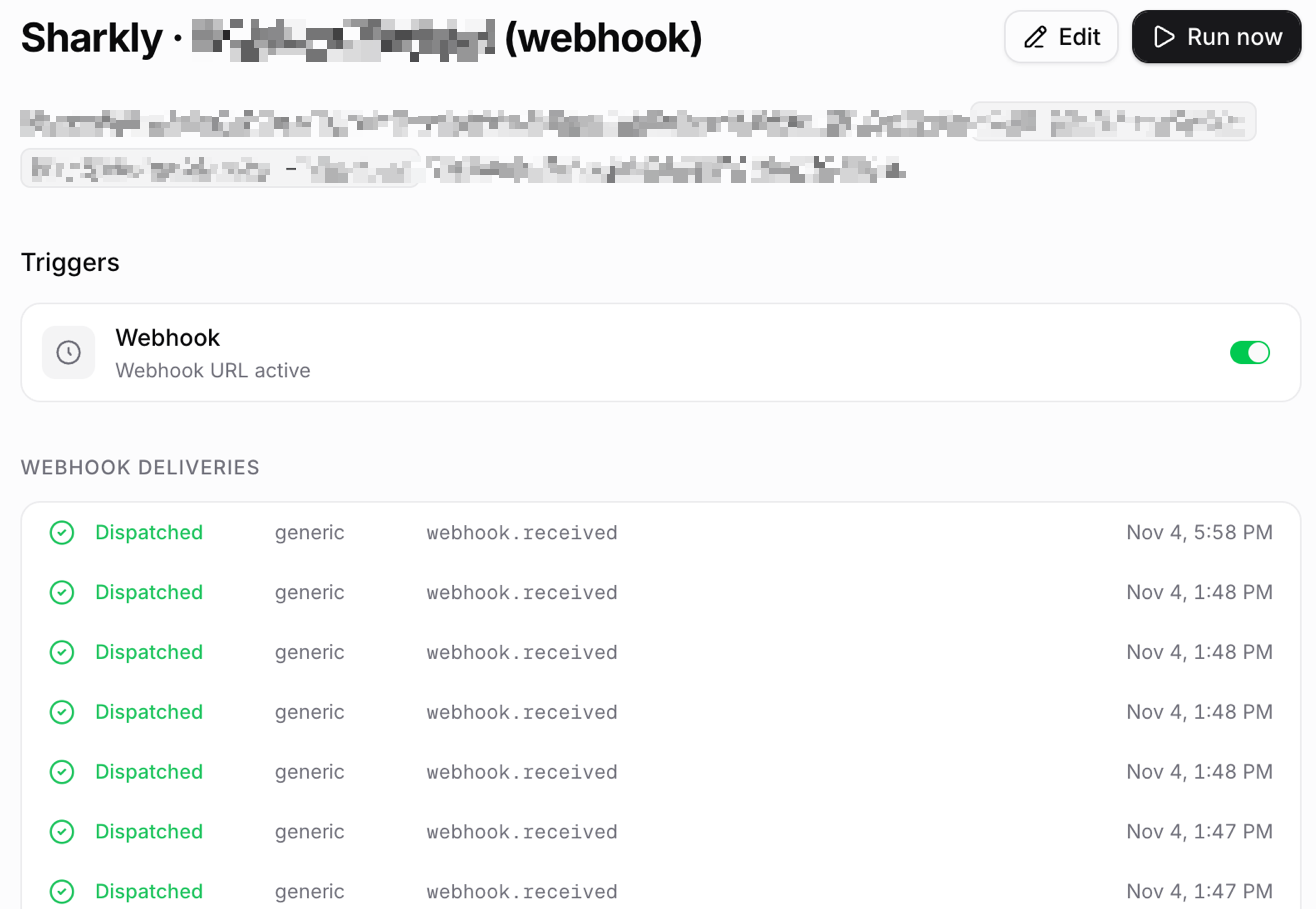
In your Space, create an Automation, assign it to the Agent that should do the fixing, and add a Webhook trigger. Sharkly shows the full URL once, when you create or regenerate the trigger, so copy it straight into the GitHub secret.
Turn on a signing secret. Without one, the URL works as a bearer secret: anyone holding it can start a run. With one, per the Automations docs, each request must carry an X-Webhook-Signature of v1= plus a Base64 HMAC-SHA256 over the timestamp, a newline, and the raw body, keyed with the whsec_ secret. Sharkly rejects timestamps more than 300 seconds off and accepts a given signature once within 10 minutes, so a captured request can’t be replayed.
The trigger must be enabled and the Automation Active before a valid request starts a run. Test with Run now first.
Step 3: Write instructions that filter first and fix second
An Automation run from a webhook doesn’t create a task on its own. The run has no linked task, so your instructions should file one; that gives each failure a record, a thread for questions, and a status your team can see. Keep the cheap checks at the top so most events end in seconds:
You receive a CI failure webhook. The trigger payload is JSON with
event, repo, run_id, run_url, branch, sha.

1. Stop with no output unless event == "ci_failure" and repo is
   acme/web. Stop if branch starts with "release/".
2. Search open tasks for run_id. If one exists, stop.
3. File a task titled "CI fix: <repo> run <run_id>" with run_url in
   the body. Do all further work under that task.
4. Read the failed steps: gh run view <run_id> --log-failed
5. If the cause is a secret, permission, runner, or network problem,
   comment the diagnosis on the task and stop. Change nothing.
6. Check out sha in a fresh worktree. Run the failing command and
   confirm it fails the same way. If it does not reproduce, comment
   what you tried and stop. Never push an unreproduced fix.
7. Make the smallest change that fixes it. Do not edit CI config,
   lockfiles, or tests you were not asked to fix. Rerun the command
   and the nearest test suite.
8. Push to branch ci-fix/<TASK-ID> and open a draft PR with
   gh pr create --draft, task ID in the title. Comment the PR link
   on the task and hand it to a human for review.
Two details matter here. Status and comment triggers match across the whole organization today, which is why the docs tell you to validate inputs inside the instructions; a webhook is scoped to its URL, but step 1 still guards against a misrouted request. And the task ID in the branch name does real work: with the GitHub integration connected, a task ID in the branch, PR title, or PR body links the pull request back to the task.
Step 4: Run it on a Computer in an isolated worktree
A Computer is the connected host where your Agent runs, with its own Runtimes, files, and Git credentials. Set the Agent’s repository to Temporary mode so each run gets its own task directory and a separate worktree. Two failures landing a minute apart then can’t trample each other’s files. For the mechanics, see parallel agents in isolated worktrees and the git worktree reference.
Git access comes from the Computer, not from the GitHub App. The integration links pull requests and syncs issues; cloning and pushing still use the SSH key, HTTPS token, or gh login on that host. Give that credential push rights to branches only, and protect your default branch so a merge needs a review.
Cost and guardrails
Each run bills against the Runtime’s own plan. Sharkly doesn’t sell tokens, so a CI fix run costs whatever a Claude Code or Codex session of that length costs you today. The fast-path filter in step 1 is your main cost control: an event that stops at step 1 burns a few hundred tokens, not a full repro.

Concurrency is the second control. Every Computer has a concurrent-task limit, and runs in temporary directories default to half of it. When capacity is full, extra runs queue instead of piling onto one laptop. A bad morning with 30 red builds becomes a queue, not a meltdown.
The rest are rules you write once:
- Draft PRs only. The agent never merges. See human-in-the-loop coding agents for where the review gate belongs.
- One attempt per run. If the first fix fails its own rerun, the agent comments and stops.
- A deny list: CI config, secrets, lockfiles, migrations.
- Pause the Automation from its page when you change instructions, and resume after a Run now test.
Verify before you trust it. The plan, observe, verify loop applies here: read a week of run history before you widen the repo list.
Alternatives
You can file a task per failure instead of using a webhook Automation. Point the workflow at a script that calls sharkly task create, then let the assigned Agent pick it up. You get a task for every red build, including the ones the agent should ignore, so this suits low-volume repos. Teams already routing issues through GitHub can also start from assigning a GitHub issue to an AI agent.
Start with one repo
Pick the repo with the most lint and type failures, wire up the workflow above, and run the Automation by hand three times before you let the webhook fire. When you’re ready to scale past one agent, how to run 10 AI coding agents at once covers the rest. Sharkly is free to start: connect a Computer and let your existing agent take the next red build.
FAQ
Can an AI agent fix failing CI builds on its own?
It can fix lint, type, and snapshot failures it reproduces locally. It shouldn’t merge on its own. Keep the output a draft PR and let a person approve it.
How do I trigger an AI agent when GitHub Actions fails?
Add a workflow on the workflow_run event with types: [completed] and a job condition on conclusion == 'failure'. That job posts a signed request to the agent’s webhook URL.
What stops the agent from pushing a wrong fix?
The repro rule. The agent must see the failure locally, apply a change, and see the same command pass. No repro means a comment on the task and no push.
Does Sharkly’s GitHub integration open pull requests?
No. It links pull requests to tasks and syncs issues. The agent opens the PR with the Git and gh credentials on its Computer.
What about flaky tests?
Have the agent rerun the failing test several times before deciding. If it passes some runs and fails others, it should report the flake on the task rather than patch around it.
How much does a CI fix run cost?
The tokens your Runtime uses for that session. Sharkly runs bill against your Claude Code, Codex, or API plan.