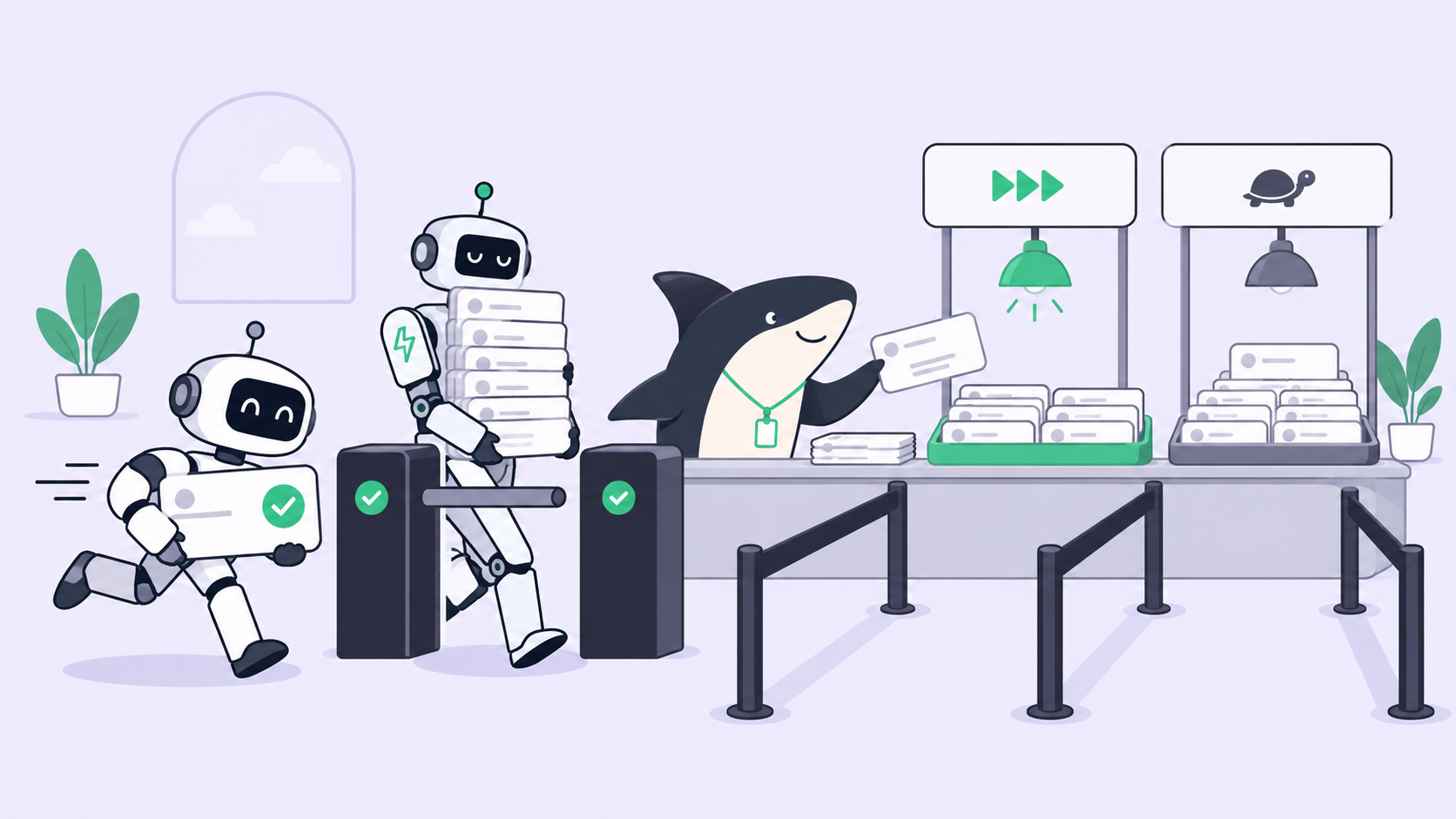
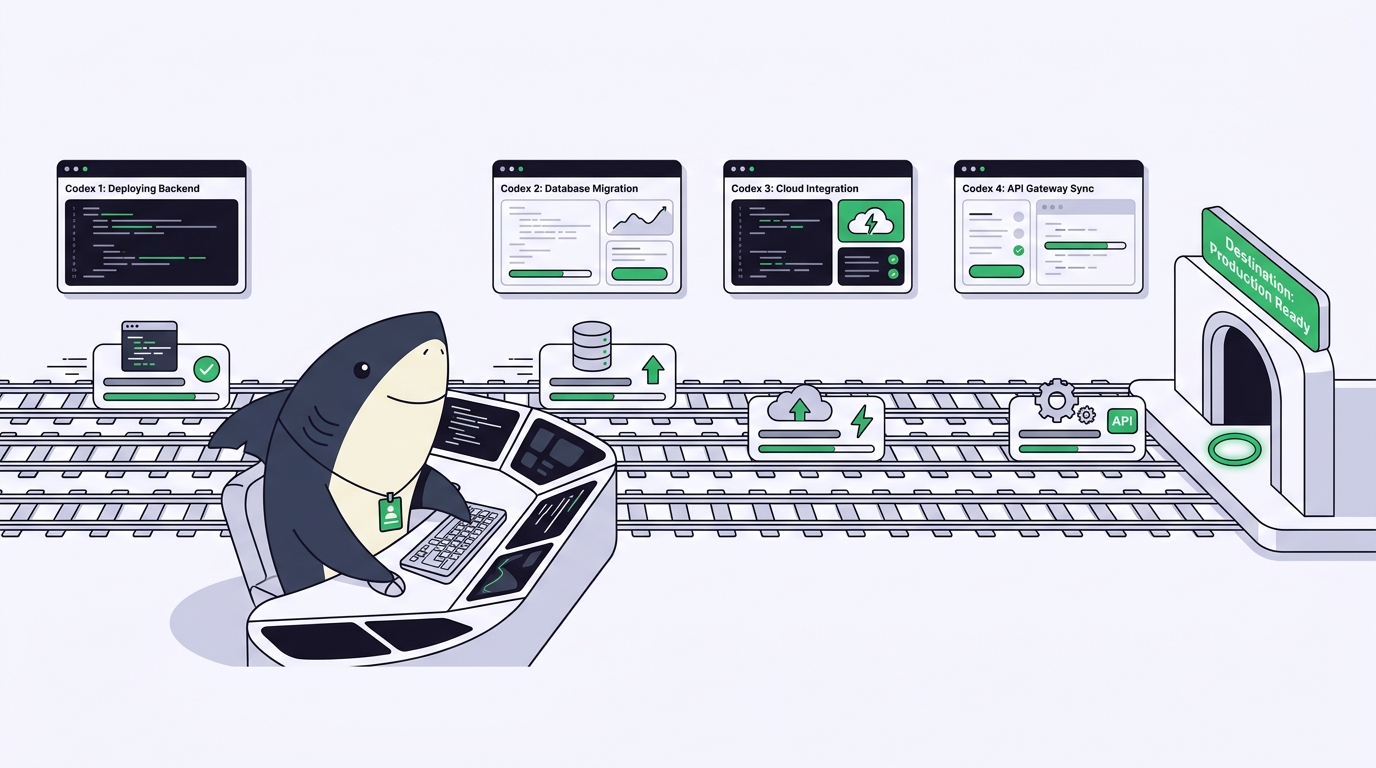
You have one Codex task running, a bug fix you want to hand off, a test suite that needs coverage, and a refactor you keep postponing. All four are independent. There is no reason they can’t run at the same time, except the practical one: point two Codex sessions at the same checkout and they start overwriting each other’s edits. The parallelism you wanted turns into a merge you didn’t ask for.
Running multiple Codex tasks at once is less a feature you switch on than a setup you arrange. There are three routes: Codex’s cloud tasks, several local CLI sessions, and subagents inside one session. Each buys real concurrency, and each has one failure mode that shows up the moment writes overlap. This guide walks through all three with the commands and the failure named at each step, then shows where a task board takes over.
That task board is Sharkly. You already have Codex. Sharkly sits above it: it runs Codex as a Runtime and turns each parallel run into a Task with its own isolated checkout, its own log, and its own reviewer. The article covers the manual setup first, because you should understand what you’re automating before you automate it.
TL;DR
Codex parallel agents means running several Codex tasks concurrently instead of one at a time. Three ways to do it: Codex cloud tasks (each in an isolated environment, per OpenAI’s docs), multiple local codex CLI sessions, or subagents inside one session. The rule that governs all of them is one working copy per unit of work: give each task its own git worktree so concurrent edits never touch the same files. That scales fine to a handful of tasks. Past that, tracking which agent did what, and reviewing each result on its own, becomes the bottleneck, which is the layer Sharkly adds.
The three ways to run Codex in parallel
Pick the route by where the work runs and how much you need to see, not by which sounds most powerful.
| Route | How it runs | Isolation | Best for |
|---|---|---|---|
| Codex cloud tasks | Each task in its own cloud environment | Strong, per task | Delegated, self-contained tasks you review later |
| Multiple CLI sessions | Several codex processes on your machine |
None by default; shared checkout | Local work you want to watch live |
| Subagents in one session | One session dispatches spawned threads | Shared session directory | Read-heavy work: exploration, triage, tests |
Use Codex cloud tasks when the work is well-scoped and you’re happy to check it after the fact. Use local CLI sessions when you want to steer each run as it happens. Use subagents when the job is mostly reading, since spawned agents share one working directory and, per the Codex subagents behavior, the session waits for all of them and returns one consolidated reply. That last shape is wrong for parallel writing: agents editing code at once create conflicts, and a single summary can’t be reviewed piece by piece.
Step by step: run multiple Codex tasks locally without collisions
The local route is the one most people reach for first, and the one that breaks first. Here is the setup that survives.
Step 1. Give each task its own checkout. A git worktree is a second working directory backed by the same repository, on its own branch. Create one per task:
git worktree add ../app-authfix -b fix/token-refresh
git worktree add ../app-tests   -b test/checkout-coverage
git worktree add ../app-refactor -b refactor/api-client
Failure if you skip this: two codex sessions in the same folder edit the same files, the later write wins silently, and both report success. You find the loss in review, or in production.
Step 2. Start one Codex session per worktree. Open a terminal in each directory and run Codex there:
cd ../app-authfix && codex
Failure if you skip this: one session with four goals in its context drifts between them and loses track of which change belongs to which task.
Step 3. Script the ones that don’t need a human at the keyboard. For a self-contained task, non-interactive mode runs to completion without prompts:
cd ../app-tests && codex exec "add tests for the checkout flow until coverage passes"
Failure if you skip this: you sit babysitting sessions that never needed you, which cancels the point of running them in parallel.
Step 4. Merge deliberately, one branch at a time. Each worktree is a branch, so review and merge them separately. Never let the agents merge each other’s work. Failure if you skip this: three branches land at once, a conflict surfaces in the merge commit, and you can no longer tell which agent’s change caused it.
For the mechanics of pruning worktrees cleanly afterward, see managing worktrees for coding agents without the cleanup pain. The same worktree pattern powers running multiple Claude Code agents; it is runtime-neutral by design.
Where the DIY setup stops scaling
Worktrees solve collisions. They don’t solve everything, and the wall is closer than it looks.
At three or four tasks the setup holds. At eight, the terminal grid stops being a workspace and becomes a memory test. The failures aren’t dramatic; they accumulate:
- You lose the map. Which window is the auth fix? Which finished? Which failed twenty minutes ago and has been idle since? The state lives only in your head and scrolls off the screen.
- Review has no seams. Each session’s output is a wall of scrollback. There’s no per-task record of what it touched, what it ran, and where it stopped, so you can’t accept one result and reject another cleanly.
- Nothing is shared. The moment a teammate needs to see progress, you’re copying diffs into a Slack thread. The work is real but invisible.
These are the same three problems every parallel-agent workflow converges on, and they’re why teams reach for dedicated tools to manage parallel coding agents once the count climbs. Isolation is a solved problem. Visibility and review are not, at least not with a terminal grid.
What a task board adds
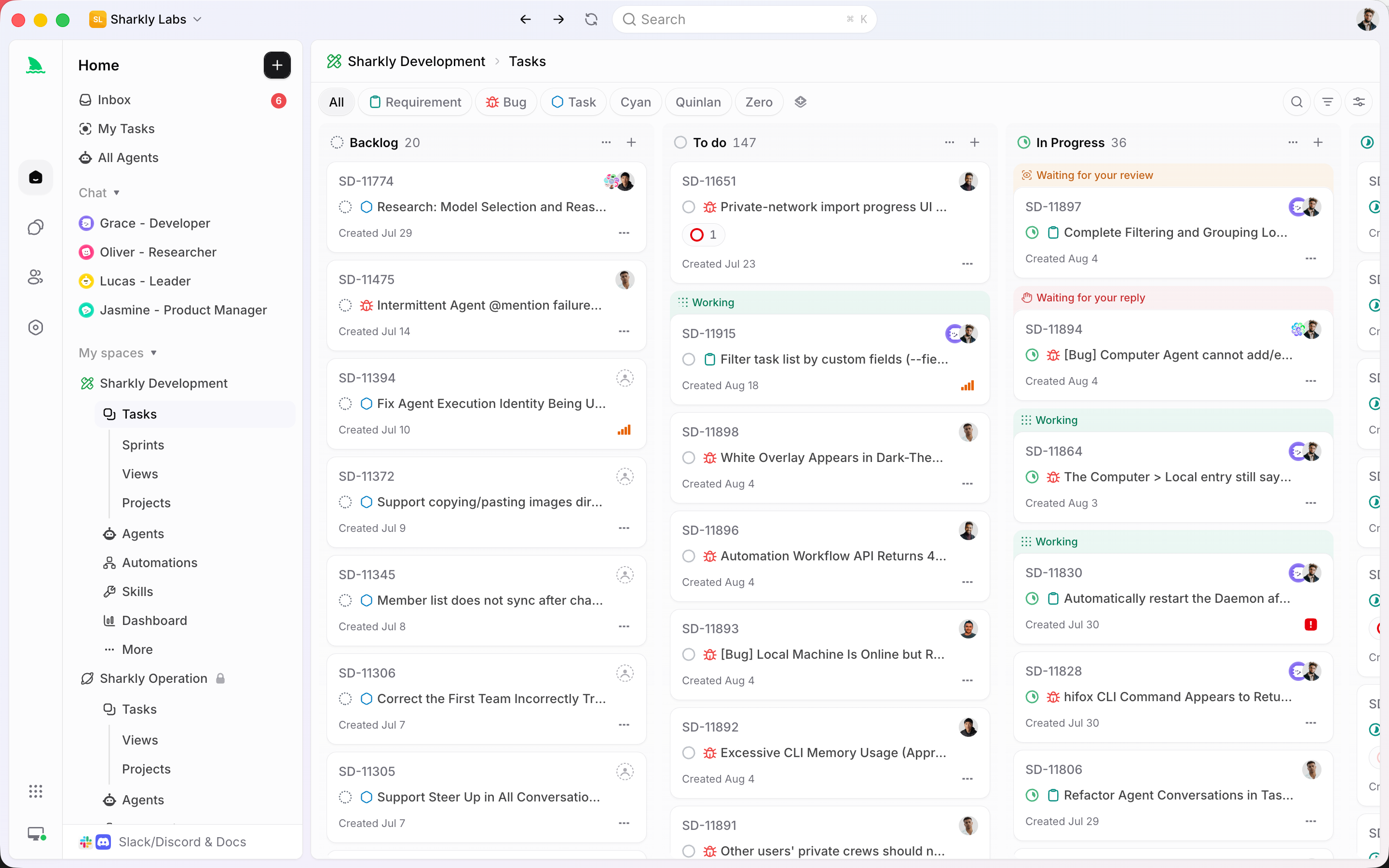
This is where the layer above the agent earns its place. A Task is the shared record of one unit of work in Sharkly, and running Codex tasks in parallel becomes running Tasks in parallel.
Each Task claims an isolated git worktree automatically, so parallel agents in isolated worktrees stop being something you script and start being the default. Ten Tasks against one repository, zero shared state, no git worktree add typed by hand. The Runtime doing the editing is still Codex; the isolation is provided around it.
The division of labor is the point. Agents research, execute, test, and report. People set direction, grant authority, and accept the result. Automation stops where team judgment is required. So each run keeps its own execution log with the trigger, the tool calls, and where it stopped, and its final result returns to the Task instead of scrolling past in a terminal. Context, progress, blockers, results, and human review stay visible from request to release, and you review each one on its own rather than reading a summary of summaries. For the reporting side of that, see how to track work completed by AI coding agents.
Sharkly is not a replacement for Codex. It adds the shared task, checkout, context, and review layer around the agent you already run. If you only ever run one Codex session at a time, you don’t need it. If you’re running several against one codebase and losing the thread, that’s the problem it’s built for. You can build the worktree setup above by hand, or run your existing Codex tasks through Sharkly and let the workflow hold the state for you.
A checklist you can run today
- One git worktree per task, each on its own branch. No two tasks share a checkout.
- One Codex session per worktree, or
codex execfor tasks that don’t need you. - Use subagents only for read-heavy work; keep concurrent writes in separate checkouts.
- Merge one branch at a time, and review each before it lands.
- Keep a record of which task is which, what each touched, and its result, somewhere a teammate can see.
- When the terminal grid stops fitting in your head, move the tracking and review to a Task board so each run returns its result to one shared place.
FAQ
Can Codex run multiple tasks at the same time? Yes. Codex cloud runs tasks in isolated environments per OpenAI’s docs, and locally you can run several codex sessions at once. The constraint is the checkout, not Codex: give each local task its own git worktree so their edits don’t collide.
How many parallel Codex agents can I run? As many as your machine and model quota allow. The practical ceiling is lower: it’s the number of concurrent results one person can actually review. Past a handful, tracking and review, not compute, become the limit.
Do I need worktrees, or can I just open more terminals? More terminals in the same directory means concurrent writes to the same files and silent overwrites. Worktrees give each session its own directory and branch, which is what makes local parallelism safe. See git worktrees for AI coding agents.
What’s the difference between Codex subagents and parallel tasks? Subagents run inside one session, share its working directory, and return one consolidated reply, which suits reading and triage. Parallel tasks are separate runs with separate checkouts, which is what you want for concurrent writing and independent review.