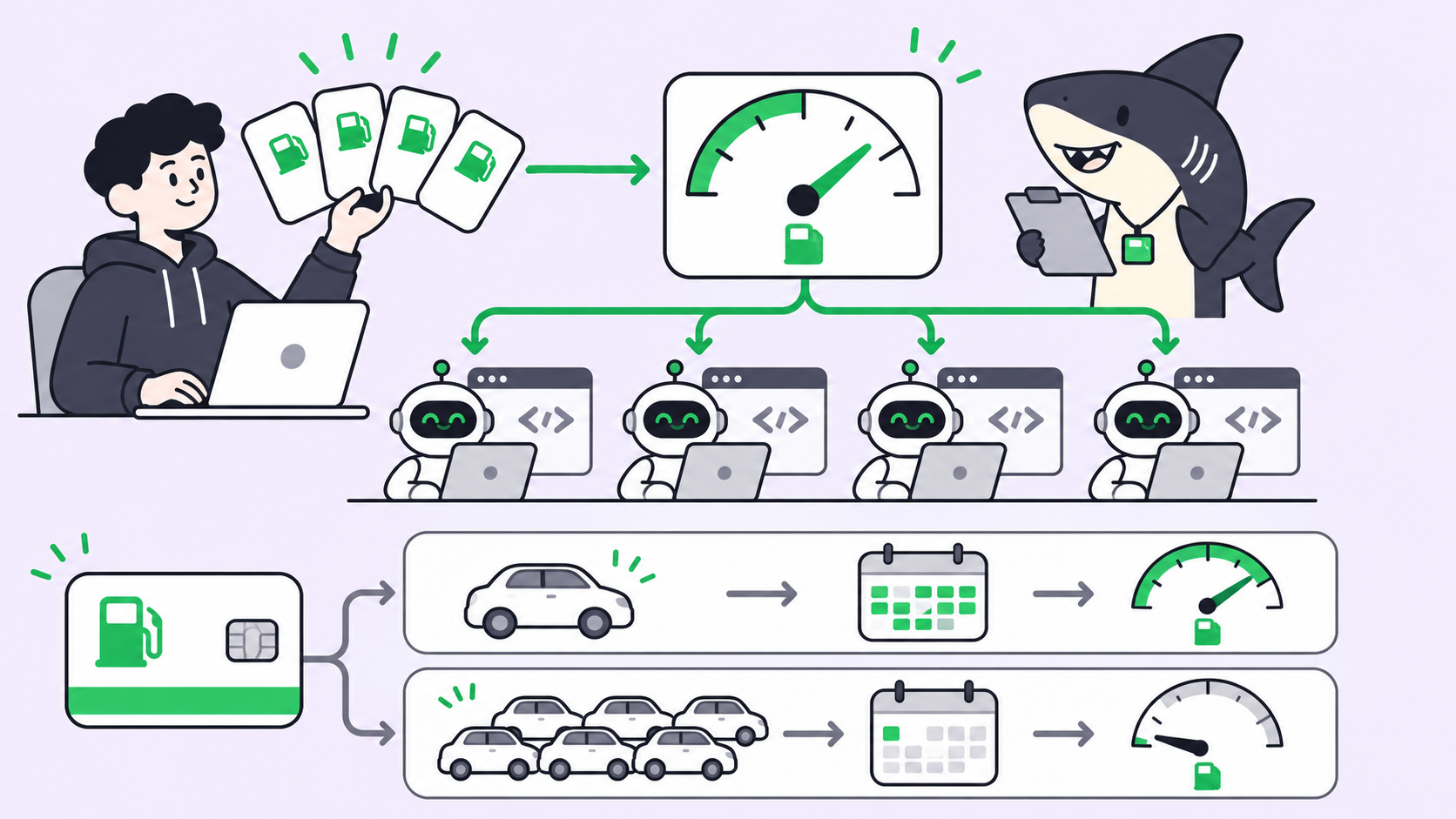
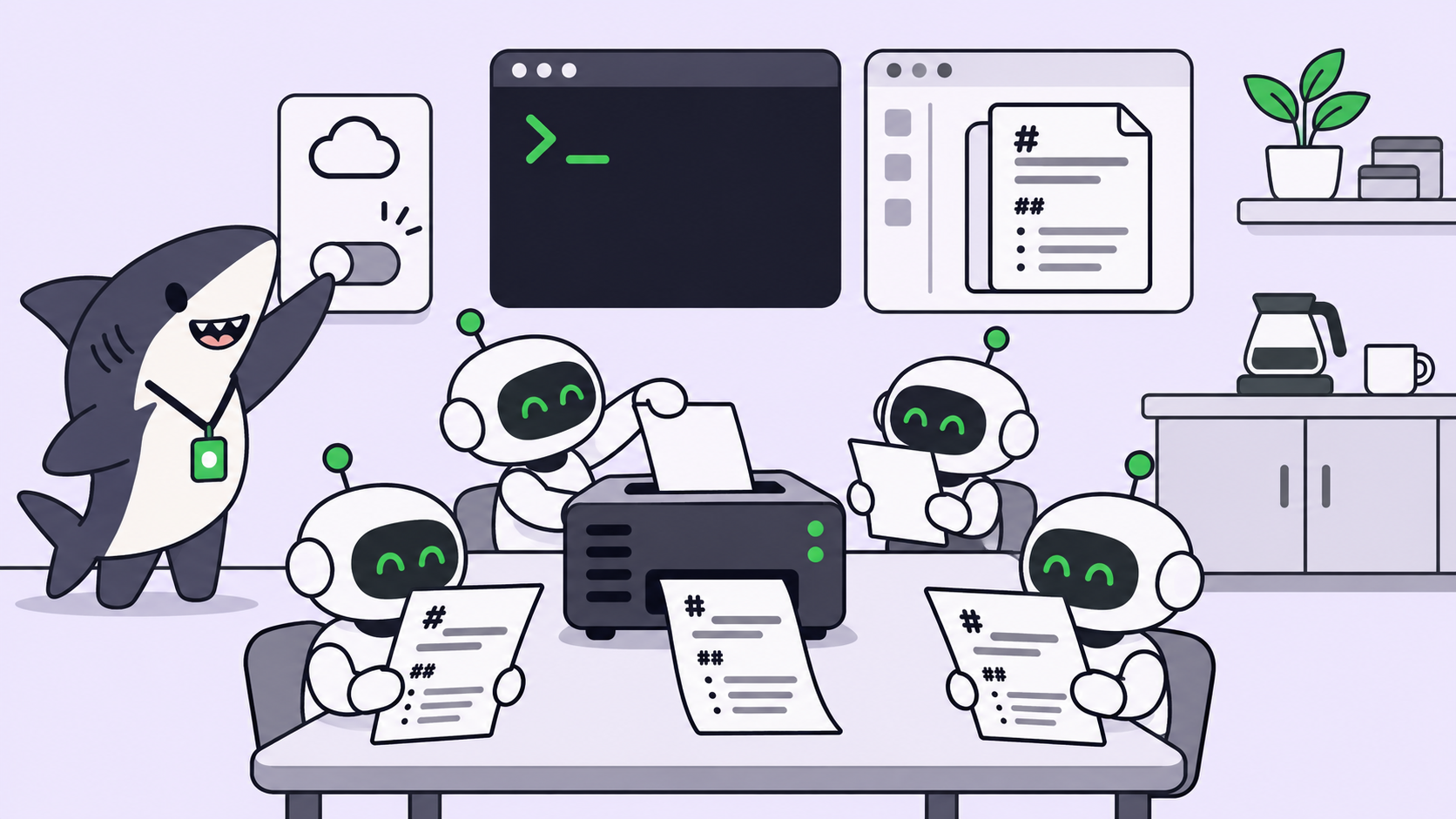
Free web scraping for AI agents now runs on your own hardware. Firecrawl Local is one Rust binary that scrapes, crawls and maps sites to markdown, plugs into Claude Code, Codex, Cursor or Gemini CLI as an MCP server, and answers the Firecrawl v2 API on localhost. Set FIRECRAWL_CLOUD=off and no page, query or URL leaves the box.
TL;DR
- Install:
cargo install firecrawl-local(Rust plus a C compiler). Our build took 5 minutes 55 seconds and produced a 19 MB binary. - Wire it in:
firecrawl-local initadds the MCP server to every supported agent tool it finds. - Cost: $0 for scrape, crawl, map and batch scrape. Search, blocked pages and Alexandria data providers go to Firecrawl Cloud unless you turn that off.
- Privacy switch:
FIRECRAWL_CLOUD=offkeeps everything local. - Team setup: install it once per Computer your agents run on, and every agent on that Computer gets the same scraper.
What Firecrawl Local is
Firecrawl Local is a single binary from the Firecrawl team that fetches web pages, strips them to clean markdown and returns the same JSON the hosted Firecrawl API returns. It needs no database, queue or container. Firecrawl announced it on November 18, 2026, and the crate on crates.io went up a week earlier as version 0.1.0.
The README describes three ways to use it: a CLI, an MCP server for agents, and a local copy of the v2 API. The cleaning code is compiled from the same source the hosted API uses, so a markdown page from your laptop matches what the cloud would return for a page both can reach.
Firecrawl’s launch post claims a scrape primitive 37 times faster than self-hosted Firecrawl and 230 times less memory, at 11 MB idle. Those are Firecrawl’s numbers; the README publishes no method. We measured the memory part ourselves below.
If you already run several coding agents, this is the first scraper you can hand all of them without a per-call bill. The rest of this guide covers setup, the privacy switch, and how to give a whole team of agents the same tool on Sharkly.
Why agents need a local scraper
An agent that can’t read the web works from stale training data. It guesses at an API it hasn’t seen, or it asks you to paste docs into the chat.
Hosted scraping APIs fix that, but they add two costs. Every page is a metered call, so a crawl of a 400-page docs site is a line on an invoice. And every URL your agent opens passes through someone else’s servers, which matters when the agent is researching a customer’s domain or an unreleased competitor page.
A local scraper removes both. Pages are fetched from your own network and cleaned on your own CPU. The trade is that you own the install and the limits that come with a laptop.
Install Firecrawl Local
You need Rust and a C compiler. On macOS, xcode-select --install covers the compiler; on Debian or Ubuntu, install build-essential. Get Rust from rustup.
cargo install firecrawl-local
firecrawl-local --version
# firecrawl-local 0.1.0
Two extras are optional. Chrome or Chromium lets it render pages that need JavaScript; without one, static pages still work and a script-heavy page comes back with a warning. Node.js 22 or newer is needed for the MCP server, because firecrawl-local mcp runs the firecrawl-mcp npm package through npx.
Scrape, crawl and map from the CLI
Three commands cover most agent work.
# One page as markdown
firecrawl-local scrape https://example.com --markdown

# Up to 50 pages, one markdown file each
firecrawl-local crawl https://docs.firecrawl.dev --limit 50 --out ./pages

# Every URL a site exposes
firecrawl-local map https://firecrawl.dev
We ran each one on November 19, 2026, with the cloud turned off. A single scrape of example.com finished in 1.6 seconds. A 10-page crawl of Firecrawl’s own docs took 4.2 seconds and wrote 144 KB of markdown. map returned the docs URL list in 3.9 seconds.
| Command | Useful flags |
|---|---|
scrape |
--markdown, --format markdown,links, --full-page, --timeout |
crawl |
--limit (default 100), --max-depth, --include, --exclude, --out |
map |
--search, --limit |
| Any command | --browser auto|never|always |
One gotcha from our run: on a network that only reaches the web through a proxy, the first scrape failed with a TLS error. Setting HTTPS_PROXY fixed it, so the binary honors the standard proxy variables.
Plug it into your AI agent over MCP
MCP (Model Context Protocol) is the standard way an agent tool loads external tools. Firecrawl Local registers itself as one.
firecrawl-local init --dry-run   # show what would change
firecrawl-local init             # write it, backing up each config first
The dry run on our Mac listed five targets: Claude Code in ~/.claude.json, Claude Desktop, Cursor in ~/.cursor/mcp.json, Gemini CLI in ~/.gemini/settings.json, and Codex in ~/.codex/config.toml. Windsurf is also supported when installed. Restart each tool after init so it loads the server. Use --agent cursor to set up one tool only.
To add it by hand, register the binary as a stdio server:
{
  "mcpServers": {
    "firecrawl": {
      "command": "/Users/you/.cargo/bin/firecrawl-local",
      "args": ["mcp", "--public-only"]
    }
  }
}
The agent gets the standard Firecrawl MCP tools. Scrape, crawl, map and batch scrape run locally; the rest go to Firecrawl Cloud. The --public-only flag is our addition, explained under security below.
Keep the cloud off for privacy
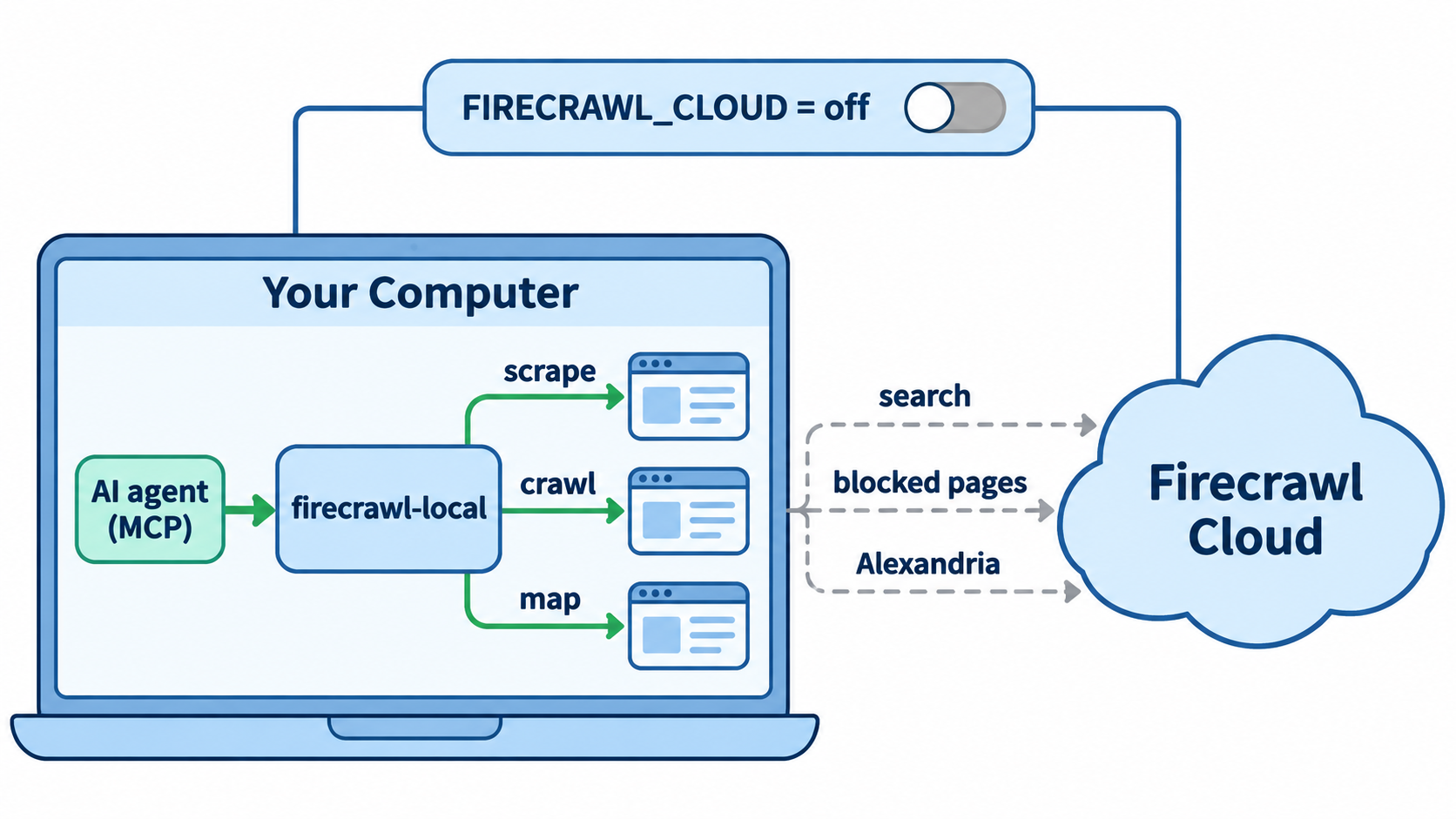
Three jobs need Firecrawl Cloud, because a laptop has no search index and no way around a site that blocks it.
| Sent to Firecrawl Cloud | Why | Account |
|---|---|---|
| Search queries | No local search index | No; keyless search is rate limited |
| URL of a page that blocked you | Cloud fetches it for you | No |
| Alexandria data providers | Providers run in the cloud | Yes, a free account via firecrawl-local login |
| A random install ID and your tool’s name | Install counting | No |
The FIRECRAWL_CLOUD variable controls the hand-off. auto (the default) allows all of the above. search sends only search queries. off sends nothing, and an unrecognized value also counts as off. A cloud-fetched page is tagged "source": "firecrawl-cloud", so you can audit what left.
For agent work on client sites or internal research, start with off. Your agent loses web search, so pair it with whatever search tool you already trust.
Run the Firecrawl API locally
firecrawl-local serve answers the Firecrawl v2 API on port 3002 with no API key for local routes. Existing SDK code switches by changing one URL.
from firecrawl import Firecrawl

app = Firecrawl(api_url="http://localhost:3002")
print(app.scrape("https://example.com").markdown)
Local routes are POST /v2/scrape, POST /v2/map, crawl and batch scrape with their status and cancel endpoints, and GET /health. Other /v2 routes such as /v2/search forward to the cloud; v0 and v1 aren’t served.
We measured memory while it ran: the serve process sat at 10 MB resident when idle and 16 MB after one scrape. That’s close to Firecrawl’s 11 MB claim. A scrape through the API returned "creditsUsed": 0 and "engine": "local-fetch".
Security defaults that matter for agents
An agent that reads a page with hidden instructions can be steered into fetching an internal URL. OWASP lists this class of attack as prompt injection, and a scraper is the obvious path for it.
servebinds to127.0.0.1and refuses localhost and private addresses unless you pass--allow-private. We asked it to scrape127.0.0.1:22and gotBLOCKED_TARGET.- Binding another host with
--hostrequires--token. - Link-local and cloud metadata addresses are blocked in every mode, including after redirects.
scrape,crawlandmcpcan reach your private network by default, because they run for the person at the keyboard. Add--public-onlywhen an agent browses sites you don’t trust.- Crawls read
robots.txt(the RFC 9309 standard), and site owners can address the crawler asFirecrawlLocal.
Limits to plan around
- No
jsonorsummaryformats and no browseractionslocally. Oursummaryrequest returned metadata plus a warning that the format was skipped. - Screenshots need Chrome.
- Crawl and batch jobs live in memory, expire an hour after they start, and end when
servestops. - License: the repository is AGPL-3.0. Check with your legal team before you ship a modified copy inside a hosted product.
For queues, workers and every format, Firecrawl’s self-hosting guide covers the full server.
Give every agent on the team the same scraper
One developer with one agent can stop here. A team running several agents hits a different problem: each agent’s tools live in the config of the computer it runs on, and nobody tracks which agent can read the web.
In Sharkly, an Agent runs on a Computer (a laptop, server or container you connect) through a Runtime, which is the agent tool installed there, such as Claude Code or Codex. You install tools on the Computer the same way you would for direct use. An Agent’s Tools, Knowledge & MCP settings then list the MCP servers it inherits from Claude Code on that Computer, including user-config stdio servers, the scope init writes to.
So the setup is: install Firecrawl Local on the Computer, run init, open the Agent’s settings and click Check. We confirmed the panel lists user-config stdio servers; we haven’t yet run a Firecrawl scrape inside a Sharkly Task, so test one read-only Task first.
Put the scraper on an always-on Computer
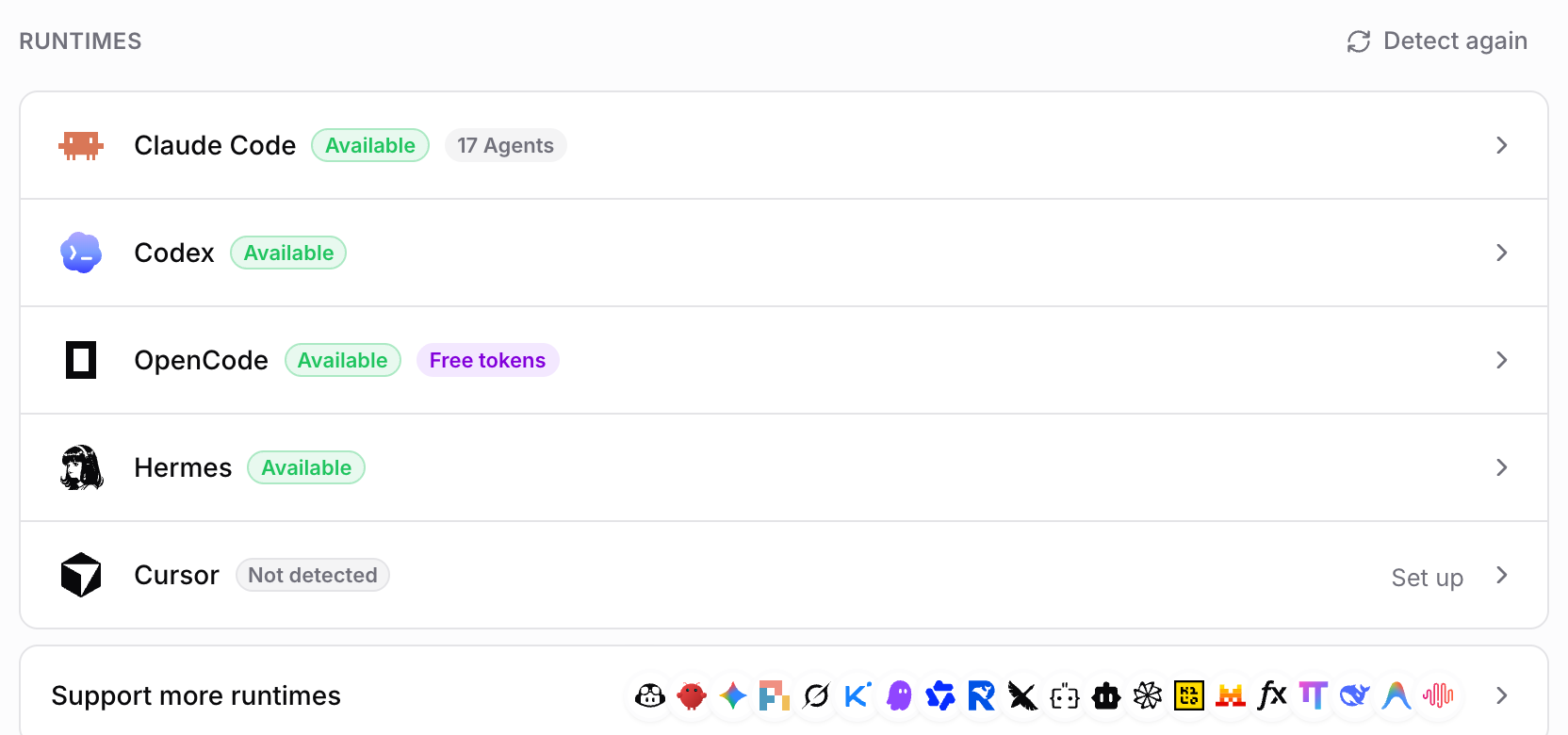
A laptop sleeps. A small Linux server registered as a Computer (sharkly computer register with a sit_ install token, per the Computers docs) stays up, so every Agent pointed at it shares one scraper and one FIRECRAWL_CLOUD policy. Set the variable in the Agent’s Runtime environment so the policy travels with the Agent, not with whoever logged in last.
From there, research becomes assignable work. A Crew leader splits “map the docs of these five vendors” into Tasks, each Agent crawls its share locally, and the results land on the board for human review. Sharkly is free for organizations of up to 5 people today, and Agents and Computers take no seats; models stay on your own subscriptions.
Real-world uses
- Docs ingestion: crawl a library’s docs into markdown before an agent upgrades a dependency.
- Lead research: pair local scraping with Alexandria providers, as in our lead list walkthrough.
- Changelog watching: a scheduled Task maps a vendor’s site daily and flags new URLs.
- Private research: scrape client or pre-launch pages with the cloud off, so nothing leaves your network. Our piece on why turning off web search doesn’t stop data leaks covers the other exits.
Conclusion
Firecrawl Local makes free web scraping for AI agents a six-minute build and one init command. Keep FIRECRAWL_CLOUD=off for private work, add --public-only for untrusted sites, and treat the speed claims as Firecrawl’s until you measure them.
Your next step: install it on the Computer your agents already use, then connect that Computer to Sharkly so every Agent on the team gets the same scraper and the same rules. For more $0 setups, see free AI agents for teams.
FAQ
Is Firecrawl Local free? Yes. Scrape, crawl, map and batch scrape run locally with no API key, and our test scrape reported 0 credits used. Search and Alexandria use Firecrawl Cloud.
Does Firecrawl Local need Docker? No. It’s one binary with no database, queue or container. Docker is only an option, and JavaScript rendering in a container needs a seccomp profile that allows Chrome’s sandbox.
Which agents does firecrawl-local init support? Claude Code, Claude Desktop, Cursor, Windsurf, Gemini CLI and Codex. Any other MCP client can register firecrawl-local mcp as a stdio server.
Can I keep all scraping off Firecrawl’s servers? Yes. Set FIRECRAWL_CLOUD=off. You lose search, the blocked-page fallback and Alexandria.
Is Firecrawl Local faster than self-hosted Firecrawl? Firecrawl says 37 times faster and 230 times less memory. We measured 10 MB idle memory, which matches the memory claim; we didn’t benchmark speed against a self-hosted server.
Is Firecrawl Local open source? The repository is licensed AGPL-3.0. Read the license before you ship a modified copy as part of a hosted service.