One Gemini CLI session is a single agent working in one directory. The moment you want a second task moving at the same time, a bug fix while a refactor runs, tests being written while a feature lands, you open another terminal. Then a third. Within an hour you have four tabs, four working directories, and no clean answer to a simple question: which agent is doing what, and which one just touched the file you were about to edit.
Running several Gemini tasks side by side is not hard to start. It is hard to keep straight. Each instance is fast on its own; the cost is coordination, and coordination is the part the terminal never gives you.
This article walks through the manual setup for parallel Gemini CLI agents, names the failure mode waiting at each step, and shows where a task board takes over. That task board is Sharkly, an all-in-one Agent command and management platform. Sharkly is not a replacement for Gemini CLI. It adds the shared task, Computer, context, and review layer around the runtimes your team already uses, so parallel runs stay assignable and traceable instead of scattered across tabs.
What “parallel agents” means with Gemini CLI
Gemini CLI runs one agent per process. It reads the current directory, loads any GEMINI.md context file, and works through your prompt in that one working tree. There is no built-in dispatcher that fans a goal out to several sub-agents and merges their work back for you.
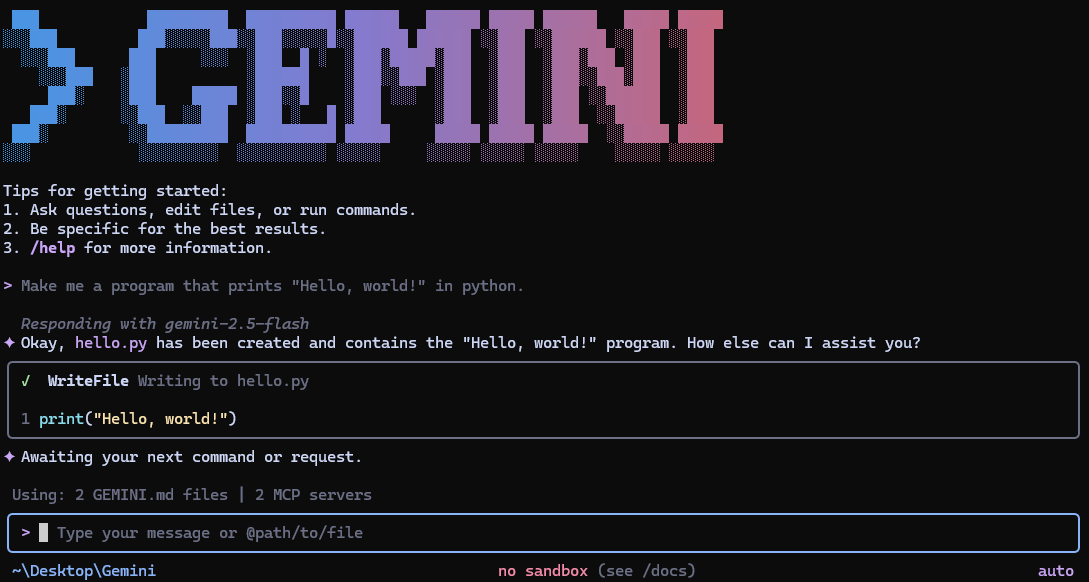
So “parallel Gemini agents” means one thing in practice: several gemini processes running at once, each in its own isolated environment, each on its own task. The Gemini CLI is open source and free to run against a personal Google account, which is exactly why people spin up four at a time. The bottleneck was never starting them. It is keeping four independent runs from colliding in the same repository and knowing, an hour later, what each one produced.
That is the same coordination problem you hit with Claude Code or Codex. The runtime changes; the chaos does not.
The manual setup, step by step
Here is the smallest working version of parallel Gemini CLI, with the thing that breaks at each step.
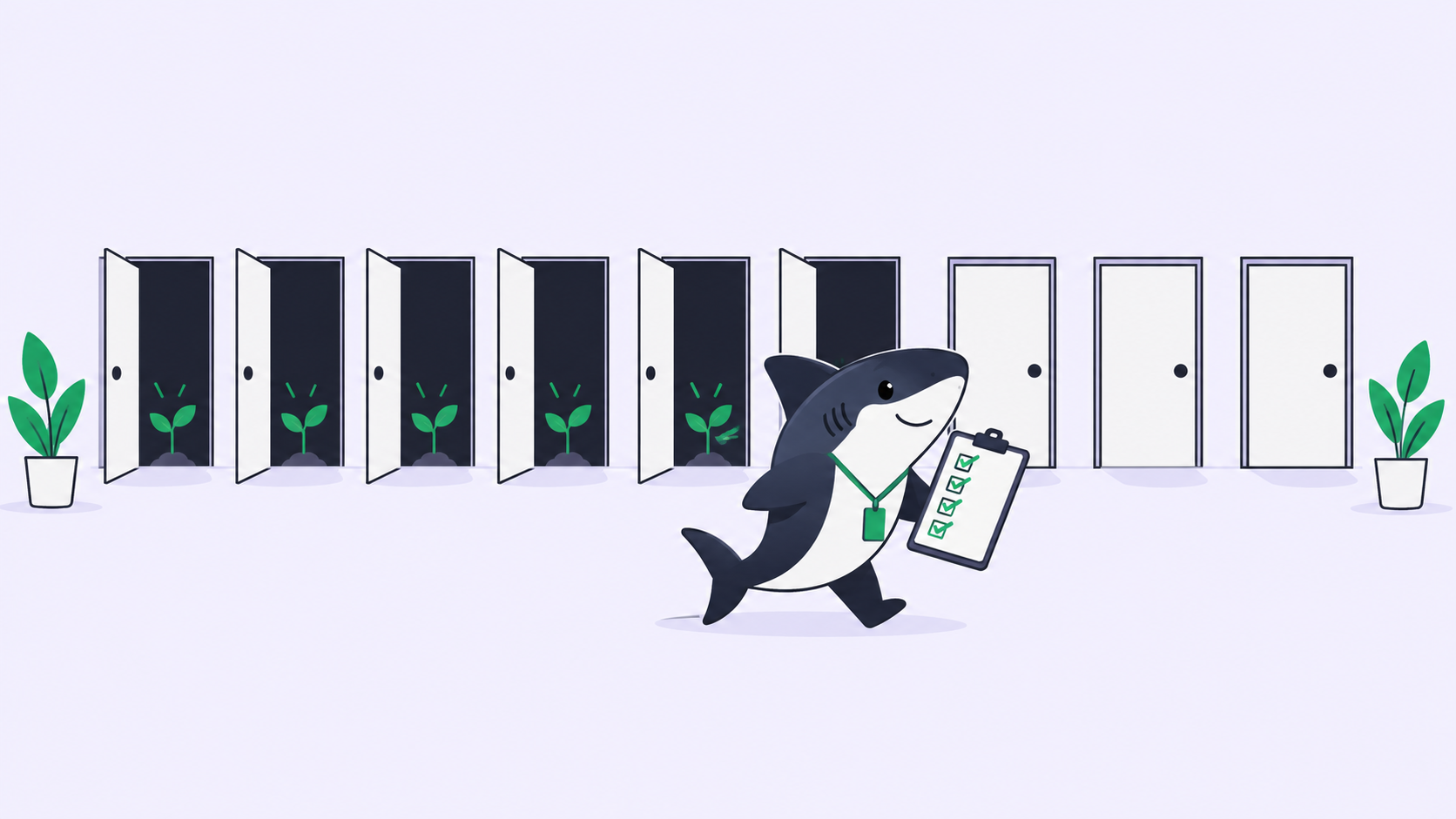
Step 1: Give each agent its own working tree. Do not run two agents in the same folder. Use a git worktree per task so each checkout is physically separate:
git worktree add ../repo-auth   feature/auth
git worktree add ../repo-tests  chore/tests
git worktree add ../repo-bugfix fix/login-redirect
Failure mode if you skip it: two agents editing one checkout overwrite each other mid-run. One reformats a file the other is halfway through, and both leave the tree in a state neither intended. Worktrees give each agent a clean branch and a clean directory. We go deeper on this in git worktrees for AI coding agents.
Step 2: Start one Gemini CLI per worktree. Open a terminal in each directory and launch a session:
cd ../repo-auth && gemini
For unattended runs, use non-interactive mode so the agent takes a single prompt and exits:
cd ../repo-tests && gemini -p "Add unit tests for the session module. Run the suite before finishing."
Failure mode: an interactive session stops on the first permission prompt and waits. You come back twenty minutes later to an agent that did nothing because it needed a yes. Decide up front which runs are interactive and which are headless, and give headless ones a prompt that includes their own verification step.
Step 3: Isolate context per task. Each worktree can carry its own GEMINI.md with the rules for that task: what to touch, what to leave alone, how to run tests.
Failure mode: one shared context file across every agent means an instruction meant for the auth task leaks into the test task. Scope the context to the tree it belongs to.
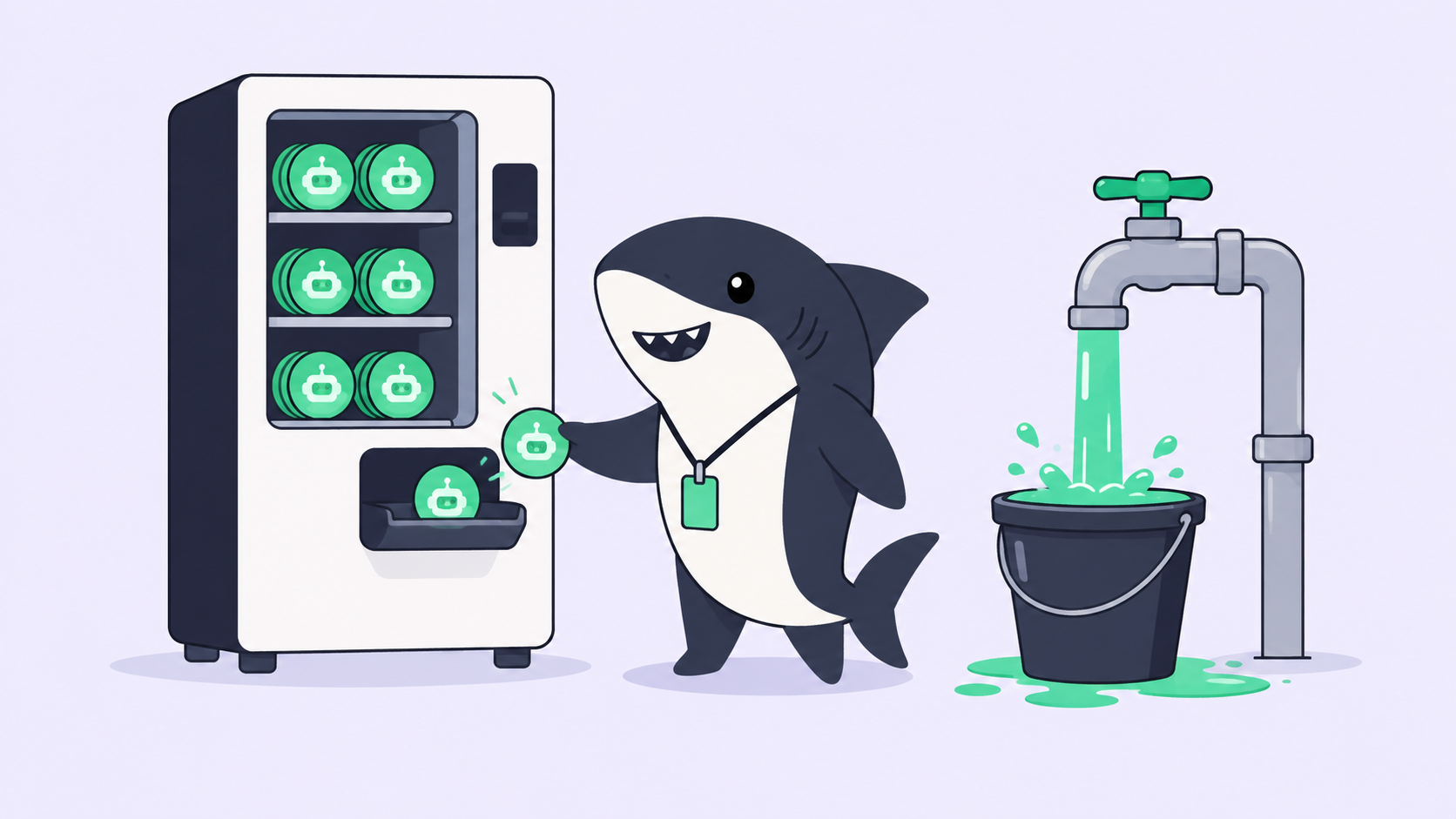
Step 4: Watch the quota. Every running instance draws on the same account limits. Four agents burning through a large refactor hit rate limits faster than one, and a throttled agent fails quietly in a tab you are not looking at.
Failure mode: a run stalls on a quota error and you do not notice until you check that tab. There is no shared view telling you an agent stopped. If you are matching heavier tasks to the right model, which model for which coding task covers that trade-off.
At three or four tasks this works. Real branches, real isolation, real parallelism, no extra tooling.
Where the DIY setup stops scaling
The manual setup breaks not on execution but on everything around it. Watch what happens as the task count climbs.
You lose the map. With four terminals you can hold it in your head. At eight, across two repositories, you cannot. Which tab is the auth agent? Did the test run finish or die on a quota error? Monitoring coding agents running in parallel is a job the terminal was never built to do.
Results scatter. Each agent leaves its work as a diff on a branch and a wall of scrollback in a tab you will close. There is no shared record of what each run changed, why, or whether it passed its own tests. When a teammate asks what the login fix did, the answer lives in a terminal that no longer exists.
Review has no home. Parallel agents produce parallel diffs, and every one still needs a human to accept it. Reading four branches with no summary, no verification results, and no context is slower than the agents were fast. The speed you gained on execution, you give back on review.
Here is the honest decision pair. If you run three or four Gemini tasks now and then, keep the worktree setup above; it is simple and it works, and a task board would be overhead you do not need. Reach for one when parallel runs become normal: several agents, more than one repository, more than one person needing to see progress, and review that has to be traceable rather than remembered. Comparing the tools that manage parallel agents is worth doing at that point.
What a task board adds
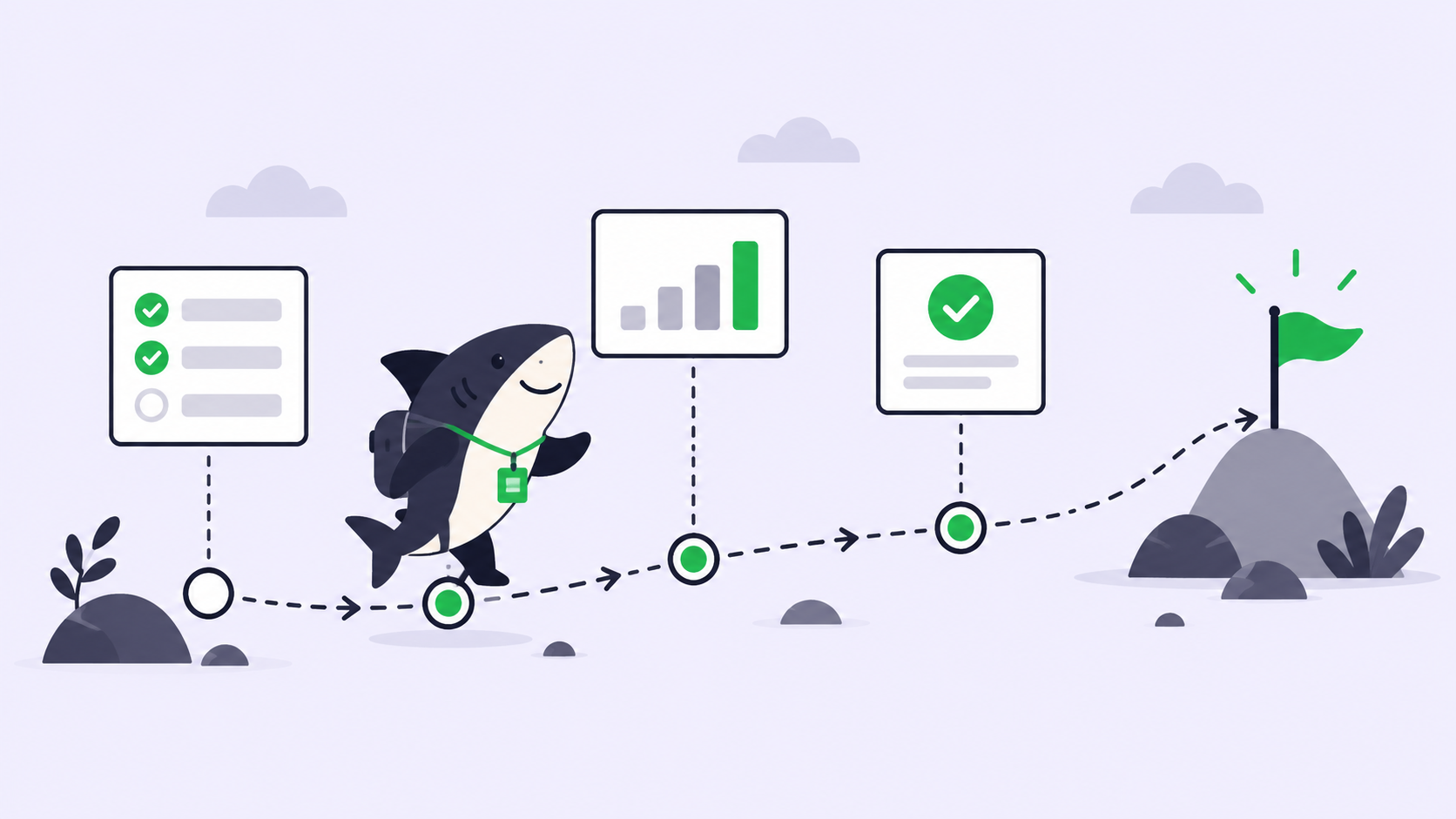
A task board changes the unit of work from “a terminal tab” to “a Task.” That single shift is what the DIY setup is missing.
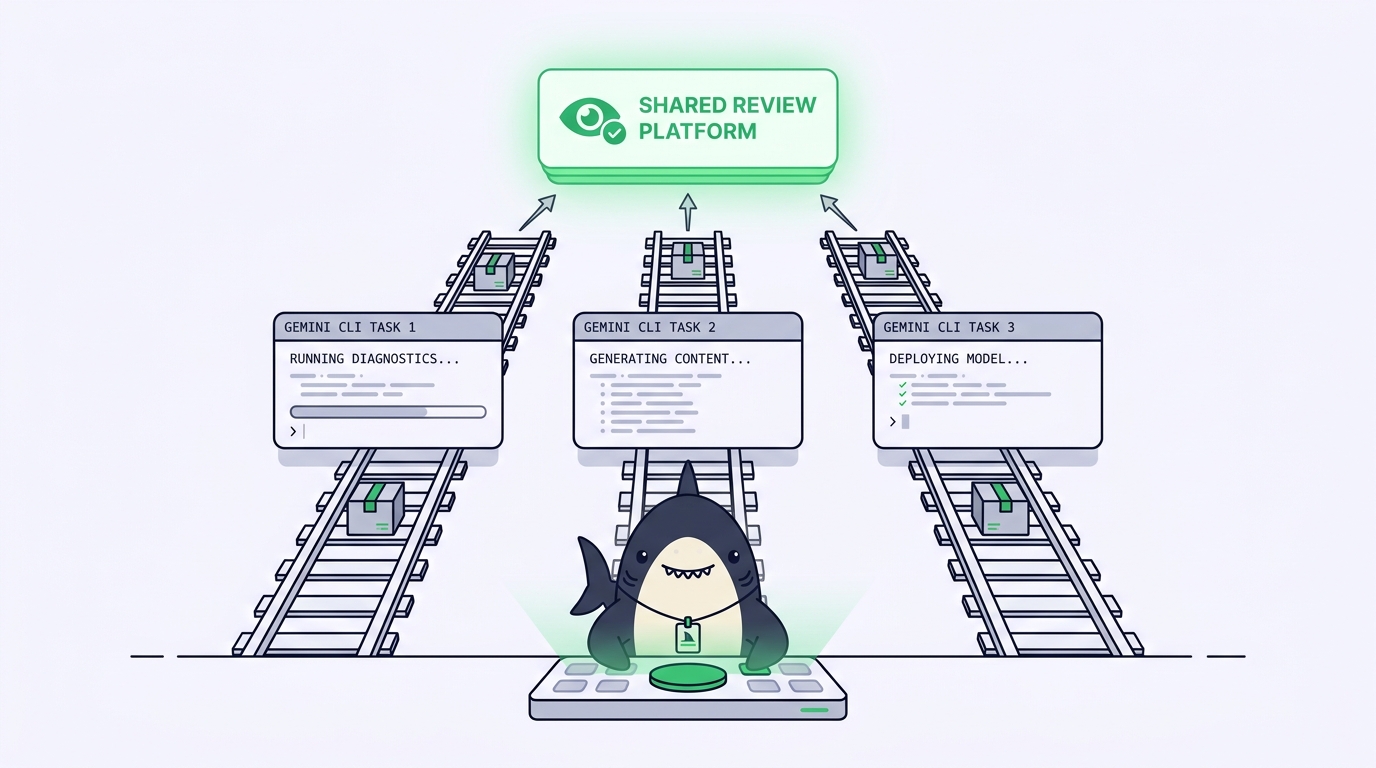
With Sharkly, you assign a Task to an Agent backed by Gemini CLI. The Agent claims the Task, works in an isolated worktree, and execution, blockers, results, and follow-up discussion return to the Task timeline instead of disappearing into private terminals. Run several at once and each one is a row you can see, not a tab you have to find. Gemini CLI still does the coding; Sharkly manages the assignment, the connected Computers, the context, and the review across every run.
The division of labor stays clear. Agents research, execute, test, and report. People set direction, grant authority, and accept the result. Automation stops where team judgment is required, and each run comes back with a change summary and its own verification results, so accepting or rejecting a diff takes a glance instead of an archaeology dig. Context, progress, blockers, results, and human review stay visible from request to release.
You keep what you already have. Sharkly does not ask you to leave the Gemini CLI, or to commit to one runtime. Because it is provider-neutral, the same task board runs Claude Code and Codex agents beside your Gemini ones, so your workflow survives whatever the next best agent turns out to be. That neutrality is the point: you are managing your agents, in one place, not switching ecosystems every time a new one ships.
The checklist you can run today
Run this before your next batch of parallel Gemini tasks:
- [ ] One git worktree per task; never two agents in one checkout.
- [ ] A
GEMINI.mdscoped to each task, not one shared file across all of them. - [ ] Headless runs use
gemini -pwith a built-in verification step so they don’t stall on a prompt. - [ ] A known ceiling on concurrent instances so shared quota doesn’t throttle a run you can’t see.
- [ ] A single place that answers “which agent is on what, and what finished” without opening every tab.
- [ ] Every completed run leaves a change summary and test results a human can review, not just a diff on a branch.
The first four you can do with worktrees and terminals tonight. The last two are where a manual setup runs out. If you are already running several Gemini CLI agents at once, Sharkly gives you one place to assign their tasks, watch their progress, and review their results. You can build the coordination layer yourself, or run your existing coding agents through Sharkly and skip straight to the part that scales.