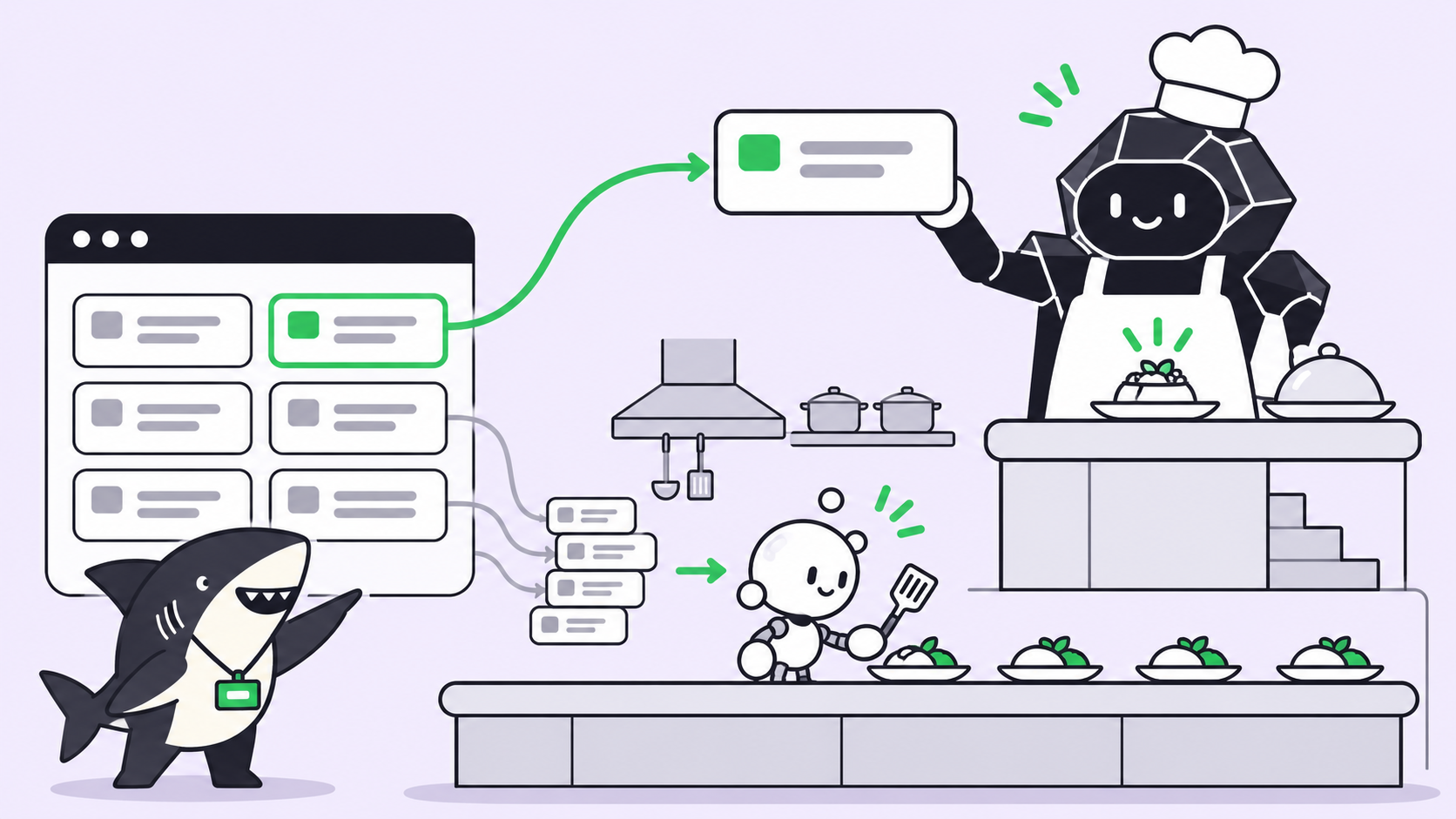
One agent in one terminal is one unit of work. You prompt, you wait, you review, you prompt again. The agent is fast and you are the slow part. The obvious fix is to run several at once, and the obvious problem is that agents editing the same working tree destroy each other.
Orca solves that properly. It is a desktop application from Stably for running a fleet of coding agents, each in its own git worktree, at 58,464 stars and MIT licensed. If you work alone and want more throughput today, it is a strong answer and this article will not talk you out of it. What it does not do is make the work visible to anyone else, which is a different job.
TL;DR
This is one of five deep dives from our roundup of open source tools that extend coding agents.
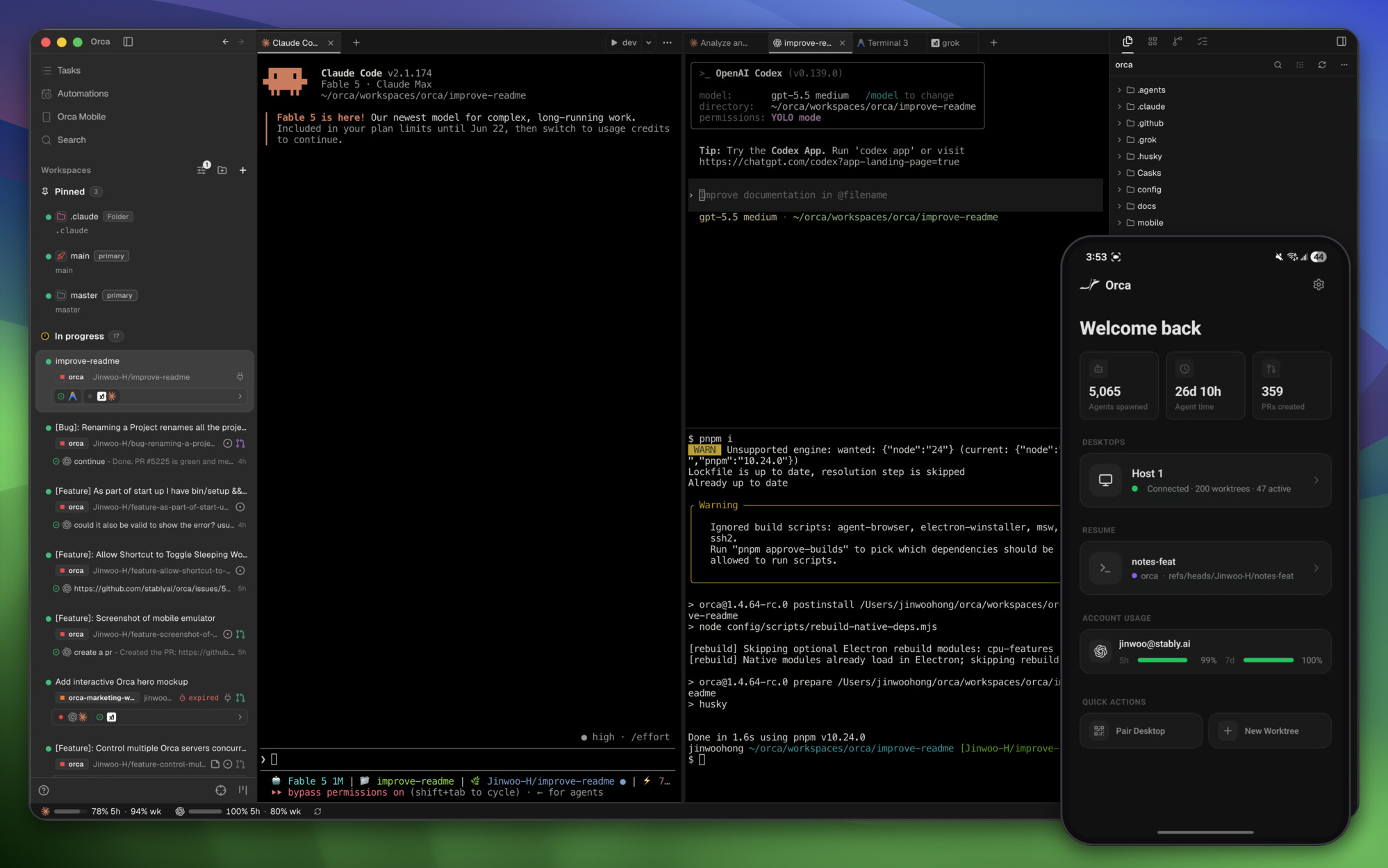
Orca runs Codex, Claude Code, OpenCode, Cursor CLI, and effectively any CLI agent side by side, each in an isolated git worktree, using the subscriptions you already have. It adds terminal splits, diff annotation, remote worktrees over SSH, a Chromium design mode, GitHub and Linear browsing, and a mobile companion. For one operator it is excellent. For a team, the record still lives in a scrollback on one machine, and that is the boundary where a shared work system starts.
What it does
The core primitive is one worktree per agent. Git worktrees let one repository have several working directories checked out at once, so five agents can work on the same repo without touching each other’s files. This is the same mechanism behind isolated worktrees for parallel runs, and it is the correct foundation.
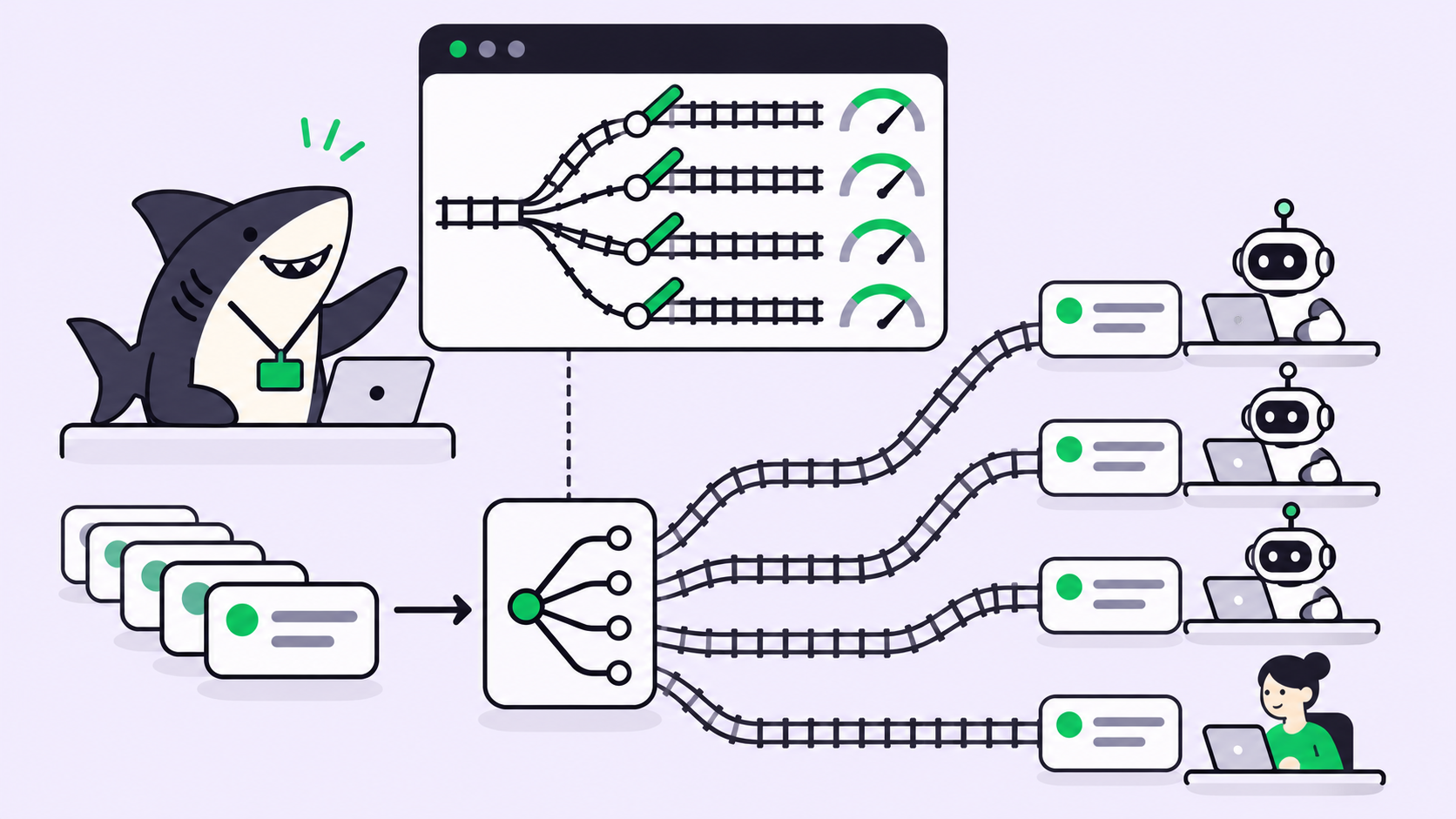
The pattern it unlocks is fan-out: send one prompt to several agents, then compare the results and merge the winner. On a genuinely ambiguous problem, three attempts from three different models will not fail the same way, and picking the best of three beats iterating on the first.
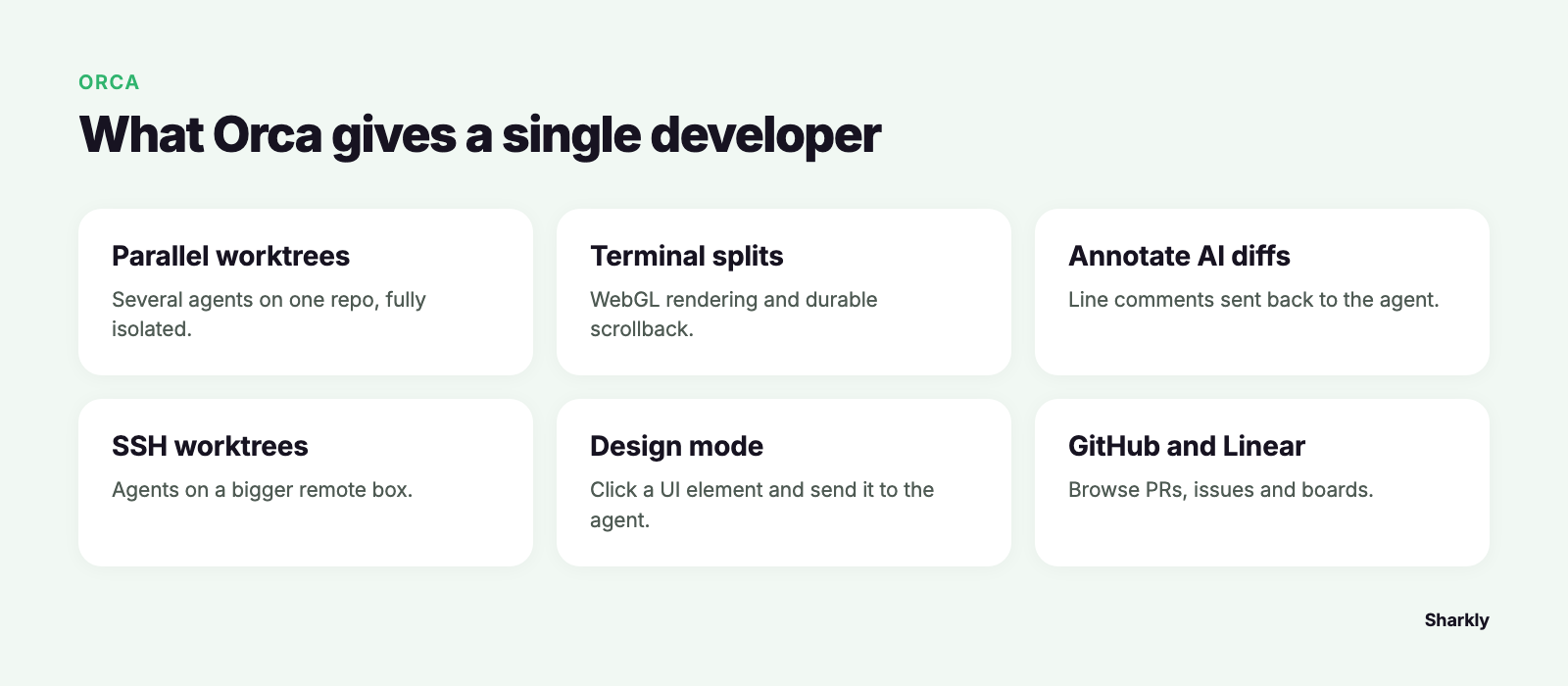
| Feature | What it gives you |
|---|---|
| Parallel worktrees | Several agents on one repo, fully isolated |
| Terminal splits | WebGL rendering, scrollback that survives restarts |
| Annotate AI diffs | Line comments sent back to the agent |
| SSH worktrees | Agents on a bigger remote box, auto-reconnect |
| Design mode | Click a UI element, send HTML, CSS and a screenshot into the prompt |
| GitHub and Linear | Browse PRs, issues and boards, open a worktree from a task |
| Usage tracking | Claude and Codex limits and reset times, account hot-swap |
| Mobile companion | Notifications and follow-ups from a phone |
The account switcher deserves a specific mention. Running five agents in parallel means hitting rate limits, and seeing reset times in the app is the difference between planning around that and discovering it mid-task.
Installation is a download, a Homebrew cask, or an AUR package, with orca serve for a headless Linux box.
When fan-out pays
Parallelism is not free, and the failure mode is spending five times the tokens for five versions of the same answer.
Fan out when a task has several defensible approaches: a state management refactor, an unfamiliar library integration, a performance problem where the bottleneck is not identified. The spread between the results is the value.
Run a single agent when the task is specified. Adding a field to an endpoint, or writing a handler that matches four existing handlers, produces five near-identical diffs and one wasted bill.
Fan out across models rather than across runs of the same model. Three instances of one agent cluster tightly. Three different agents diverge, because the difference comes from training rather than sampling.
Write the acceptance criteria before you start. If you cannot say what a correct answer looks like beforehand, you will pick a winner on aesthetics.
Where the single-operator model ends
Orca is an excellent cockpit for one person. Everything lives on your machine: the worktrees, the sessions, the diffs, and the scrollback that helpfully survives restarts. That is exactly right for solo work.
It becomes a limit the moment a second person is involved. You run five agents on Thursday. On Monday a teammate asks why the retry logic changed in the payments client. The answer is in a terminal pane on your laptop, if that worktree is still open. The prompt that produced it is gone, and the only durable artifact is a commit message written by a model.
A prompt is not a record. A cockpit is not a work system. Those are not flaws in Orca; they are the edge of what a desktop application for one operator is built to hold.
Isolation per pane, or isolation per Task
Sharkly and Orca share more philosophy than the category names suggest. Both isolate work so parallel agents cannot collide. Both run the coding tools you already installed rather than replacing them, and model usage continues through the subscriptions or API keys configured in those tools.
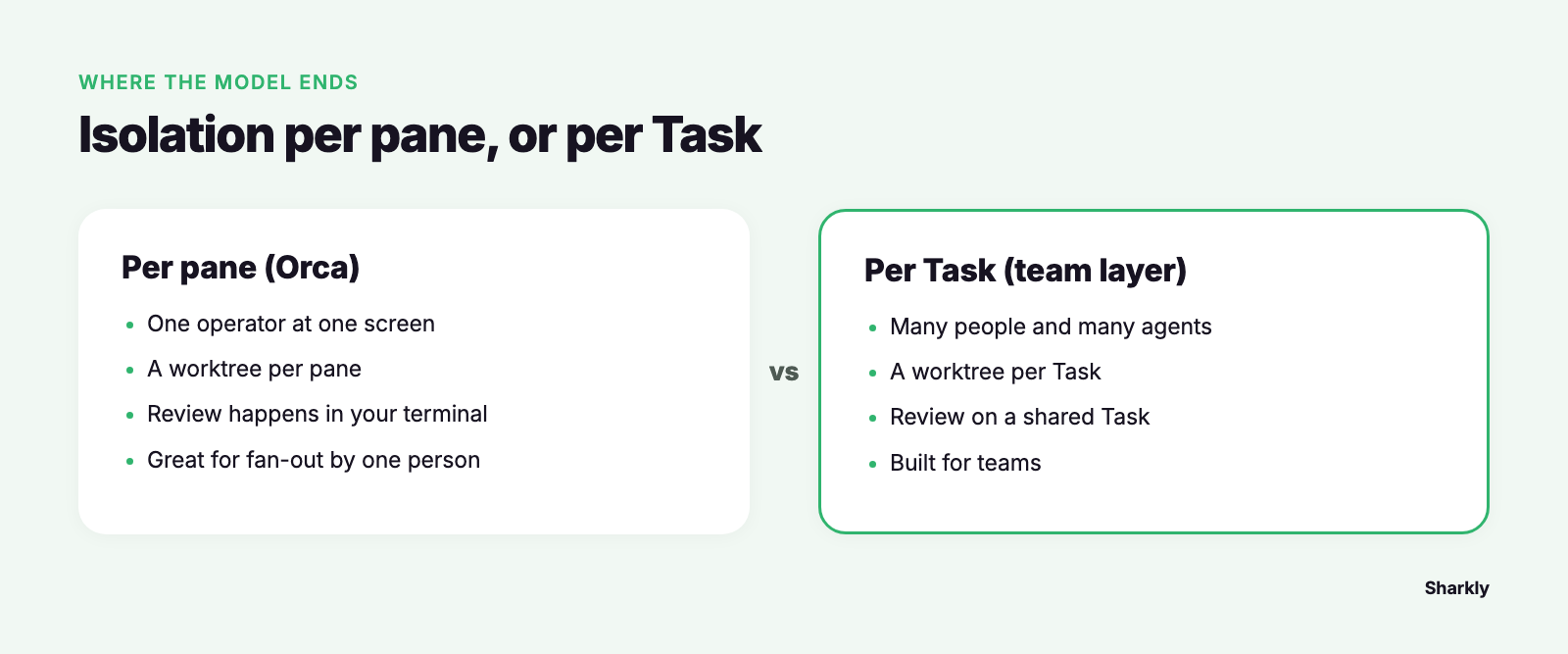
The difference is what the isolated unit is.
A Task is the main unit of work in Sharkly. Repository work runs in an isolated directory and git worktree per Task run, so the same mechanism that keeps Orca’s panes apart keeps assigned work apart, on a unit the whole team can see.
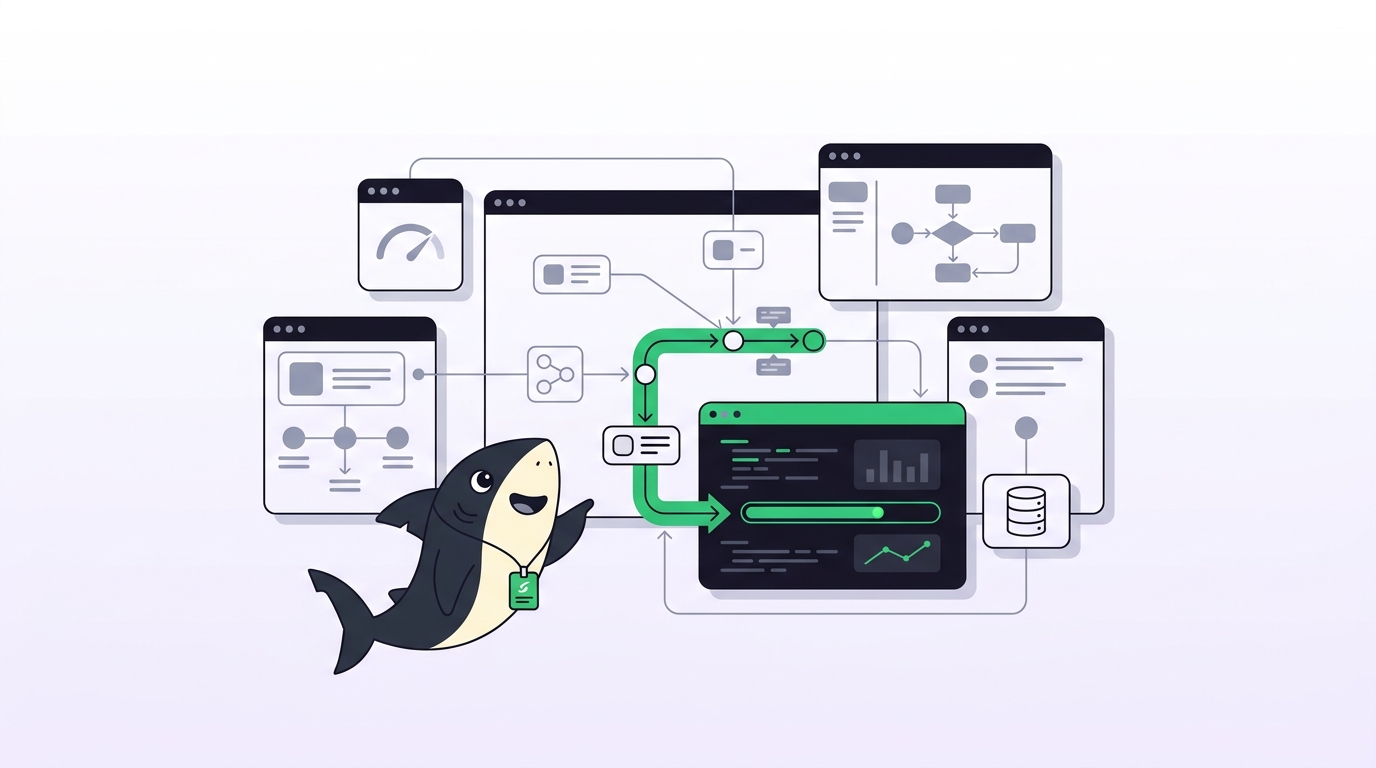
Each piece has one job. The Agent defines how work should be handled. The Computer supplies the host and local resources. The Runtime performs the actual agent session. The Task remains the shared record.
Sharkly is not a replacement for Claude Code, Codex, or for Orca as a local development environment. It adds the shared task, Computer, context, control, and review layer around the tools your team already uses.
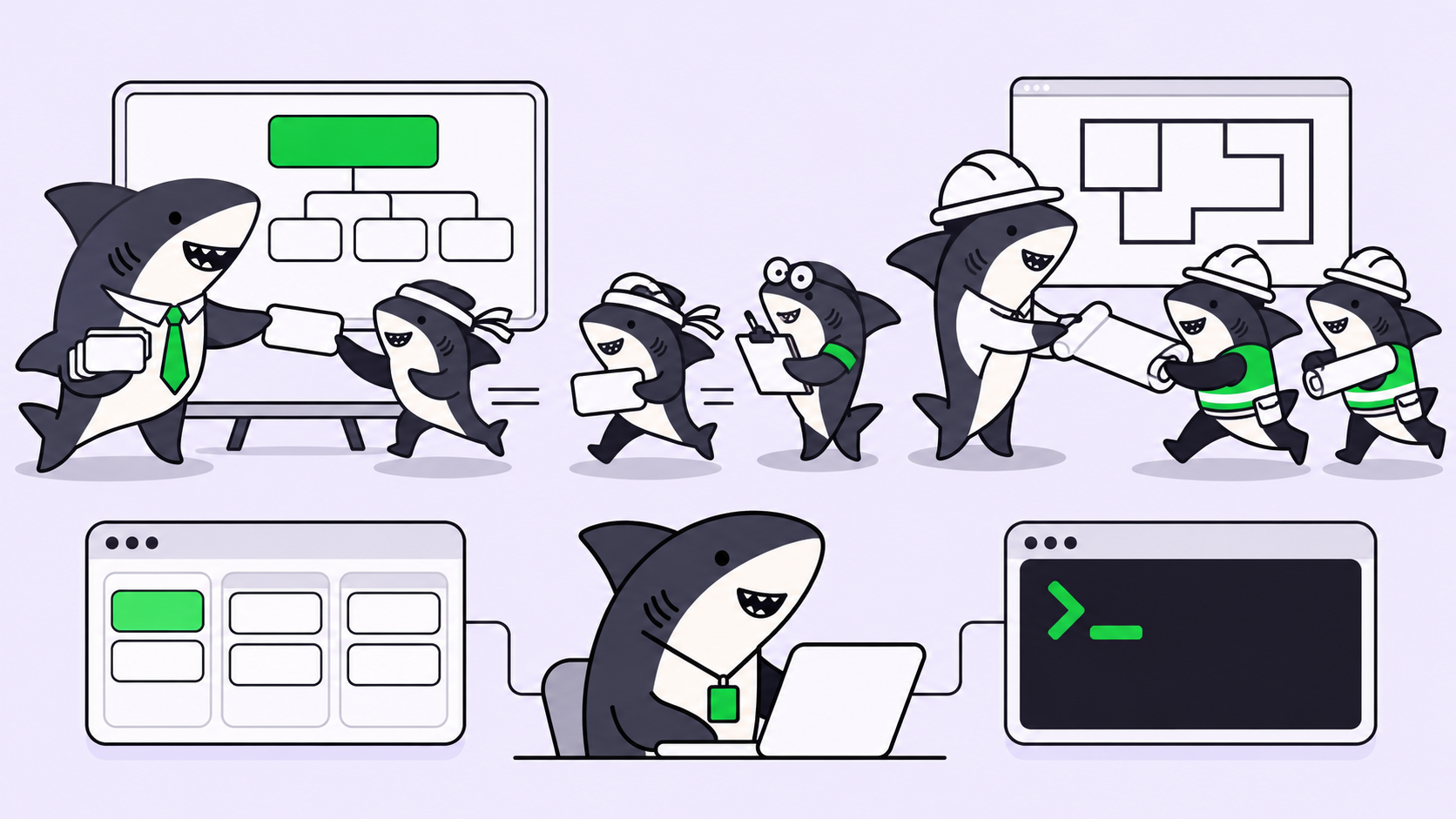
Two capabilities follow from that which a single-operator cockpit does not aim at. A Crew is a reusable group of People and Agents coordinated by one leader Agent, so fan-out gains a synthesis step: the leader interprets the goal, involves the members it needs, and brings their results back into one Task, instead of leaving five diffs for you to referee. And a Task in Backlog does not start a run, so work is prepared and approved before anything executes.
Execution, blockers, results, and follow-up discussion return to the task timeline. Monday’s question has an answer that is not a screen recording.
How to choose
Use Orca when you are one person, the work is yours end to end, and the bottleneck is how many agents you can drive at once. It is the best desktop tool for that and it is worth installing today.
Use a shared work system when a second person needs to know what the agents did, when review has to happen before release, or when someone will ask in three months what changed and why. The threshold is not team size. It is whether the record has to outlive the session.
Many teams run both, and that composes cleanly. Agents research, execute, test, and report. People set direction, grant authority, and accept the result.
Frequently asked questions
Which agents does Orca run? Any CLI agent. Claude Code, Codex, Cursor CLI, Copilot CLI, OpenCode, Grok, Amp, Pi, Devin, Goose, Cline, Continue, Kimi, Qwen Code, and others are listed explicitly.
Do I need extra subscriptions for parallel agents? No. Orca uses the accounts you already have. You will hit plan rate limits running several at once, which is a plan question rather than a tool question.
Is running five agents on one repository safe? Yes for files, because each gets its own worktree. Shared state outside the repository, meaning databases, dev servers, and ports, is still yours to manage.
How do I choose between the resulting diffs? Run the same test suite against all of them and let it decide. If your tests do not distinguish the candidates, fix that before scaling the fan-out.
Orca or Sharkly? Different layers, and they compose. Orca is where one person drives agents right now. Sharkly is where work is assigned, tracked, and reviewed across people. Solo, you may only need the first. See tools for managing parallel agents for the wider comparison.
The short version
Orca is the strongest answer available to the throughput problem for a single developer. Parallel worktrees, a real terminal, diff annotation, remote execution, and a mobile companion add up to a serious tool, and running on your own subscriptions is the right model.
What it produces is more candidate answers per hour. That is progress when you can also decide between them and remember what happened. When those two need to involve anyone else, the work needs a Task. Sharkly holds that layer, using the same worktree isolation, applied to the unit a team can see.