TL;DR: You can run AI agents 24/7 for free with three parts: a $0 model route (OpenCode’s free models or Gemini CLI’s free tier), a computer you already own that never sleeps, and a task queue the agent pulls from. On 2026-10-29 we ran two OpenCode free models with no account and no API key; both wrote and ran a file in about 10 seconds.
Running an agent for an hour is easy. Running one around the clock without a bill is a different problem. The model has to cost nothing, the host has to stay awake, and the agent needs a steady supply of work that doesn’t depend on you typing the next prompt.
This guide sets up all three, using routes we checked on the day of writing. It also shows where each free route stops, because “free” in AI tooling usually means “free until a limit you can’t see.” If you run more than one agent, Sharkly is the board that hands them work on your own computer, and it’s currently free for teams of up to 5 people.
What running AI agents 24/7 for free takes
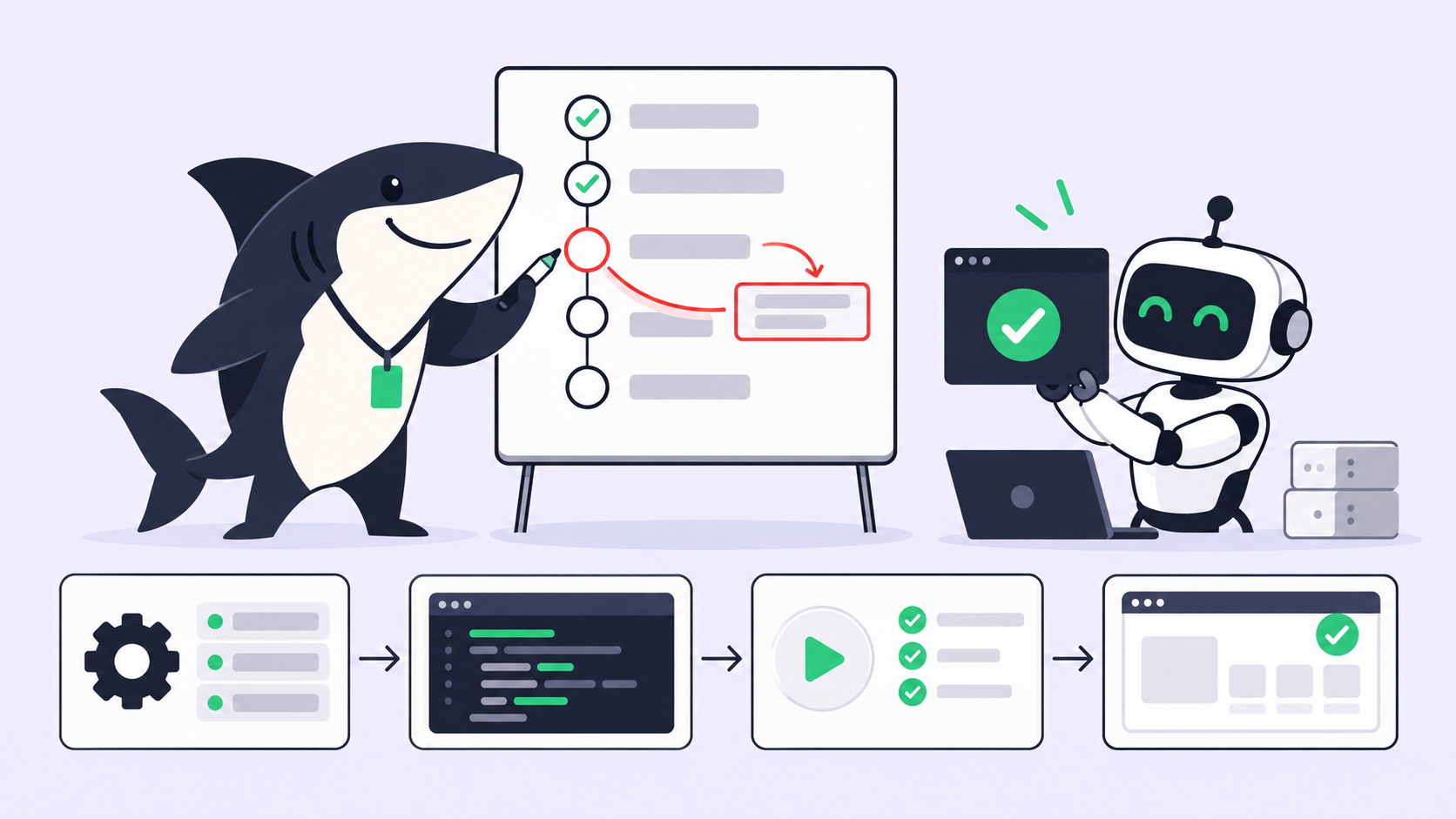
An always-on free agent setup has three layers. Miss one and the agent either costs money, stops at night, or sits idle.
- A $0 model route. A coding agent plus a model you can call without a paid plan.
- A host you own. A desktop, old laptop or home server that stays powered and awake.
- A work queue. Tasks or a schedule the agent picks up without a human starting each run.
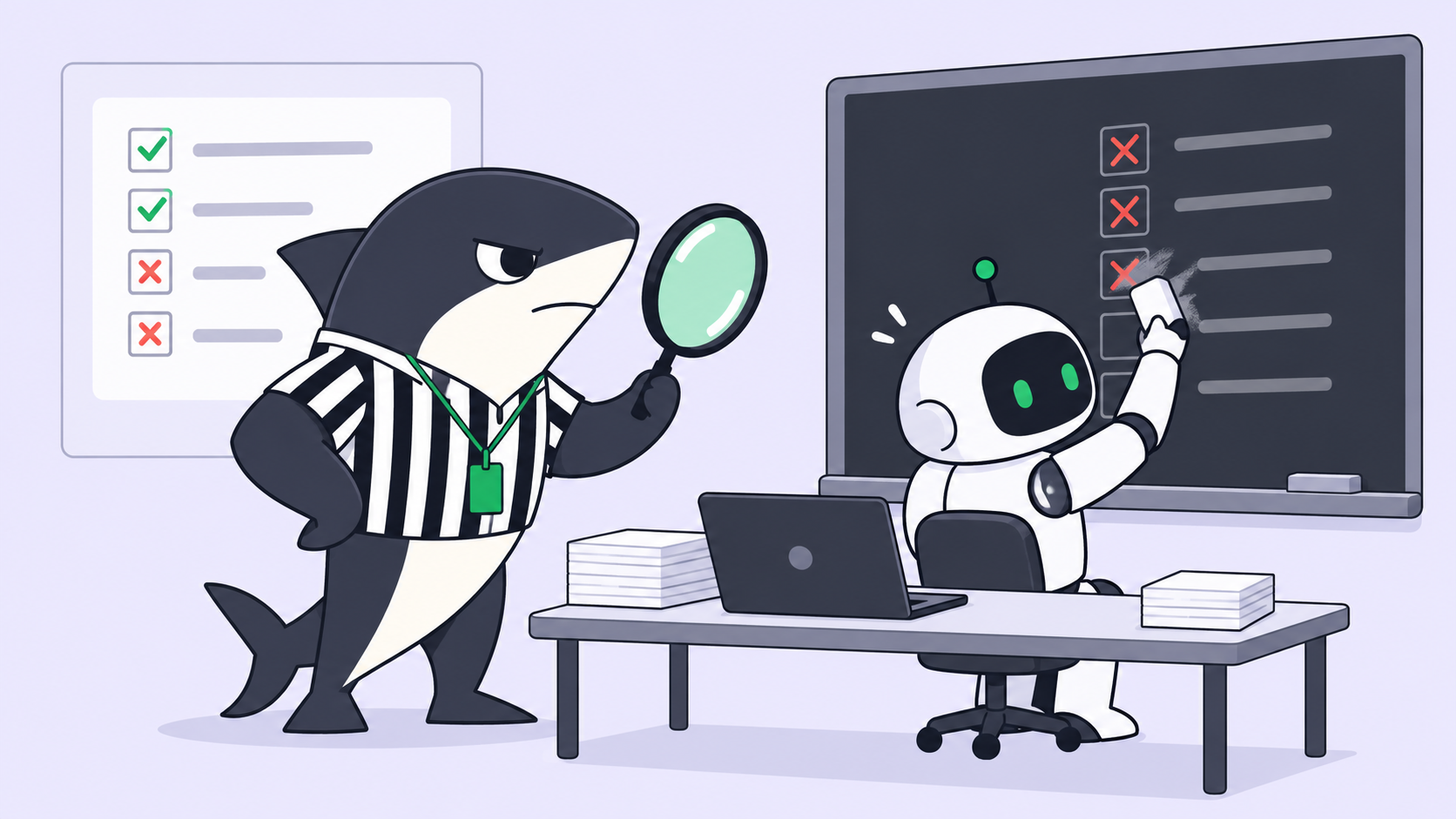
- A record. Output you can review later, since nobody watched the run happen.
The fourth layer is the one people skip. We covered the review side in coding agents while you’re away, so this guide focuses on cost and uptime.
Step 1: Pick a free model route that works today
Free model routes change weekly. These are the ones we checked on 2026-10-29.
| Route | What’s free | Account needed | Checked how |
|---|---|---|---|
| OpenCode free models | Several models tagged Free, “for a limited time” | No | Ran two models, 2026-10-29 |
| Gemini CLI with Google login | 1,000 model requests per user per day | Google account | Read the quota page, 2026-10-29 |
| Gemini CLI with an unpaid API key | 250 requests per day, Flash model only | Google AI Studio key | Read the quota page, 2026-10-29 |
| Local model through Ollama | No per-request cost | No | Not run for this guide |
Does OpenCode still work for free?
Yes, as of today. We ran OpenCode 1.19.3 with no auth.json and no API key, in an empty folder, asking each model to write hello.py and run it:
opencode run --model opencode/deepseek-v4.1-flash-free \
  "Create hello.py that prints hello, then run it with python3 and tell me the output."
| Model | Started (UTC) | Result | Wall time |
|---|---|---|---|
deepseek-v4.1-flash-free |
07:06:55 | Wrote hello.py, ran it, printed hello |
about 9 s |
glm-5.3-flash-free |
07:07:08 | Wrote hello.py, ran it, printed hello |
about 10 s |
Two caveats come from OpenCode’s own docs. Each free model is free “for a limited time,” and the free tier only works from inside OpenCode, not from other clients. Six days earlier, on 2026-10-23, our test hit “Free usage limit reached” on the first request. The size and reset of that limit aren’t published, so plan for it. Our OpenCode free models post has the full model list and data terms.
Which free route fits a 24/7 agent?
Use OpenCode free models as the default and Gemini CLI as the fallback. A thousand requests a day sounds like plenty, but an agent loop can burn dozens of requests on one task, so spread work across both routes. Local models remove the request cap entirely, at the cost of hardware and slower output. See is Gemini CLI free for the account types in detail.
Step 2: Register the computer with Sharkly
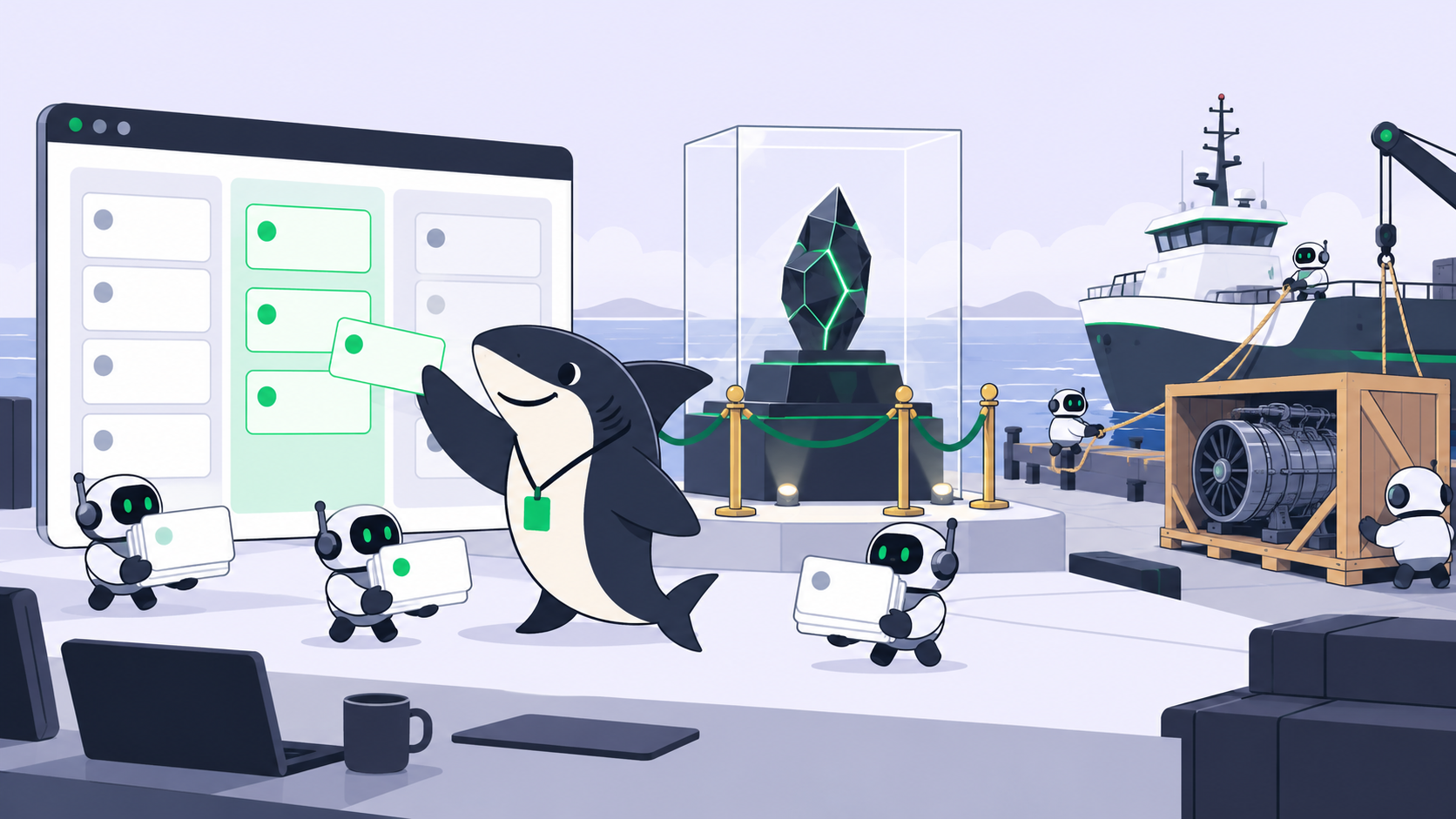
An agent on a spare laptop is useful only if work reaches it. Sharkly calls a connected host a Computer. A small background process, the local service, registers it, detects which coding agents are installed, and receives queued runs. The Computers docs note that the local service opens the connection outward, so you don’t need to open an inbound port on your router.
Create an install token on the Computers page, then run this on the host:
sharkly computer register --install-token sit_xxxxxxxxxxxx
sharkly computer list
Each detected coding agent shows up as a Runtime. Sharkly’s supported Runtimes are Claude Code, Codex, Gemini CLI, OpenCode, OpenClaw and Hermes. On our Computer, OpenCode appears with a Free tokens tag:
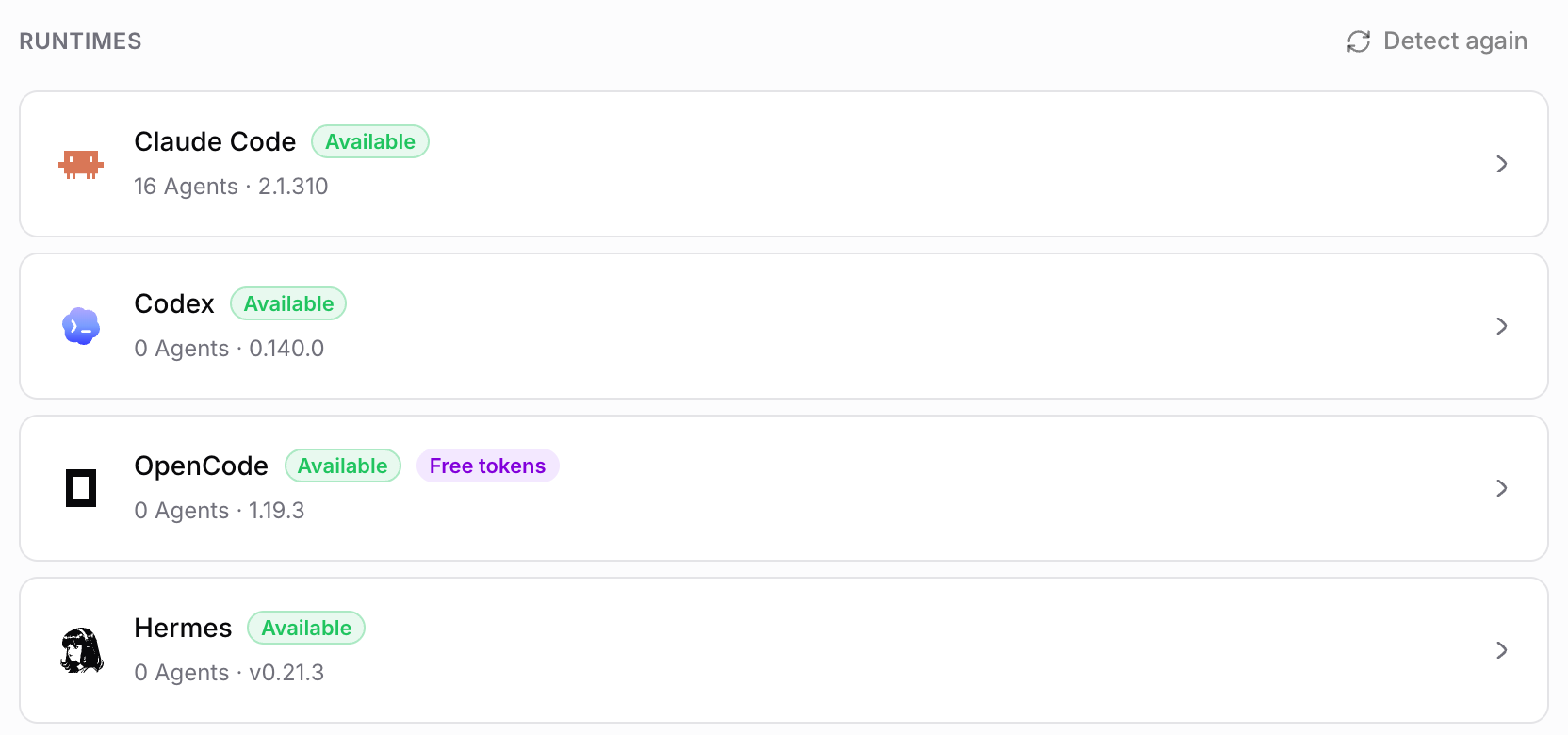
An online Computer only means its local service is sending heartbeats. Check that the Runtime you picked reads Available before you trust the setup.
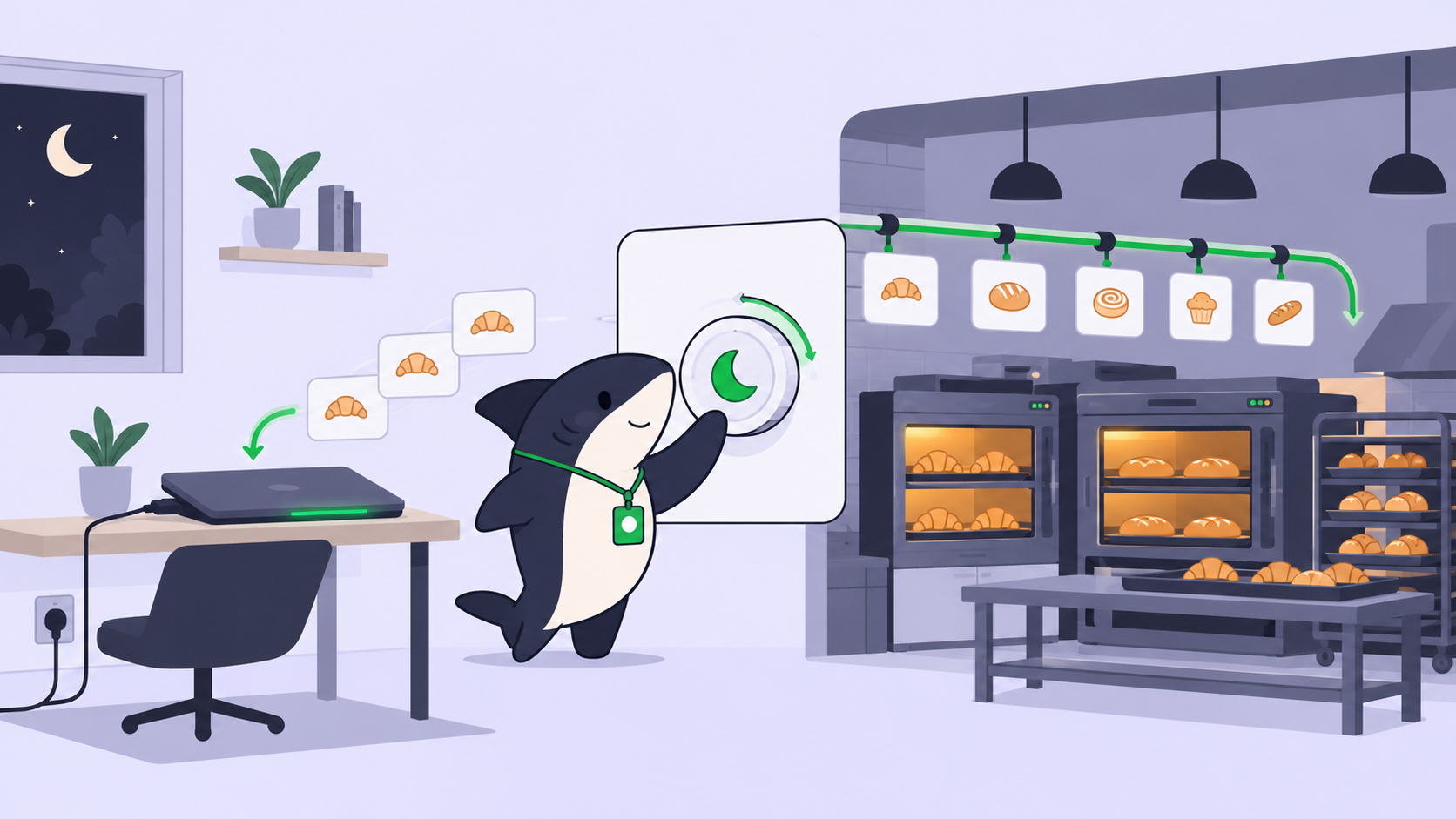
Step 3: Keep the computer awake all night
Sleep kills more overnight runs than model limits do. The fix depends on the host.
- Sharkly Desktop on the host: turn on Prevent sleep and set the duration to Always. The display can still turn off; the system stays awake. On macOS, a separate Keep running with lid closed option appears when the system allows it, and it asks you to plug in first.
- macOS without the desktop app: run
caffeinate -sin a terminal you leave open. It blocks system sleep while on AC power. - Linux: wrap the long job in
systemd-inhibit, or set the host to never suspend.
Prevent sleep only works on the computer running the desktop app. You can’t flip it on for a remote Computer from somewhere else, so set it up while you’re at the host.
Step 4: Put recurring work on a schedule
A 24/7 agent without a queue runs once and waits. You need work that arrives without you.
Sharkly gives you two sources. The first is the board: you write tasks during the day, assign them to an Agent, and the Agent picks them up on its Computer. The second is an Automation, a saved set of instructions with a trigger. Per the Automations docs, a trigger can be:
- A schedule, using a five-field cron expression and a timezone
- A task moving into a chosen status
- A comment containing a set phrase
- A webhook from another service
- Run now, for testing

A nightly dependency audit, a morning test sweep and a weekly docs check are good first candidates. Pick work that’s observable and reversible, then review a few runs before widening the scope.
How many agents can one free computer run at once?
Each Computer has a task concurrency limit, and each Agent has its own run settings. Start at one or two concurrent runs on a laptop. Parallel agents also need separate working copies; isolated worktrees cover why, and the Codex parallel agents guide shows the same pattern for one runtime.
Where free stops
Be precise about what costs nothing here.
- Model access: free while OpenCode’s free models last and while you stay under Gemini CLI’s daily quota. Both can change without notice.
- Electricity and hardware: not free, but you already pay for them.
- Sharkly: model usage is bring-your-own; Sharkly doesn’t sell tokens. The pricing page lists Free for organizations of up to 5 people and Team at $7 per person billed yearly beyond that. Agents and Computers don’t take seats.
- Your review time: the real ceiling. An agent that works all night hands you a morning queue. Our piece on agent runs that outlive your workday covers stop conditions and a morning pass.
Real-world uses for a free always-on agent
- Overnight backlog grooming: the agent drafts fixes for small labeled issues and leaves each one in review.
- Nightly checks: a scheduled run executes the test suite and files a task when something fails.
- Docs drift: a weekly run compares README commands against the CLI’s
--helpoutput. - Side projects: a solo developer queues five tasks before bed and reviews the diffs over coffee.
Conclusion
Running AI agents 24/7 for free comes down to a working $0 model route, a host that never sleeps, and a queue that feeds it. OpenCode’s free models passed our test today, Gemini CLI’s daily quota is the fallback, and both can change, so check them before you rely on them. For your next step, register a spare computer with sharkly computer register, set Prevent sleep to Always, and add one scheduled Automation tonight. You can get started with Sharkly on the Free plan.
FAQ
Can I run AI agents for free?
Yes. OpenCode ships free models that need no account, and Gemini CLI gives 1,000 requests a day with a Google login. Both worked or were documented on 2026-10-29, and both have limits the vendors can change.
Can an AI agent run 24/7 on my laptop?
Yes, if the laptop stays plugged in and awake. Use Prevent sleep set to Always in Sharkly Desktop, or caffeinate -s on macOS, and give the agent a queue of tasks.
Is OpenCode free to use?
OpenCode’s free models cost nothing and need no sign-in as of today. They’re labeled free “for a limited time,” and a hidden usage limit can stop requests.
Do I need a server to run agents in the background?
No. Any computer you own works. Sharkly’s local service connects outward, so a home laptop needs no open ports or public IP.
Does Sharkly charge for AI agents?
No. Agents and Computers don’t take seats, and Sharkly doesn’t sell model tokens. Pricing is per person, with Free covering organizations of up to 5 people.