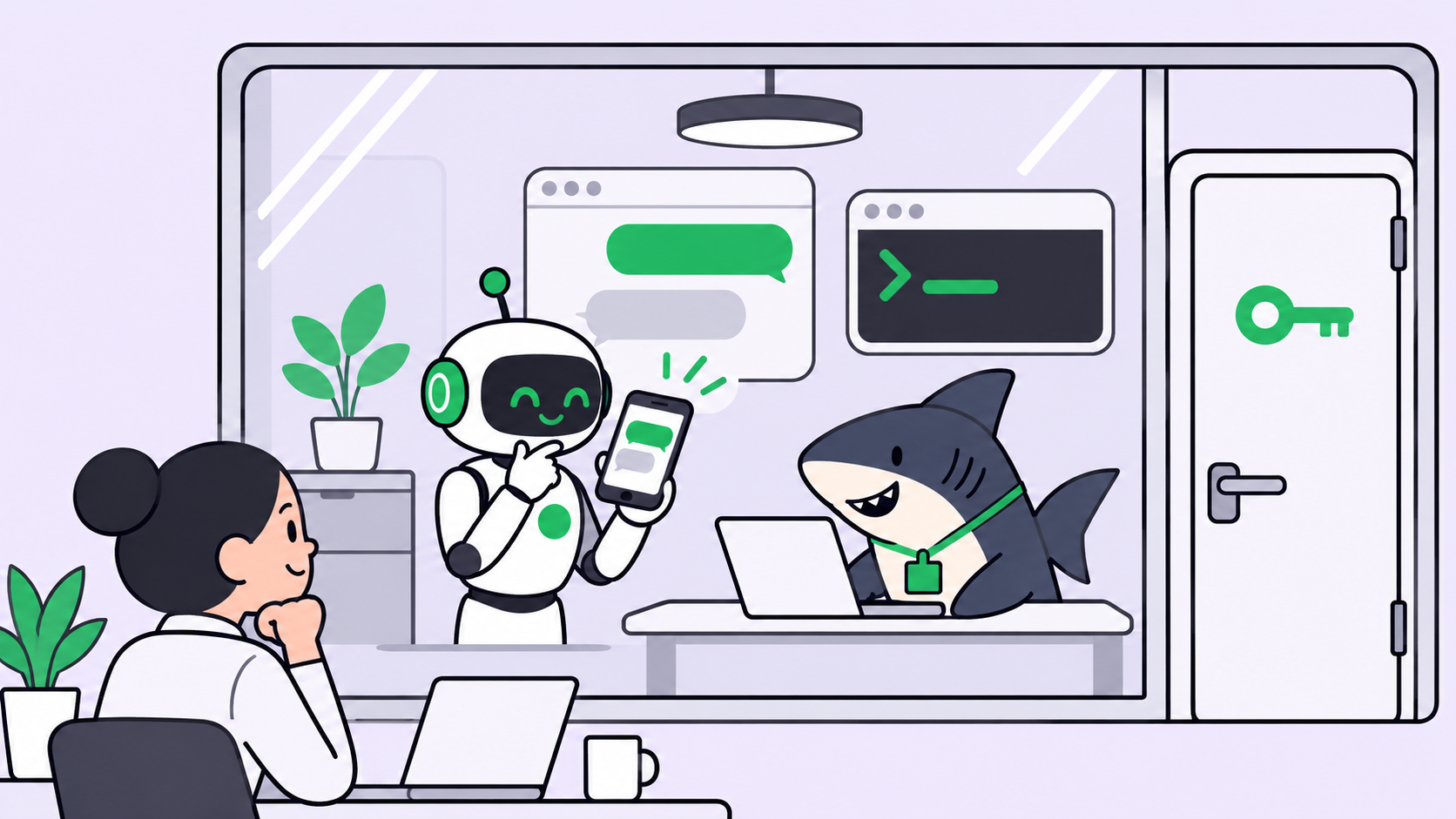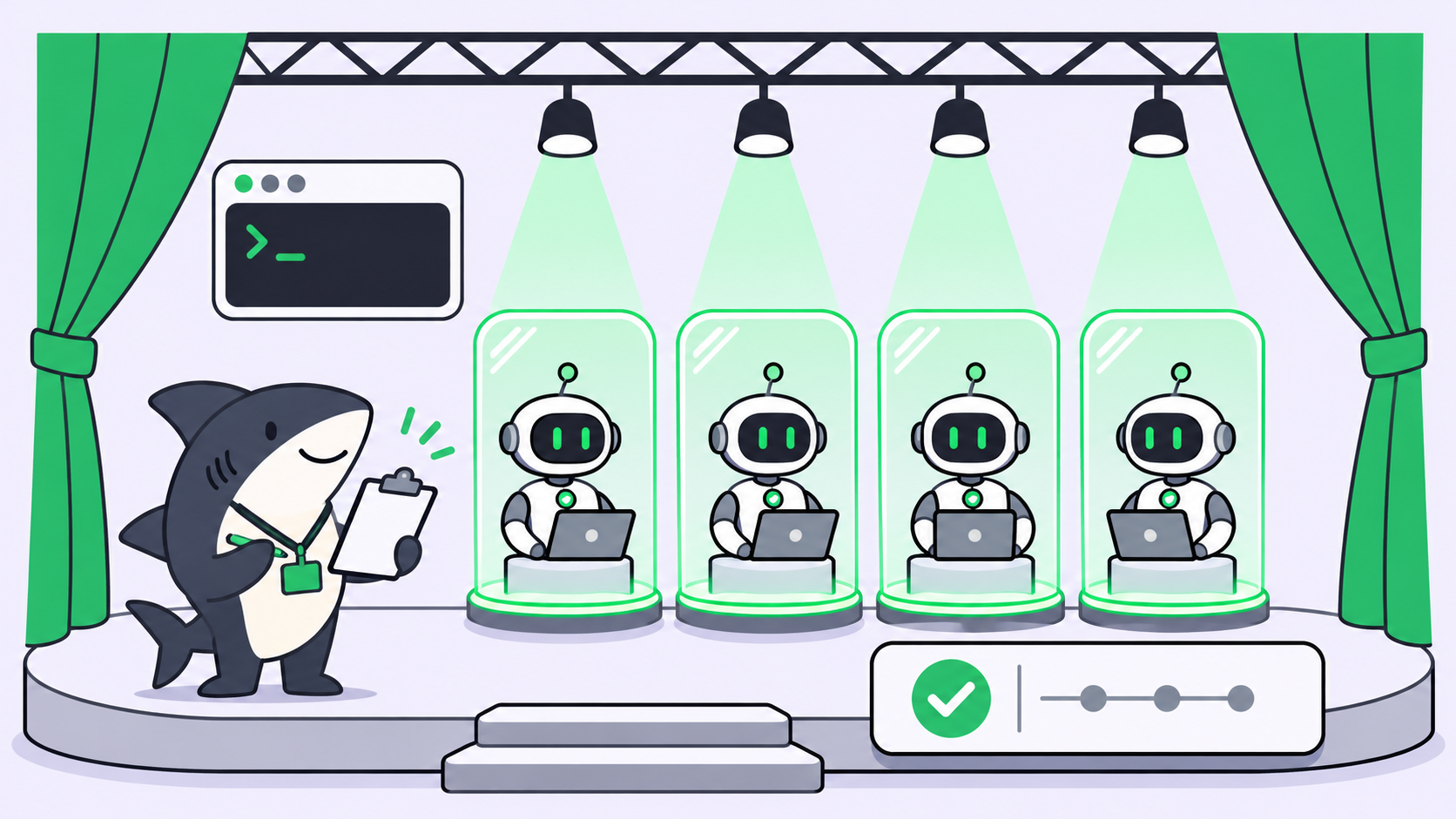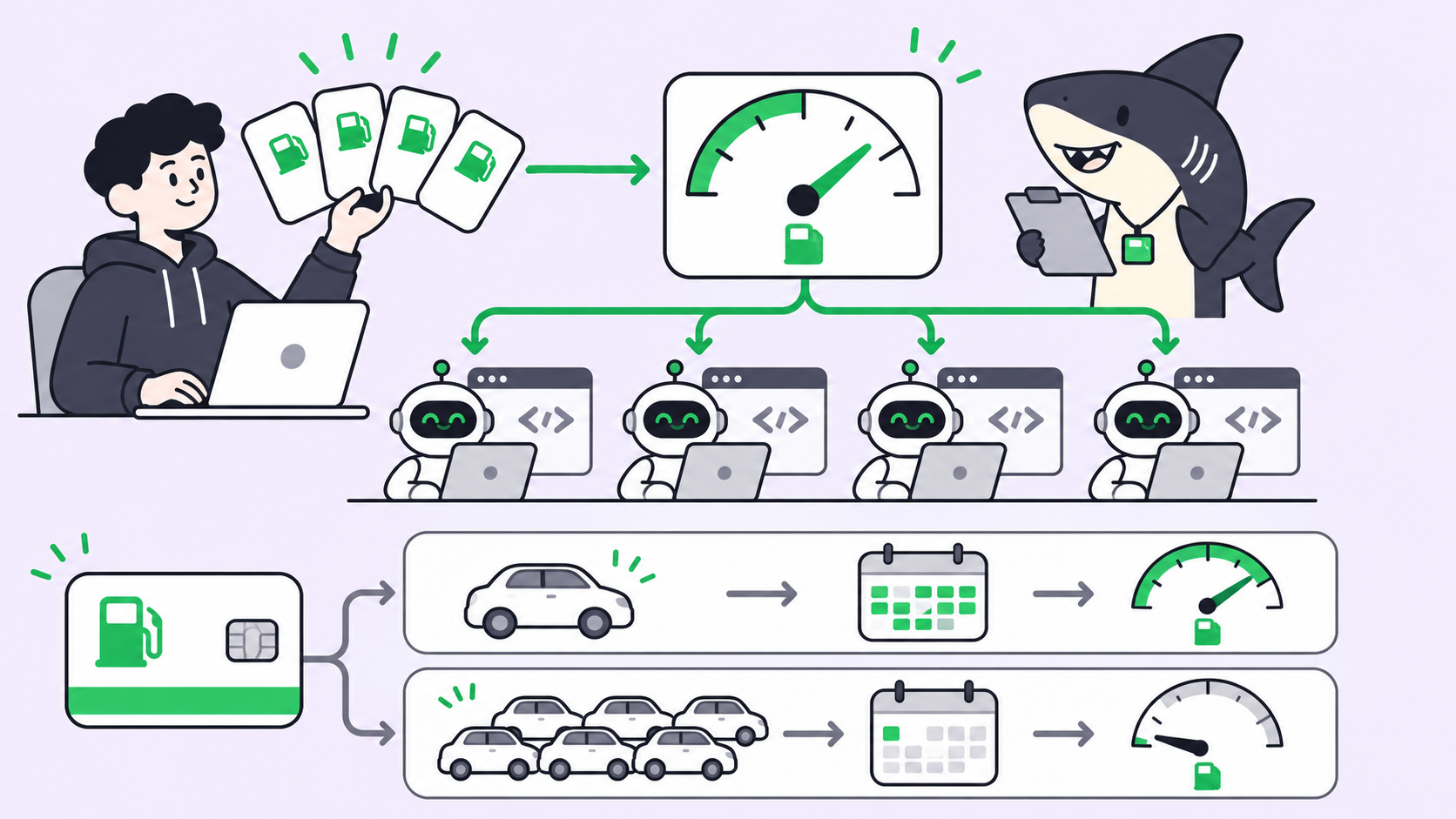
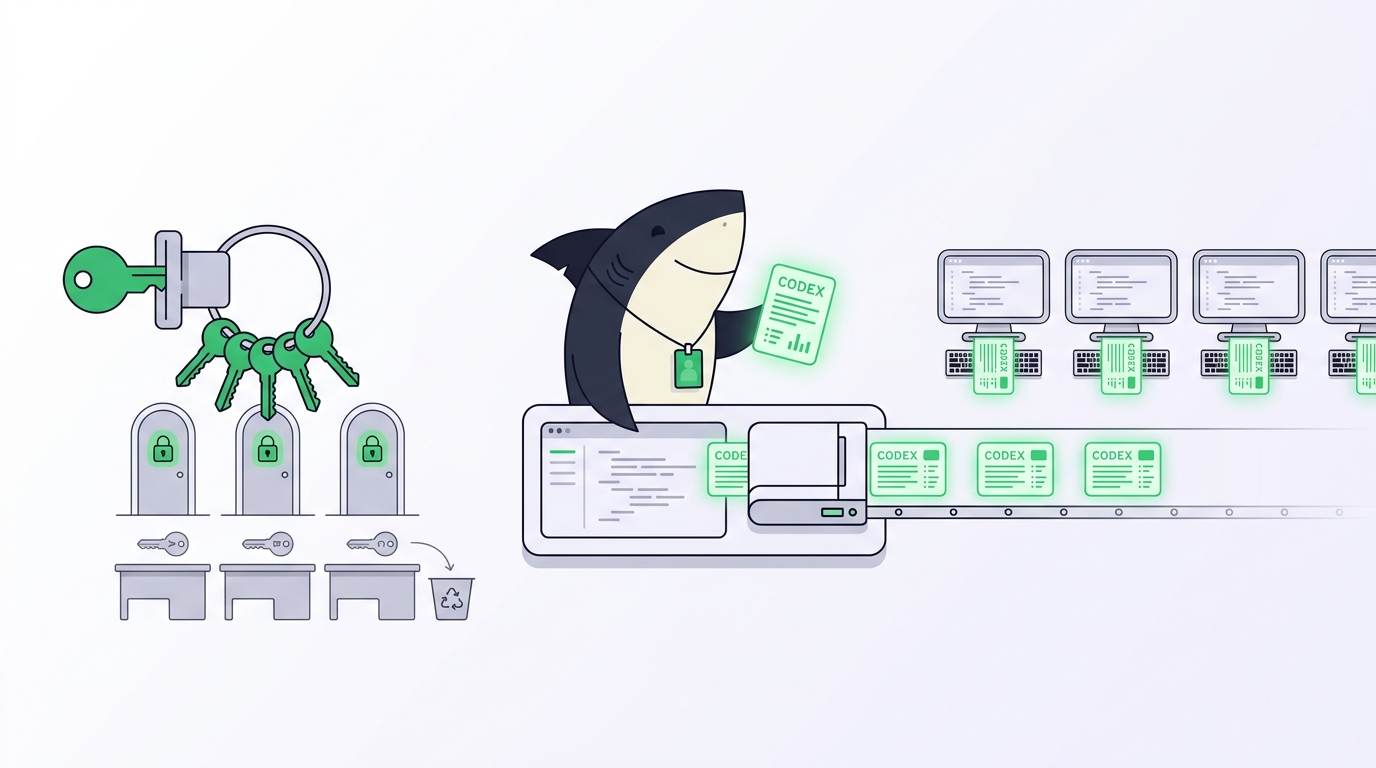
The first engineer on your team who adopts Codex writes a good AGENTS.md, tunes an approval policy they trust, and wires up two MCP servers. The agent starts behaving like a useful teammate. Then a second engineer installs Codex, and a third, and within a week you have three versions of “the same” agent. One runs in full-auto and keeps touching files nobody asked it to. One has no project instructions at all and reinvents your conventions on every task. The classic “works on my machine” has quietly returned as “the agent works on my machine.”
This has almost nothing to do with model quality. Codex is good at executing tasks. The problem is that a Codex setup is configuration, and configuration drifts the moment more than one person owns a copy. Sharing one setup across engineers is a workflow question, not a modeling one: how do you get every engineer’s Codex to load the same instructions, guardrails, and context, without turning that into a full-time job for whoever set it up first?
You already have Codex. The question this article answers is how a team runs one Codex setup instead of N drifting ones. Some of that is plain Git discipline, and you should do that part first. The rest, the part that breaks down once tasks and reviews outnumber the people watching them, is where a shared layer like Sharkly earns its place. Sharkly sits above the agent: Codex executes, Sharkly holds the shared roles, rules, context, and review. We will walk the DIY version step by step, name the failure mode at each step, then show where the file-based approach stops scaling.
What “one Codex setup” actually contains
Before you can share a setup, you have to know what a setup is. A Codex setup is four separate things that engineers tend to treat as one:
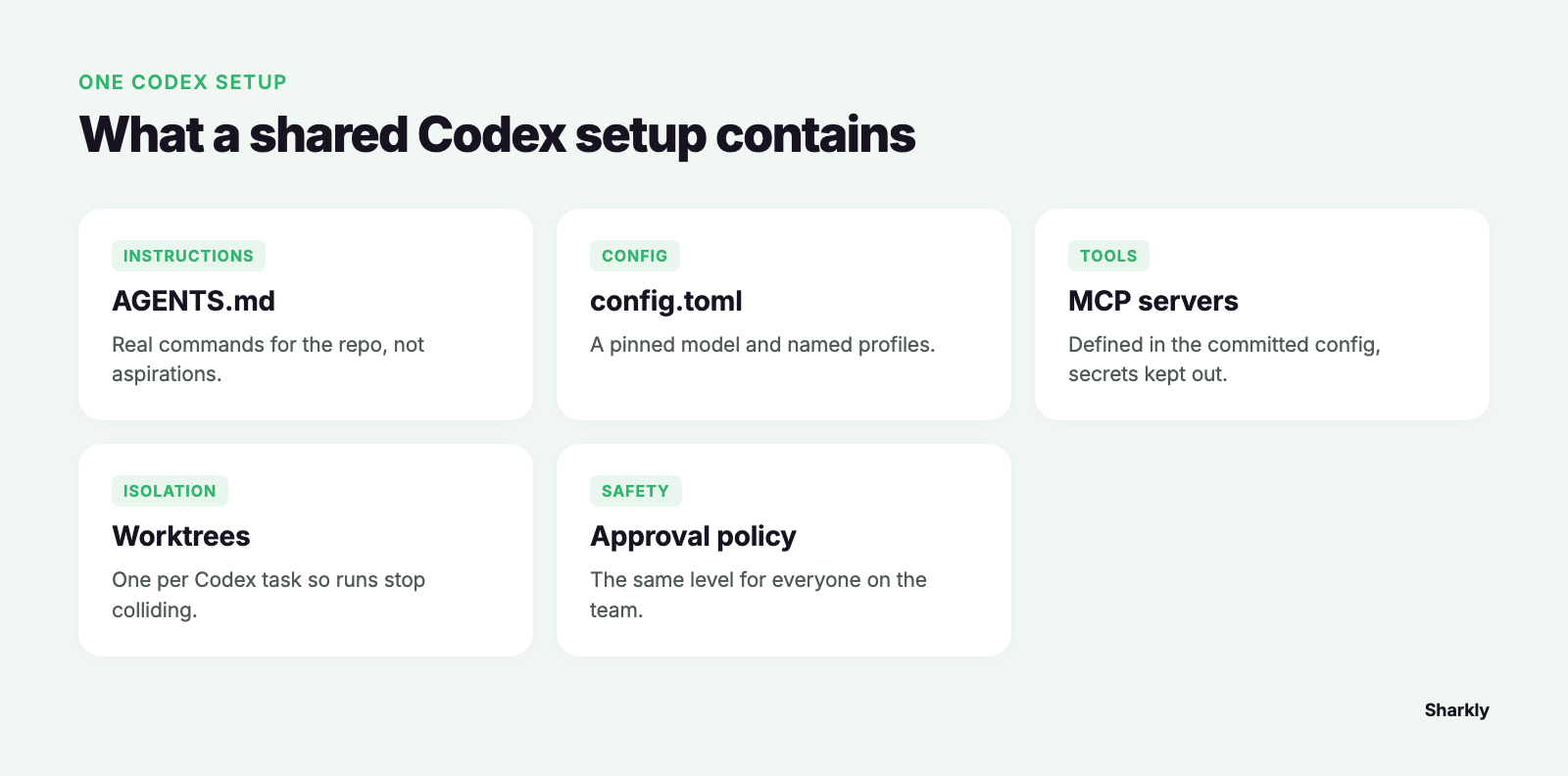
- Project instructions live in
AGENTS.mdat the repo root: your conventions, the commands to run tests, what the agent must never touch. This is the AGENTS.md standard, and Codex reads it on every run. - Behavior config lives in
~/.codex/config.toml: the default model, theapproval_policy, thesandbox_mode, and named[profiles.*]for different kinds of work. - Tool access lives in
[mcp_servers.*]entries in that same config, pointing Codex at your internal APIs, databases, or search. - The prompts and task descriptions engineers actually type, which almost never get written down anywhere.
The drift comes from where these live. Project instructions sit in the repo, so they travel with a clone. Everything else sits in a per-user home directory or in someone’s head, so it does not. That split is the whole problem, and it tells you what to fix first.
Share the setup with the repo, step by step
The file-based fixes are worth doing regardless of what else you adopt. Each step moves one piece of the setup out of a private machine and into the repo, where review and version history apply.
Step 1: Commit AGENTS.md and treat it like code. Put a real AGENTS.md at the repo root with your build and test commands, directory conventions, and hard boundaries. Review changes to it in pull requests the same way you review a CI config.
Failure mode: an AGENTS.md that lists aspirations instead of commands. If it says “follow our style” instead of “run npm run lint before finishing,” every engineer’s Codex fills the gap differently, and you are back to drift with extra steps.
Step 2: Check in a shared config profile. Codex reads ~/.codex/config.toml, which is per-user, but you can commit a reference codex/config.toml to the repo and have each engineer copy or symlink the parts that should match. Pin the model and define named profiles so “the review profile” means the same thing to everyone.
# codex/config.toml: committed reference, symlinked into ~/.codex/
model = "gpt-5-codex"

[profiles.review]
approval_policy = "on-request"
sandbox_mode    = "read-only"

[profiles.build]
approval_policy = "on-failure"
sandbox_mode    = "workspace-write"
Failure mode: one engineer runs a danger-full-access sandbox or approval_policy = "never" locally because it is faster. Nothing enforces the shared file, so the loosest setup on the team becomes the one that eventually ships something nobody reviewed. Check the current Codex docs for exact key names; the CLI moves fast, and a stale key silently does nothing.
Step 3: Version your MCP servers. Put the [mcp_servers.*] definitions in that same committed reference so every engineer’s Codex reaches the same tools. Keep secrets in environment variables the config reads, never in the file itself.
Failure mode: half the team has the internal-docs MCP server and half does not, so Codex gives two different answers to the same question and nobody can tell why.
Step 4: Isolate each engineer’s runs with worktrees. Once several people point Codex at one repo, concurrent edits collide. A git worktree per task gives each run its own working directory off the same repository, which is the standard way to keep parallel agents from stepping on each other. We cover the mechanics in git worktrees for AI coding agents.
Failure mode: two agents in the same directory, one stash, and an afternoon lost reconstructing which change came from which task.
Where the file-based approach stops scaling
Do all four steps and you have solved configuration sharing. Every engineer’s Codex now loads the same instructions, guardrails, and tools. What you have not solved is work sharing, and that ceiling arrives faster than most teams expect.
Git shares files. It does not share the state of running work. Once your team is dispatching several Codex tasks a day, the questions that eat your time are not in any config file:
- Which task is which agent running right now, and on whose machine?
- What finished while you were in a meeting, and what is waiting on a human?
- Which run touched the payments module, and did anyone actually review its diff?
- When two engineers give Codex overlapping tasks, who notices before the merge conflict?
These live in scattered terminals, private prompt history, and a Slack thread. A committed AGENTS.md cannot answer any of them, because the missing artifact is a shared record of the work, not the setup. This is the point the growth of your team crosses, and no amount of tidier TOML fixes it.
What a shared task layer adds
This is where Sharkly fits, and it is worth being precise about the boundary. Sharkly is not a replacement for Codex; it is the shared task, Computer, context, and review layer around it. Codex still executes. Sharkly makes the execution assignable and reviewable by the whole team.
A Task is the main unit of work in Sharkly, and it holds the goal, the diff, the discussion, and the review in one place instead of splitting them across private prompts and terminals. An Agent is a reusable configuration: the instructions and rules that used to live in a per-user AGENTS.md, now shared and versioned for everyone. When Codex runs a Task, its execution, blockers, and results return to that Task, so “what finished and what needs a human” stops being a question you ask in Slack.
The division of labor is the part to hold onto. Agents research, execute, test, and report. People set direction, grant authority, and accept the result. Automation stops where team judgment is required. That means the approval gates and human review you configured by hand in step 2 become a property of the shared workflow rather than a setting each engineer can quietly loosen.
Here is the honest decision pair. If your team is one or two engineers running Codex on a single repo, the file-based setup above is enough; a shared task layer would be overhead you do not need yet. The equation changes when you are running multiple agents across many tasks and repositories, when reviewing agent output has become the bottleneck, or when you want the workflow to survive the next best agent. Sharkly is provider-neutral: the same Task and review model works whether the run is Codex today or something else next quarter. If that is where your team is heading, Sharkly’s parallel-agent management is built around this problem, and it complements the project setup you already keep in Git.
The checklist you can run today
Work down this list in order. The first four steps you can finish this afternoon; the last two are the signal that you have outgrown files.
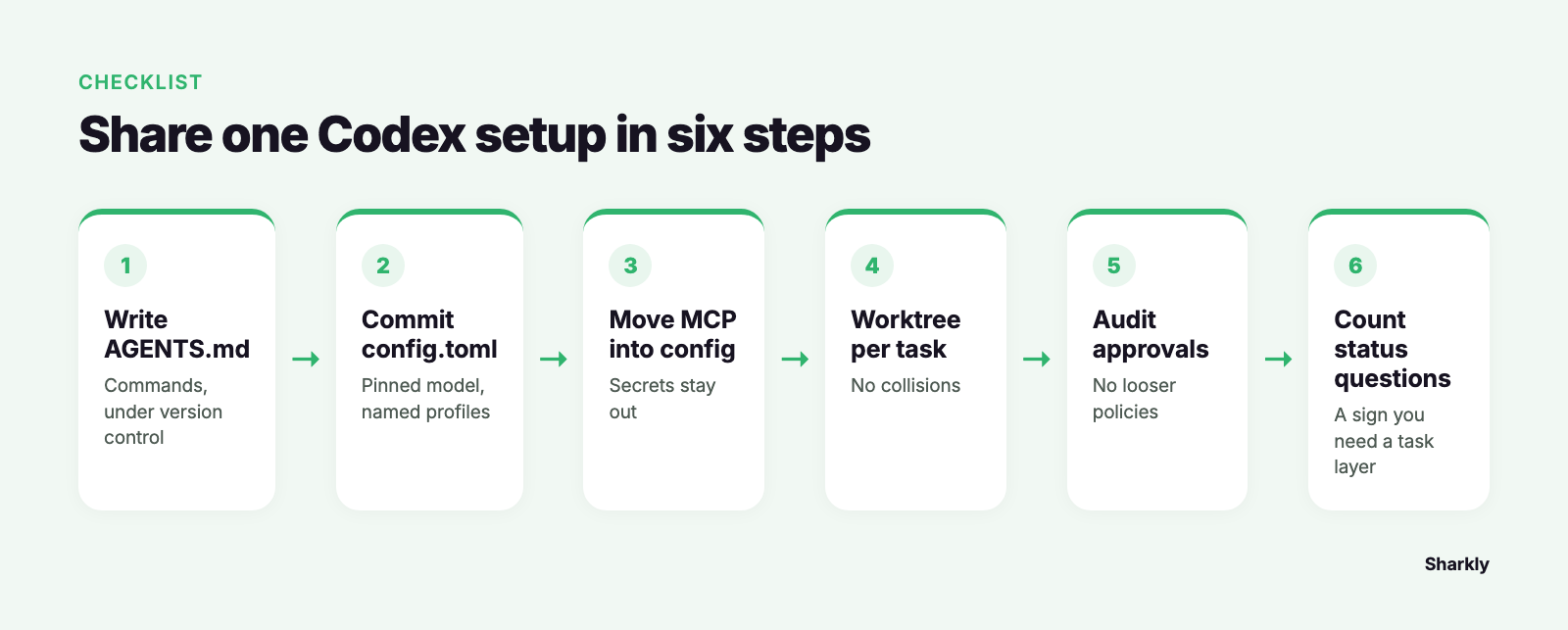
- Write a real
AGENTS.mdwith commands, not aspirations, and put it under pull-request review. - Commit a reference
config.tomlwith a pinned model and named profiles for review vs. build. - Move MCP server definitions into that committed config; keep secrets in environment variables.
- Give every Codex task its own worktree so concurrent runs stop colliding.
- Audit whether anyone is running a looser approval policy than the team agreed on. If yes, files are not enforcing your setup.
- Count how often you ask “what is the agent doing right now” in chat. When that question is daily, move the work, not just the config, into a shared layer.
You can build most of this by hand with Git and worktrees. Once the work outgrows what files can track, run your existing Codex setup through Sharkly so the tasks and reviews live in one place your whole team can see.