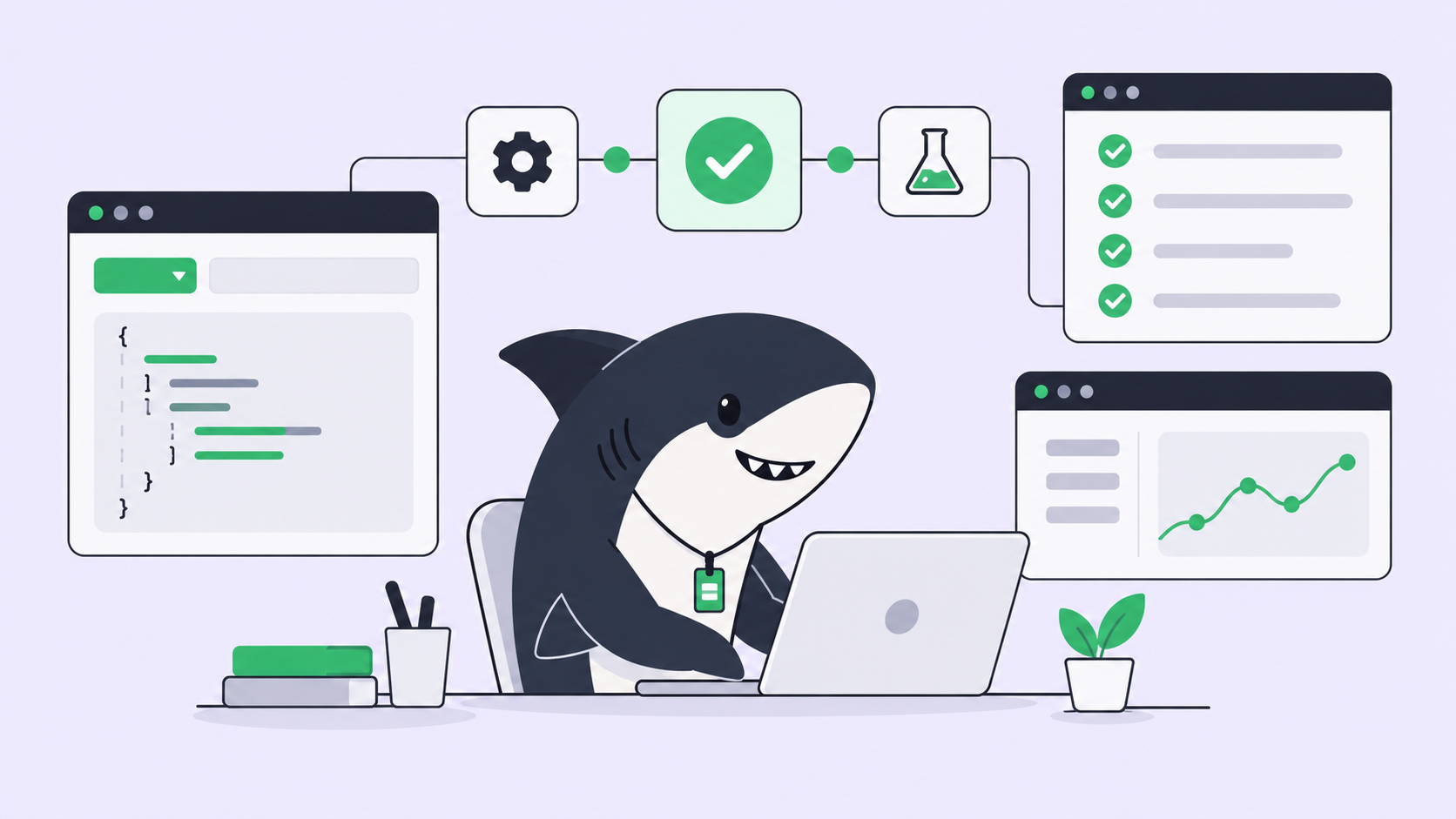
Running one Codex agent is simple. You open a terminal, describe a task, and watch it work. The trouble starts at three. One agent is refactoring the auth module, another is fixing a flaky test, a third is drafting a migration, and each lives in its own terminal tab with its own scrollback. Ten minutes later you cannot remember which tab holds which task, whether the migration finished, or which branch the test fix landed on. The agents are fine. Your ability to track them is what broke.
This is the real problem behind “managing multiple Codex agents.” It is not concurrency; Codex will happily run in parallel across separate working directories. The problem is that the state of that work, what each agent is doing, what finished, what failed, and what needs your review, ends up scattered across terminal tabs, worktree folders, and your own memory. Lose one of those and you lose the thread.
Sharkly exists for exactly this gap. You already have coding agents; Sharkly turns them into a team by giving every agent run one shared record. This article walks through the manual setup first, because you should understand what you are automating, then shows where a task board earns its place. You will finish with a checklist you can run today.
What “losing track” actually means
Losing track is not vague. It is a specific failure: your work state has no single home. When you run several Codex sessions by hand, the truth about each task is split across four places at once. The instruction lives in the terminal you typed it into, the changes live in a Git working directory, the status lives in your head, and the result lives in a pull request you have not opened yet. Nothing keeps those four in sync. Close the terminal and the instruction is gone. Switch tabs and the status is a guess. The more agents you add, the more copies of “what is happening” you maintain, and you are the only integration point holding them together.
So the goal of managing multiple Codex agents is narrow and worth stating plainly: keep every agent’s task, progress, changes, and review status in one place instead of splitting them across private terminal sessions. Everything below is judged against that single test.
Step 1: Isolate each agent with a worktree
The first failure mode is collision. Point two Codex agents at the same folder and they overwrite each other’s edits, stage each other’s files, and produce a diff no one can read. Git worktrees fix this cleanly by giving each agent its own checkout of the same repository, on its own branch.
# One isolated working directory per task, each on its own branch
git worktree add ../repo-auth      -b agent/auth-refactor
git worktree add ../repo-flaky     -b agent/flaky-test
git worktree add ../repo-migration -b agent/db-migration
Now start one Codex session inside each directory. Each agent sees only its own files, commits to its own branch, and cannot step on the others.
cd ../repo-auth && codex     # agent 1, auth refactor
cd ../repo-flaky && codex    # agent 2, flaky test
Failure mode to name here: worktrees solve file collisions, not tracking. You now have three folders with near-identical names and no record of which task each one holds. Adopt a naming convention that encodes the task (agent/<task>), because in a week repo-2 and repo-3 will mean nothing. If you want the deeper mechanics, see Git worktrees for AI coding agents and the wider pattern in running multiple Codex tasks at once.
Step 2: Keep the sessions in view
Three agents in three tabs means you are one accidental Cmd+W away from killing a running task and losing its scrollback. A terminal multiplexer like tmux keeps every session alive in named windows you can detach from and reattach to later.
tmux new-session -d -s codex -n auth      'cd ../repo-auth && codex'
tmux new-window        -t codex   -n flaky 'cd ../repo-flaky && codex'
tmux new-window        -t codex   -n migration 'cd ../repo-migration && codex'
tmux attach -t codex
Named windows (auth, flaky, migration) restore the label a raw tab throws away. Detach with Ctrl-b d, close your laptop, reattach in the morning, and the sessions are still there.
Failure mode to name here: tmux keeps sessions running; it does not tell you which ones need you. An agent that finished twenty minutes ago and an agent that hit an error look identical from the outside: a quiet pane. You still have to visit each window and read the last hundred lines to learn its status. That polling cost grows with every agent you add, and it is the tax that makes the manual setup feel heavier over time.
Step 3: Record status and review somewhere durable
The last manual piece is the one people skip: writing down what each agent produced and whether you accepted it. Scrollback is not a record. It disappears, it is not searchable across tasks, and a teammate cannot read it. The lightweight version is a plain checklist you update by hand.
TASK          BRANCH                 STATUS       REVIEW
auth refactor agent/auth-refactor    done         needs review
flaky test    agent/flaky-test       running      -
db migration  agent/db-migration     failed: perm not reviewed
This is the whole job in miniature: a durable place where progress, blockers, results, and human review stay visible from request to release. Keep it faithfully and you can manage several agents from a terminal for a long time. The catch is that you are the sync engine, updating it by hand every time anything changes. For more on making agent output auditable, see how to track work completed by AI coding agents.
Where the DIY setup stops scaling
Be honest about when the manual approach is enough. For one or two Codex agents on well-scoped tasks, worktrees plus a naming convention plus a hand-kept status file is genuinely fine. Do not add tooling you do not need; the moving parts are near zero and the whole thing fits in your head.
The equation changes at a predictable point. You feel it when:
- You are running three or more agents and the polling cost (visit every pane, read the tail, remember the status) eats more time than the agents save.
- The work spans more than one repository, so worktrees alone stop being one clean picture.
- Someone else asks “what are the agents doing right now?” and the only honest answer lives in your terminal and your memory.
Every one of these is the same root cause from the top of the article: work state with no shared home. The manual setup keeps it in the one place that does not scale, which is you. Teams hit this wall fastest, which is why the best tools for managing parallel AI coding agents all converge on the same move: give the work a home outside the terminal.
What a task board adds
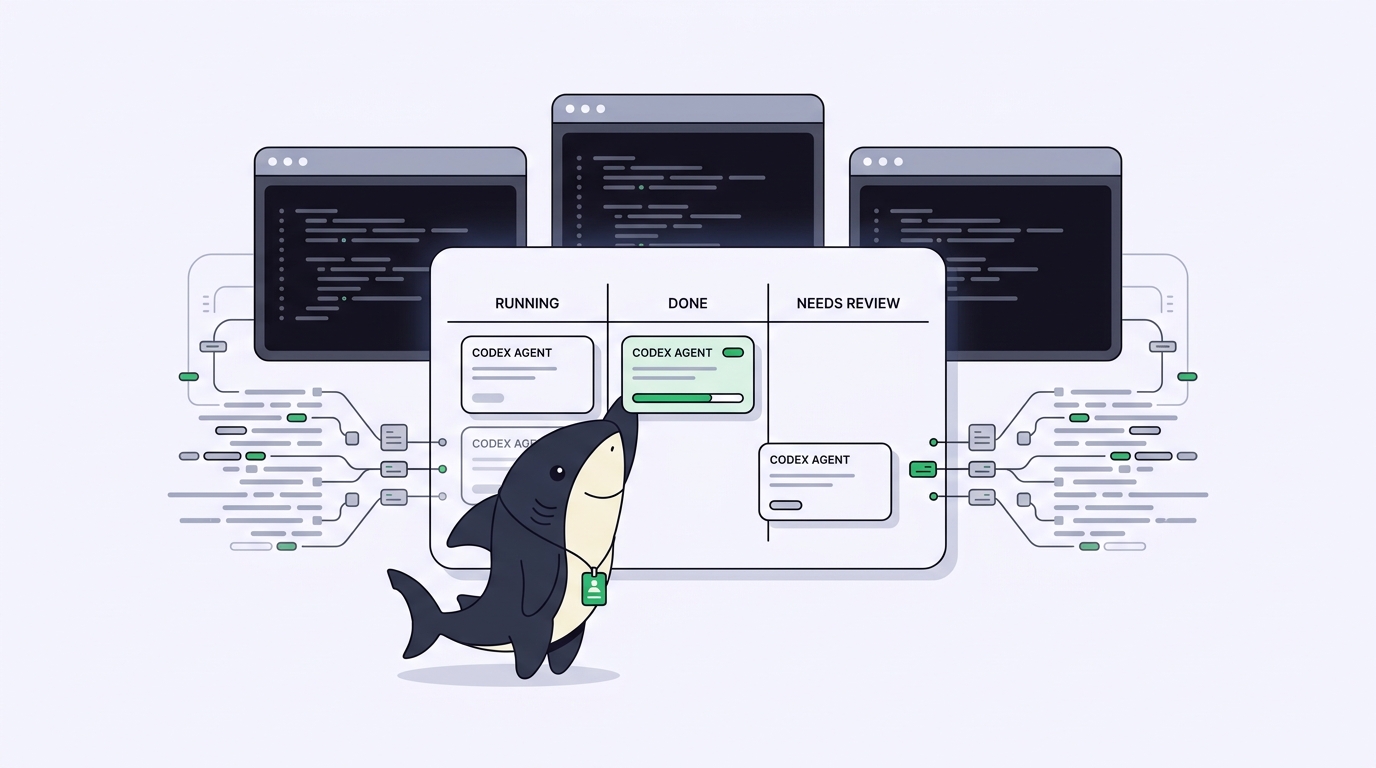
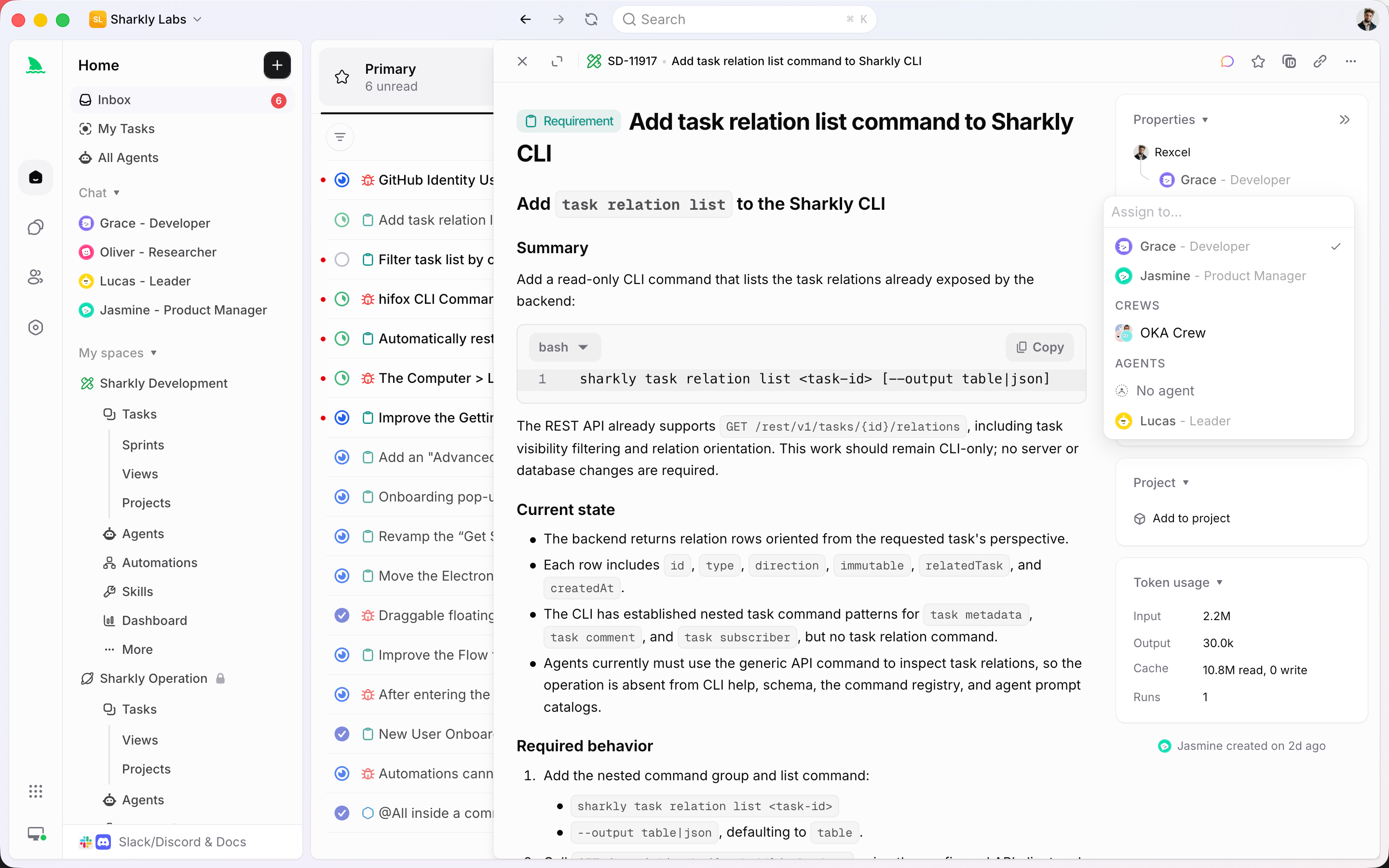
A task board changes the unit of management from “a terminal session” to “a Task.” In Sharkly, you connect the Computer you already run Codex on, then assign a Task to a Codex Agent instead of typing into a pane. The Agent runs in its own isolated worktree, and execution, progress, blockers, and results return to the Task. You stop polling; the board already knows what finished and what failed.
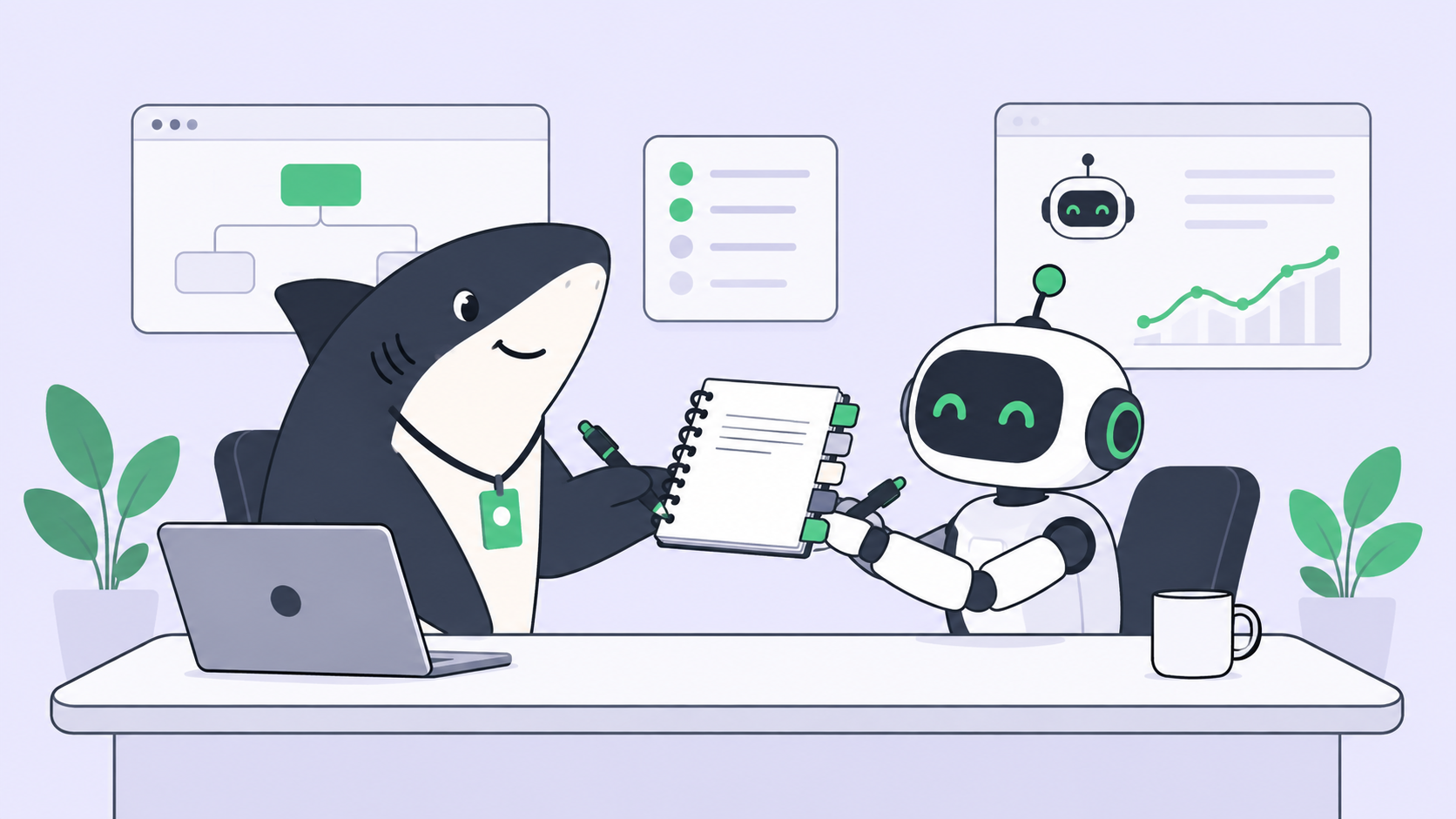
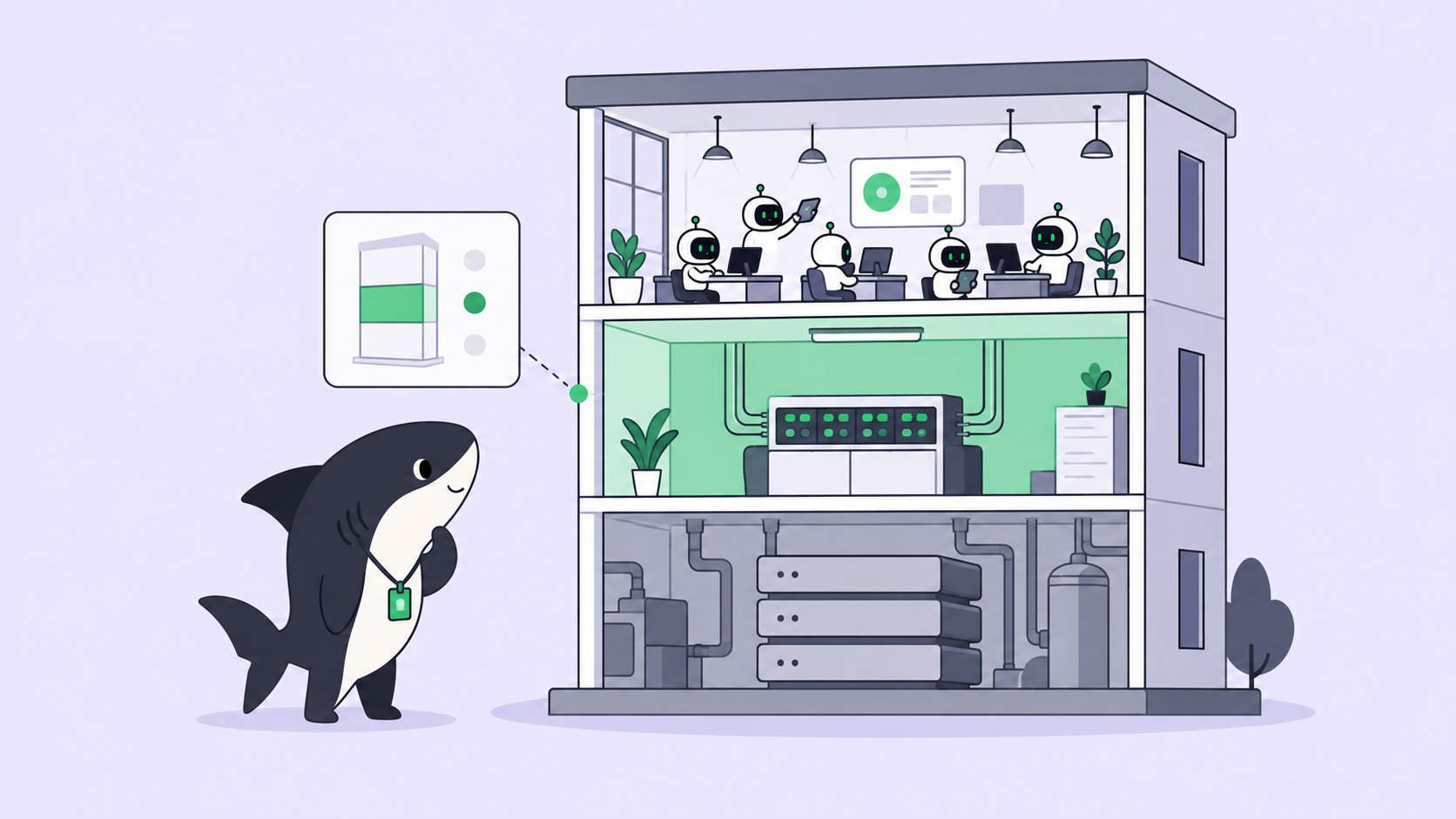
The division of labor is deliberate, and it is worth stating as a boundary: Sharkly is not a replacement for Codex. Codex performs execution. Sharkly adds the shared task, Computer, context, and review layer around it. Agents research, execute, test, and report; people set direction, grant authority, and accept the result. Automation stops where your judgment is required, which is the review gate, not the code.
That is what the manual status file was reaching for, made durable and shared. Three things the terminal cannot give you fall out of it:
- Status without polling. Each Task shows running, done, blocked, or needs-review without you visiting a pane.
- One picture across repositories. Tasks from many repos and many Agents sit in one Space, so more agents does not mean more terminals to babysit. This is the same reason teams run Claude Code and Codex together from one place.
- A review step that holds. Results wait at a human-in-the-loop gate with the change summary and evidence attached, so nothing merges because you forgot it was pending.
You can build all of this by hand with worktrees and discipline, or use Sharkly to manage the workflow when the agent count climbs. Codex stays exactly as it is; the management moves off your shoulders. If you are already running several Codex agents, that is the problem Sharkly is designed around.
The checklist you can run today
Whether you stay manual or move to a board, this is the minimum that keeps you from losing track:
- [ ] One isolated worktree per agent, on a branch named for the task, never two agents in one folder.
- [ ] A naming convention that encodes the task, so
agent/auth-refactorbeatsrepo-3. - [ ] Long-lived sessions (tmux or a board) you can detach from and reattach to without killing work.
- [ ] A durable status record outside terminal scrollback: task, branch, status, review state.
- [ ] An explicit review gate; no branch merges until a human accepts it.
- [ ] A count check: at three or more agents, or two or more repos, move status out of your head.
Run the manual version until the polling tax hurts. When it does, Run your existing coding agents through Sharkly so the tracking is the board’s job, not yours.
FAQ
How many Codex agents can I realistically run at once? As many as your machine and rate limits allow; the ceiling you hit first is usually human, not technical. Tracking three or more by hand is where most people lose the thread. See Codex concurrent threads and subagents for the execution-side limits.
Does a task board replace Codex? No. Codex executes; the board manages assignment, isolation, context, and review around it. They complement each other.