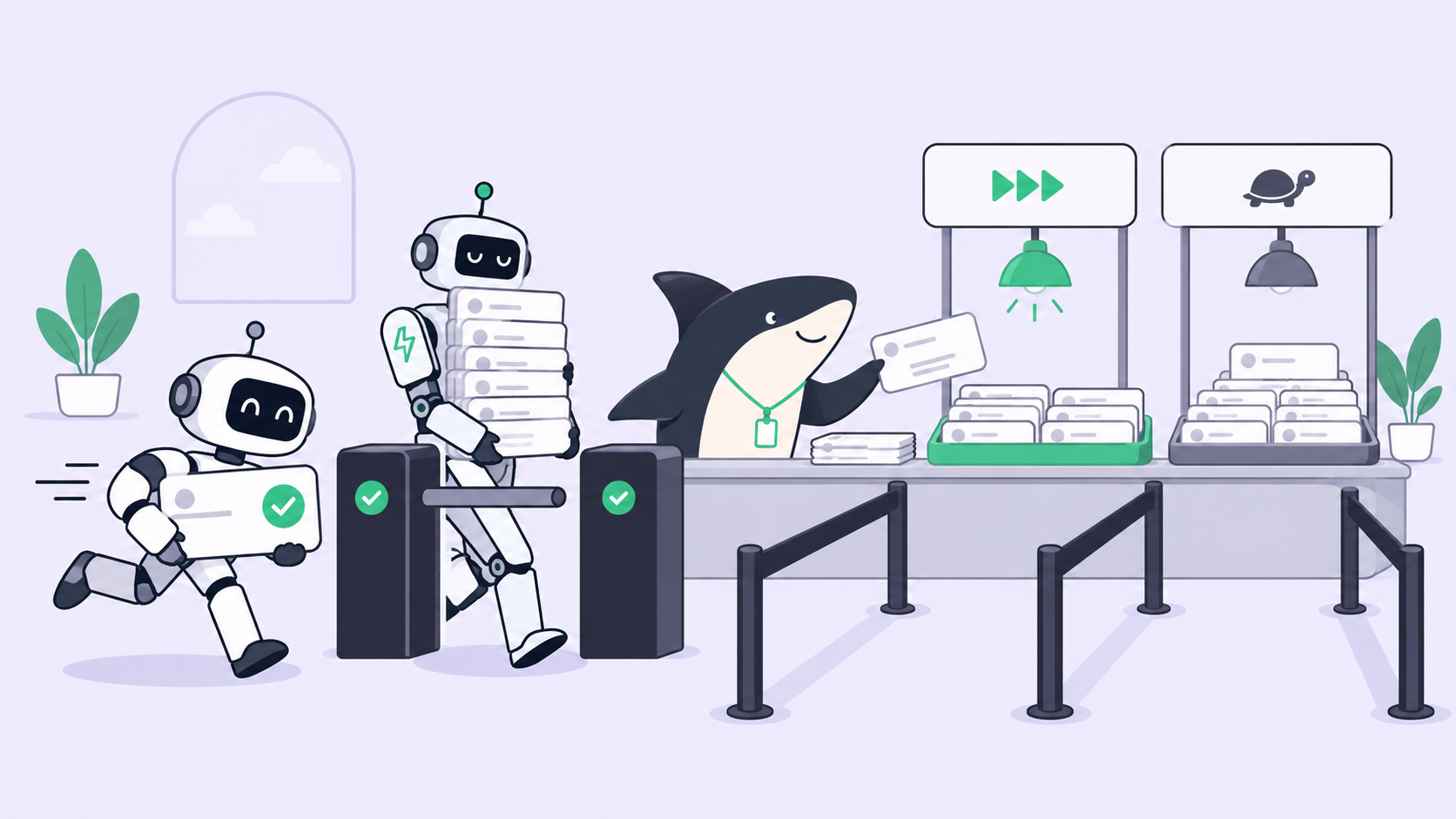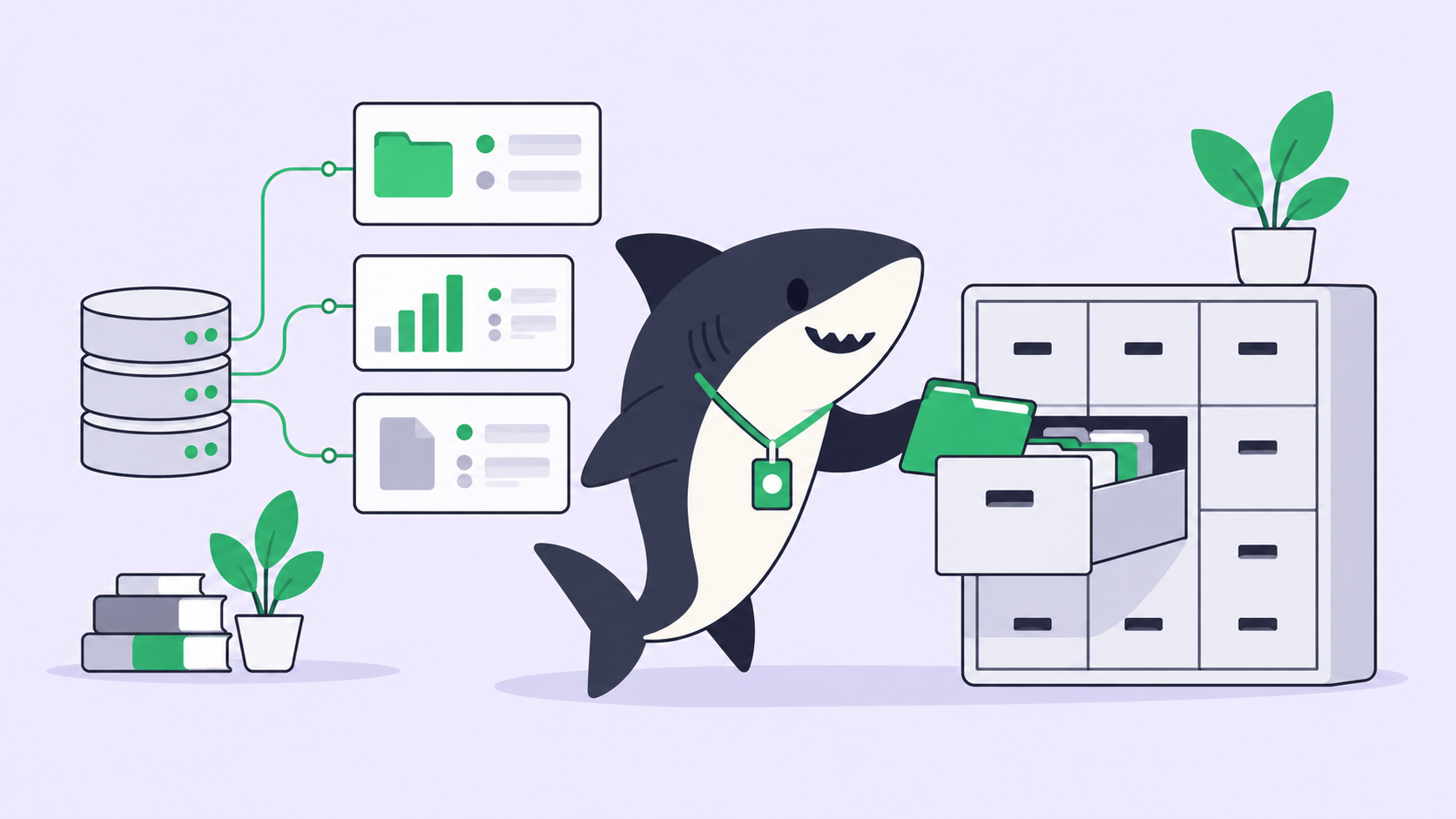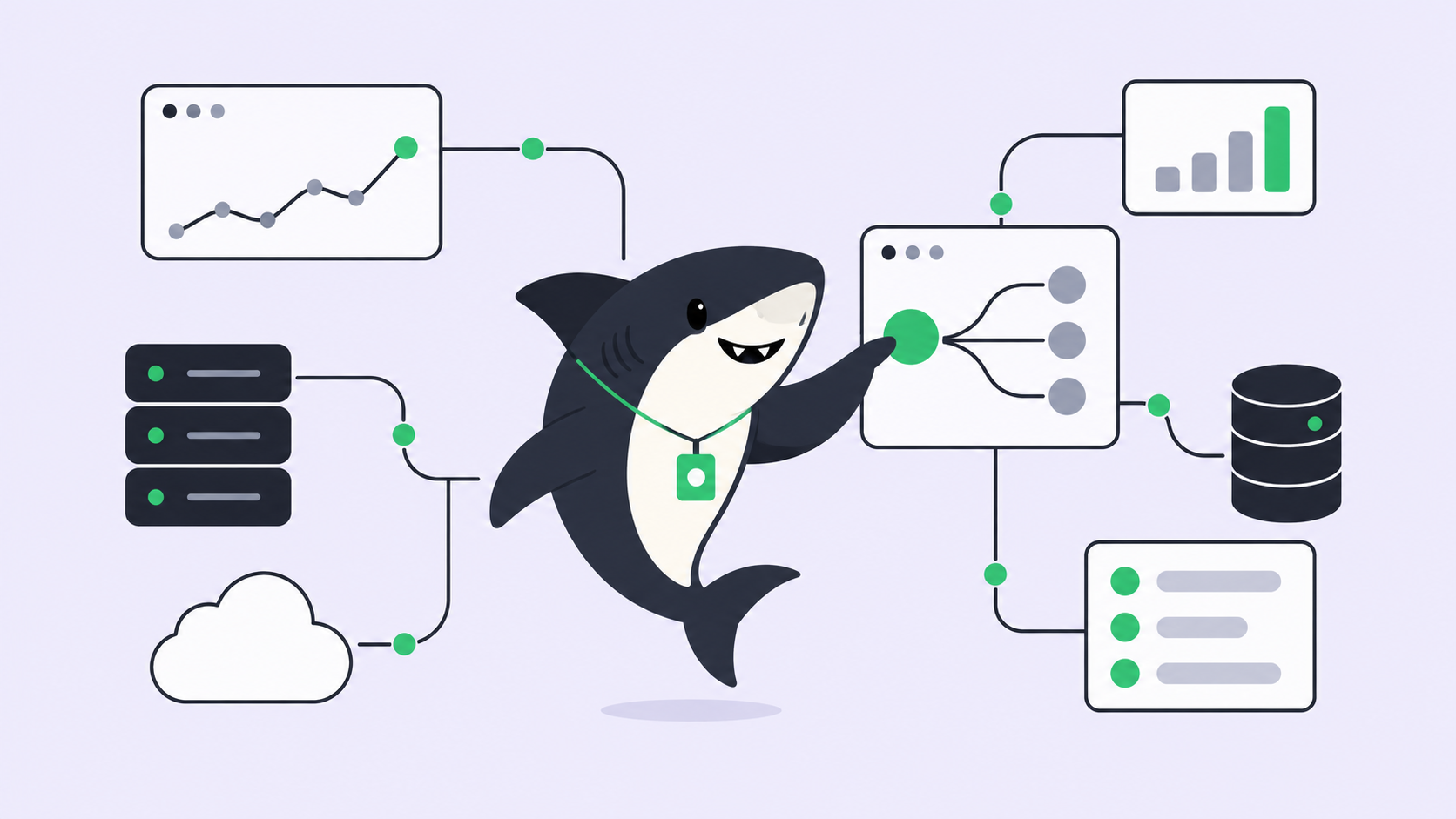
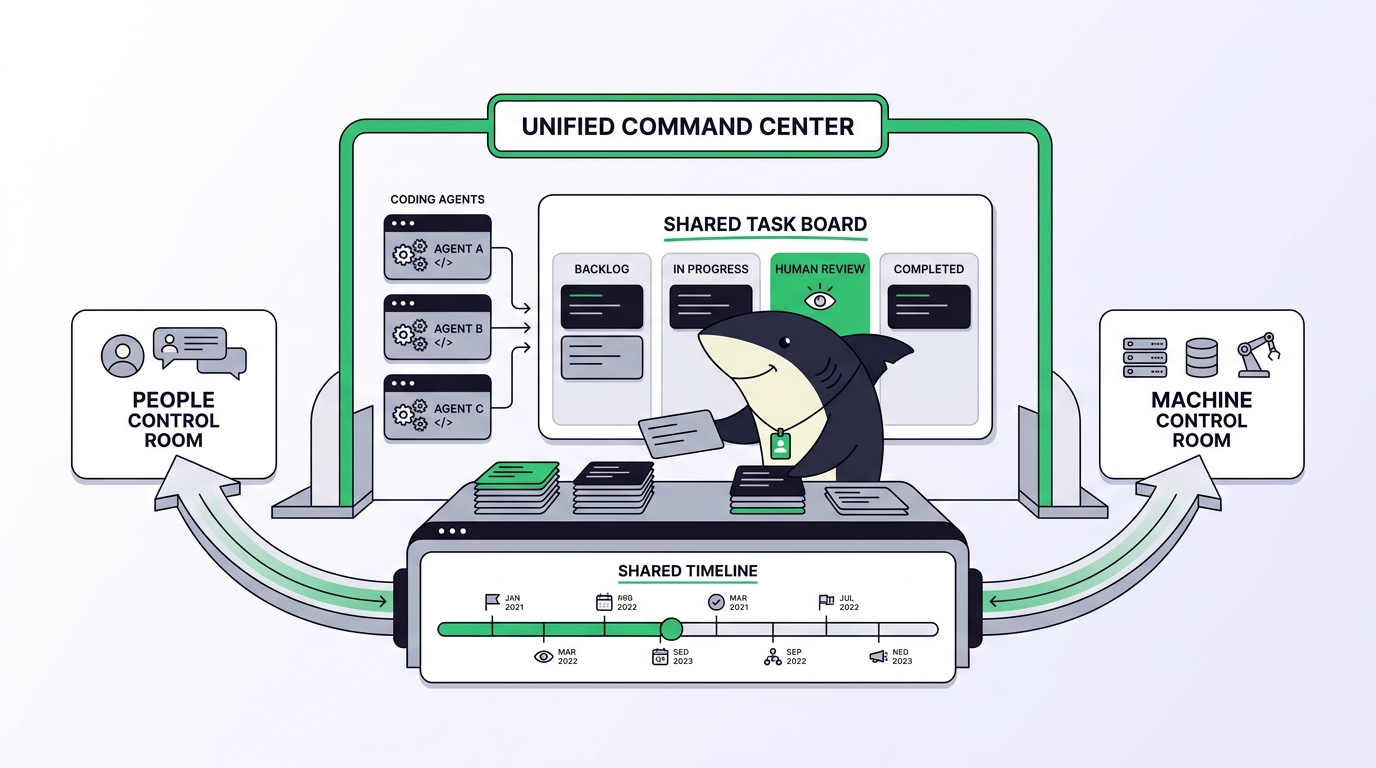
You can track a coding agent’s work in Jira, or you can run coding agents in a tool built for agents. Almost nothing does both well. That gap is the whole problem with project management for human-agent collaboration: the systems that coordinate your team don’t know your agents exist, and the systems that run your agents don’t coordinate your team.
Picture a team running Claude Code, Codex, and Gemini across three repositories. The agent work lives in terminals and worktrees on individual laptops. The human plan lives in Jira or Linear. Nobody can answer the three questions that matter from one place: which agent is on what, what finished, and what needs a human to look at it before it ships. Two separate tools, two separate truths, and a lot of copy-pasting in between.
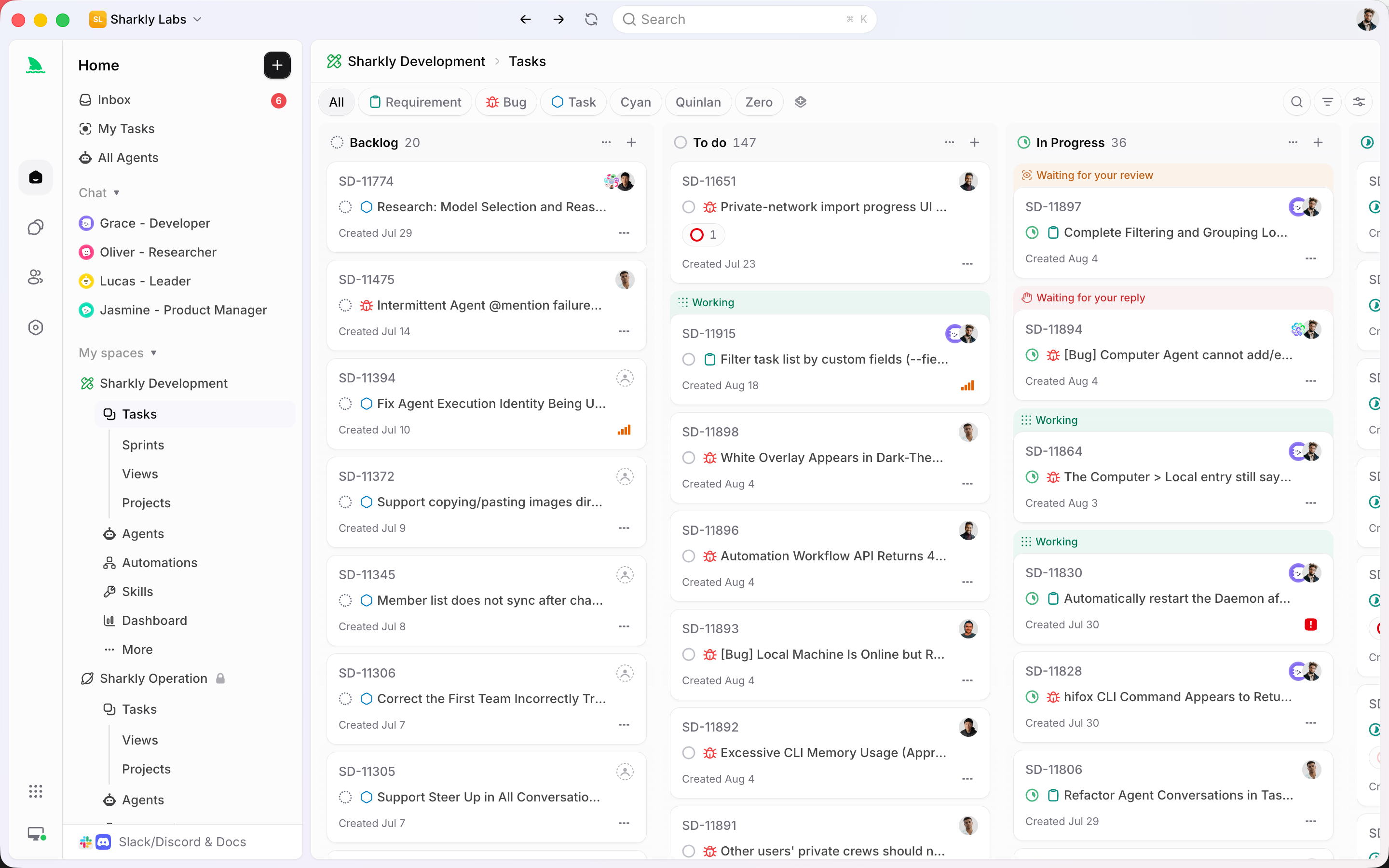
Sharkly sits above the coding agents you already run. Models feed coding agents, and Sharkly manages the work around them. You already have coding agents; Sharkly turns them into a team. This article compares the tools you’d reach for when people and agents share a backlog, judges each at its best version, and helps you pick one by the size of your team. For the broader concept, see our primer on what AI agent project management is.
The five things a human-agent workflow needs from a tool
Project management for human-agent collaboration is the practice of assigning, tracking, and reviewing work when some of your workers are people and some are coding agents. A tool is good at it when it handles five things together:
- Parallel execution: run several agents at the same time on isolated copies of the code, so two agents editing the same repository don’t overwrite each other. Our guide to isolated worktrees for parallel agents covers the mechanism.
- Team visibility: every teammate can see which agent holds which Task, what’s done, and what’s blocked, without opening a terminal.
- Review flow: a person accepts the result, requests changes, or decides the merge before anything reaches production.
- Own-machine execution: agents run on your own Computer or server, using the subscriptions and keys you already pay for, not only a vendor’s cloud.
- Integrations: the tool connects to the trackers, chat, and Git you already use instead of asking you to abandon them.
One boundary is worth stating plainly. This is not the same job as picking the best coding agent. The agent writes the code. The management tool decides who works on what and whether the result is good enough to ship. Agents research, execute, test, and report; people set direction, grant authority, and accept the result.
Every tool at its best
No tool here is a toy. Each one wins a real category, so compare them at their strongest.
Jira and Linear are the best planners for a whole company. Roadmaps, sprints, cross-team reporting, and a deep integration ecosystem are their home turf, and they’re where non-engineering stakeholders live. Their limit is that an agent’s output arrives as a ticket a human updates by hand; they track work, they don’t run it.
GitHub Projects, and the newer GitHub Agent HQ direction, sit closest to the code. If your work already lives in GitHub issues and pull requests, nothing is closer to the merge.
Conductor and Vibe Kanban are built for running parallel coding agents on your own machine with isolated worktrees. For a solo developer who wants many agents going at once without babysitting terminals, they’re hard to beat. See our Conductor alternatives rundown for where that category is heading.
Cursor background agents, Devin, and Factory are the cloud-autonomy end. You hand off a task and a vendor’s cloud runs it toward a pull request with little setup. You trade control and local execution for hands-off convenience.
Sharkly is the management layer over the agents you already use. It runs them on your own Computers, keeps every run inside a shared Task with a built-in human review step, and connects to the trackers your team already relies on.
| Tool | Parallel agents | Team visibility | Human review step | Own-machine execution | Connects to your stack |
|---|---|---|---|---|---|
| Jira / Linear | Not the focus | Strong, for people | Happens in PR review elsewhere | Tracks, doesn’t run | Broad and mature |
| GitHub Projects / Agent HQ | Emerging | Strong, GitHub-centric | Native PR review | GitHub’s cloud | Deep in GitHub |
| Conductor / Vibe Kanban | Strong, local | Single-user focus | Manual, in-app | Yes, your machine | Git-centric |
| Cursor / Devin / Factory | Strong, vendor cloud | Varies by product | Varies by product | Vendor cloud | Varies by product |
| Sharkly | Strong, isolated worktrees | Shared across the team | Built-in acceptance | Your own Computers | Jira, Slack, Git |
What each tool does that Sharkly doesn’t
An honest comparison admits where the other tool wins. Sharkly is not trying to be all five of these.
Jira and Linear run your whole company. Sharkly manages engineering agent work, not marketing roadmaps, support queues, or the org-wide reporting a program office needs. If your bottleneck is cross-department planning, keep the tracker and connect Sharkly to it rather than replacing it. Our Jira alternatives for human-agent teams piece walks through that split, and Sharkly vs Jira covers it head to head.
Cursor gives you an editor. Sharkly is not an IDE and won’t replace where you read and write code by hand. Devin and Factory sell full autonomy: hand over a task and their cloud drives it to a PR with minimal configuration. Sharkly deliberately keeps a person in the loop and runs on your Computers, which is more setup in exchange for control and for running agents remotely on hardware you choose. GitHub owns your repositories, pull requests, and CI; Sharkly manages the work around those runs and doesn’t try to be their home.
That leads to a clear decision rule. If you use one coding agent from one terminal and never share the work, you may not need a management layer at all. The equation changes the moment you’re running several agents, across several tasks or repositories, with other people who need to see the results. That’s the same threshold we describe in the best tools for managing parallel coding agents.
Which tool fits your team size
The right answer depends less on features and more on how many agents and people share the backlog. Download Sharkly when your row below points to it.
| Your situation | Start with | Why |
|---|---|---|
| Solo dev, one agent, one repo | Your agent’s CLI, or an IDE like Cursor | Nothing to coordinate yet |
| Solo dev, many agents in parallel, locally | Conductor, Vibe Kanban, or Sharkly | Local parallel runs with isolated worktrees |
| Small team (2 to 5) running multiple agents | Sharkly | Shared Tasks, visibility, and review across people |
| Engineering org with an existing tracker | Jira or Linear, plus Sharkly | Keep the plan; add the agent execution and review layer |
| You want hands-off cloud autonomy | Devin or Factory | A vendor runs the task end to end |
Two honest decision pairs sit inside that table. Use Conductor or Vibe Kanban when the work is yours alone and stays on your machine; use Sharkly when other people need to assign, watch, and accept those same runs. And use a cloud autonomous engineer when convenience beats control; use Sharkly when you want the agents on your own Computers with a person accepting every merge. Human-in-the-loop review is the difference that matters once a team, not one person, owns the output.
If you want to keep using multiple coding agents rather than committing to one ecosystem, that’s the problem Sharkly is designed around. Execution, blockers, and results return to the Task, so the plan and the work stop living in two different tools.
Frequently asked questions
Can I use Jira and Sharkly at the same time? Yes. Keep the projects, tasks, and statuses your team already understands, connect Sharkly, and agent execution moves the work forward while progress returns to the Task. You don’t rebuild the process you already run.
Do I need one of these tools if I only use Claude Code? Maybe not. One agent in one terminal doesn’t need a management layer. Once you’re running Claude Code alongside Codex or Gemini across tasks and repositories, coordination becomes the actual work, which is where these tools earn their place.
Where do the agents run in Sharkly? On your own Computers, using the subscriptions and API keys configured in the coding tools you connect. Model quota depends on the plans and accounts your team already has.
Is Sharkly a replacement for my coding agent? No. Sharkly is not a replacement for Claude Code, Codex, or other execution tools. It adds the shared Task, Computer, review, and visibility layer around the agents your team already uses.
How does review work across a team? Agents run typecheck, tests, and the build, then attach a change summary and known limits. A person accepts, requests changes, or decides the merge. Automation stops where team judgment is required.