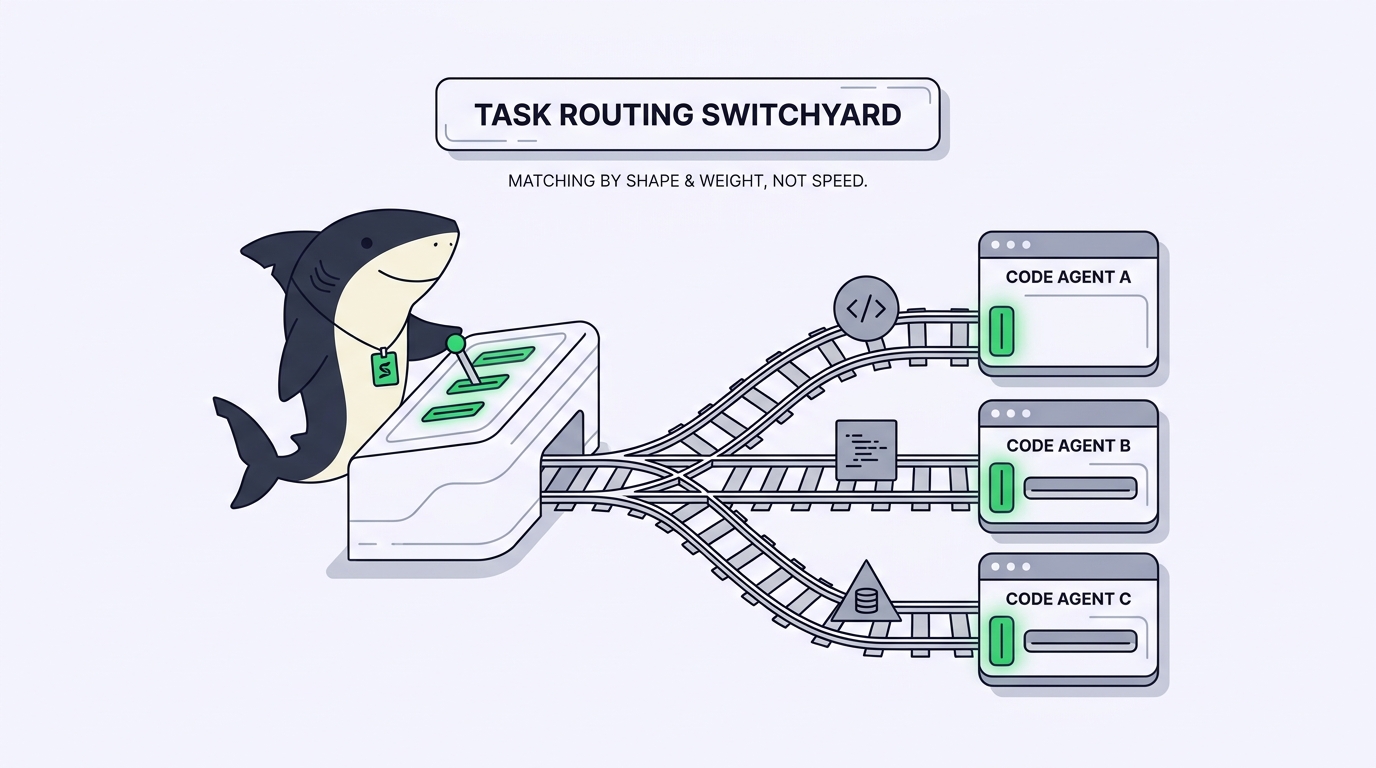
TL;DR: Routing is deciding which coding agent handles a given task. Route on the task’s properties, not last week’s leaderboard: what it changes, how reversible it is, whether it overlaps files another agent is touching, how long it runs unattended, and which subscription covers it. Match those to the agent whose behavior on your codebase fits. That works in your head with one or two agents. Past three, the routing decision needs a shared place to live. This guide gives you the rules and a checklist.
You have Claude Code in one terminal, Codex in another, maybe Gemini CLI in a third. A task lands: fix a flaky test, add an endpoint, refactor a module three other files import. Which agent gets it? Most of us answer by habit, or by whichever window is already focused. That works until you can’t remember which agent you handed the migration to, or two of them edit the same file.
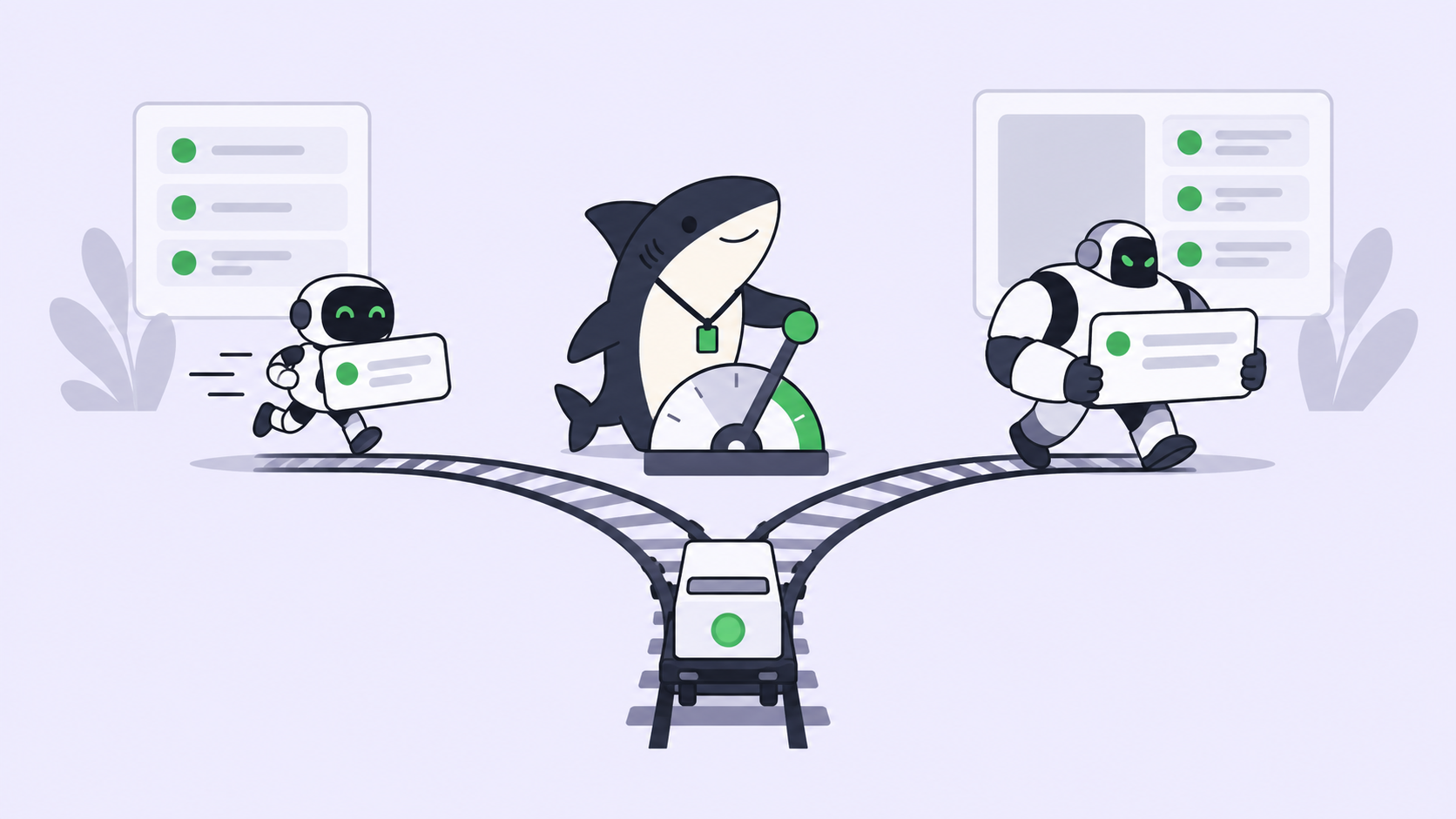
Picking the “best” agent is a one-time decision that ages the day a new model ships. Deciding which agent gets this task is a decision you make dozens of times a week, and it depends far more on the task than on the ranking. Once you have more than one agent, routing is where your time goes.
Sharkly is built around that decision. Sharkly is an all-in-one Agent command and management platform: you connect your own Computer, define an Agent once as a role bound to a runtime, and assign a Task to it. It sits above the coding agents you already run, not beside them. This article walks through how to route a task well, first as rules you apply by hand, then to the point where the routing decision needs somewhere shared to live.
Routing is a decision, not a preference
Start with a clean definition. Routing is matching a task to the agent that should execute it. It is not the same as choosing your favorite agent, and it is not the same as choosing a model. Which model for which coding task is a separate, narrower question that sits one layer down; here we’re deciding which agent (Claude Code, Codex, Gemini CLI, OpenCode, and the rest) receives the work.
A task carries properties that decide its route before capability enters the picture:
- What it changes. A one-file fix, a cross-cutting refactor, a greenfield feature, tests, docs. Each has a different blast radius.
- How reversible it is. A typo fix and a database migration both produce a diff. Only one ruins your afternoon if the agent gets it wrong.
- File overlap. Does it touch files another agent is editing right now?
- Autonomy horizon. A quick interactive edit, or a long unattended run that has to plan, execute, and self-check.
- Cost ceiling. Which subscription or API budget should absorb it.
Read a task through those five properties and the route usually chooses itself. The mistake is skipping straight to “which agent is best,” a question that has no fixed answer and changes every time a lab ships.
Route by task shape, before you route by capability
Coding agents genuinely differ. One may plan long multi-step tasks well; another may be sharper at surgical edits or faster on quick loops. But the honest version is: they differ on your codebase, and the only way to know is to watch them work on it. Benchmarks measure a fixed problem set at a fixed moment, which is neither your repository nor next month. Compare agents on your own codebase before you trust a ranking.
So route by shape first. A decision pair to anchor it: use a fast, interactive agent when the task is small, well-scoped, and you’ll be watching; reach for the more autonomous agent when the task is large enough that you’d rather describe it once and review the result than babysit each step.
| Task shape | Route to | Why |
|---|---|---|
| Small, well-scoped, you’re watching | Your fastest interactive agent | Low overhead, tight loop |
| Large, multi-step, describe-once | Your most reliable autonomous agent | It plans and self-checks unattended |
| Touches files another agent has open | Any agent, in an isolated worktree | Avoids the merge collision |
| High-risk or irreversible | The agent whose output you review closely, tight permissions | Blast radius, not speed, dominates |
| Cheap and repetitive | Whatever your budget prefers | Cost ceiling decides |
None of that names a winner, because there isn’t one. There’s a fit between a task and an agent’s observed behavior, and that fit is what you route on.
The constraints that decide routing before capability does
Two constraints override capability every time, and both are about coordination, not skill.
The first is file overlap. Five agents editing one repository sounds efficient until two touch the same files and you’re resolving a merge conflict you created on purpose. The fix is isolation: give each task its own checkout so agents can’t collide. Coding agent worktrees, one checkout per task covers the mechanism, and running multiple agents in one repository covers what breaks without it. When two tasks would touch the same files, the route isn’t “the better agent,” it’s “whichever agent, in a separate worktree.”
The second is risk. A task that migrates data, changes auth, or rewrites a hot path should route to wherever your review is tightest and the agent’s permissions are narrowest, regardless of which agent is technically strongest. Agents research, execute, test, and report. People set direction, grant authority, and accept the result. Routing a risky task to the fastest agent optimizes the wrong variable.
Where routing in your head stops scaling
With one agent, there’s no routing problem. With two, you hold the table in your head and it’s fine. The trouble starts around three agents and several open tasks: the routing decision has nowhere to live except your short-term memory.
You can’t remember which agent got the migration. A finished run scrolls off the top of a terminal before you read it. You re-decide the same route three times because there’s no record you decided it once. Two agents edit the same file because nothing told either that the other was there. None of these are agent failures. They’re the cost of keeping a routing table in your head while the terminals multiply. Too many terminals is a real cost, and routing is where it shows up first.
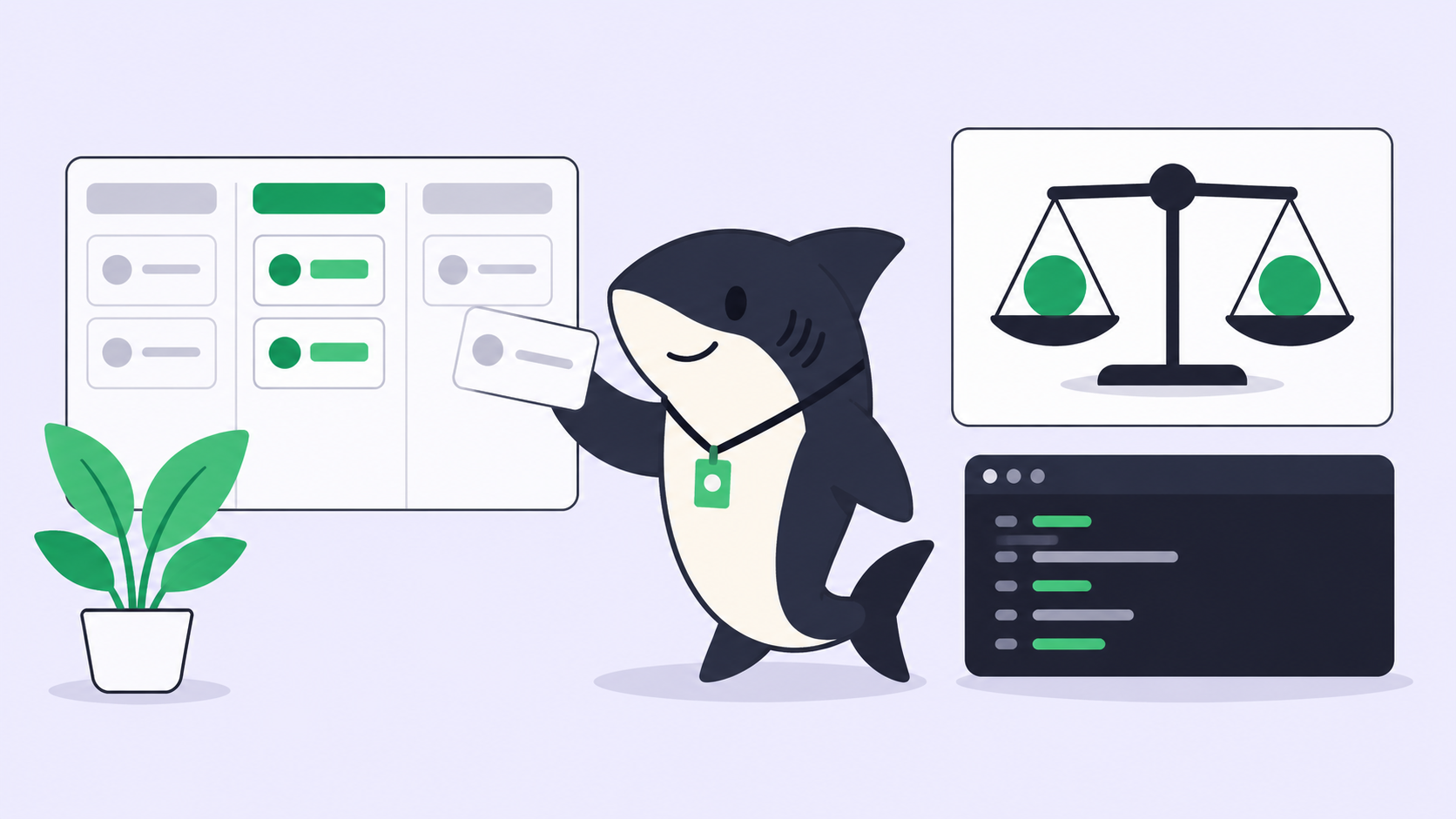
This is where a task board earns its place, because it moves the routing decision out of your head and into a shared record. Sharkly does this with three nouns. A Task is the shared unit of work. An Agent is a role bound to a runtime, defined once so the routing decision becomes reusable instead of re-made in every terminal. You assign a Task to an Agent, and execution, blockers, and results return to that Task instead of scrolling away. You see which agent is on what without switching windows, and the diff and test output wait for your review in one place. Assigning, tracking, and reviewing agent work is what this replaces the memory game with.
You don’t need any of this to run one agent well. You can also run Claude Code and Codex together on one codebase by hand, and for two agents that’s reasonable. The equation changes when routing decisions outnumber what you can hold in your head: multiple agents, multiple tasks, multiple repositories, a team that needs to see the same board.
A routing checklist you can run today
Before you hand a task to an agent, run it through these:
- Name the task’s shape. One-file fix, refactor, greenfield, tests, or docs? This sets the blast radius.
- Check reversibility. Hard to undo? Route to your tightest review and narrowest permissions, not your fastest agent.
- Check file overlap. Is another agent already in these files? If so, isolate this task in its own worktree first.
- Match the autonomy horizon. Short and watched, or long and unattended? Route to the agent whose behavior fits on your repo.
- Set the cost ceiling. Decide which subscription or budget absorbs the run.
- Record the route somewhere shared. Past two agents, write it where you and your team can see it: a Task, not a terminal you’ll close.
- Send results back to one place. The diff, test output, and review should return to the task record, not scatter across windows.
Route on the task, not the ranking. The best agent for a task is the one whose shape fits the work in front of you, and the routing decision only stays cheap if it lives somewhere you can see.
If you’re already running several coding agents, Sharkly gives you one place to route their tasks and read their results. You can download Sharkly and connect the agents you use.
FAQ
Is routing the same as picking the best coding agent? No. Picking the best agent is a one-time judgment that ages quickly. Routing is deciding which agent handles each task, based on its shape, risk, file overlap, and autonomy horizon. You route dozens of times for every one time you pick.
How is this different from choosing a model? Choosing a model happens one layer down, inside the agent. Routing decides which agent gets the task; the model question decides what runs inside that agent’s session. See which model for which coding task for the narrower decision.
When do I actually need a tool for this? When routing decisions outnumber what you can track in your head, usually around three agents and several open tasks, or when a team needs to see the same decisions. For one or two agents, a mental table and separate terminals are enough.
Does Sharkly replace Claude Code or Codex? No. Sharkly is not a replacement for Claude Code, Codex, or other execution tools. It adds the shared task, Computer, context, and review layer around the coding agents your team already uses.